LEGO Star Wars MOC of the Sith Citadel of Dromund Kaas (SWTOR)
Published on 29-07-2025
First LEGO Star Wars MOC by Temple of Bricks
After a few years of collecting sets from the LEGO Star Wars range, I wanted to try my hand at a MOC (My Own Creation).
As with the reviews of the sets in my collection, I’m taking this opportunity to share my experience as an AFOL through this new article on Temple of Bricks, in which I will present this first MOC in detail, from the inspiration
to the final result.
So I invite you to discover this project through different stages:
- The origin of the project
- The building process and the first versions
- The references used for creating the MOC: scenes from the game and official LEGO sets
- The final version of the MOC with all its details
- The minifigures created for the occasion
- The conclusion of my experience with this first MOC
The origin of the project: creating a Star Wars The Old Republic MOC
SWTOR, a huge creative potential
As you probably know if you read the LEGO set reviews on this site or if you follow Temple of Bricks on Instagram and YouTube, I really love the game Star Wars: The Old Republic (SWTOR). So it was only natural that I chose this era of the Star Wars universe, taking place about 3,600 years before the films of the Skywalker saga, as the subject of this MOC. The game being particularly vast and rich in content, locations, and characters, it offers enormous potential for creating LEGO MOCs.
Paying tribute to the Sith Empire
The main originality of SWTOR is that it takes place in a time when the galaxy is split in two, one part being controlled by the Sith Empire and the other by the Republic. The Rule of Two does not yet exist, the Sith are numerous and rule openly as such over the Empire, unlike Palpatine, which gives rise to a true Sith civilization, with its culture, society, architecture, and practices…
Having started the game with the Sith Inquisitor class, I particularly enjoyed discovering this aspect of the Star Wars universe, and I naturally chose to create a MOC representing the power and greatness of the Sith Empire.
The MOC creation process: from idea to final result
From a small throne room to the entire Citadel
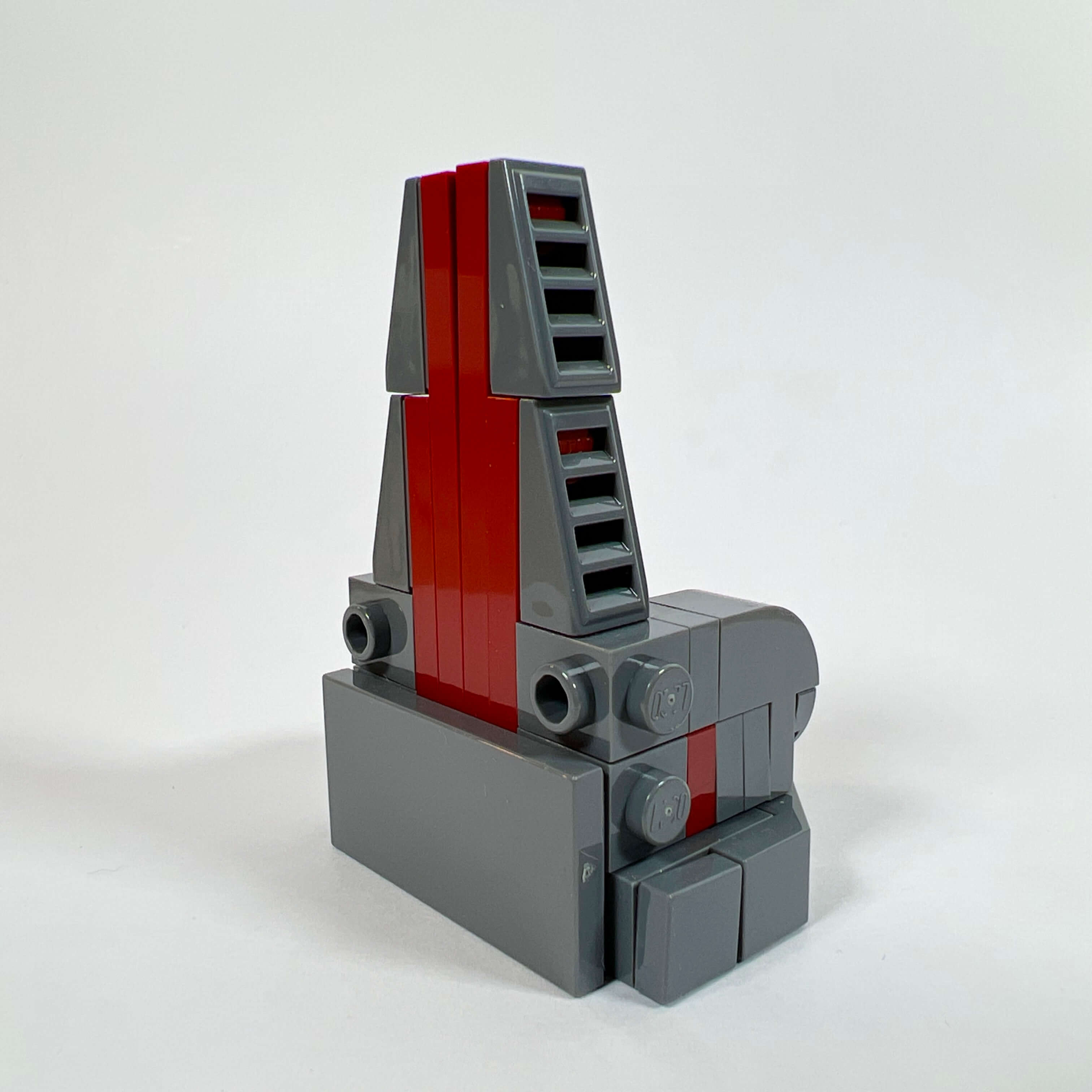
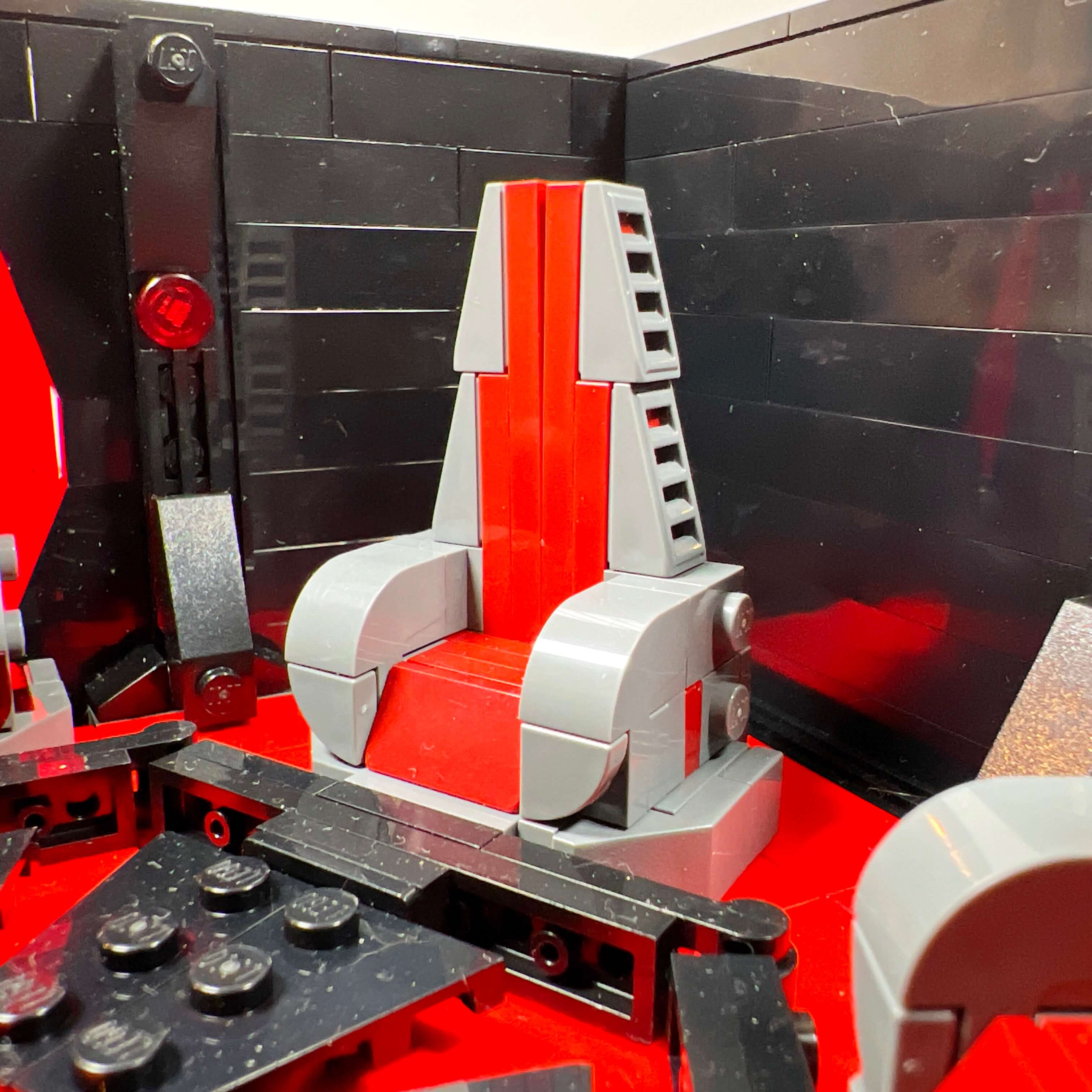
The starting point of the MOC being the desire to represent the Sith Empire, I immediately leaned toward creating a throne room, inspired by the set 75291 Death Star Final Duel, but in a The Old Republic version. I therefore started by building the throne and a few decorative elements, such as the Sith Empire emblem, which I wanted to place on the window behind the throne to evoke the setting of the actual throne room in the game.
But given its size, I had to build a whole oversized block compared to the rest to accommodate it. The result being unattractive, I quickly came to the conclusion that I needed to build the entire structure, not just this huge wall at the back. So I set out to build the entire Citadel…
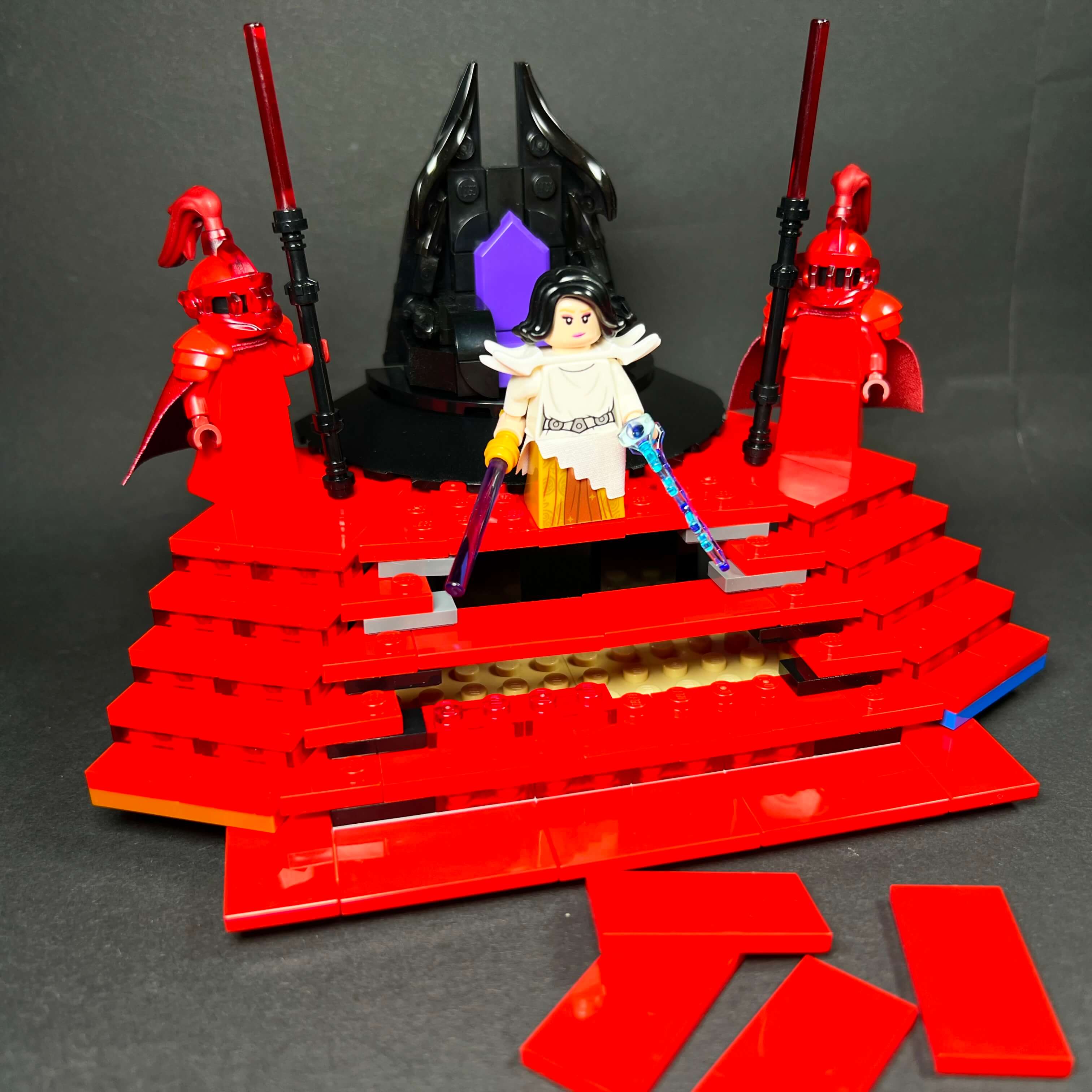
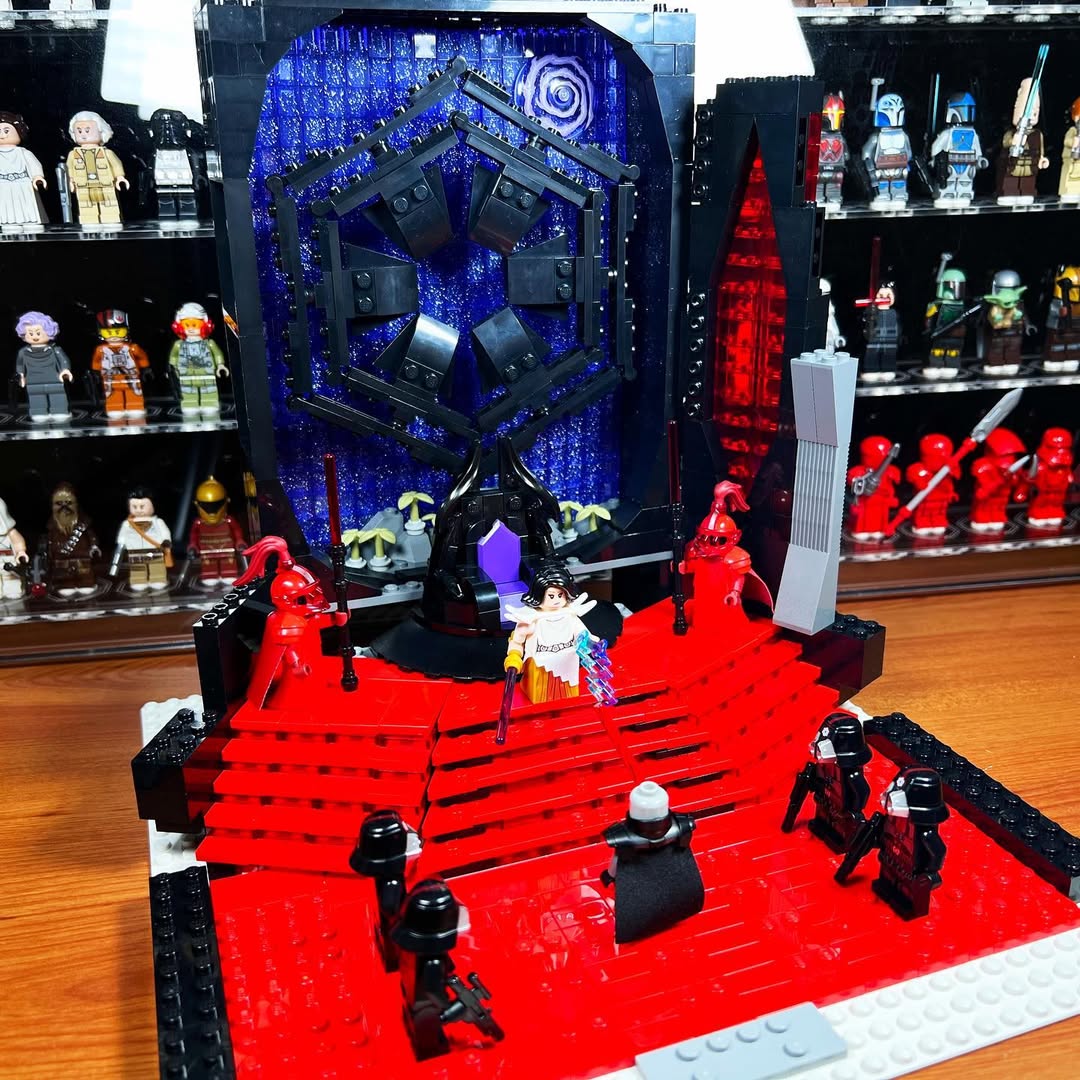
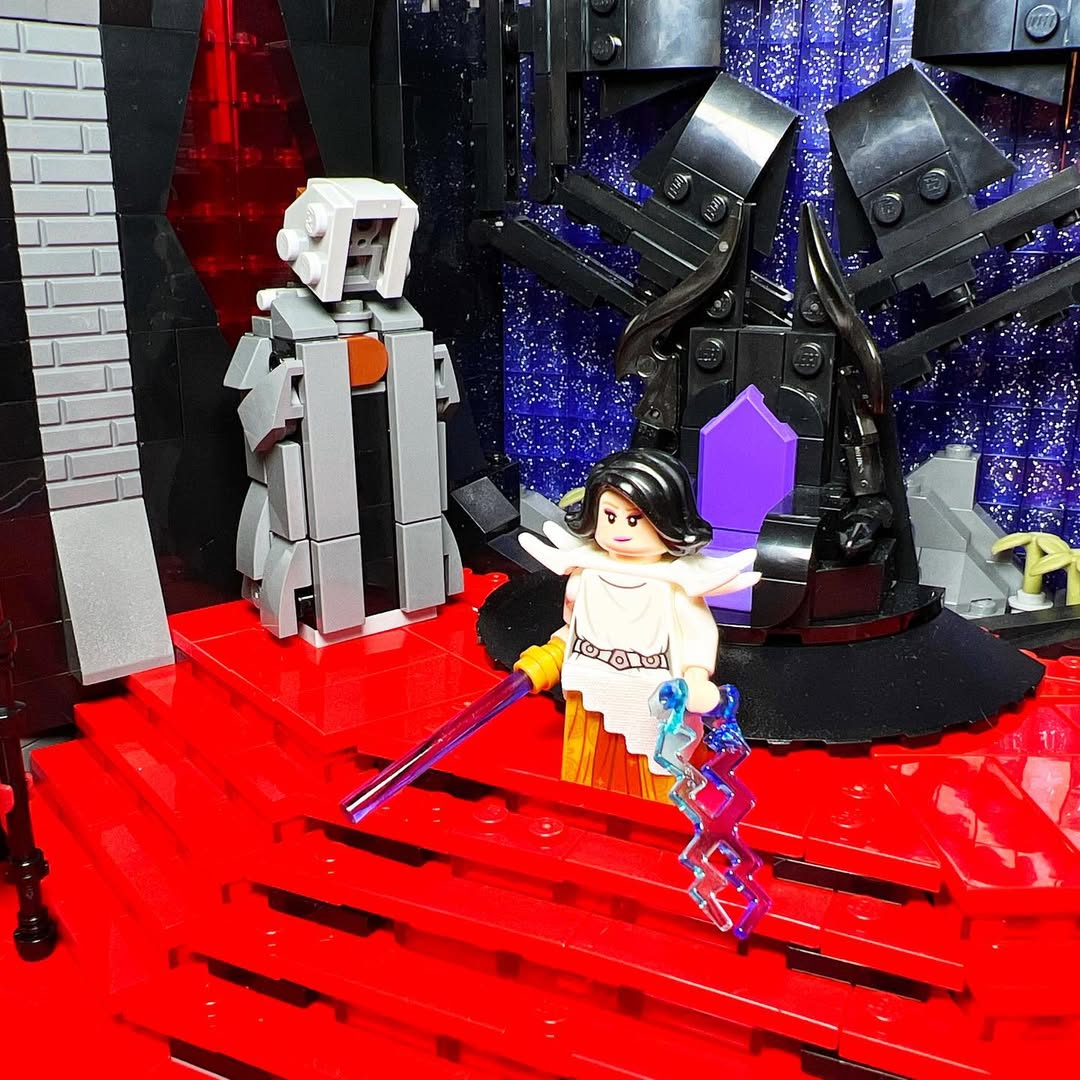
Although I quickly moved on to the next version of the MOC, this first attempt allowed me to create some elements and ideas that I kept for later: the throne, the red floor staircase, the Sith Empire emblem, the Emperor statue, and the starry background with glittery purple bricks.
Three versions of the MOC to achieve a satisfying result
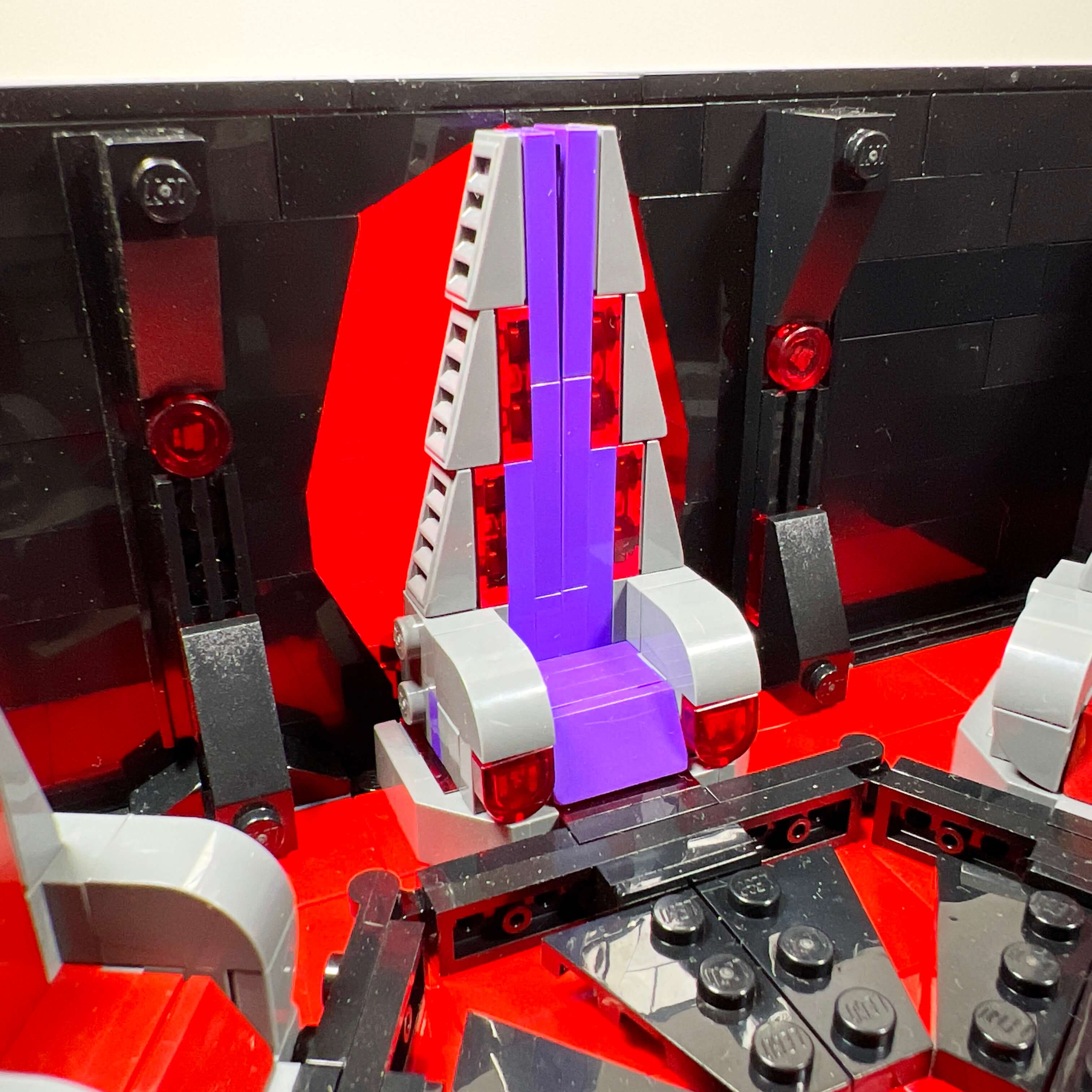
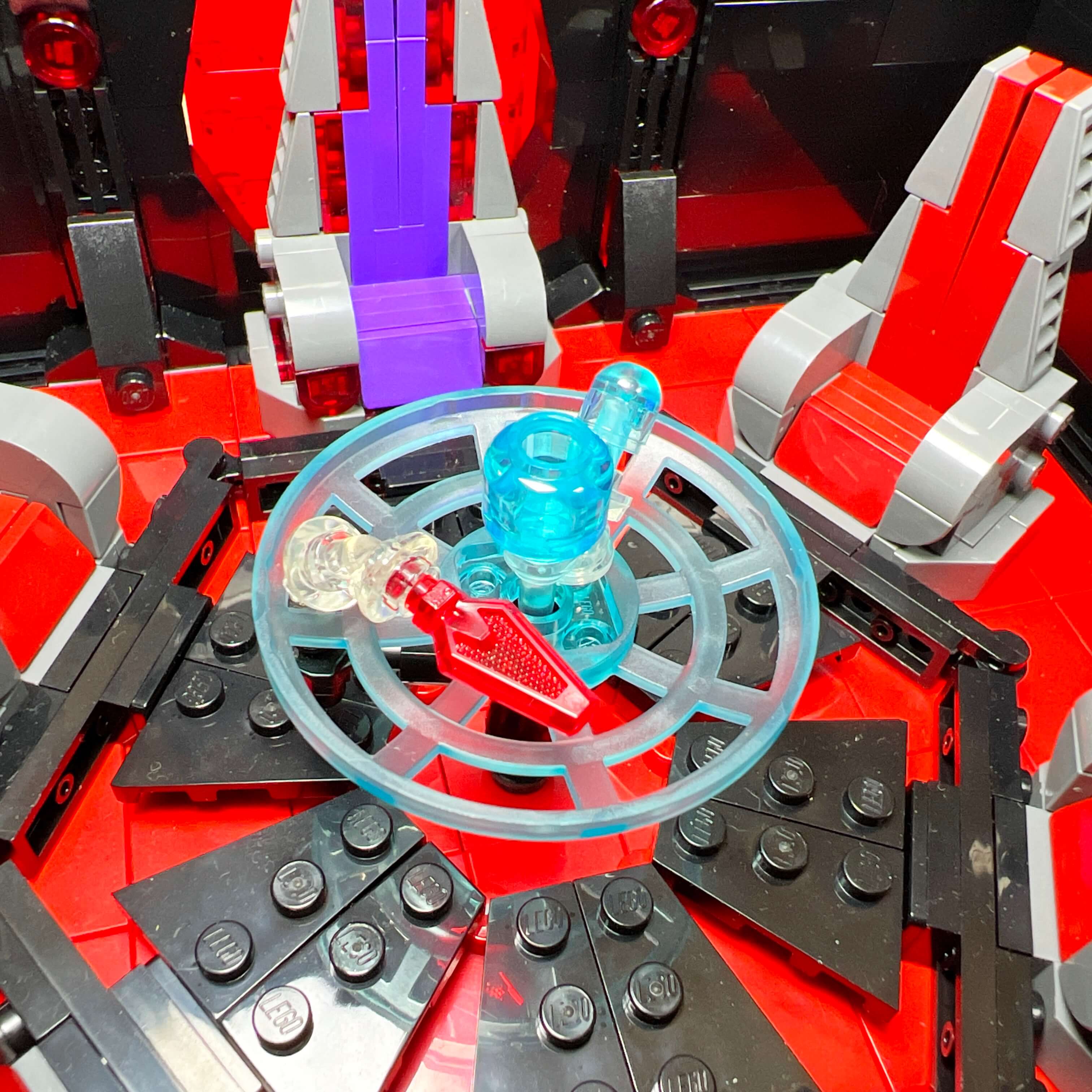
While I had started the throne room MOC on a 32x32 baseplate, I switched to a 48x48 to have more space. I began by building a first version of the main part of the Citadel on half of the baseplate, and I used the other half to represent elements of Kaas City. This first version of the building, being wide and not very deep, confronted me with two problems: I had little space to furnish the interior floors, and not enough on the sides for the secondary buildings that support the arches. In addition, the proportions of the building made it unstable, not to mention the fact that I had built directly on the baseplate without reinforcing it. Here are some photos of this second version of the MOC before it was dismantled:
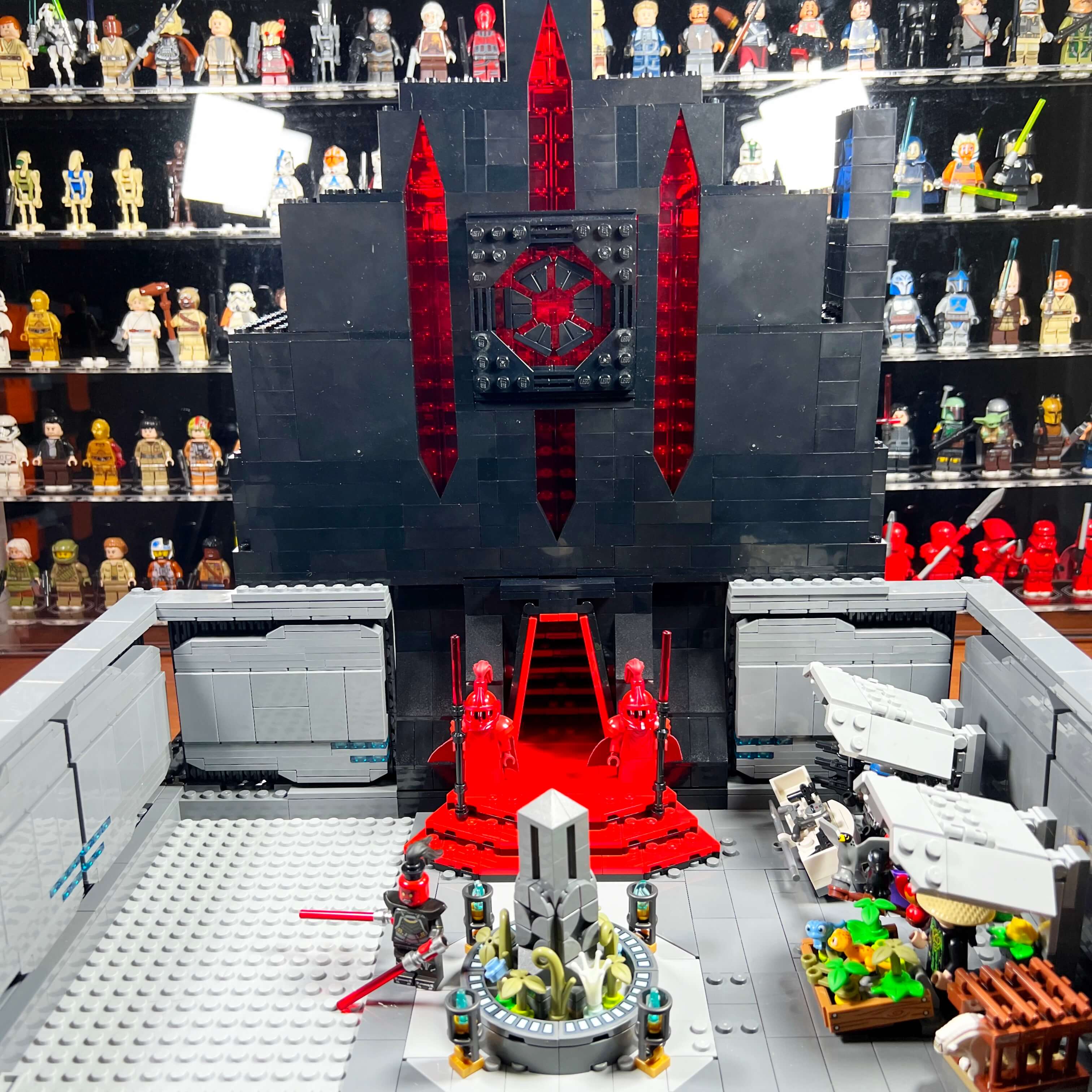
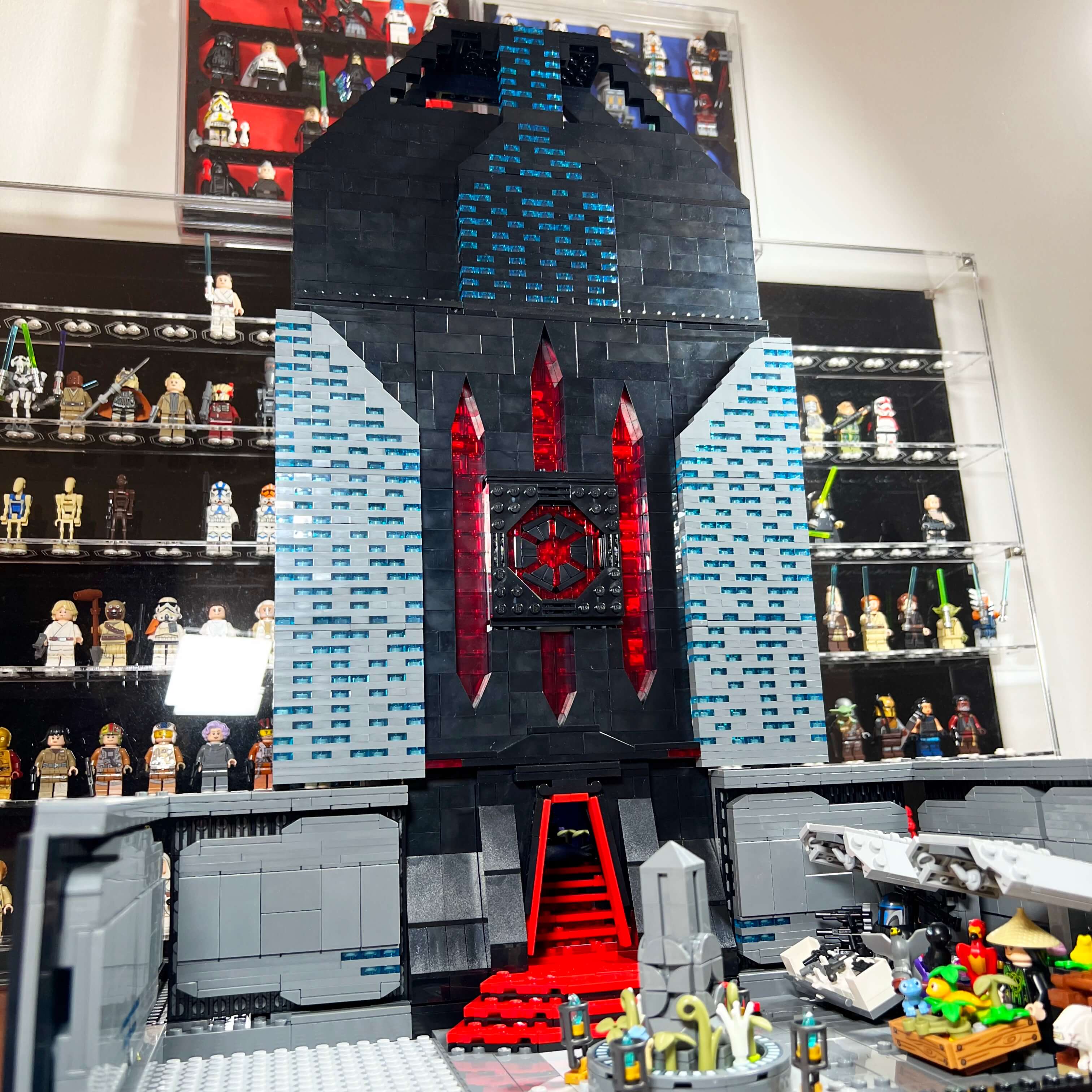
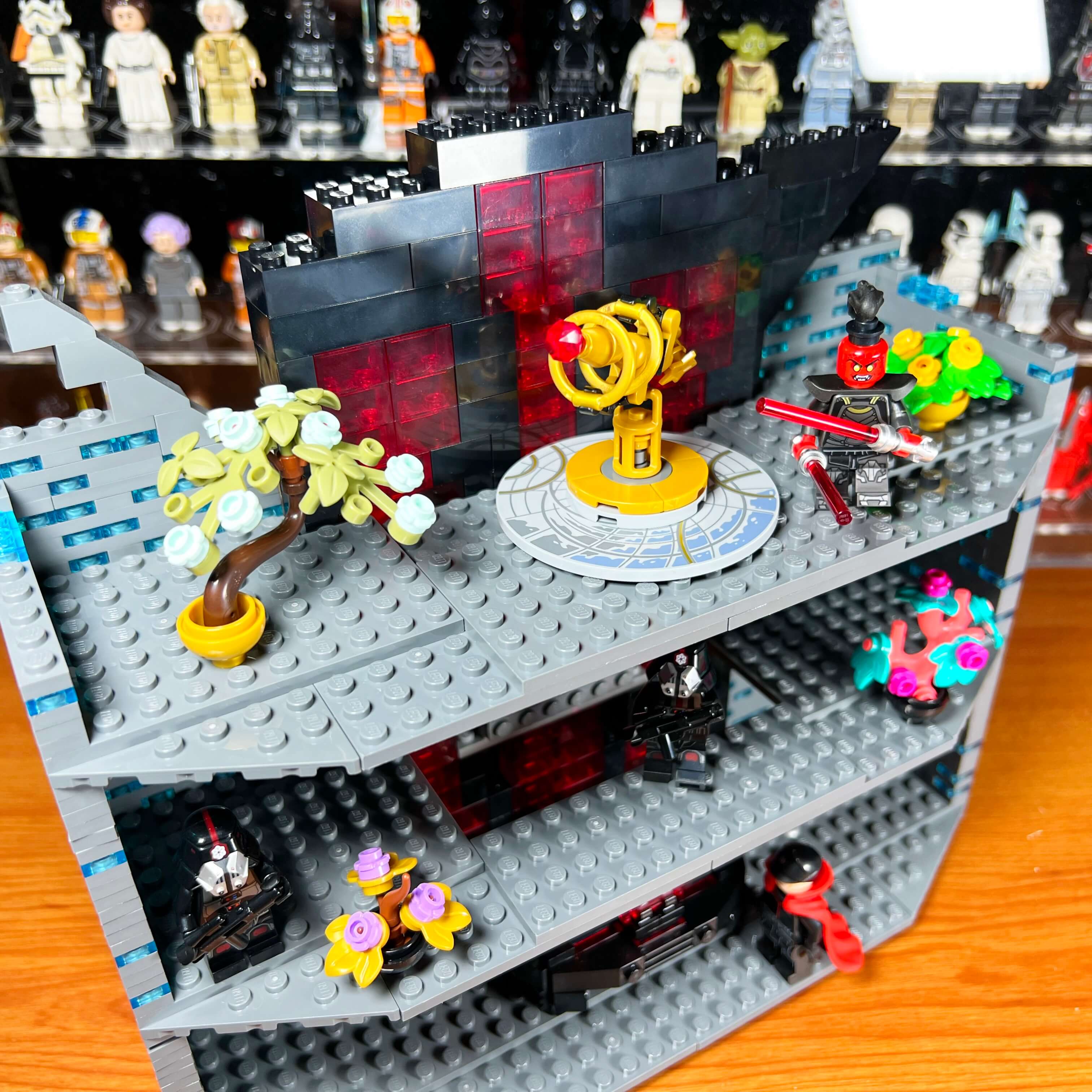
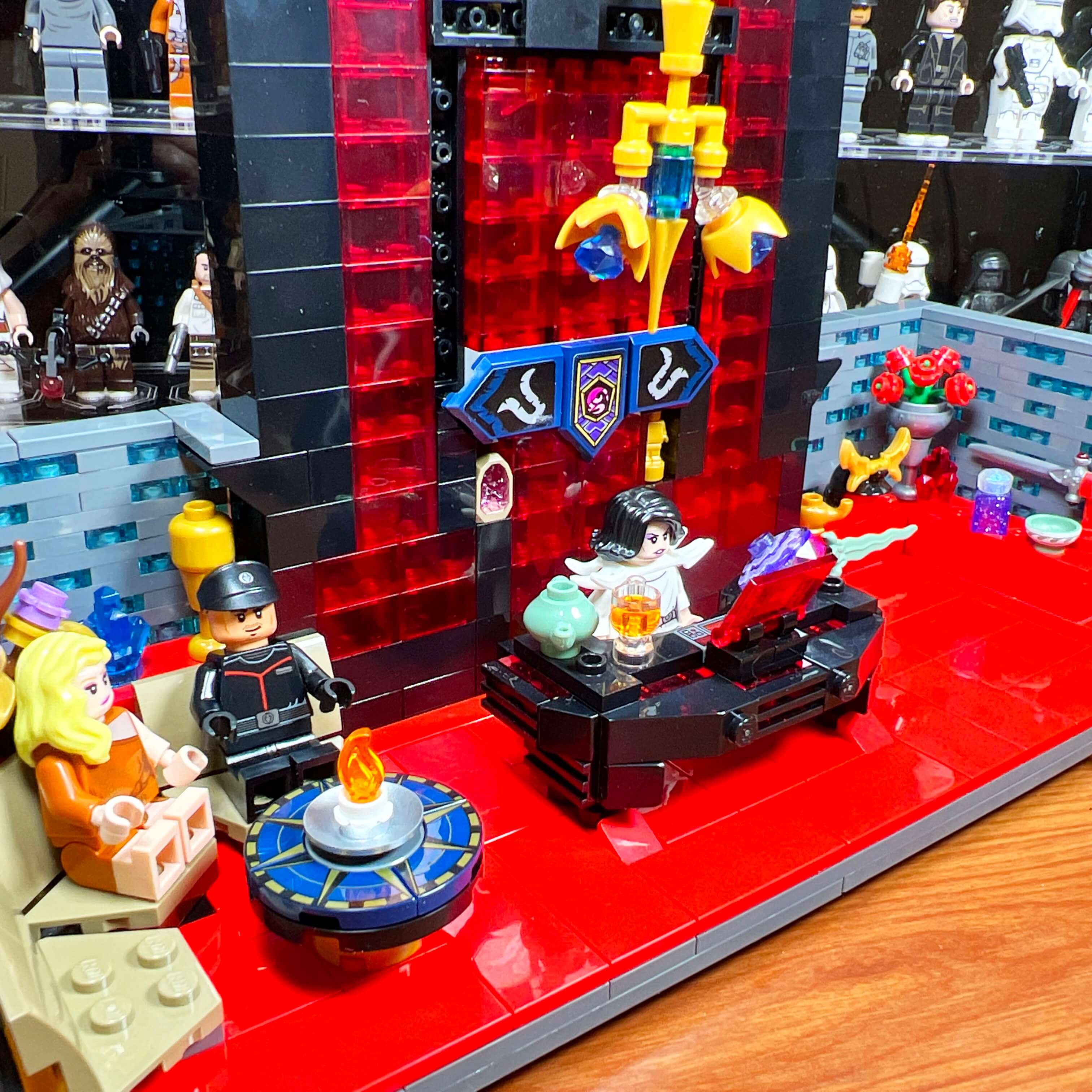
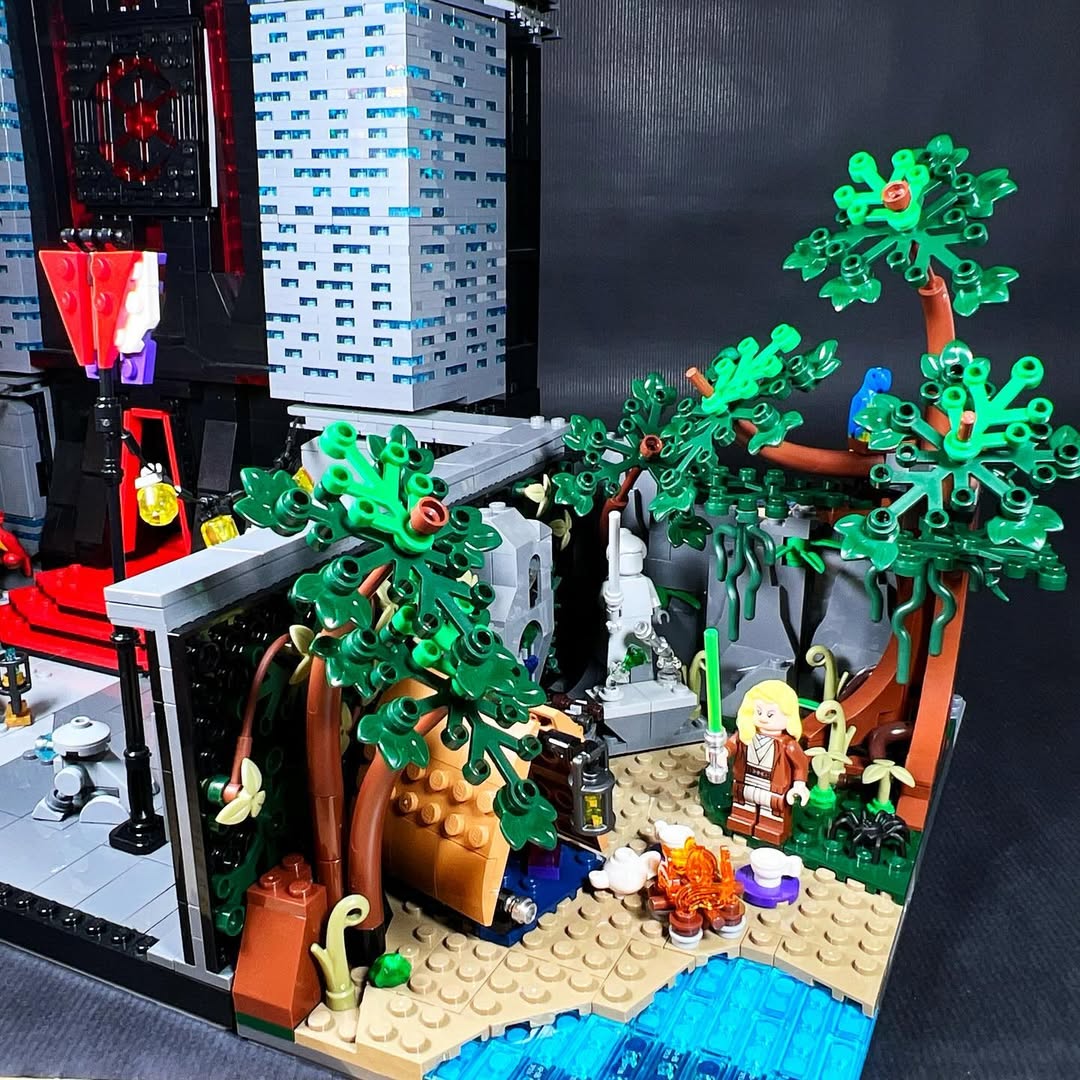
If this version of the MOC was also eventually dismantled, it still allowed me to create some elements that I kept for later: the iconic city walls, the new version of the statue, the interior decoration of the Citadel, and the presence of natural environments such as the Dromund Kaas swamps.
I therefore decided to restart the MOC by radically changing the layout of the elements. I replaced the 48x48 baseplate with a combination of two 32x32 and two 16x32 plates to obtain a 64x48 base, which I reinforced using MILS. I reduced the width of the main building to keep enough space for the secondary buildings, and I increased its depth to have real usable floors, allowing me to represent other spaces while giving the construction better stability. This required some changes, such as removing the imperial emblem behind the throne to recreate it elsewhere, and reducing the space allocated to the city. I also built a rocky base under the Citadel so that the city would be below it, and to have space for other underground areas of the building.
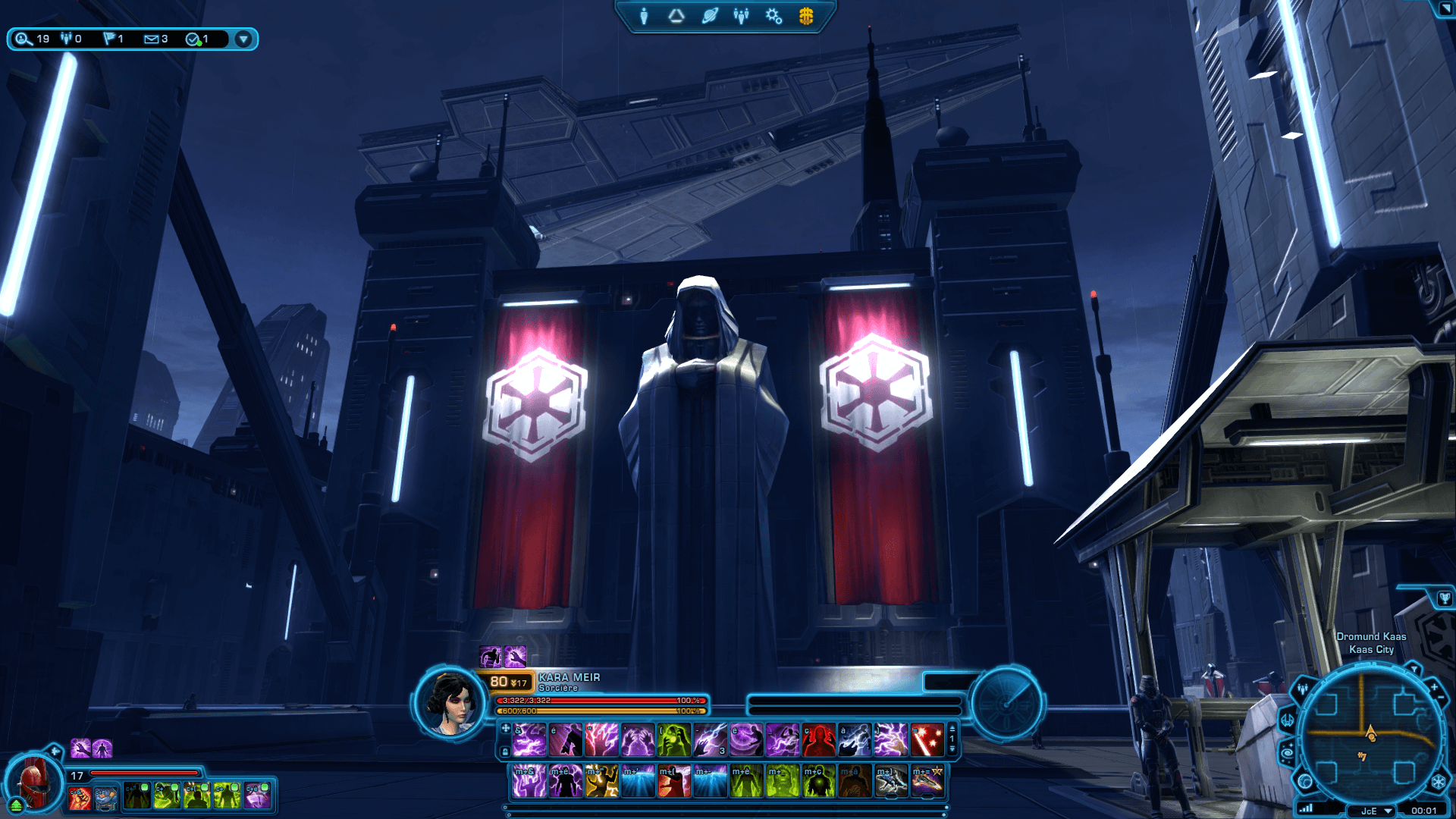
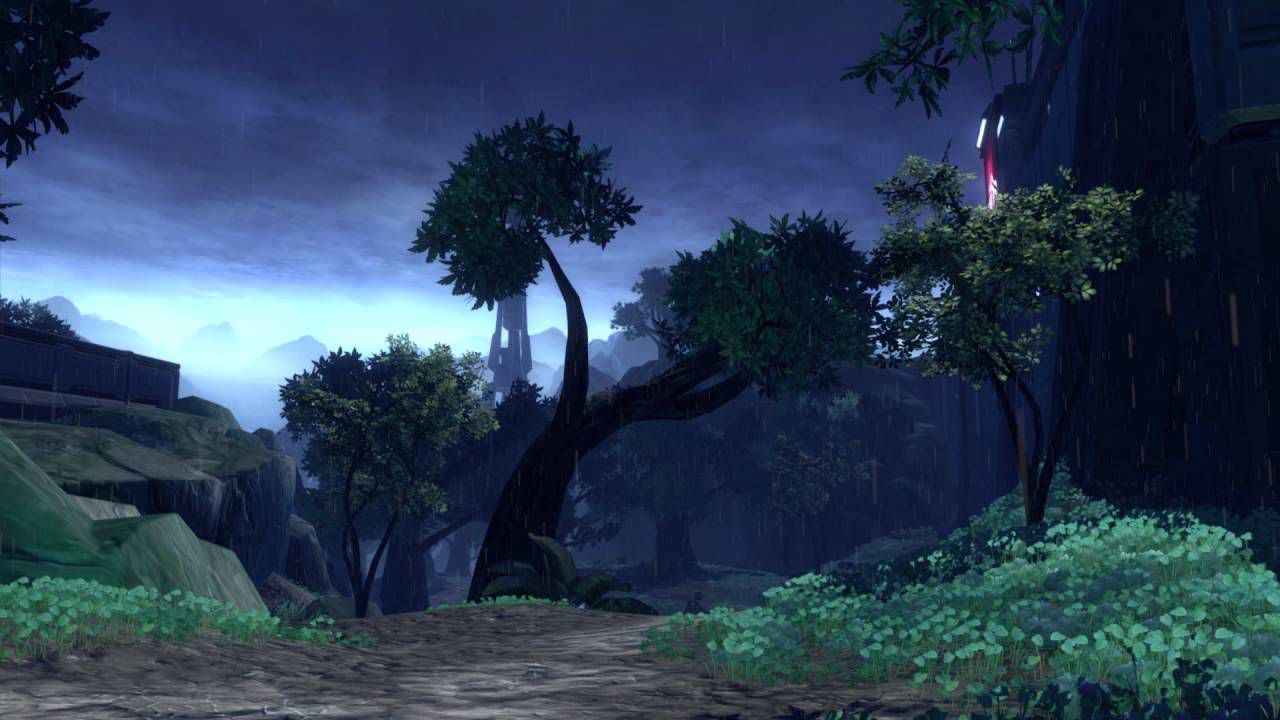
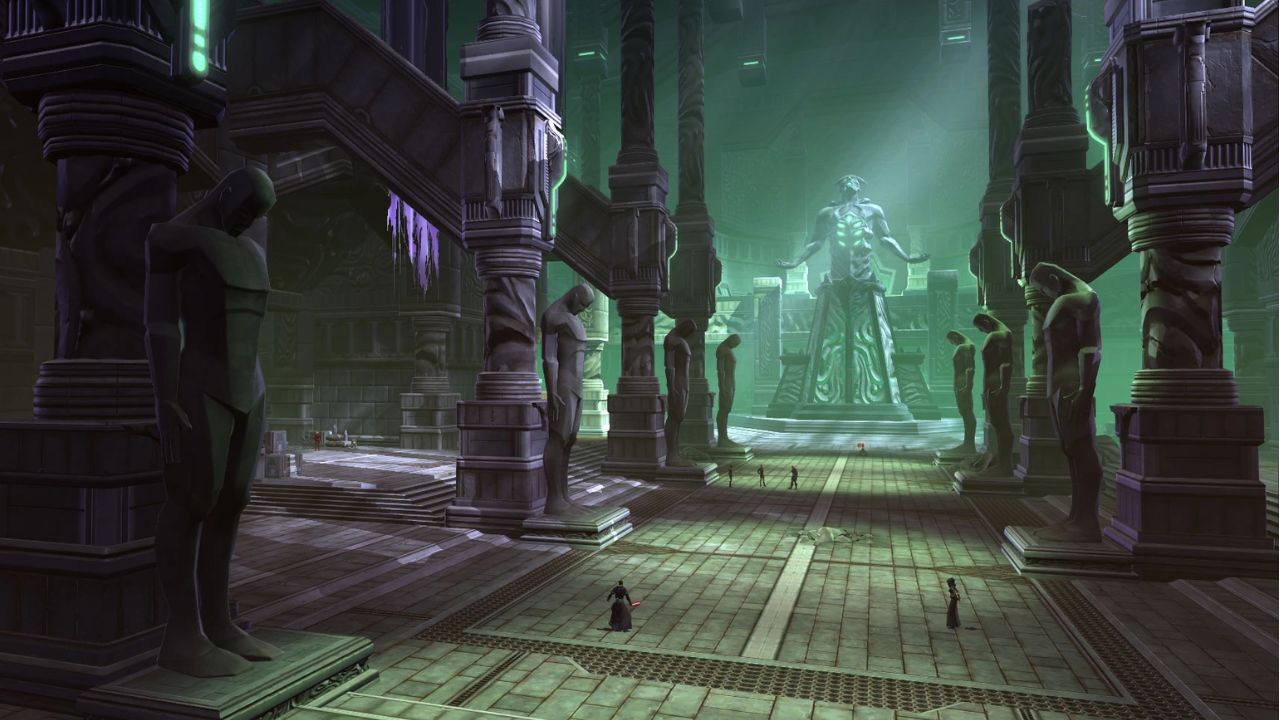
Before presenting the final version of the MOC, I suggest discovering the elements that served as inspiration with some screenshots from the game.
References and sources of inspiration for the MOC
The Citadel, heart of the Sith Empire’s power
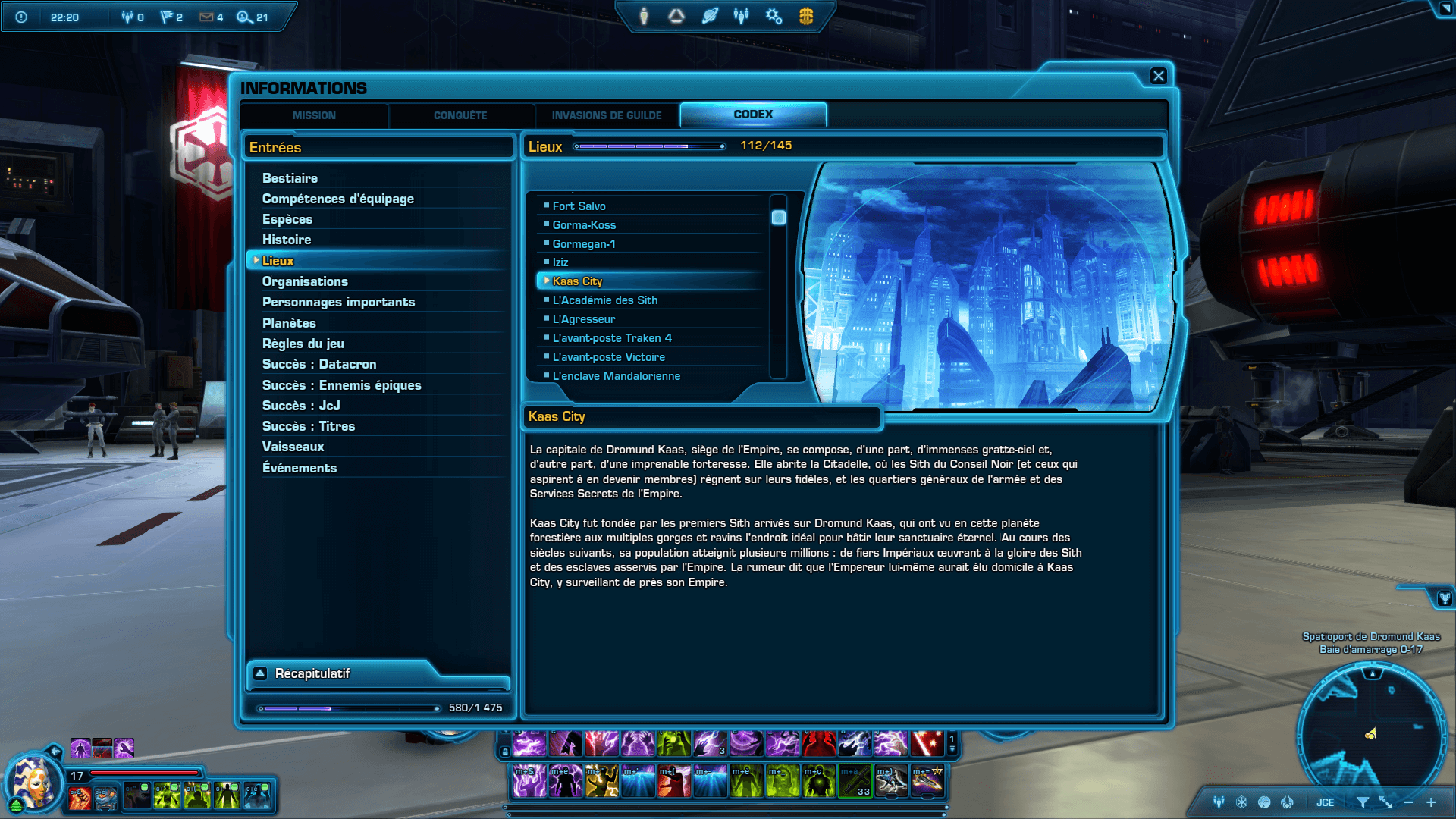
In Star Wars: The Old Republic, the Sith Empire controls half of the galaxy and has a capital planet, Dromund Kaas, the equivalent of Coruscant for the Republic. Unlike the latter, which is entirely urban, Dromund Kaas is a swampy and forested planet, whose city of Kaas City serves as the true capital.
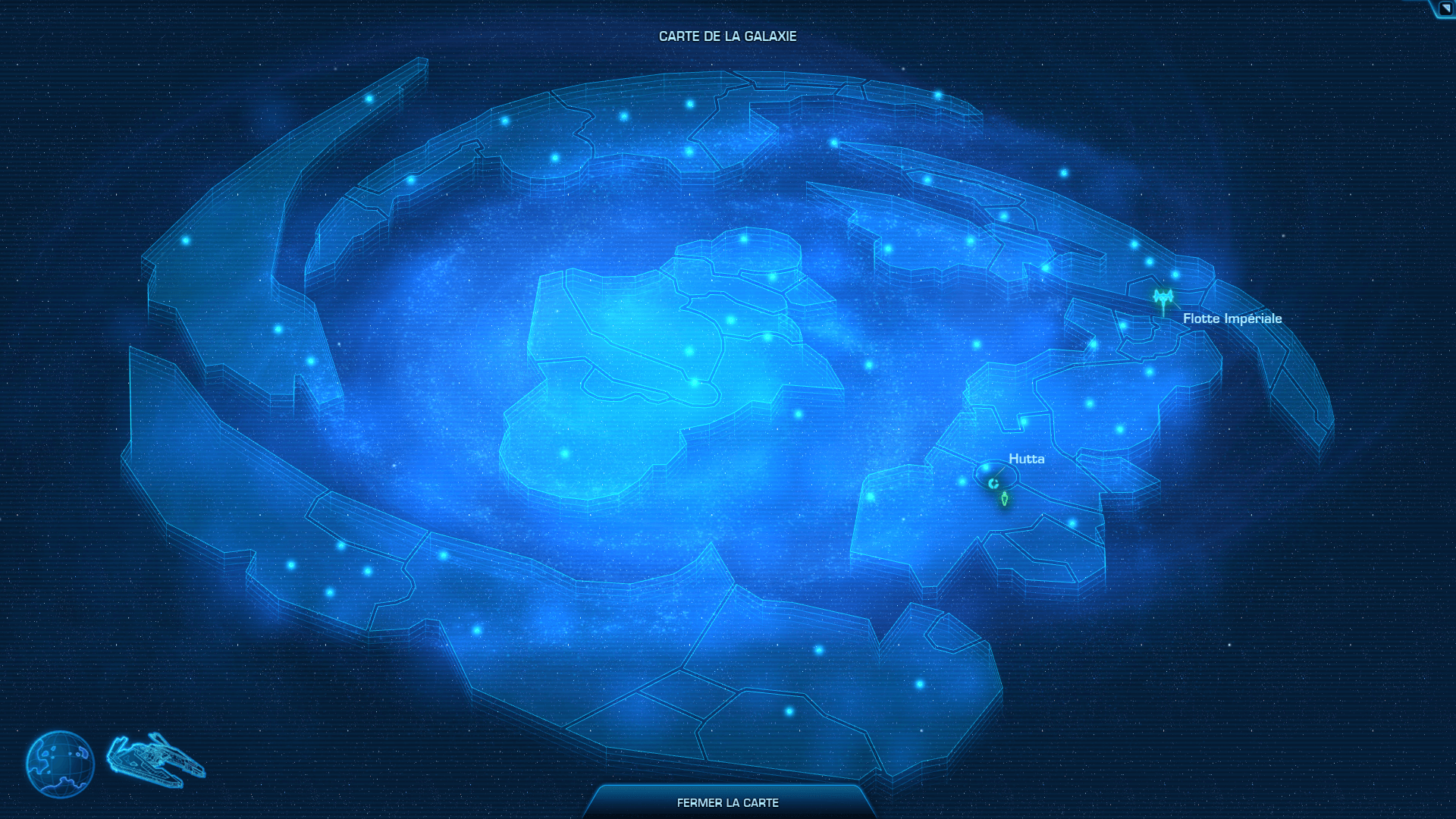
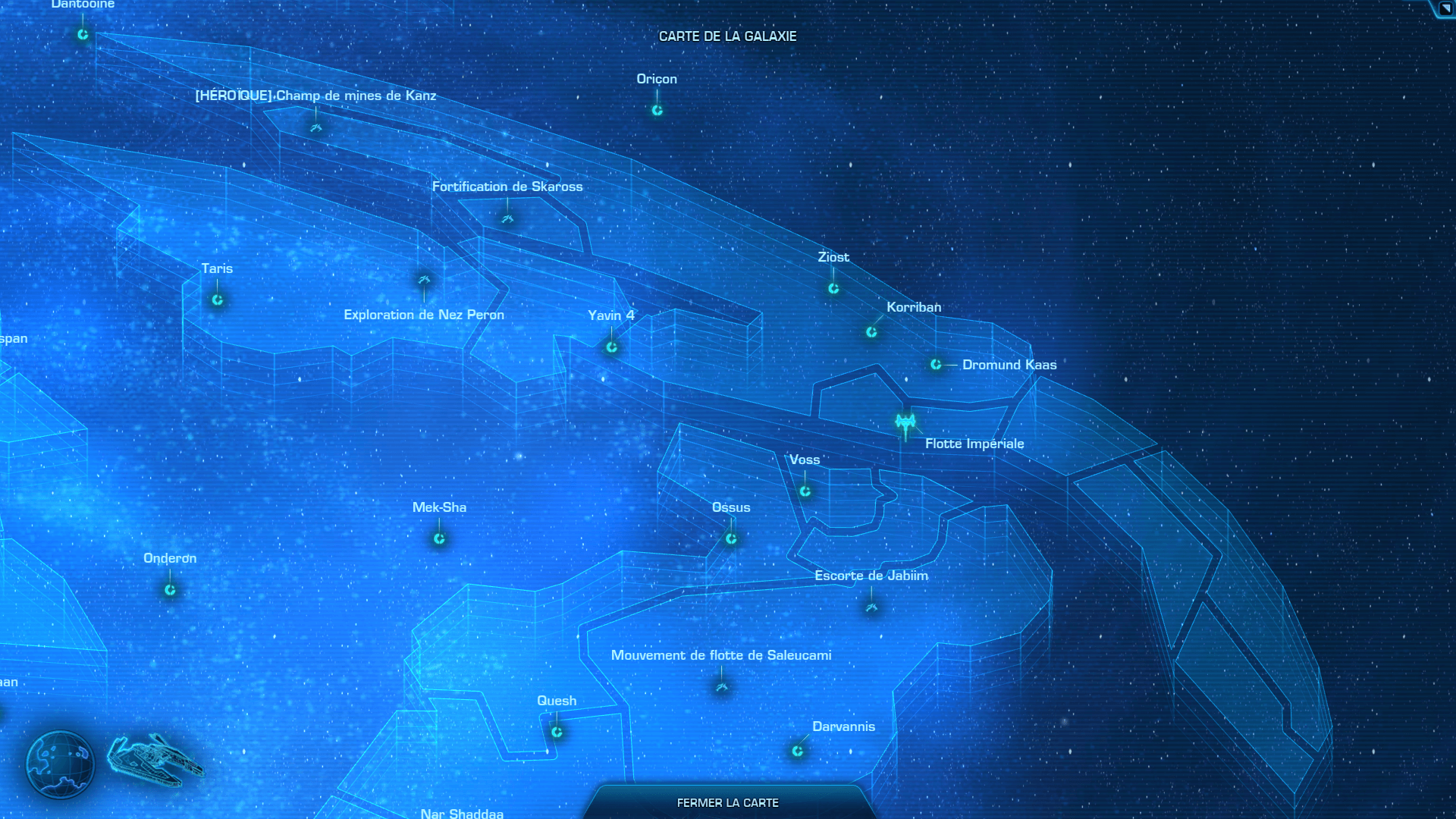
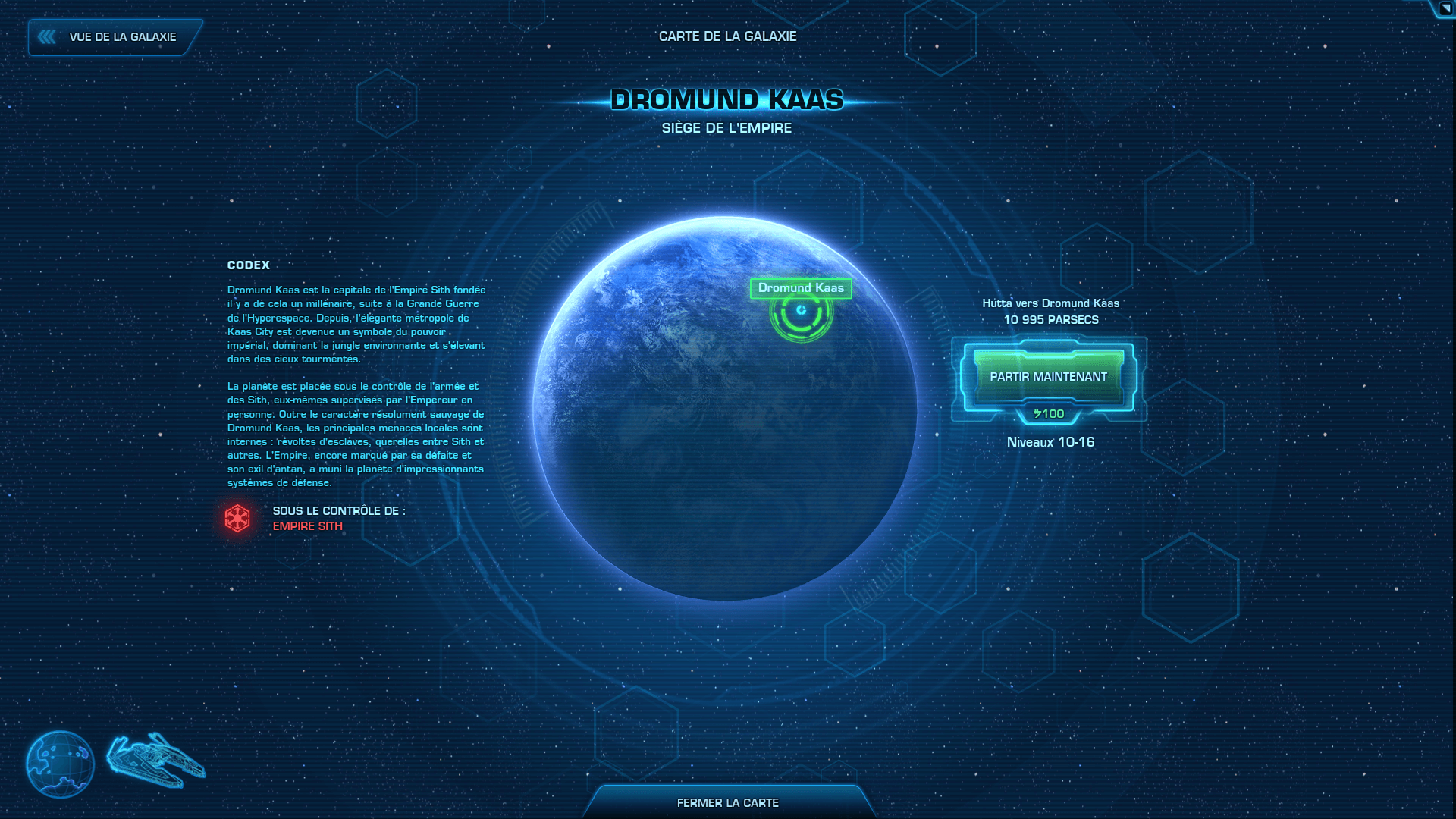
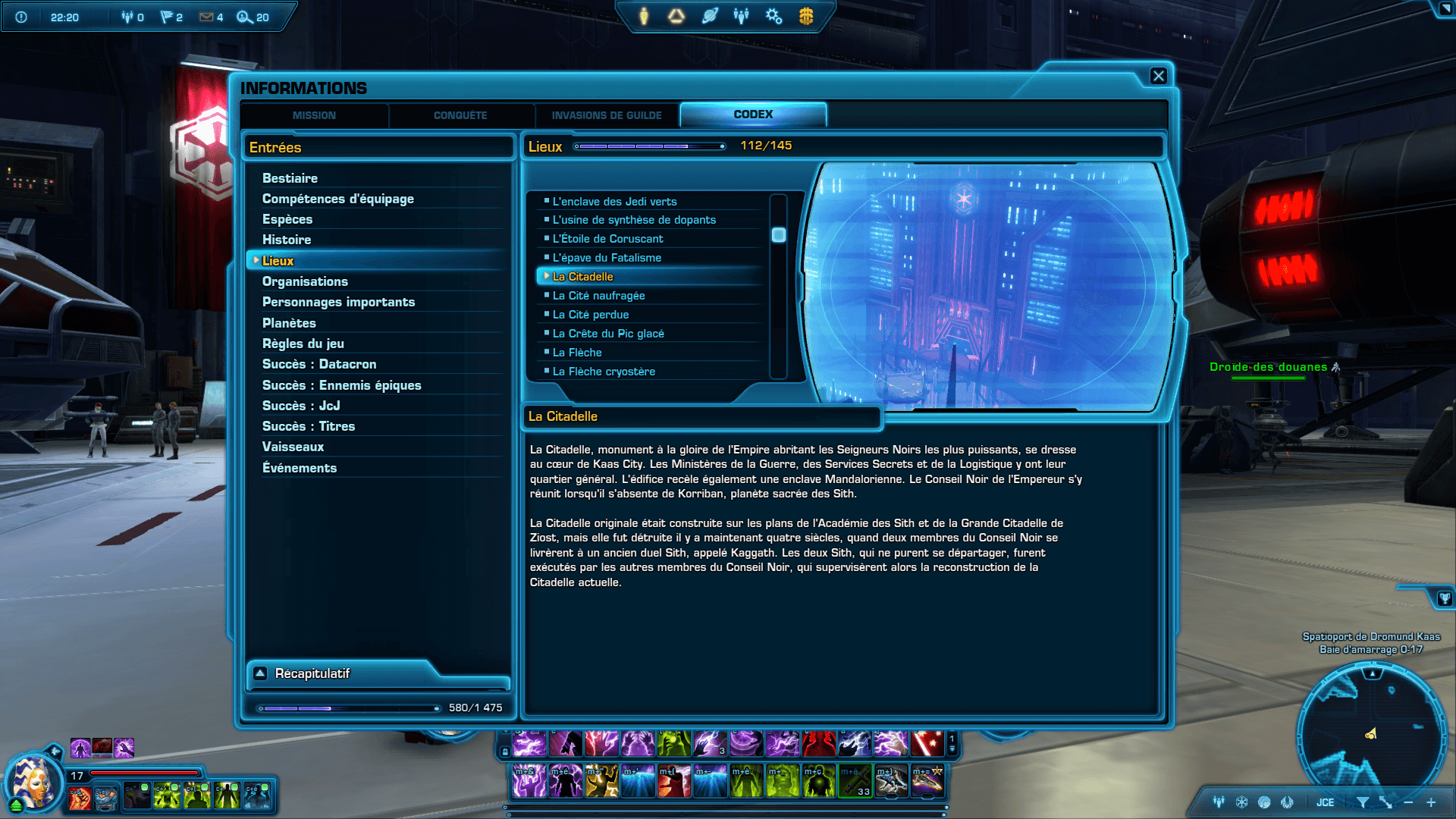
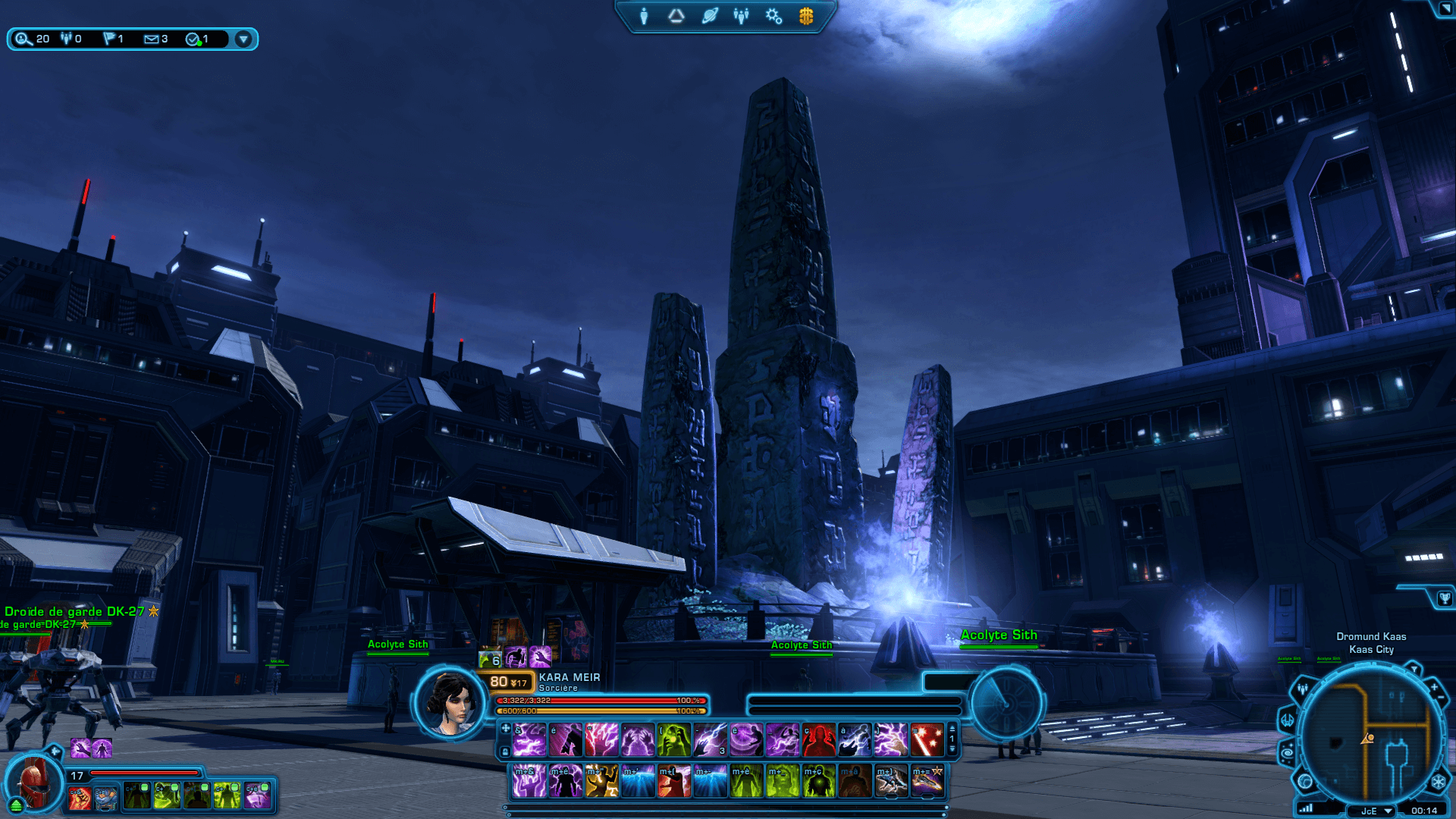
At the center of this city stands a massive building called the Citadel, built to glorify the Empire and housing its institutions, from the Emperor’s throne room to the various ministries. In the game, the Citadel is visible from the front from the city center and stands on a hill separate from the city, so it can only be accessed via flying taxi. Inside are various offices occupied by Sith Lords, whom you interact with throughout the game.
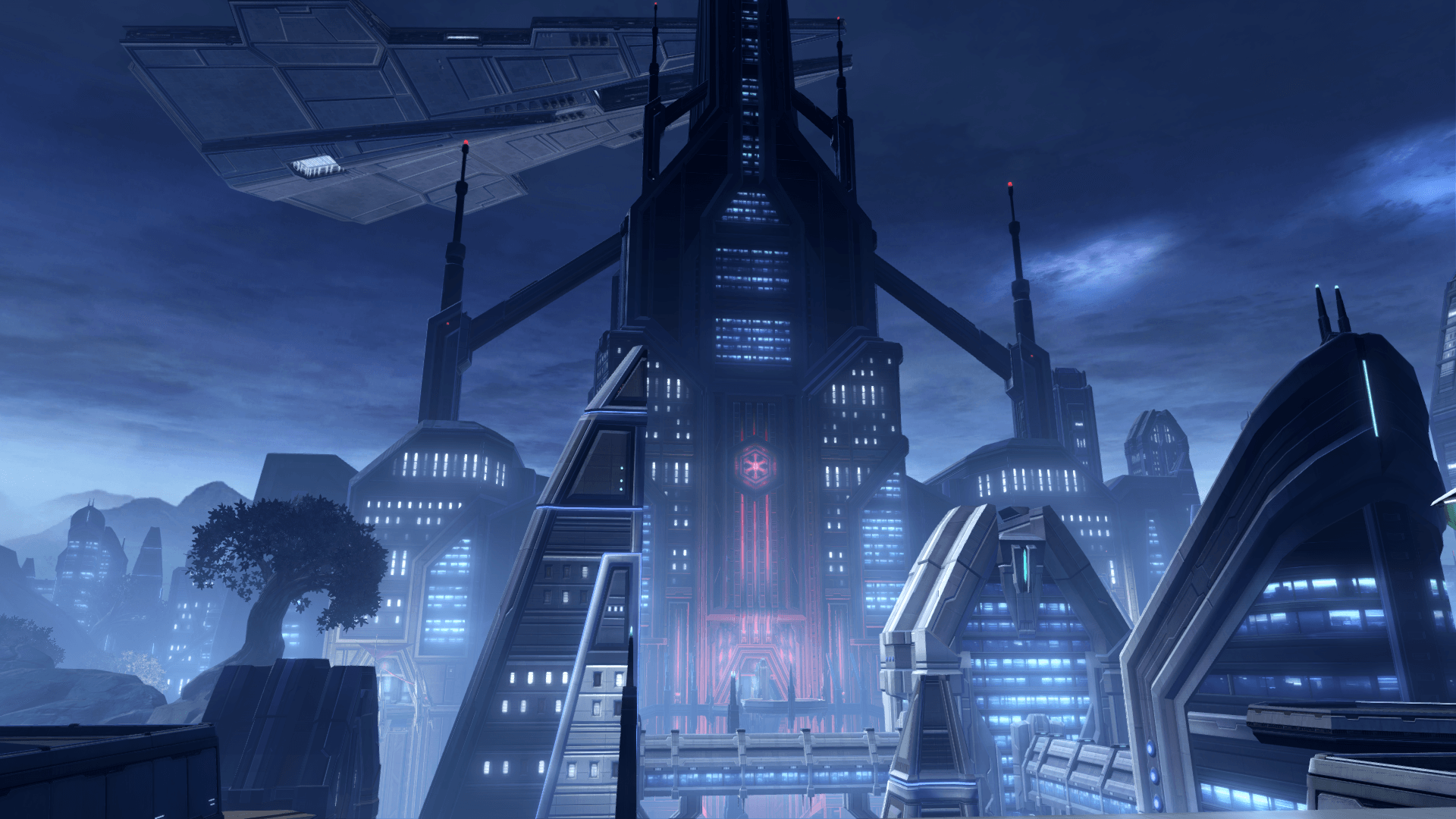
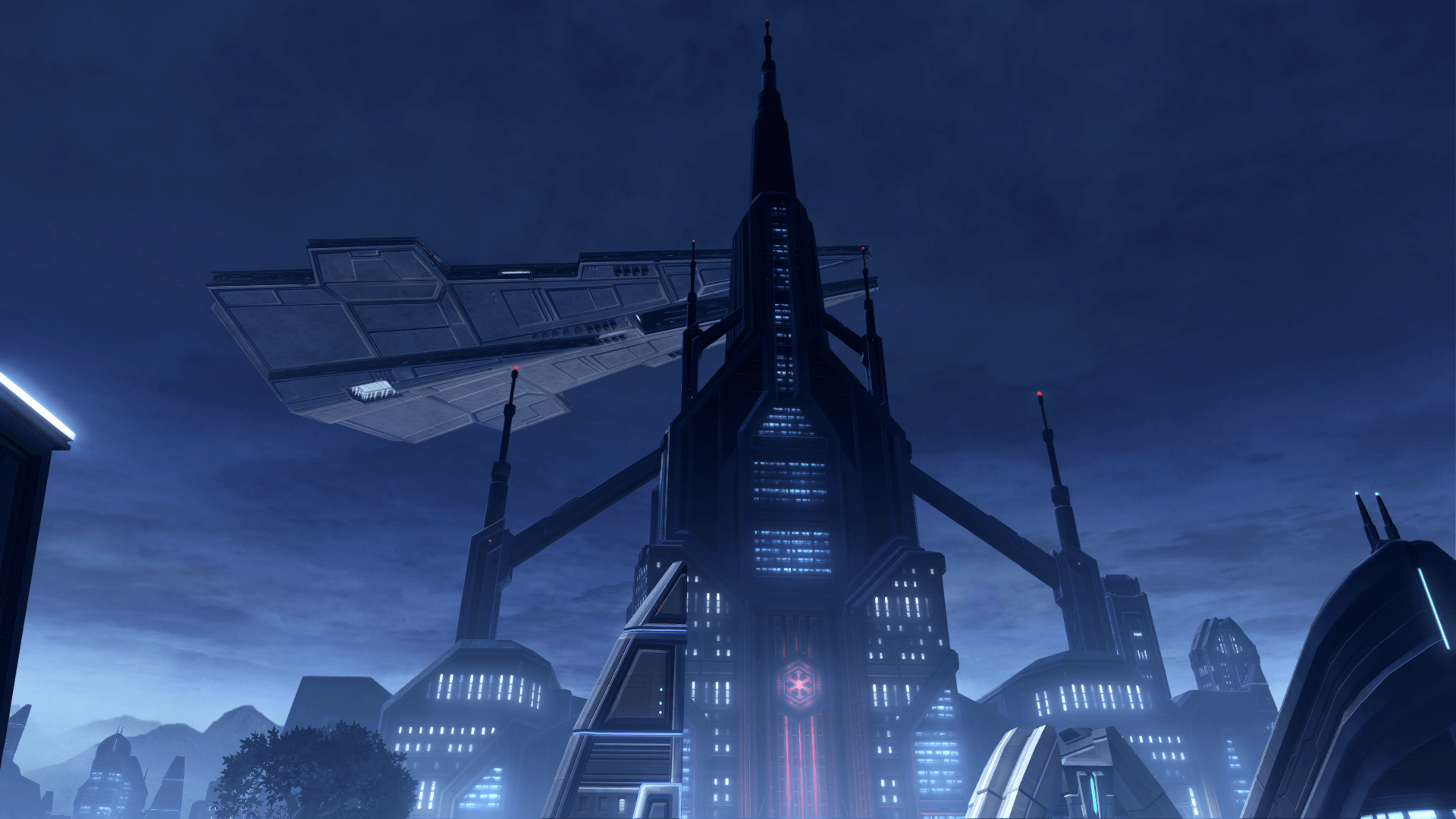
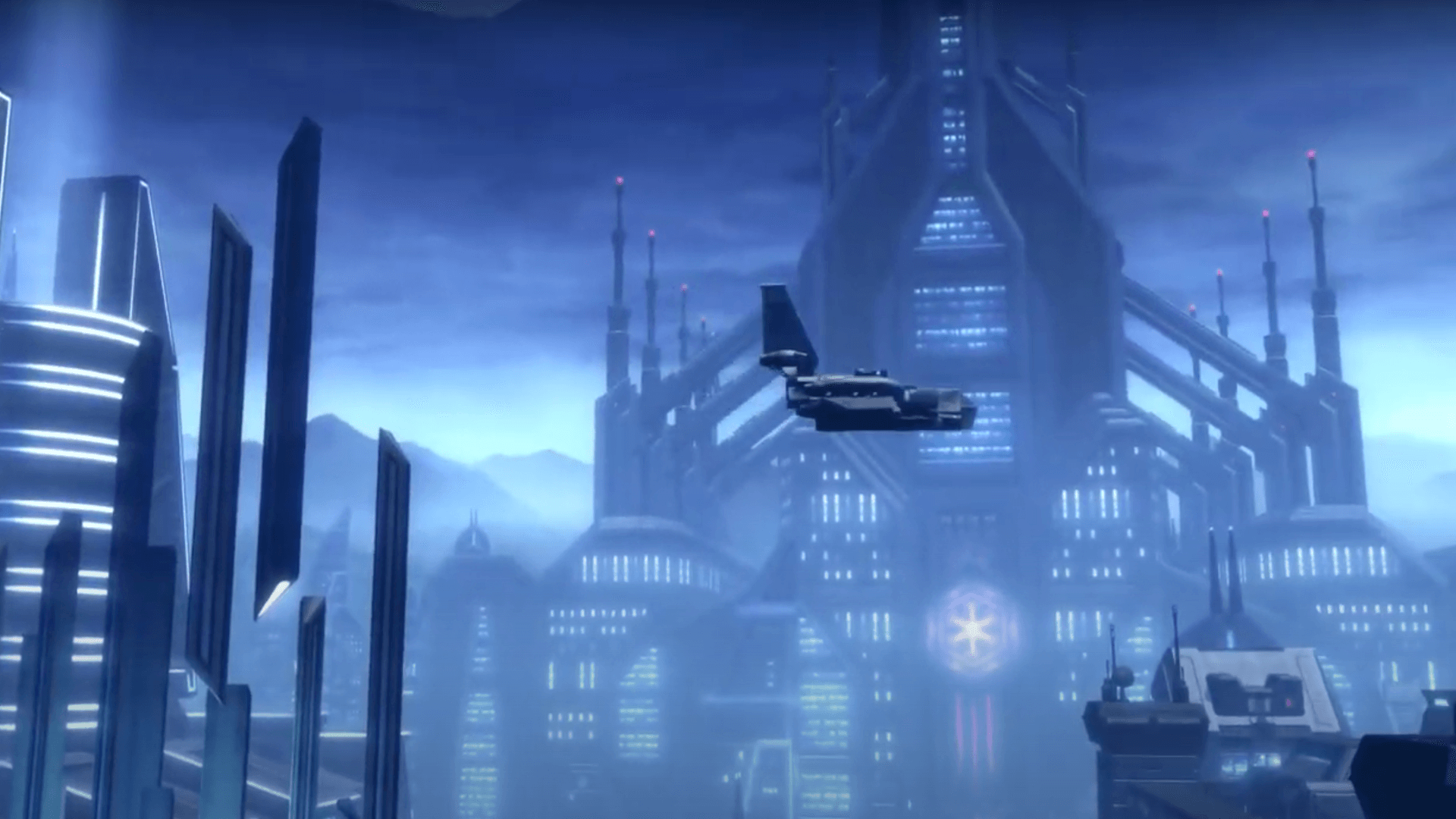
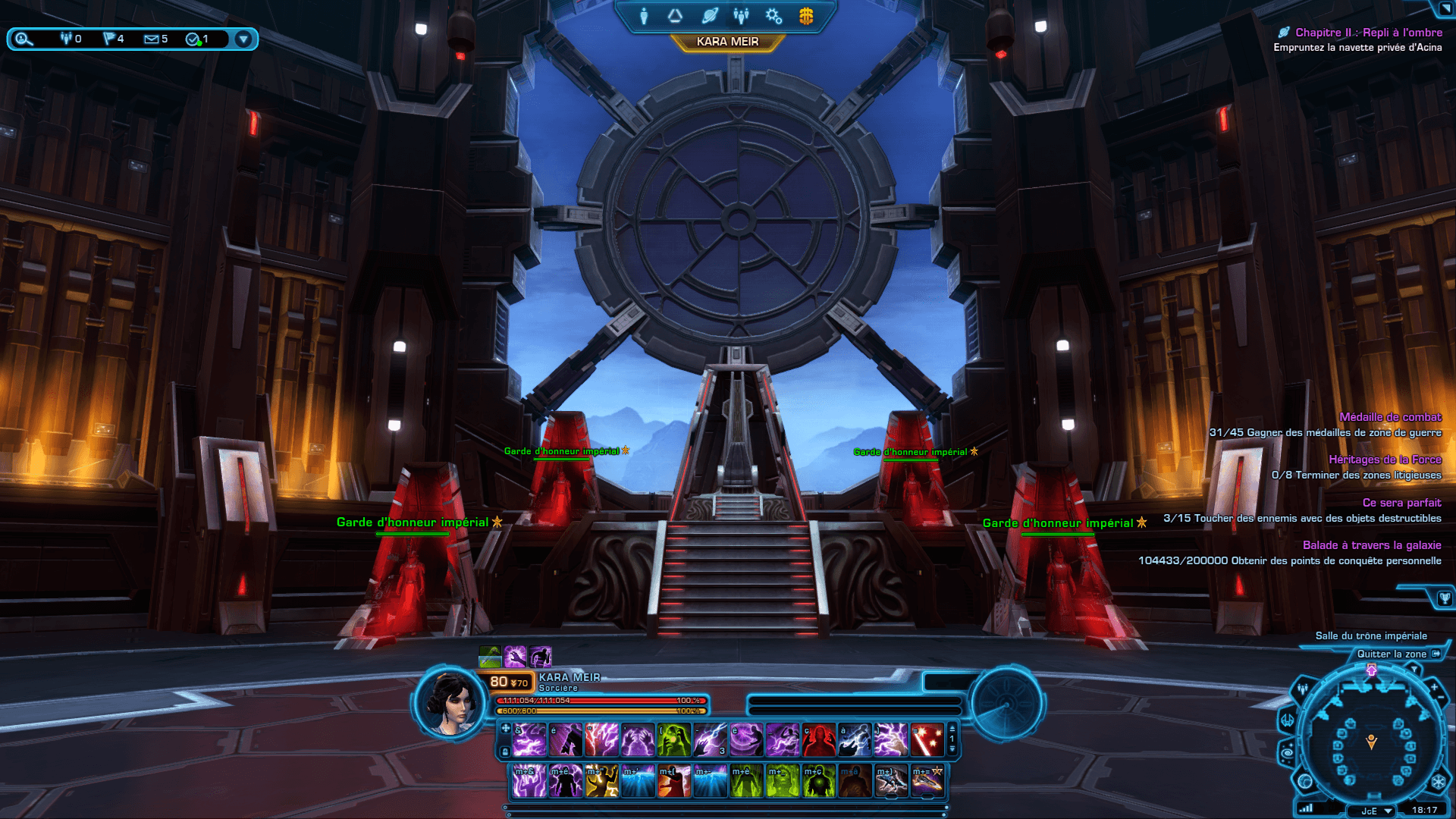
In the Knights of the Eternal Throne expansion, the building is seen from another angle in a cinematic, allowing us to discover its architecture inspired by Gothic churches, with a central nave surrounded by arches and topped by a spire. We also get a glimpse of the throne room interior during the encounter with Empress Acina.
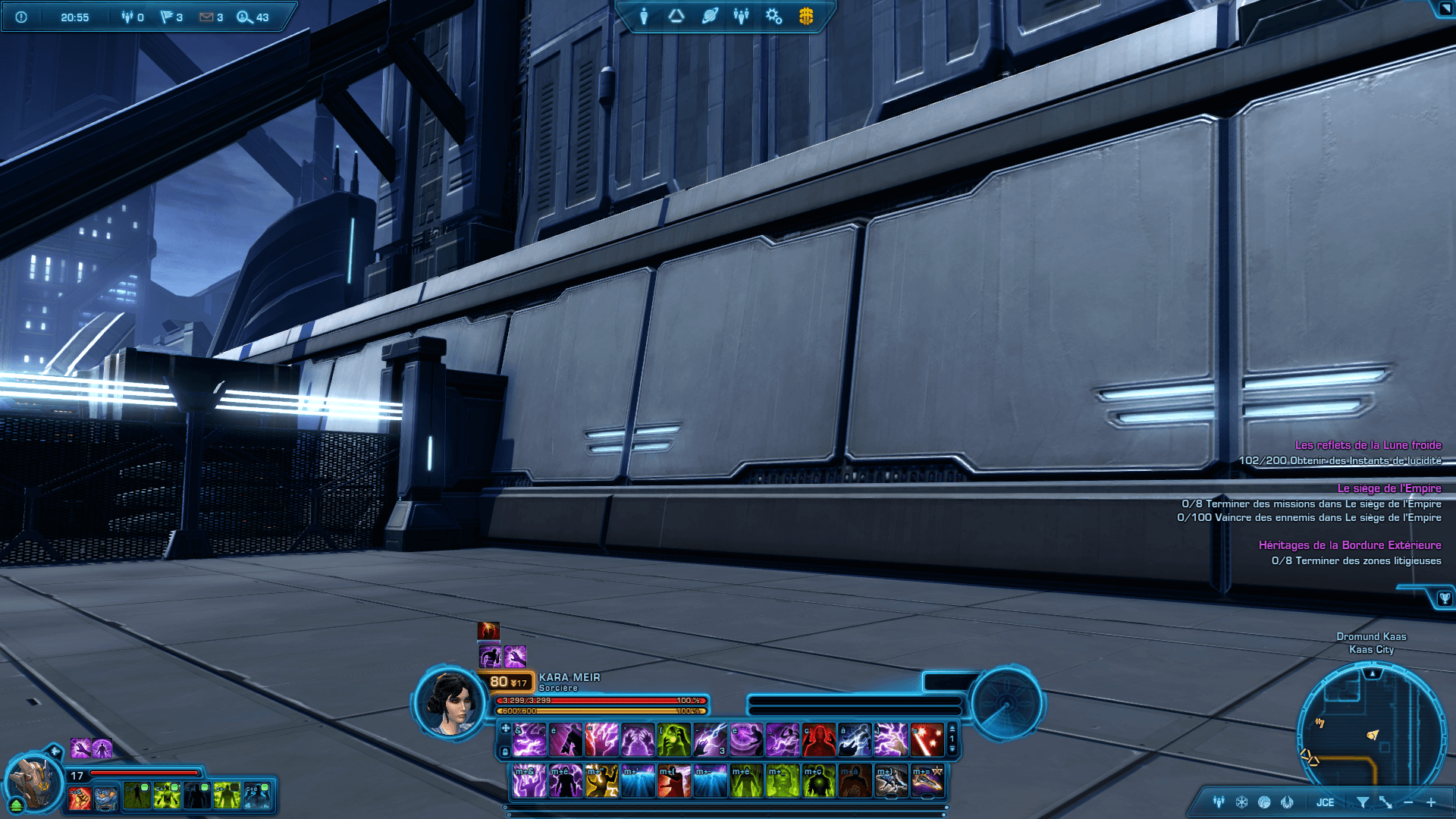
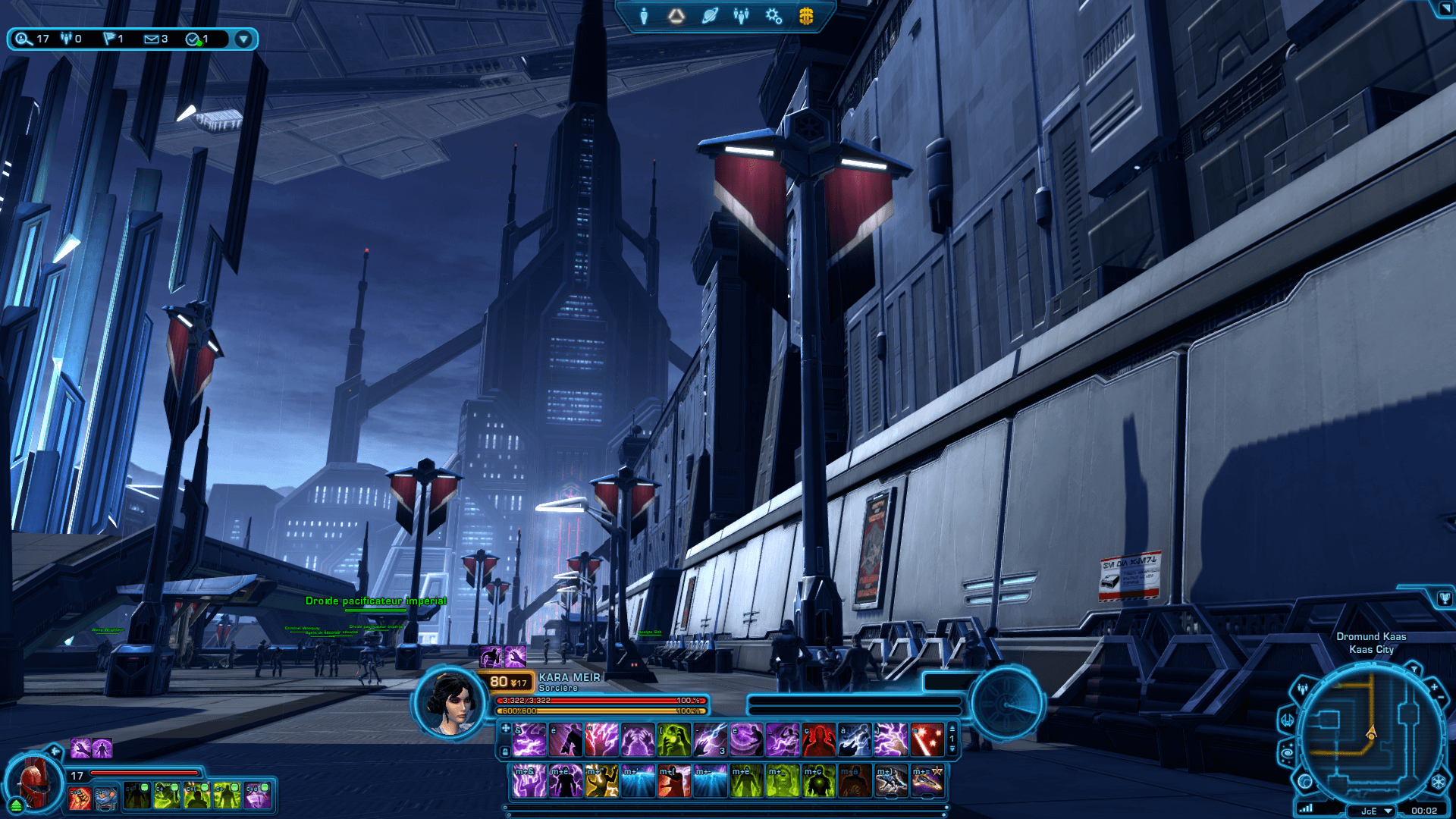
I only had three in-game images as references to recreate the building’s architecture. I used them to measure proportions and converted lengths into LEGO bricks to estimate the size of the different elements of the MOC.
While screenshots are sufficient to understand how the Citadel looks from the outside, this is not the case for the interior, as the game only shows a limited portion of what lies within.
Although I did my best to recreate the atmosphere of Dromund Kaas and the iconic architecture of the Citadel, I took some creative freedom regarding the layout and content
of the different rooms and areas of the MOC. The goal was more to pay tribute to the vast content of the game than to replicate a location exactly.
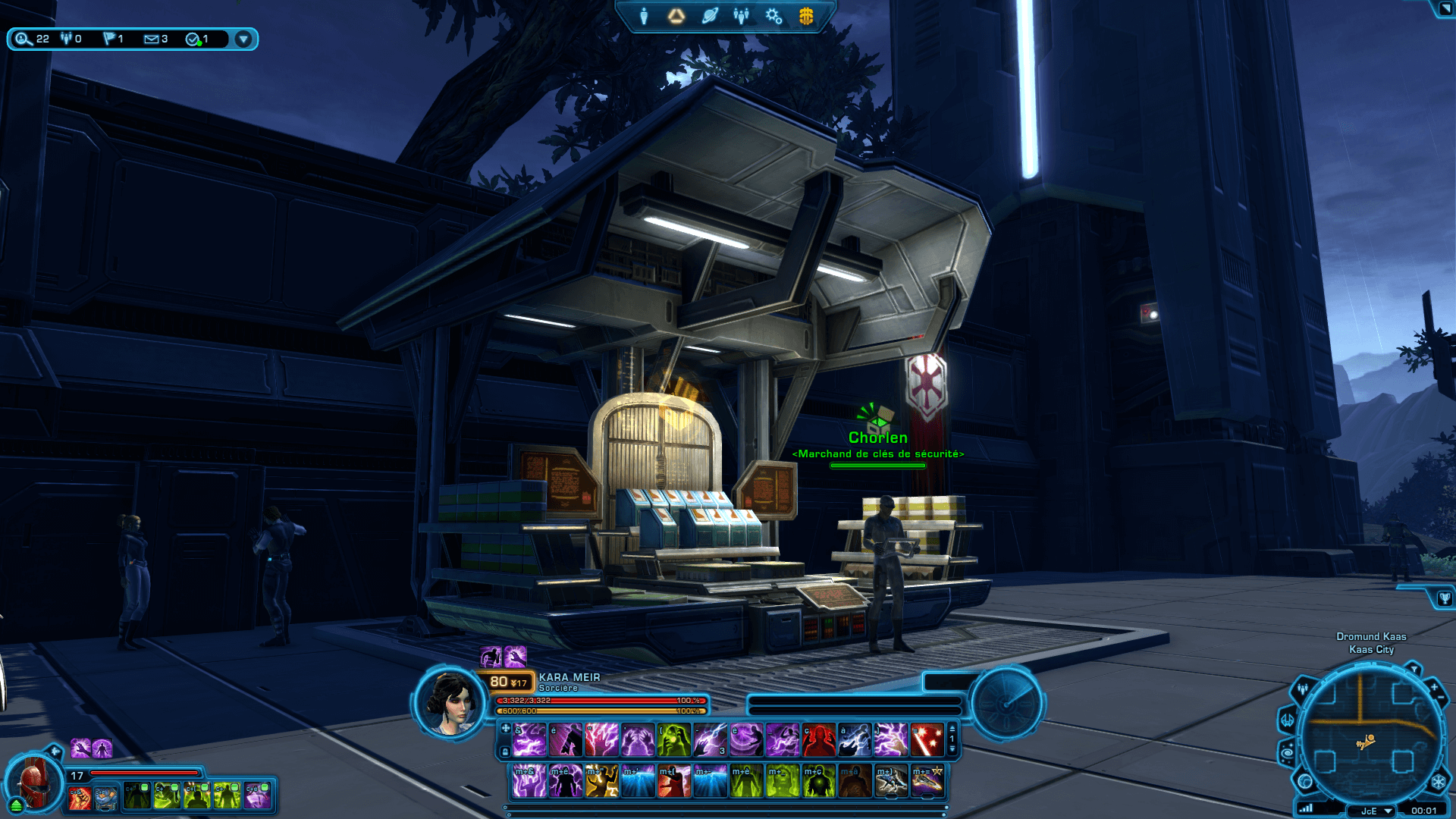
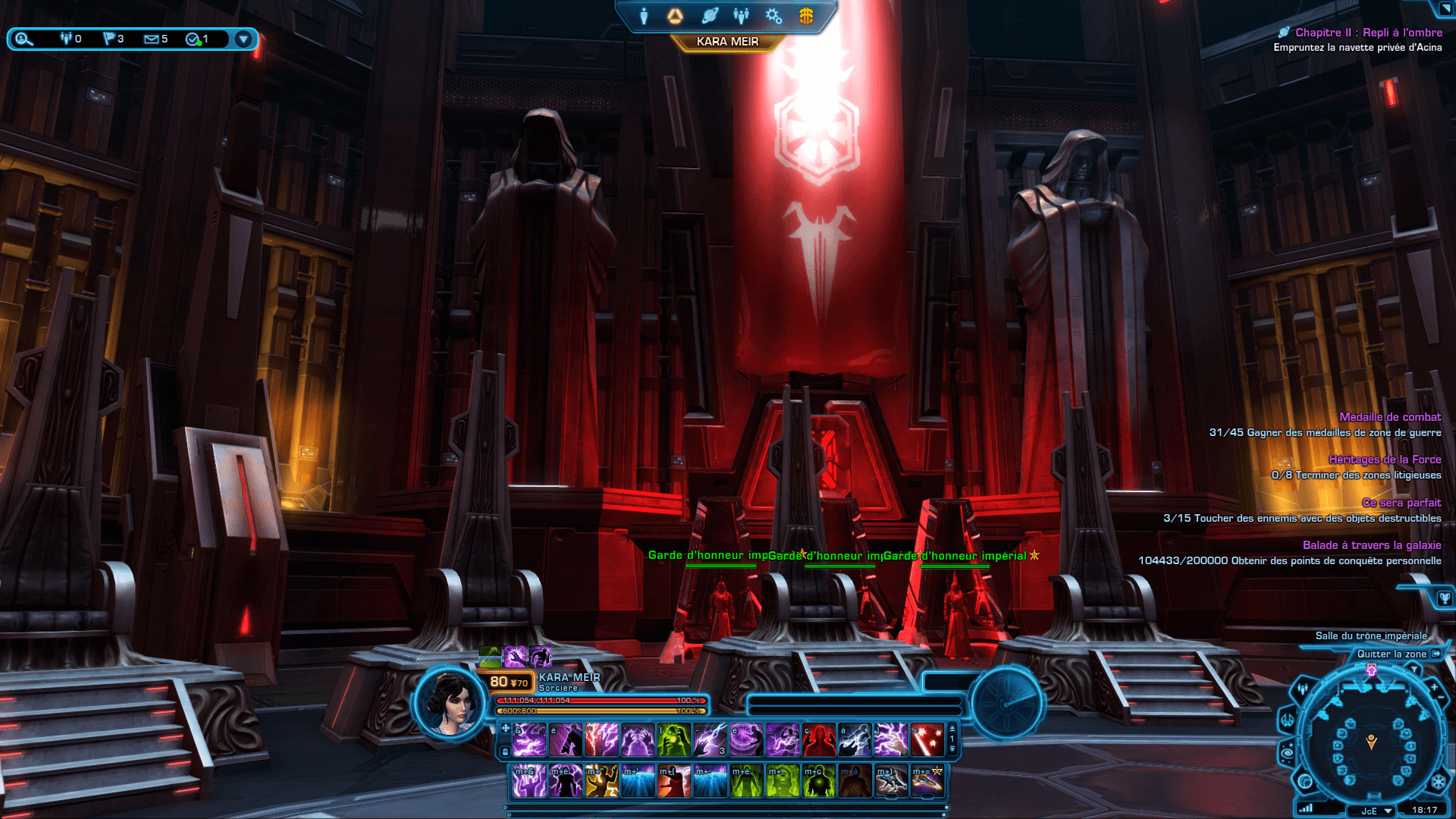
Here are some screenshots of in-game elements that appear in the final version of the MOC or that inspired certain environments:
Star Wars Master Builder Series sets and in-game content for details
To create the details and decorations, I drew inspiration from MOCs seen on Instagram, but also from official sets I have handled and whose features I appreciated.
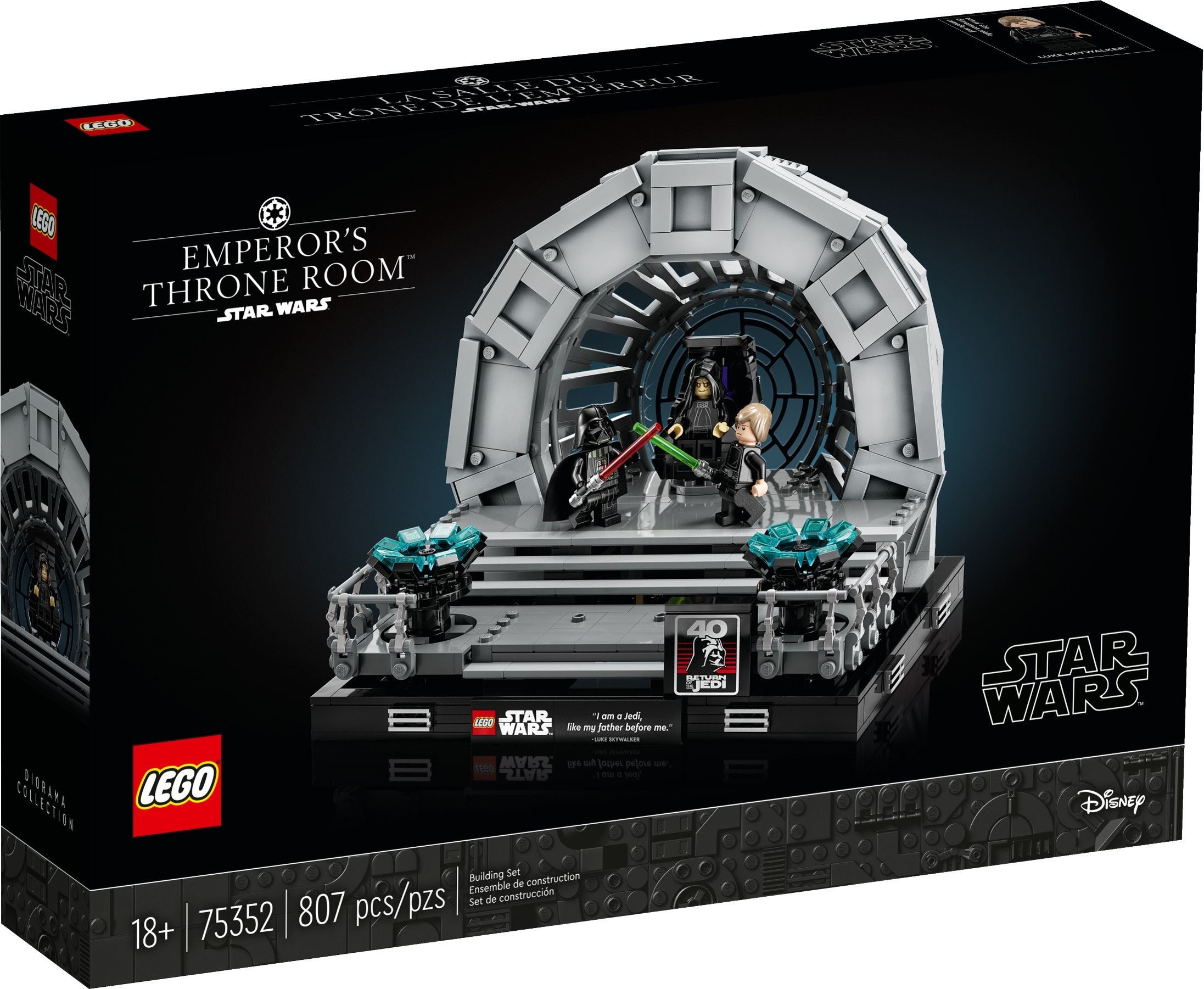
The initial inspiration comes from the set 75291 Death Star Final Duel, and its 18+ version 75352 Emperor’s Throne Room Diorama, released during the MOC construction, as the throne room is at the heart of the MOC.
What I particularly like about these sets is the intimidating atmosphere of the encounter with the Emperor, whose throne is highlighted at the center of the set. Staying within dioramas, the set 75330 Dagobah Jedi Training Diorama is the one I consider
the most successful in terms of atmosphere, and I used it as inspiration for the natural environments.
For the exterior and architecture, although I primarily relied on the game environment, the set 75251 Darth Vader’s Castle is the one that comes closest, among official sets, to what I wanted to achieve: an imposing and threatening building with its black color and red windows. This set also inspired me for interior details, with its small elements such as the Sith temple and relics hidden within the walls. The accumulation of details and decorations is something I particularly enjoy in sets, as seen in the Marvel set 76185 Spider-Man at the Sanctum Workshop, or more generally in modular buildings. All these characteristics are also found in the Star Wars range in the Master Builder Series sets, such as the 75290 Mos Eisley Cantina, which perfectly represents what I aimed to create: a MOC in the spirit of MBS sets — a complete building, numerous spaces, large dimensions, and a high level of detail — in a The Old Republic version.
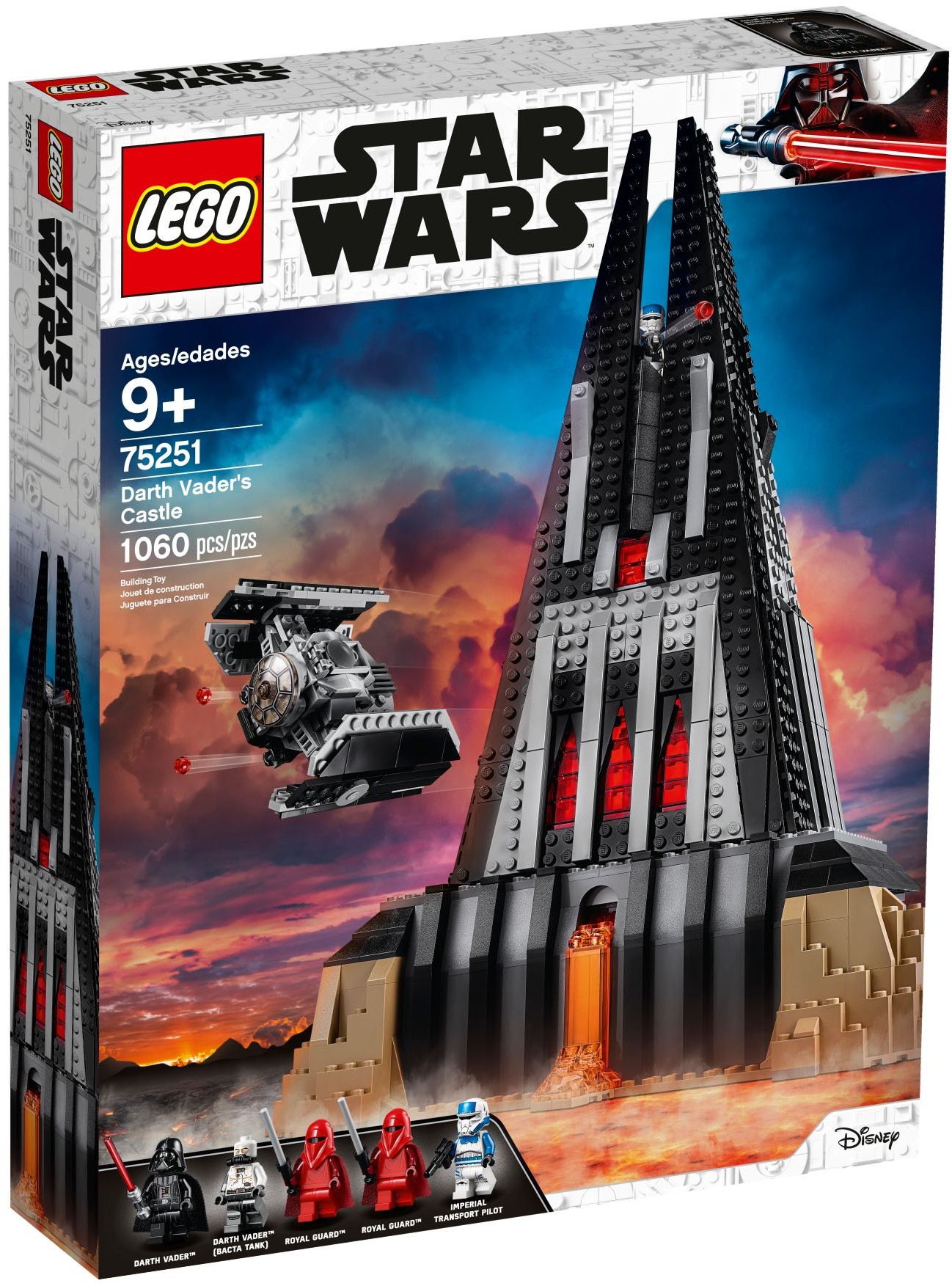
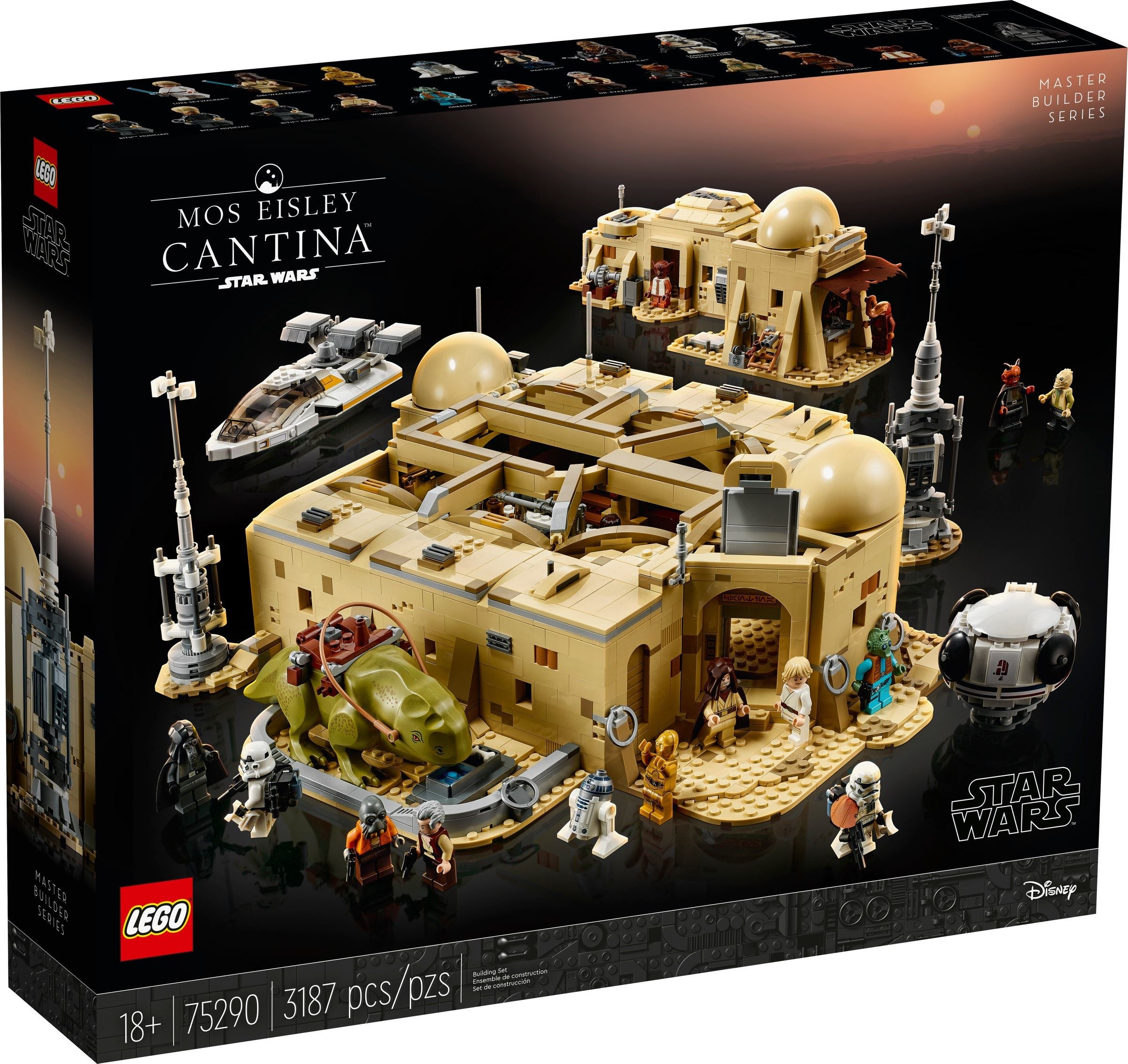
For a first MOC, the project was ambitious, and it took me more than a year to complete. Having very few spare parts at the beginning,
I proceeded step by step by ordering the necessary pieces for each stage, which explains why the construction was spread over such a long period.
So, was the project a success? I’ll let you decide!
The final version of the LEGO Star Wars MOC of the Sith Citadel on Dromund Kaas
MOC presentation video
Before continuing with the article, I recommend watching the presentation video of the MOC to see all the details as if you were there. The rest of the article goes over each of these elements, with additional details about their construction.
A complete and modular MOC with many different locations
At the end of the build, I achieved what I set out to do: a large-scale MOC representing the Citadel as a whole,
with its characteristic architecture and no fewer than 21 different spaces, decorated and accessible, spread across the three buildings of
the Citadel, the city below, and the natural environments. The MOC is made up of several stacked modules so it can be easily
disassembled for transport and to access the different areas.
Given the amount of content, I will present each of these locations and key elements of the MOC one by one, explaining some construction choices and references to the game.
An imposing build with iconic architecture
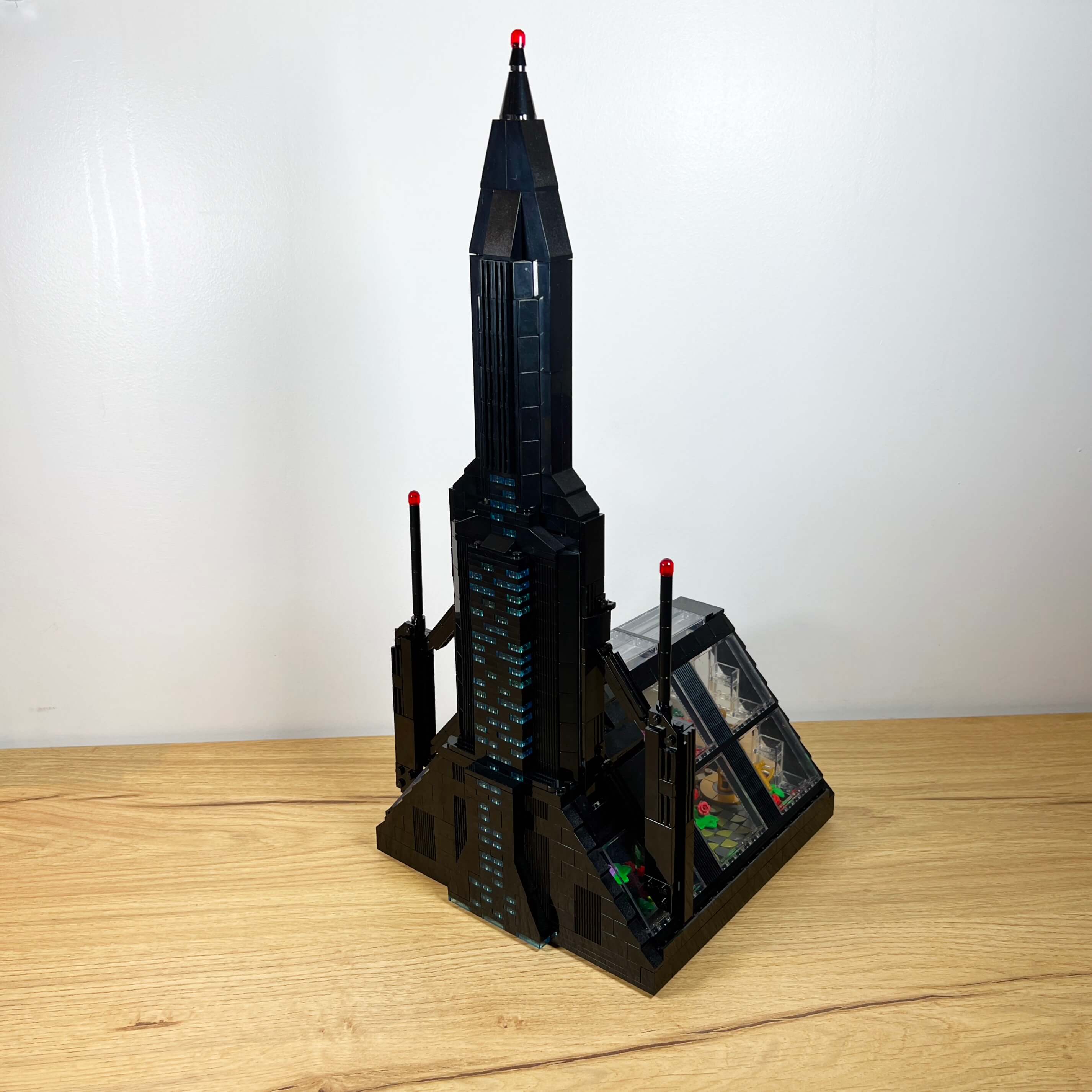
Before going into the details, let’s take a look at the MOC as a whole. The final build occupies the entire 64x48 stud baseplate, measuring 51 cm wide and 39 cm deep, with a height of 103 cm! For comparison, it is taller than the set 10333 Barad-dûr (83 cm) or the 76269 Avengers Tower (90 cm). Only the set 10307 Eiffel Tower is taller, at 149 cm.
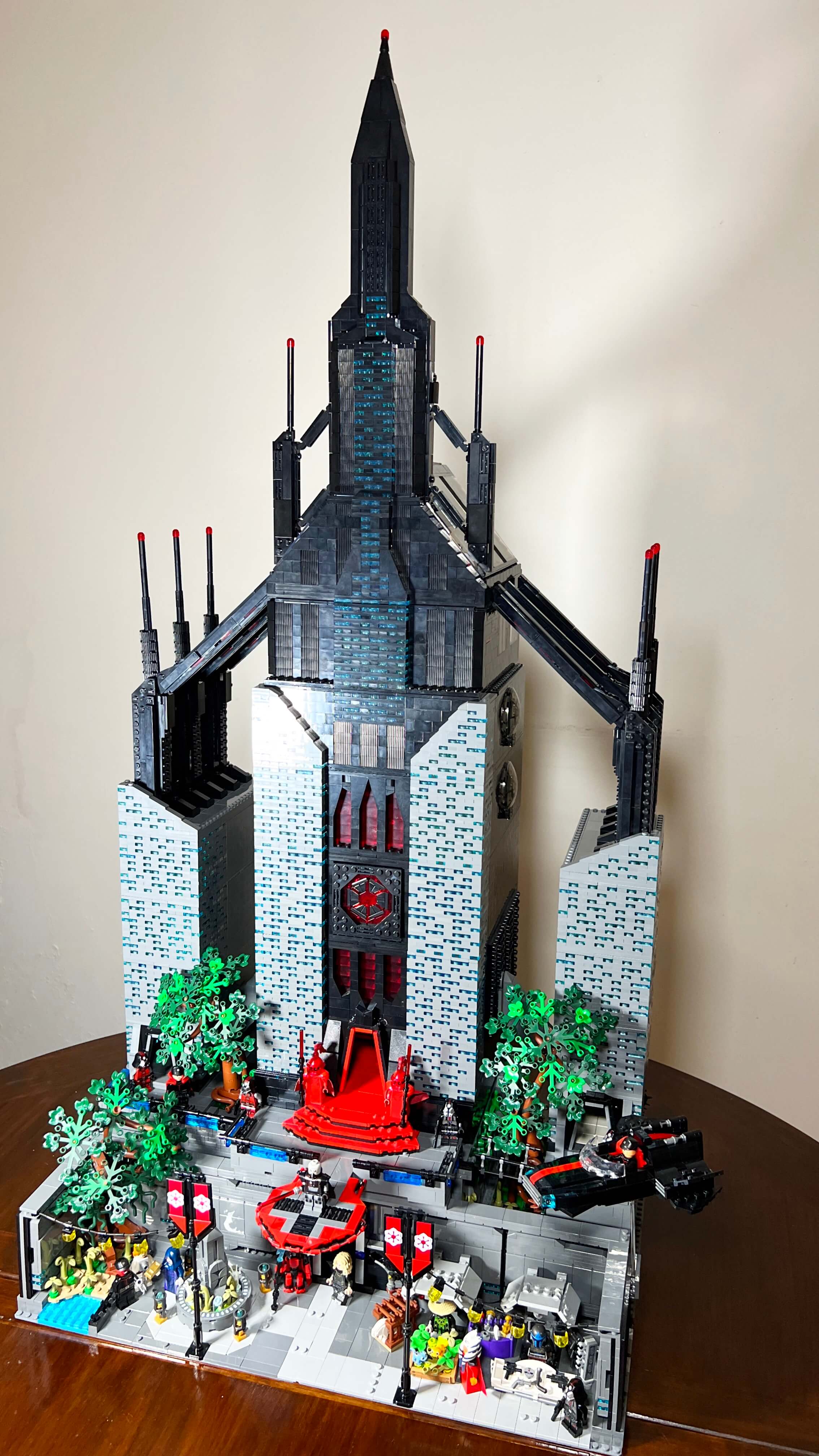
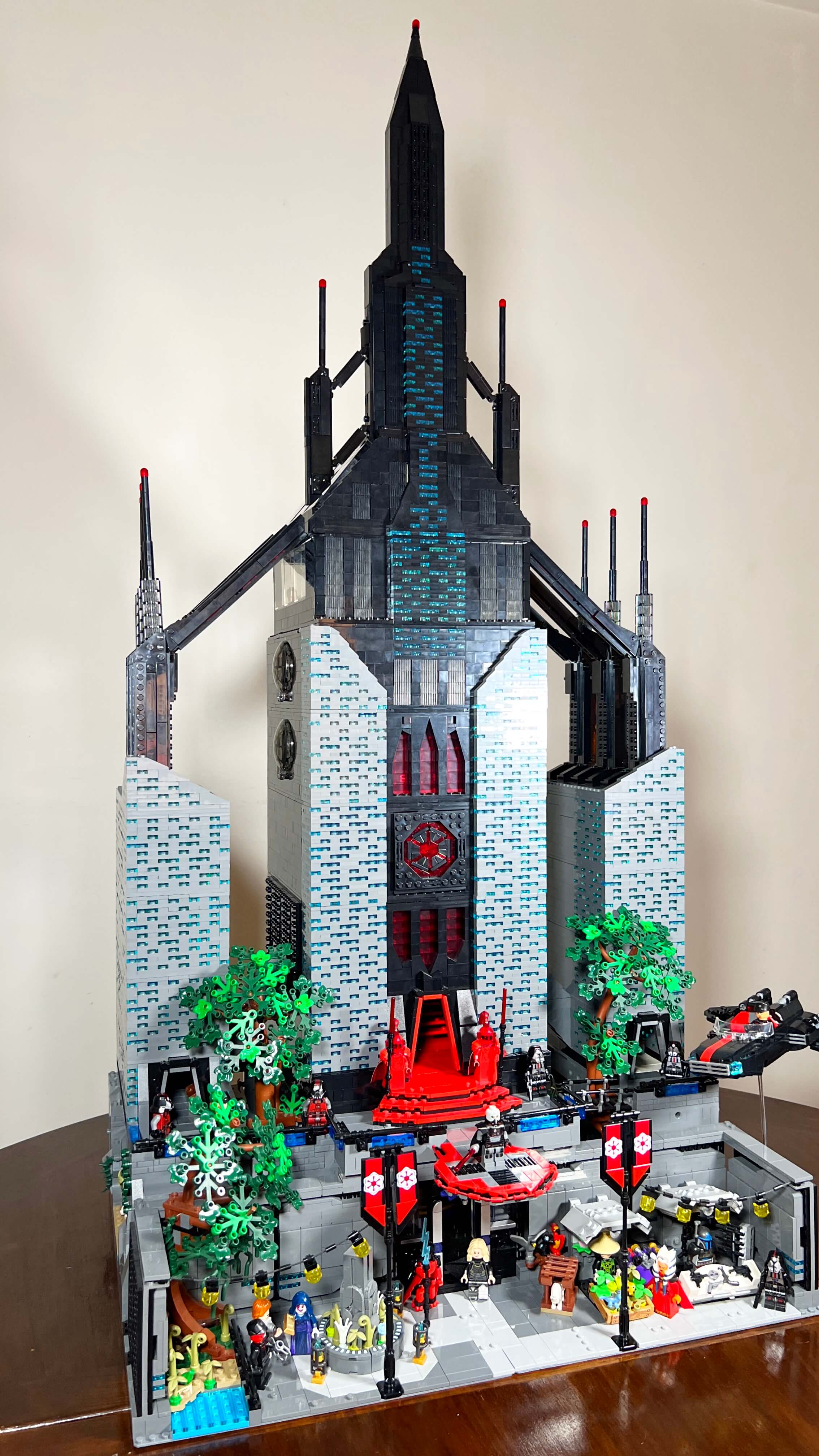
In SWTOR, each planet has its own visual identity, and Dromund Kaas is no exception. The planet’s sky is permanently covered with dark storm clouds, which dim the atmosphere with a bluish glow contrasting with the gray metallic look of the buildings.
I did my best to respect the atmosphere of Dromund Kaas and the architecture of the Citadel. The main elements are present in the MOC: the central tower with its spire, the secondary buildings, the arches, and the facade with its many illuminated windows.
Since the building occupies most of the MOC’s visual field, it was necessary to carefully choose the facade colors to reproduce the atmosphere with the bricks, without the need for colored external lighting. Although the Citadel seems to be made of two shades of dark gray in the game, I did not want to use LEGO light gray and dark gray: the building would have been too bright. I preferred to use dark gray for the side sections and black for the central section, colors that are better suited to recreating the dark atmosphere of the place, and I kept light gray for certain details, such as the street layout on the ground, as this appears much lighter in the game. The choice of black gives the building a more threatening appearance, especially in contrast with the transparent red, a combination used on Darth Vader’s Castle, which is one of my inspirations.
For the small illuminated windows scattered across the facade, I used transparent light blue, which is fairly close to their appearance in the game. The effect is quite successful: these pieces contribute to the MOC’s nighttime atmosphere.
I am quite satisfied with the result, both with the colors of the whole build, which reproduce the atmosphere rather well, and with the characteristic elements that make the location recognizable.
A city in the jungle
Although the Citadel is a modern, urban building placed at the center of a large city, I did not forget that most of the planet is covered with jungle, and it was unthinkable not to include this aspect in the MOC. So I took the liberty of placing trees in the street and between the Citadel buildings so that the vegetation would be clearly visible in the MOC (there are none in that exact location in the game). Beyond evoking the jungle, the presence of these trees reinforces the impression of the building’s scale by contrast: even though the trees are a good size compared to the minifigures, they seem ridiculously small next to the tower, which looks enormous beside them.
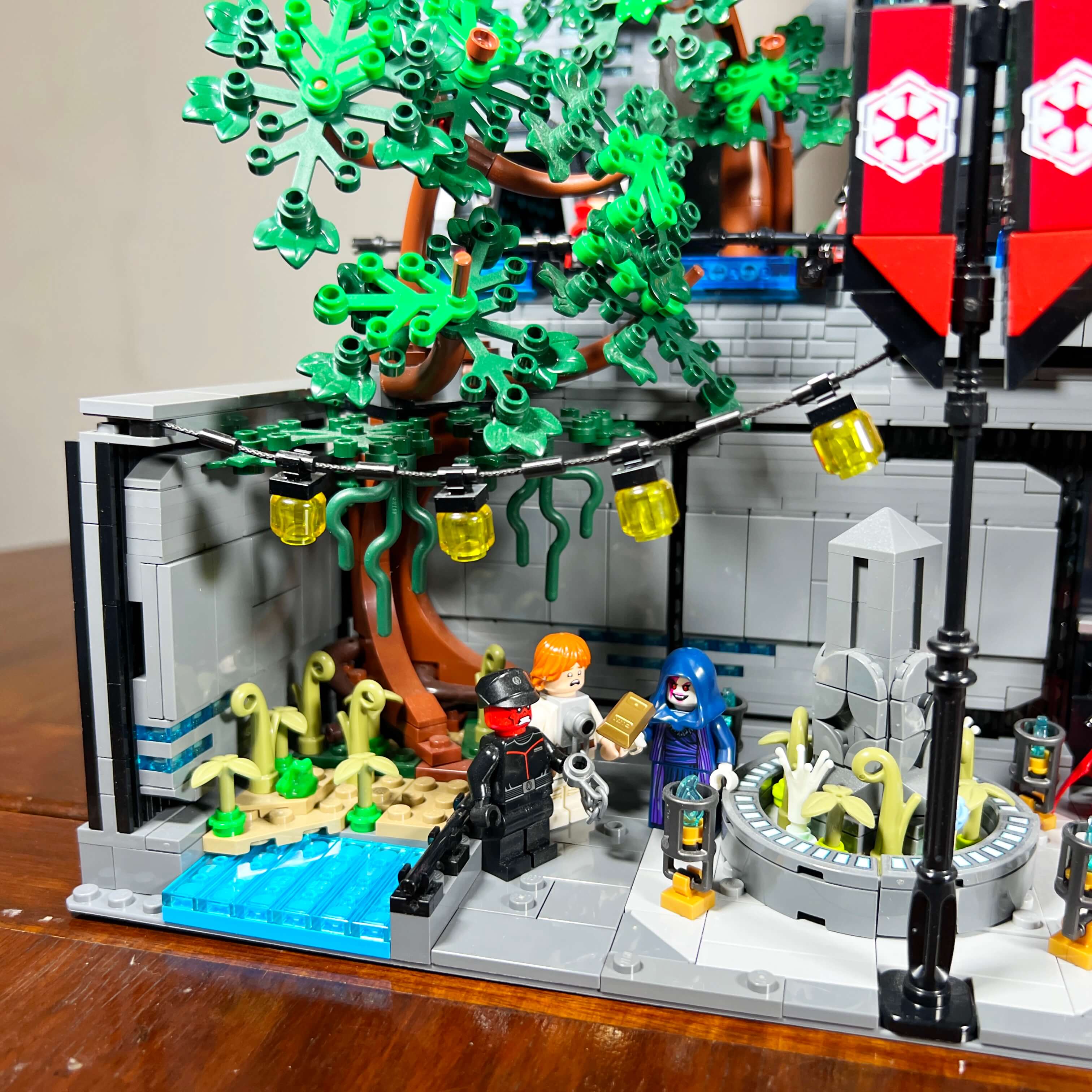
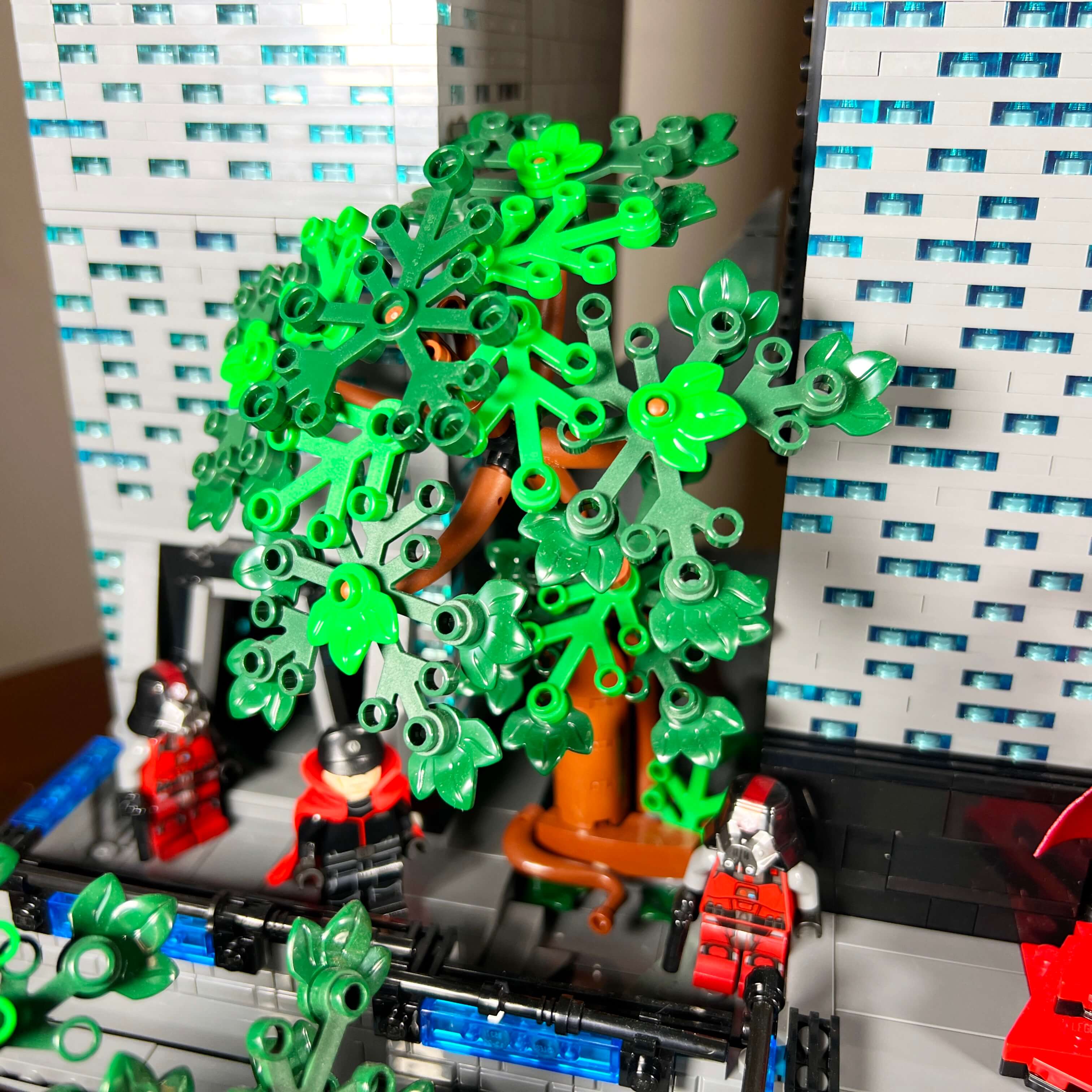
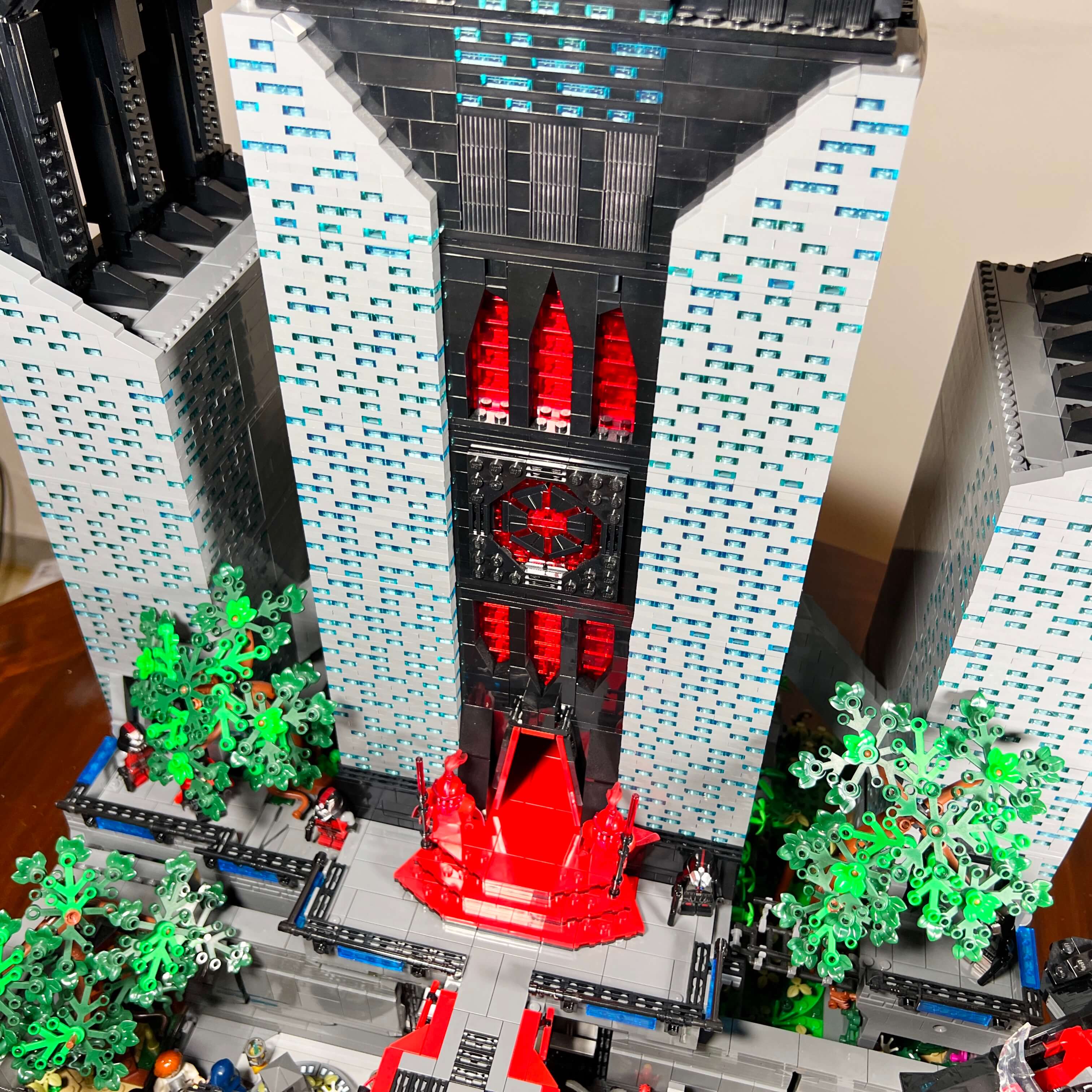
The overall look of the MOC matches what I wanted to achieve: the Citadel is clearly recognizable and rises high above the jungle.
The street of Dromund Kaas
After these general impressions, let’s get into the details of the locations in the set with the first section: the street of Dromund Kaas.
I wanted to add this section to the MOC as soon as I decided to build the Citadel, and not just the throne room, because the city of Kaas City is full of characteristic elements whose presence strengthens the MOC’s credibility while adding extra details and locations. I built the elements that make it up from the very first version of the MOC, and I reused them unchanged in the final version. The street is actually the first part of the final version that I completed.
Placed at the front of the MOC, the street occupies the two 16x32 plates, and the two modules that make it up are detachable from the base of the main section that supports the Citadel. The back and sides are closed by walls that take up three studs, leaving a 13x58 stud space on the ground to furnish the street.
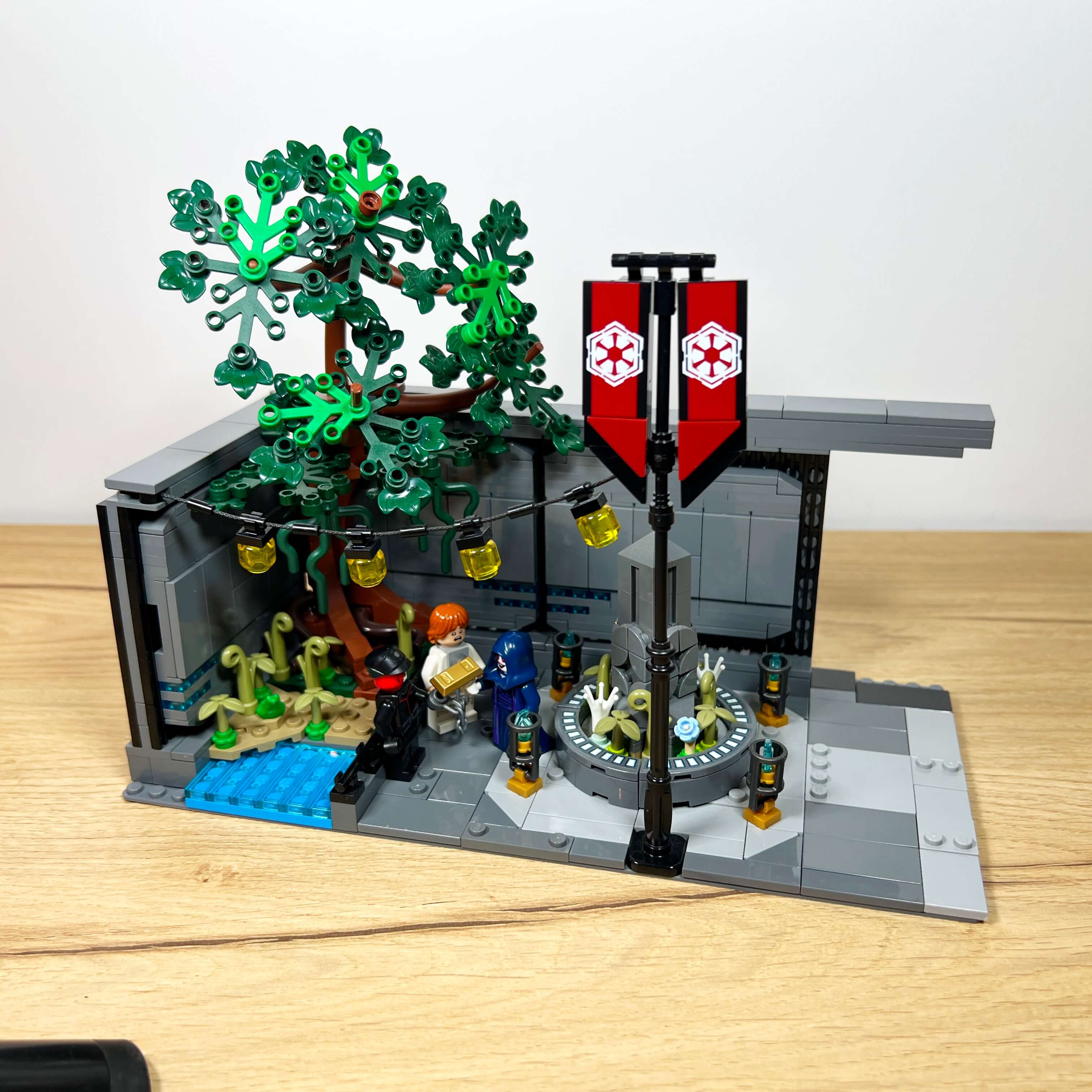
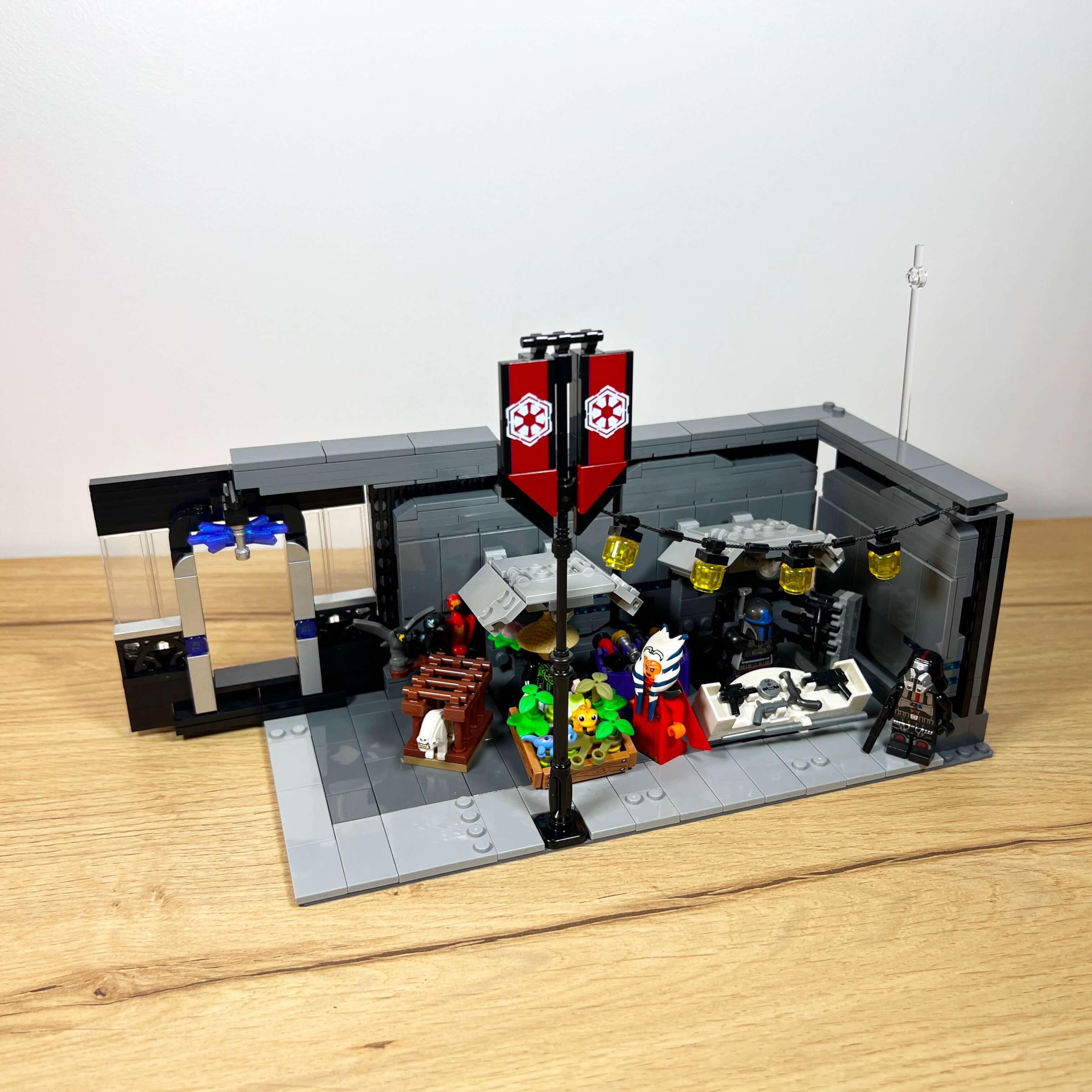
I am quite proud of the walls: I managed to recreate the characteristic shape of the city’s gray walls, with their asymmetric rectangular panels. They are made from an assembly of plates with sloped corner pieces, built in SNOT on a central section, and the whole thing is attached to vertical plates covered with grille tiles, which makes it possible to reproduce both the shape of the panels, the spacing between them, and the background texture. I even managed to integrate the blue light strips.
As for the layout, I used the left side of the street to represent a kind of public square, with a tree and a monument. This tree is built differently from the other two (it dates from the first version of the MOC, made with the parts I had on hand), but it is quite interesting with its large roots spread at 45°, which make good use of the corner space between the two walls. The area at its base allows for an extra natural touch with vegetation and water.
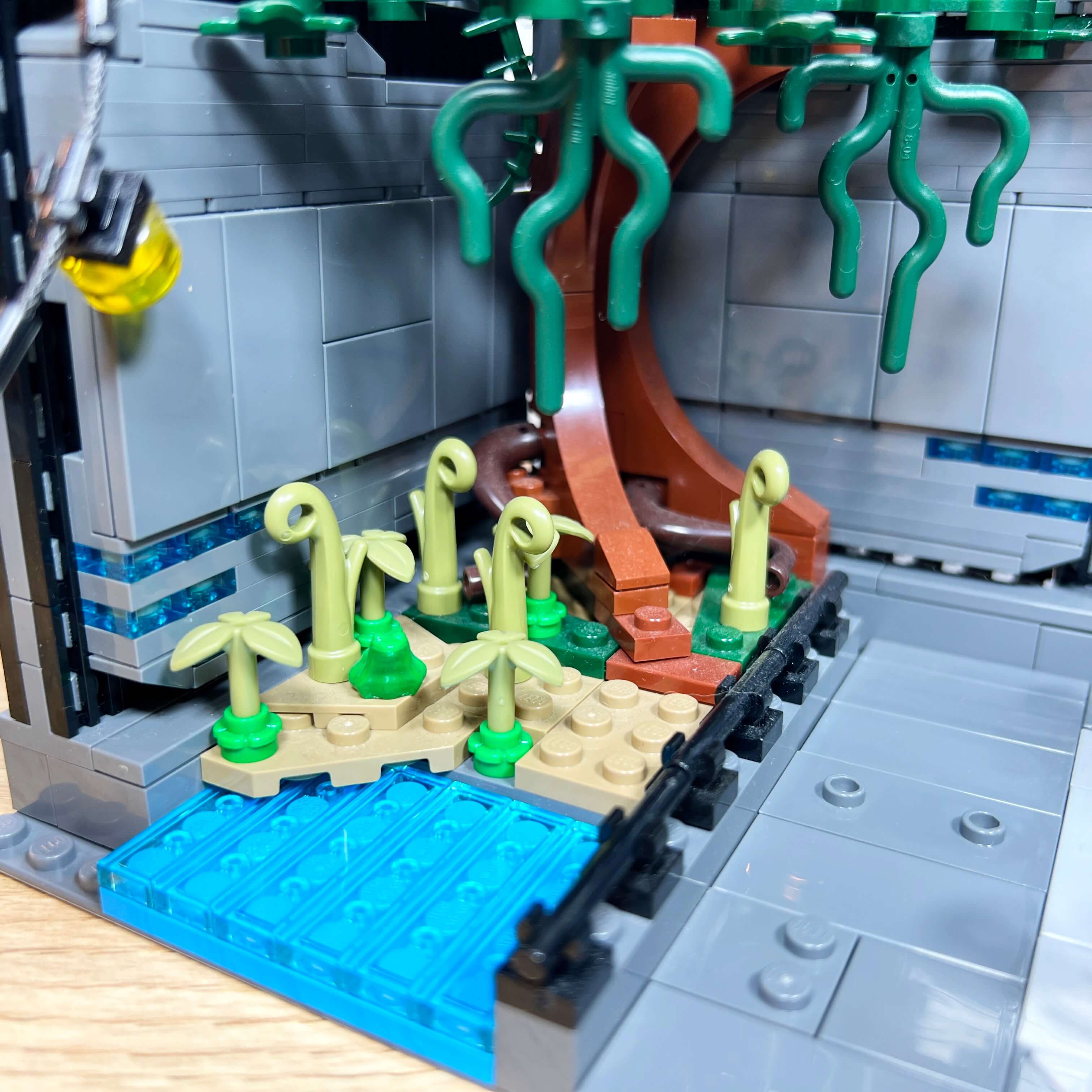
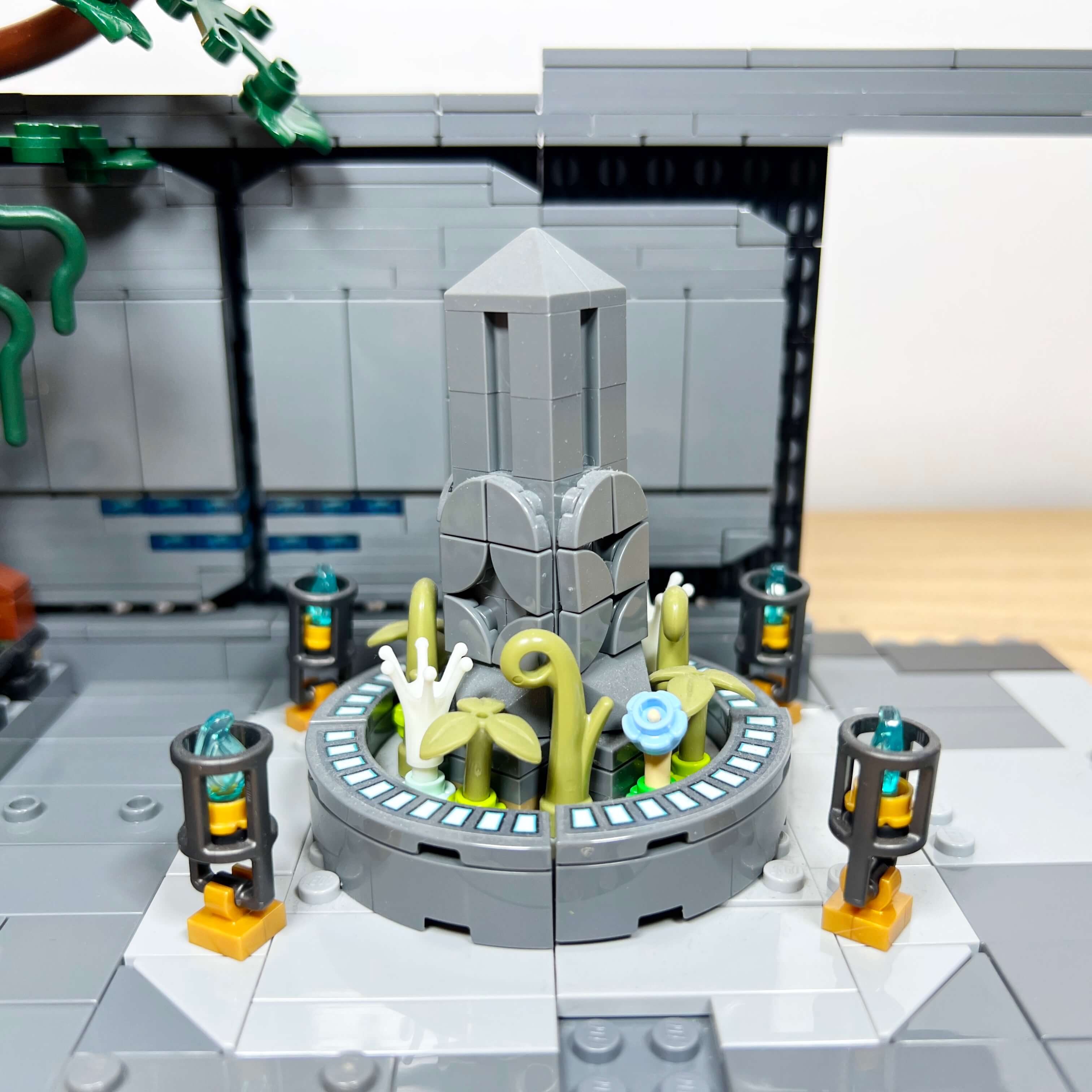
To its right is an area with an obelisk, directly inspired by a monument visible west of Kaas City. Although mine is smaller, I tried to make it more realistic thanks to the quarter-circle tiles on the sides, which make it possible to create patterns, as well as the vegetation at its base. I also added blue torches around it, and its base uses the sticker pieces from the Mandalorian Forge set.
The right side of the street is more lively: it represents a market, like the one to the east of the city in the game, with its kiosks featuring
their characteristic sloped roofs, visible in several places throughout the game. The space I had available only allowed me to place two
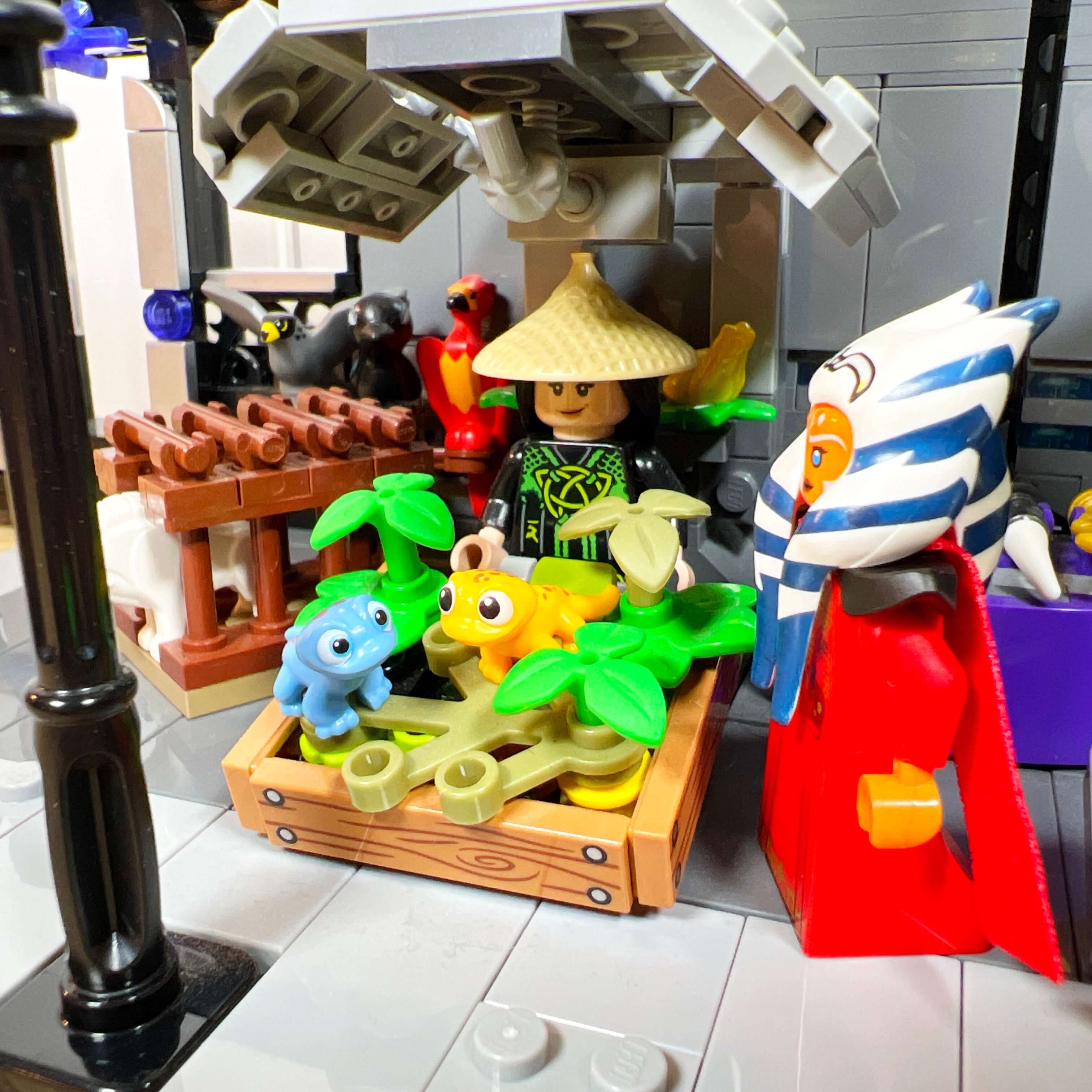
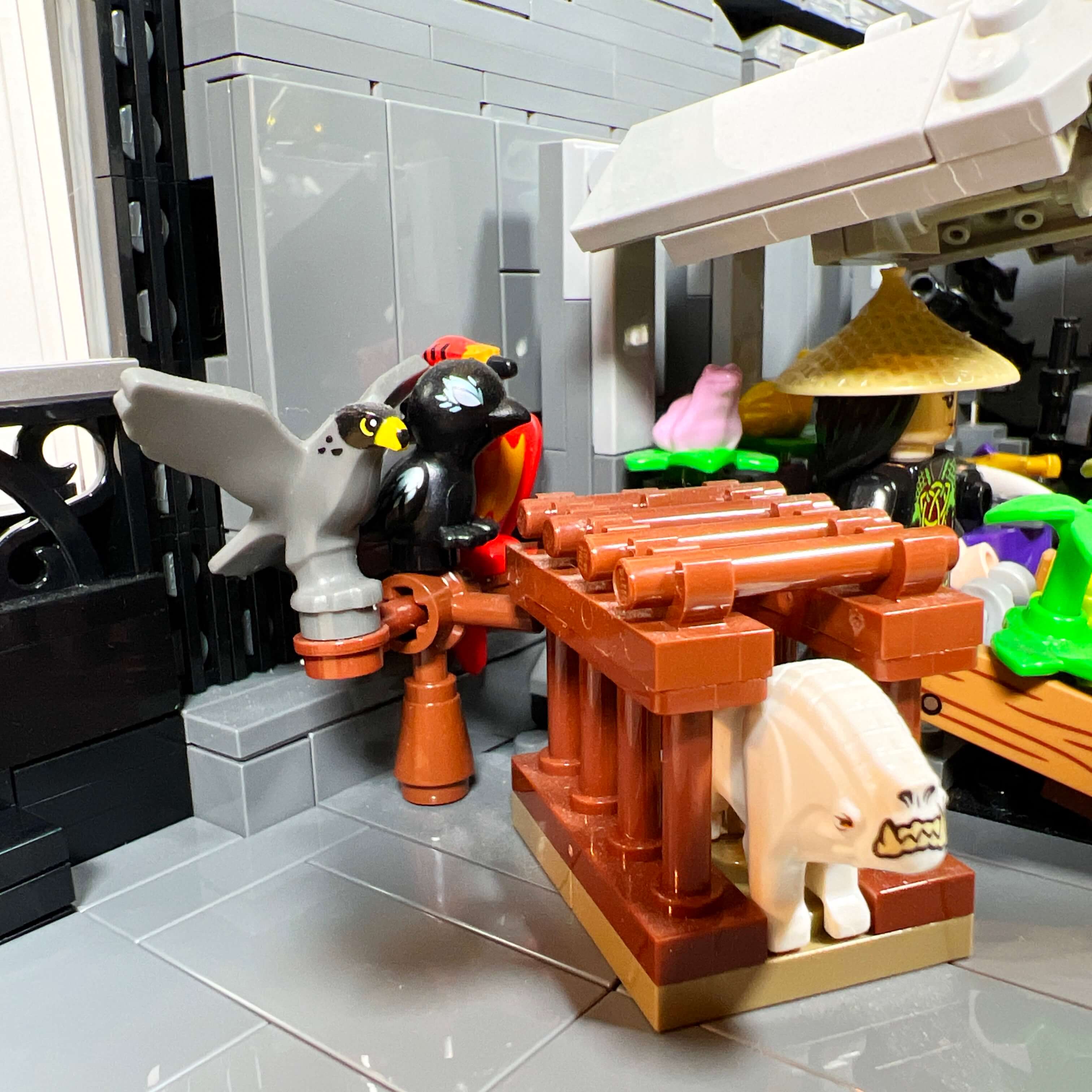
kiosks, so I chose their themes to pay tribute to several elements of the game. The first kiosk is the animal vendor’s, in reference to the pets
that can be bought and collected in the game. I would have liked to use only
animals from Star Wars, but there are very few of them in LEGO, especially small ones. The only one I was able to get is the
Corellian hound, available in one of the Solo sets. I would have liked to add a Kowakian monkey-lizard, but the only existing LEGO version is Salacious B. Crumb (set 9516 Jabba’s Palace from 2012),
which is rare and expensive. So I turned to other animals from other LEGO themes: Fawkes (Harry Potter), a bird from LEGO
Elves, a falcon from a medieval CMF minifigure on a perch, the yellow gecko from Friends sets, and the blue salamander Bruni from the
Disney Frozen sets in a crate, along with two frogs in the background. Even though these animals are not from Star Wars,
the intended effect is there with a varied selection of animals.
Update: having bought Jabba’s Sail Barge UCS, I now have the new version of Salacious.
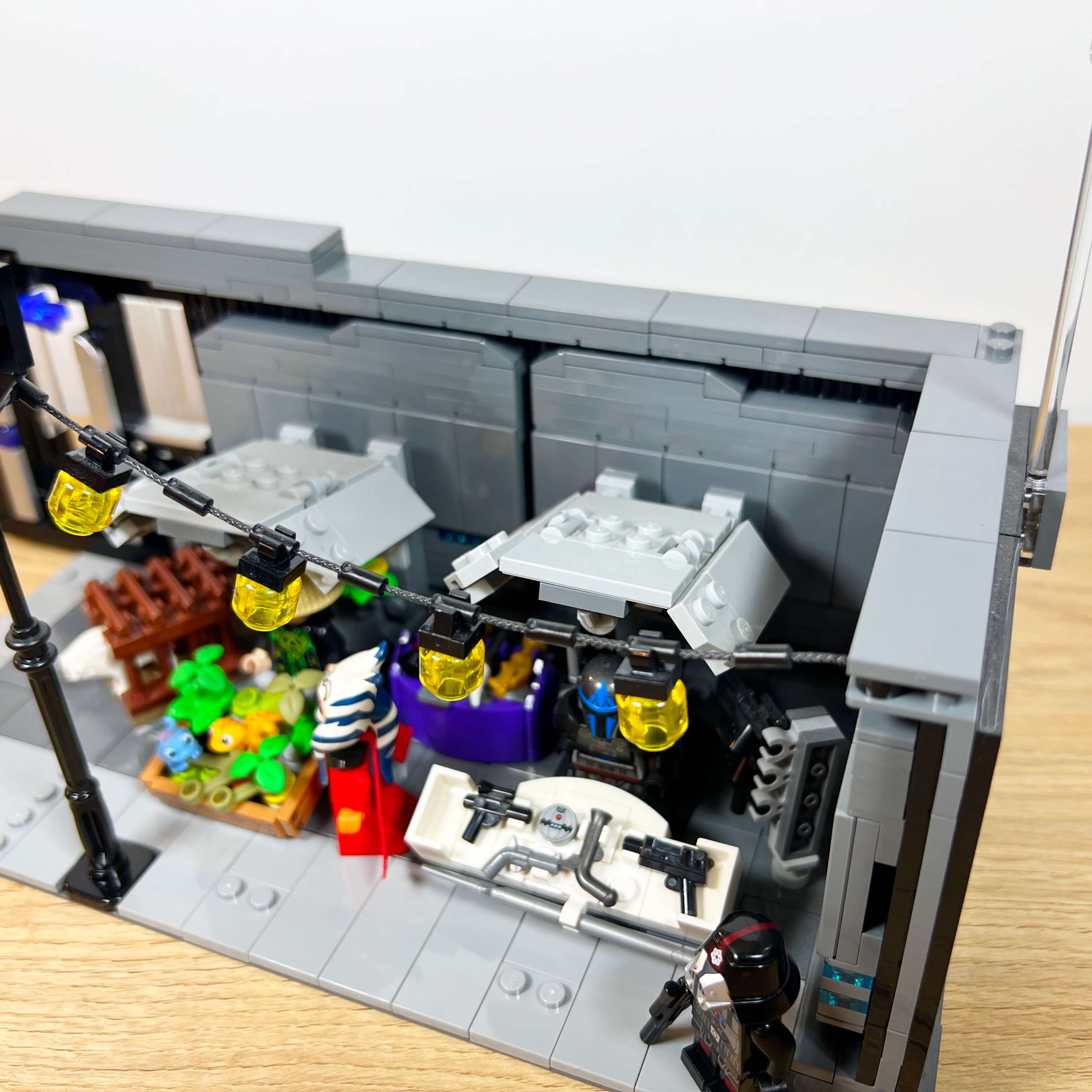
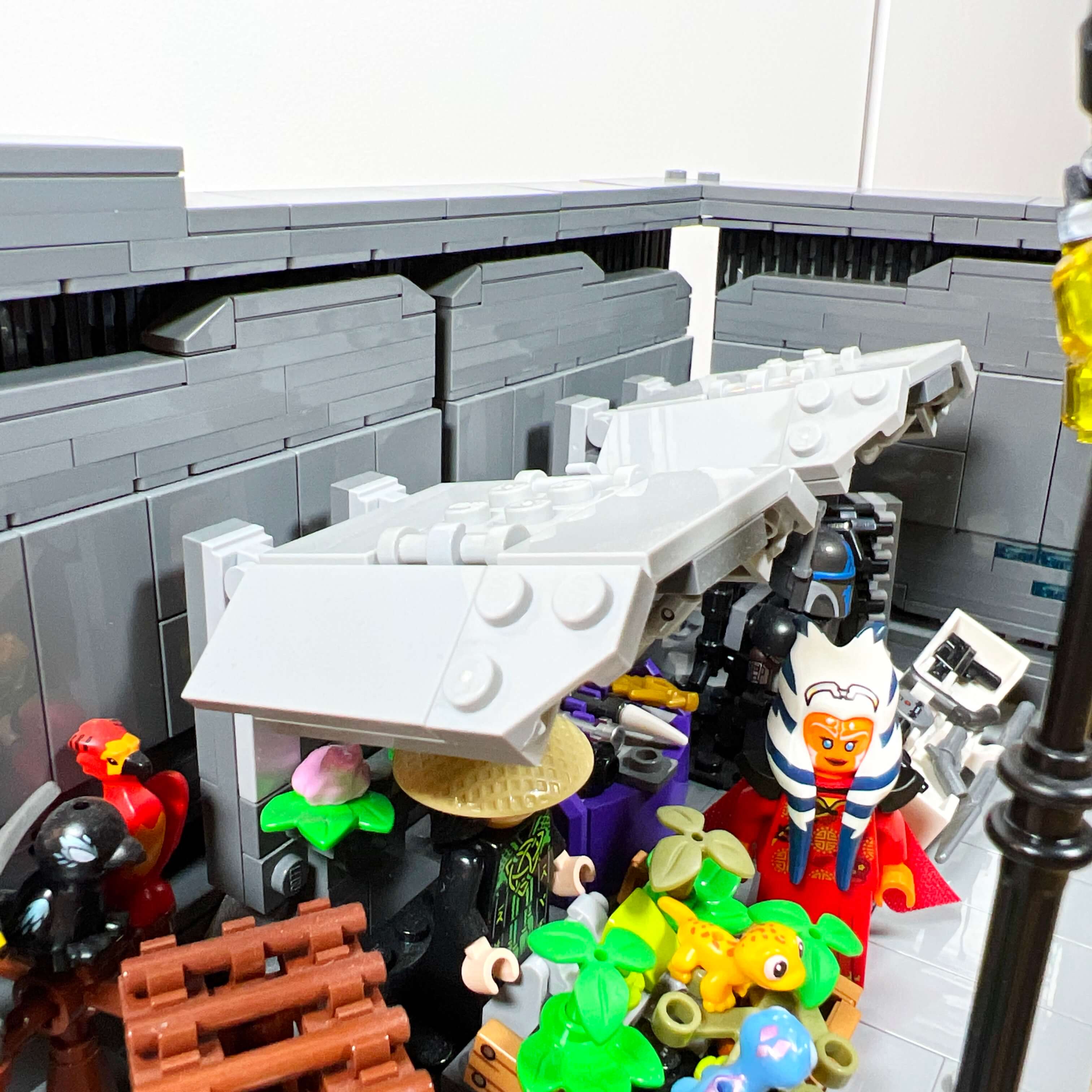
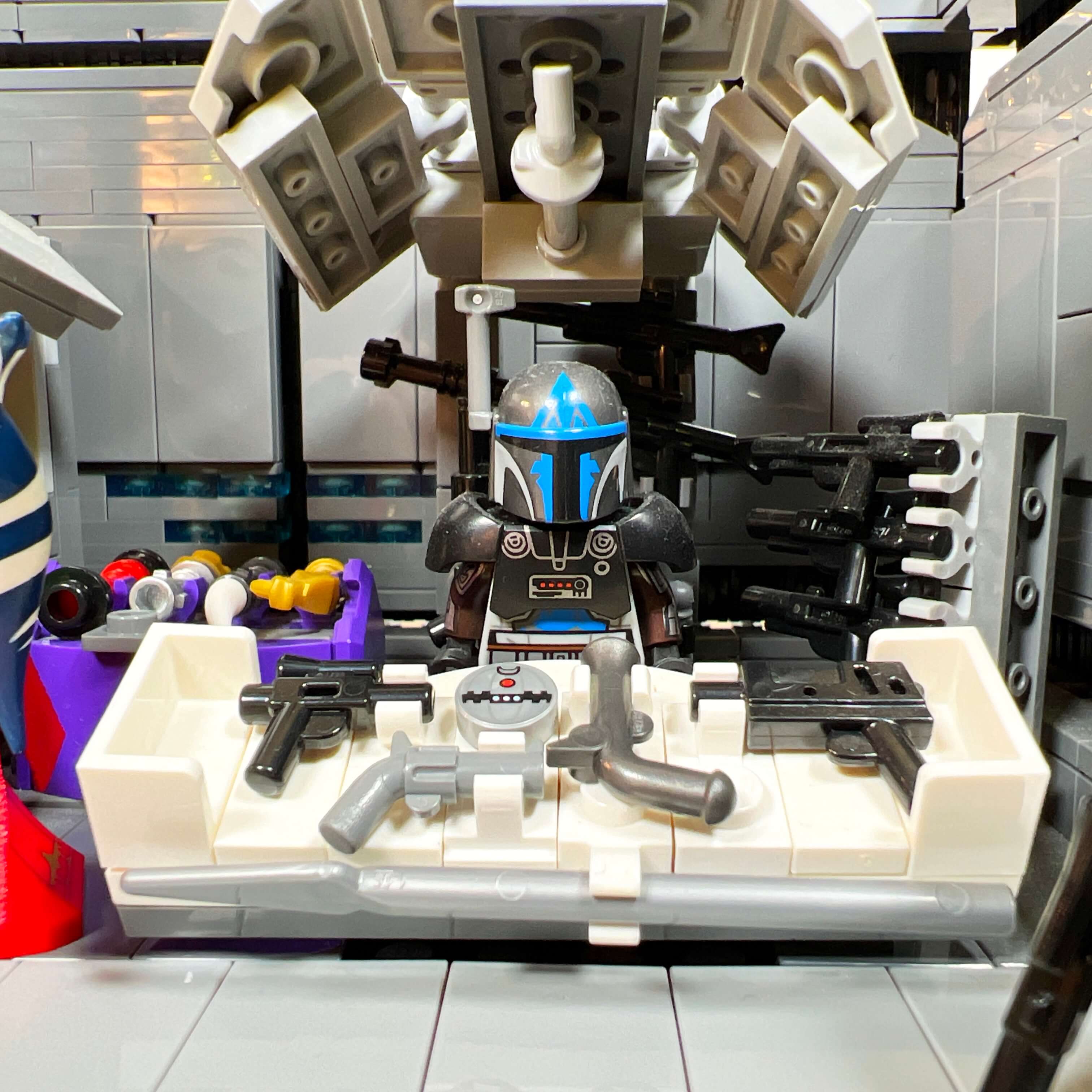
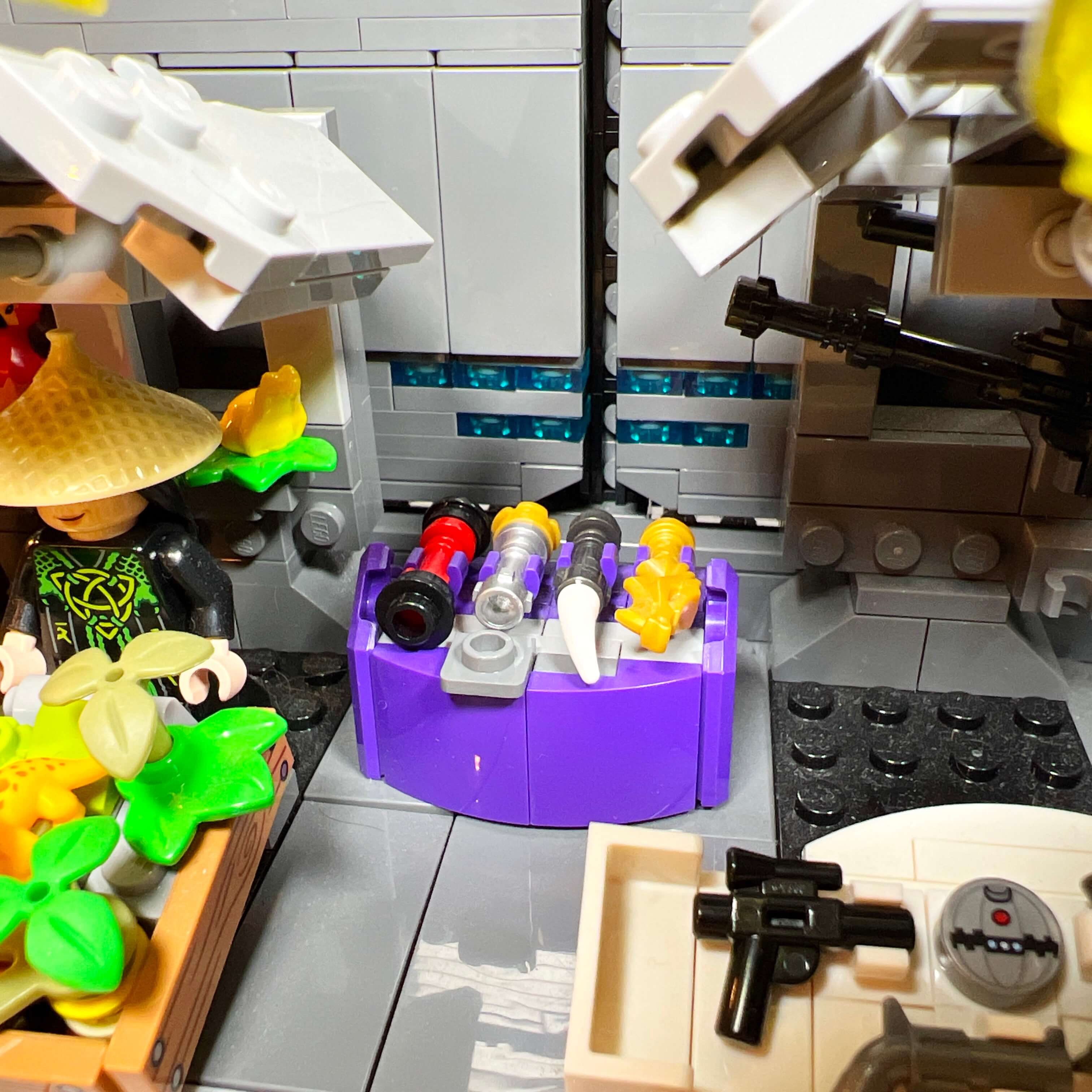
The second kiosk is the weapons vendor’s, in reference to the Cartel Market and all the outfits and weapons it offers to customize your character in the game. It would have been complicated to add a selection of outfits in the Star Wars spirit given the available space, so I limited myself to weapons. The kiosk features two sniper rifles at the back, a rack with three blasters, and a display stand with four types of pistols, a spear, and a thermal detonator. Both kiosks have their own vendors, whom we will talk about in the paragraph dedicated to the minifigures.
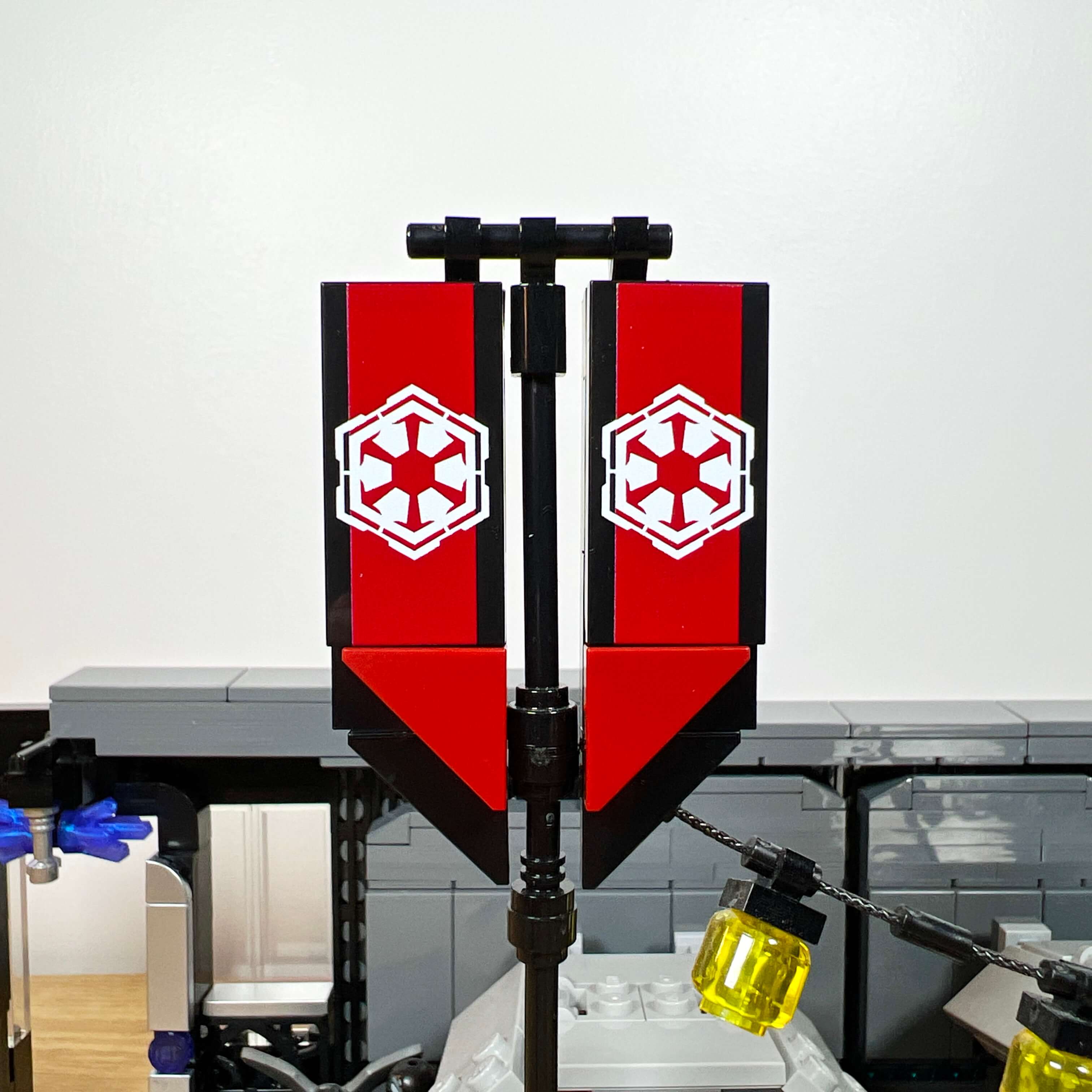
To bring a bit of color to the street, I added two poles with banners. While there are some in the game, they are different in the MOC, because I preferred to use the pieces pad-printed by Firestar Toys with the Sith Empire emblem. Since LEGO has never produced pieces or stickers with this design, I was lucky that Firestar Toys released some just before I finished the MOC. These are official LEGO pieces (like all the pieces in the MOC) with custom printing. I used these 2x4 tiles in pairs, combined with triangular pieces, to make banners whose shape recalls those seen in the game. I also took advantage of the poles to add two strings of lanterns, to make the street less austere (and to make good use of all those transparent yellow minifigure heads I picked up from the brick wall at the LEGO Store…).
Finally, the last element of the street is the cantina facade, which extends the street wall and leads us to the next location.
The Cantina, a luxurious establishment
With the iconic Mos Eisley Cantina from the very first Star Wars film, bars have become characteristic places of the Star Wars universe, and it would have been a shame not to add one to the MOC. So it was the first element I built when I started the final version.
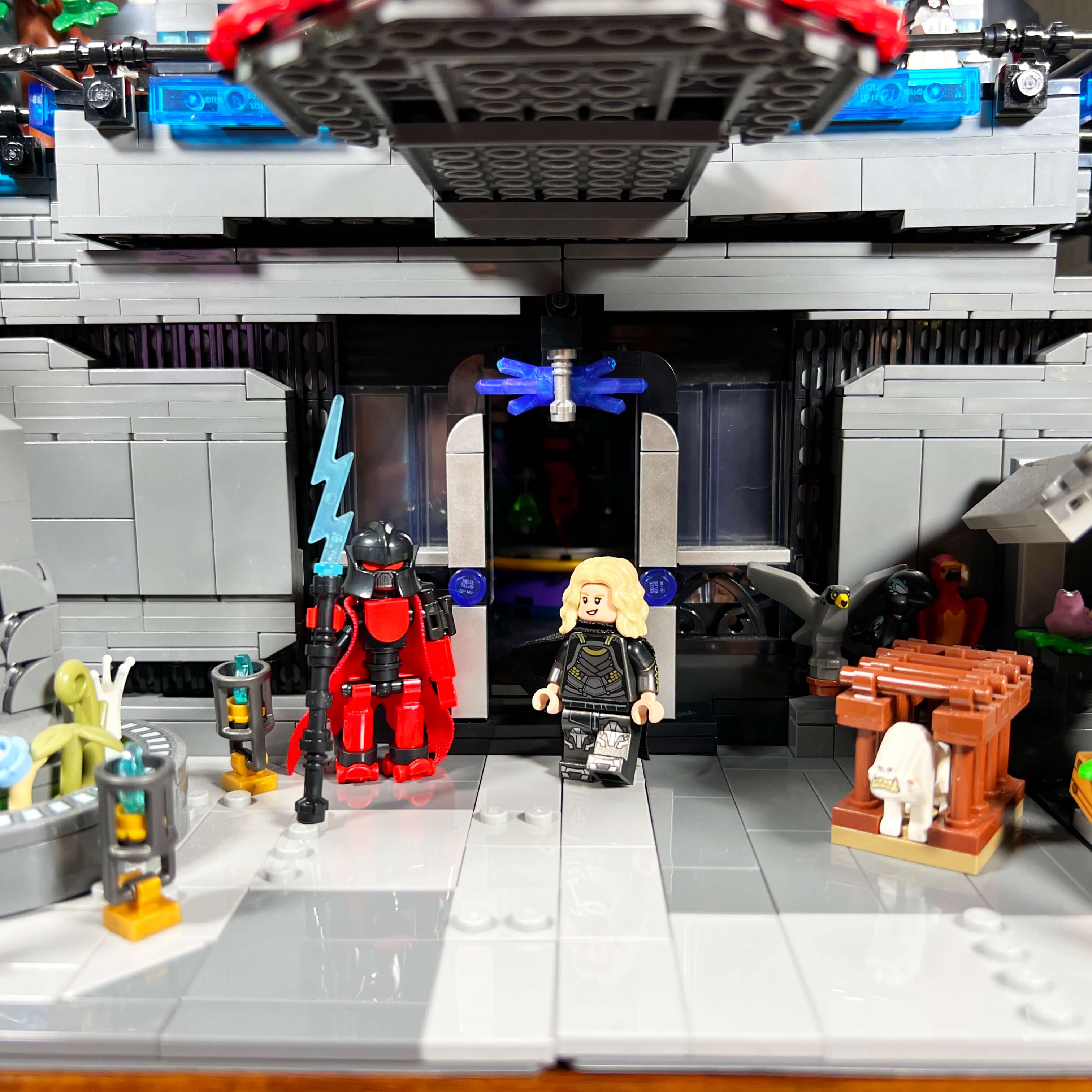
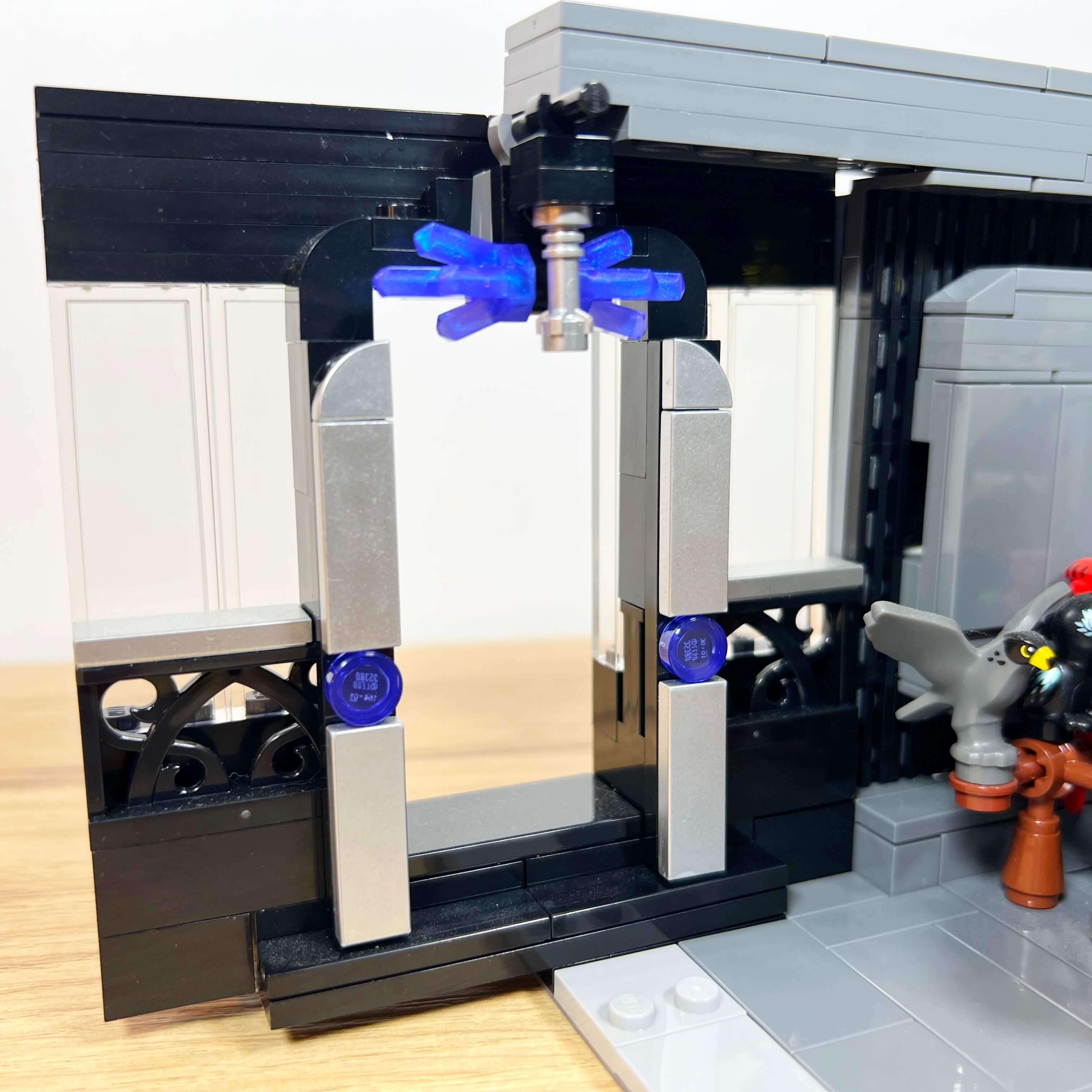
Since the MOC represents the Citadel of Dromund Kaas, the heart of the Sith Empire’s power, it made sense that the cantina located just below it would be a luxurious establishment. I therefore used the pieces I had available, along with a few specific orders, to achieve a refined, high-end look. The cantina facade contains the entrance, framed by two ground-level windows, the lower part of which is covered by ornate fence pieces. I also added chrome tiles on the door frame and along the edges of the windows to reinforce the prestigious feel. I am also happy with the cantina sign: a lightsaber surrounded by two kyber crystals, made with the crystal piece in transparent bright violet with opalescence, first seen in LEGO City Space sets.
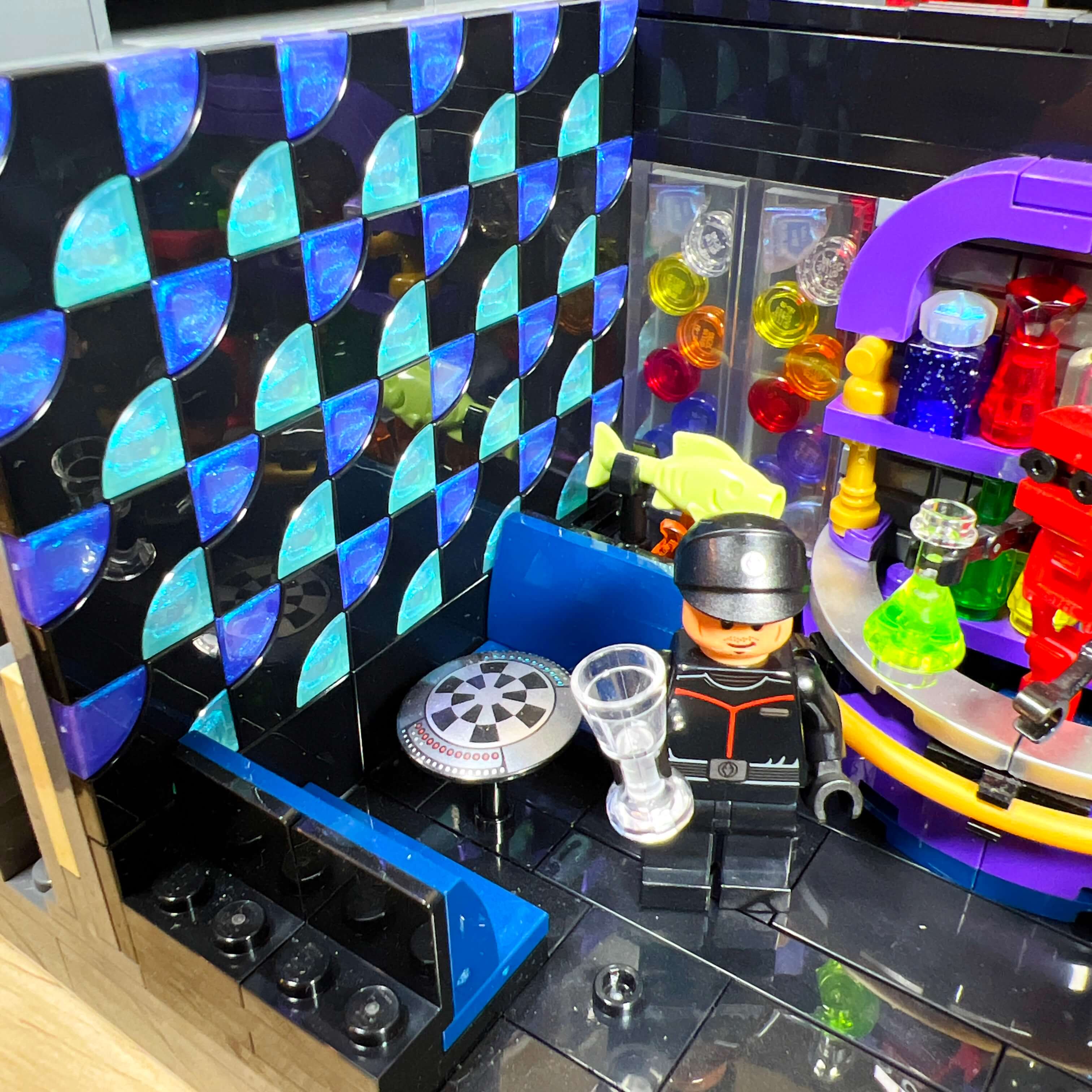
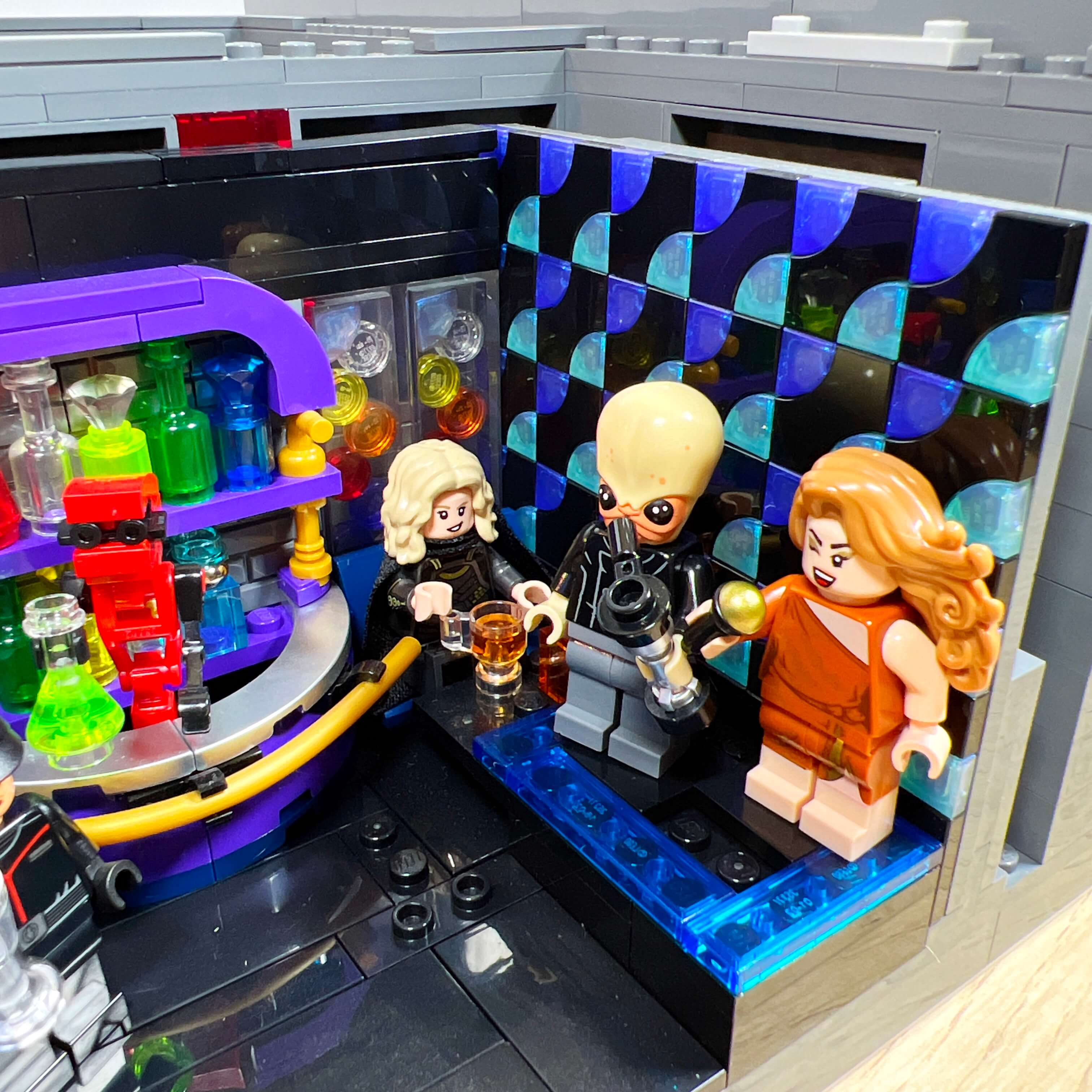
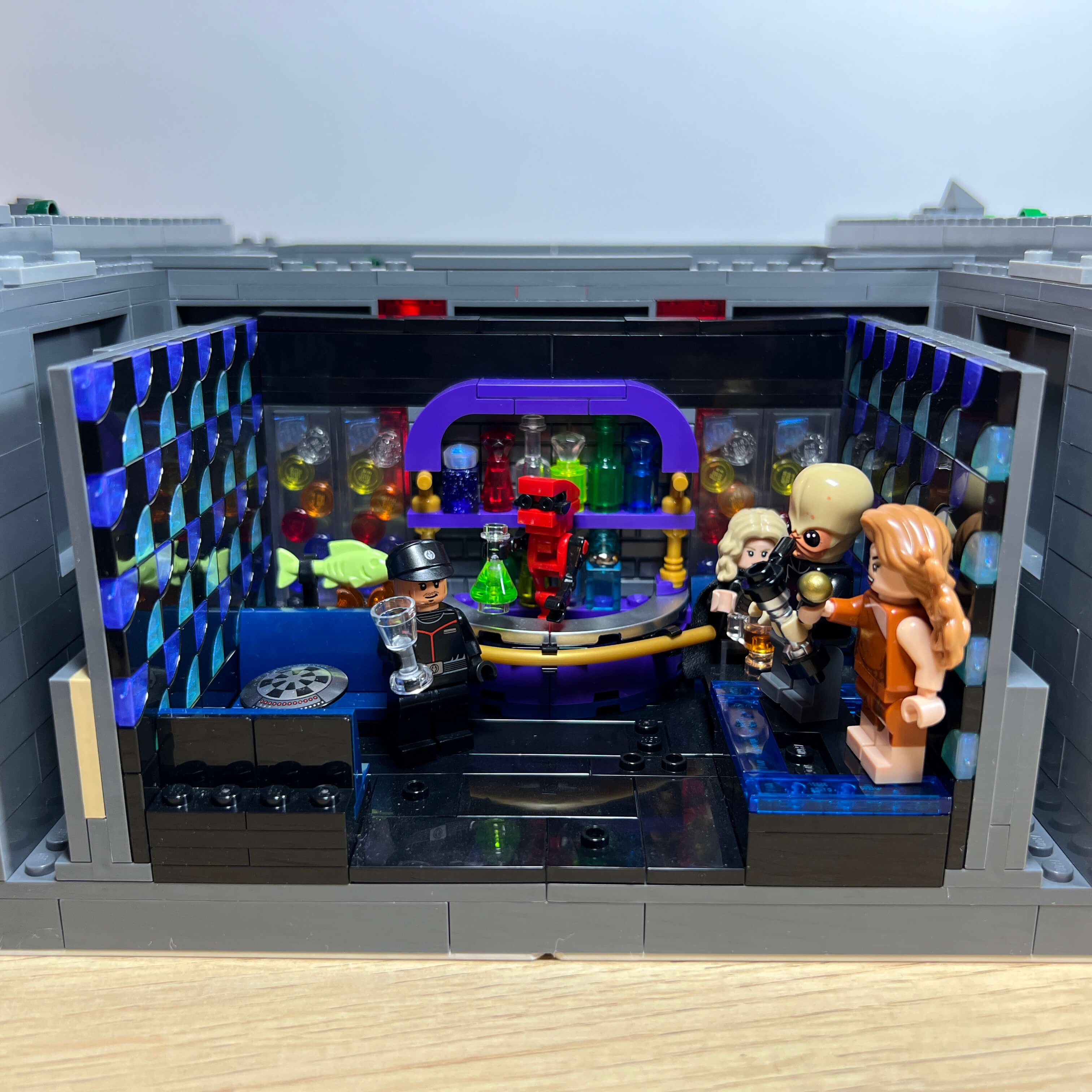
Inside, the cantina measures 16 studs wide and 11 studs deep, a size that allowed me to include a stage for the singer and musician, three armchairs, and the bar. To stay within the luxurious atmosphere, I used black pieces for the floor, dark blue for the armchairs, and for the walls, a mosaic of black, purple, and light blue tiles, with the latter two in a satin finish like the crystals on the sign. These shiny pieces give the whole build a premium touch.
The bar is no less luxurious. The rounded counter made of purple bricks is covered with chrome tiles, like the door frame, and surrounded by a golden flexible tube. The bartender is a droid created with a few pieces, and the shelves behind it contain an assortment of bottles. In addition to standard bottle pieces, I created custom builds using transparent colored cylindrical or conical pieces, with diamond pieces as stoppers. One of the bottles is made from a glittery transparent purple 1x1 brick — a piece that will appear again later in the MOC — and another uses the Lord of the Rings ring to decorate the bottle.
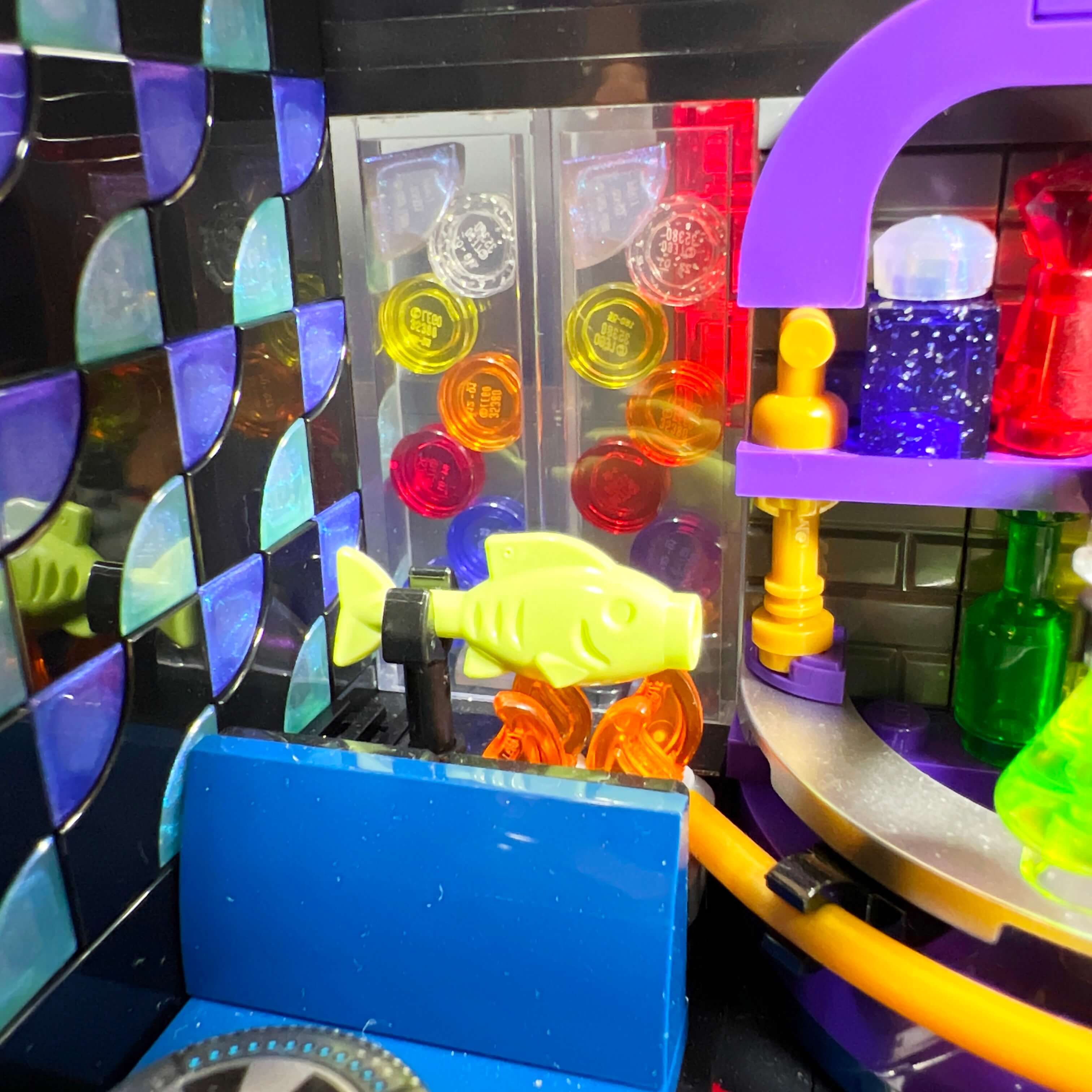
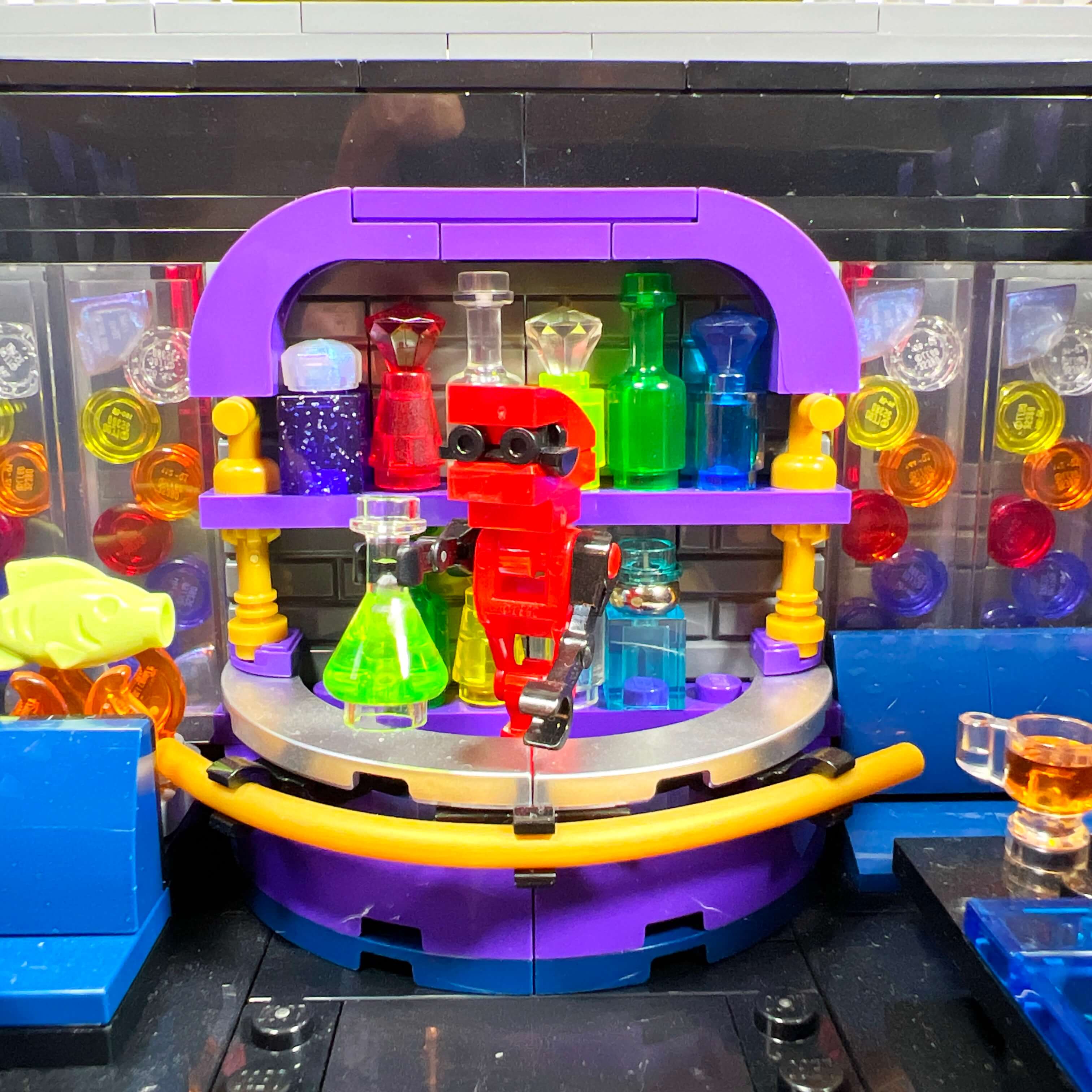
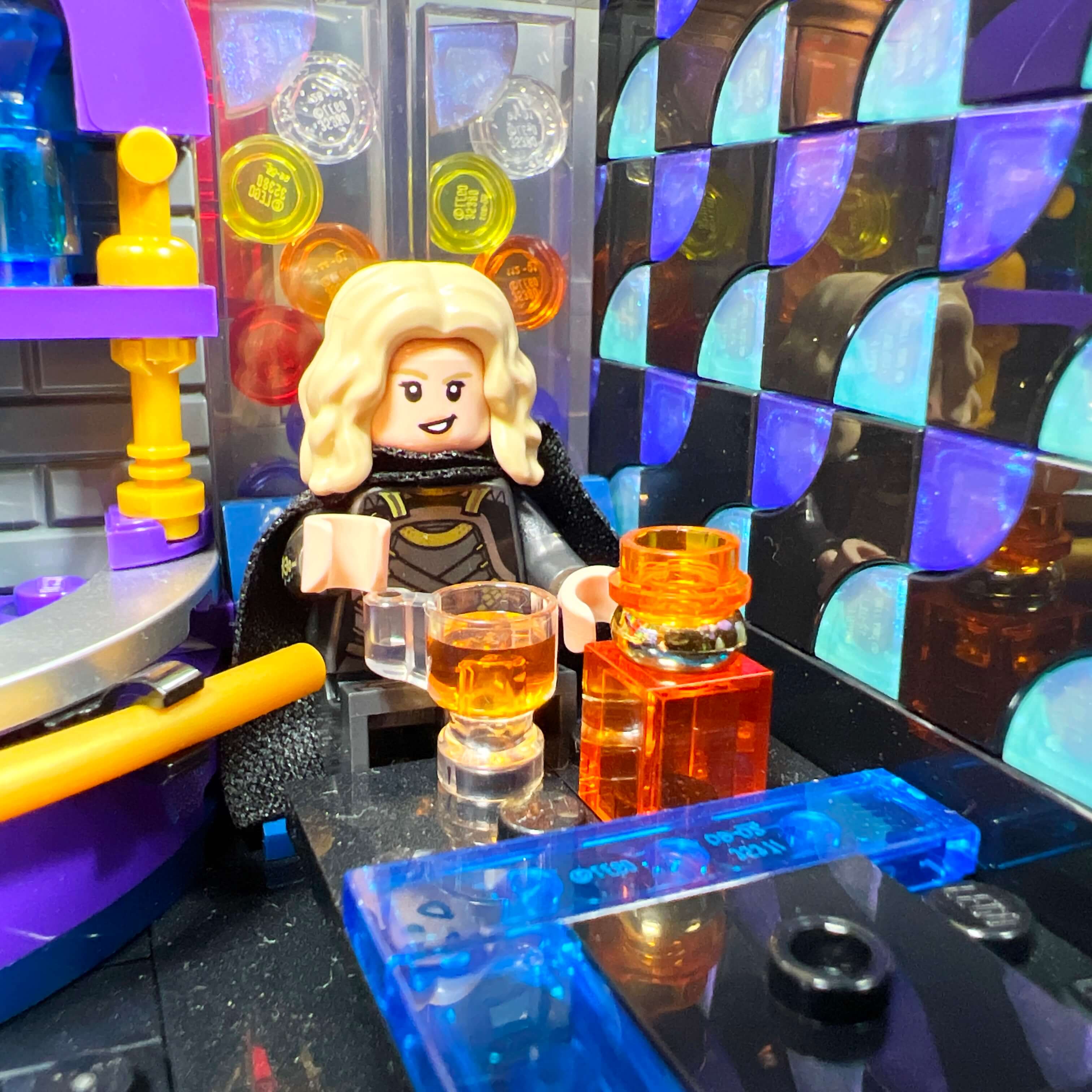
The table next to the stage is decorated with a transparent cup piece containing an orange-colored liquid, placed next to a bottle adorned with the golden ring. On the other side, two armchairs face each other around a Dejarik table (the piece from the 75257 Millennium Falcon), and a fish cooking on a stove is placed behind them. Finally, transparent 1x2x5 bricks filled with colored 1x1 tiles decorate the back wall. I am quite happy with the result: the atmosphere is there, and the level of detail is satisfying.
The jungle of Dromund Kaas
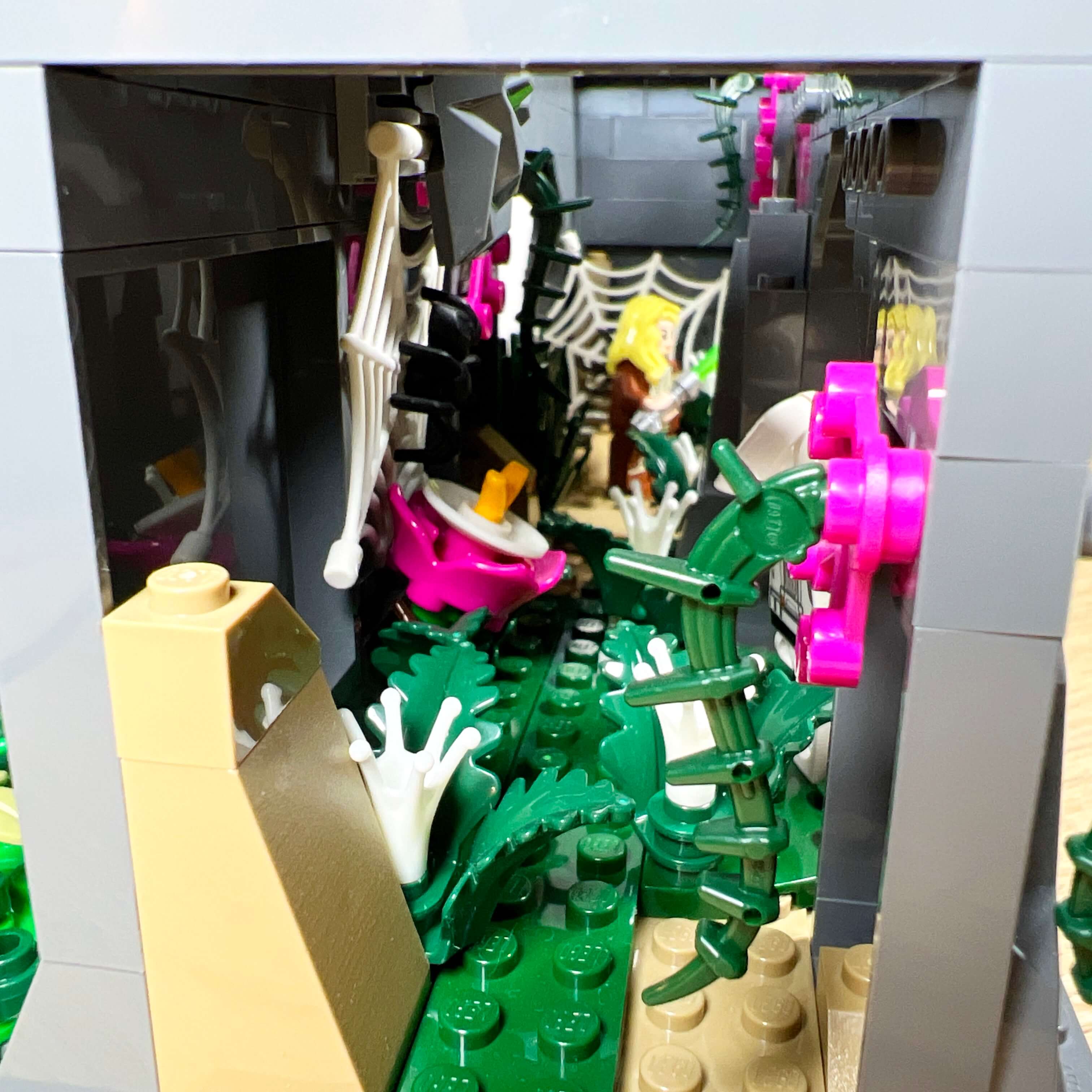
As I was saying at the beginning, I wanted to represent the jungle of Dromund Kaas. While the three trees make it visible from the front, I took advantage of the space at the back of the MOC, behind the city walls, to expand it a little. Since the three buildings of the Citadel are elevated compared to the street, I built three rocky blocks to support them, and I used the space between them and inside them to represent natural areas.
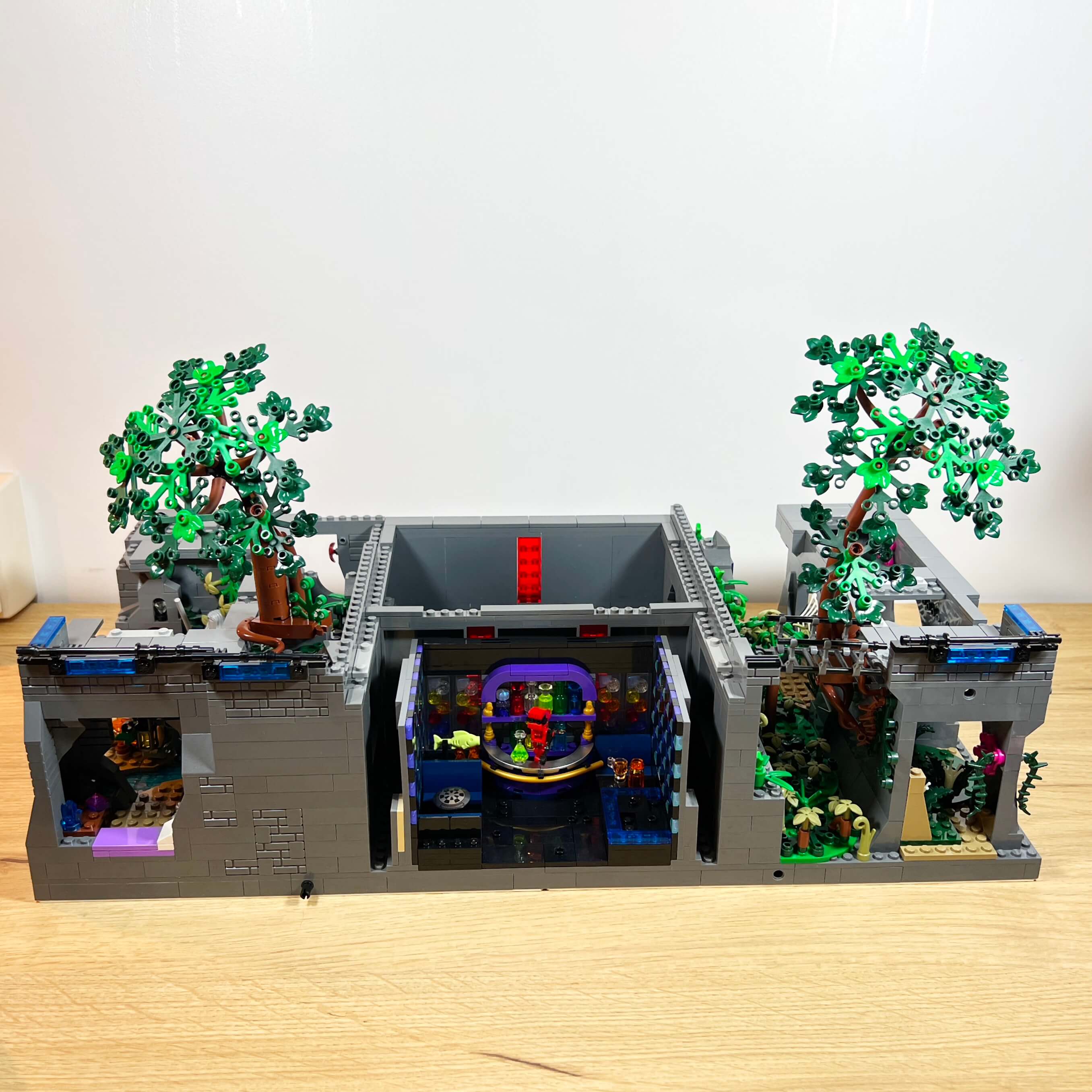
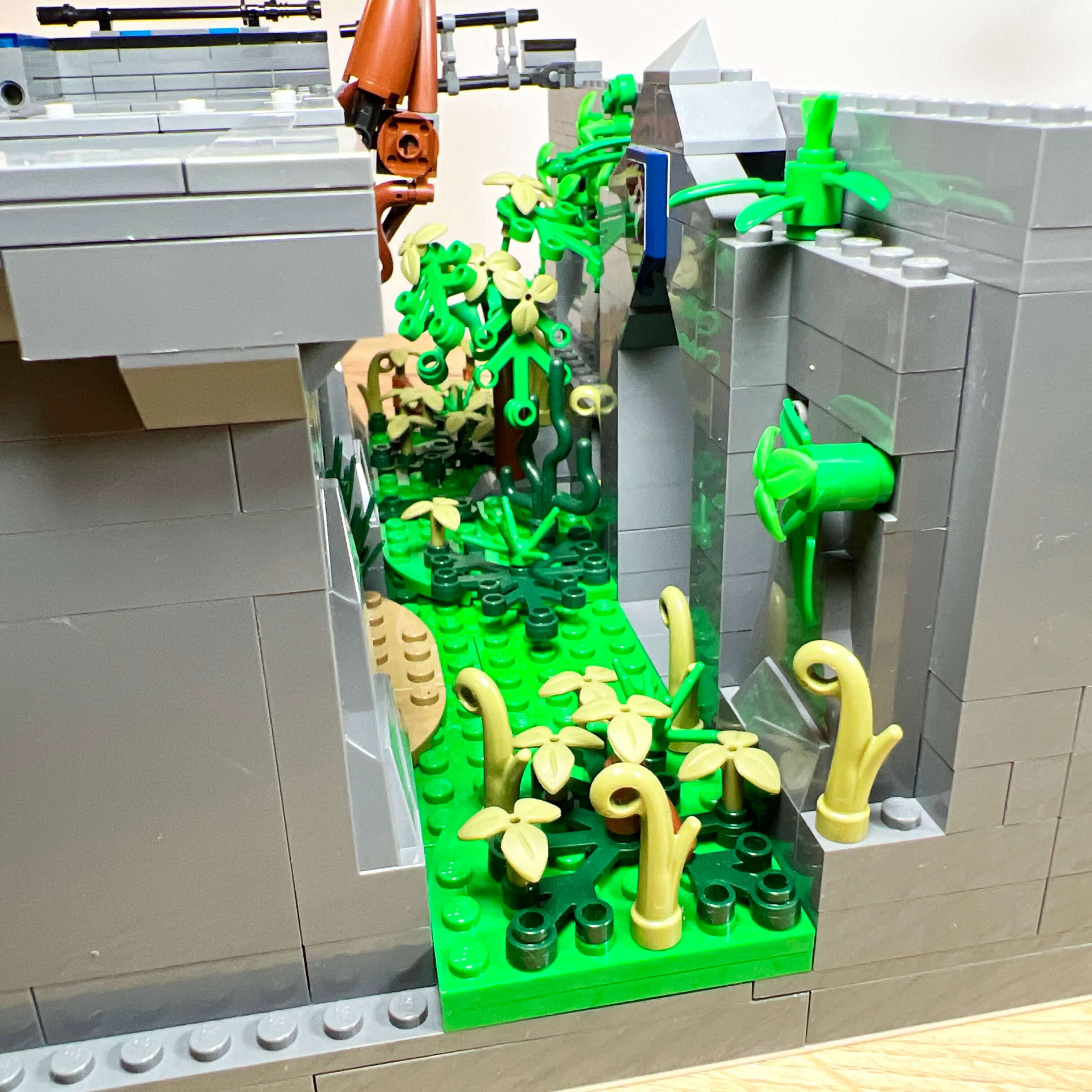
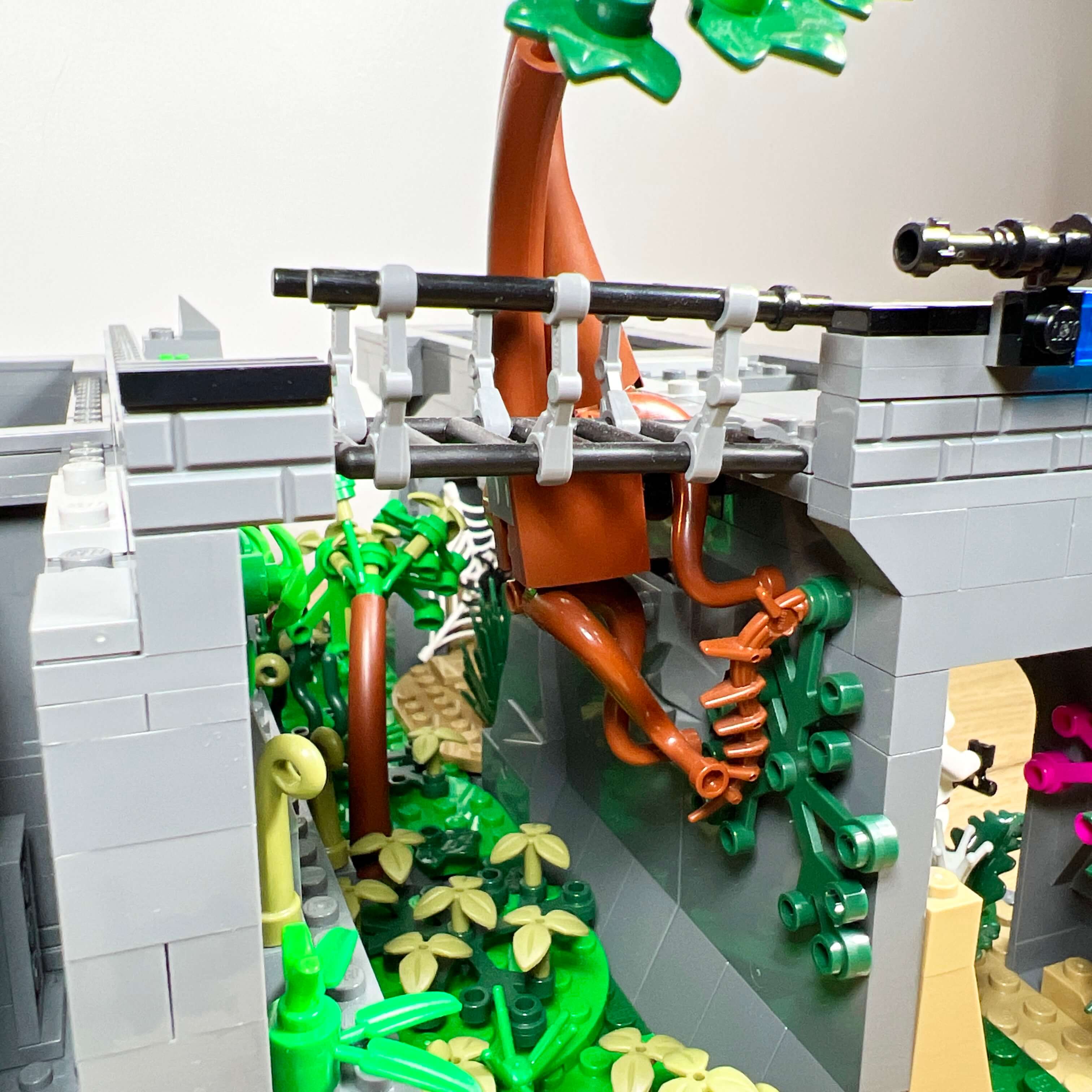
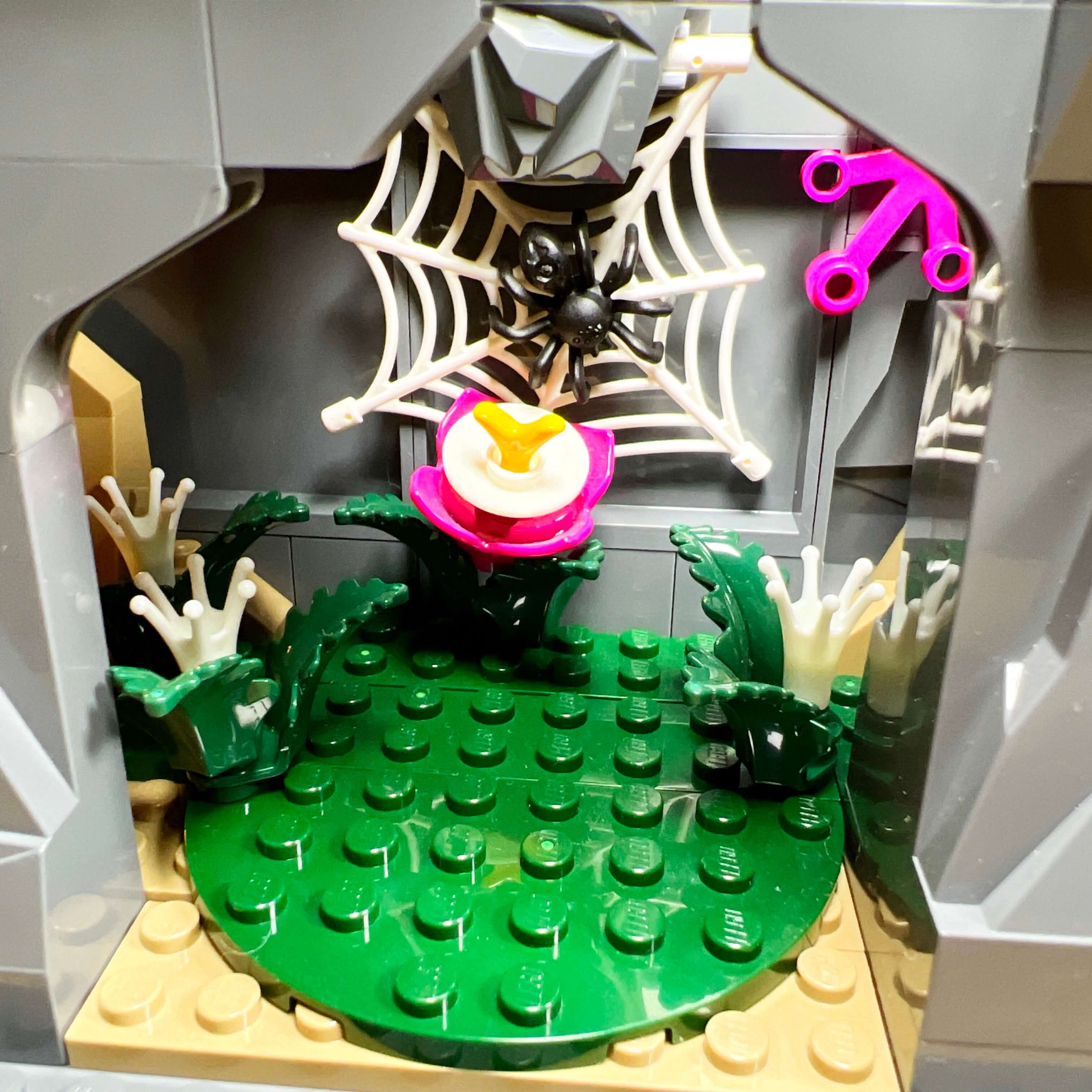
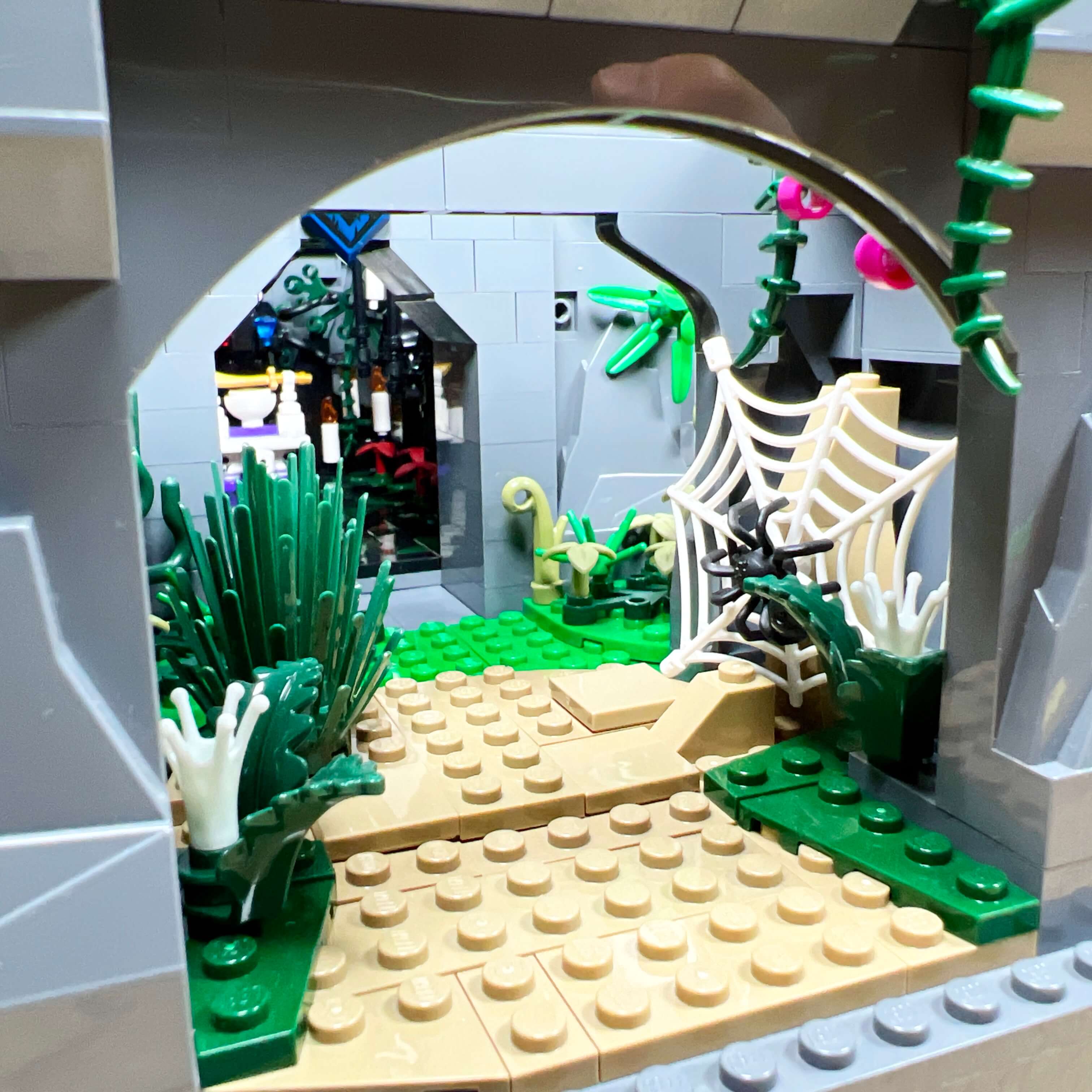
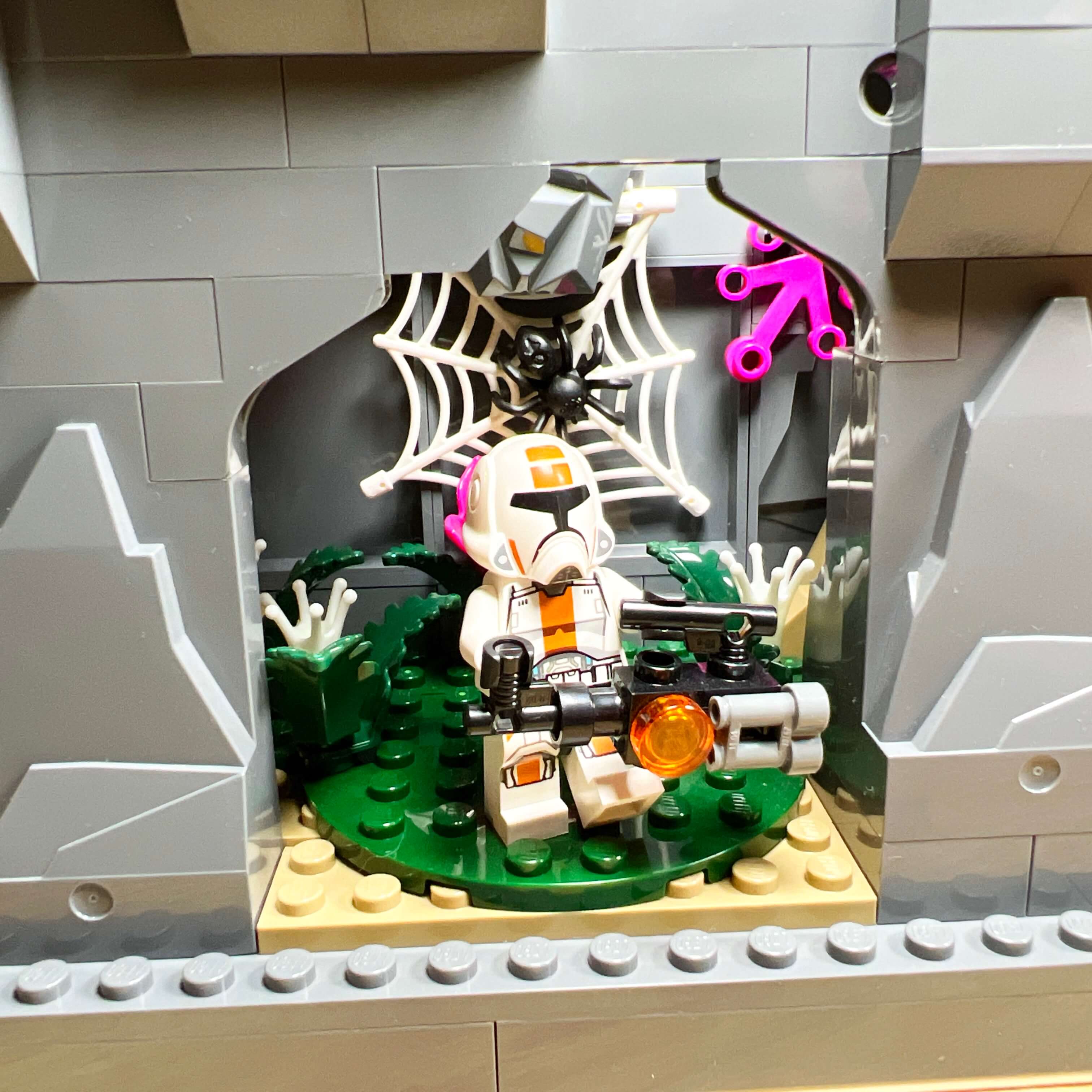
The right side of the MOC is the one that best represents this idea. I used the 6-stud-wide corridor between the base of the central tower and that of the right wing to represent the jungle. Given the limited space, I had to settle for adding vegetation pieces on the ground and on the wall, as well as a small tree. Nothing extraordinary: I furnished this space as best I could. The only part that is a little more elaborate is the large tree visible from the front of the MOC. It does not grow from the ground, but is attached to the edge of the rocky block, which allowed me to add visible roots, as if the tree had grown on the side of the rock.
Inside the rocky block, I left as much empty space as possible to represent a kind of cave with a beige floor and different vegetation, along with a few glow-in-the-dark pieces from the Avatar sets. The area refers to some of the caves and tunnels that run through the jungle of Dromund Kaas in the game.
The Jedi enclave
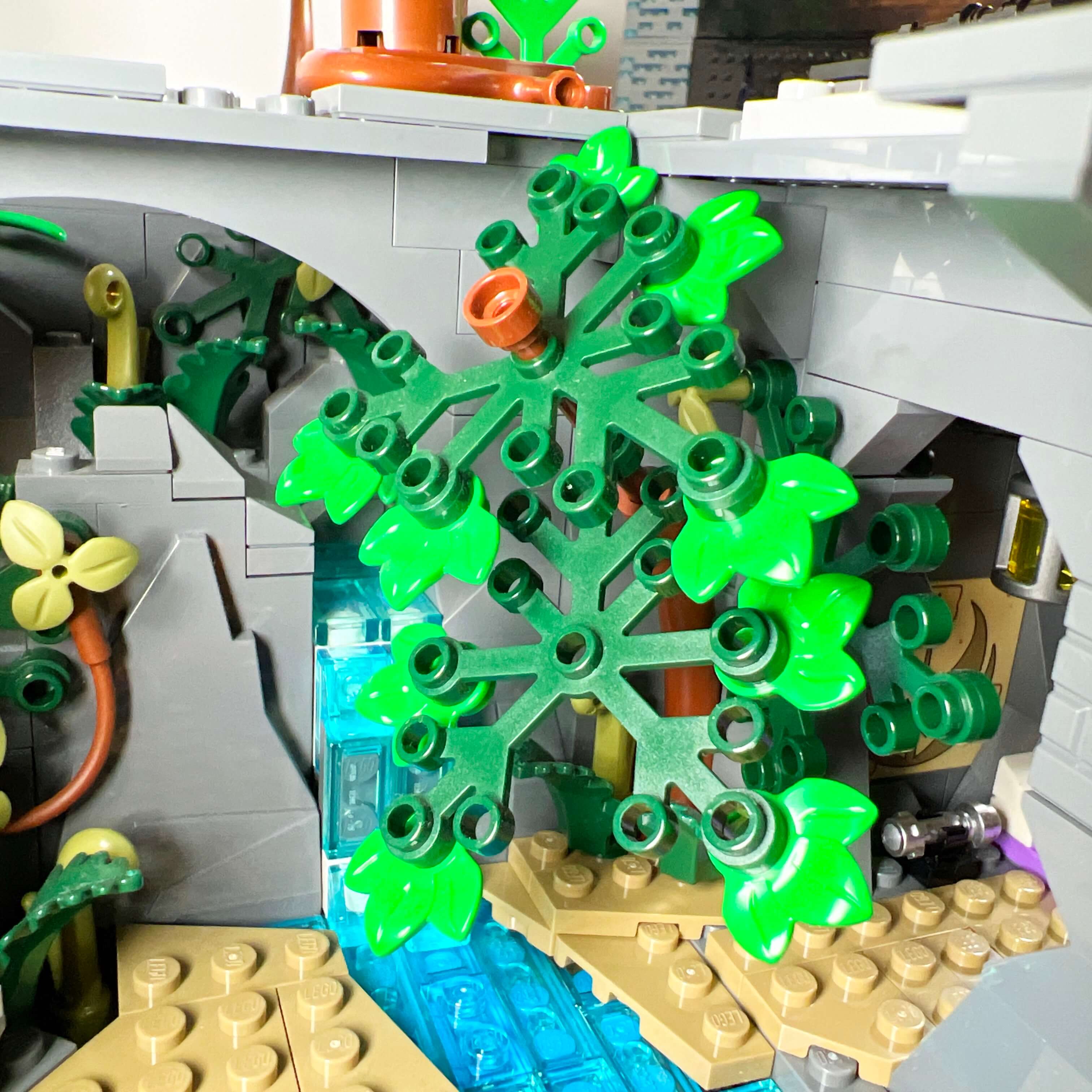
The rocky base supporting the left tower is more elaborate (I built it at the beginning, when I had more pieces) and has a different configuration. The corridor between the two rocky blocks is raised and contains a stream that falls as a waterfall into the area open on the side. Unlike the right side of the MOC, this corridor is closed at the front, and a tree stands above it.
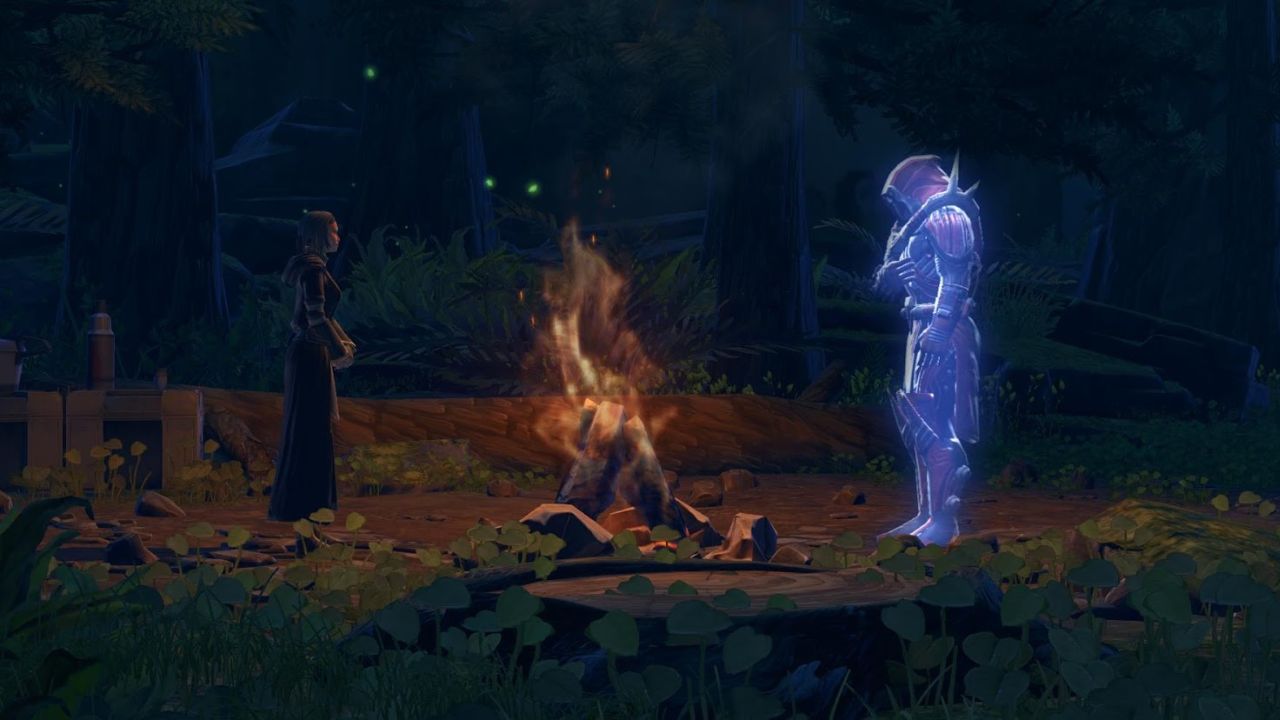
I used the available space in the open section to create a Jedi enclave. Although this does not make much sense, since Dromund Kaas is the capital of the Sith Empire and no Jedi presence is mentioned there, I chose to add it anyway as a tribute to one of the scenes from the game that I particularly enjoy, even though it takes place on another planet: the initiation on Odessen, in Chapter 12 of the Knights of the Fallen Empire expansion. In this chapter, your character finds themselves isolated in the forest of Odessen, and meets Satele Shan there, the exiled Grand Master of the Jedi Order, as well as the ghost of the Dark Lord of the Sith, Darth Marr. In a scene reminiscent of Luke’s training by Yoda on Dagobah, you are invited to transcend the boundary between the light side and the dark side of the Force in order to fulfill its will and defeat the Eternal Empire, which has enslaved the galaxy.
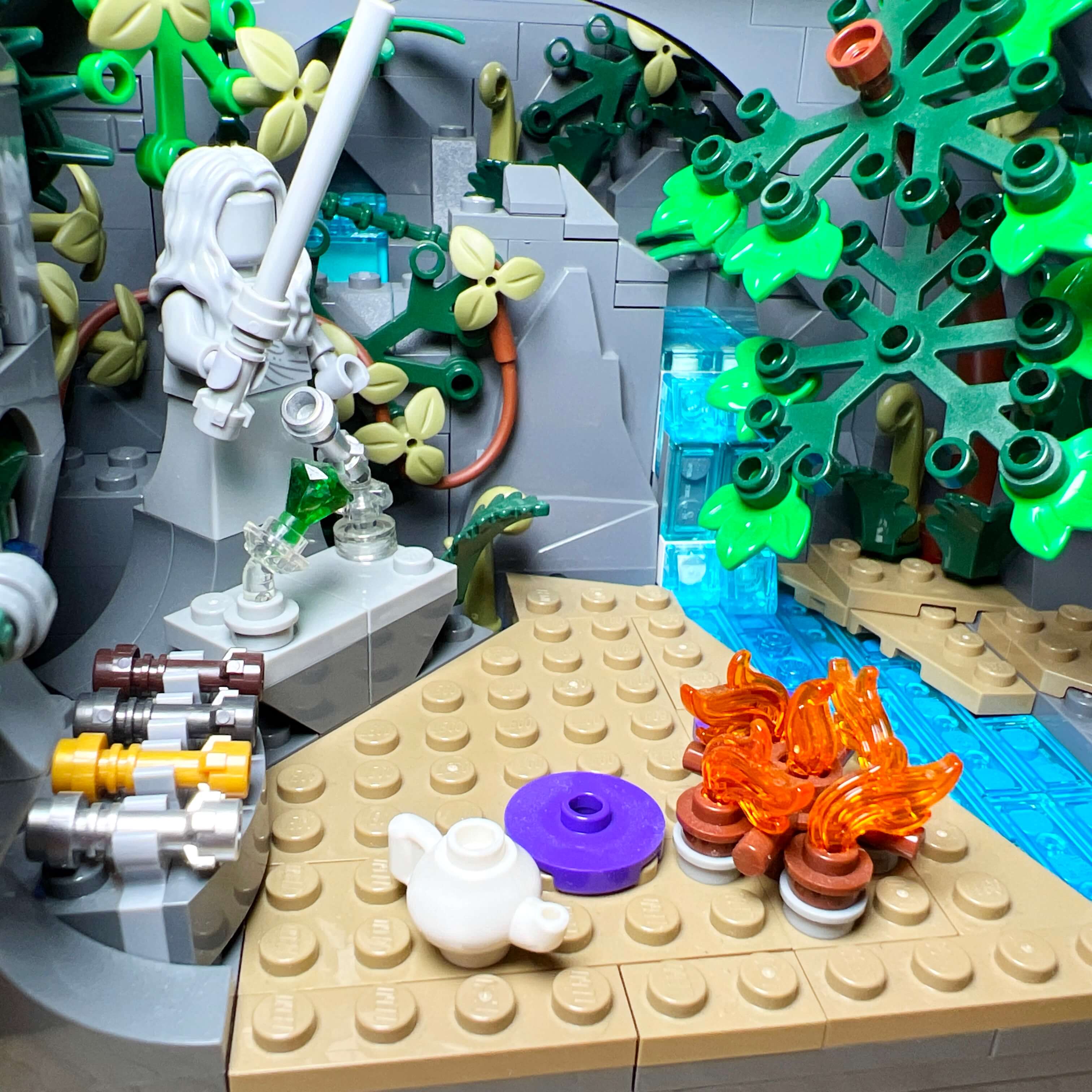
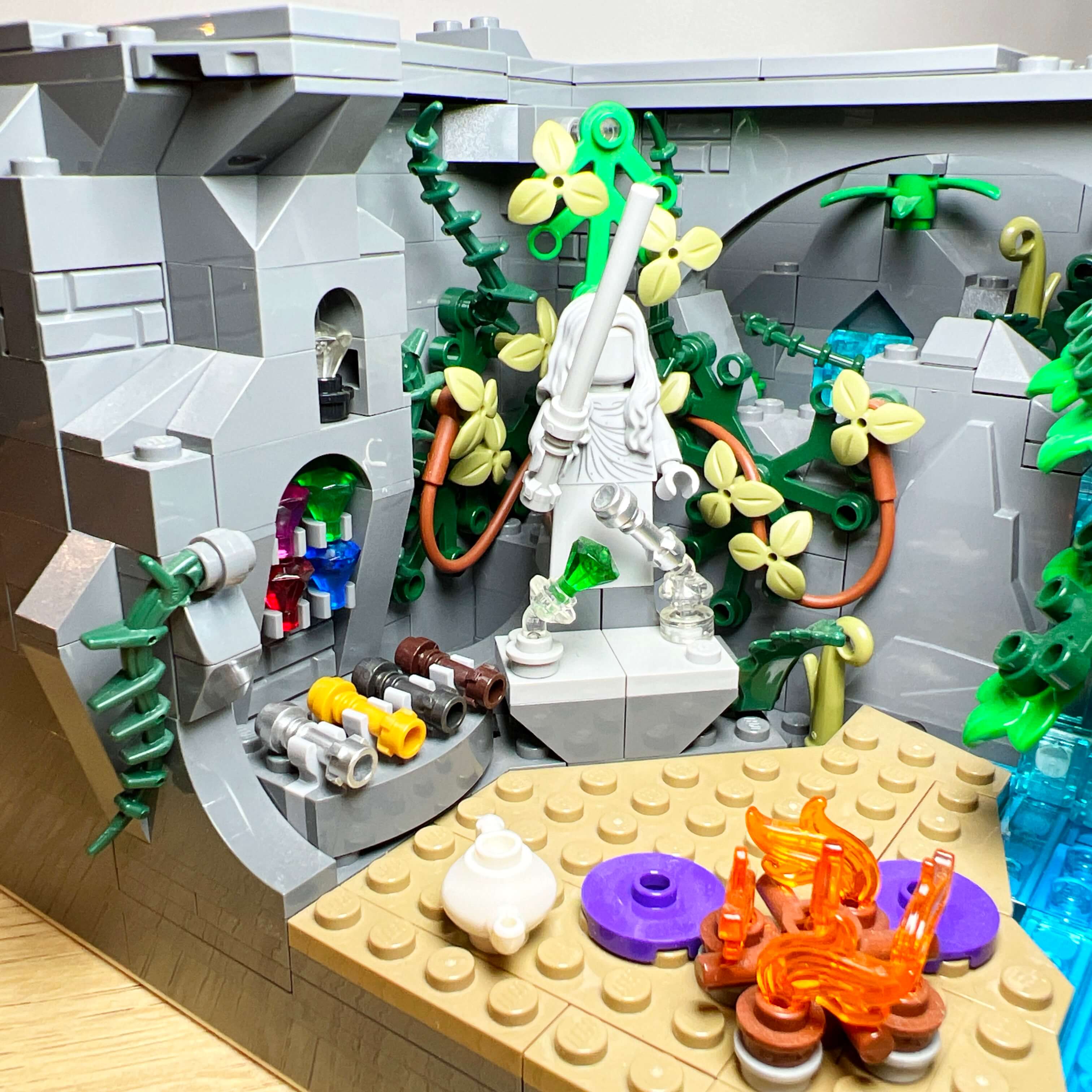
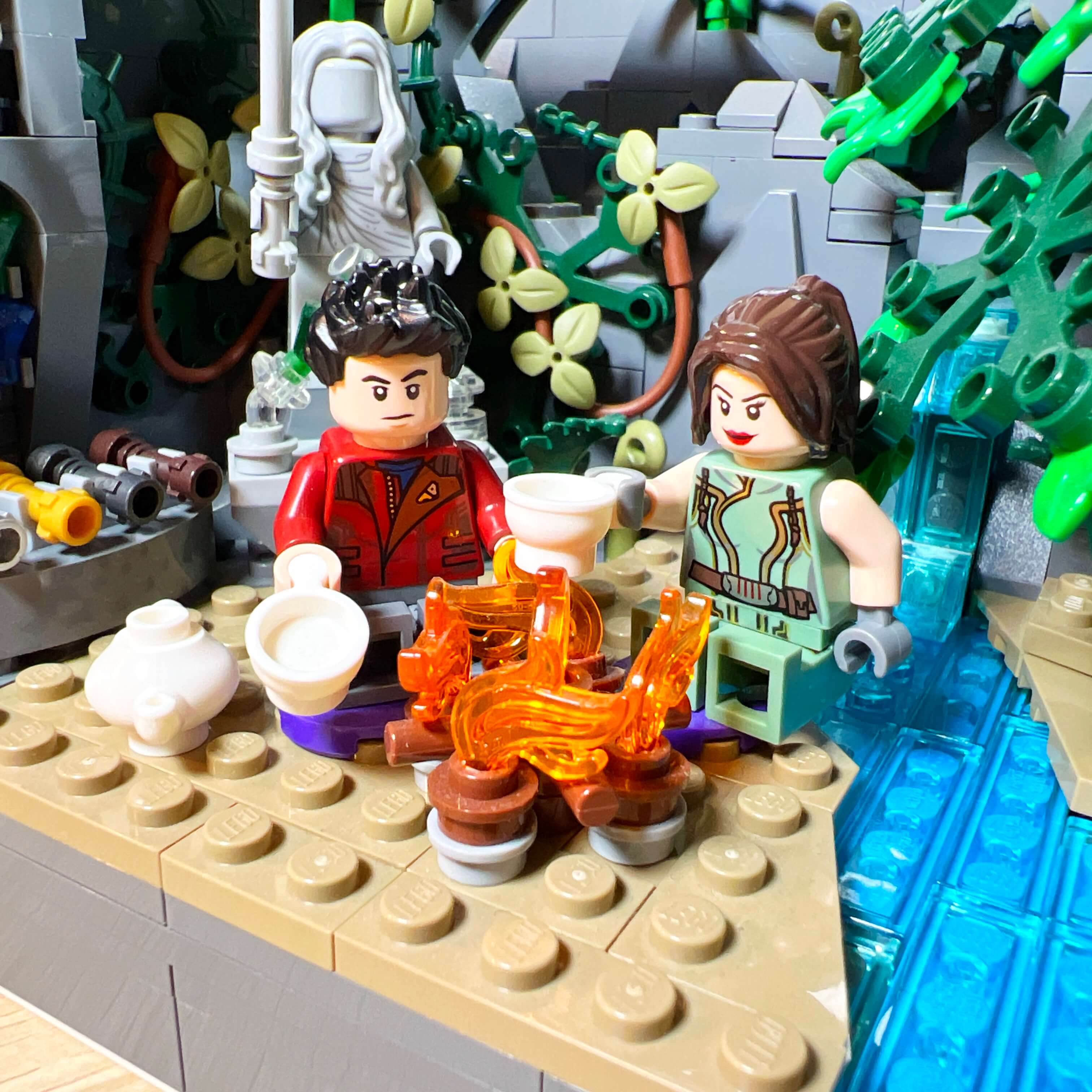
To pay tribute to the scene, I created a peaceful natural area with a stream and vegetation, along with a campfire to evoke the meeting with Satele. I also added a lightsaber crafting altar that I had previously created for an Instagram post, in reference to the one used in the scene to craft a new lightsaber under the guidance of Shan and Marr.
I am very happy with this area of the MOC: the atmosphere matches what I wanted to achieve. In terms of building techniques, I used angled plates on the ground to give it a more natural look and to angle the statue on the altar, as well as a flexible rod with leaves to represent a climbing plant on the rock and make the vegetation more abundant.
Since the official Satele Shan minifigure exists in LEGO form, I added it to this area of the MOC.
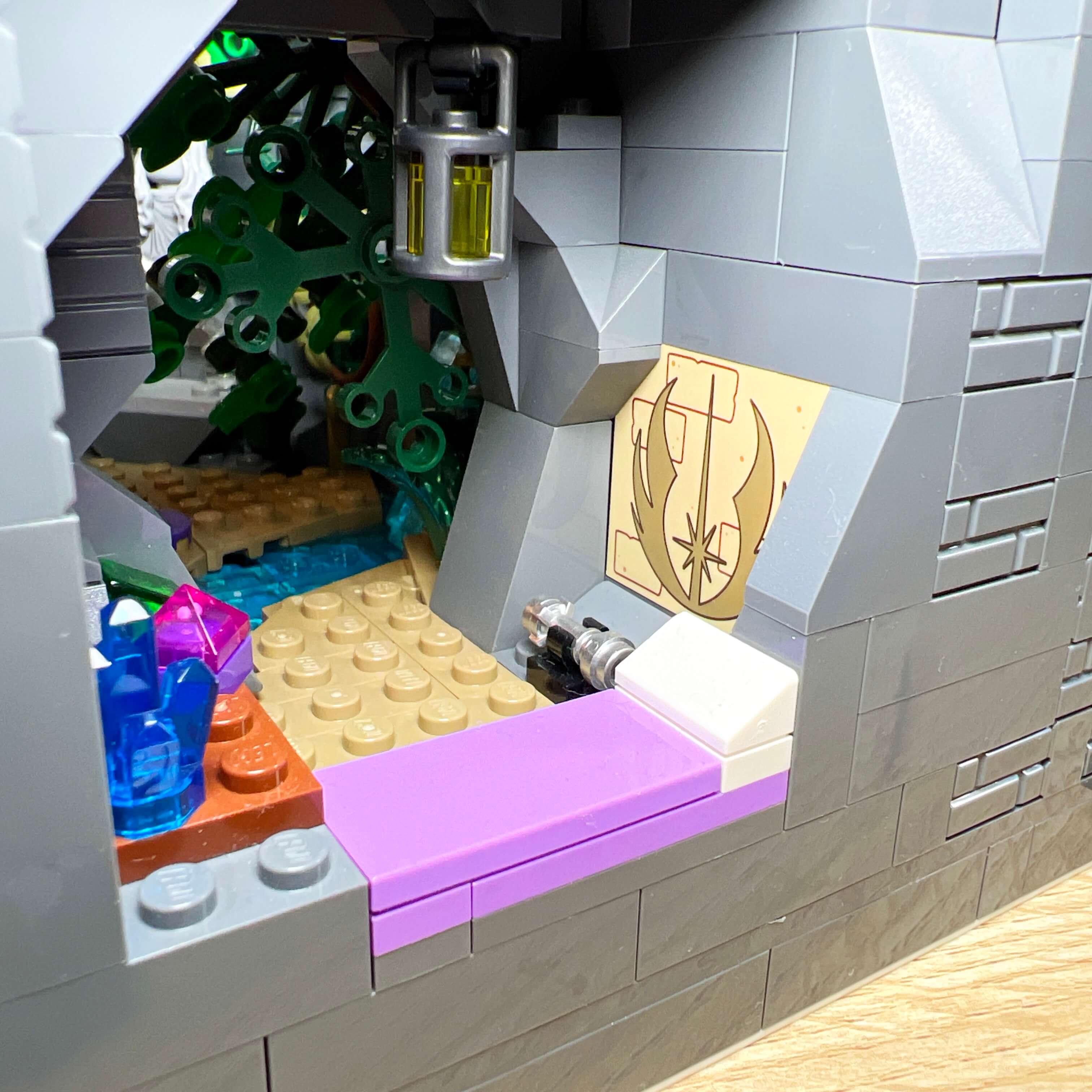
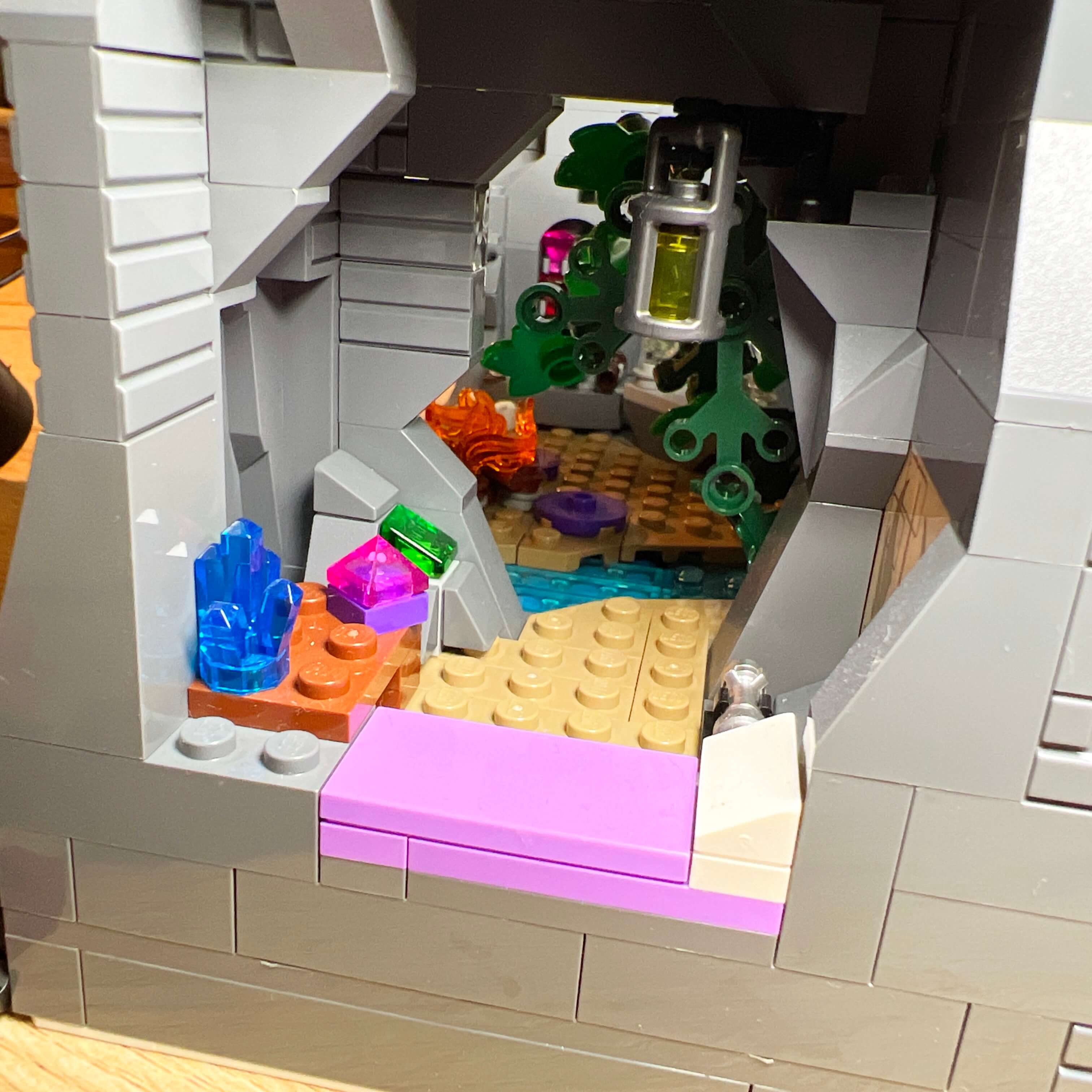
I also used a space on the other side of the stream to make a small cave that represents what remains of the Jedi ruin, and which can be used as a makeshift camp. It is decorated with a bed, a lightsaber within reach, a lantern, a table with a crystal and a holocron, as well as the printed piece with the Jedi emblem from the 4+ Tenoo Jedi Temple set. Finally, I added a rock with part of a crystal visible, to evoke the mining of the crystals used on the altar outside.
The Terentatek cave
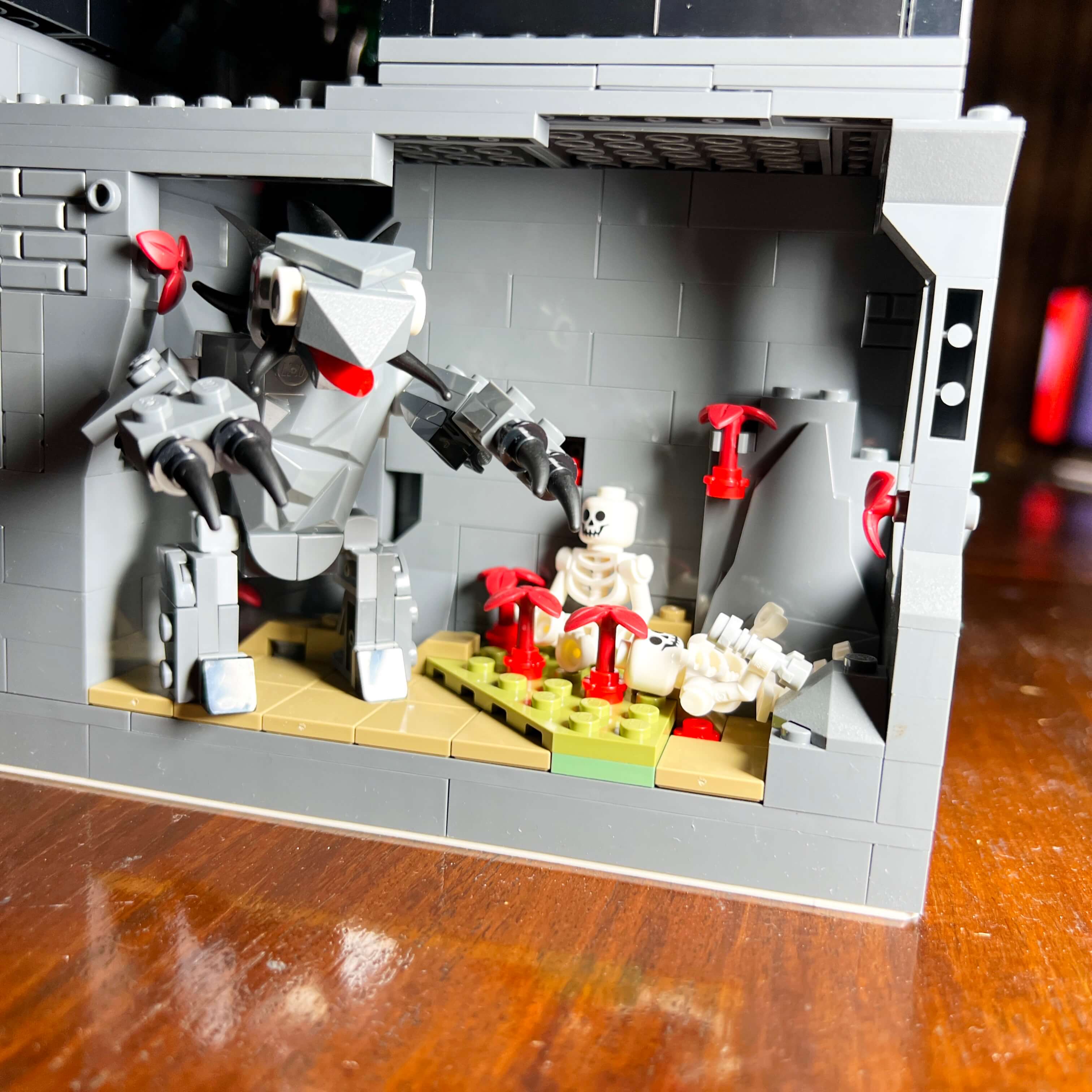
Since the Jedi enclave area does not use all the space on the left side of the MOC, I used the remaining space at the back to create an independent area: the Terentatek cave, a type of creature often encountered in Sith tombs in the game. Terentateks are rancor-like creatures with spikes, which seem to have been created by the Sith. Living in tombs steeped in the dark side, they feed on the blood of Force-sensitive beings.
The idea came from the fact that I wanted to add a creature to the MOC, just like there are many NPC animals to fight in the game. At first, I was thinking about making a varactyl and placing it in the jungle, but the limited available space discouraged me. So I turned to the Terentatek instead, a logical choice for a cave on Dromund Kaas.
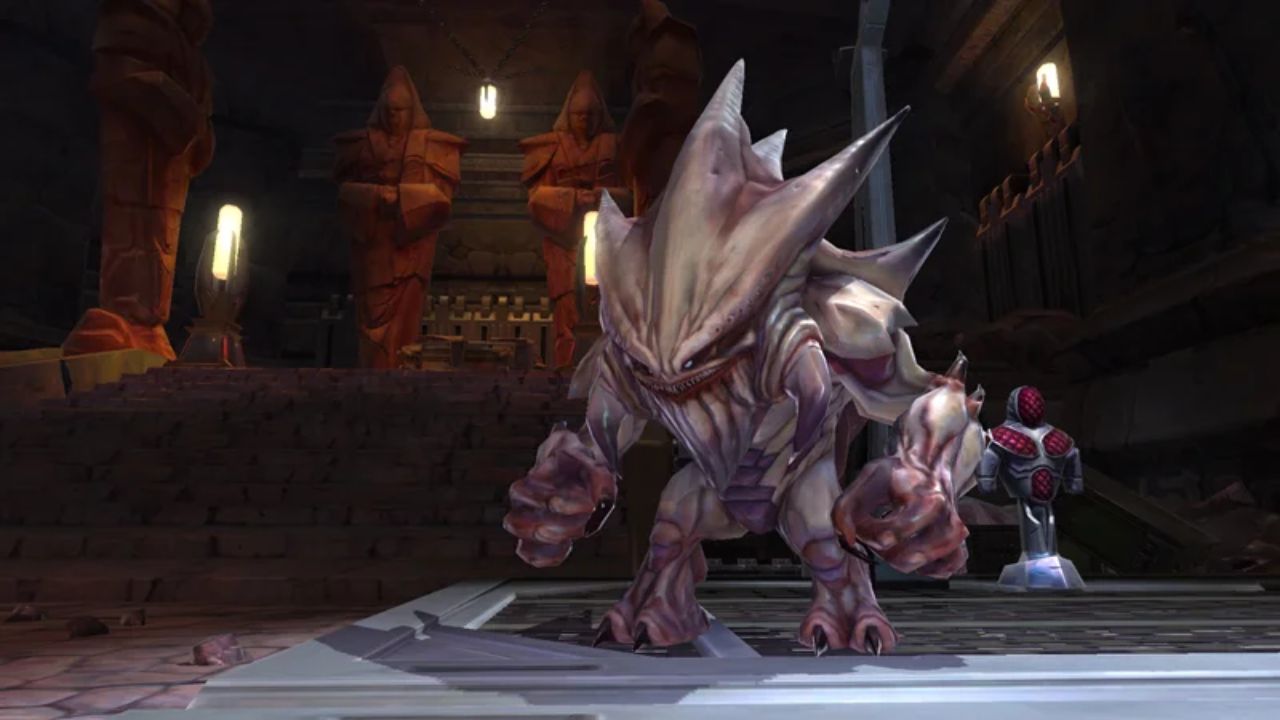
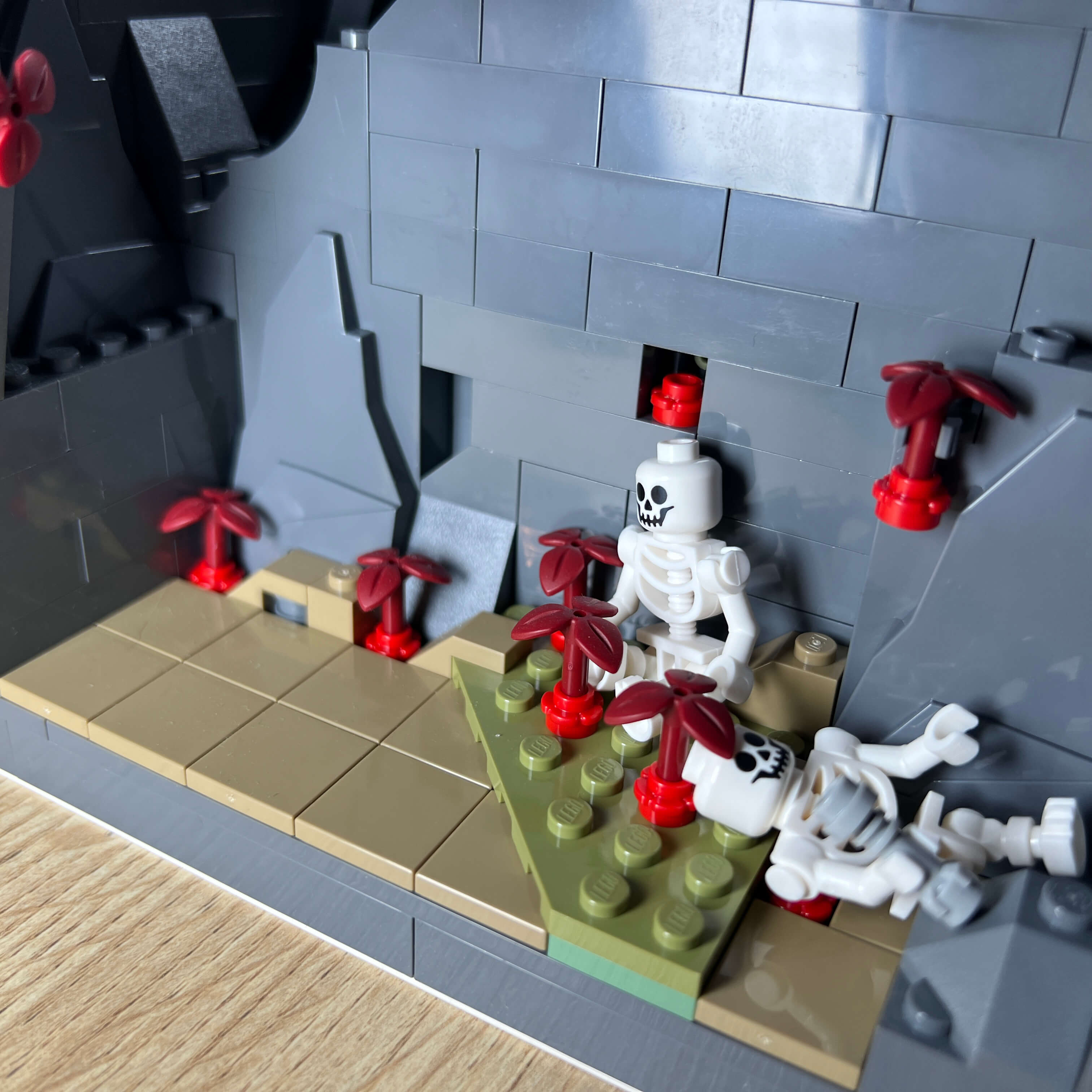
The Terentatek is the last element I designed for the MOC, using the pieces I had on hand, and I am quite happy with it. Although it is not perfectly similar to the one in the game in terms of proportions (the head should be larger), I managed to capture the spirit of the creature with its triangular head and its large horns at the back. I even added some on the back and arms compared to the original model to add more detail. Although the Terentatek is generally beige, I had to build it in gray due to a lack of available pieces, but this helps prevent the ball joints from standing out too much, as these pieces only exist in gray. Finally, I added the printed eyes I had, which give the creature a cute side, a bit out of place but original.
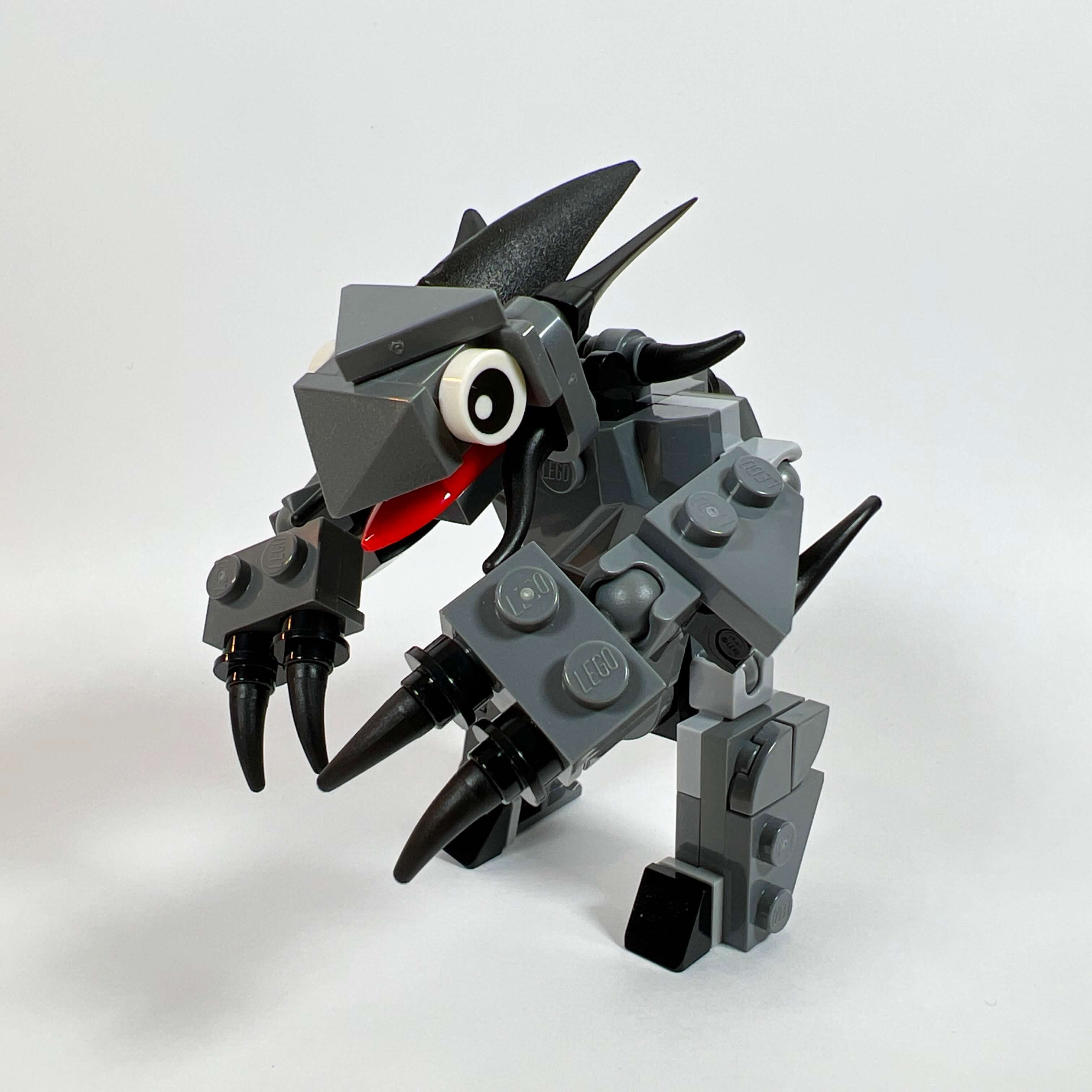
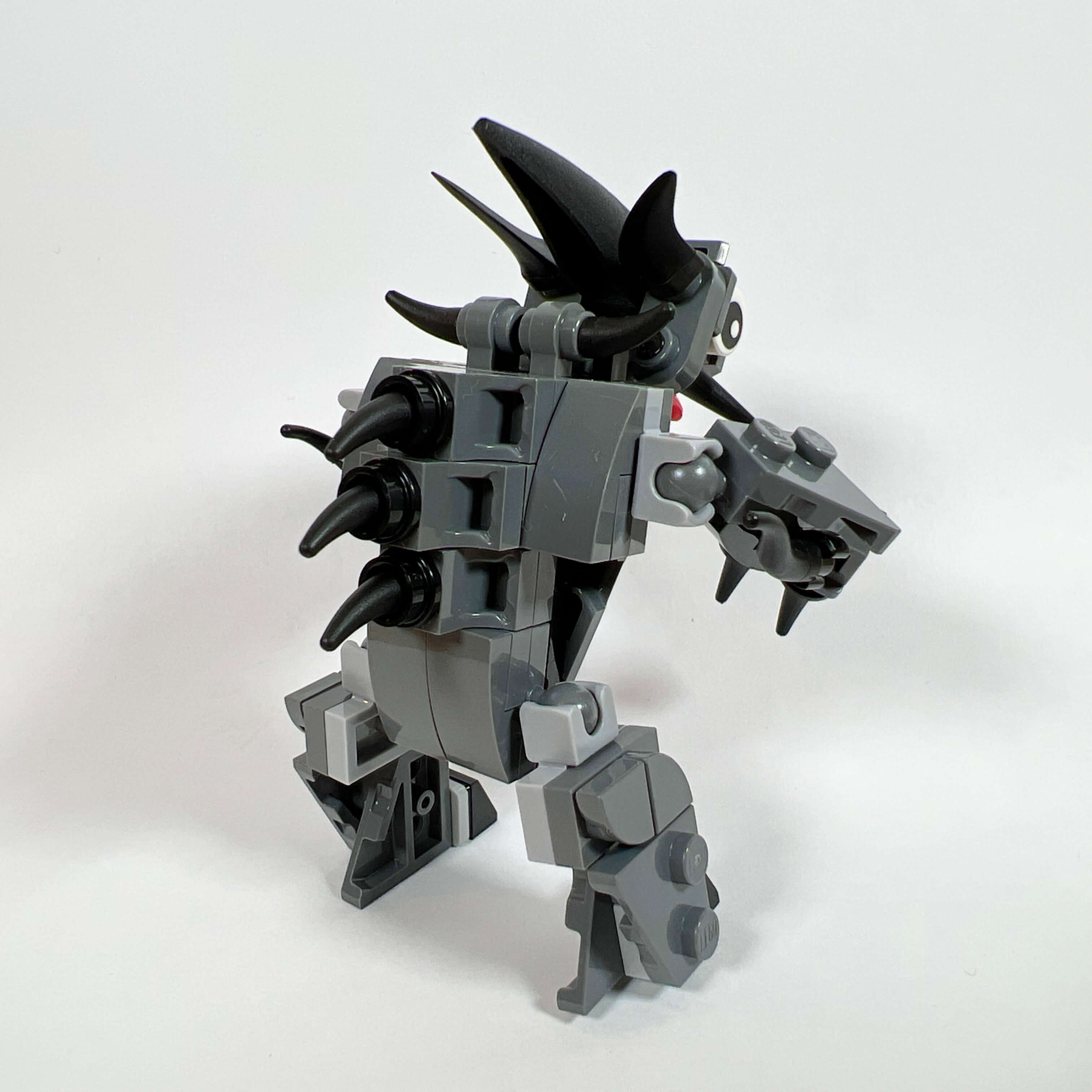
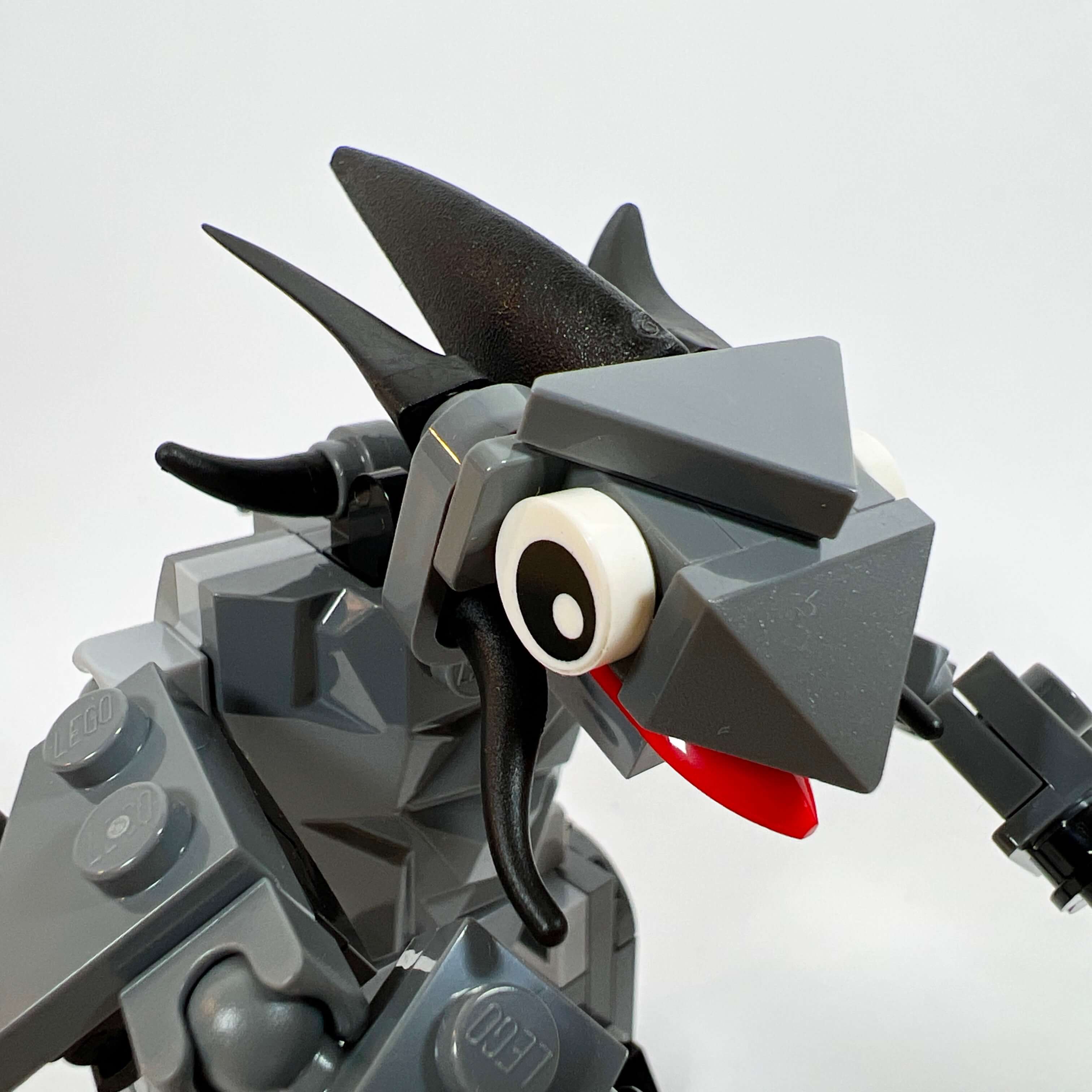
The cave where it is located is very simple. I left a plain smooth wall separating it from the Jedi enclave, because there was not enough space to decorate it and place the Terentatek there. I simply added a large textured piece to fill a gap, along with a few pieces of red vegetation to evoke the blood the creature feeds on. Two skeletons complete the scene, representing two acolytes who failed in their training, one of whom is still holding his lightsaber in his hand.
The Sith temple
The last furnished area at ground level in the MOC is the Sith temple, located behind the cantina, beneath the throne room. Since Dromund Kaas is the capital of the Sith Empire, it was unthinkable not to include a Sith temple. In the game, Dromund Kaas has a main temple outside the city, the Dark Temple, which I used as inspiration.
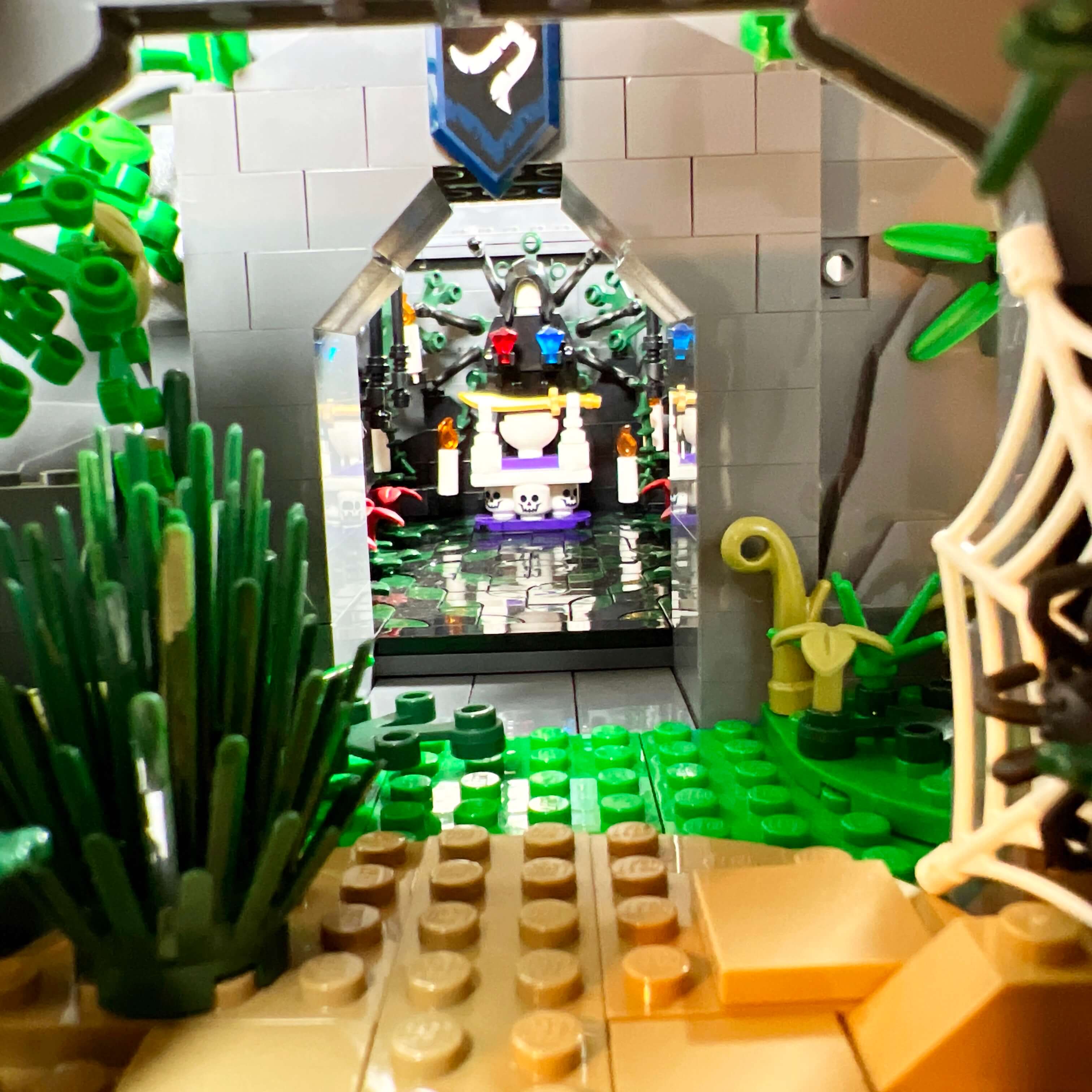
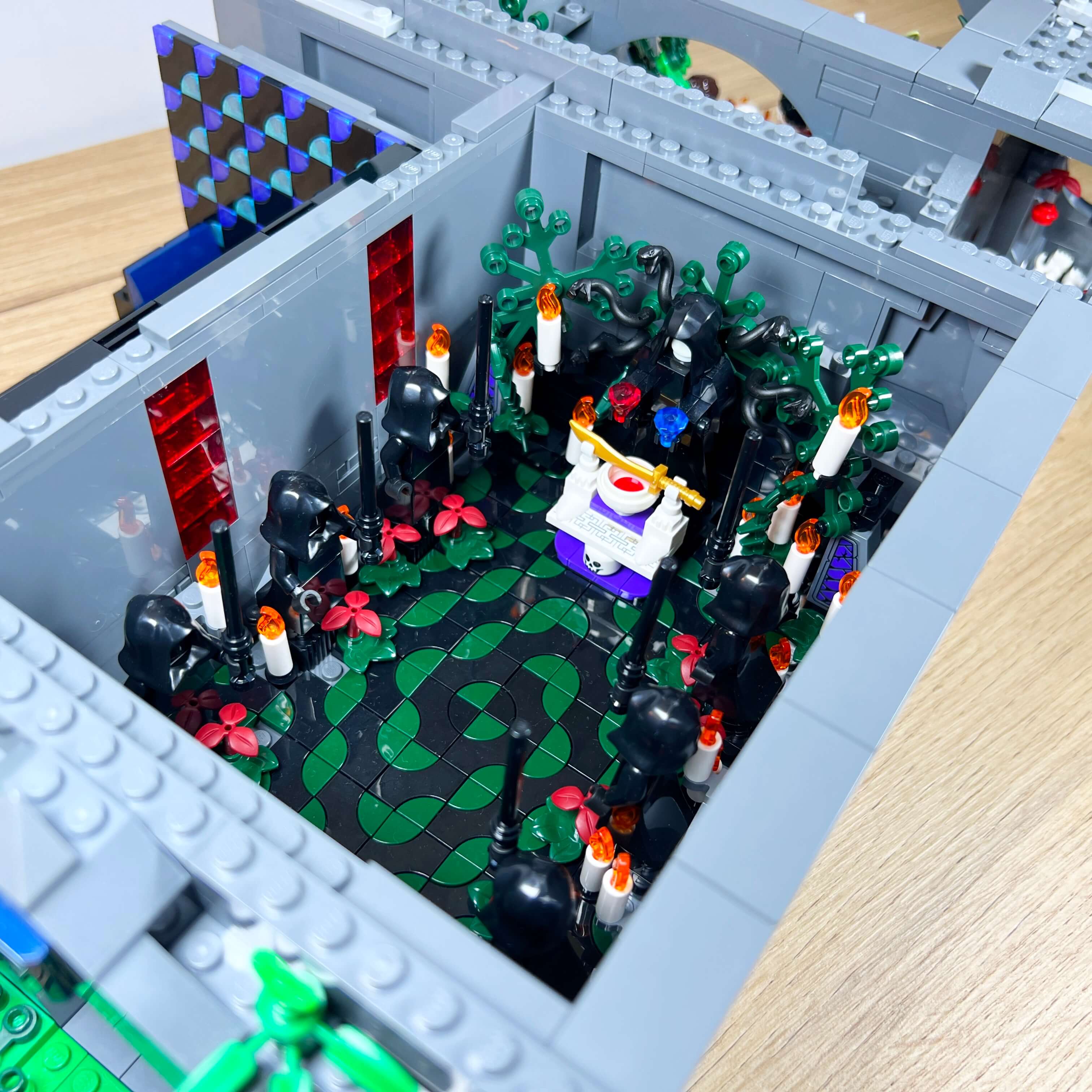
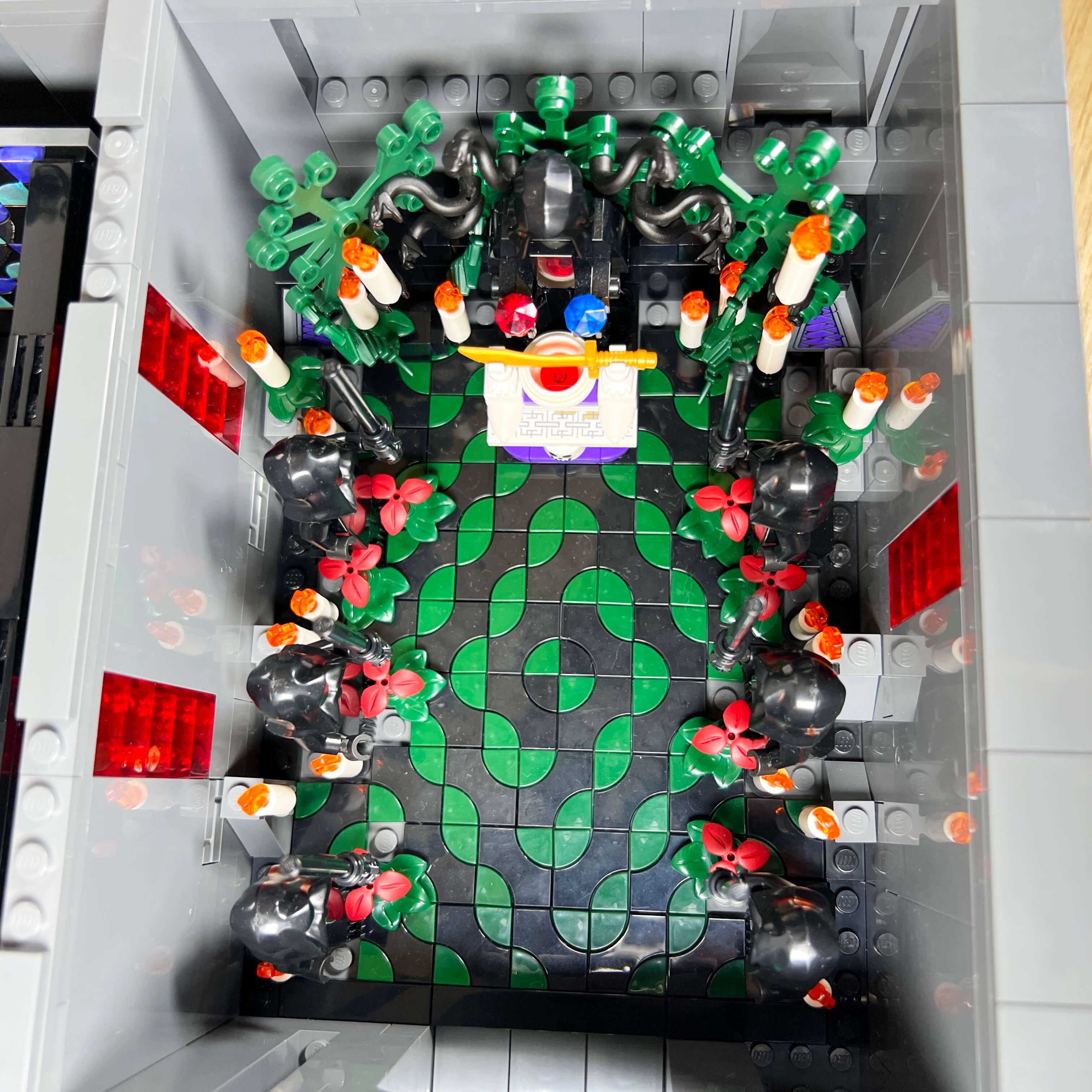
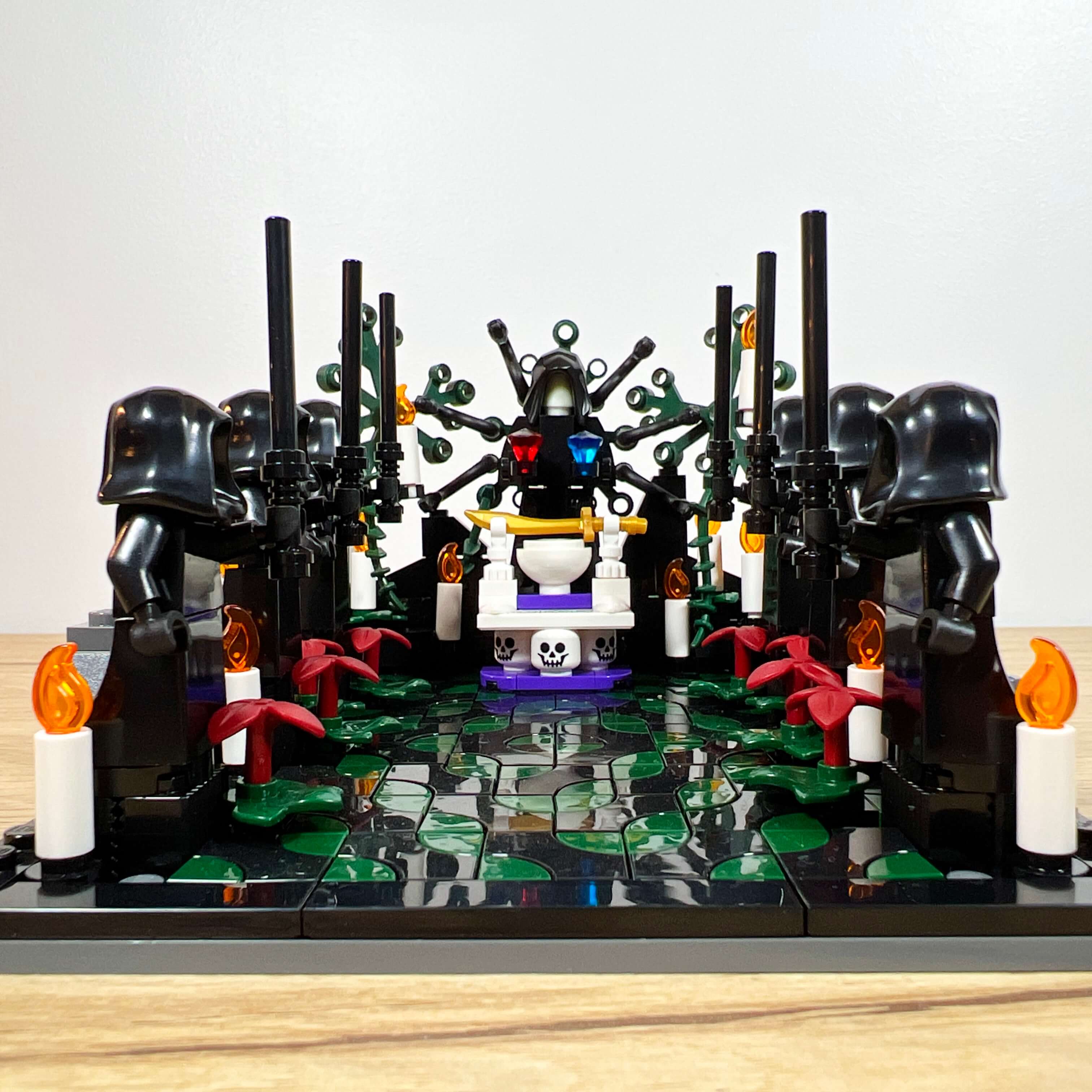
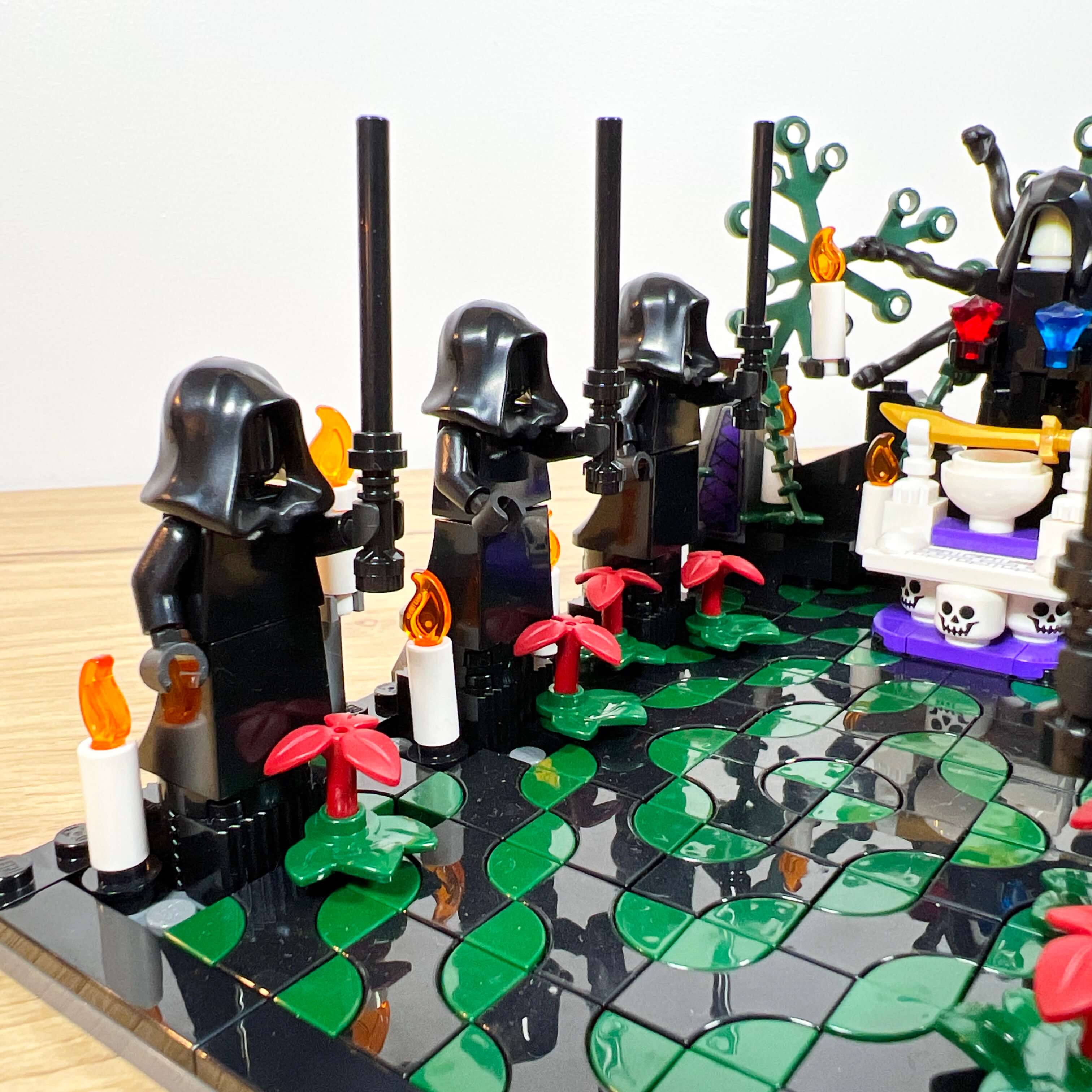
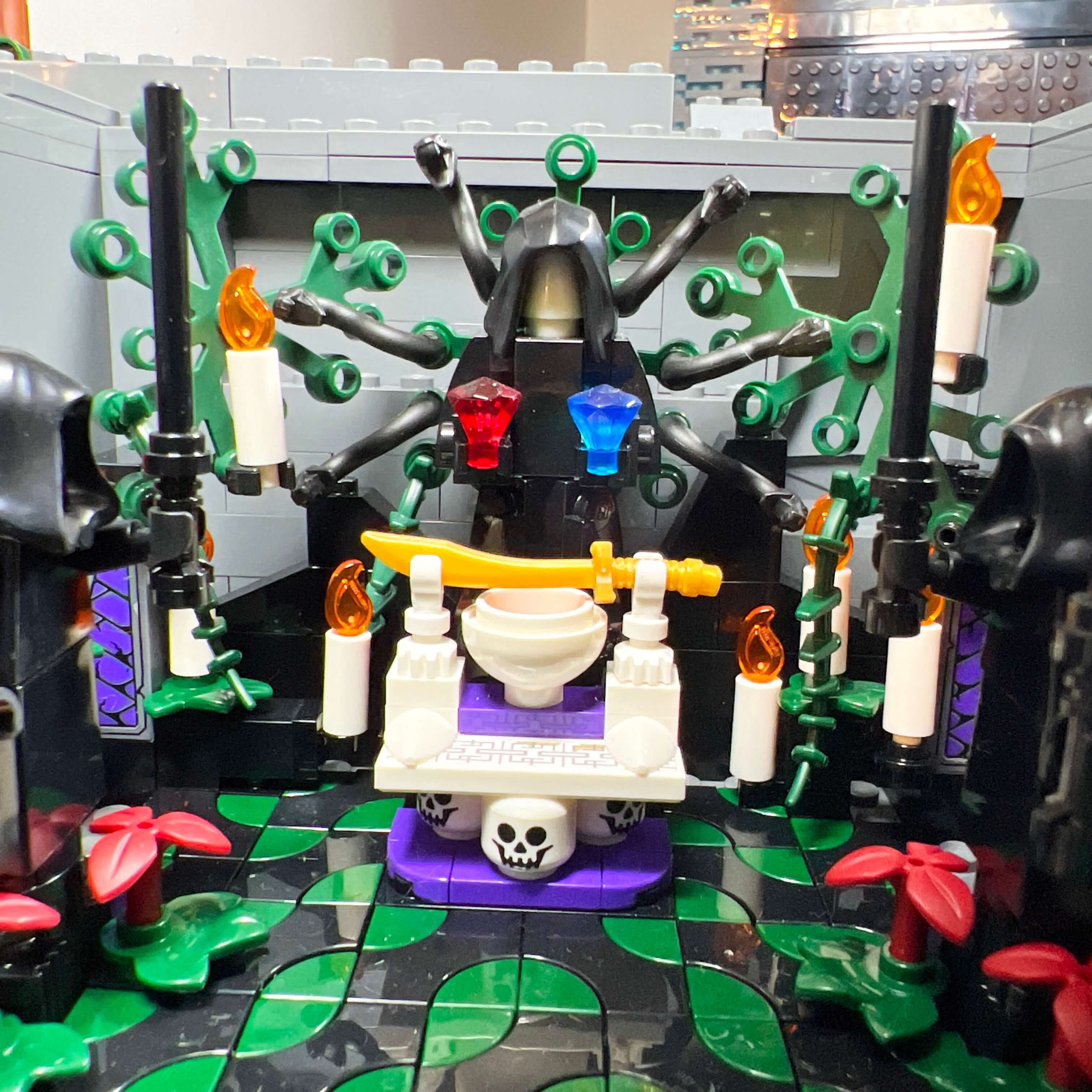
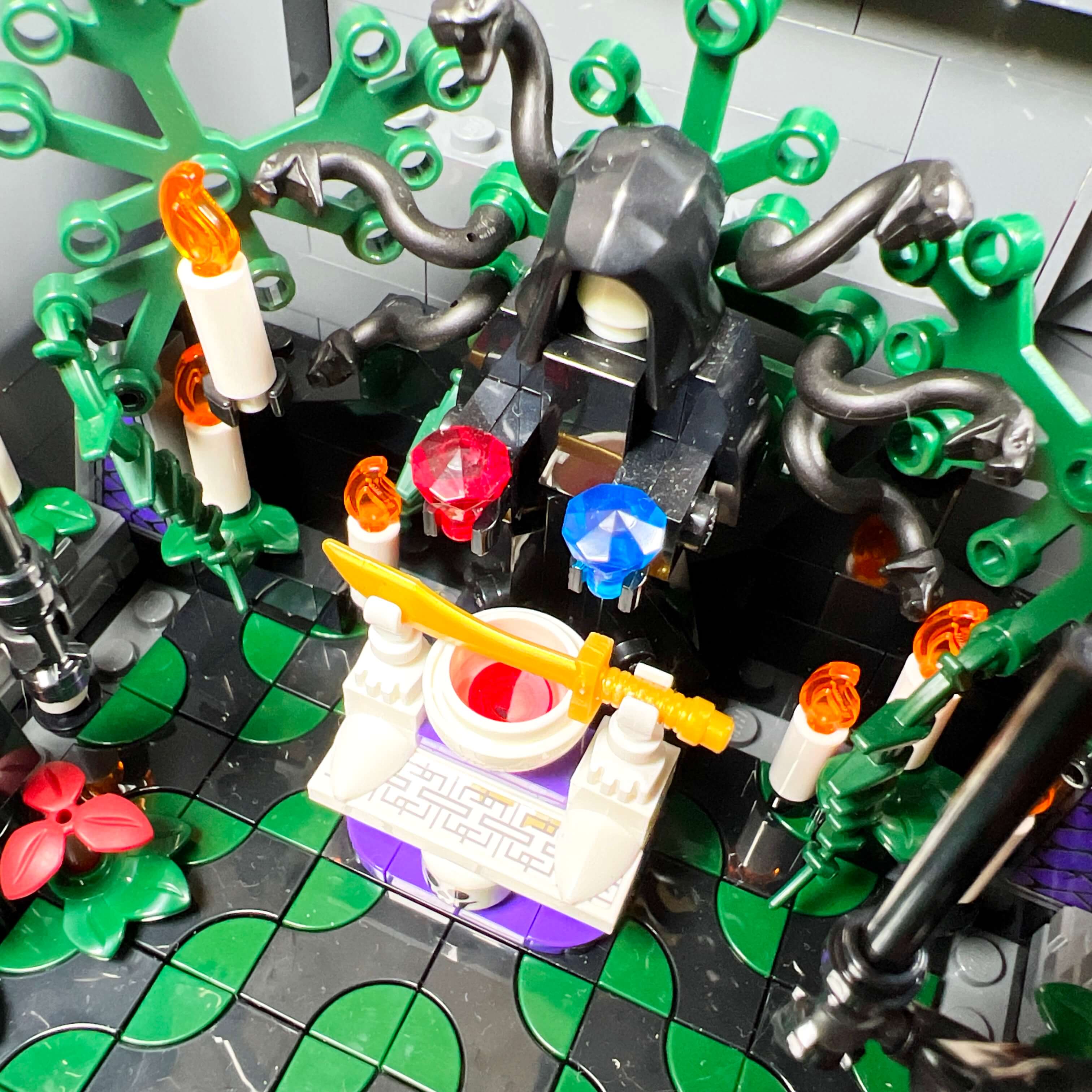
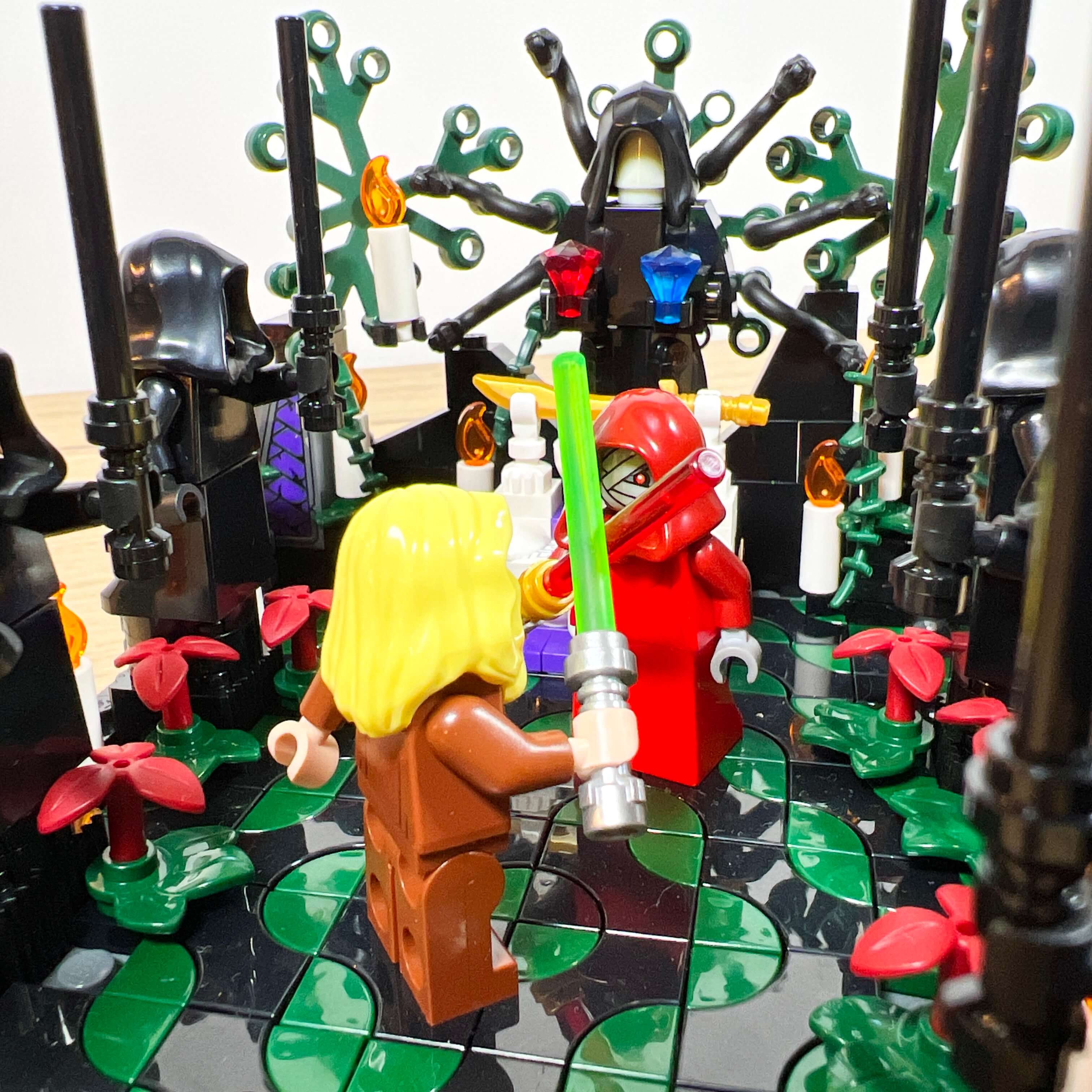
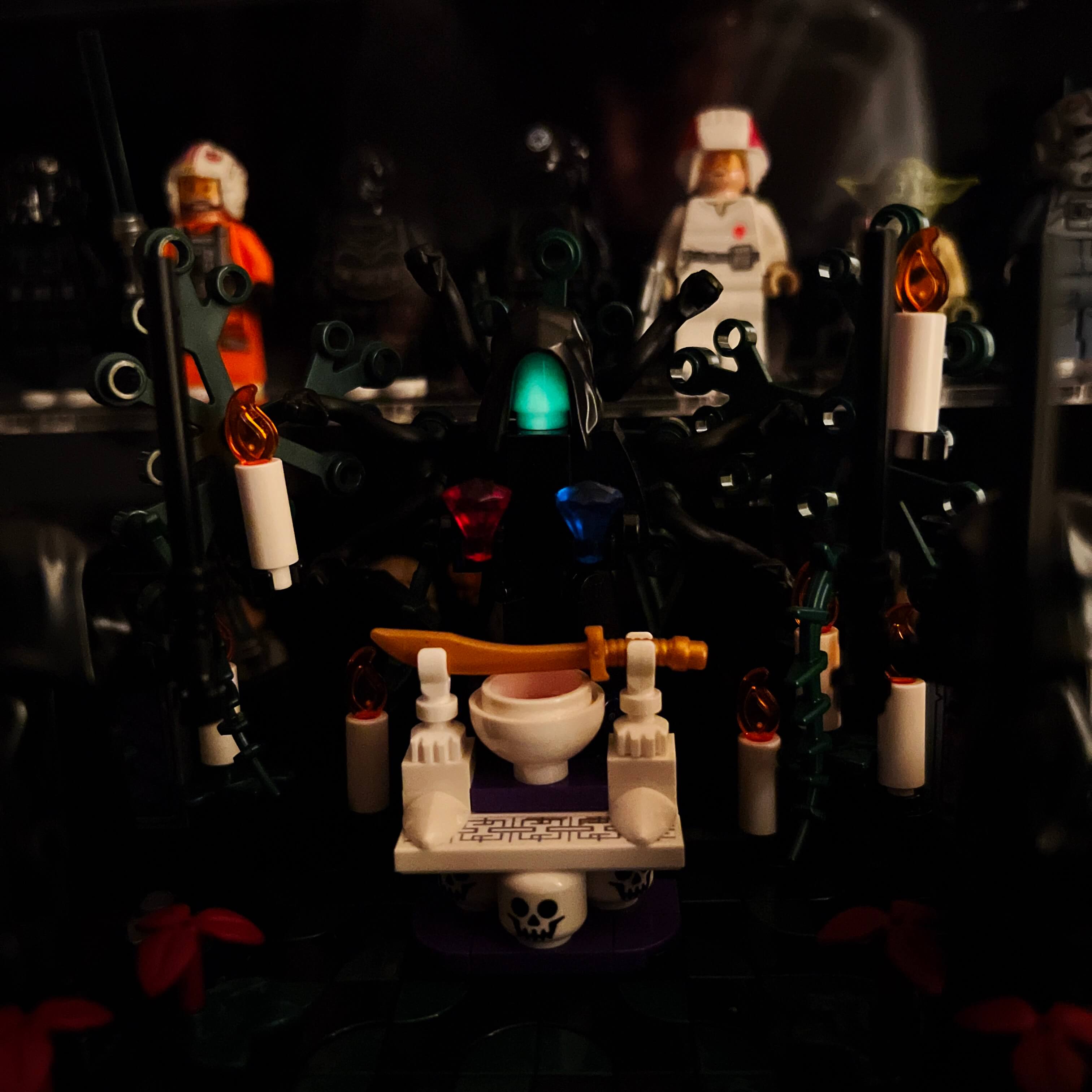
The entrance to the temple is located on the right side of the MOC, at jungle level. The large opening in the rock leads into a 22x16 stud space. For the decoration, I drew inspiration from the atmosphere of the Dark Temple: a black and green mosaic covers the floor, six black Sith statues decorate the sides, with red plants and candles around them. At the back of the temple, an altar made of skulls and bones is present, with a ritual sword and a bowl of blood to evoke Jedi sacrifices (mentioned in the episode of The Clone Wars where Yoda travels to Korriban). Behind it, I added a different statue to represent the central statue of the Dark Temple. It holds a red crystal in one hand and a blue one in the other, as a reference to the dark or light choices to be made in the game (and also a nod to The Matrix). Its head is made from a glow-in-the-dark piece to add a grim glow to the scene, and six snakes extend from the body of the statue.
The Sith Citadel
We now arrive at the heart of the MOC: the Sith Citadel itself. In the game, it stands on a hill, separated from the city by a ditch, and can only be reached by flying speeder via the landing platform at its base. Since I did not have that much space in the MOC, I built it on the rocky base that contains the temple and the cantina, and its landing platform overlooks the city.
The architecture of the building matches the real one with a few minor differences. The three towers are there, with their facades dotted with illuminated windows, but I simplified this part. In the game, the facades seem to be made of different layers, with illuminated windows of various shapes. I chose not to reproduce that level of detail, because it would have required stacking several layers of bricks, which would have reduced the available interior space and compromised the overall sturdiness needed to preserve the transparency of the pieces. Since the tower is more than one meter tall, I went for the simplest and most efficient solution to guarantee the strength of the build: stacked bricks and plates, with layers alternating gray 1x1 plates and transparent blue ones to represent the windows. This solution makes it possible to keep walls that are only one brick thick, and the transparent pieces let the light pass through. This becomes visible when the floors are removed: light enters from above and the windows seem to sparkle. It makes me want to equip the MOC with internal lighting…
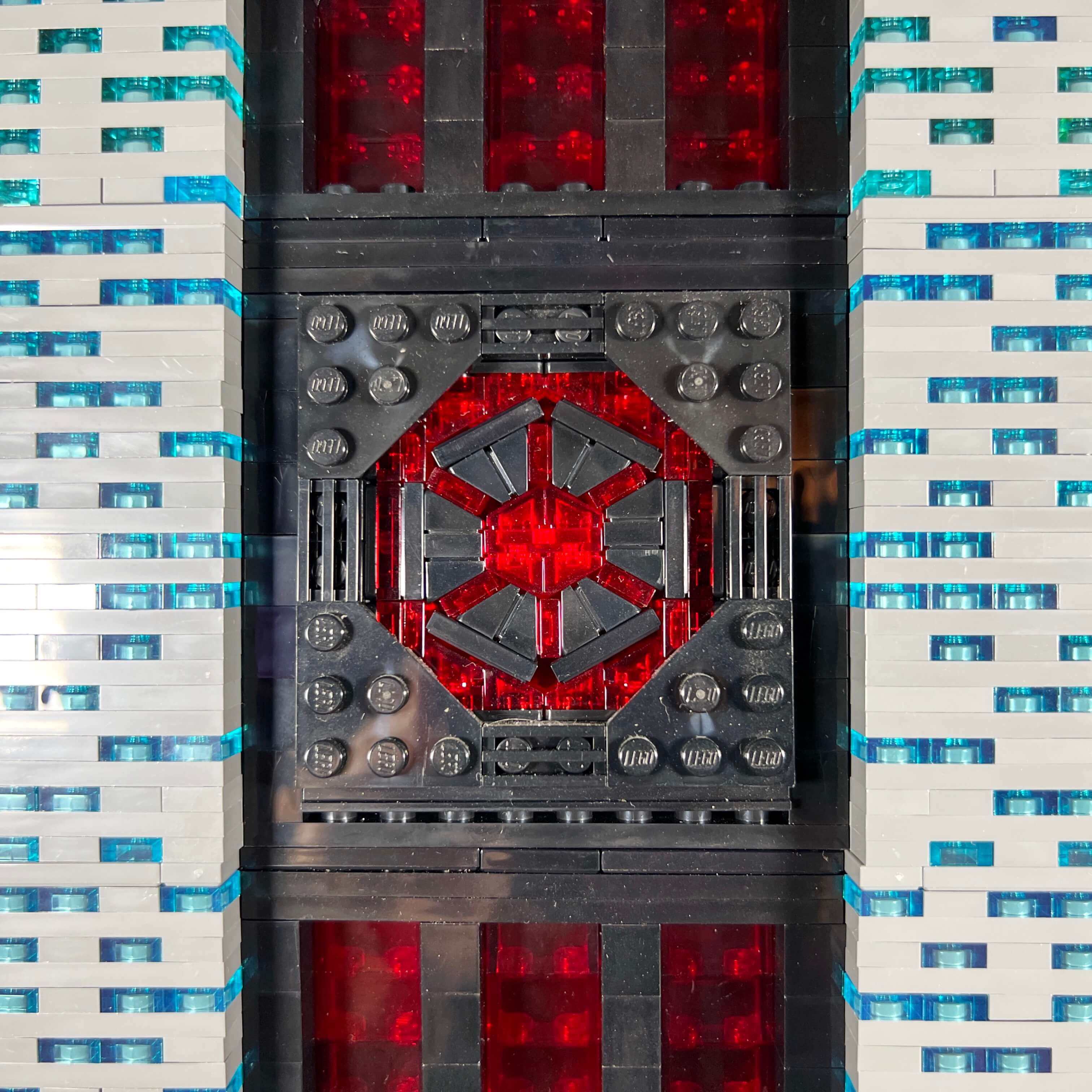
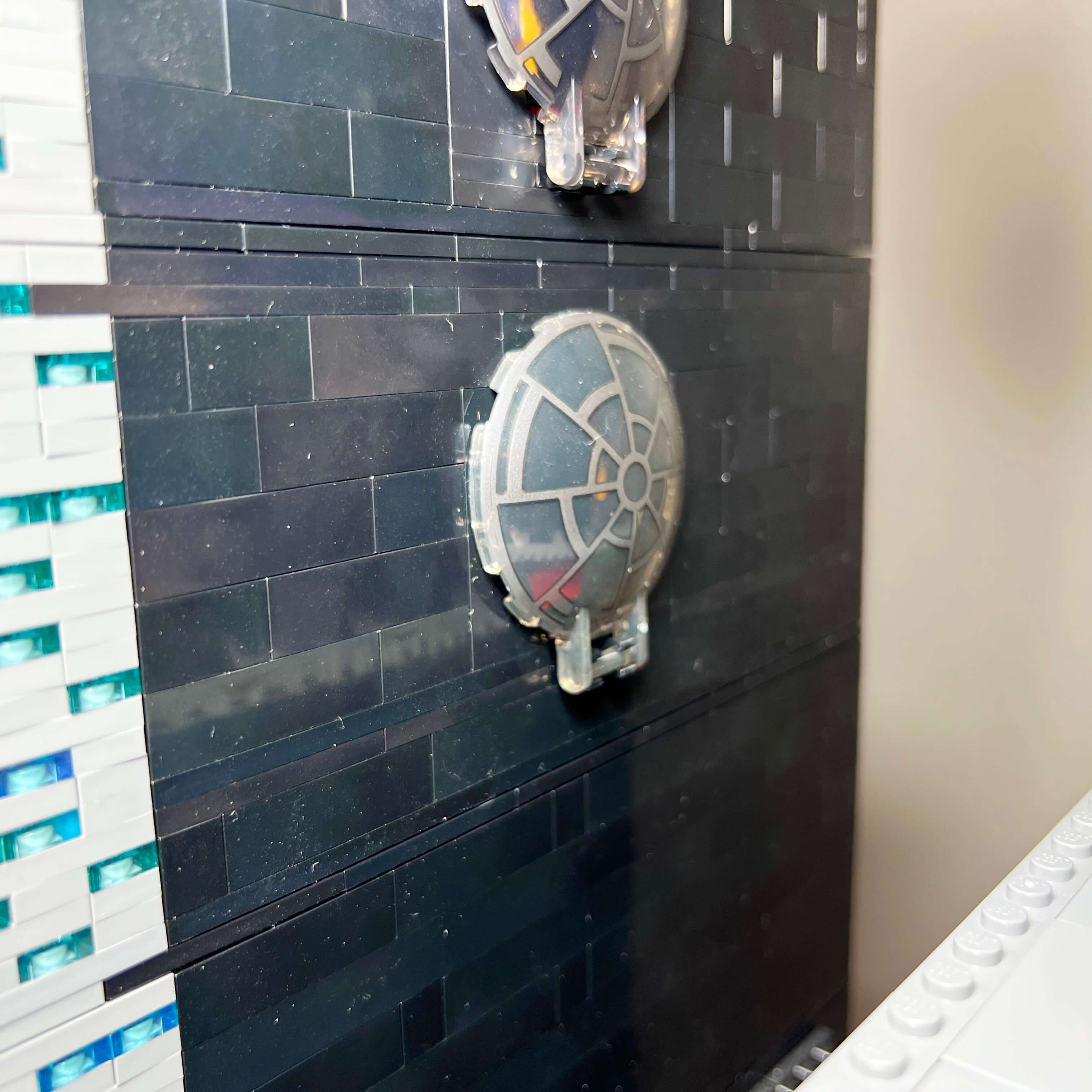
I used this alternating gray and transparent piece technique for all three towers, but the central tower has a central insert made of black bricks with transparent red stained-glass windows. At the center of the three red lines is a mosaic made of black and transparent red pieces approximately representing the Sith Empire emblem. I made it using a technique I saw on a MOC on Instagram: tiles and sloped pieces are simply placed on edge and held in place by friction inside an 8x8 frame. It works well, but it is particularly difficult to position the pieces one by one to form the pattern without everything collapsing.
This black vertical section, which splits the gray wall with windows in two — itself cut by the three vertical red bands — helps refine the silhouette of the tower and makes it appear taller thanks to an optical illusion, according to which a vertical line seems longer than a horizontal line of the same length. I reused this technique to refine the upper part of the tower, entirely black and hexagonal in shape, with columns of vertically striped bricks. The transparent piece technique for the windows also continues at the top of the tower, in keeping with the game.
The characteristic architectural elements of the Citadel, the arches, are very much present. In the game, the side towers are topped with eight pillars carrying arches that connect them to the central tower. Since the central tower of the MOC is square rather than rectangular, I only used six pillars and arches so they would not be too close together. Another difference: I reversed the slope of the edge of the side towers compared to the building in the game, to move the base of the pillars away from the central tower due to lack of space. Finally, I only added one spire, even though it seems the Citadel has a second one at the back according to a cinematic. I find this more aesthetically coherent, and it saves me from wasting space on the top floor to reinforce the base of a second spire. On the other hand, I did add the two small pillars and arches at the level of the spire.
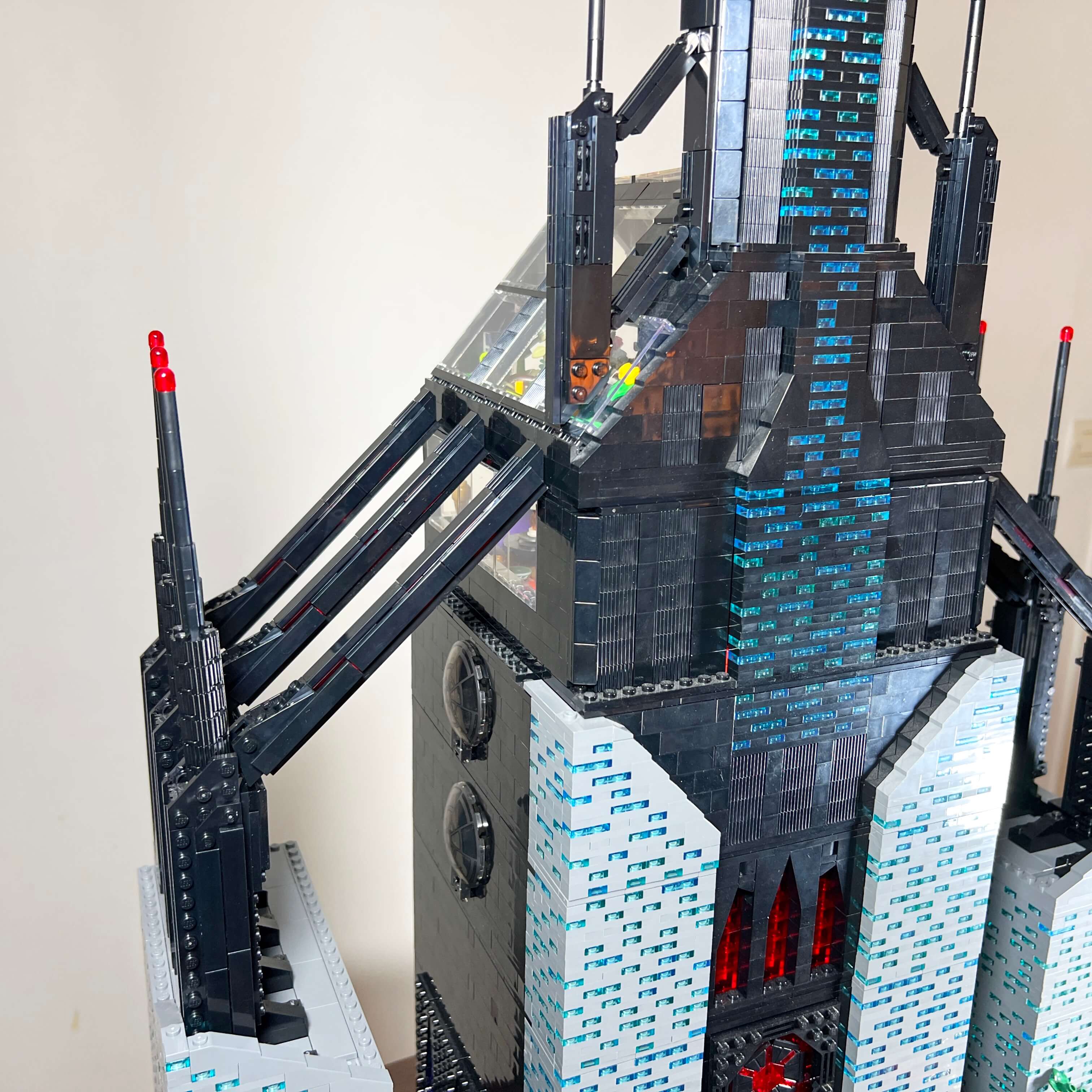
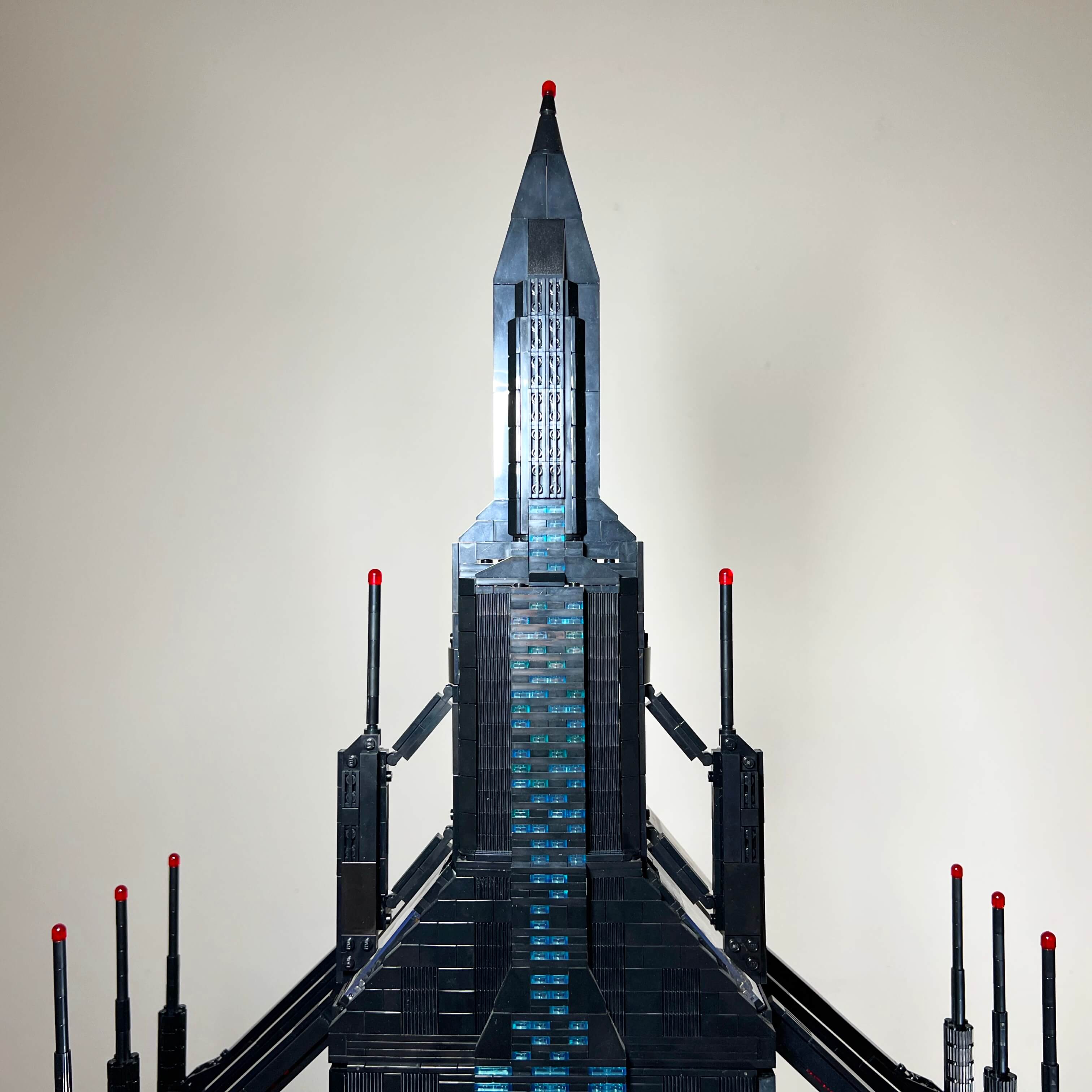
So I am quite happy with the final look of the Citadel: despite a few simplifications, the main elements are there, and this iconic location is clearly recognizable, with an architecture halfway between a Gothic cathedral, with its arches and stained glass, and a modern skyscraper.
The landing platform and the entrances
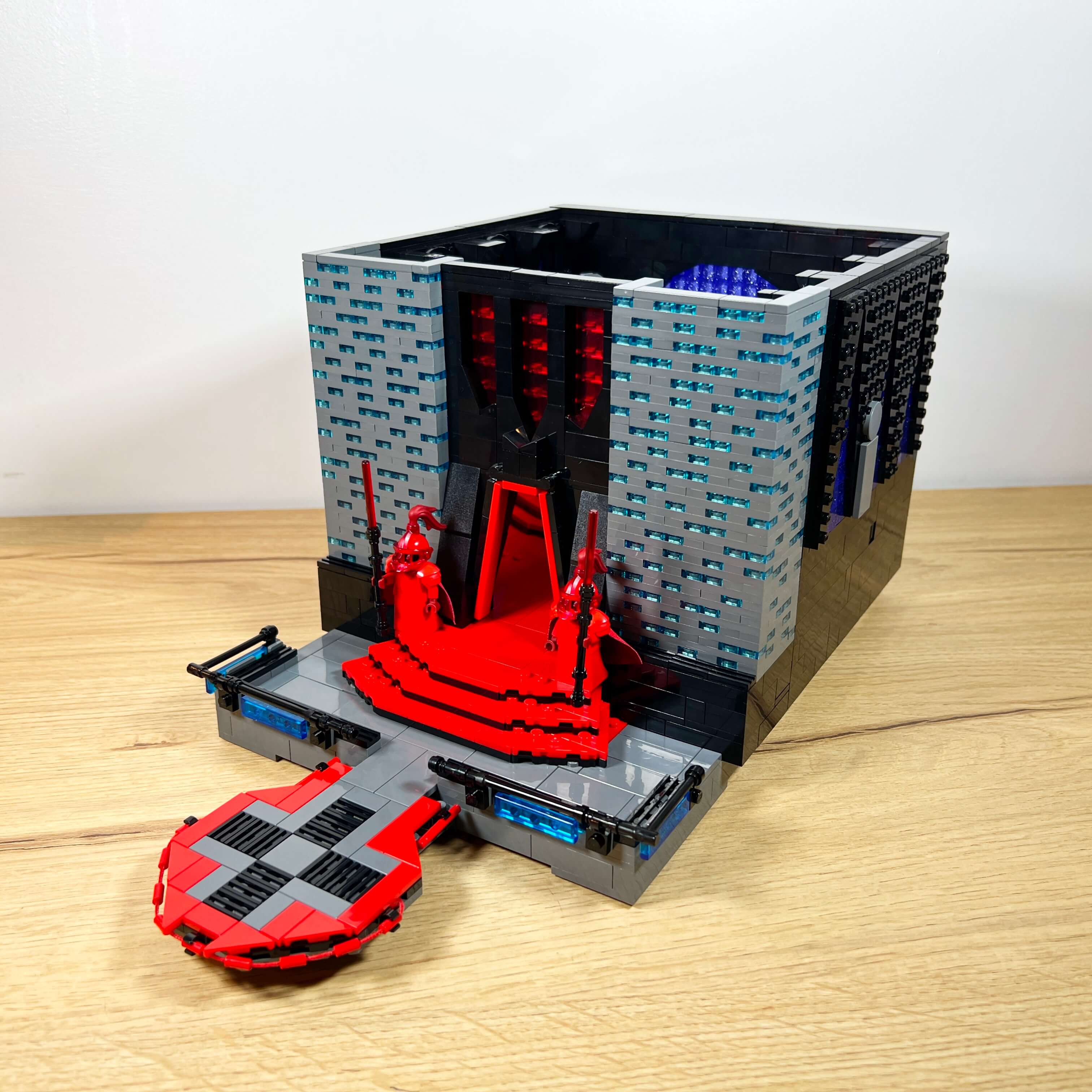
Let’s go into the details of the different areas of the Citadel, starting with its arrival point: the landing platform. In the game, the Citadel can only be accessed by flying speeder taxi, not on foot. By taking the taxi from the city center, you land on one of the three platforms located at the foot of each tower. They are very large in the game, serving as parking areas for several speeders. I only represented one of them, at the foot of the main tower, suspended above the street.
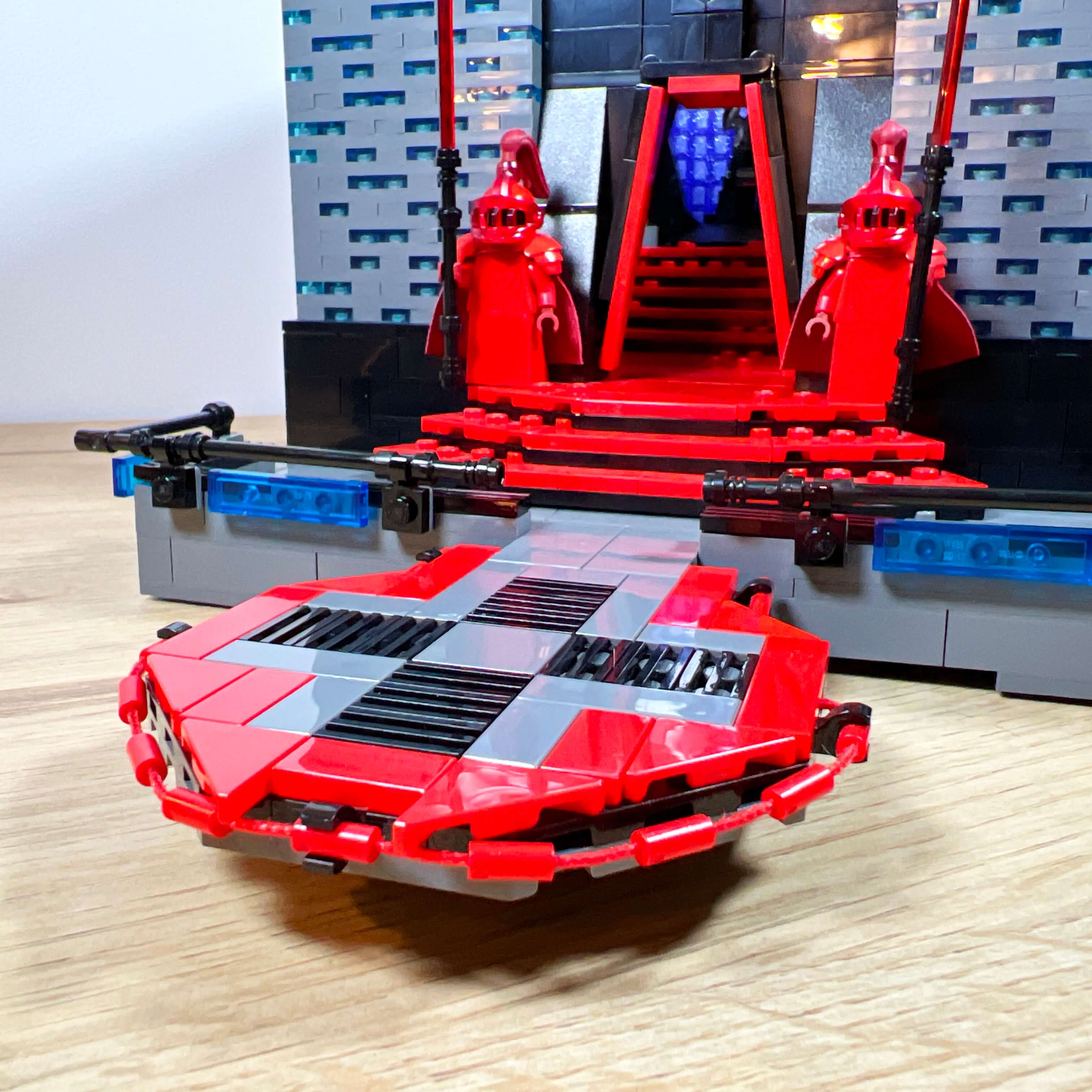
My initial idea was to use it to park the speeder I built. Unfortunately, there was an incompatibility between the space available for the platform, the size of the speeder, and the scale of the building. So I chose to make a small platform so as not to cover too much of the street below or distort the proportions of the Citadel. It is therefore a simple hexagonal platform, decorated with bars and cables along the edges, with a red, black, and gray floor.
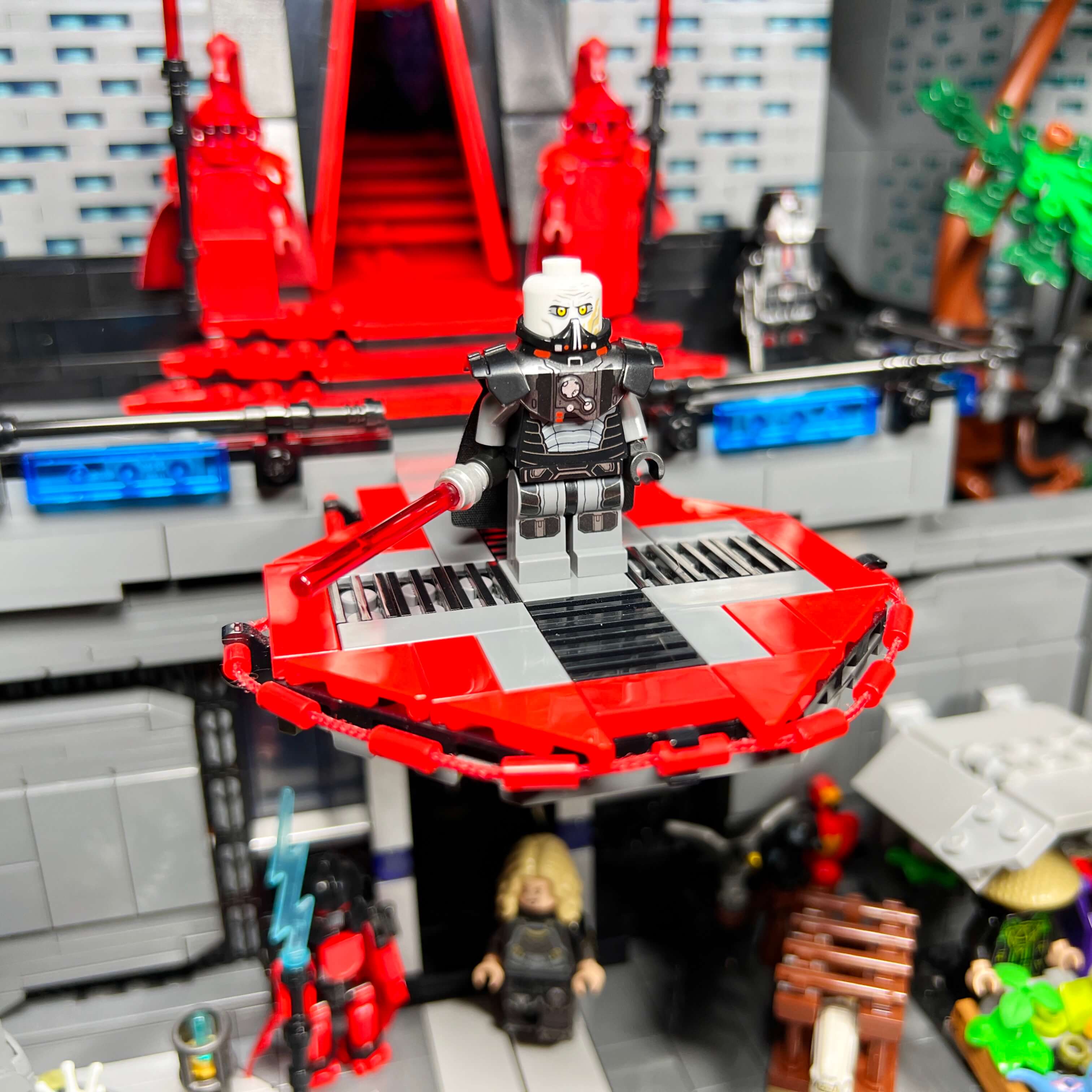
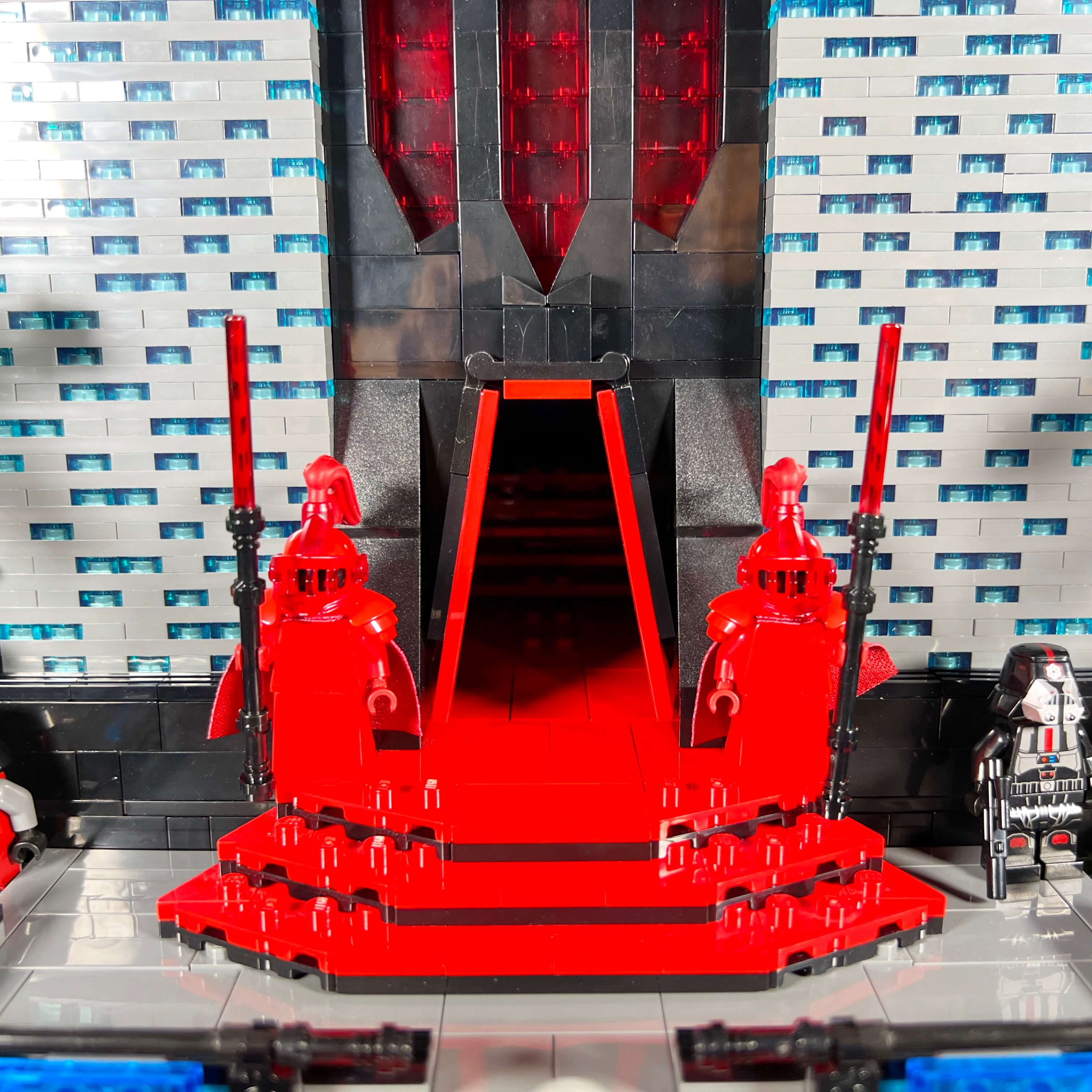
The platform leads to a path that connects the entrances of the three towers, as in the game. The central section has a red staircase leading to the throne room, with a large trapezoid-shaped door with red edges, evoking the entrance of the building in the game.
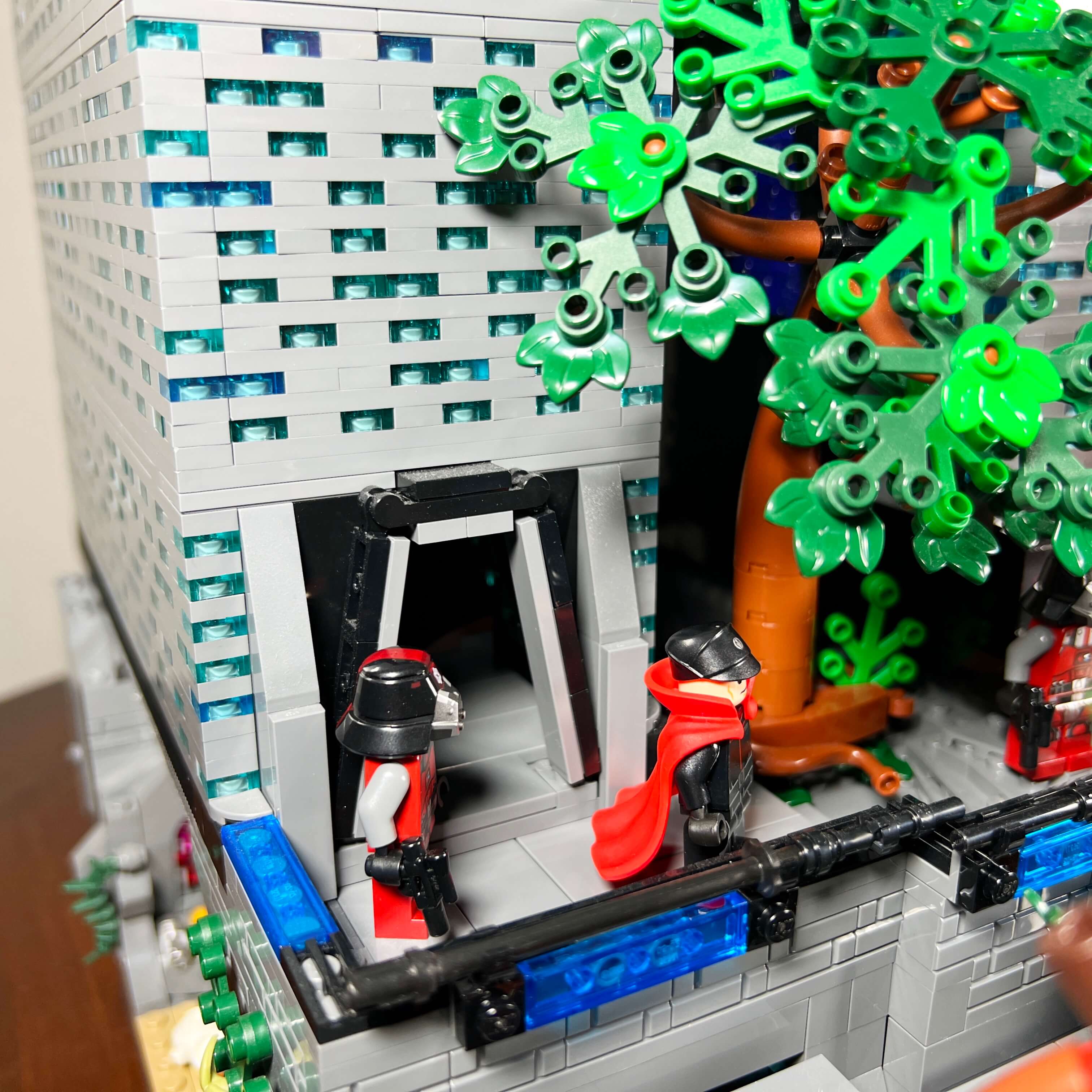
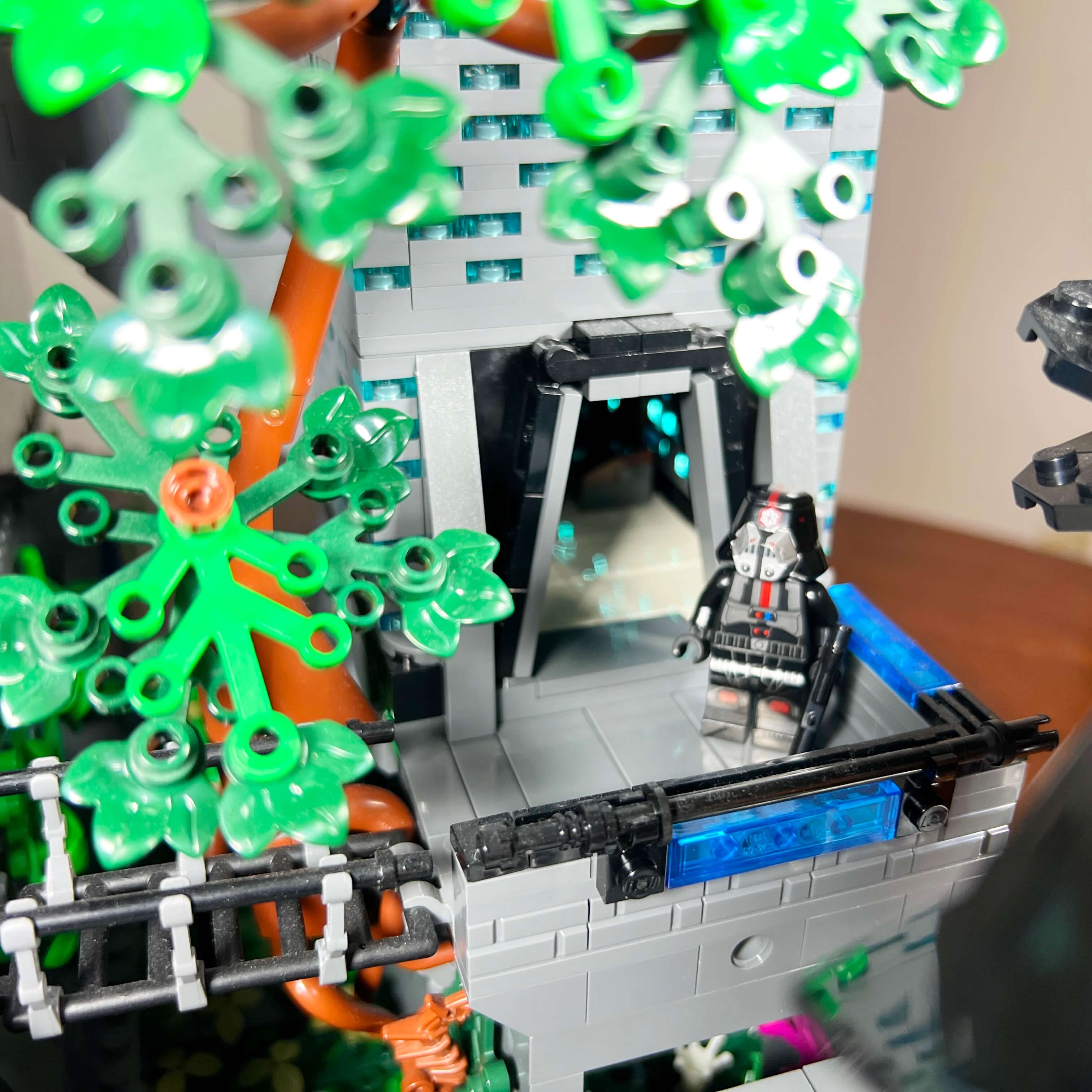
The two side towers have similar entrances, but smaller and more understated, and the path is different on each side: an ancient staircase on the left and a walkway on the right. Since the two large jungle trees are placed between the buildings, the right-hand walkway offers a glimpse of the tree’s exposed roots.
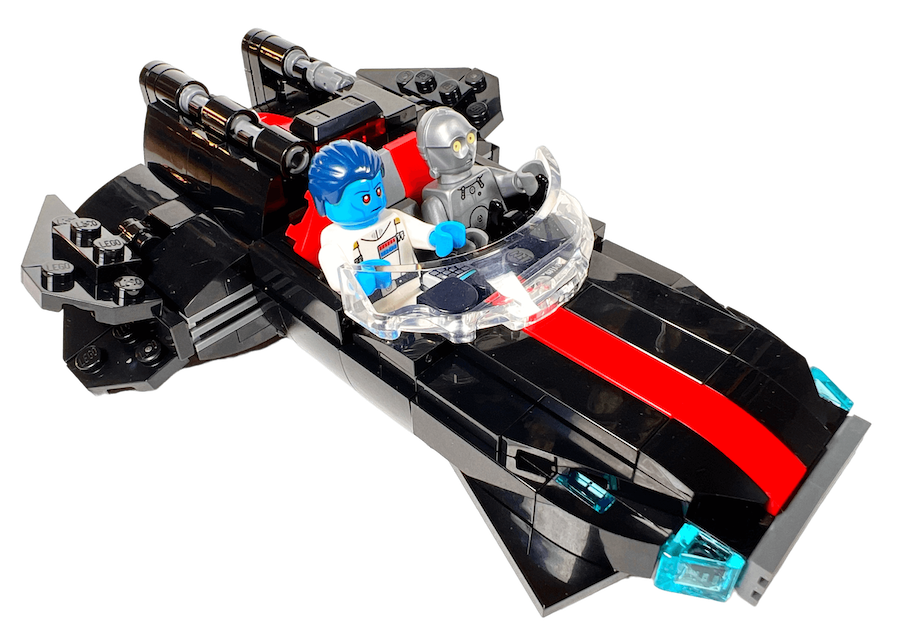
The Dromund Kaas speeder taxi
As I mentioned in the previous paragraph, I built a MOC of the Dromund Kaas speeder taxi to include it in the diorama. I made it for the first version of the MOC, and I kept it unchanged for the final version, because it is very successful and faithfully reproduces the one from the game.
Since I did not have enough space to place it on the platform, I installed it flying on the side of the MOC on the end of a transparent rod — which is actually not a bad thing, as it adds a bit of dynamism to the scene.
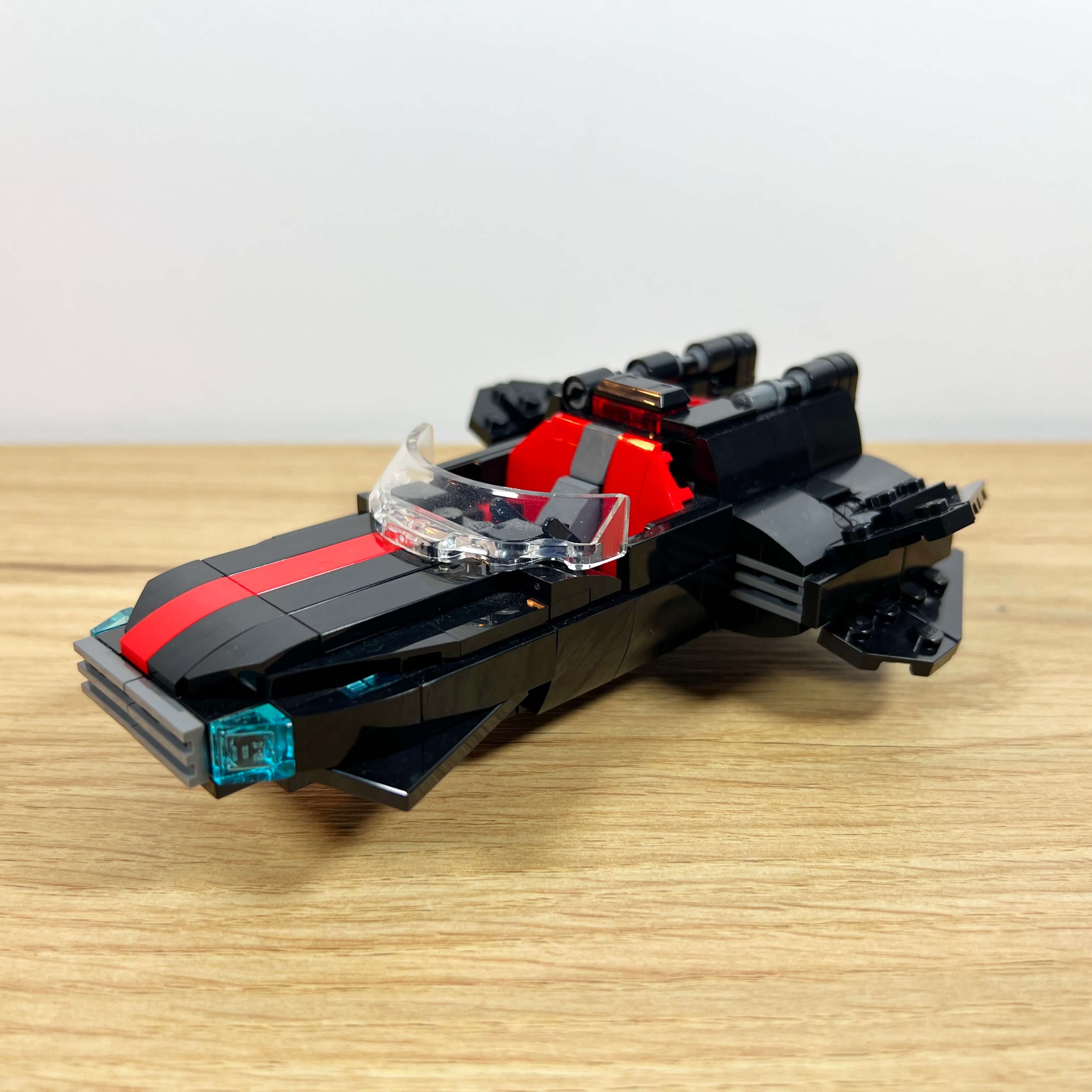
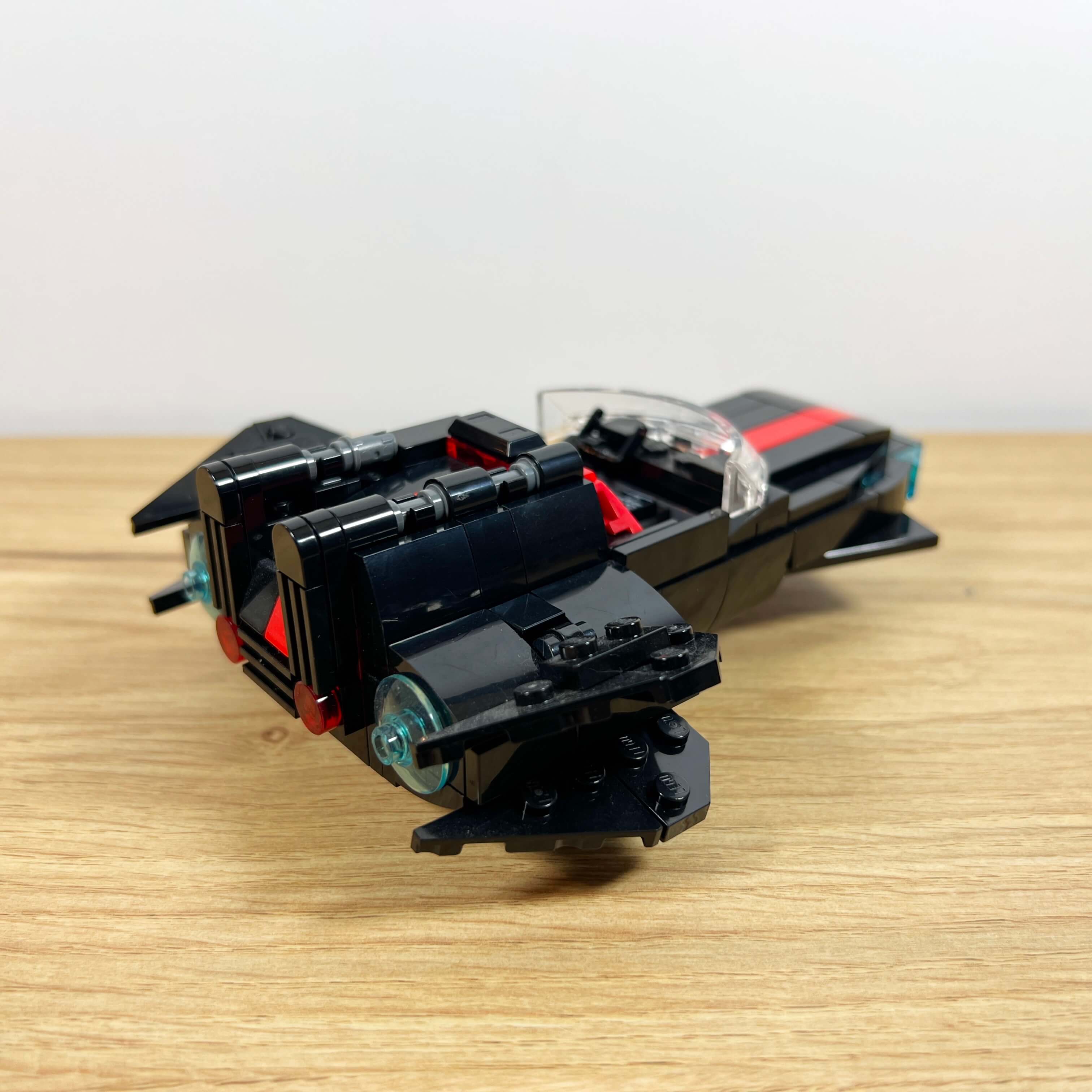
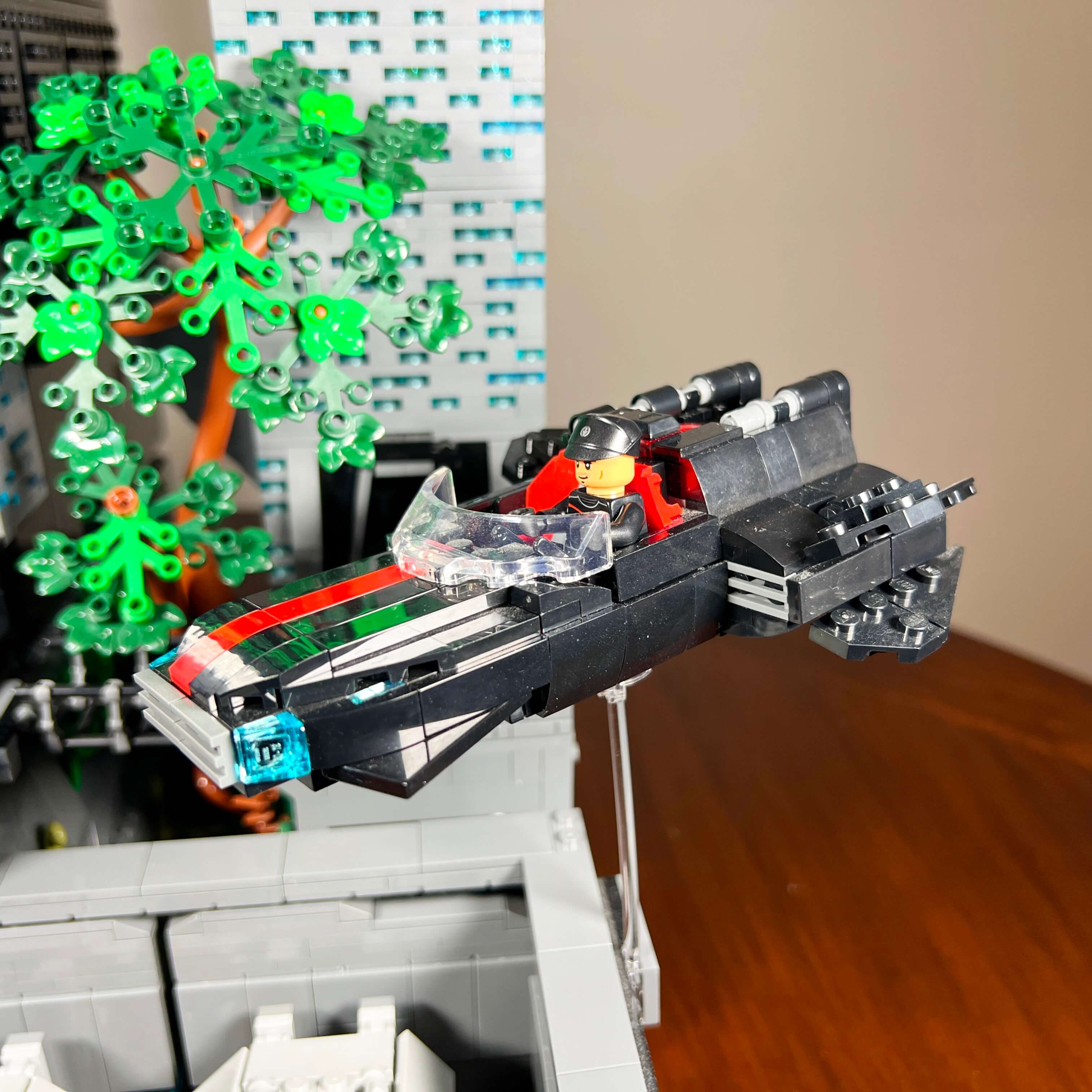
I already presented it in a dedicated article about the creation of the Dromund Kaas speeder taxi MOC, so I will not go into further detail about it here. I would also like to remind you that you can get the PDF instructions for free to build it yourself simply by subscribing to the Temple of Bricks newsletter.
The Imperial Army headquarters
The first of the two side towers represents the Imperial Army headquarters, in place of the Mandalorian enclave found in the game. I made this replacement choice because I was not really sure what to represent for the Mandalorians. It consists of four floors measuring 8x22 studs.
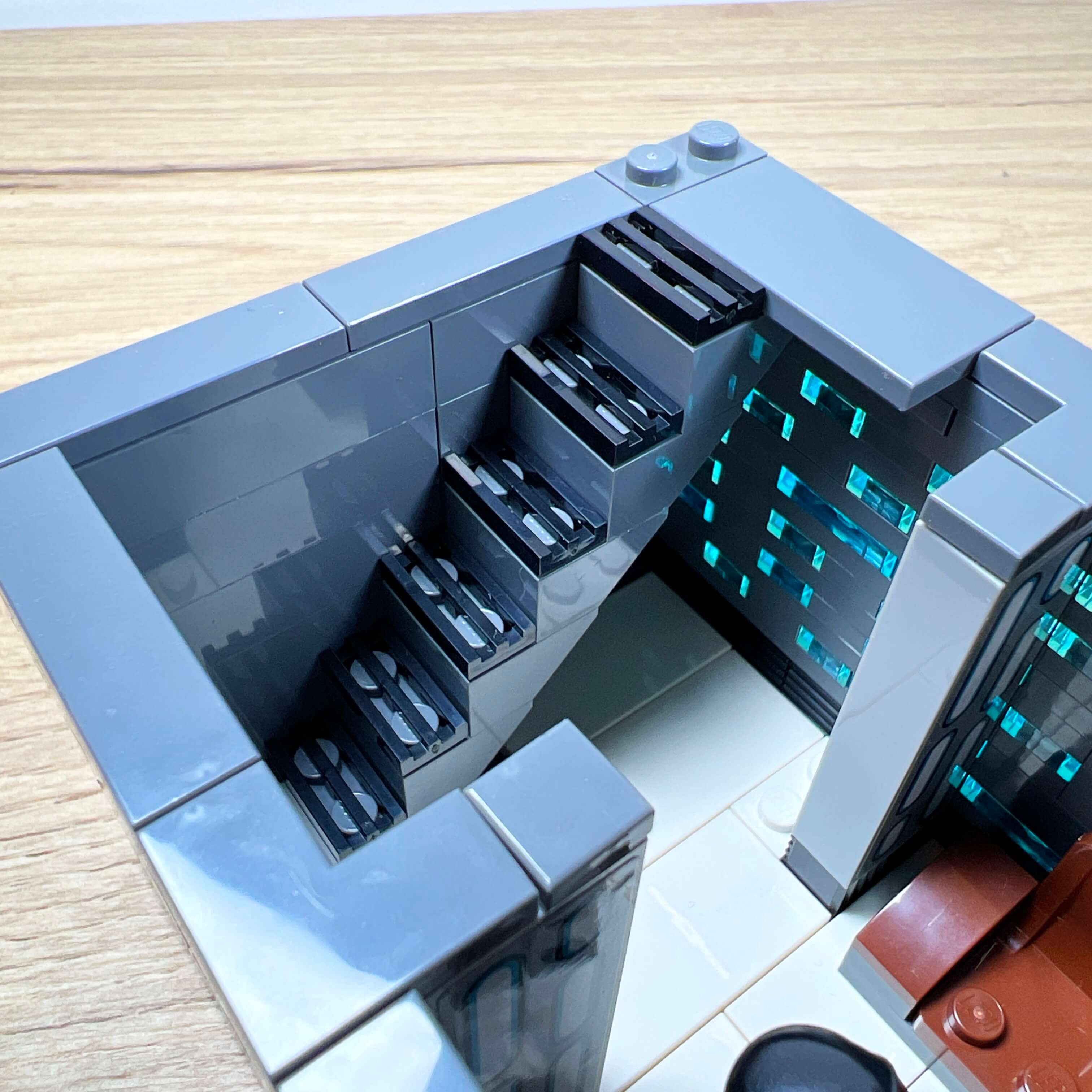
For the ground floor, I kept it simple, with an entrance hall decorated with an armchair and a display stand holding two rifles. Unlike the floors of the main tower, the floors of the side towers are connected by staircases placed against the back wall.
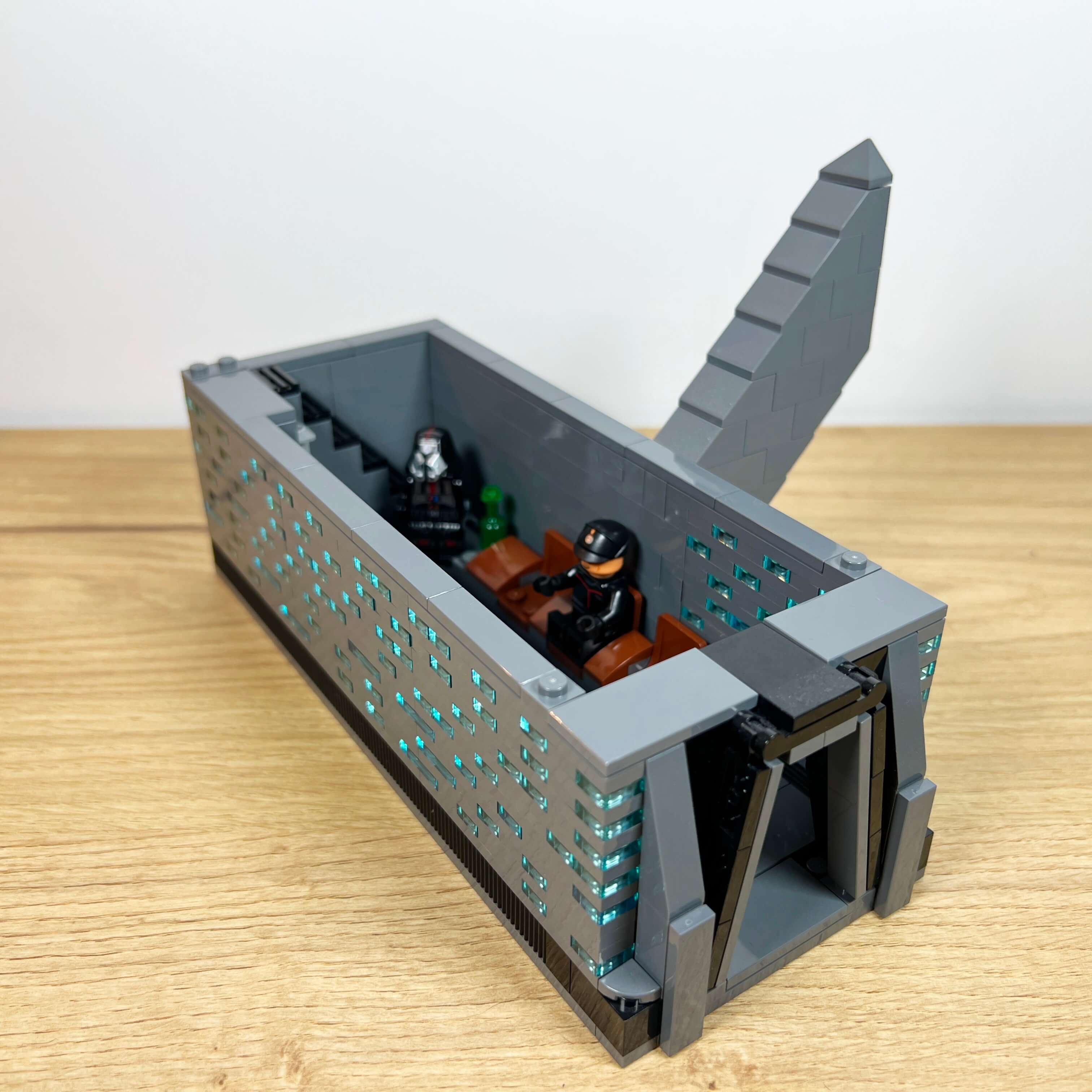
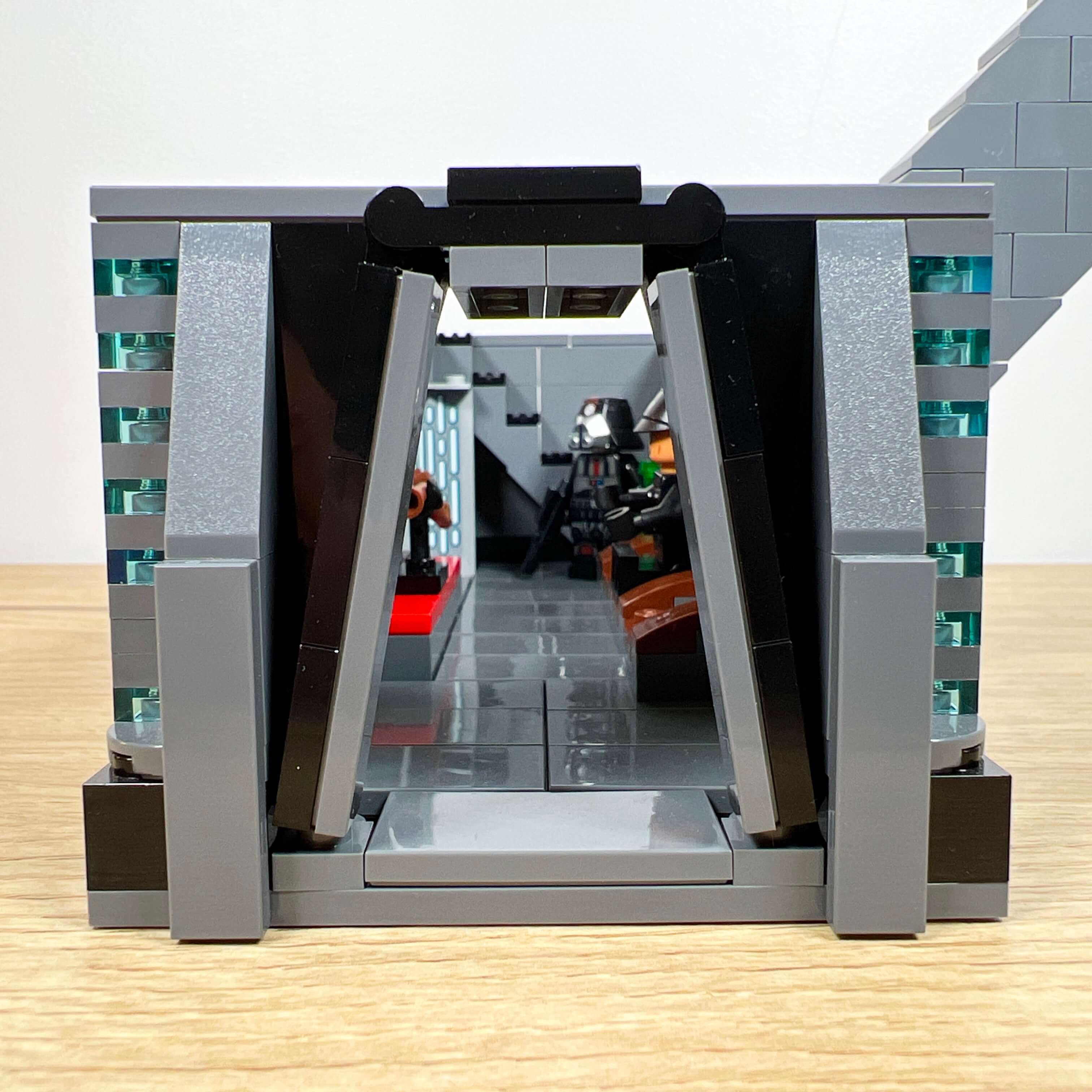
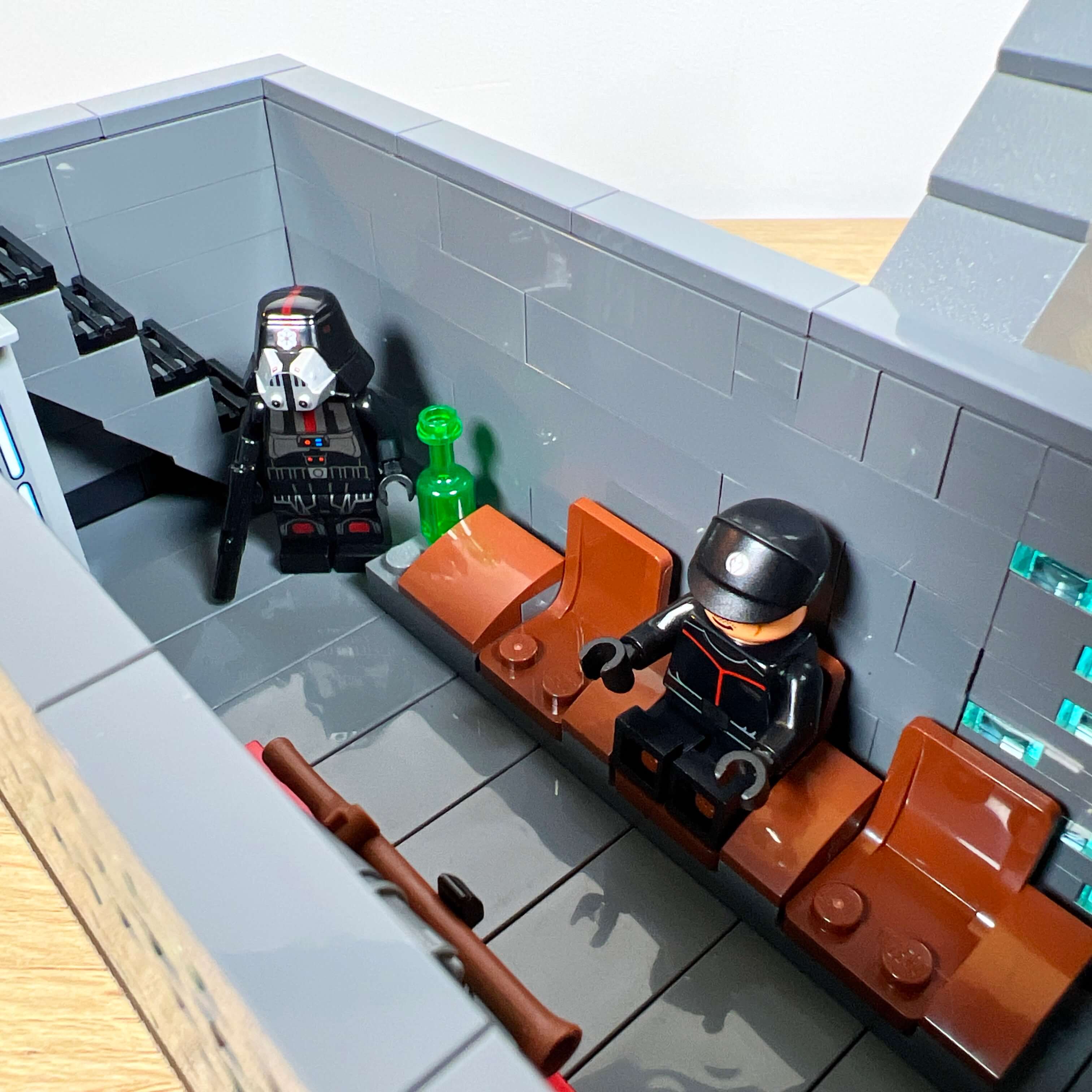
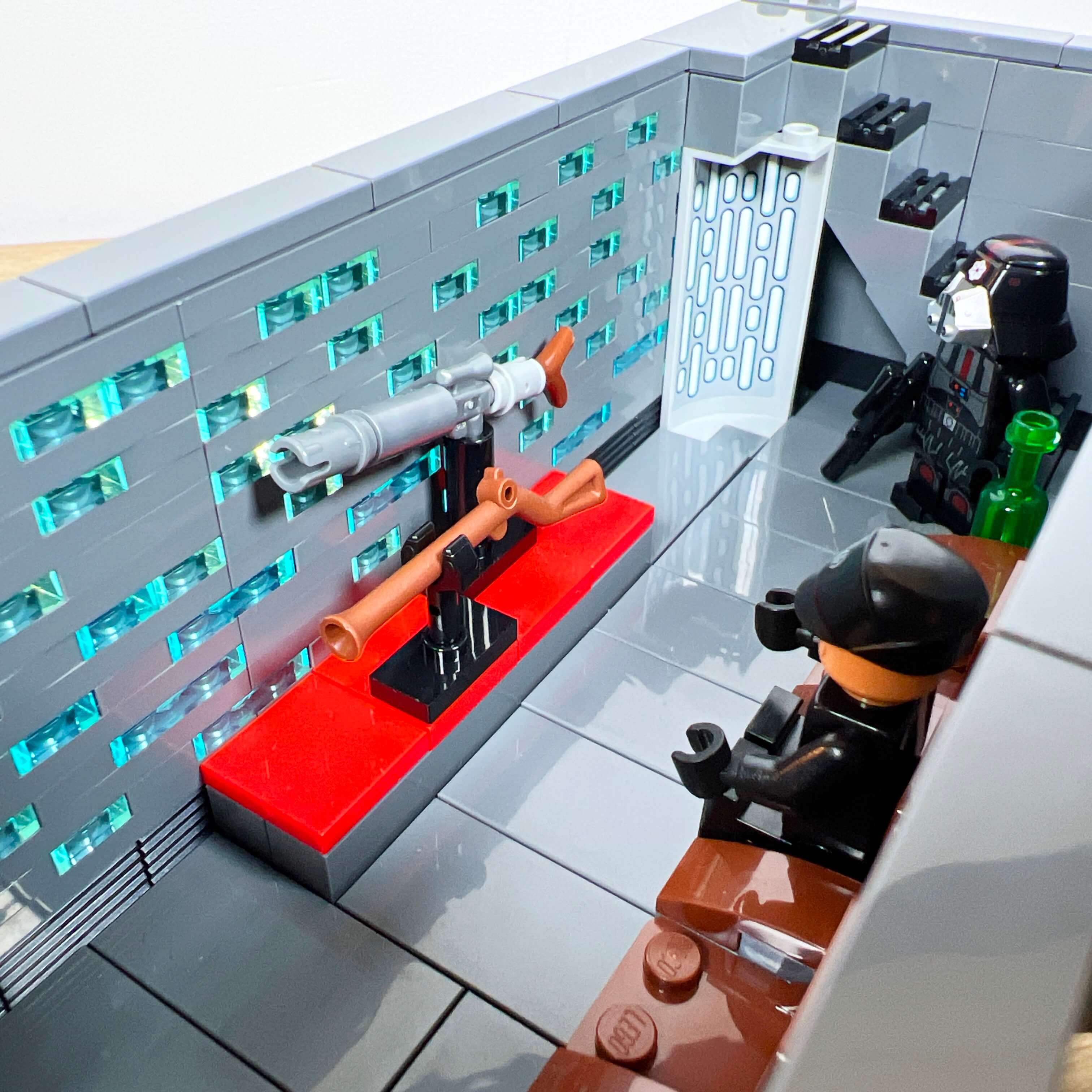
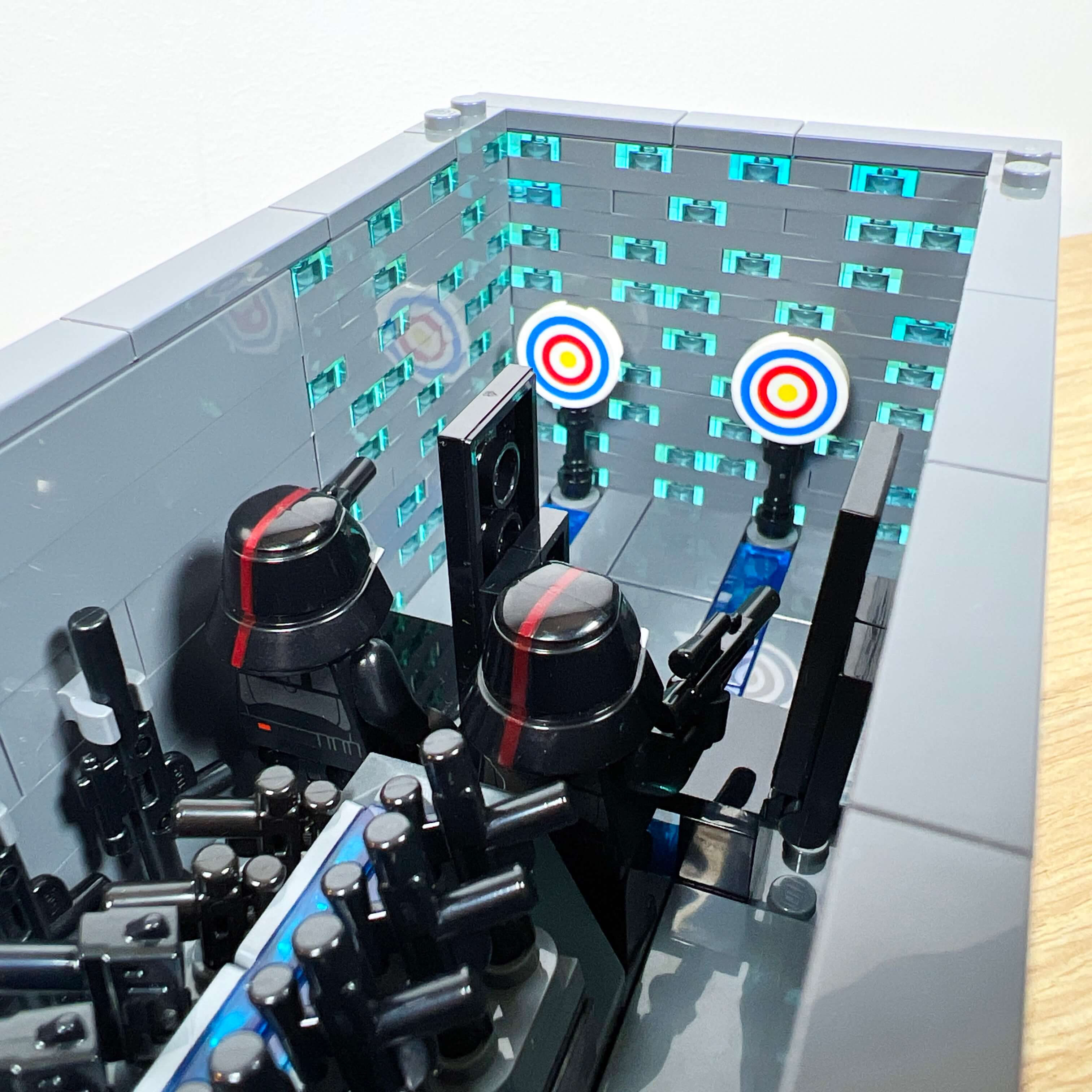
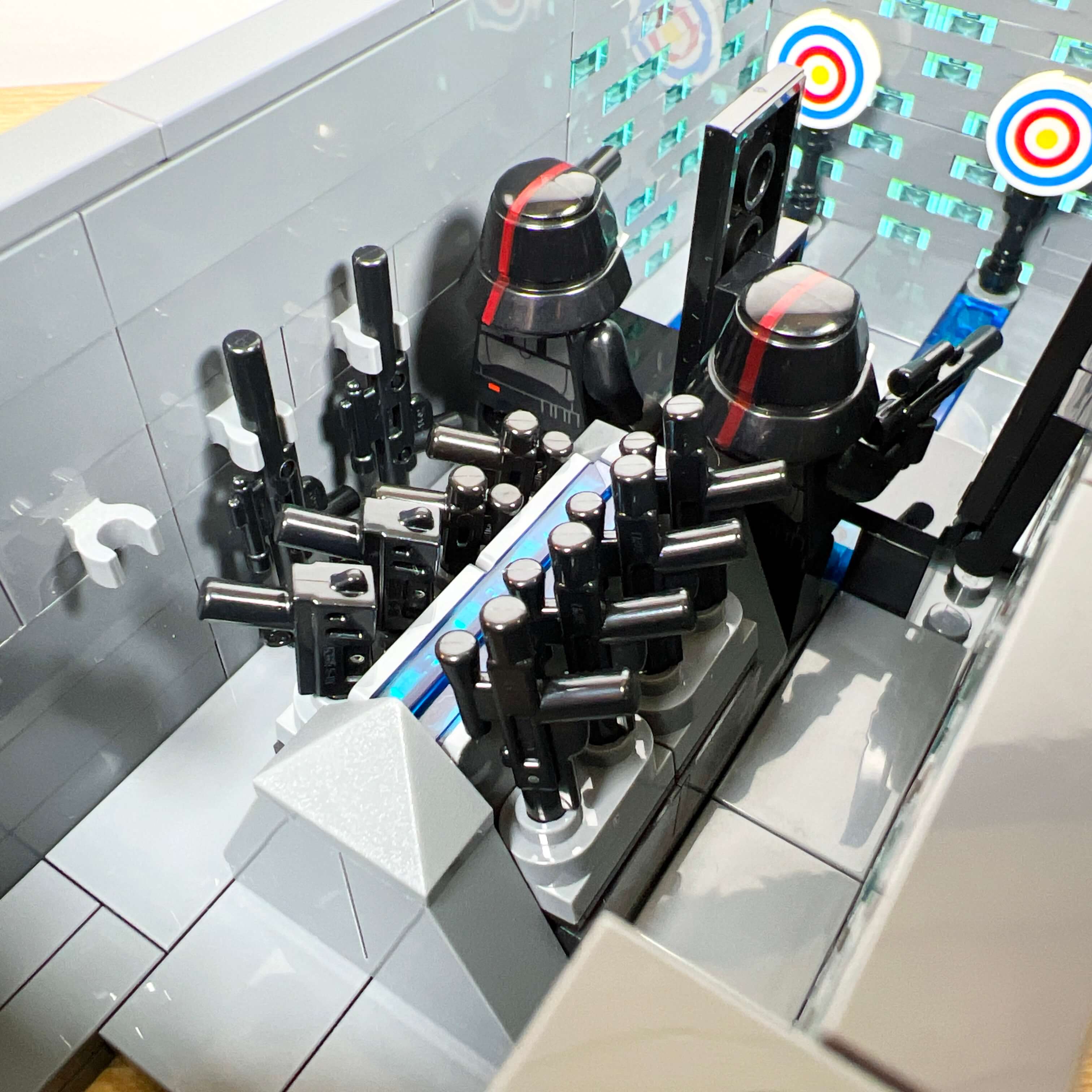
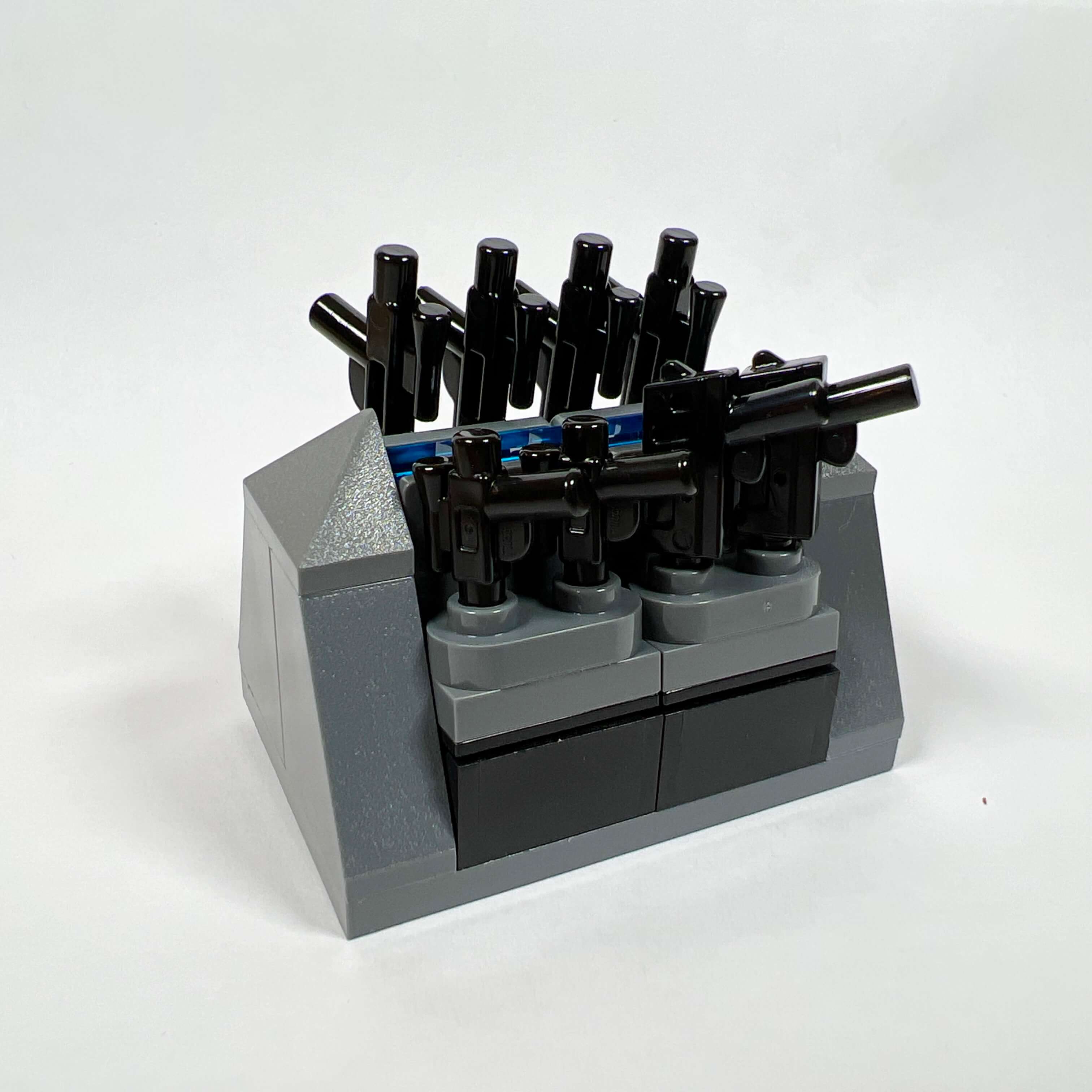
The first floor is more elaborate: it contains the armory and its shooting range. The center of the room holds a rack for eight blasters, and four rifles can be stored on the wall. The shooting range is quite simple, with two shooting positions and two targets. I am quite happy with this part of the build: despite the limited space available, the result is convincing.
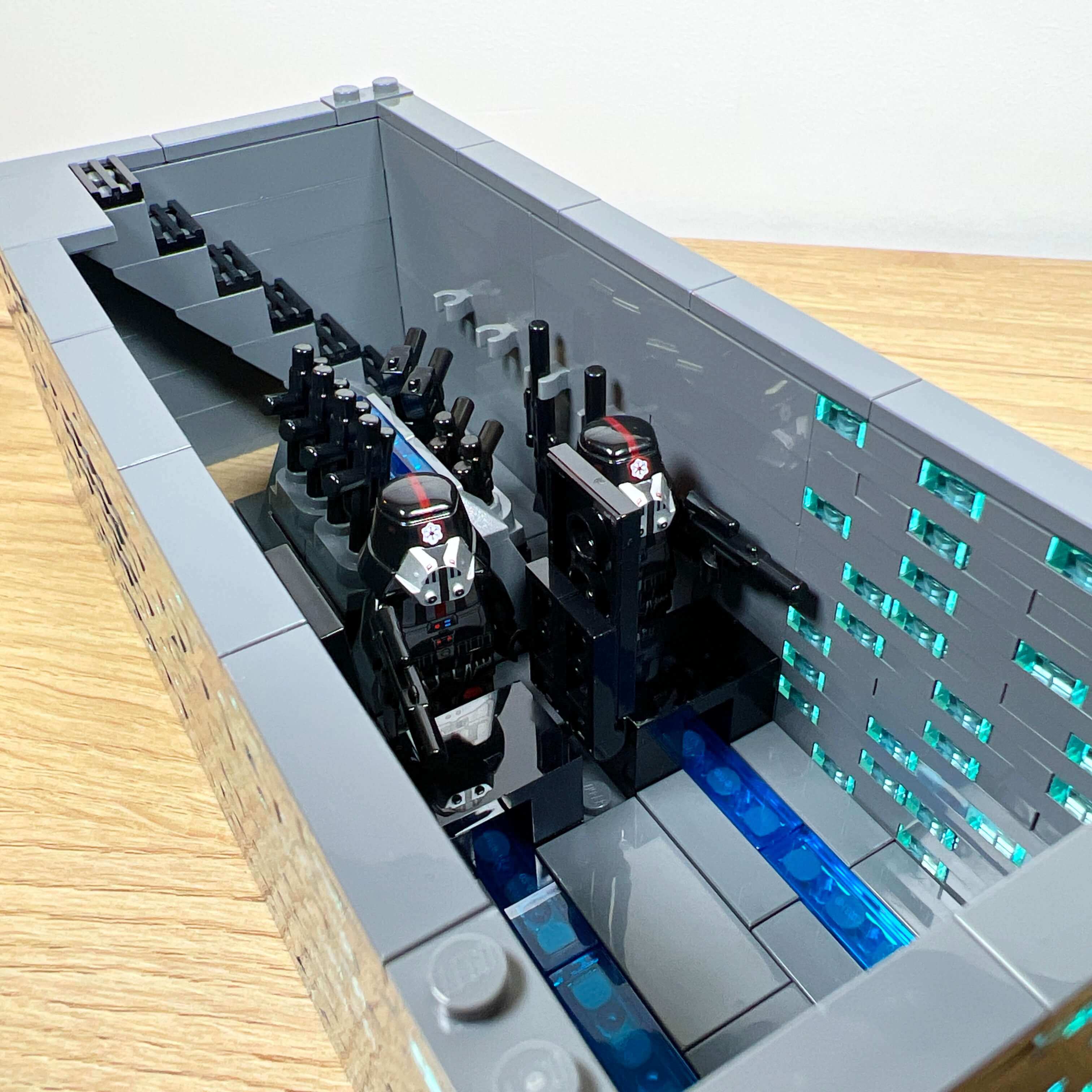
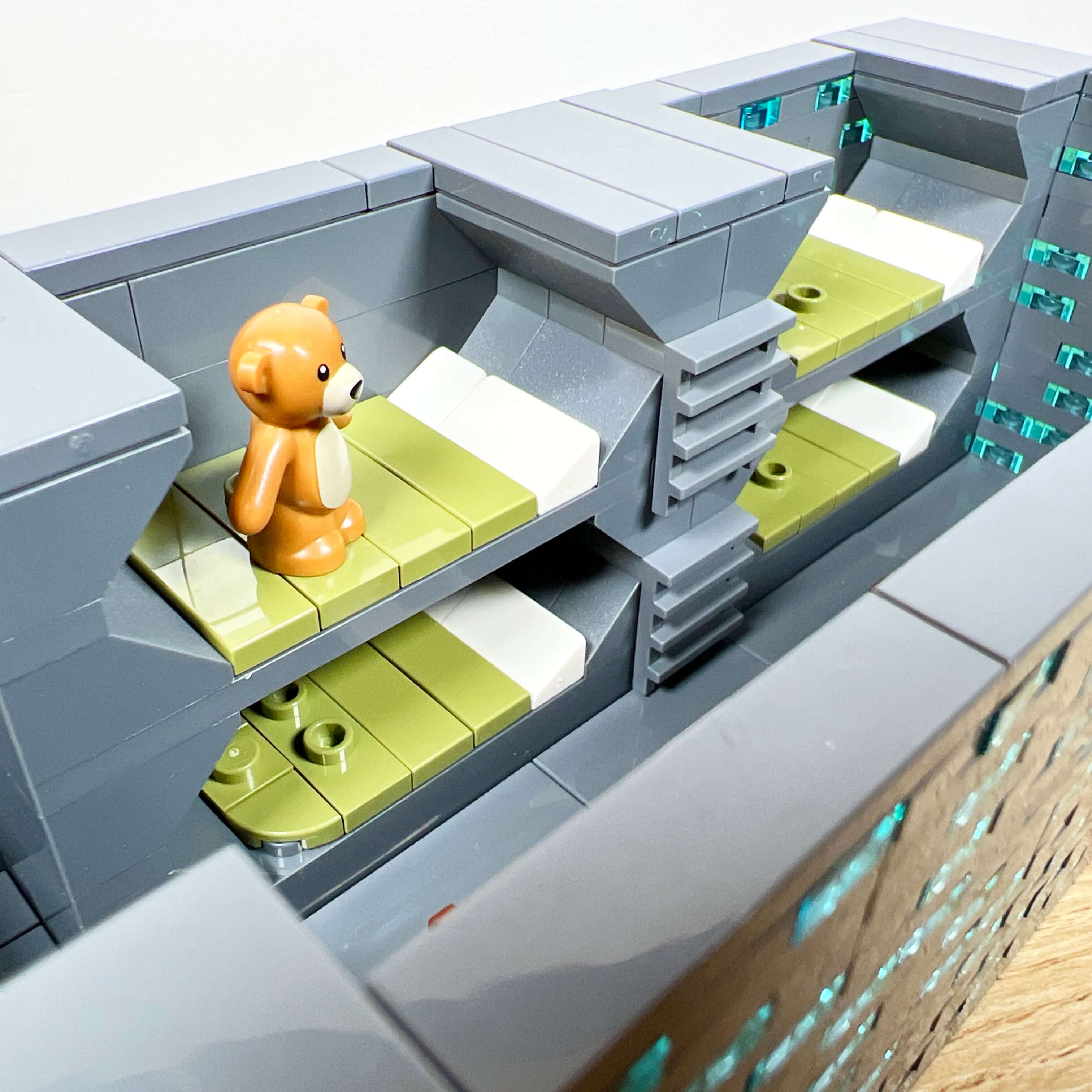
The next floor is the barracks. One side of the room contains four bunks large enough to hold minifigures, and the other side has two tables. I am quite happy with the bunks, with their hexagonal shape giving them a futuristic yet military look.
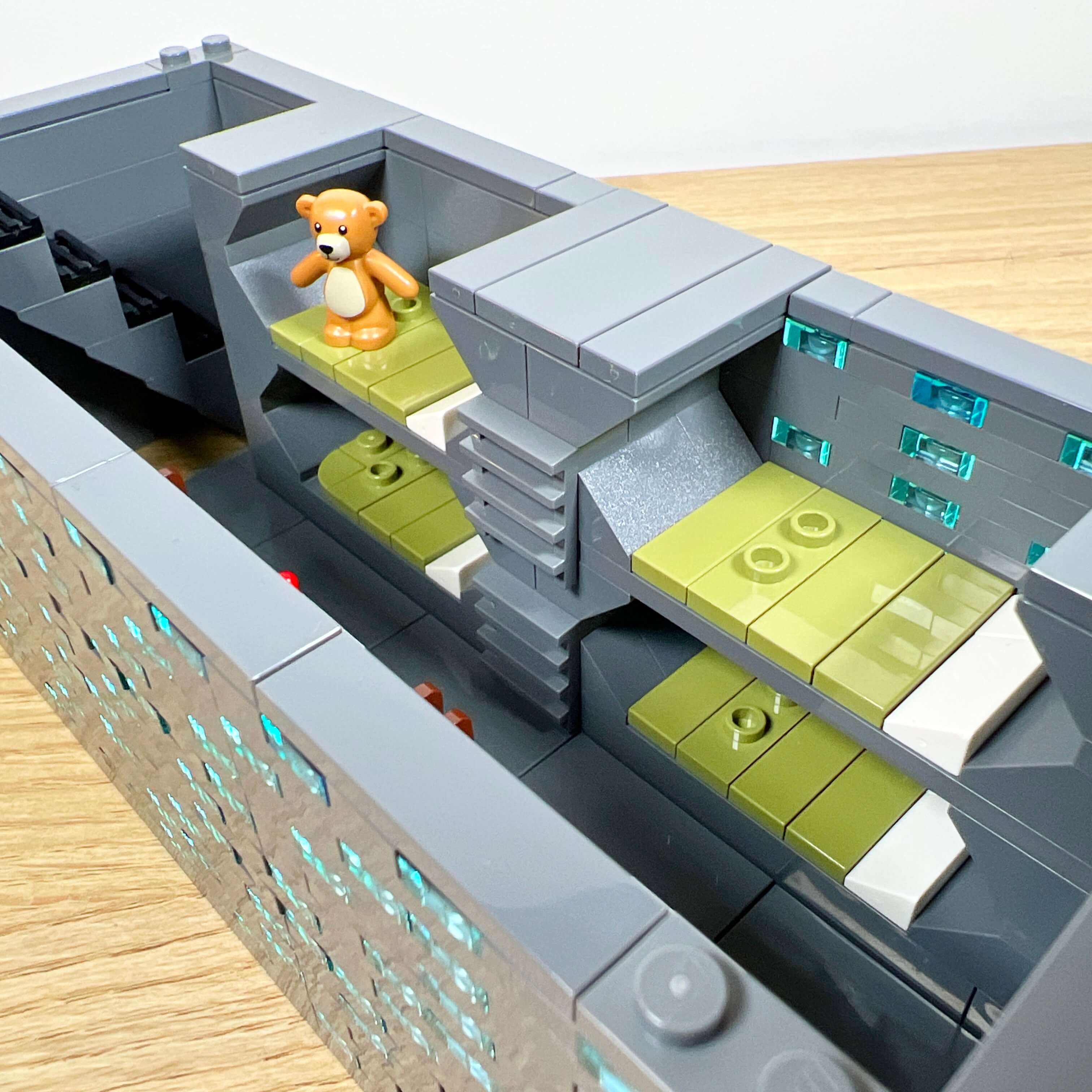
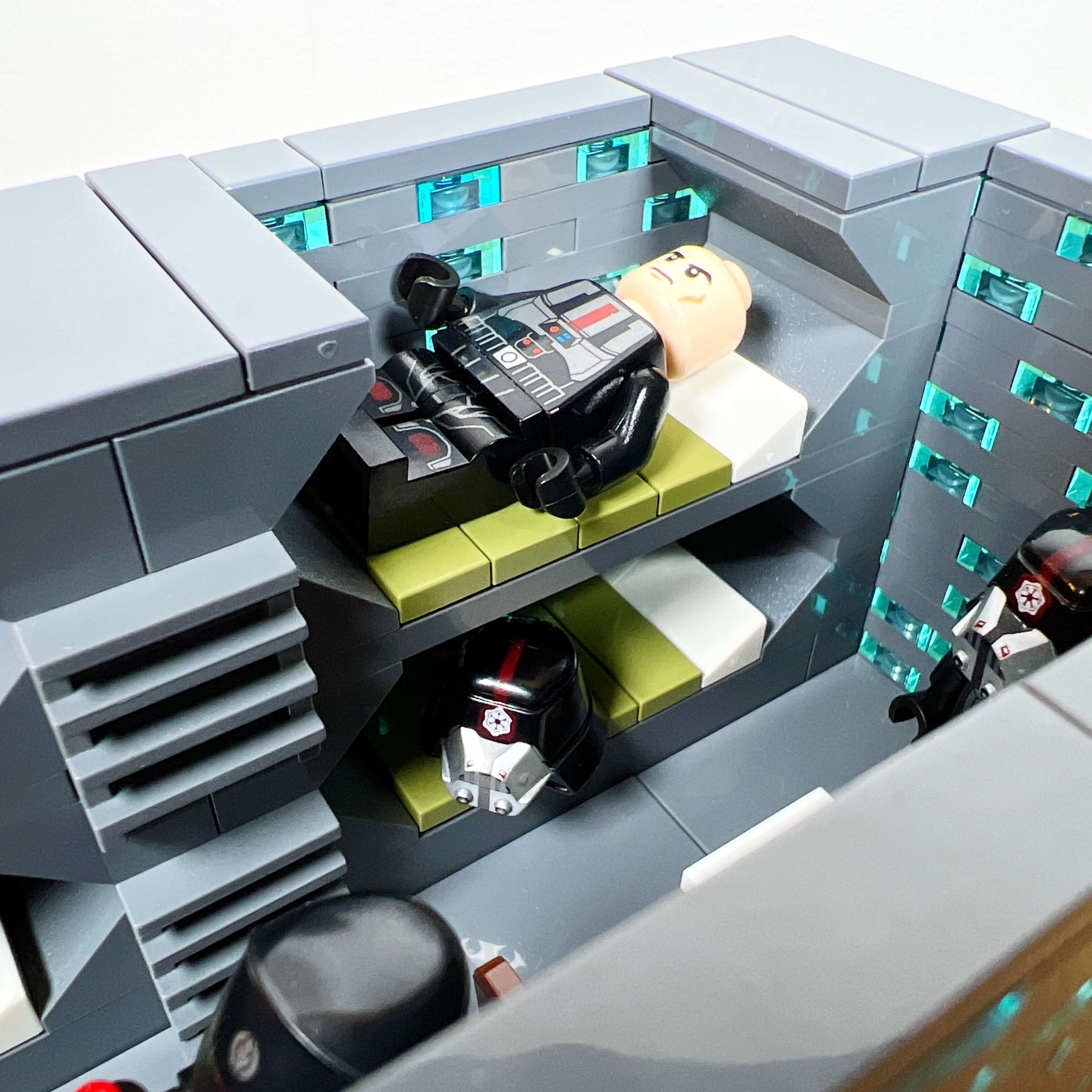
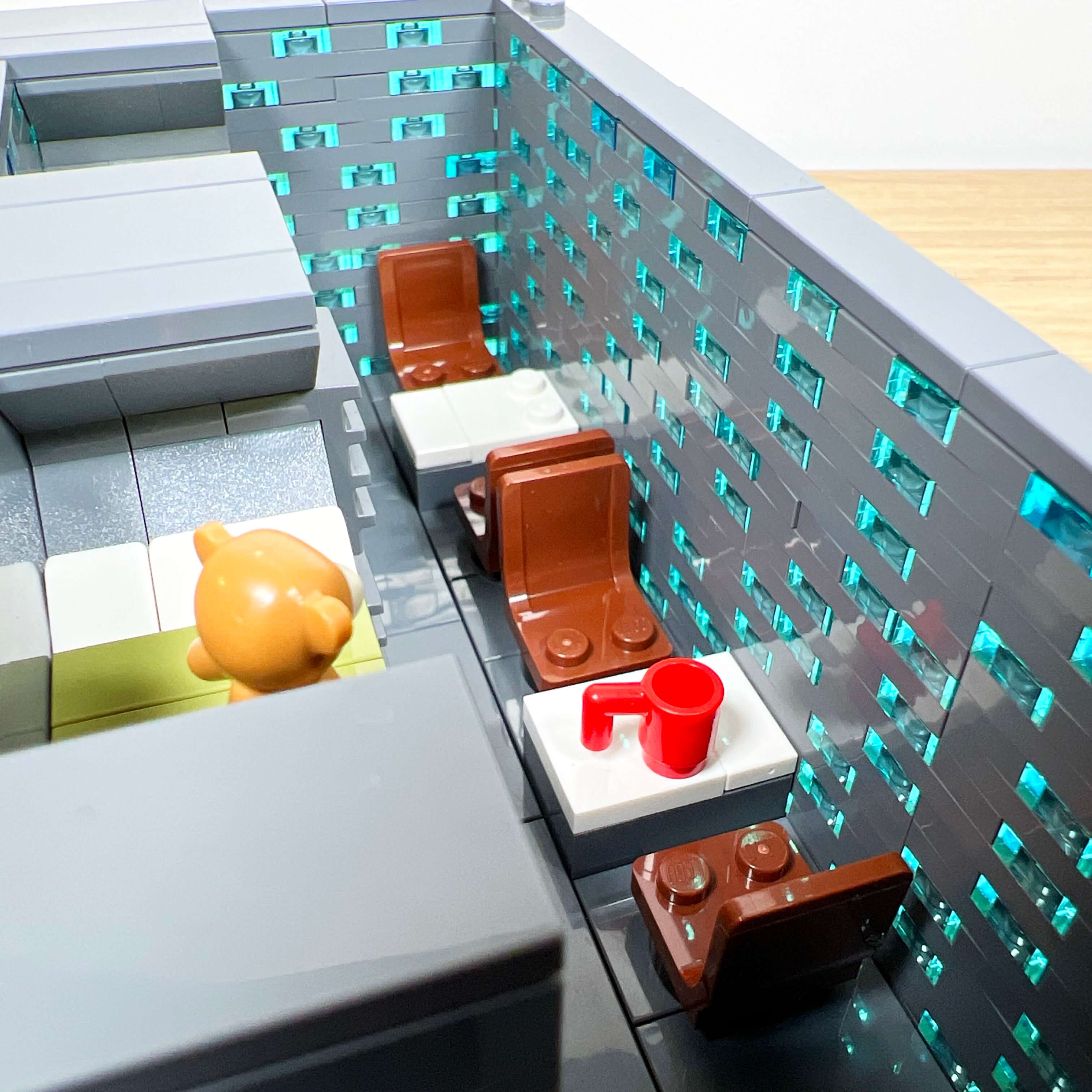
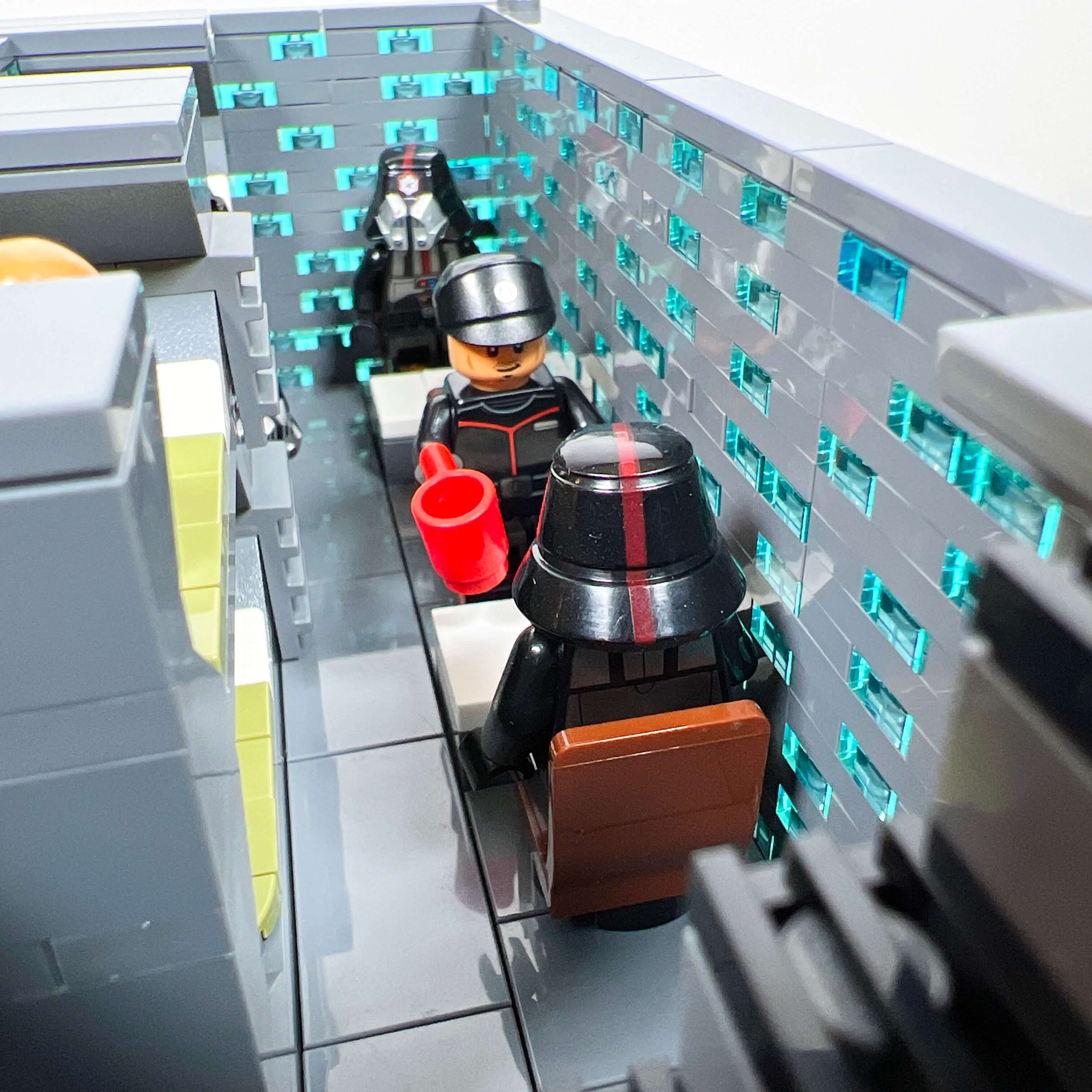
Finally, the last floor is the admiral’s office. In addition to the desk itself, the room is decorated with a plant, a Sith Empire banner, a screen, and a cabinet displaying a ship model.
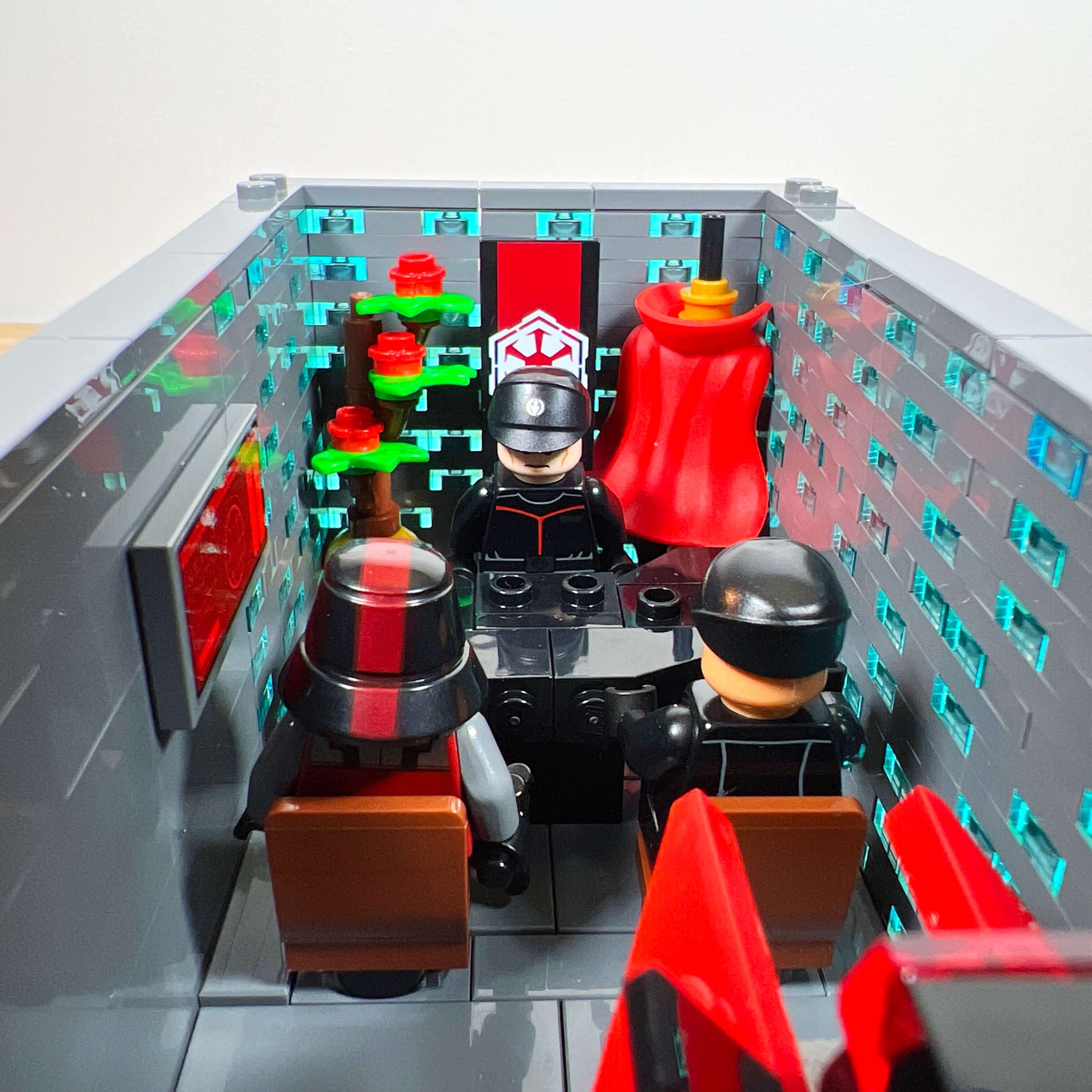
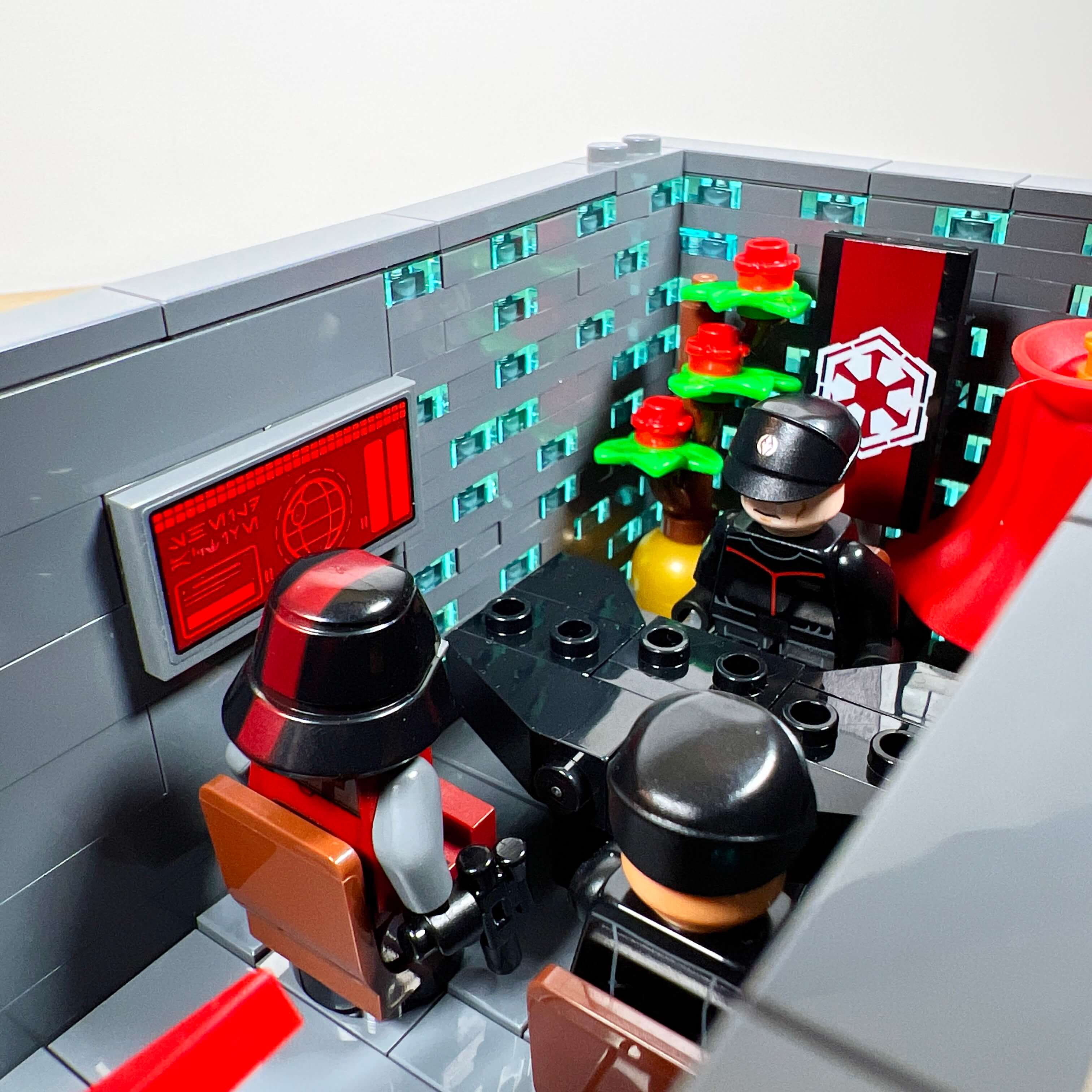
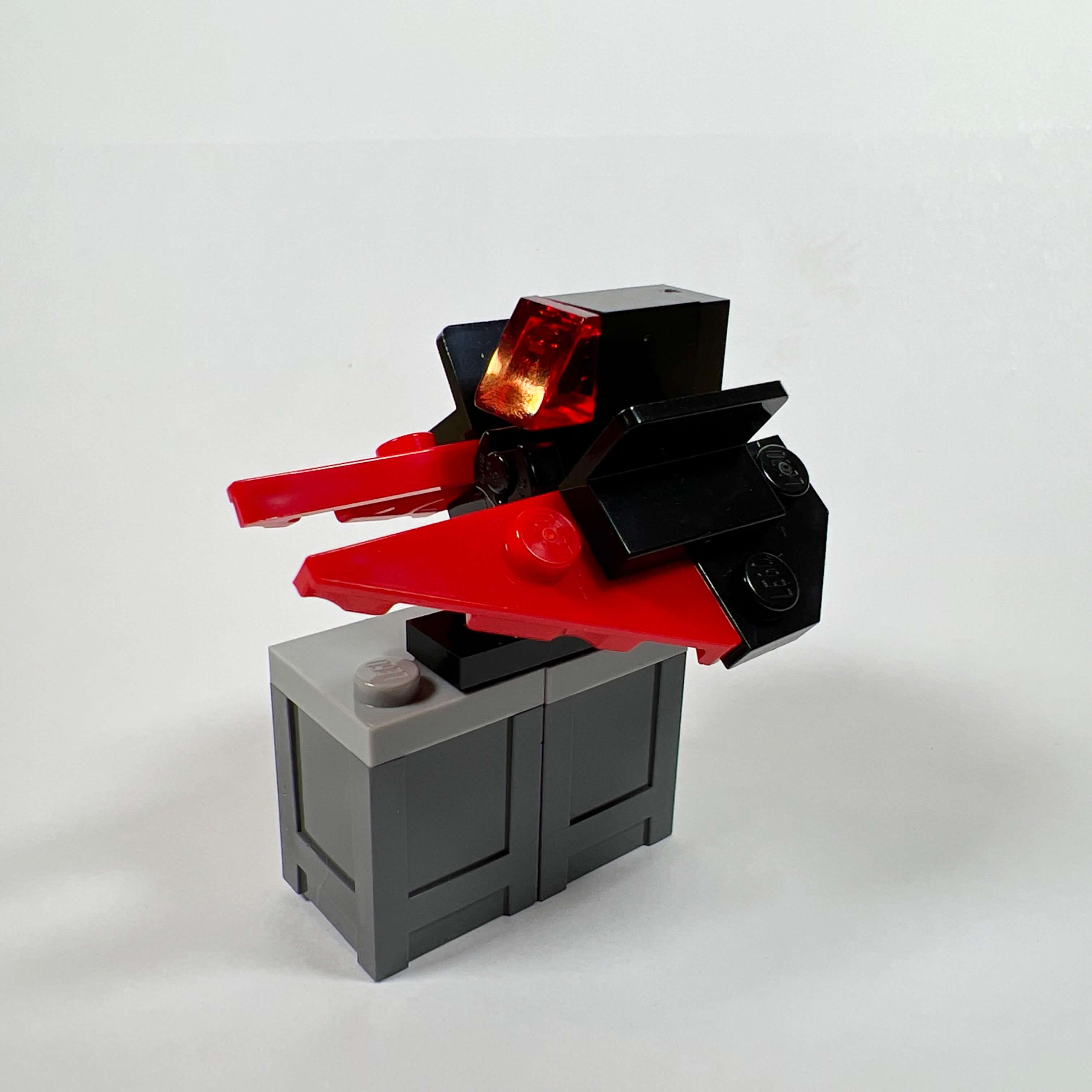
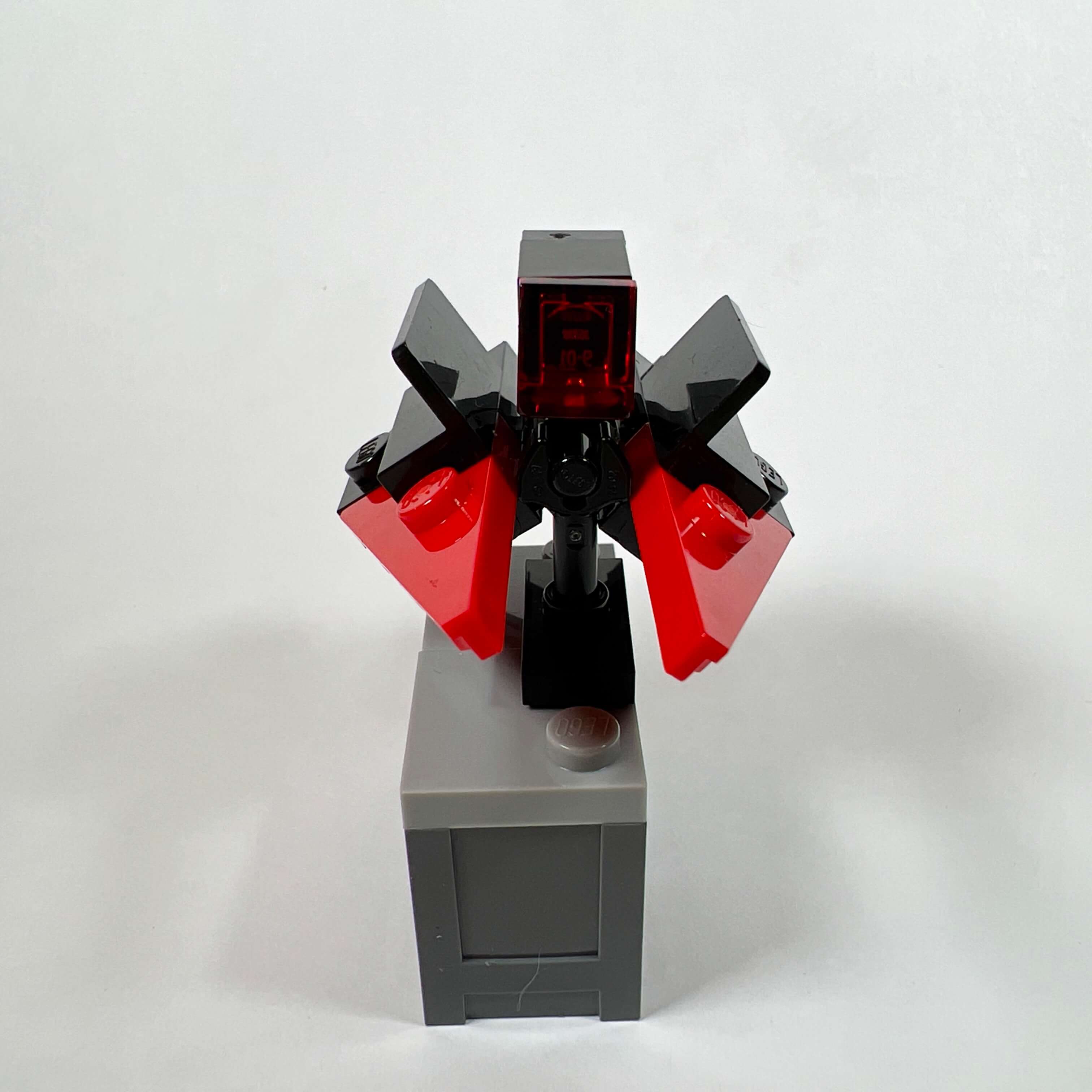
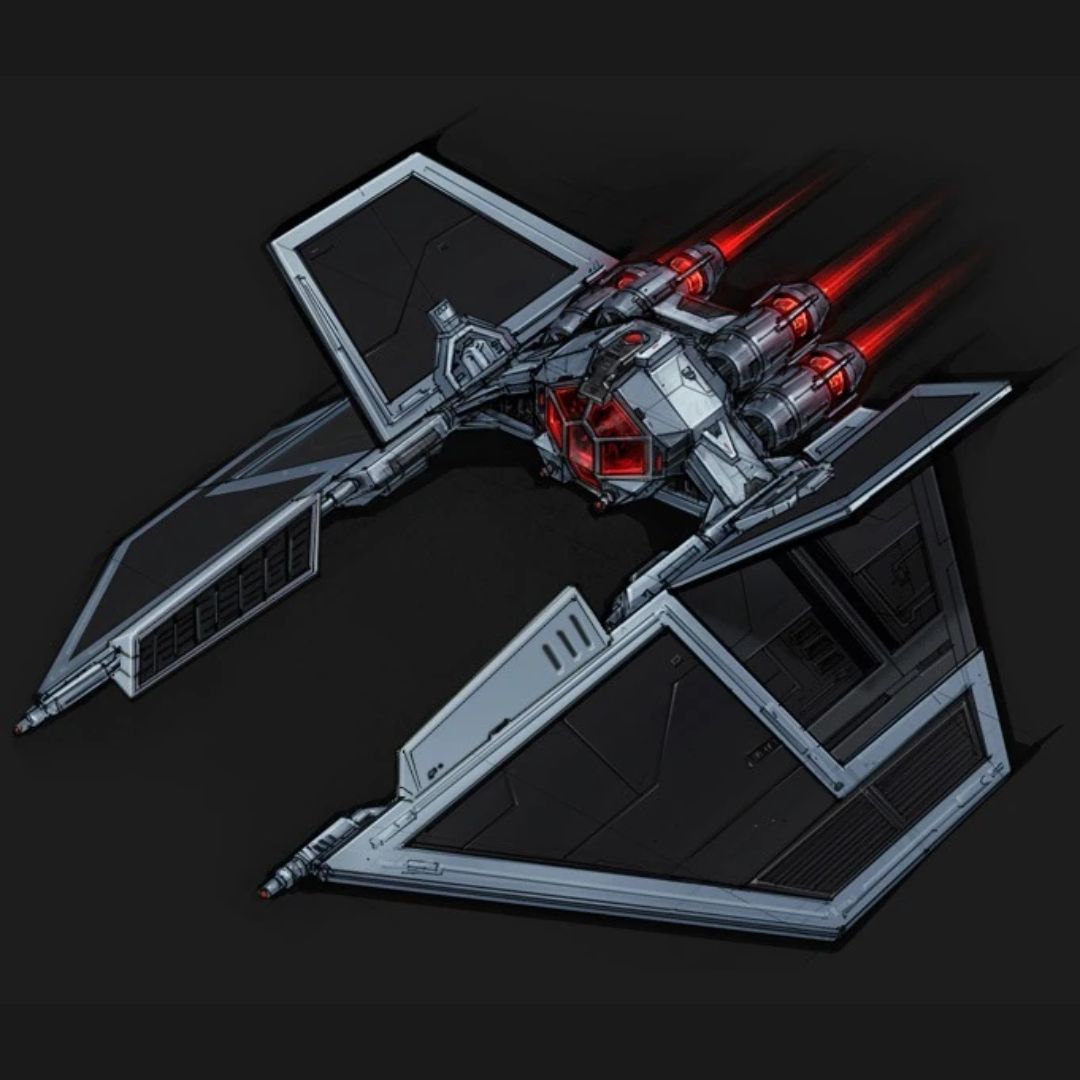
At first, I wanted to create a miniature version of the Harrower-class destroyers, used by the Sith Empire in the game, but I could not find a building technique that would represent them satisfactorily at this scale. So I made a miniature version of the Supremacy Mark VI fighter, the standard Sith Empire starfighter of the era. Its shape is fairly close to the original, with its angled wings and movable fins. Since I did not have the right-colored pieces, I left the front of the wings red. Let’s call it a prototype…
The intelligence wing
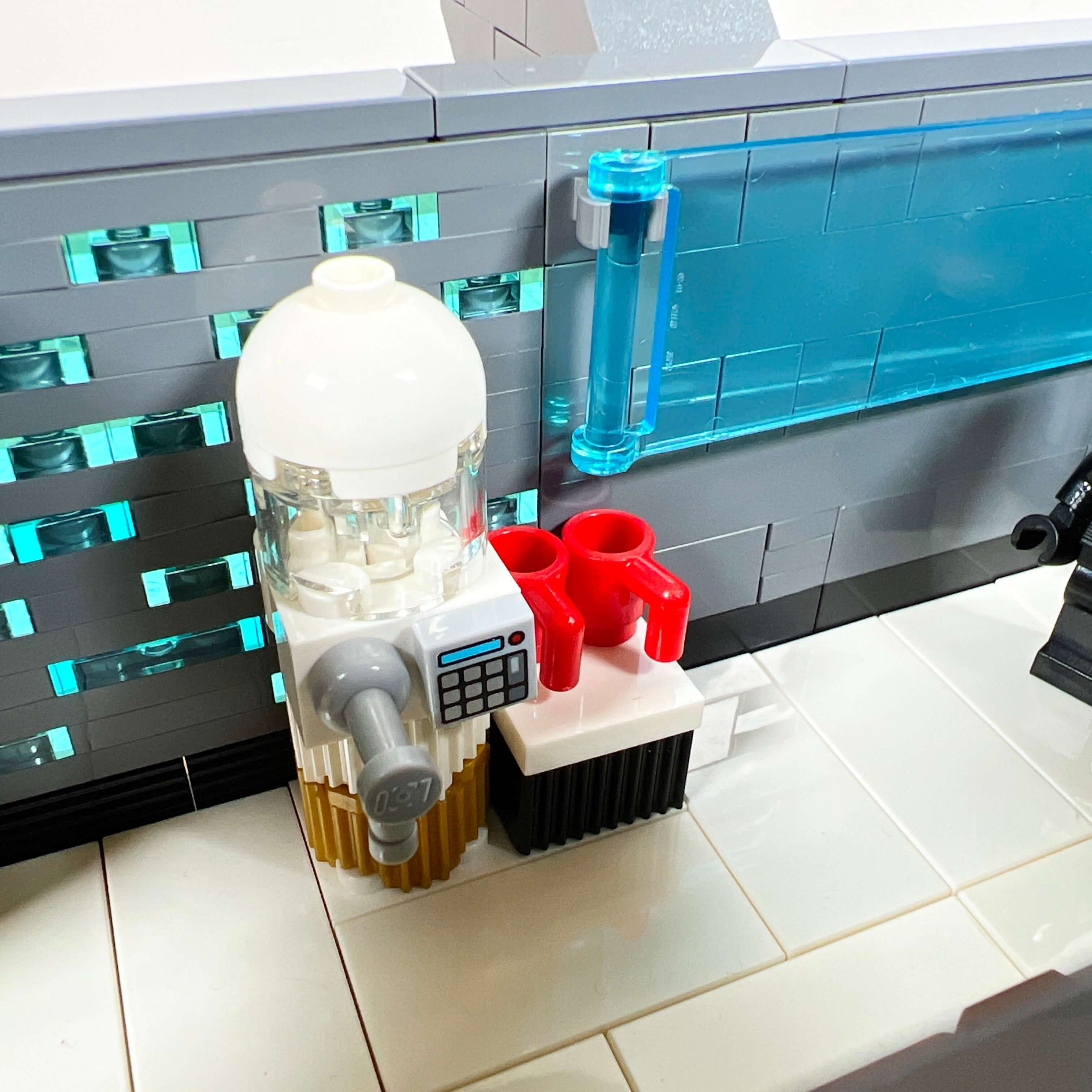
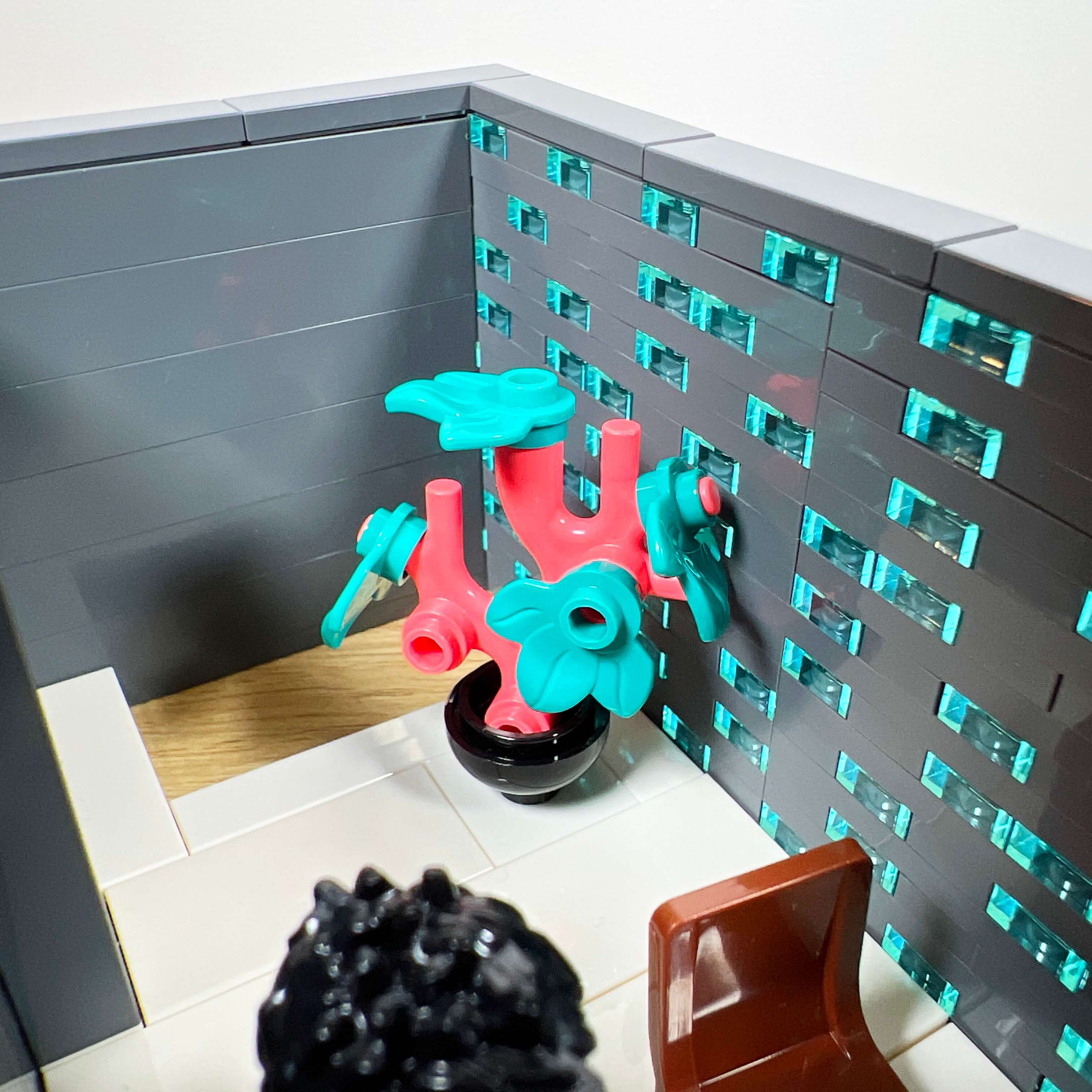
The second side tower is dedicated to the Empire’s intelligence services, this time in keeping with the location in the game. As with the army tower, the ground floor is a simple entrance hall with a bench, but it stands out through its atmosphere, with its white floor instead of gray, inspired by the aesthetics of the Imperial Security Bureau in the Andor series. As decoration, the room includes a screen and a water dispenser.
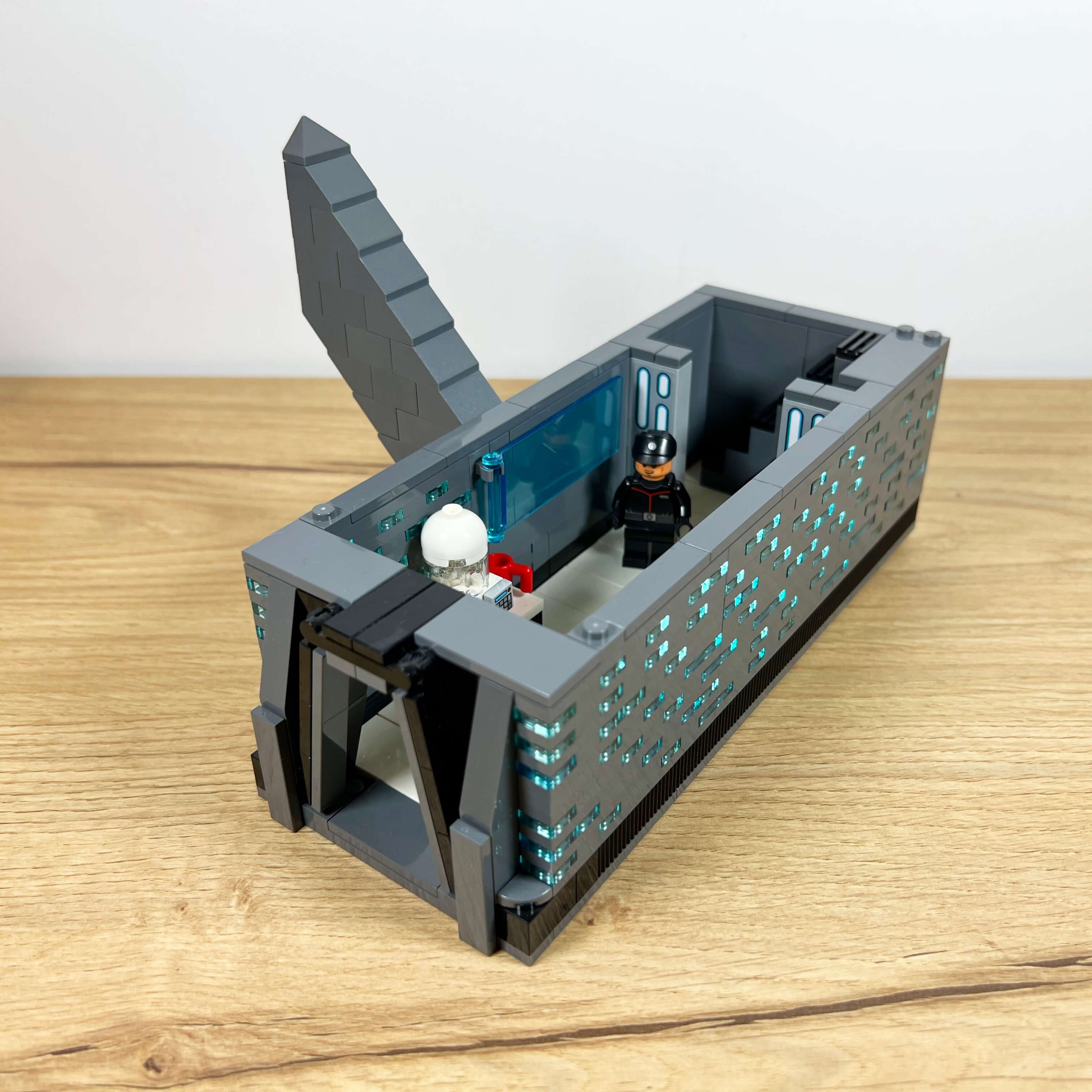
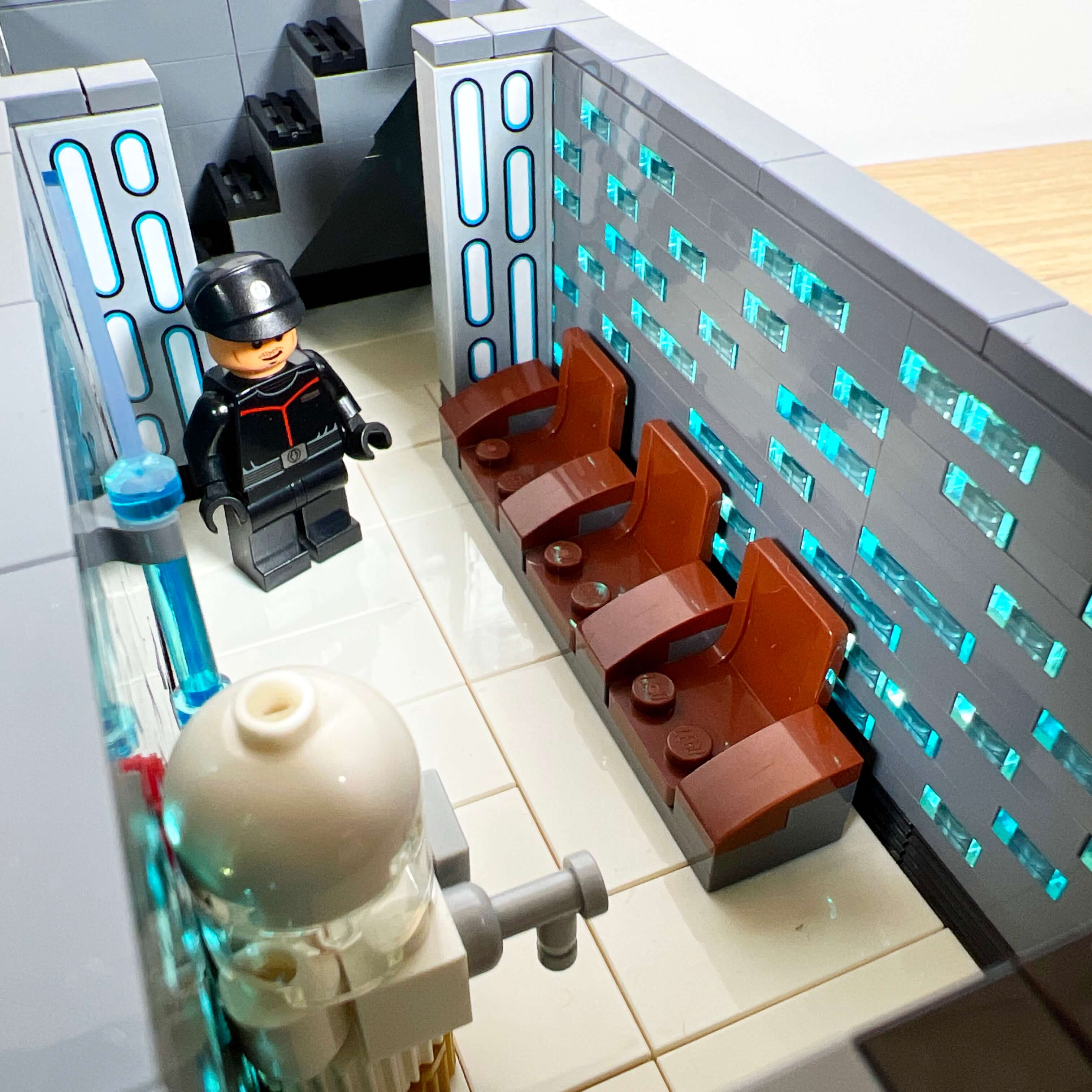
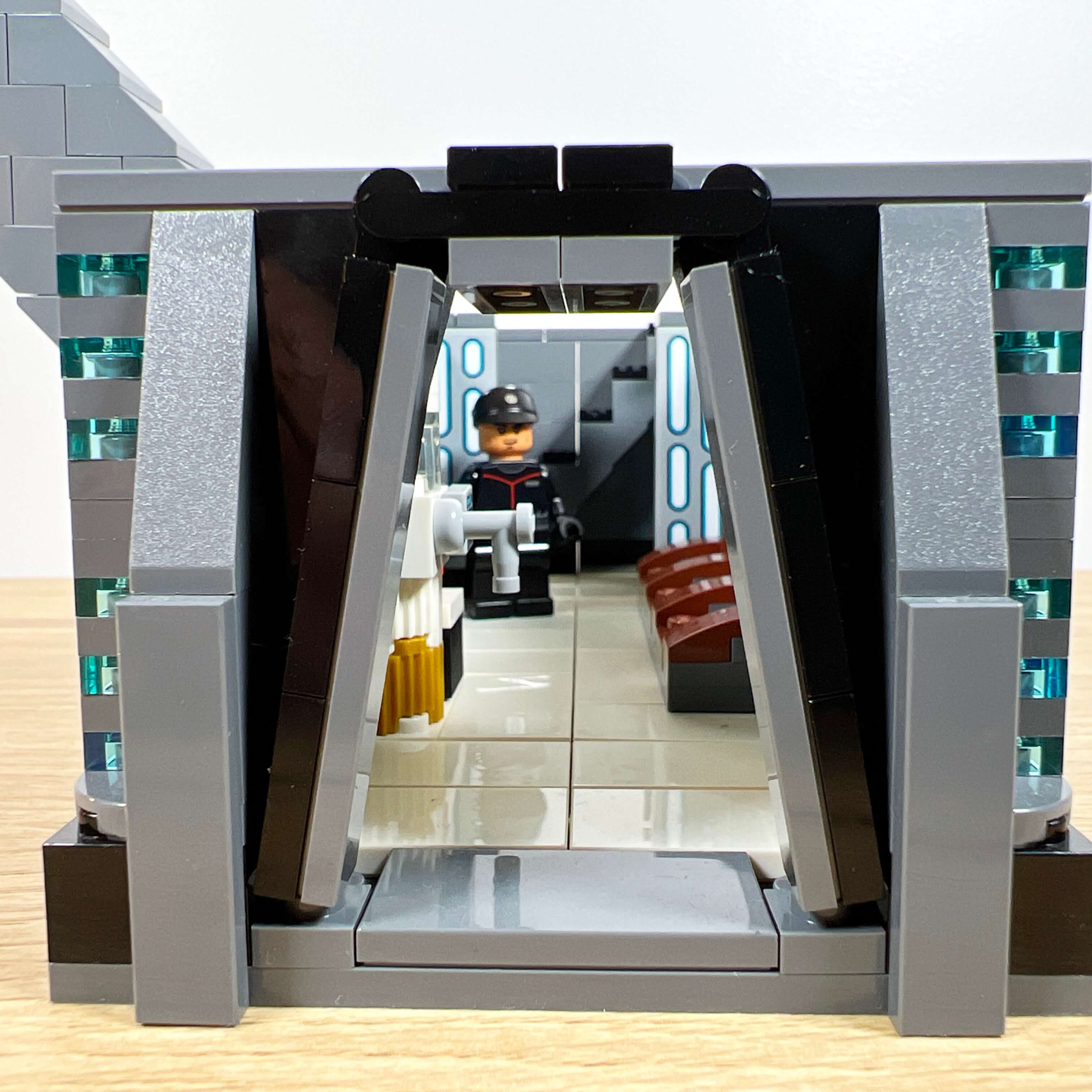
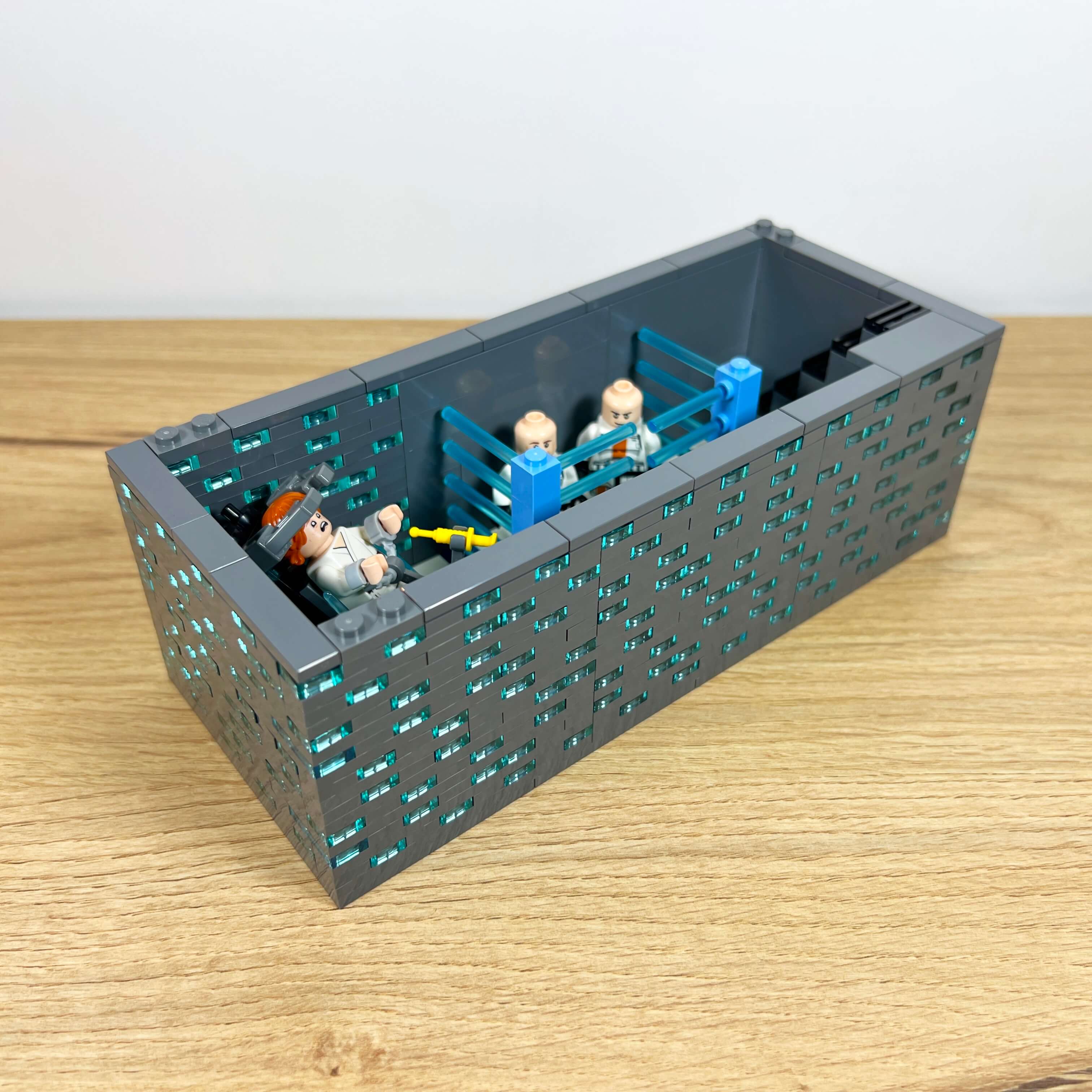
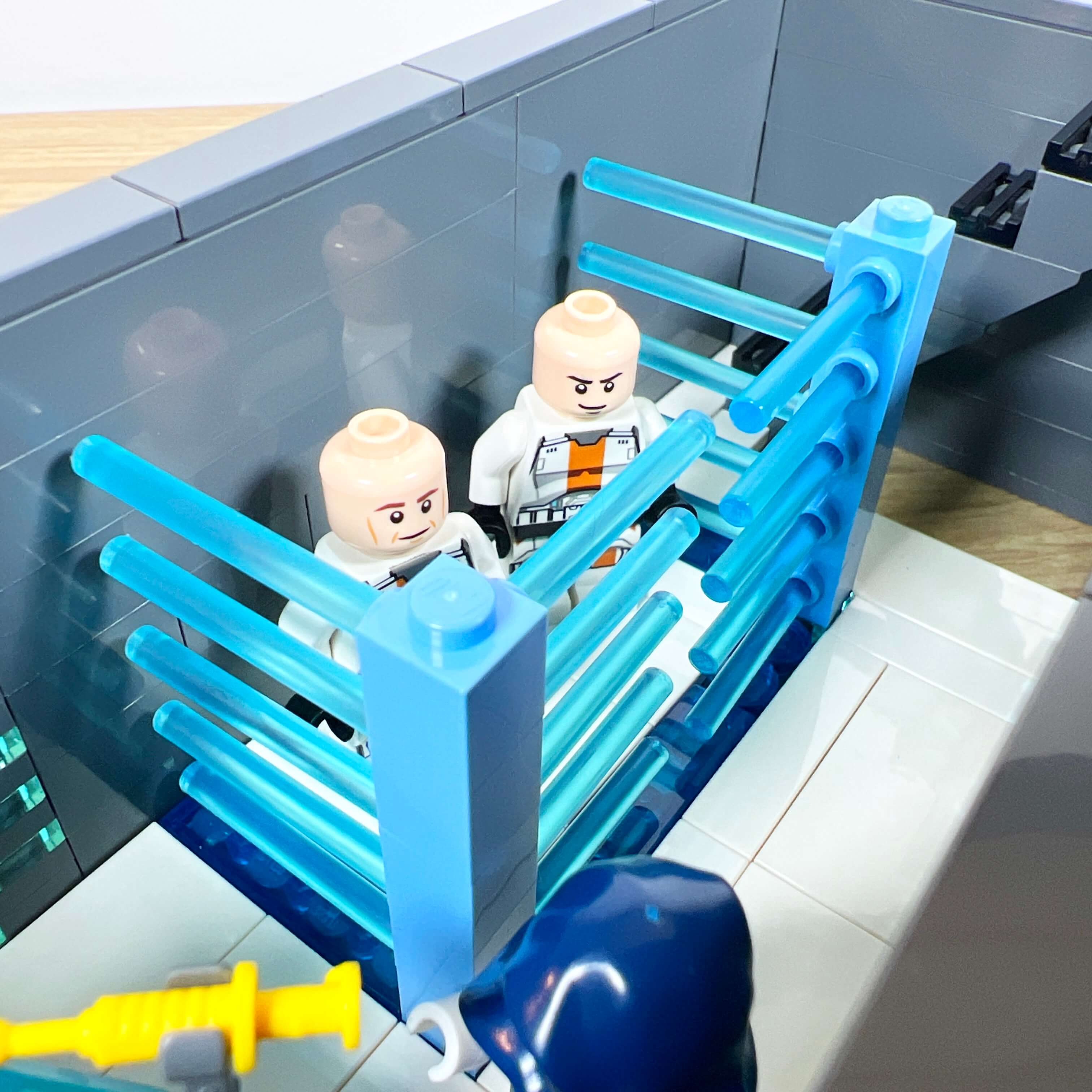
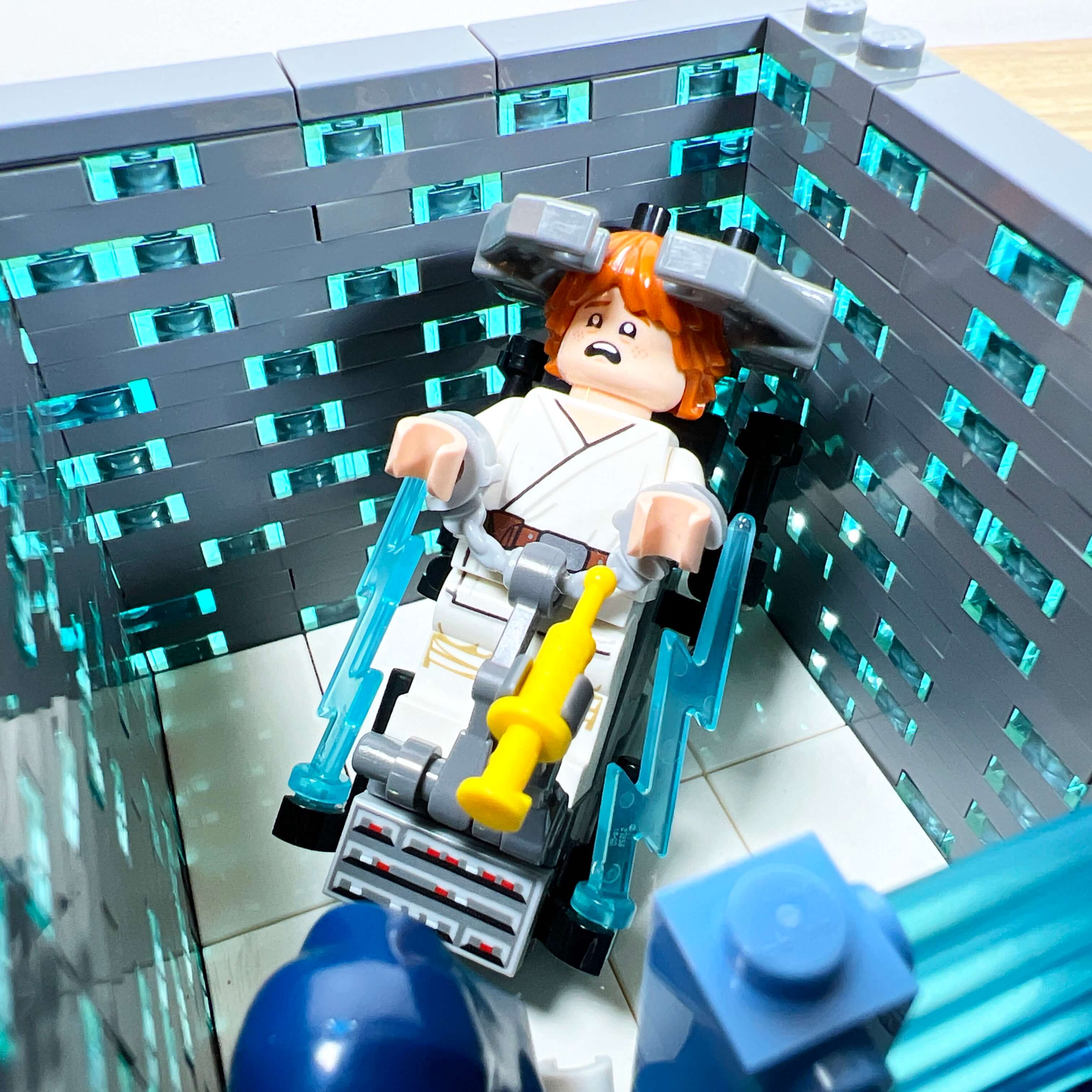
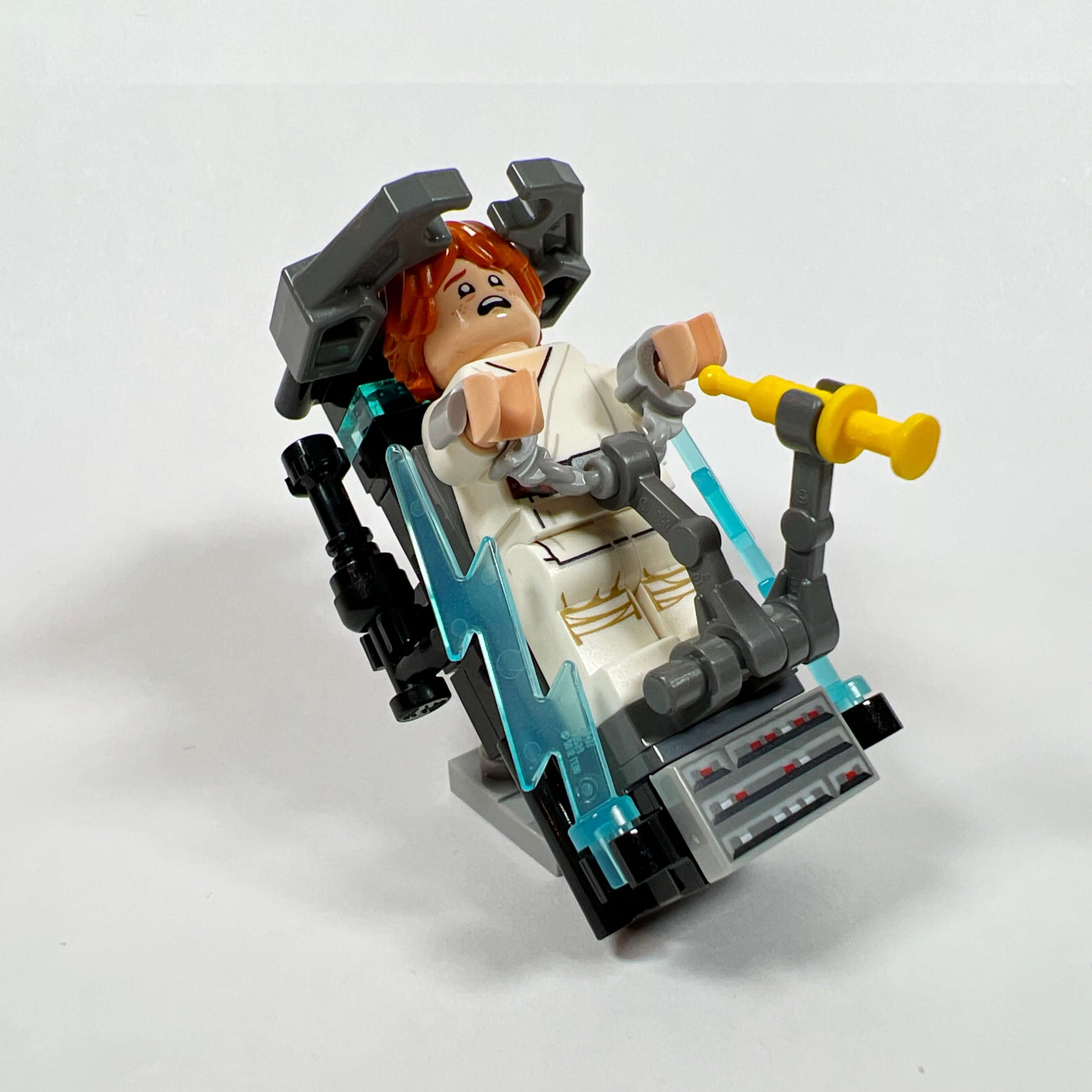
The first floor is dedicated to the interrogation room and its detention cell. The latter is designed like a cage, with bars made from blue lightsaber blade pieces. The other part of the room is occupied by a torture table that I had created for the previous version of the MOC and reused here.
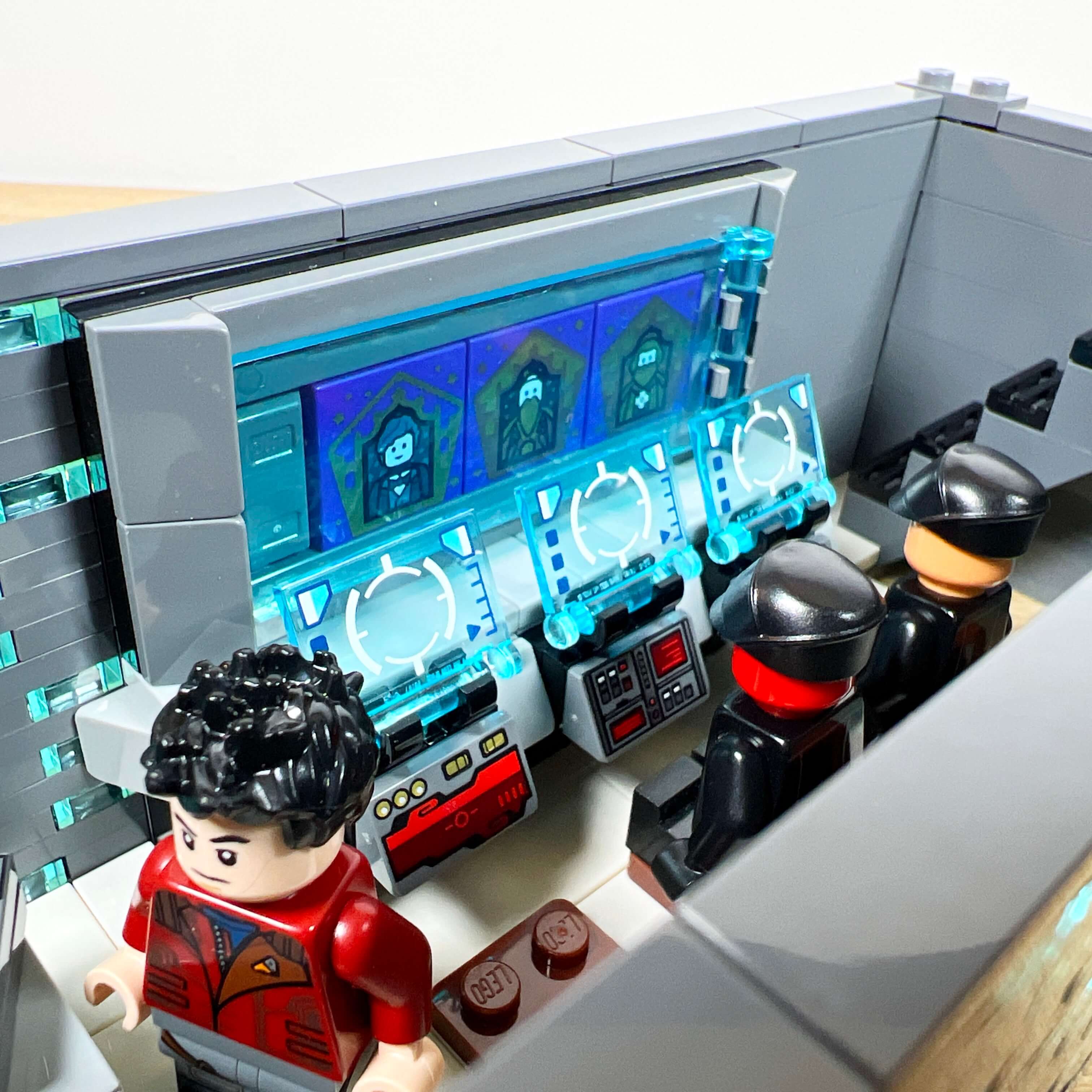
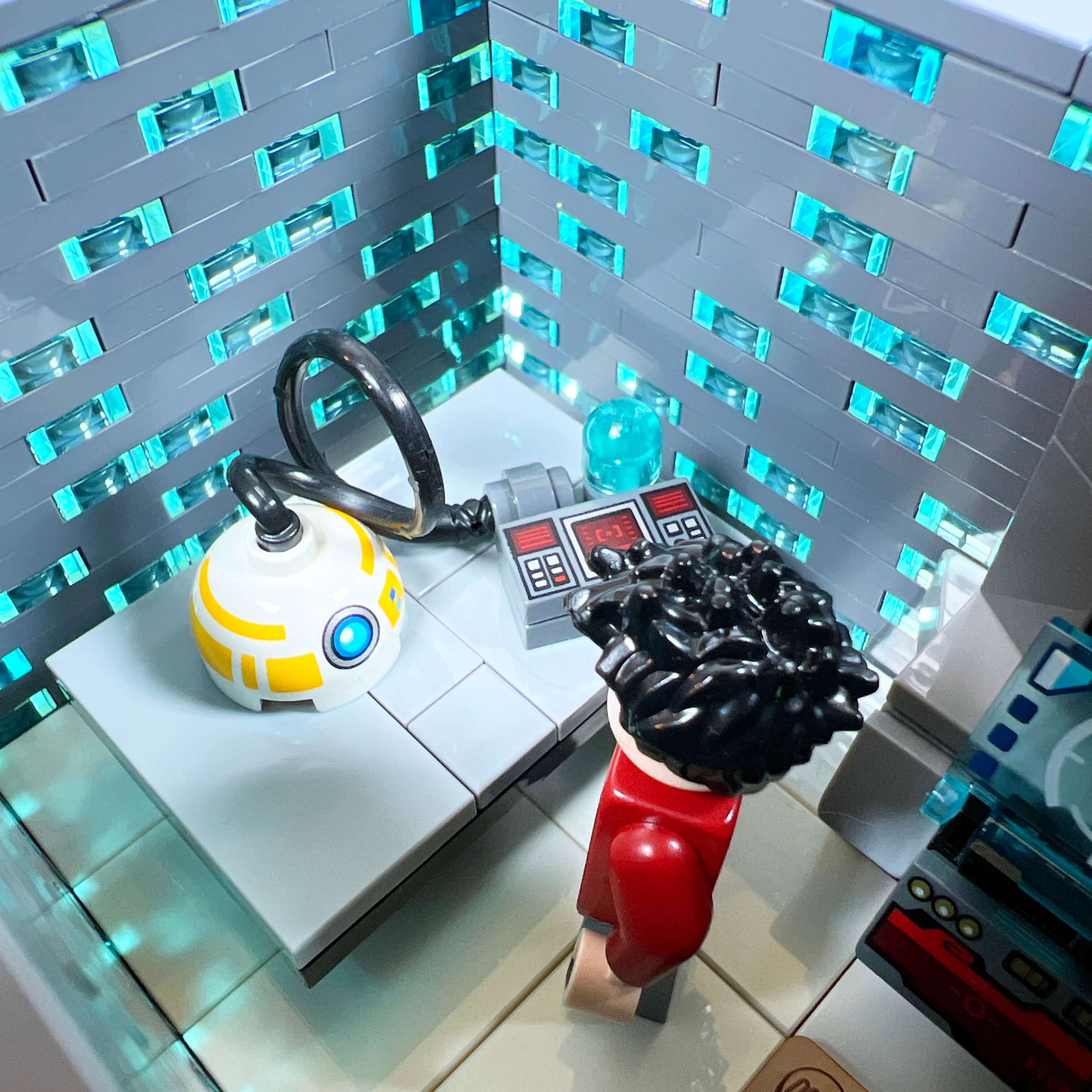
The second floor is dedicated to the control room. The goal was to represent the large computer terminals visible in the game, and I am quite satisfied with the result. To decorate the main screen, I used the collectible wizard portrait tiles from the Harry Potter sets, and added three consoles equipped with transparent screen pieces underneath. A table with a Republic droid being analyzed completes the scene.
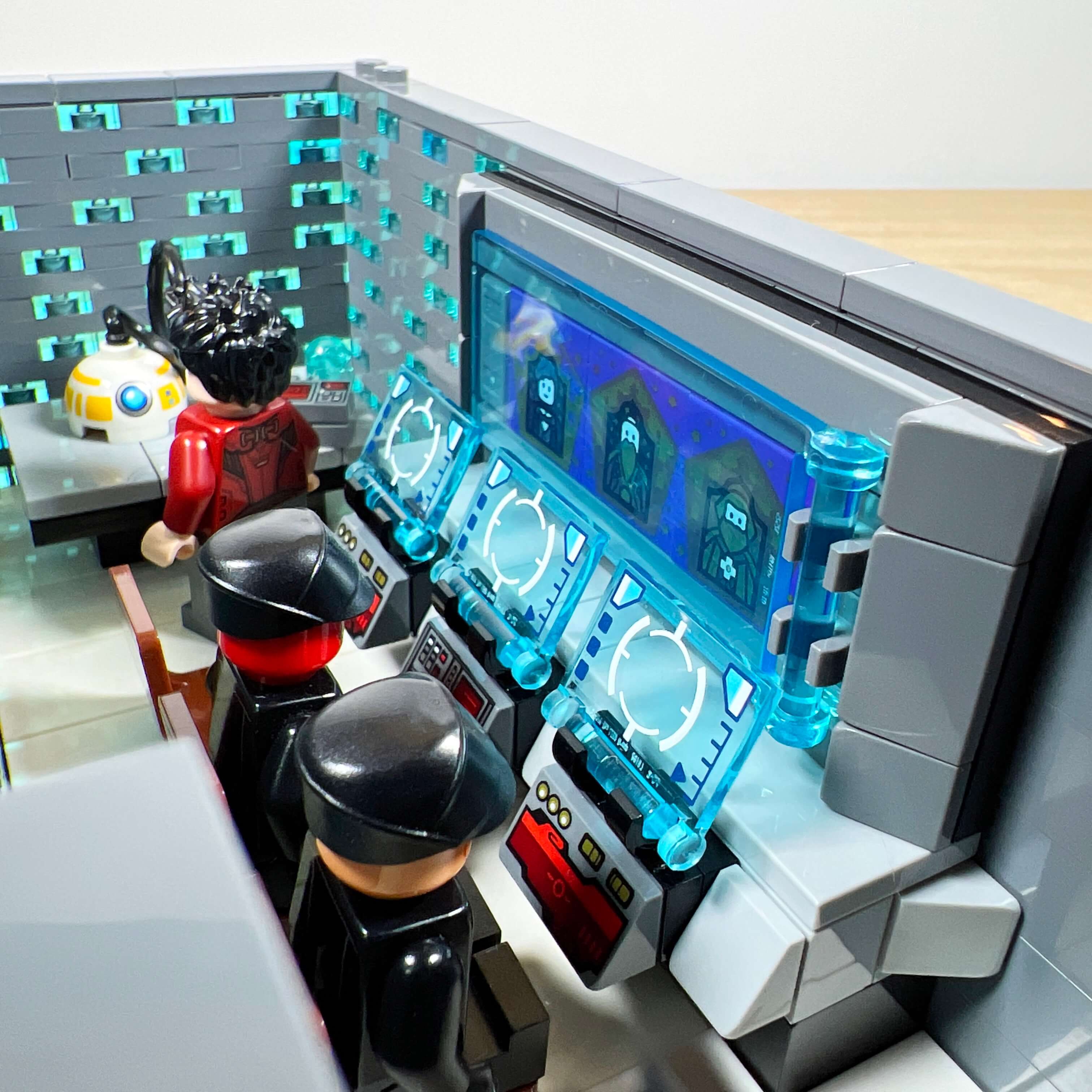
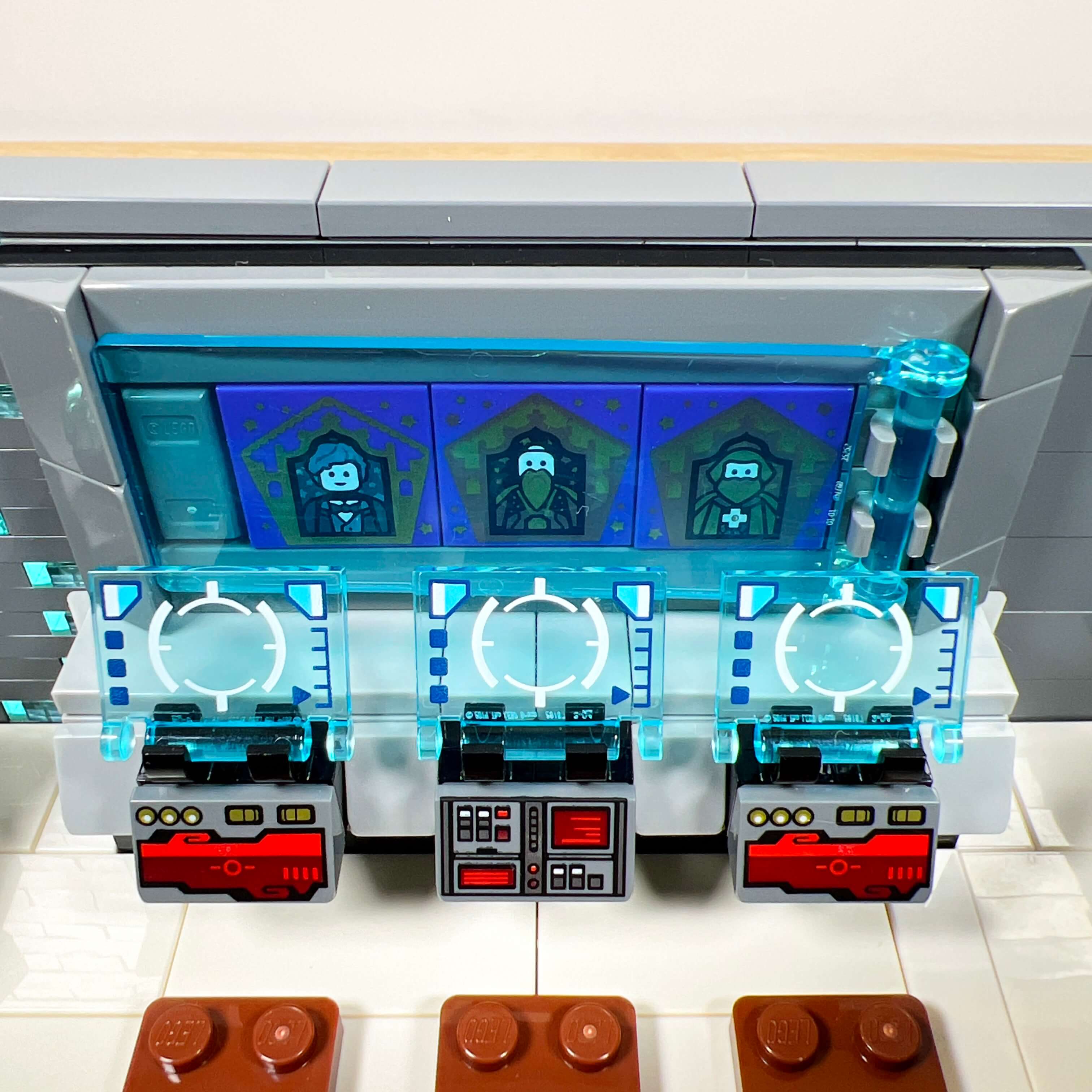
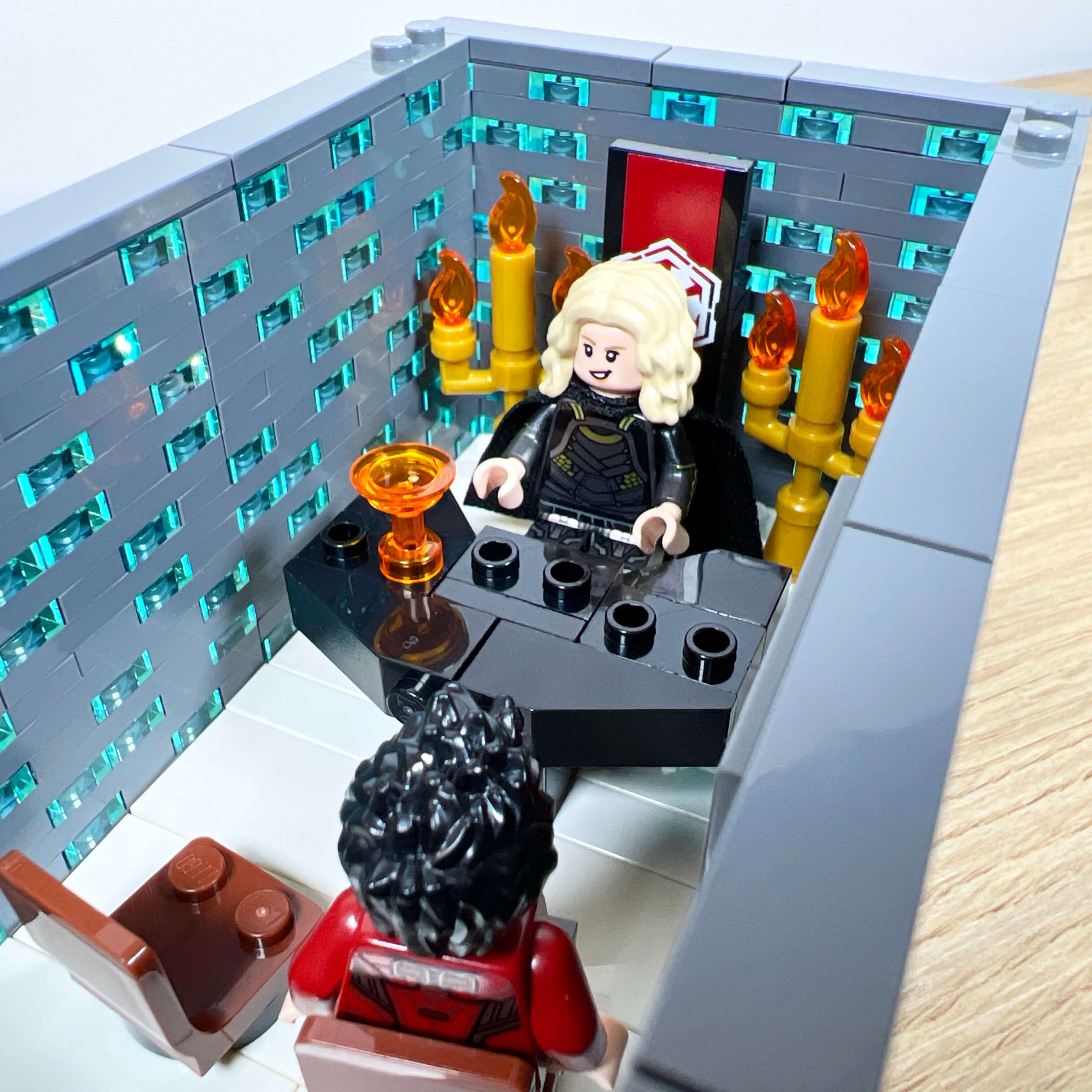
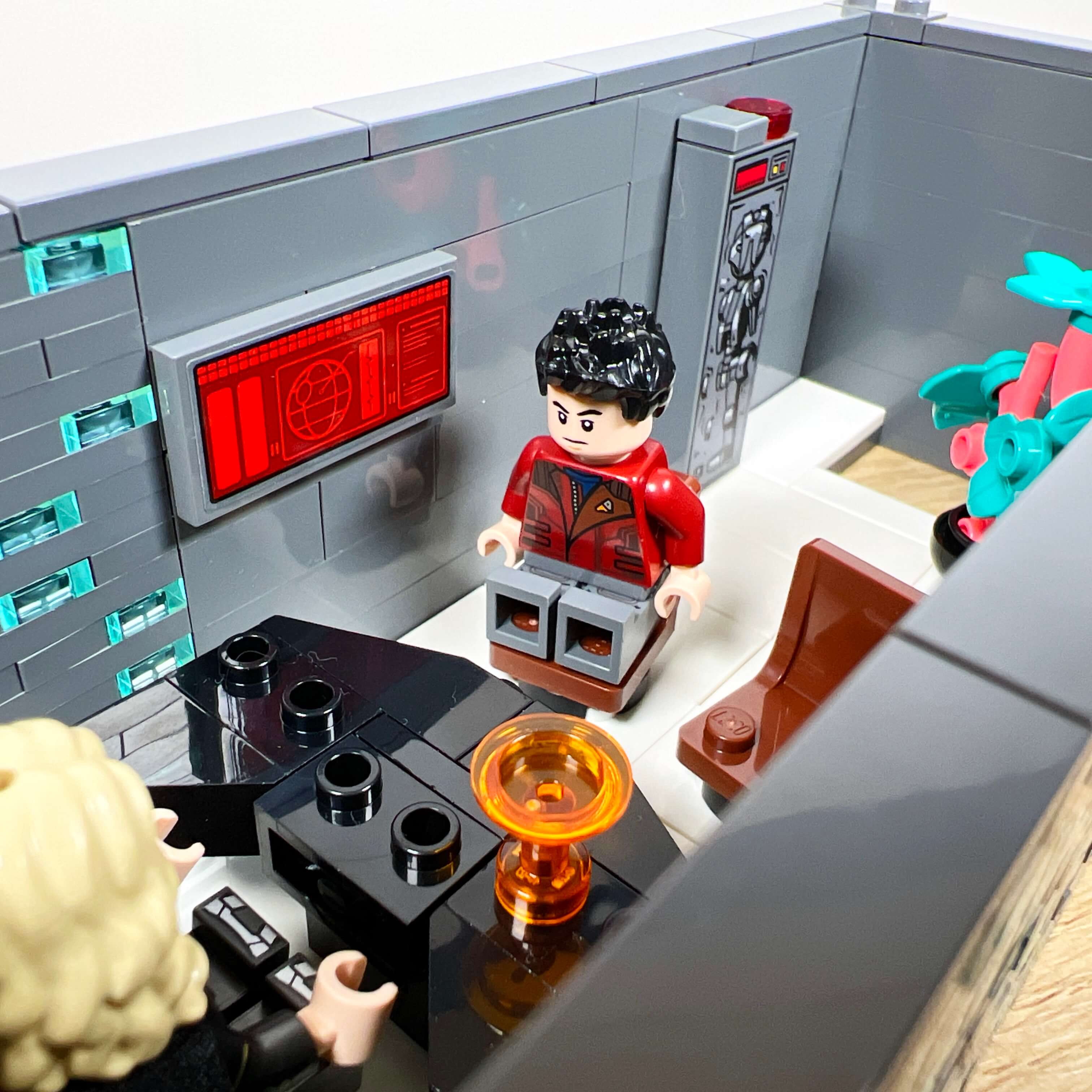
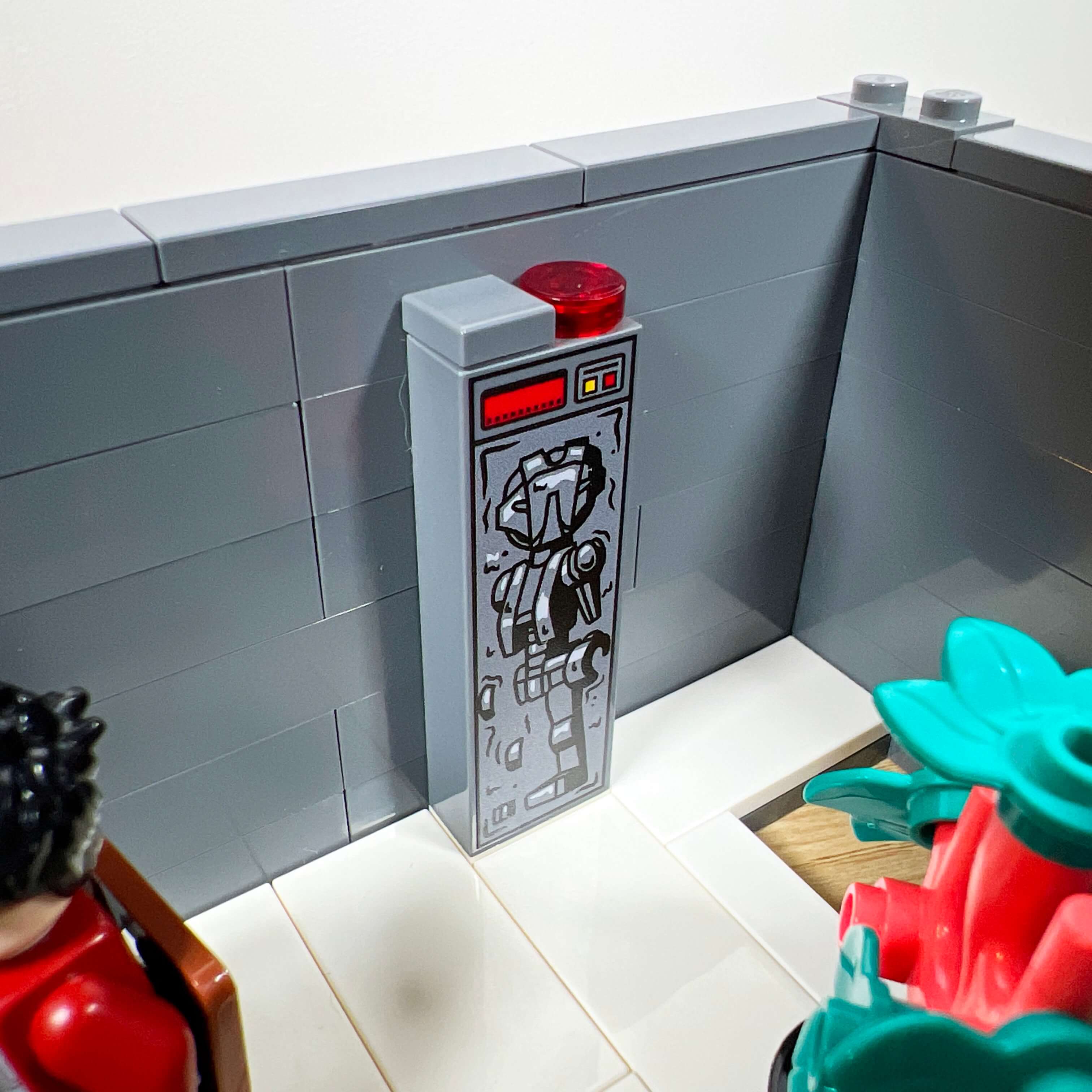
Finally, the last floor of the tower is dedicated to the office of the Minister of Intelligence, occupied by Lana Beniko during part of the game. The decor, sober and elegant, reflects her Sith affiliation: candlesticks, an Empire banner, a plant, and a carbonite block containing an HK droid (a Firestar Toys printed piece) as a nod to her iconic droid, HK-55.
The Sith throne room
We now come to the centerpiece of the MOC: the Sith Empress’s throne room, the starting point of the whole project. Accessible through the large red door on the facade, it occupies the entire surface of the central tower and rises over two levels in height.
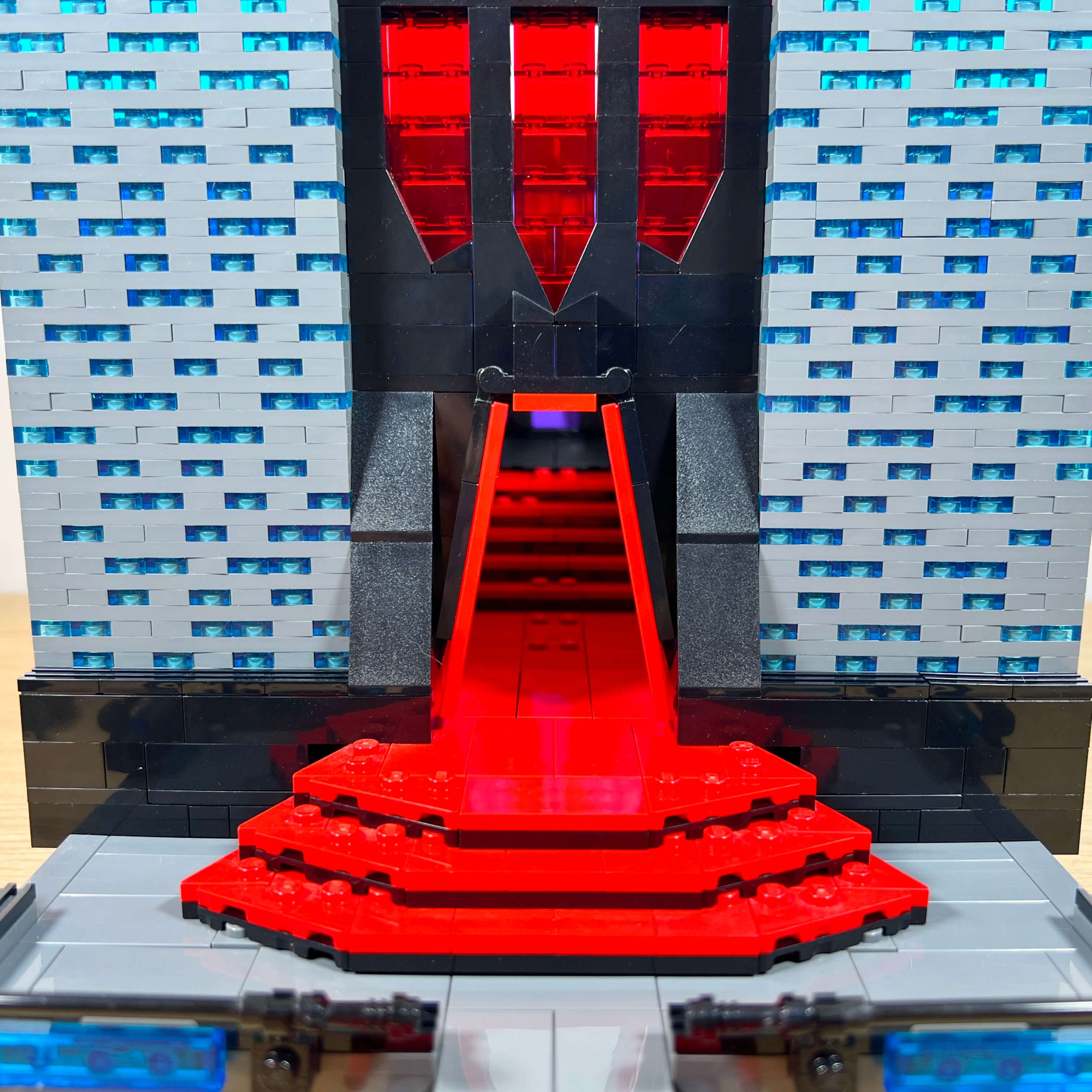
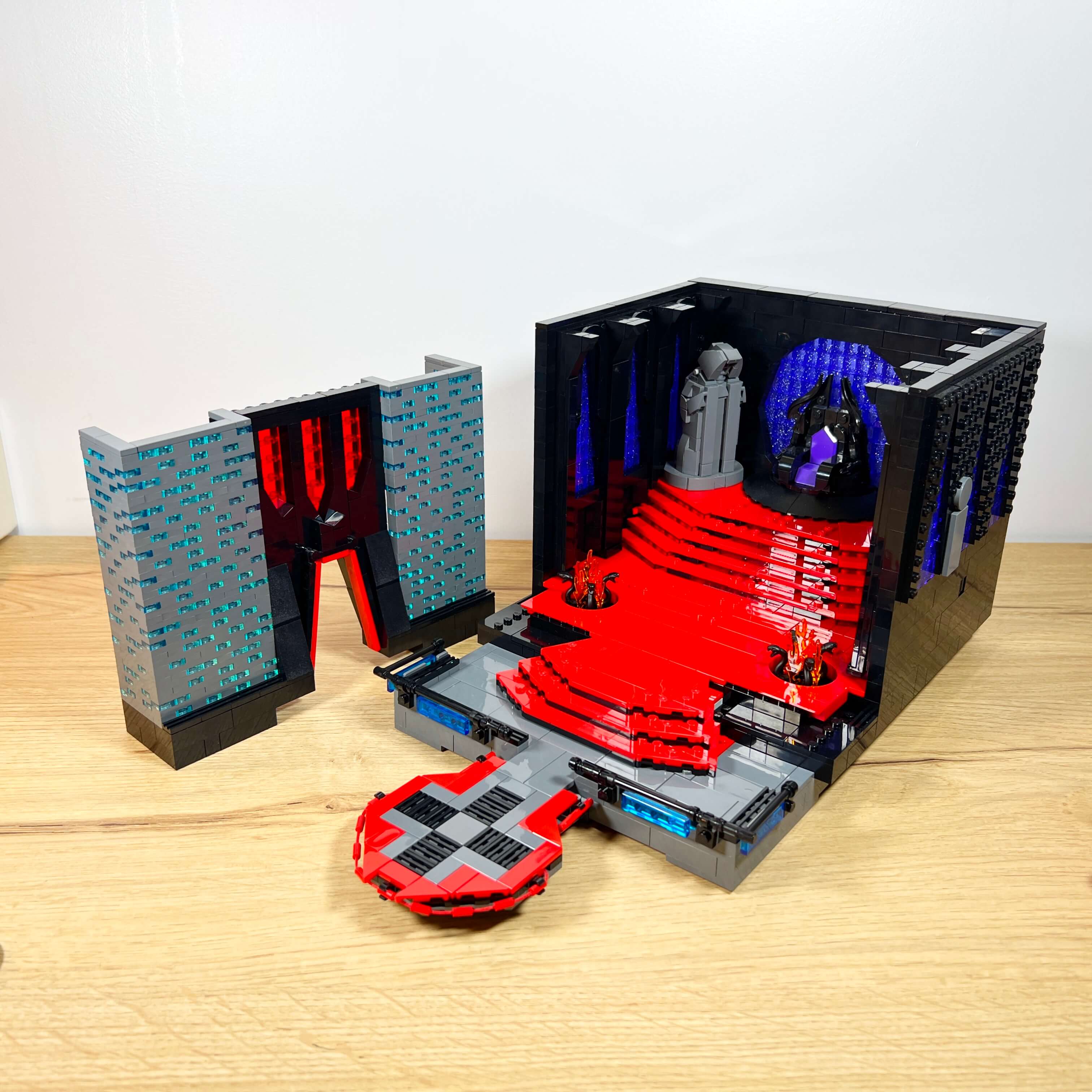
Originally, I wanted to take faithful inspiration from the one seen in the game, but I ultimately took a few liberties to create a room that is both sober and majestic, elegant and threatening, true to the Sith spirit and to the Star Wars universe.
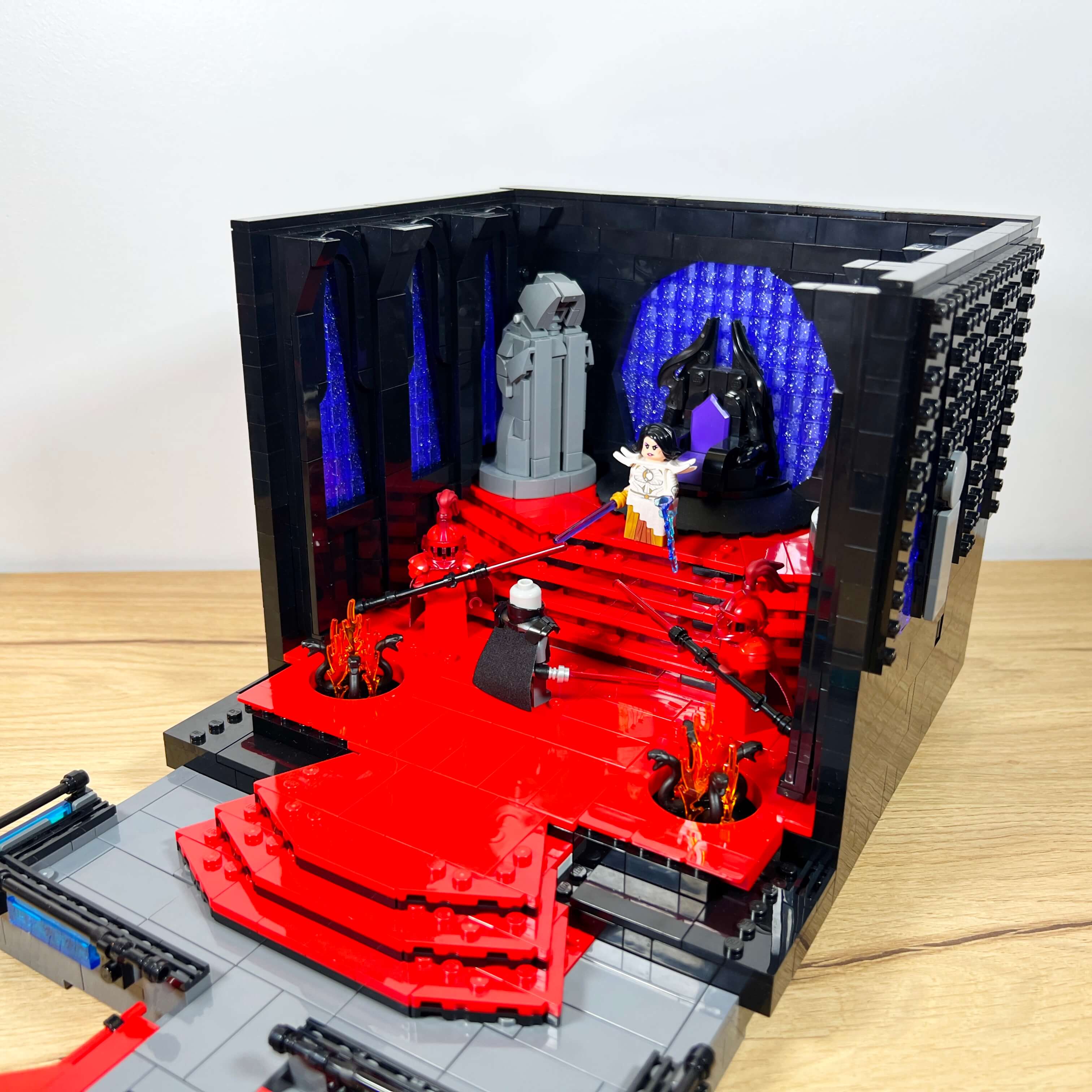
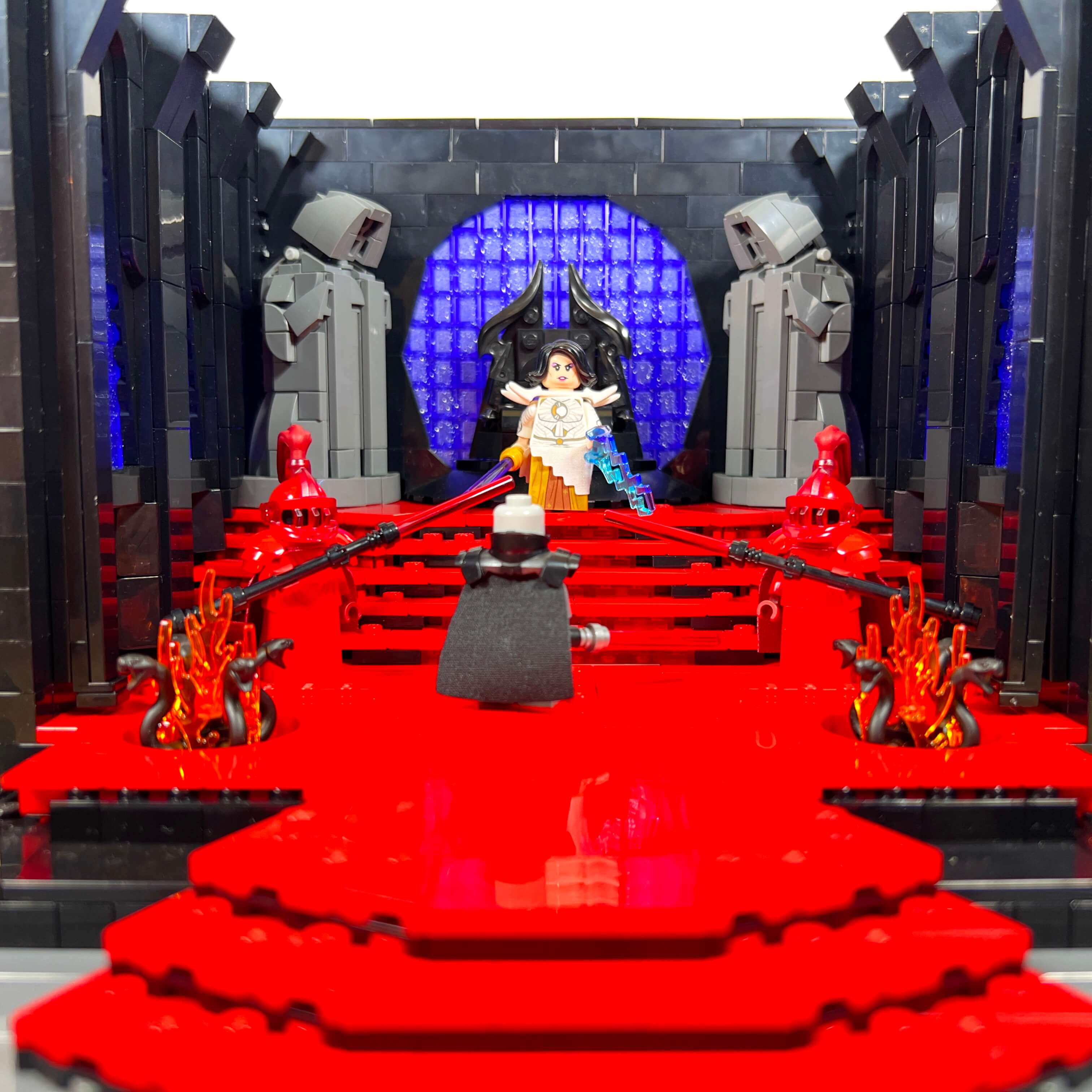
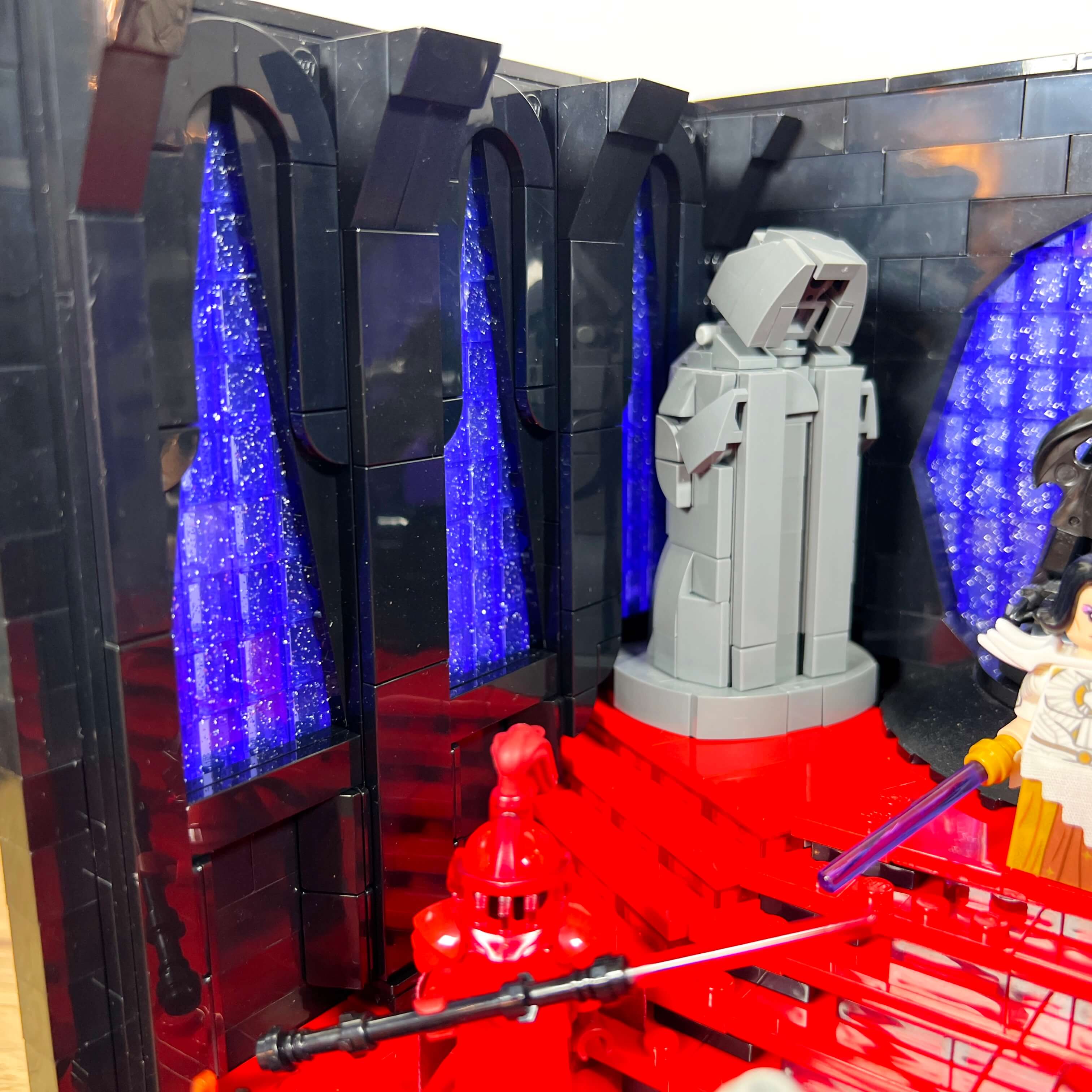
To design this throne room, I drew inspiration from several iconic locations in the Star Wars universe. The red floor echoes Snoke’s throne room in The Last Jedi, while the staircase recalls Palpatine’s in Return of the Jedi. The starry atmosphere was inspired by Valkorion’s throne room on Zakuul, in the Knights of the Eternal Throne expansion of SWTOR. The Emperor statues refer to those found in Darth Malgus’s throne room in the False Emperor flashpoint. Finally, the throne itself is a blend of Palpatine’s throne in The Rise of Skywalker and a decorative element from the Sith fortresses in SWTOR.
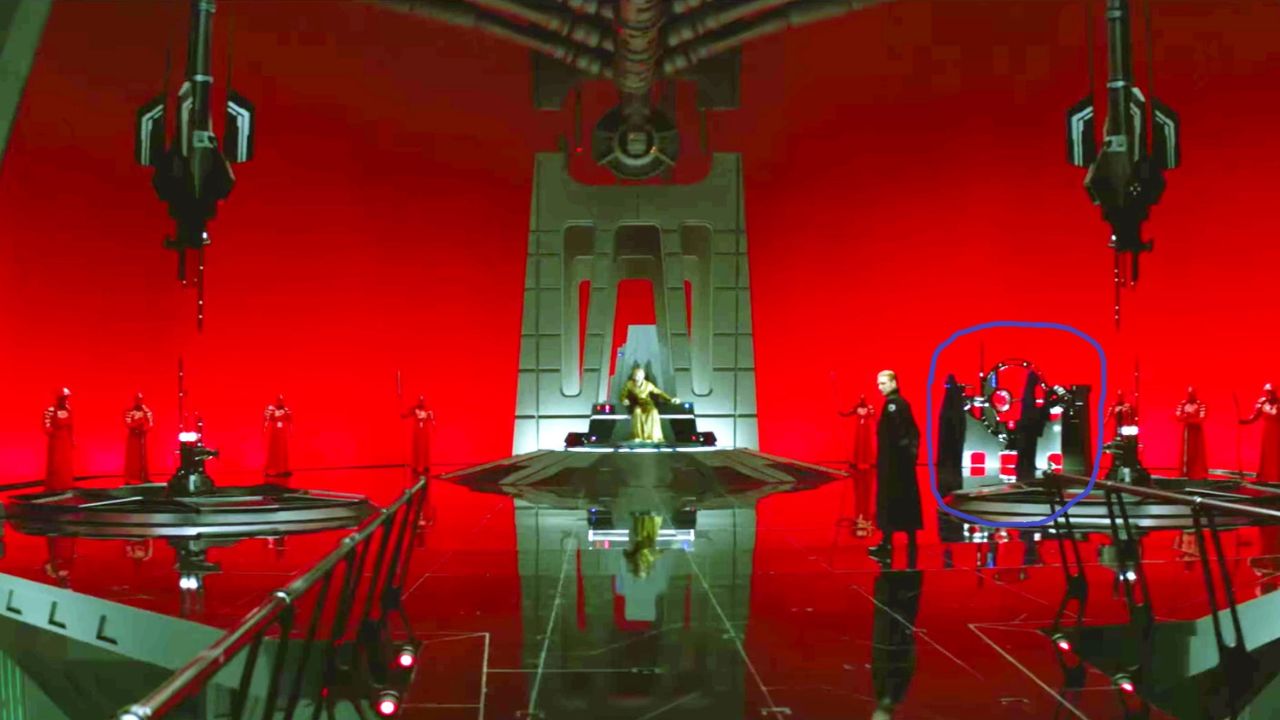
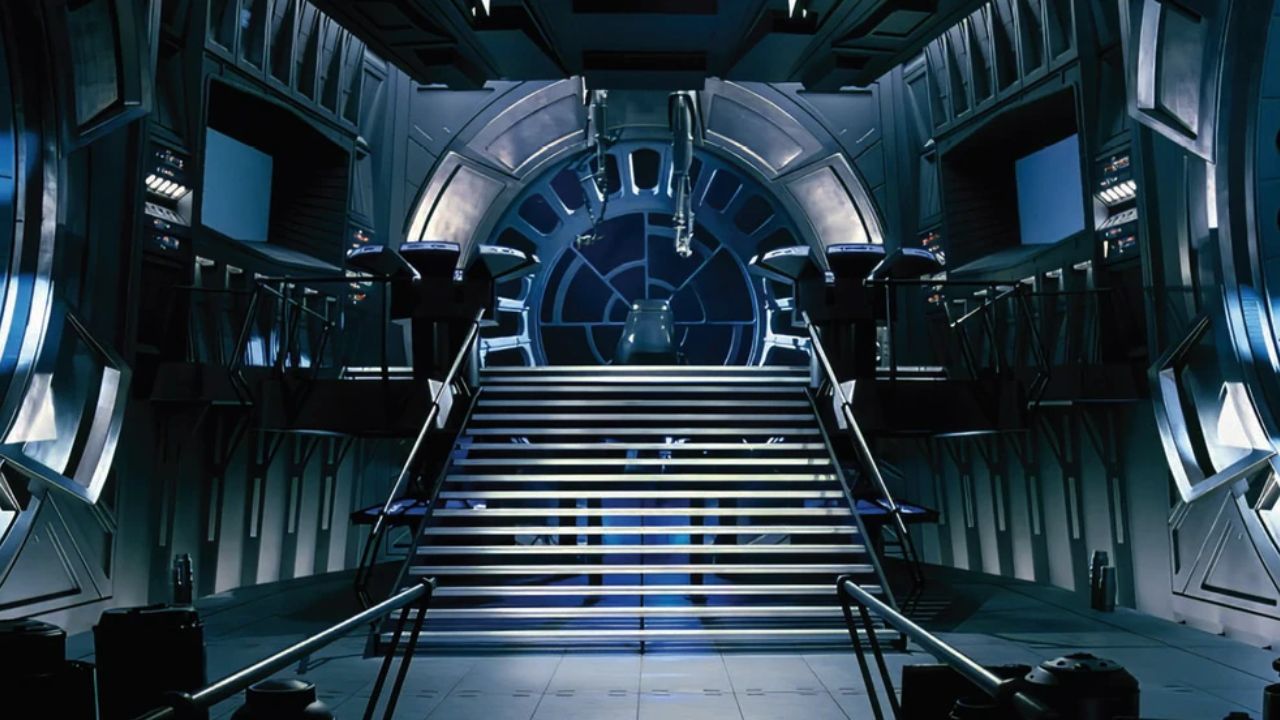
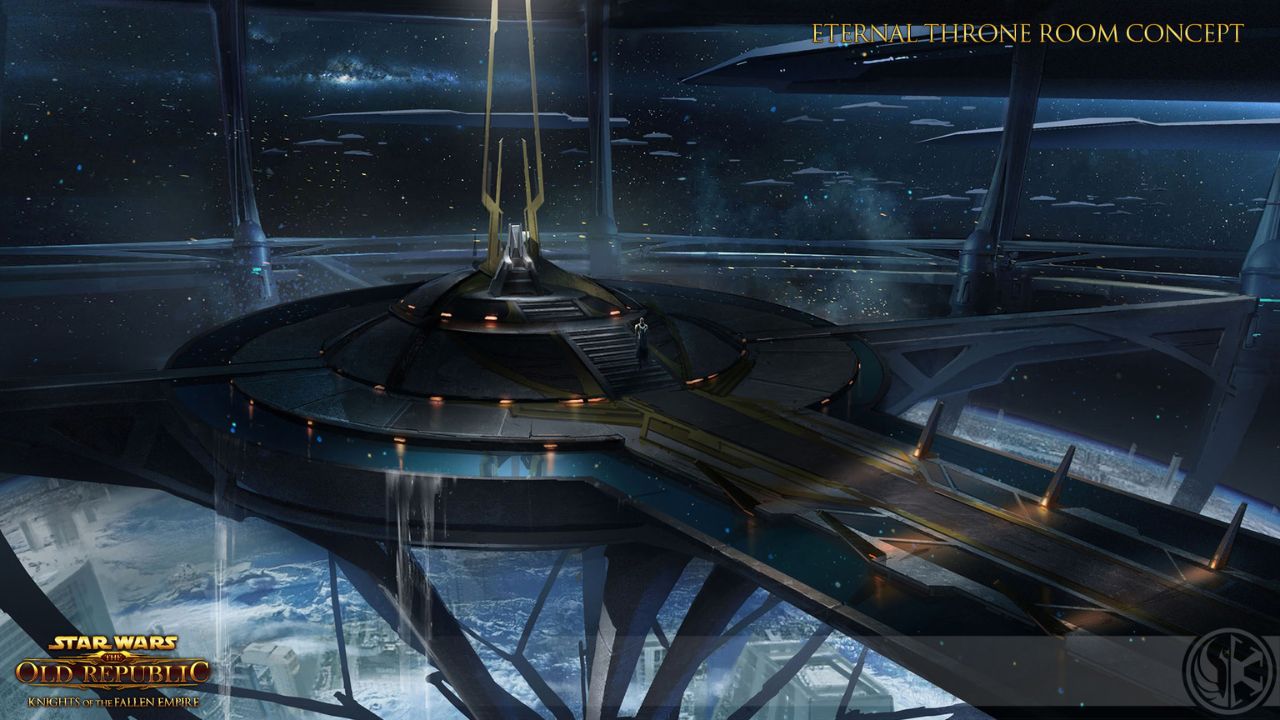
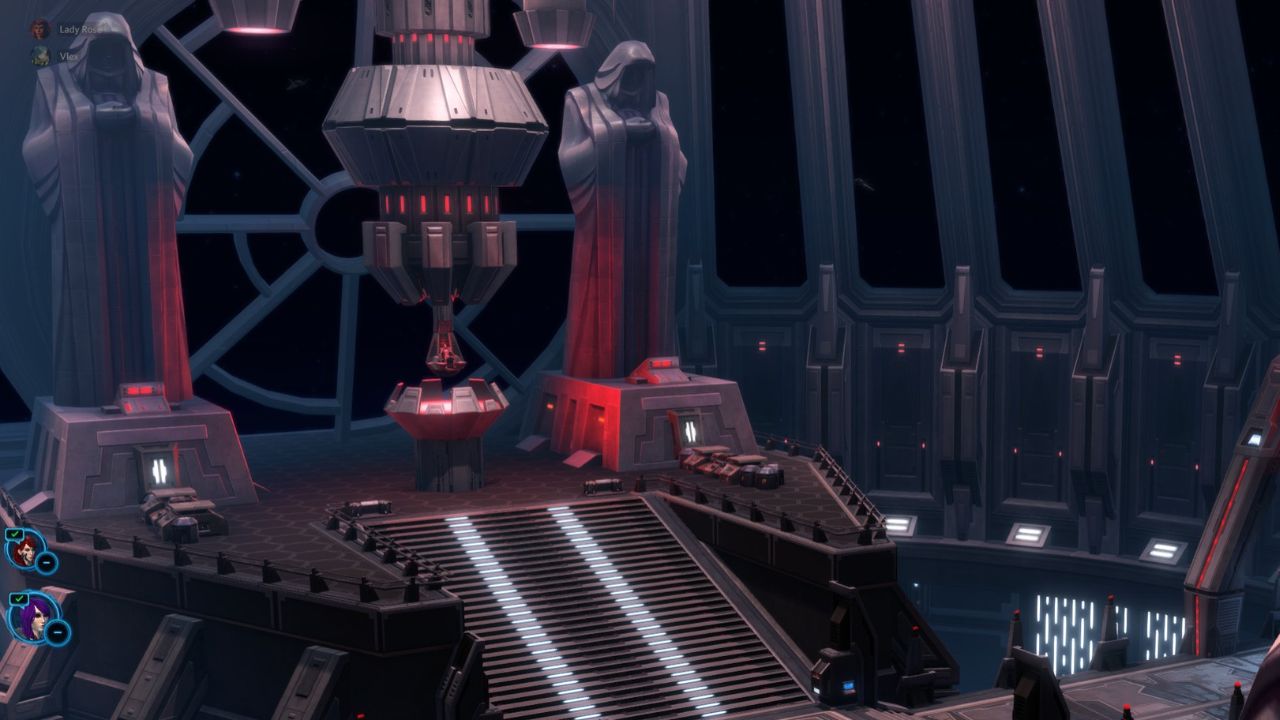
And I am quite satisfied with the result. The entirely red floor gives a certain prestige to this throne room and contrasts with the black walls, which create a sense of depth. It is decorated only with two circular pits from which snake-headed braziers emerge. This type of opening in the floor is a Star Wars classic (visible in the throne rooms of Palpatine and Snoke), here reinterpreted in an ancient style with flames rather than technological elements.
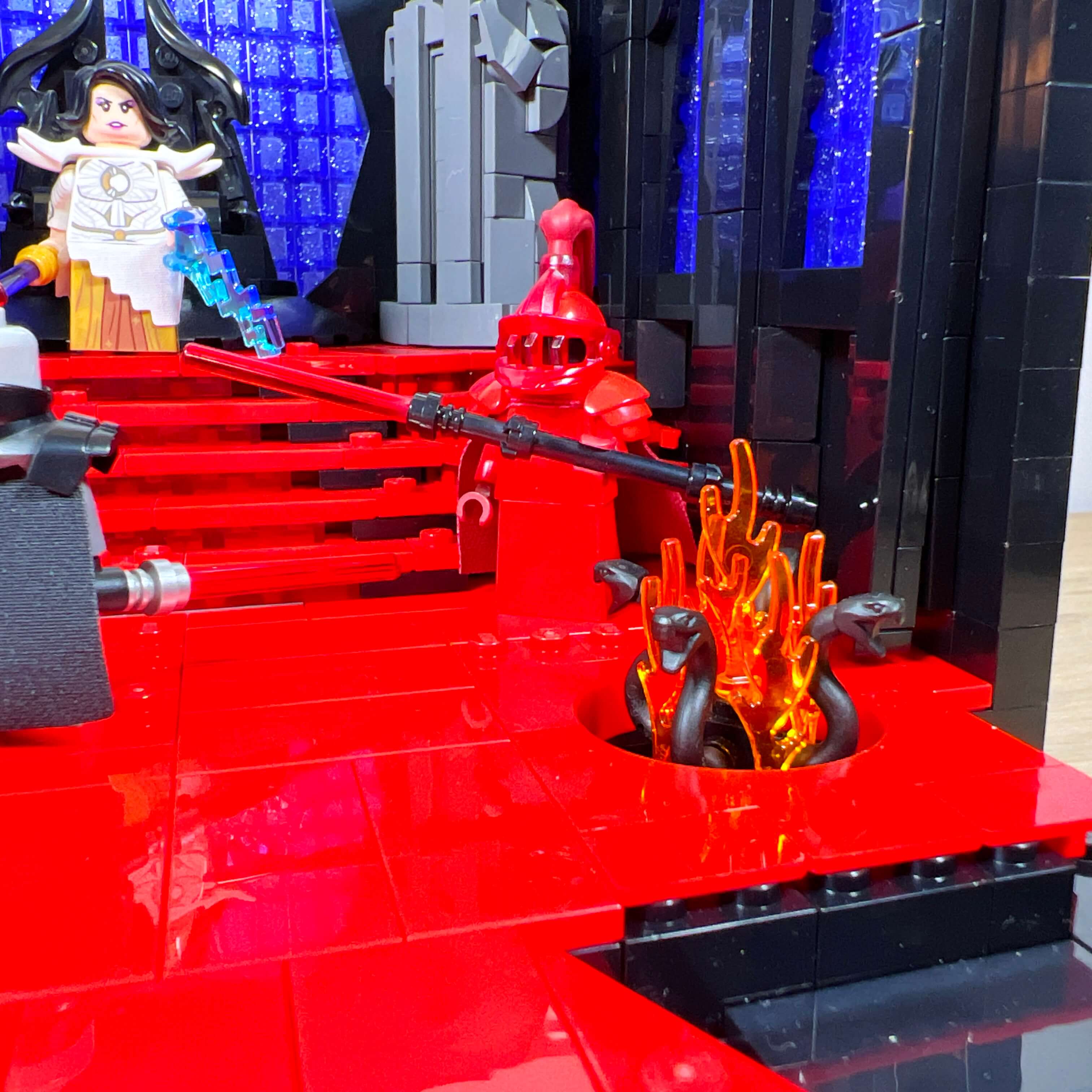
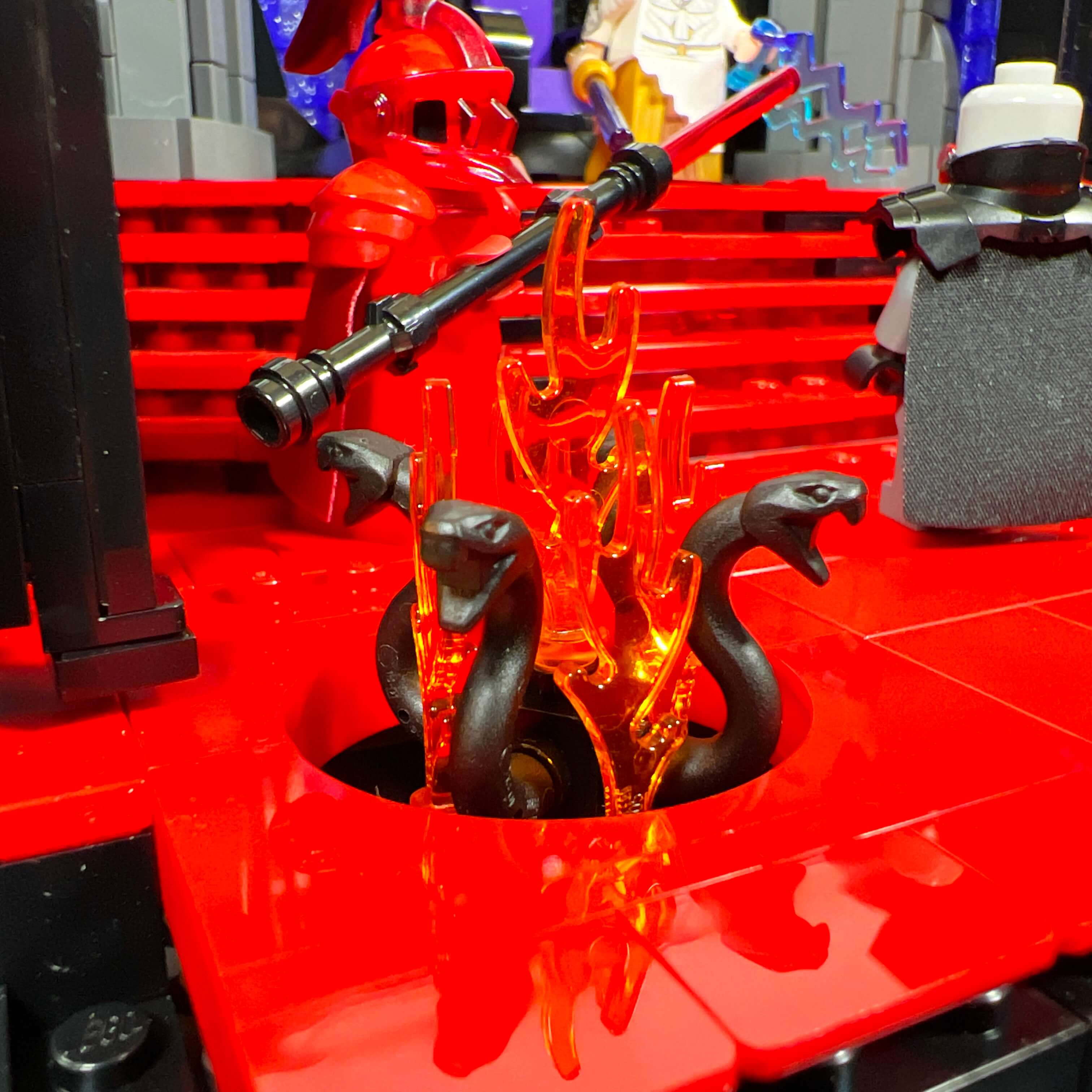
At the back of the throne room, there is a staircase that helps highlight the throne, between the two statues. Since I wanted to angle the statues diagonally and add detail to the build, I designed a trapezoid-shaped staircase. It is built with two side sections positioned along the edges of the central triangular part. It was particularly difficult to find the right building technique to make everything align. I had to reduce the width of the central part by one stud at each step, which required the use of jumper plates between each plate.
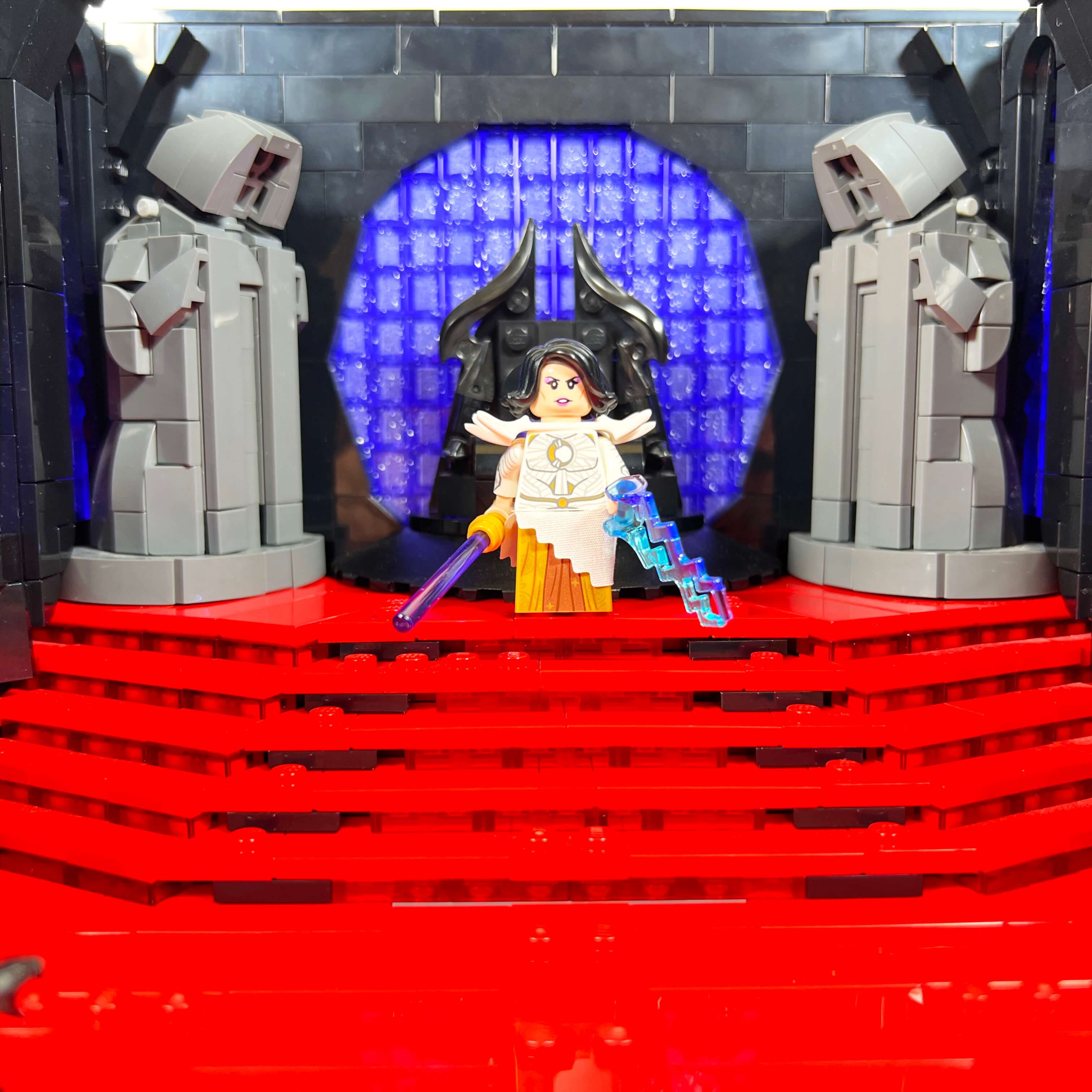
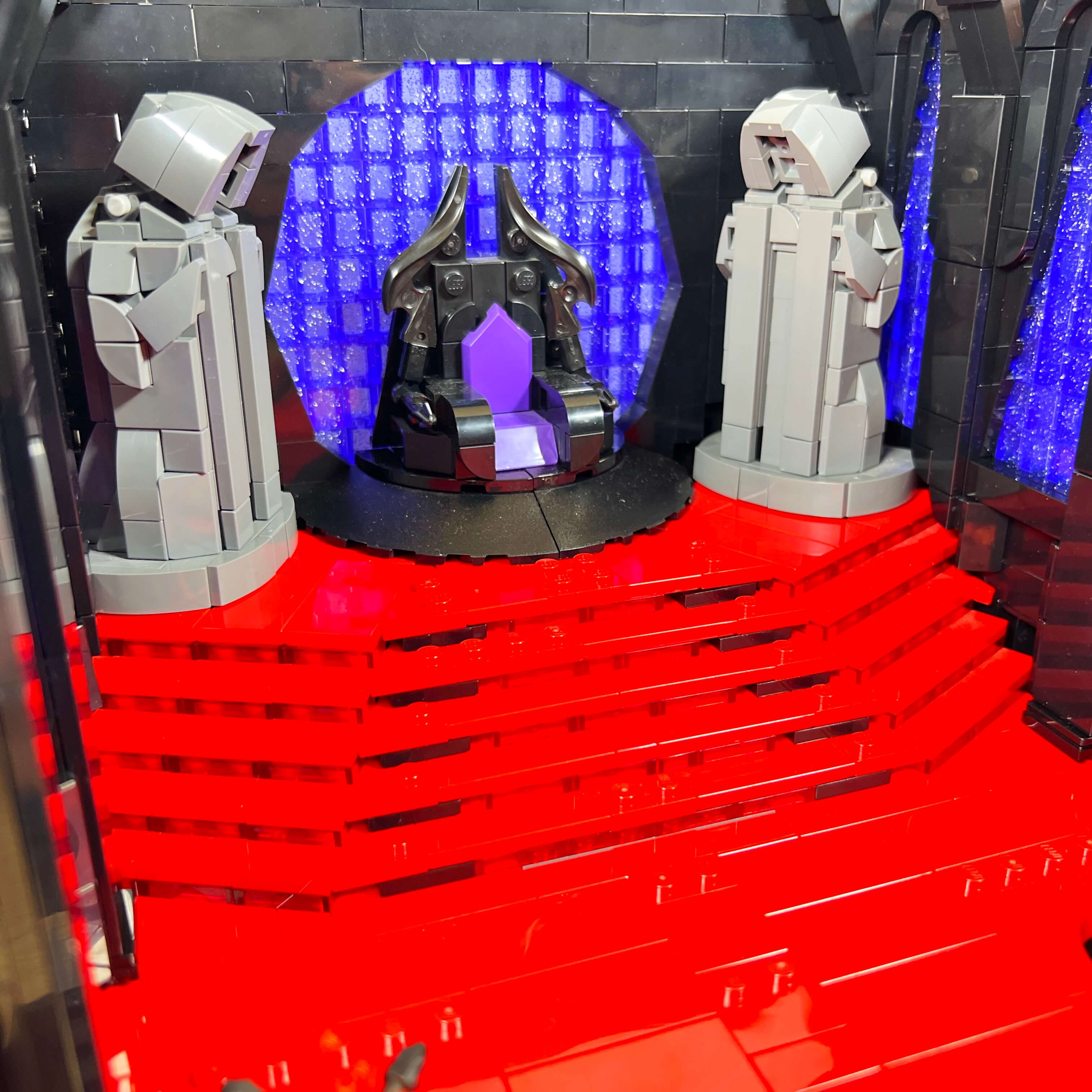
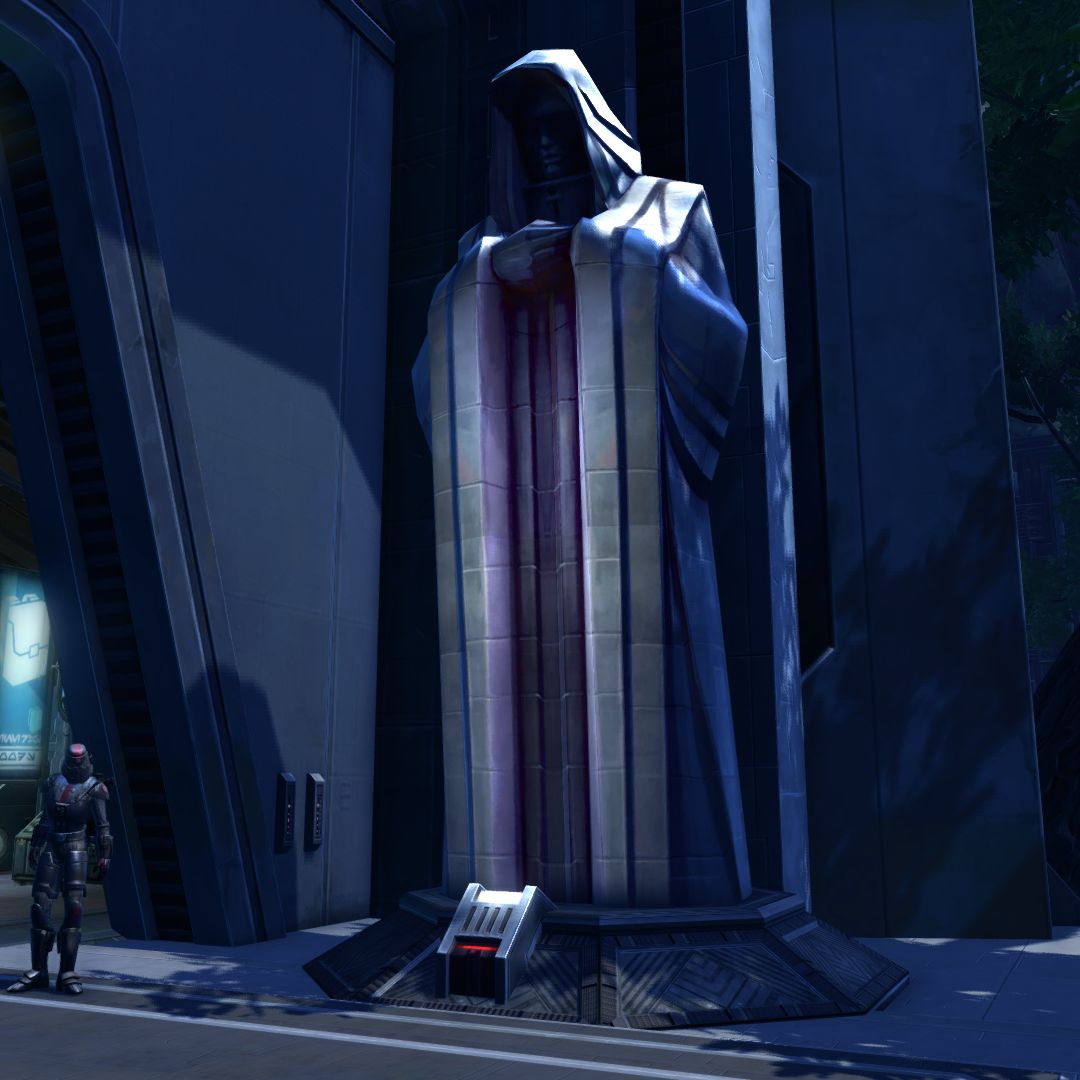
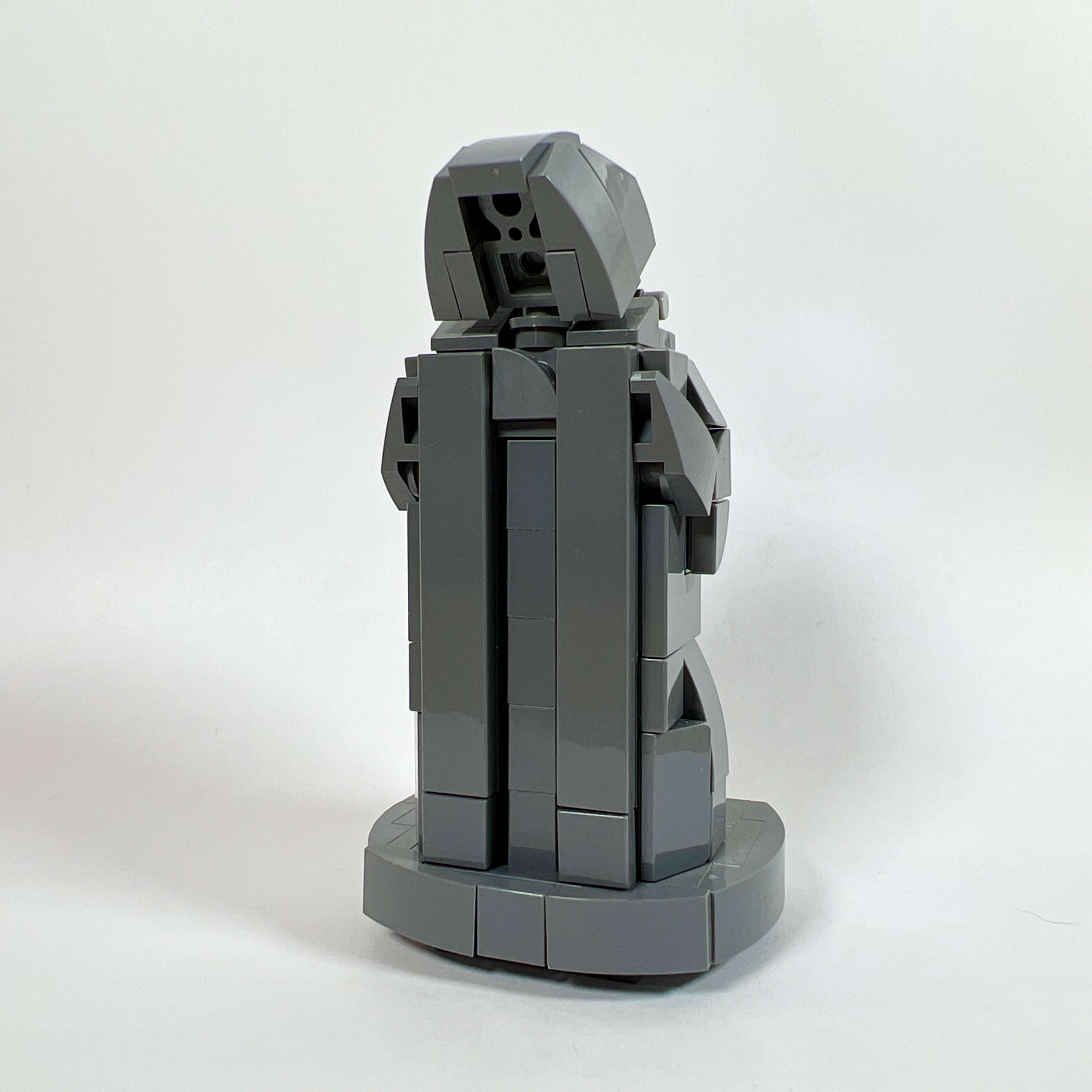
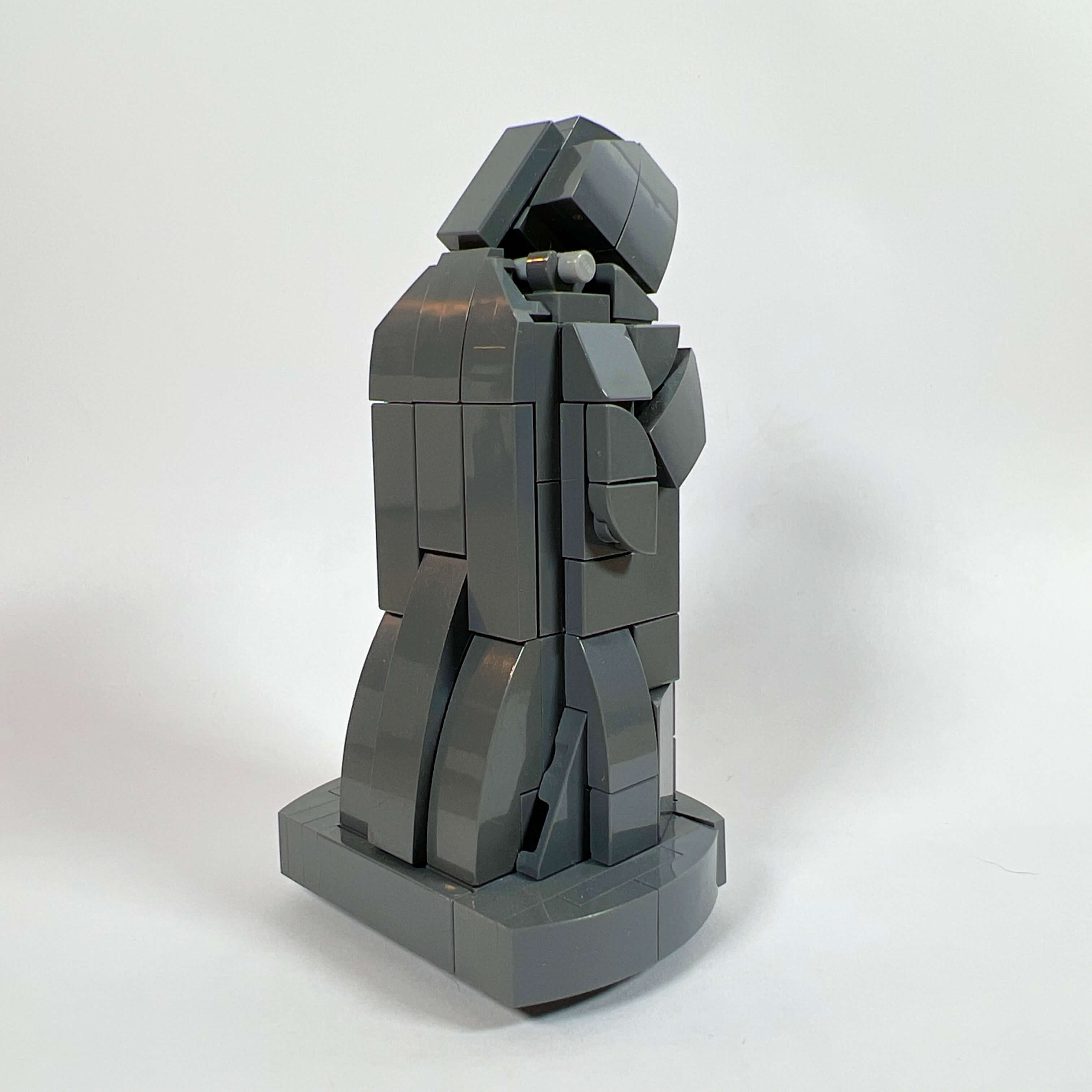
I am also very proud of the statues, which reproduce as faithfully as possible the Emperor statue, a characteristic decorative feature that appears often in the game, especially in the throne room occupied by Darth Malgus during his coup attempt. I made two attempts before finding the right combination of pieces to represent the statue in accordance with its actual appearance: a long hooded robe, a bowed head, and hands resting on the torso. Slightly taller than two minifigures, and further elevated by the staircase, they contribute to the impression of grandeur in the throne room.
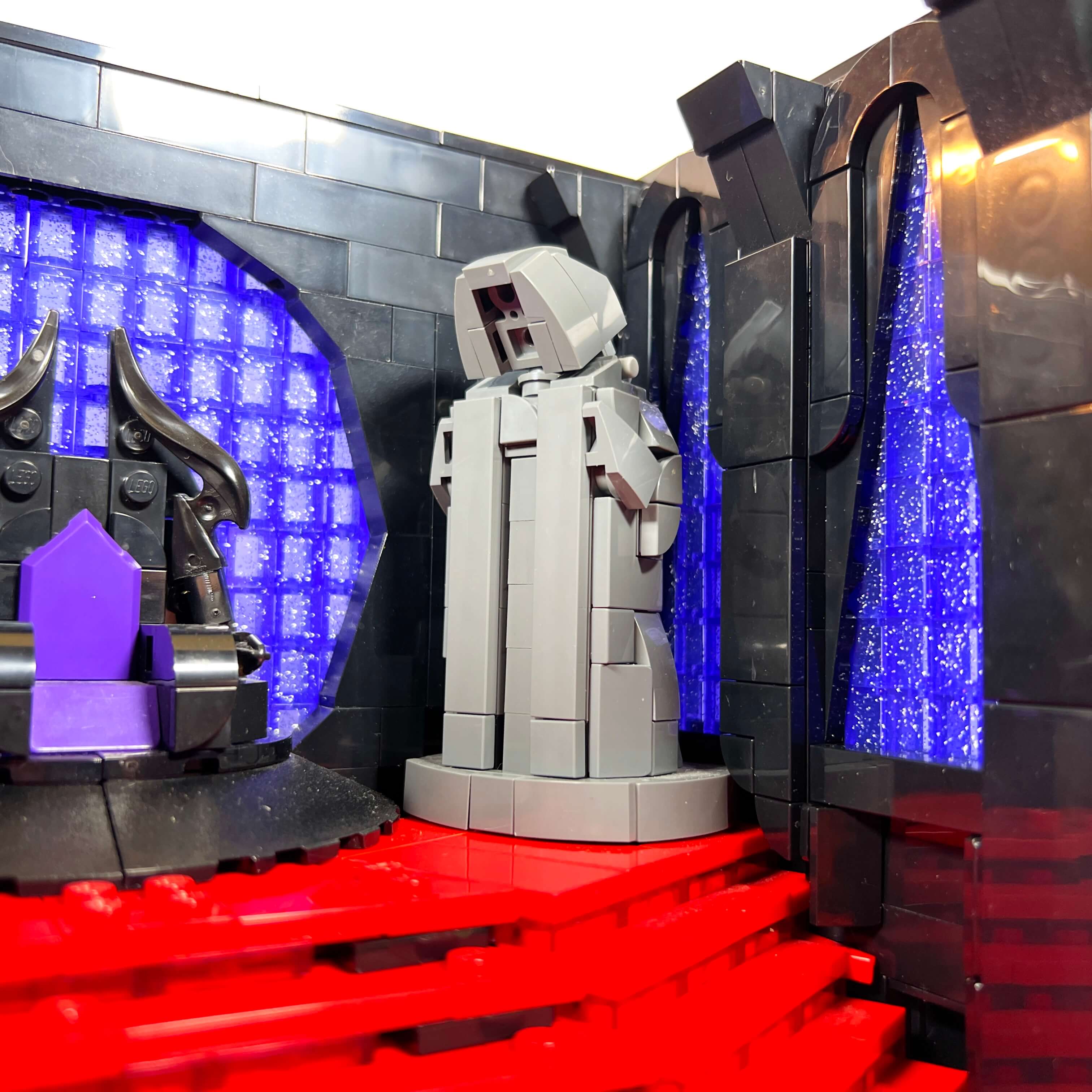
The same is true of the columns on the walls framing the stained-glass windows. They add relief and verticality, reinforcing the perception of height. The stained-glass windows are simply made from a stack of transparent glittery purple 1x1 bricks. With the right lighting, the light reflects off the glitter, creating the impression of a starry night sky that brings a dramatic feel to the scene, reminiscent of the setting of Zakuul’s throne room overlooking space.
Finally, the throne itself (the very first element I created for the MOC) is inspired by what can be seen in SWTOR with its pyramidal shape, and decorated with pointed pieces to make it more threatening.
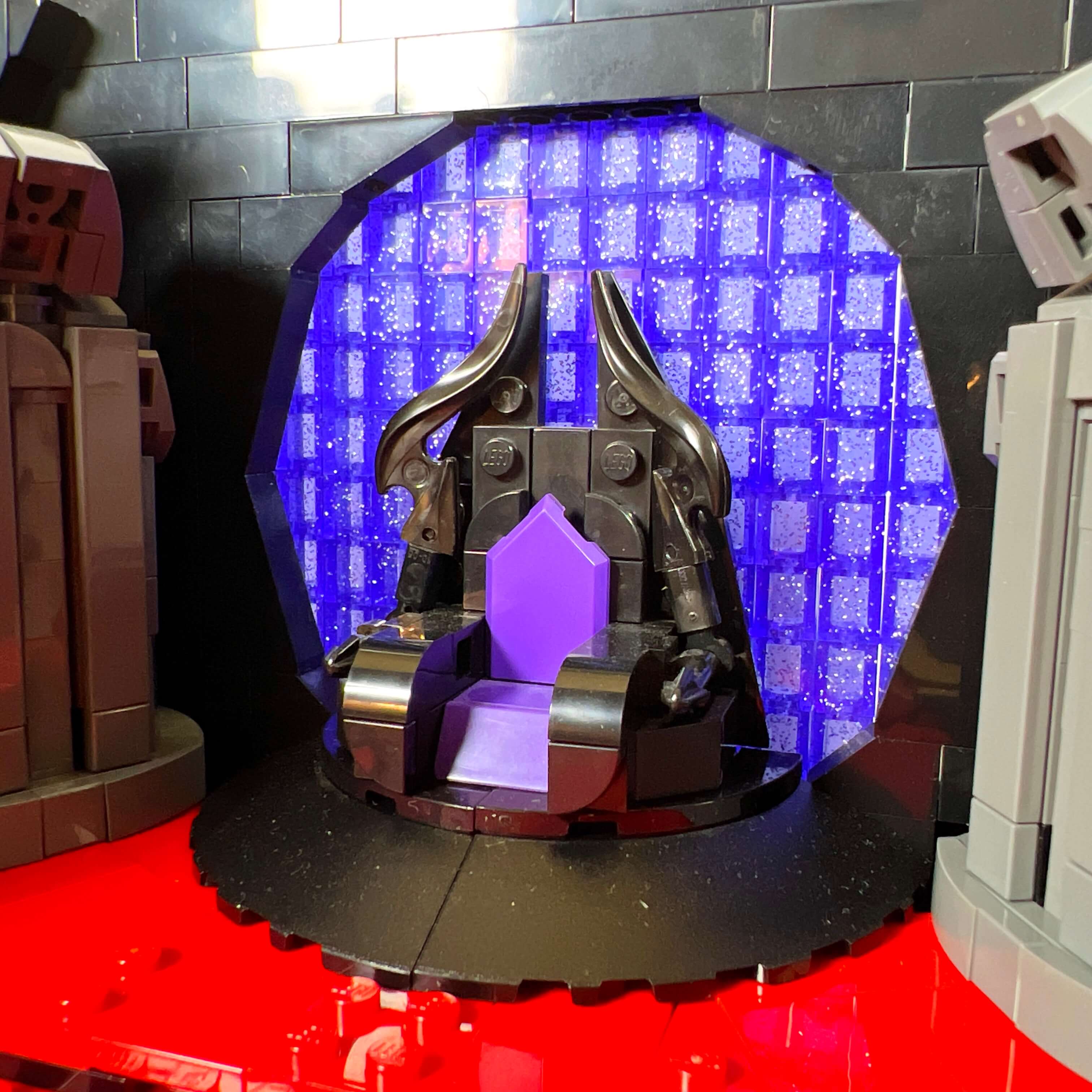
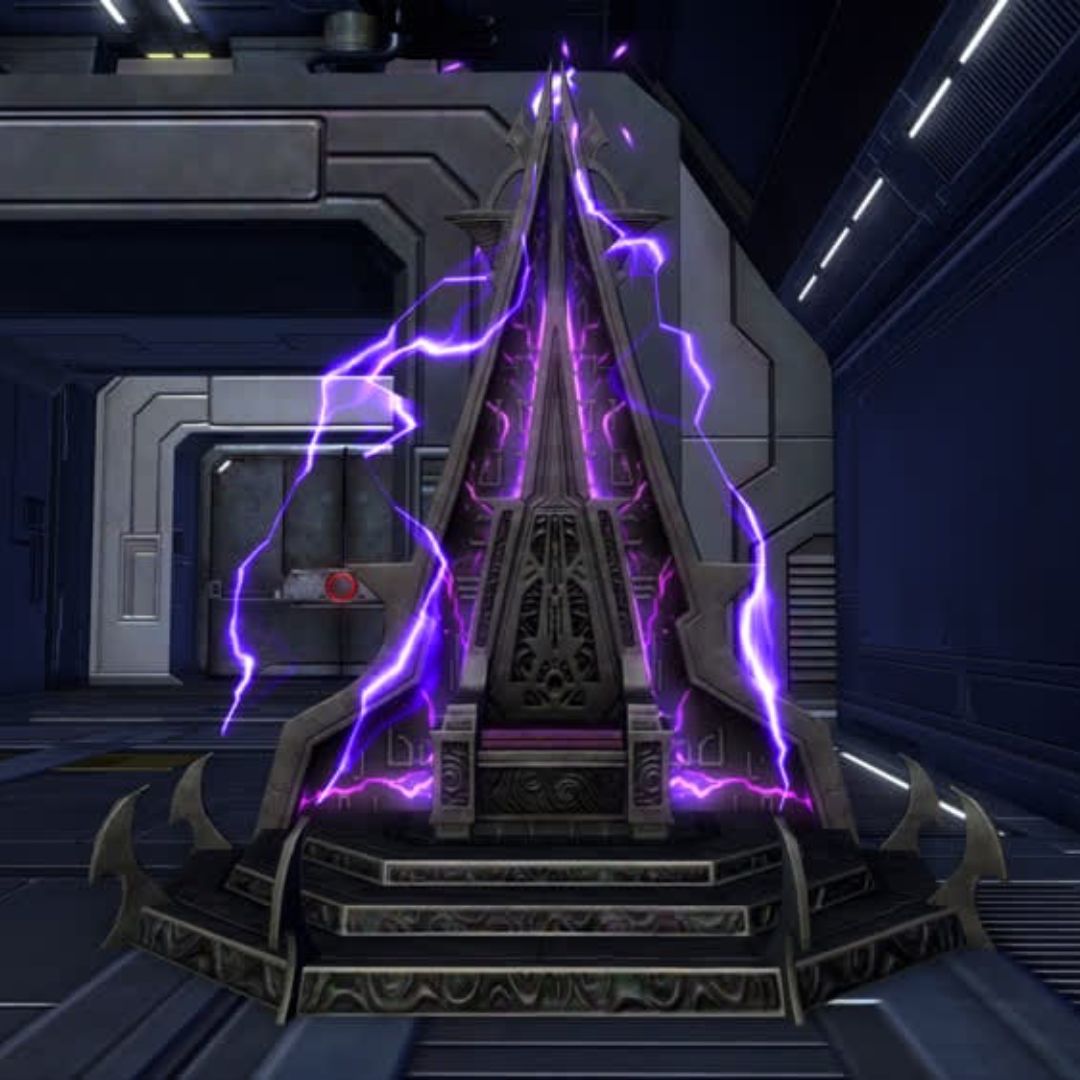
I am very happy with the final result of this throne room. It is the most important element of the set, and I could not afford to get it wrong. The atmosphere
I wanted to achieve is there, with iconic elements and a dark, dramatic mood that highlights the Empress minifigure in a white robe. I only wish I could have made it larger…
One last point: I made the facade of this tower section detachable so that the interior can be admired more easily.
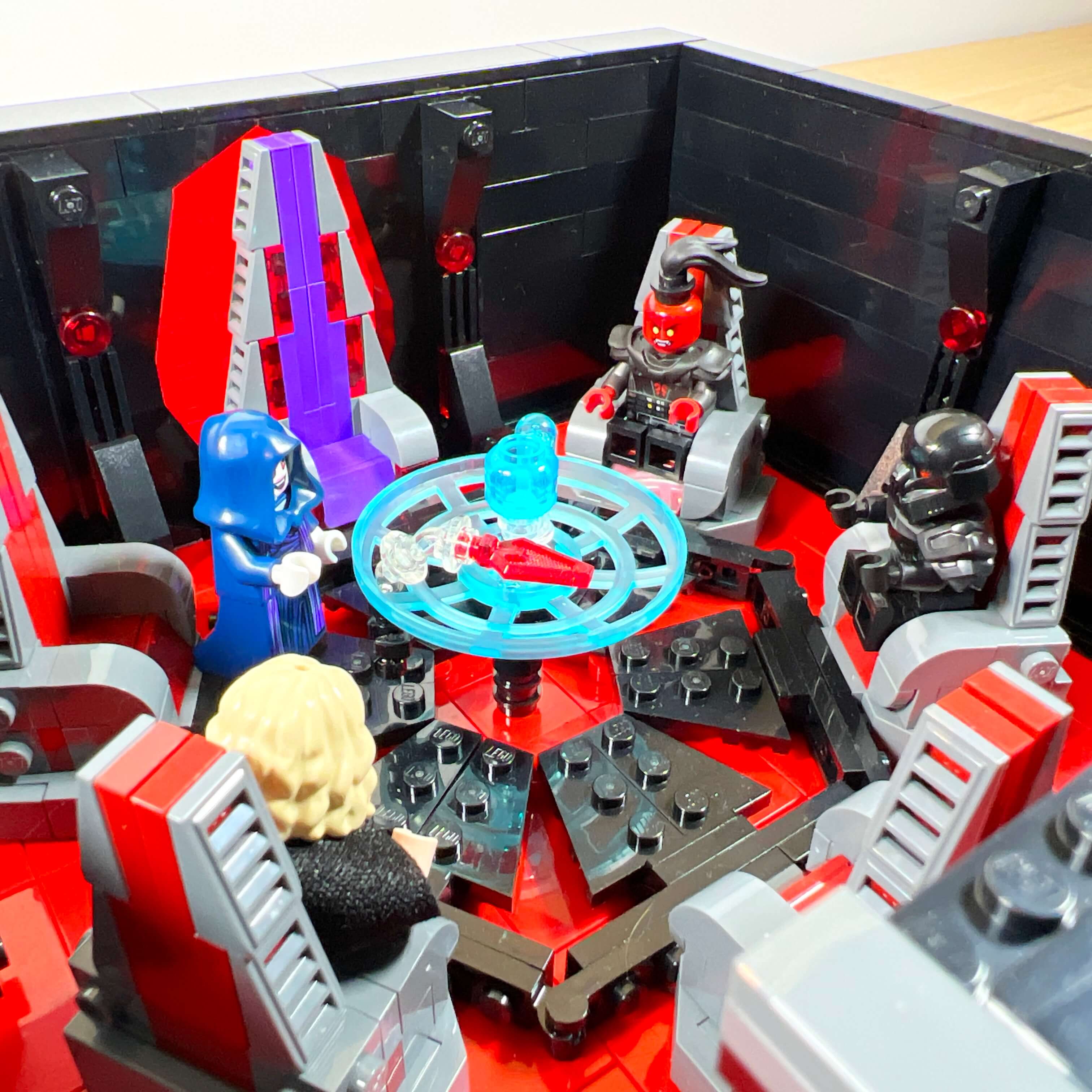
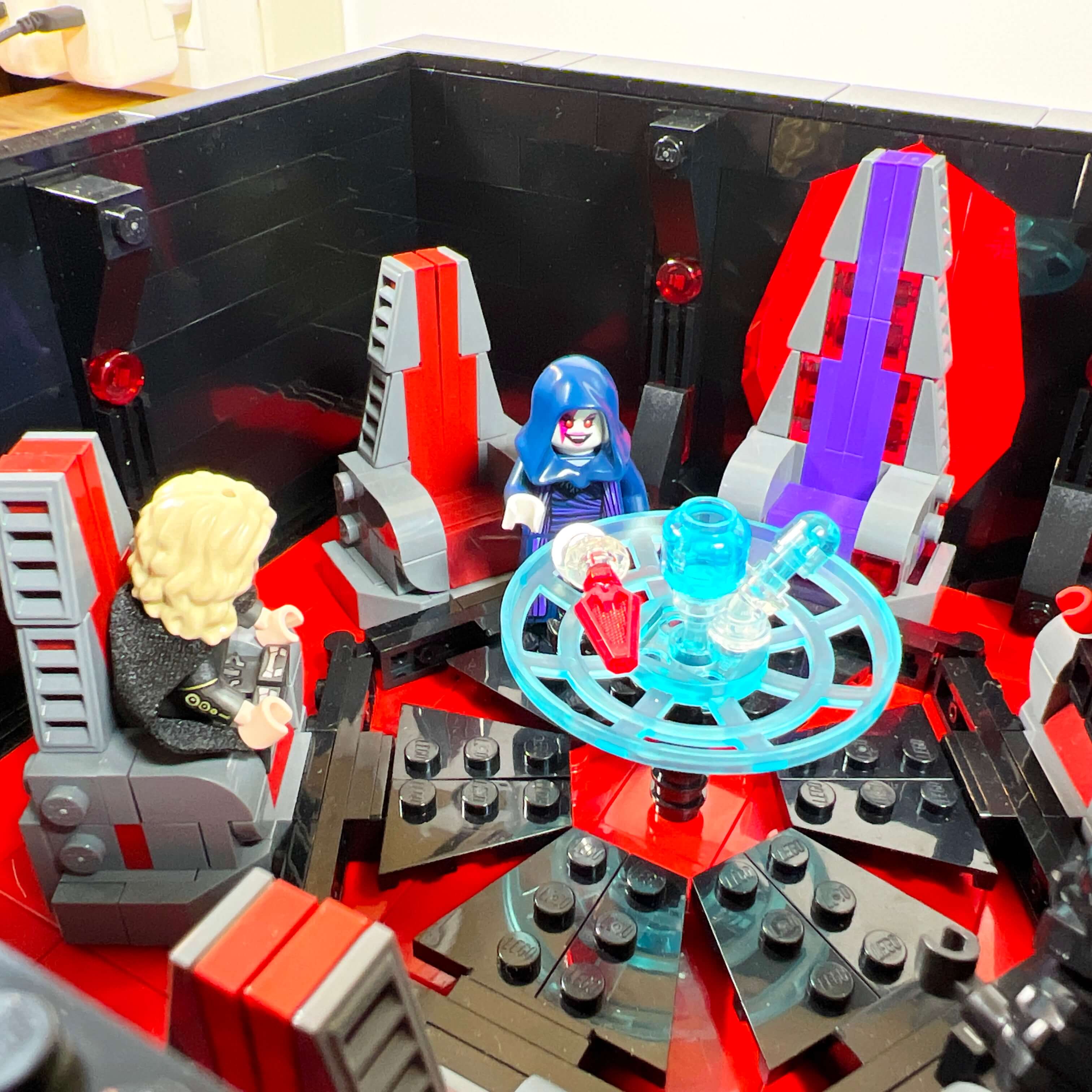
The Dark Council chamber
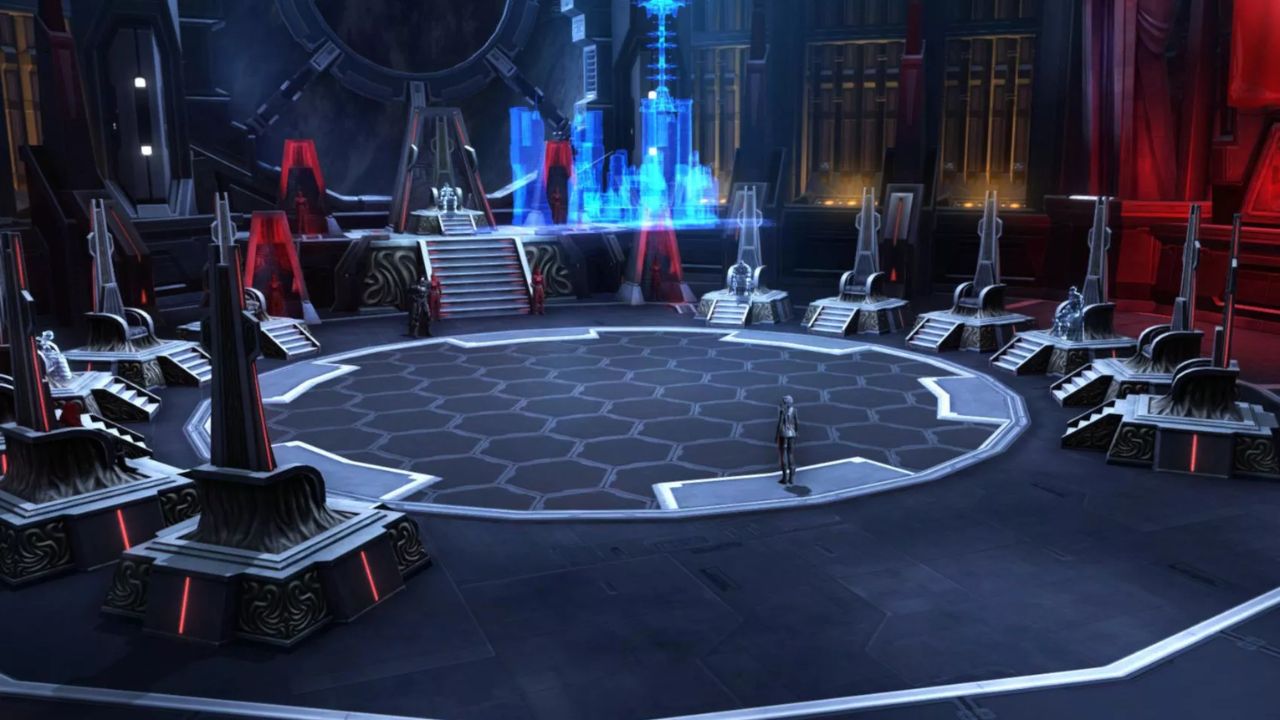
In Star Wars The Old Republic, the Sith Empire is ruled by the Emperor, assisted by the Dark Council, an organization made up of twelve Dark Lords (then five under Acina’s reign). In addition to leading the Sith Order, the members of the Dark Council function as a government, each being responsible for one aspect of the Empire (defense, justice, diplomacy, logistics, technology, philosophy…). The Dark Council meets in a dedicated chamber in the Citadel before moving to Korriban. The Dark Council chamber is an emblematic location where several storylines unfold, including that of the Sith Inquisitor: it is in this place that Lord Kallig confronts Darth Thanaton and obtains his seat on the Dark Council, as well as the title of Darth Nox in the process. It therefore seemed logical to include this room in the MOC, on the first floor above the throne room.
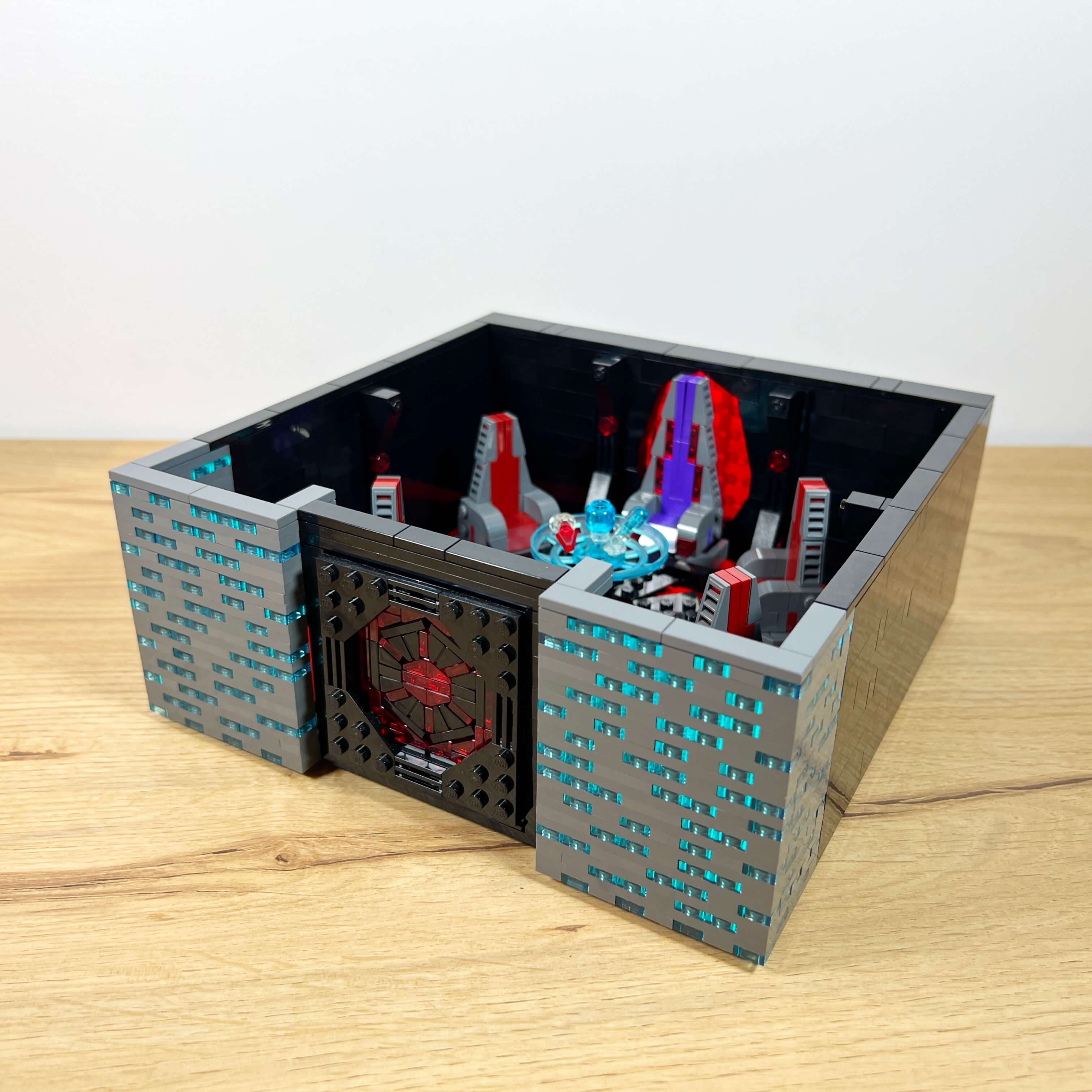
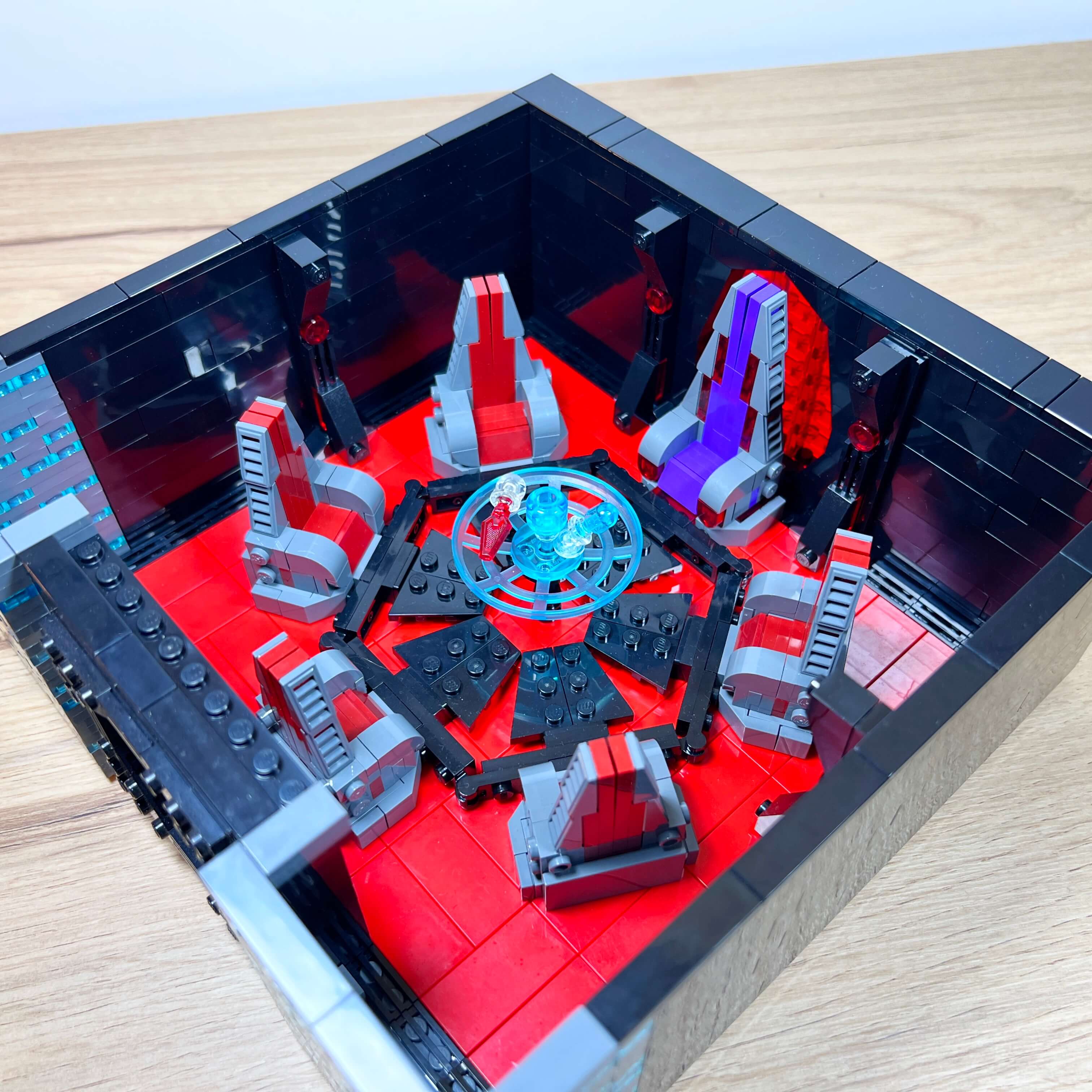
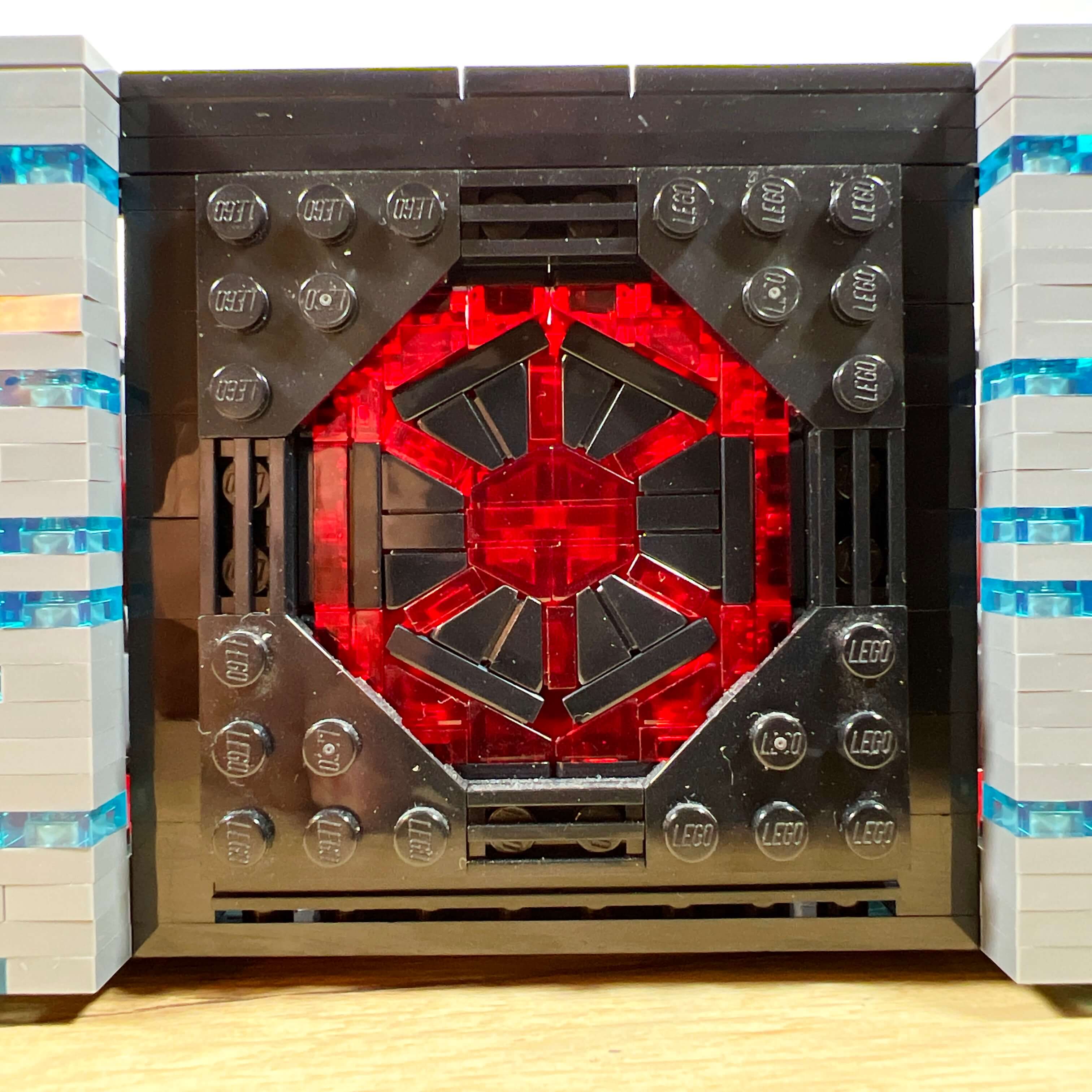
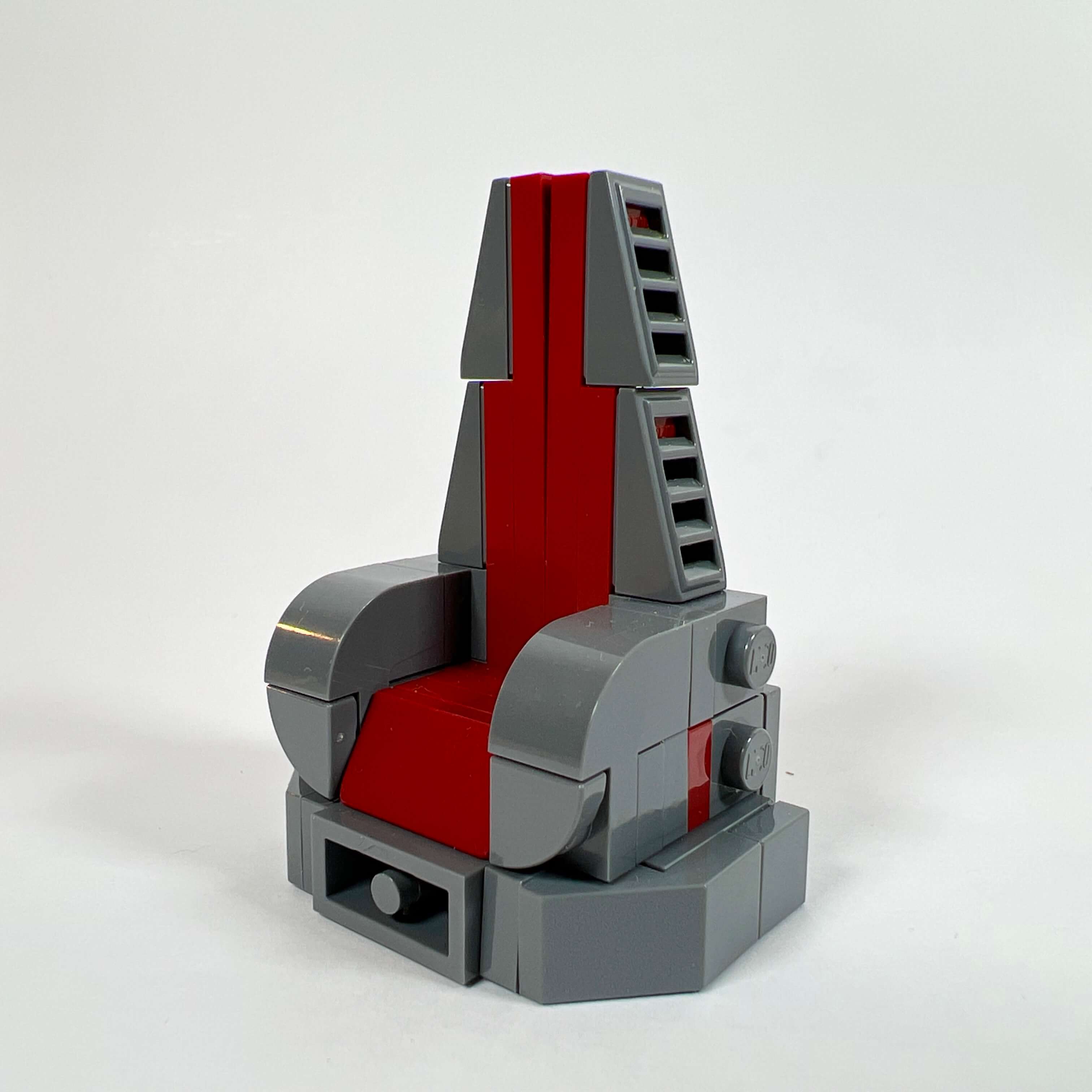
As with the rest of the Citadel interior, I did not copy the game’s exact aesthetics; I built the Dark Council chamber in continuity with the throne room. The room is sober, with its black walls decorated only with columns, and its red floor. In the first version of the MOC, I had built the Sith Empire emblem to place it behind the throne, but I did not have enough room to do so in the final version. So I placed the emblem on the floor of the Dark Council chamber, using its six sides to attach the seats in a circle around it (5 members of the restricted Dark Council and one seat for the Empress). I am quite happy with the result: the emblem is very accurate, the seats are believable and in the Sith style, with their pyramidal shape.
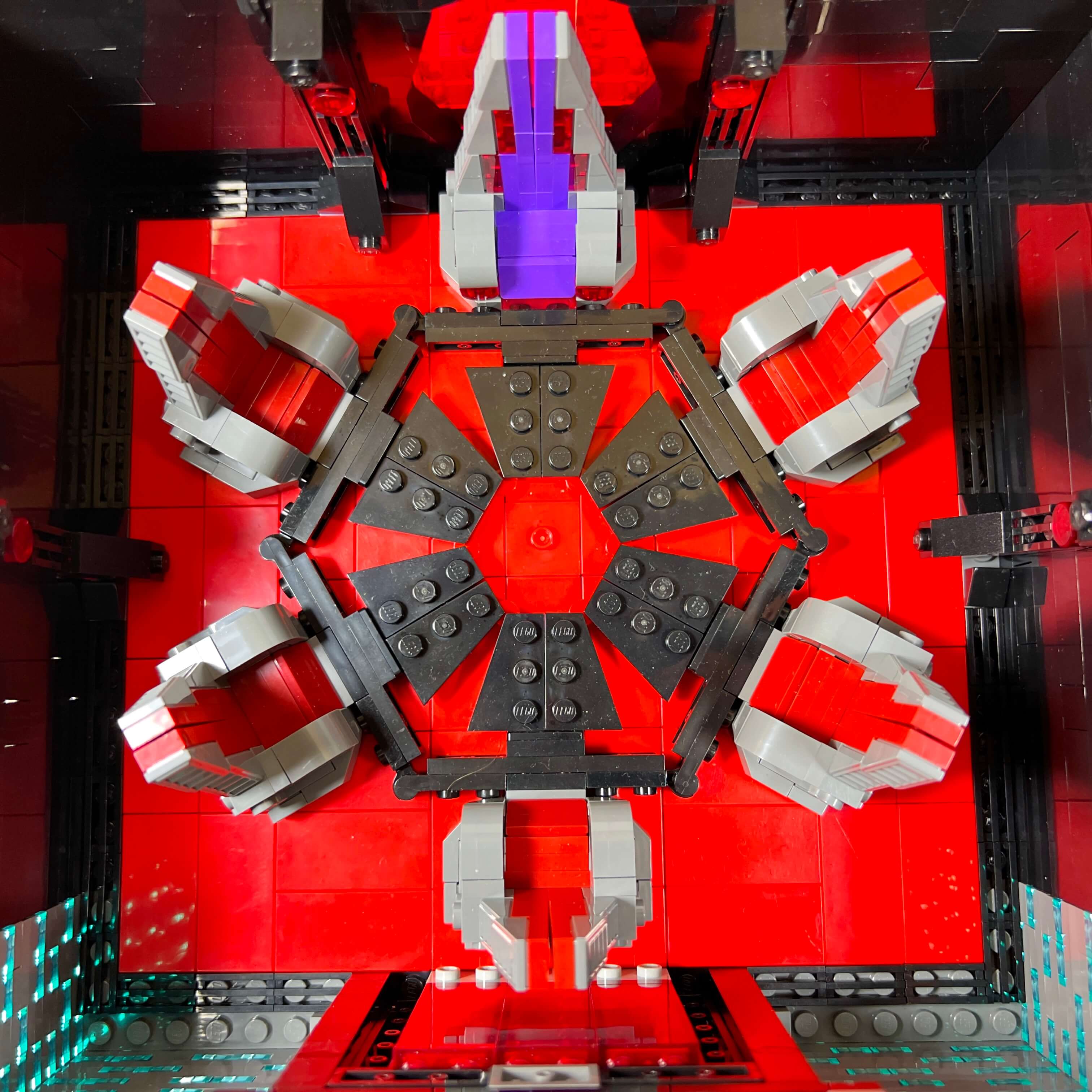

Finally, I decorated the center with a build made of transparent pieces representing a hologram of a ship attacking a planet, as if the members of the Dark Council were planning their next invasion.
The library
For the next floor, I chose to represent a library, since this type of location is common in the game, and I particularly enjoyed some MOCs of the Jedi Temple library that I saw on social media. So I tried to recreate that atmosphere, but in a Sith version.
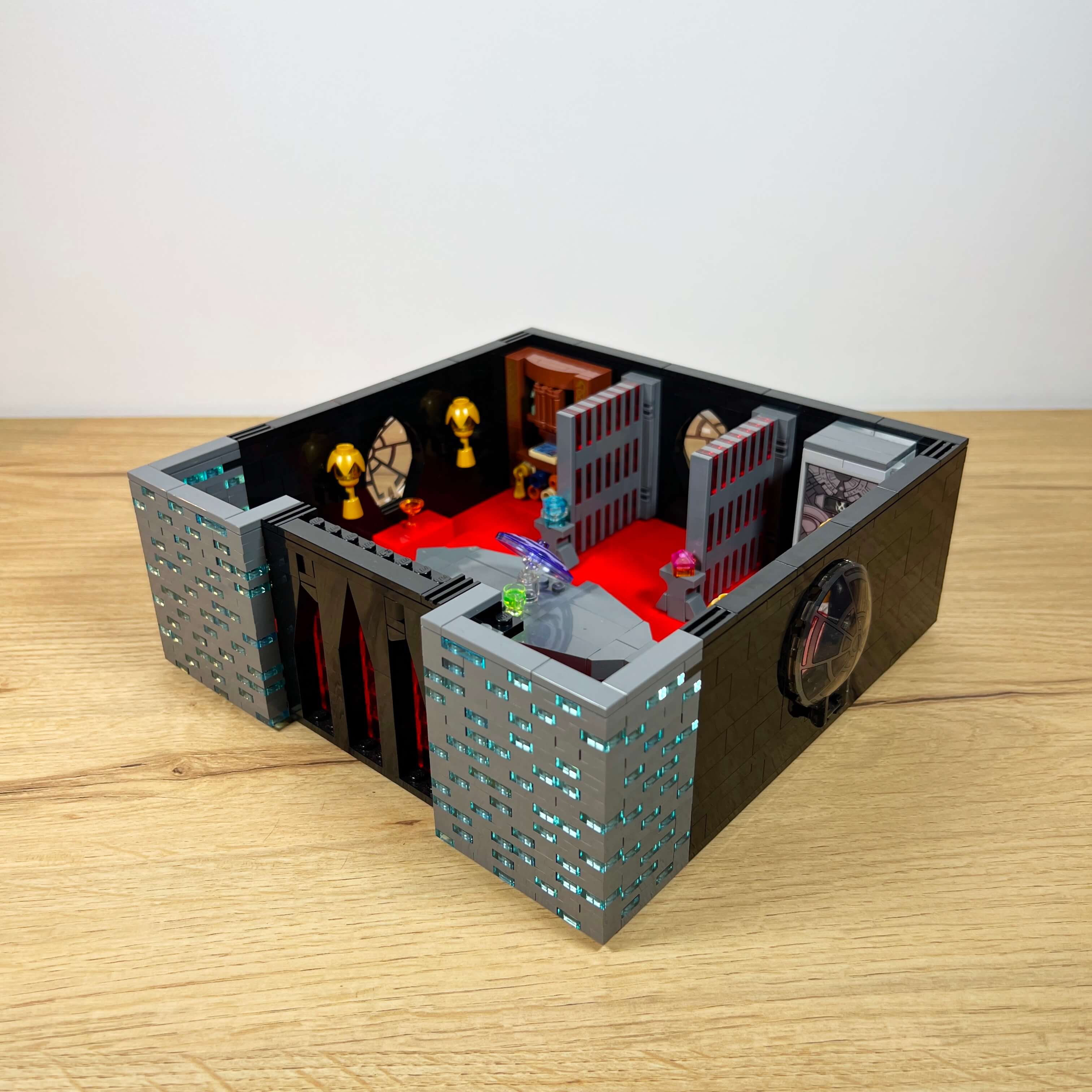
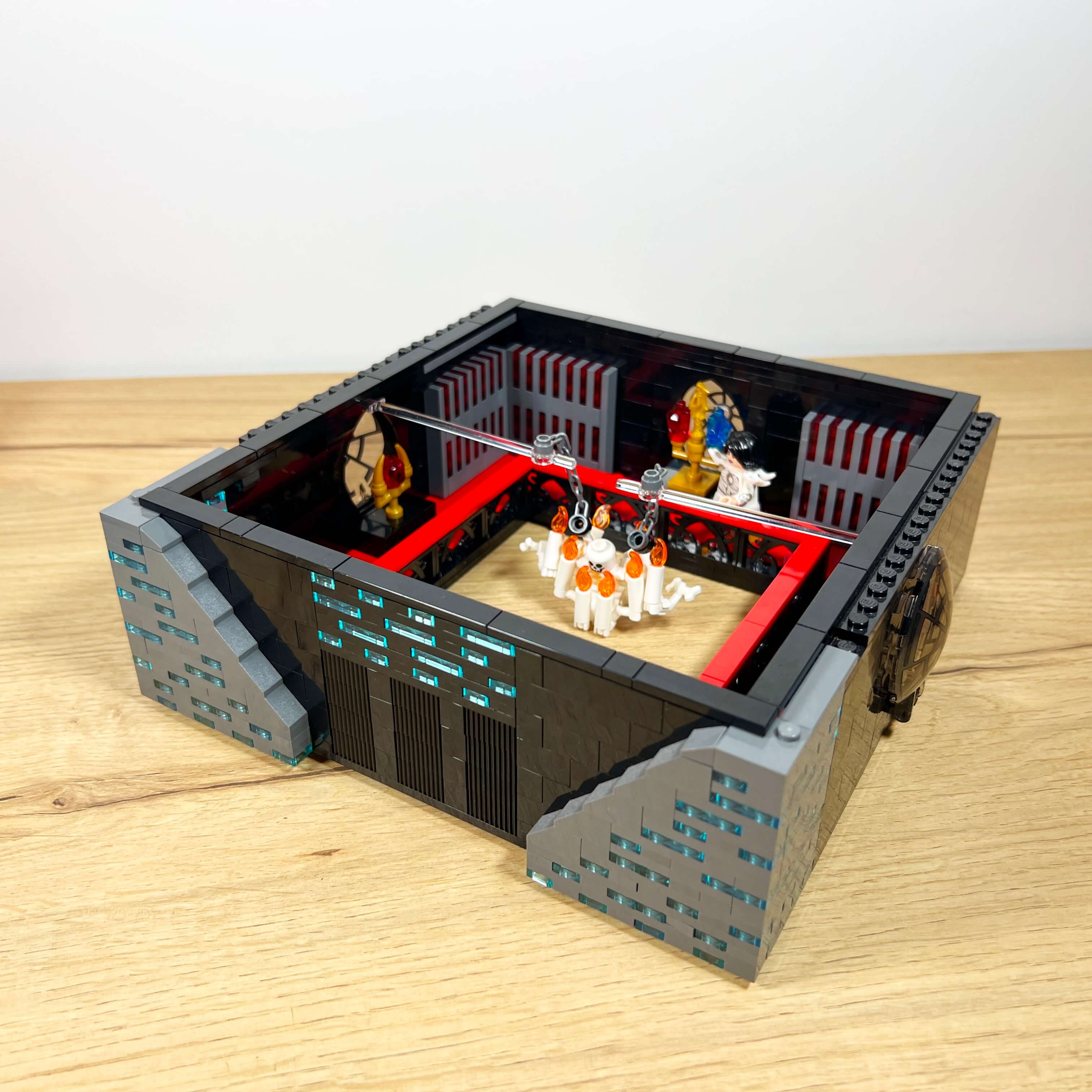
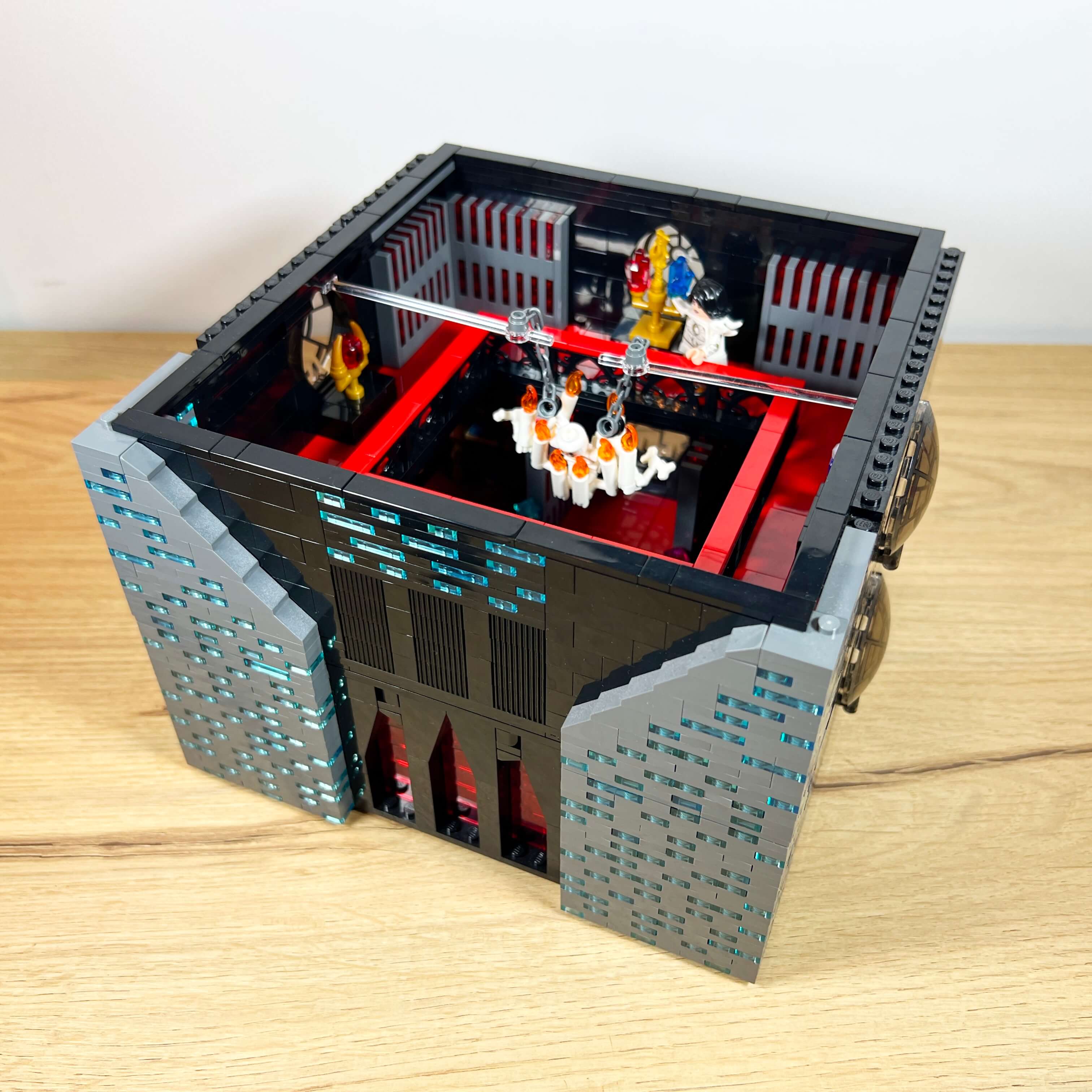
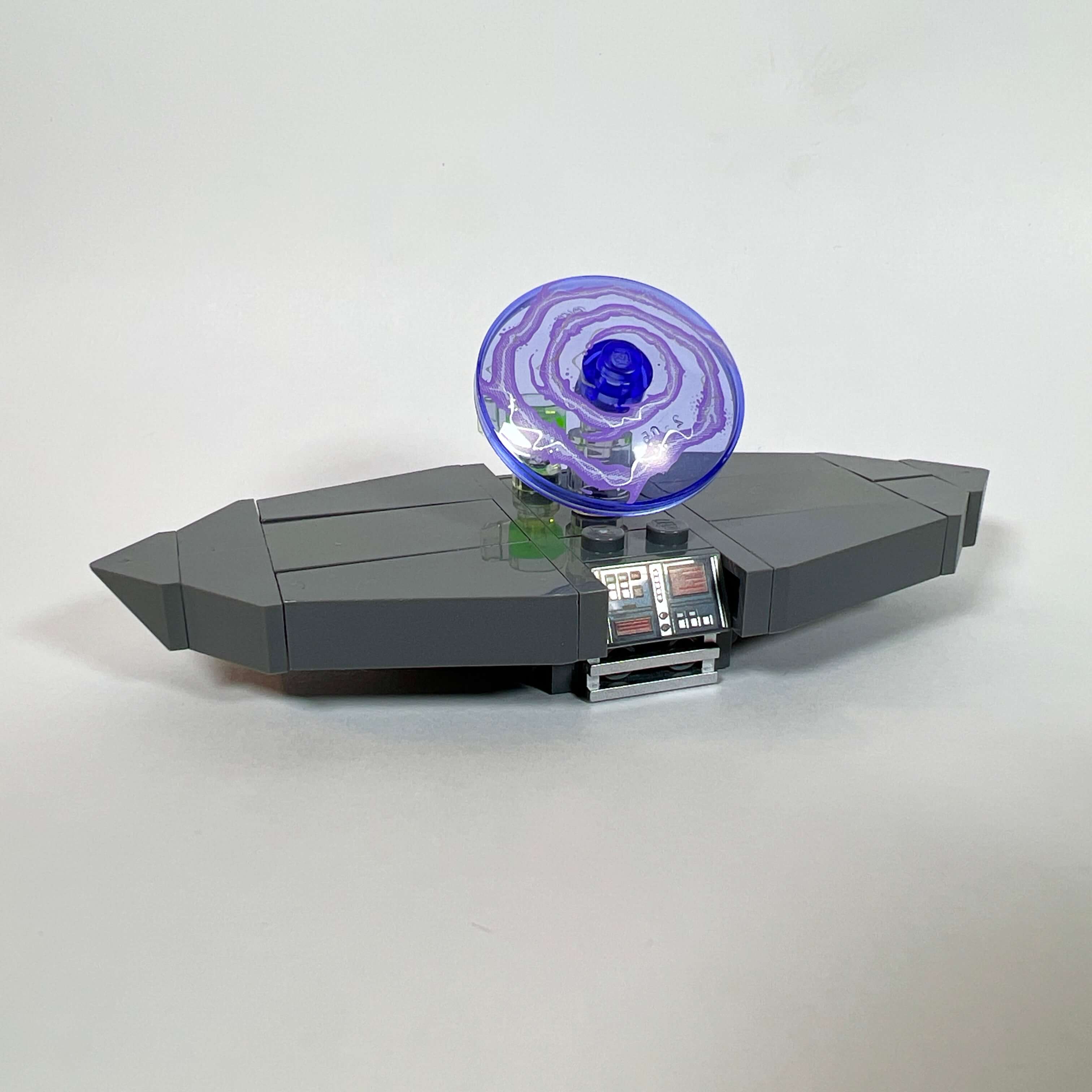
While the red floor and black walls remain in continuity with the Dark Council chamber, the library stands out thanks to its three windows made with the window piece from Palpatine’s throne room, whose iconic design reinforces the Star Wars atmosphere. The center of the room contains a large table with a holo-map of the galaxy, and the sides of the room are decorated with various pieces of furniture and objects.
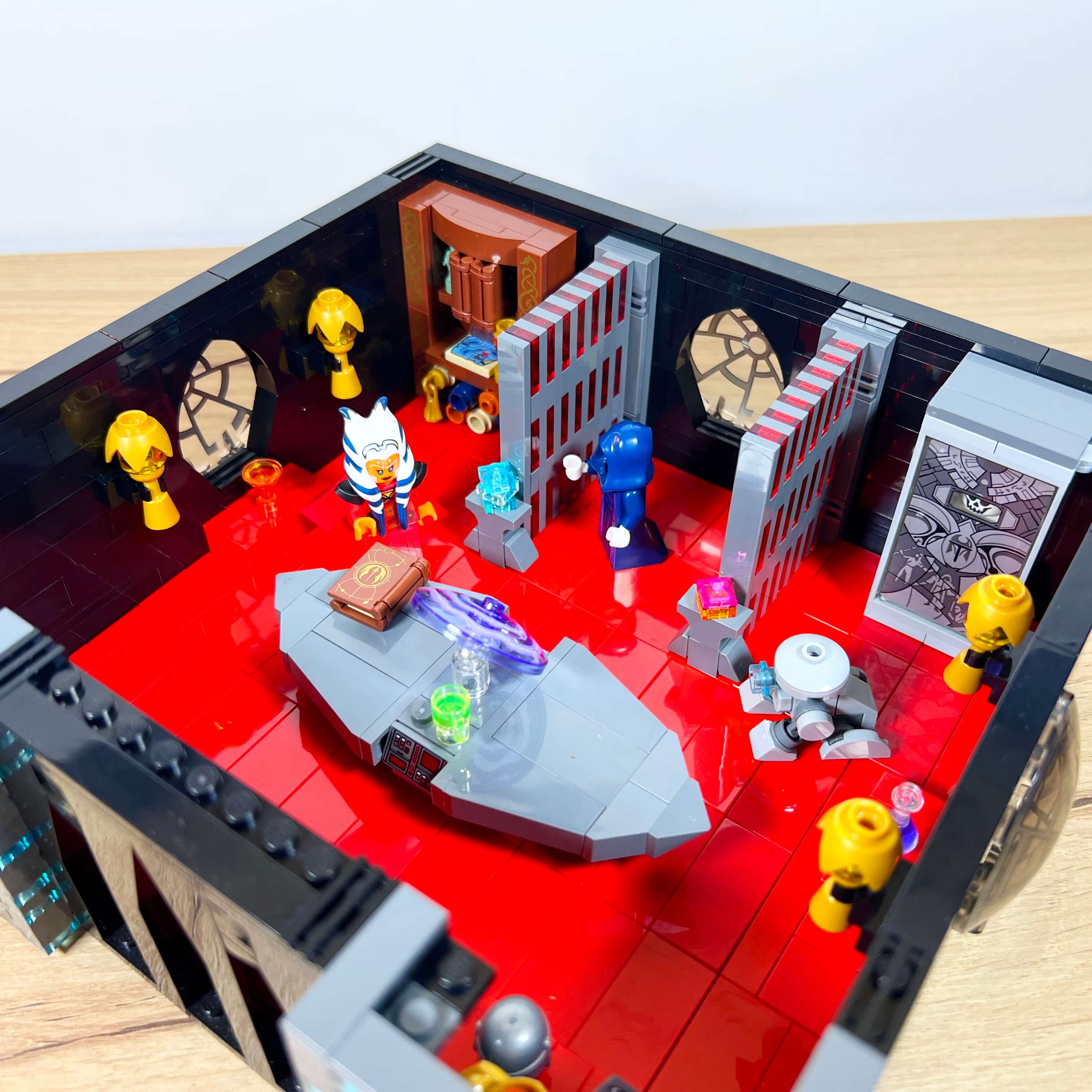
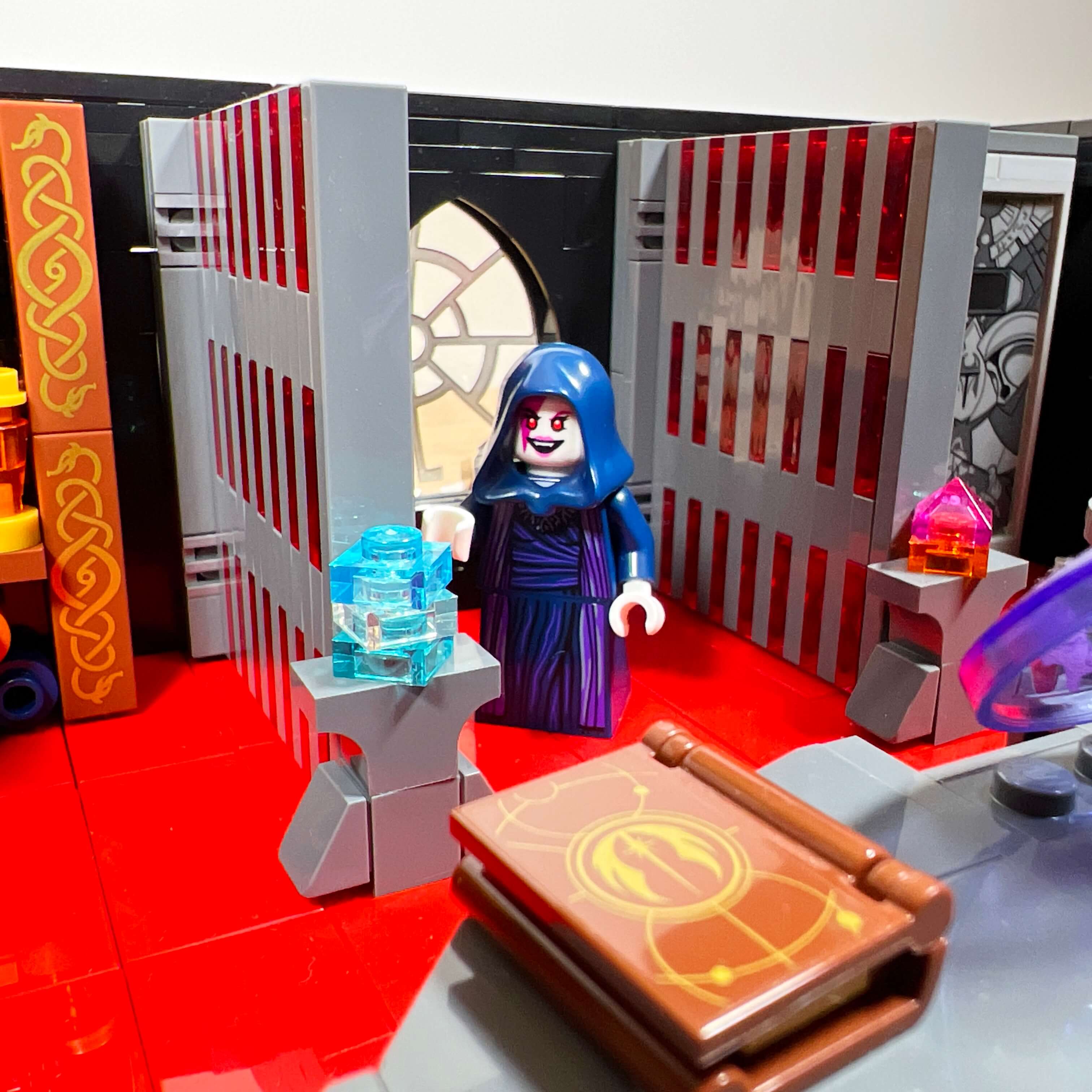
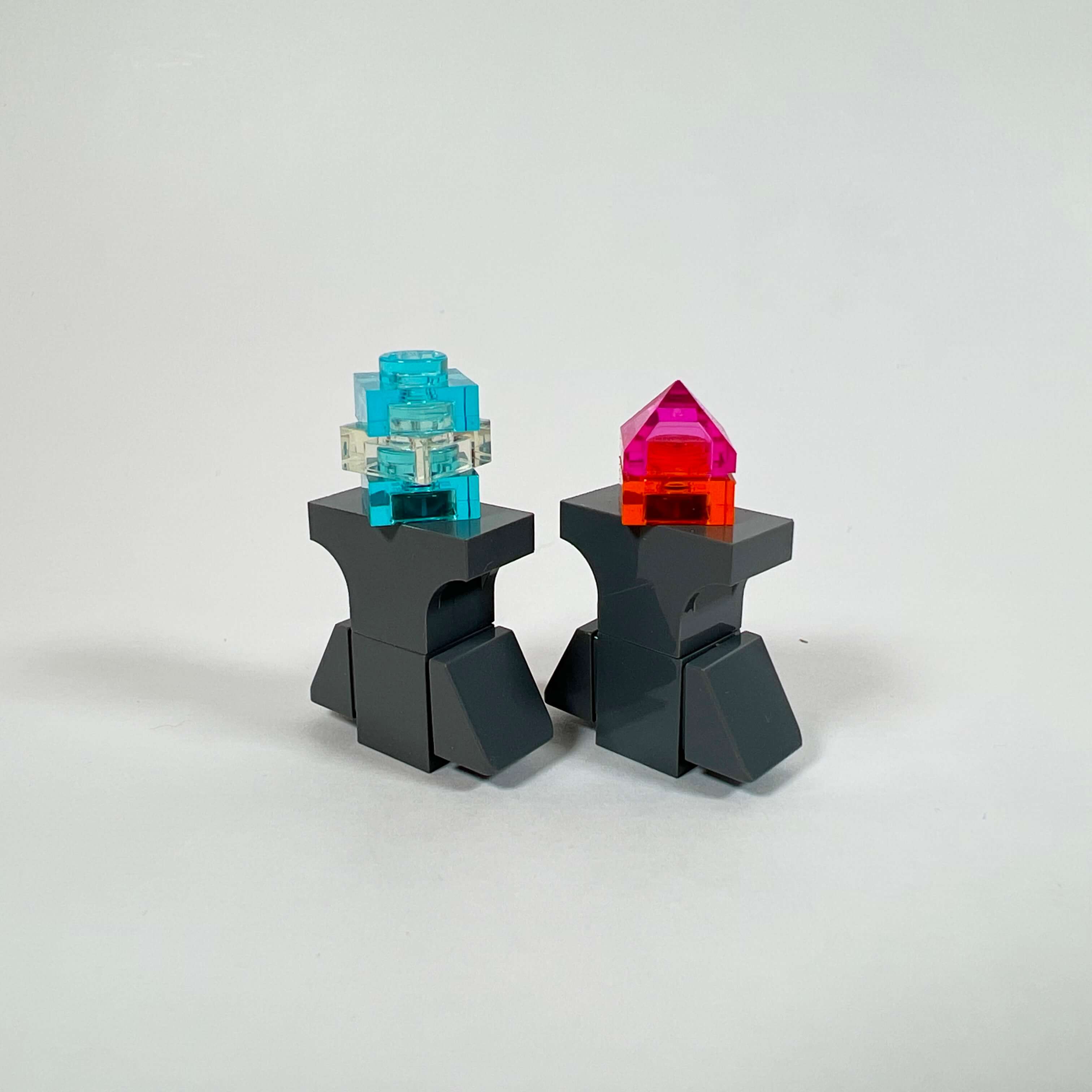
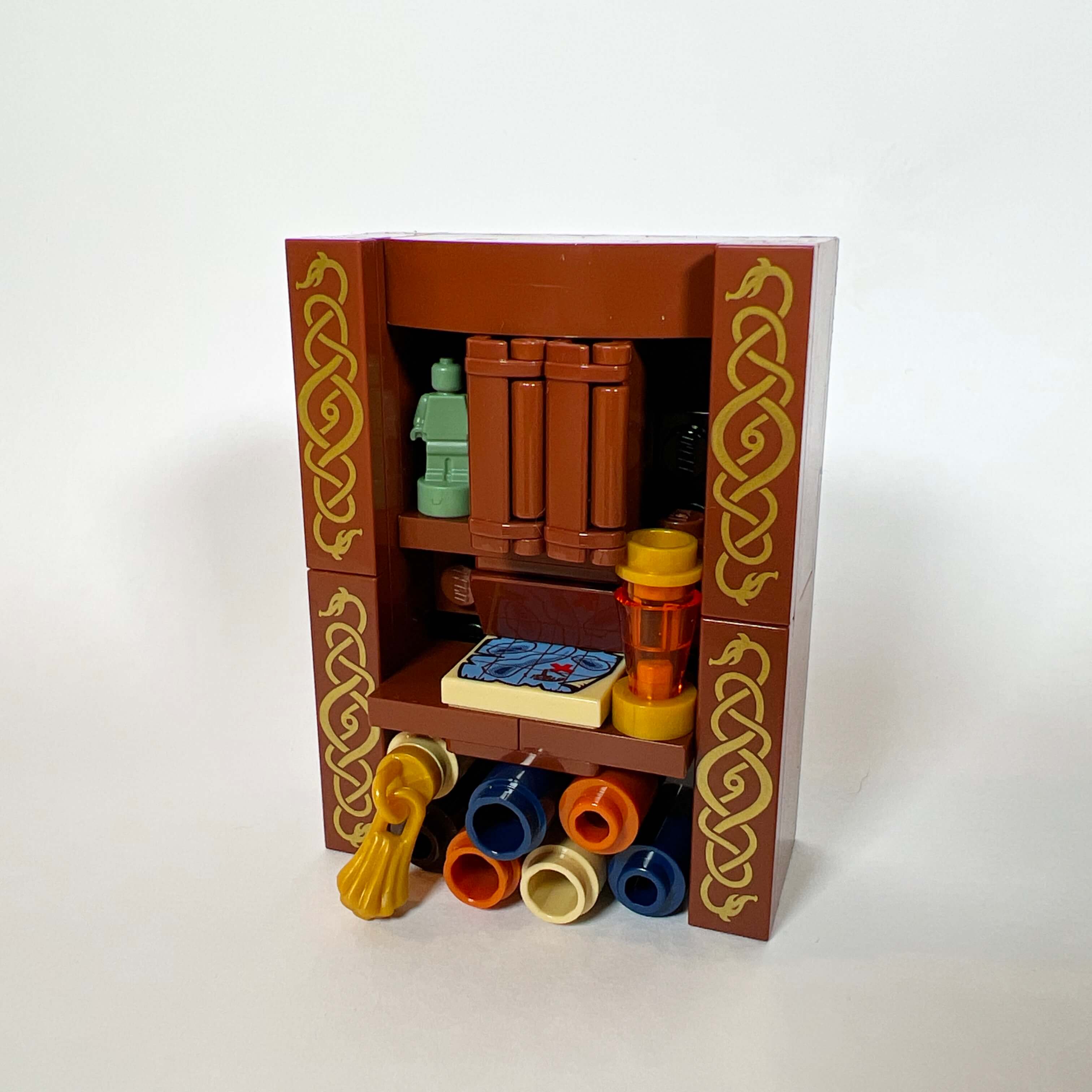
The idea was to gather relics from the Star Wars universe that could have belonged to the Sith archives: a Mandalorian helmet and emblem, a suit of armor, Talzin’s sword (from the Ahsoka series), the Mandalorian sarcophagus used to capture Darth Maul in the finale of The Clone Wars… Two archive modules are placed at the back of the room, with holocron display stands and a manuscript library.
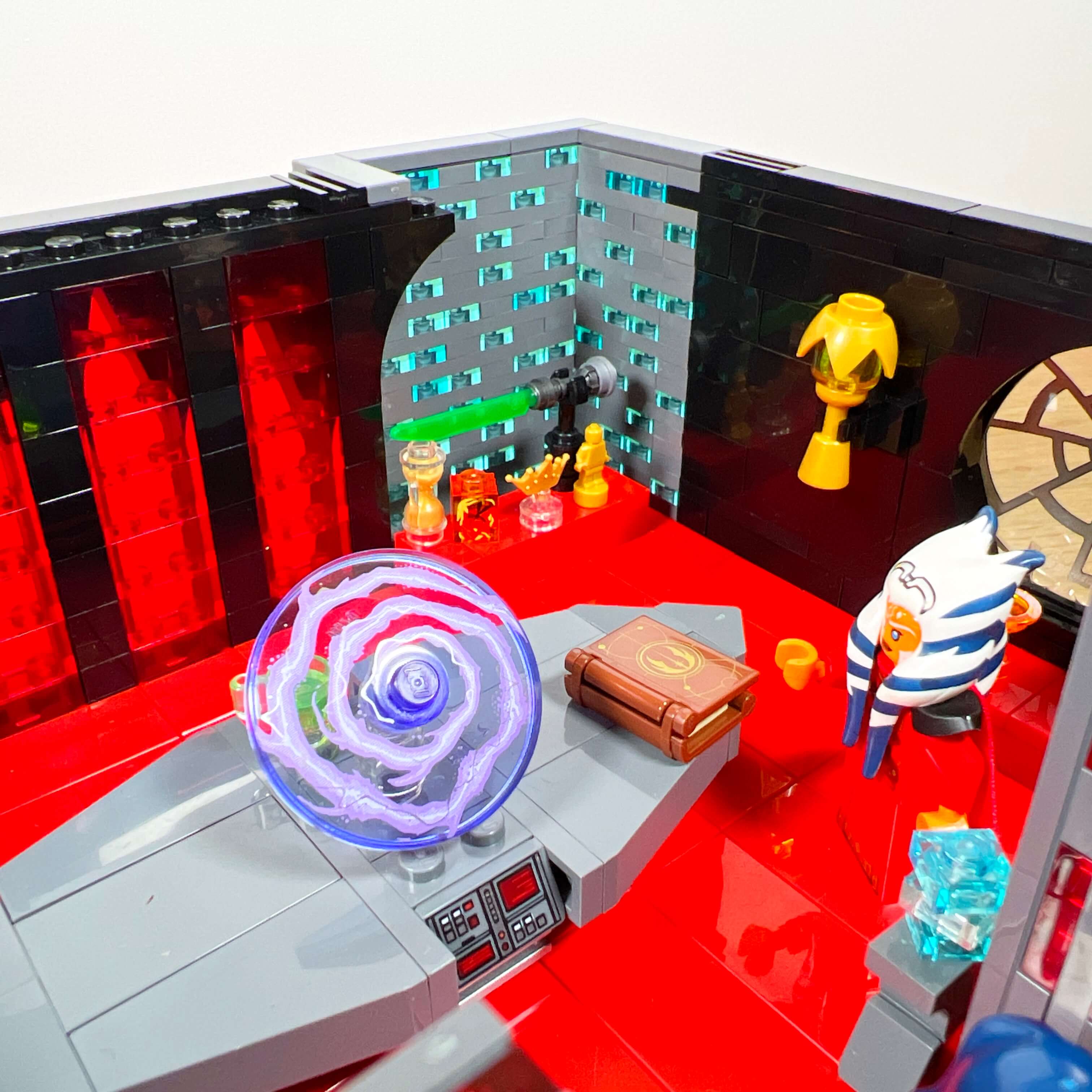
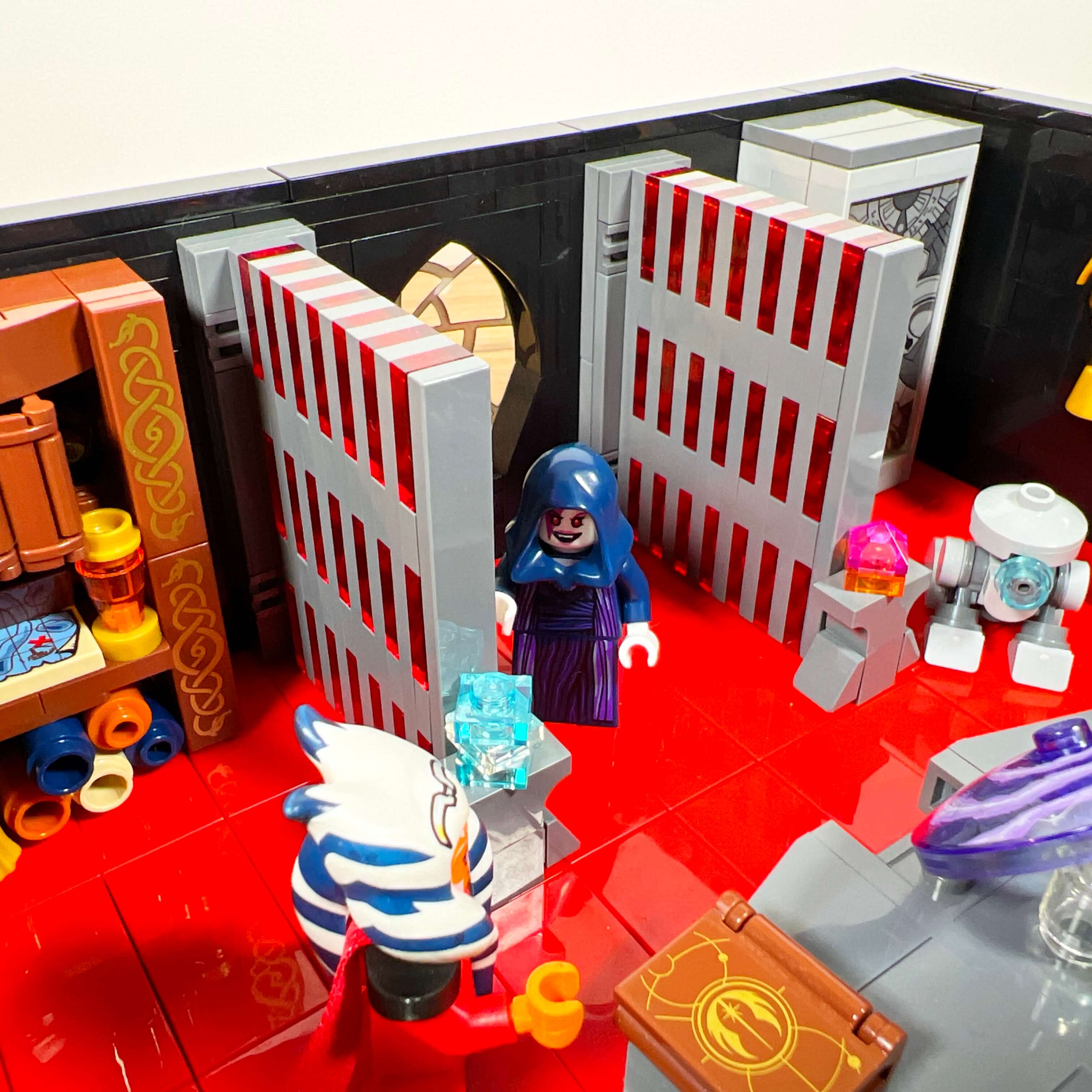
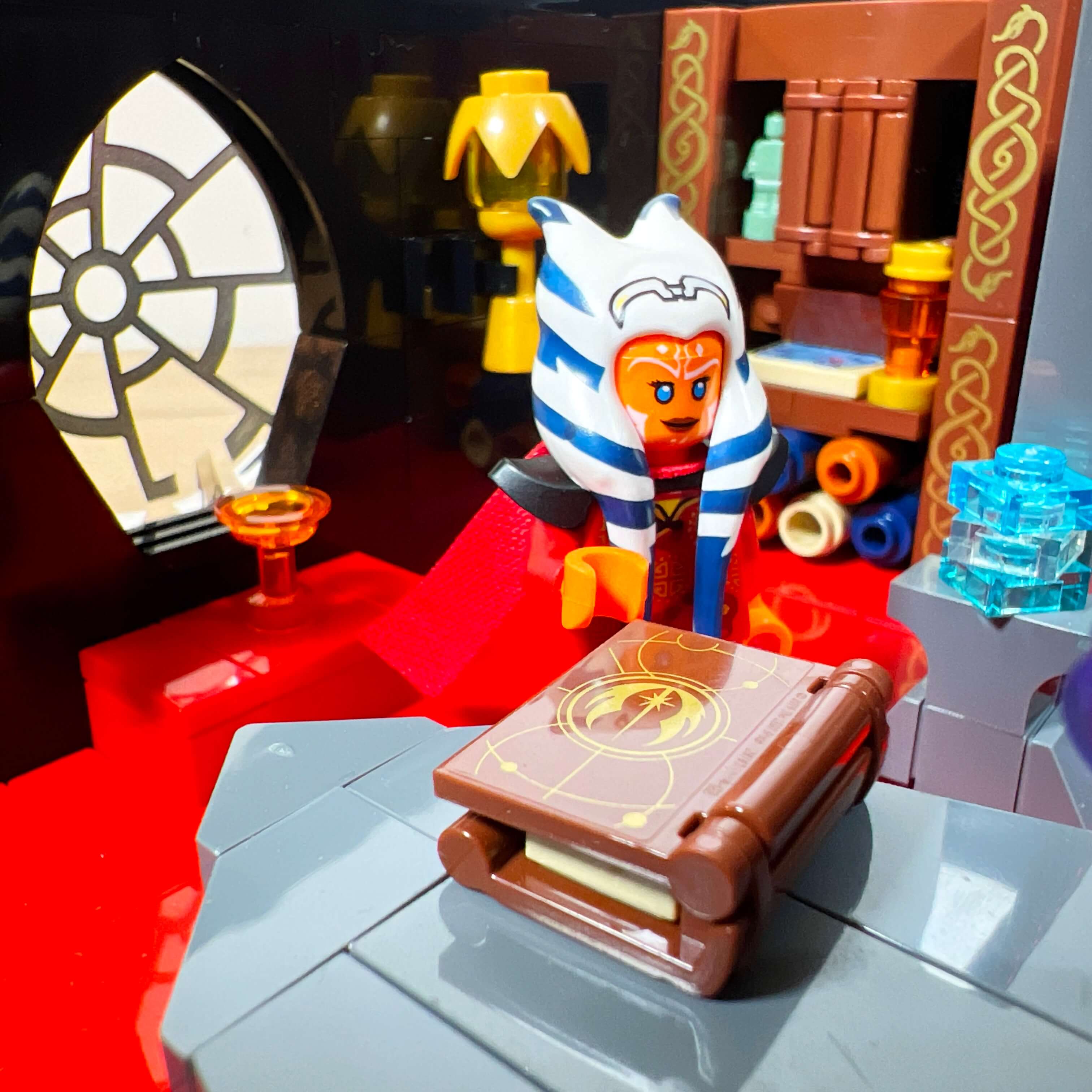
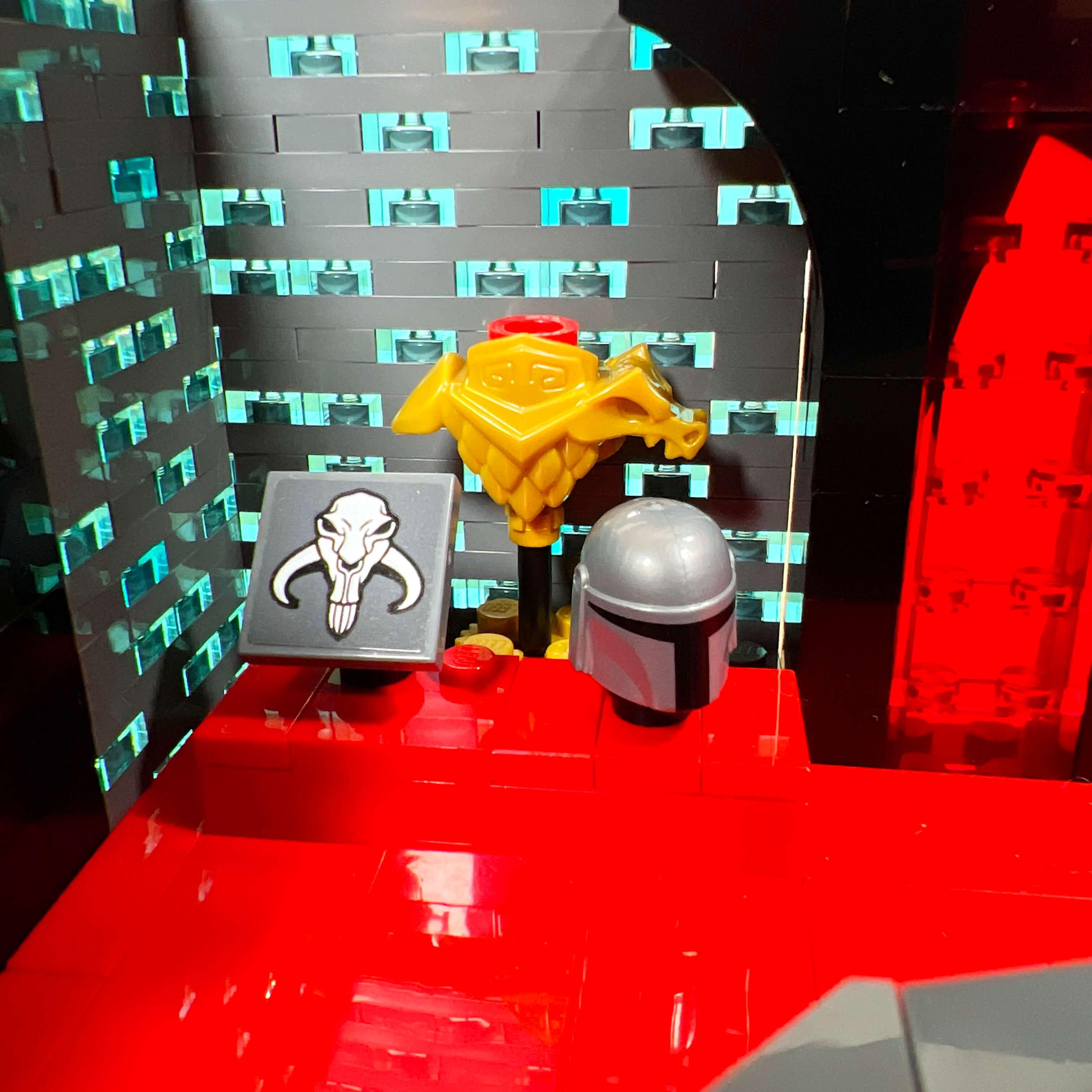
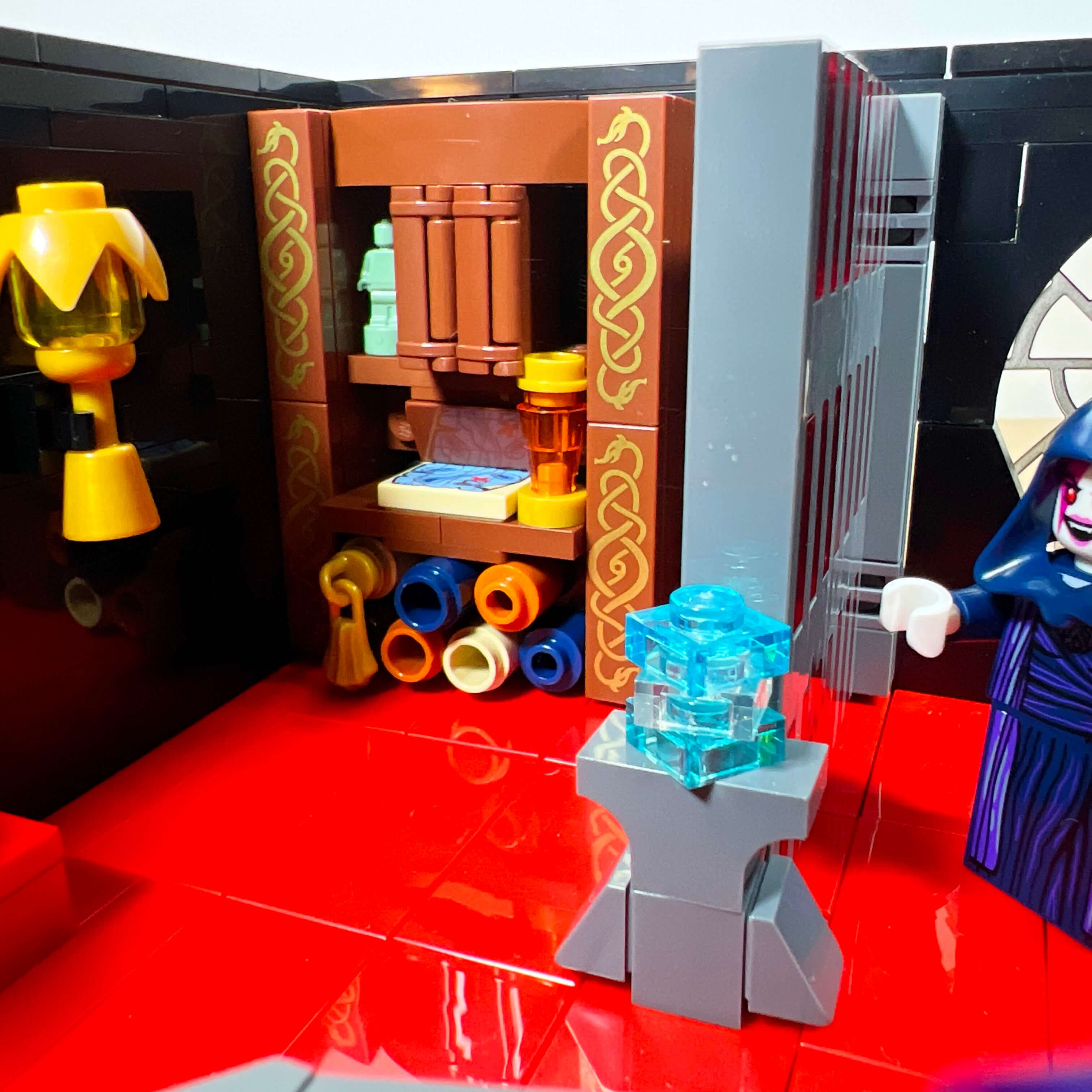
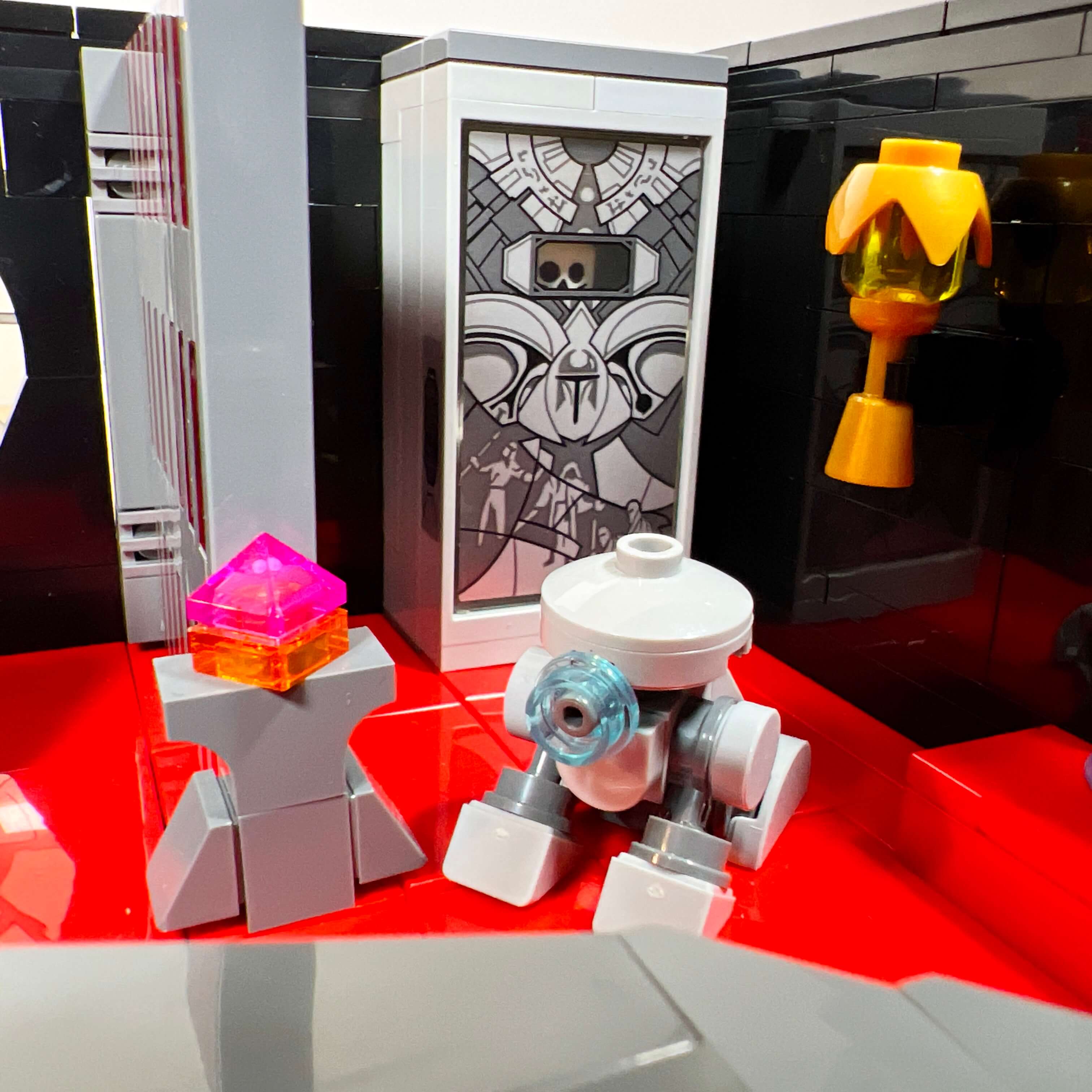
The library also has a mezzanine, decorated with more archive modules and several relics: lightsaber parts in one chest, crystals in another, three holocrons on a table, and two chalices. But the most interesting decoration is the bone chandelier. It is built around a LEGO skeleton, with many extra arm pieces used to attach the candles. It hangs from the ceiling by chains.
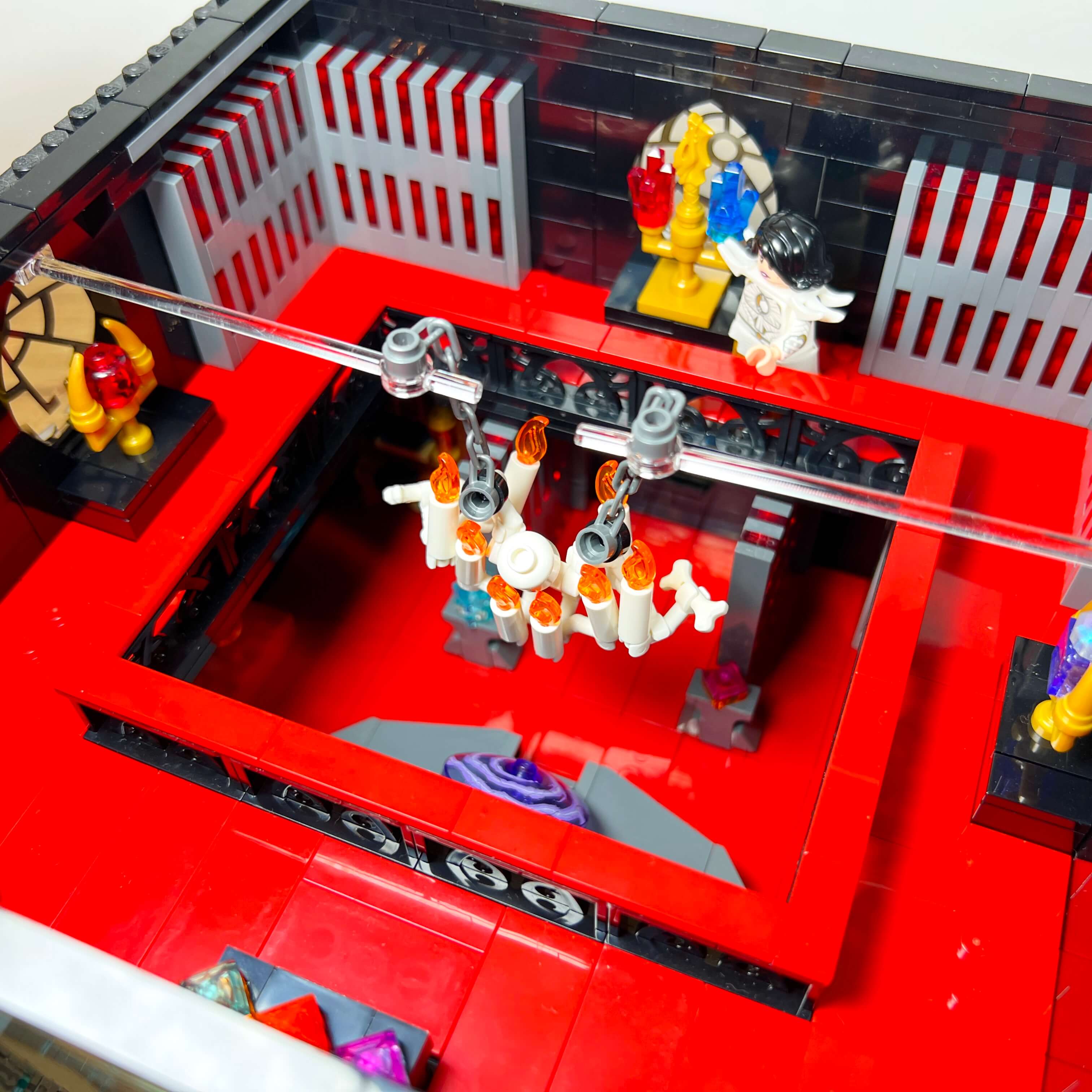
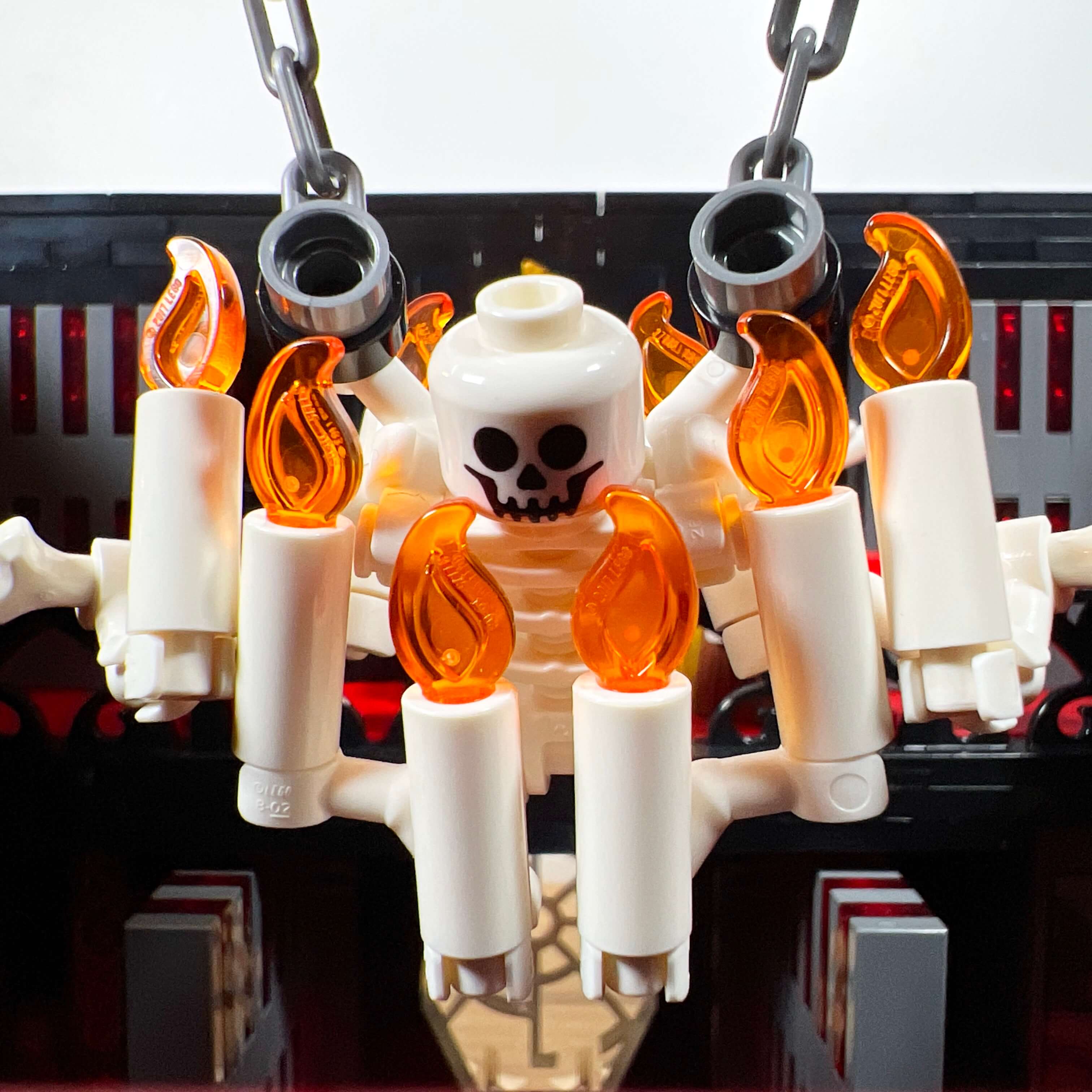
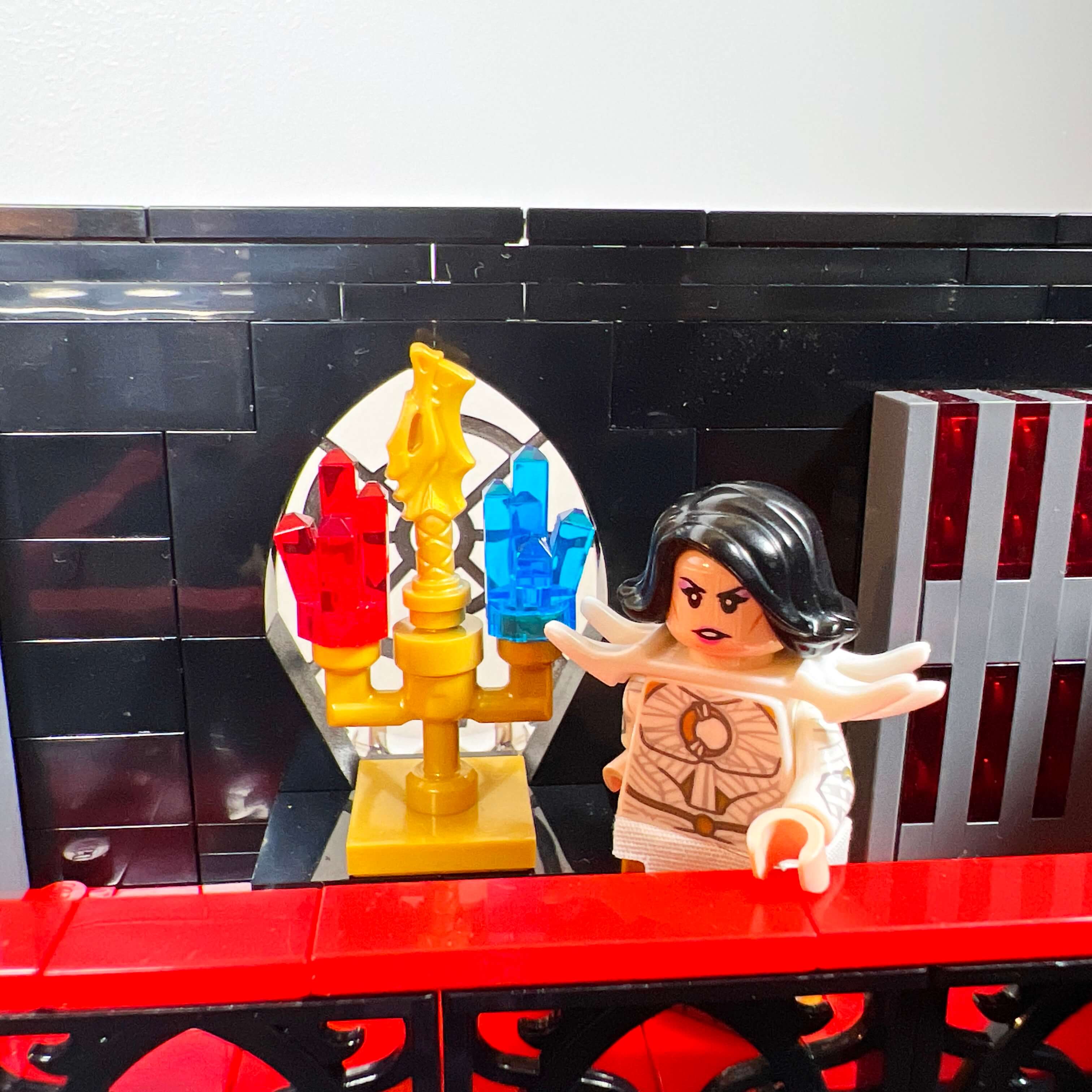
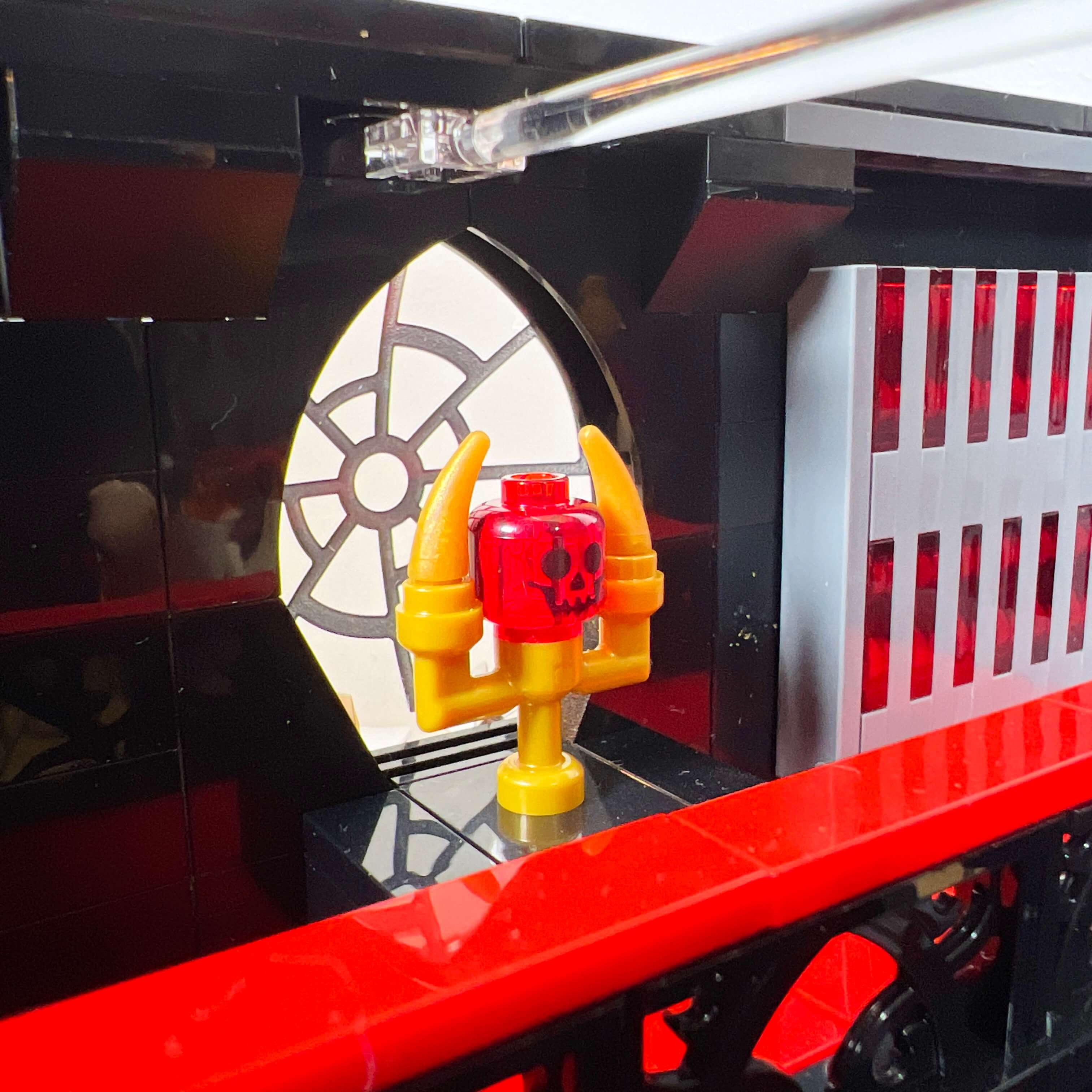
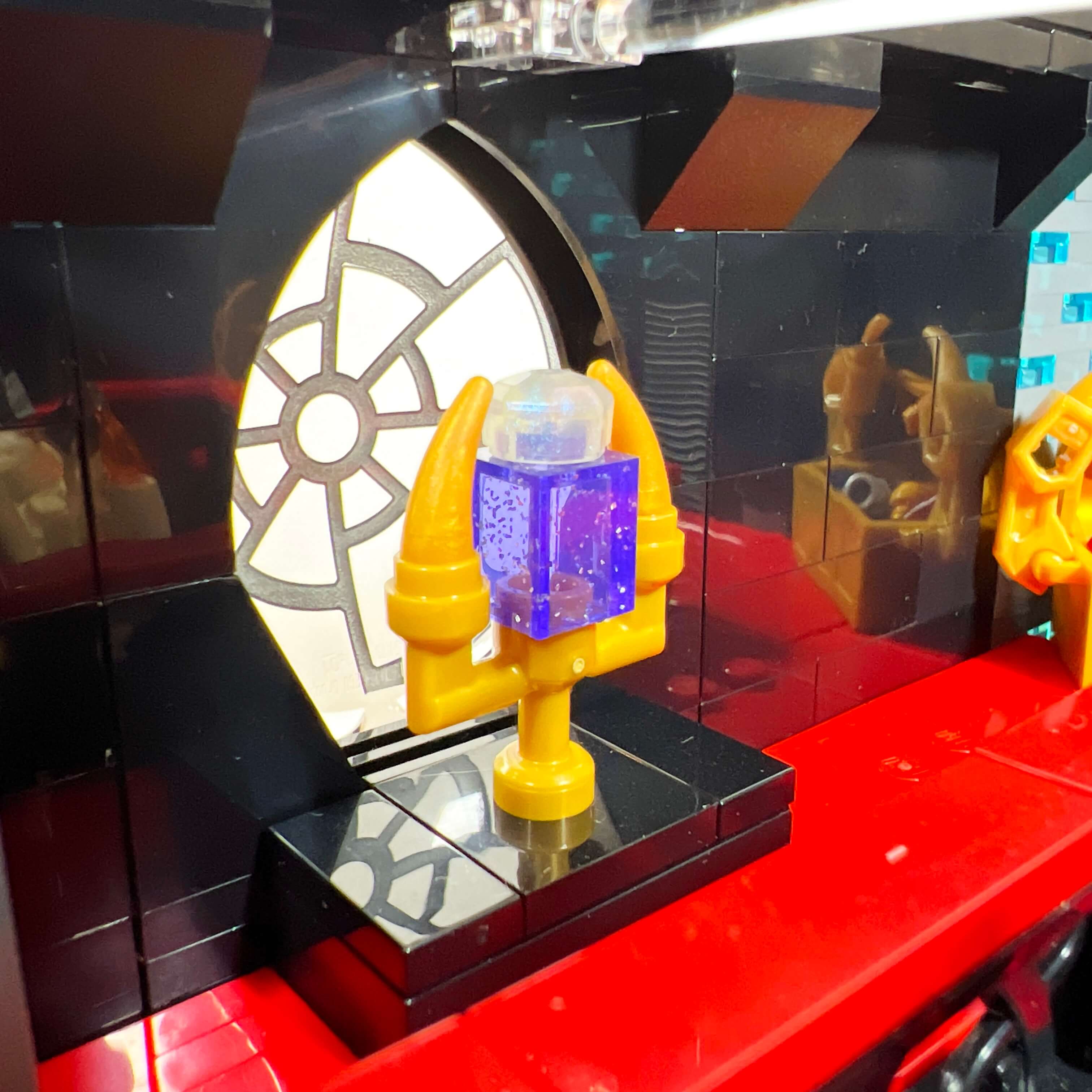
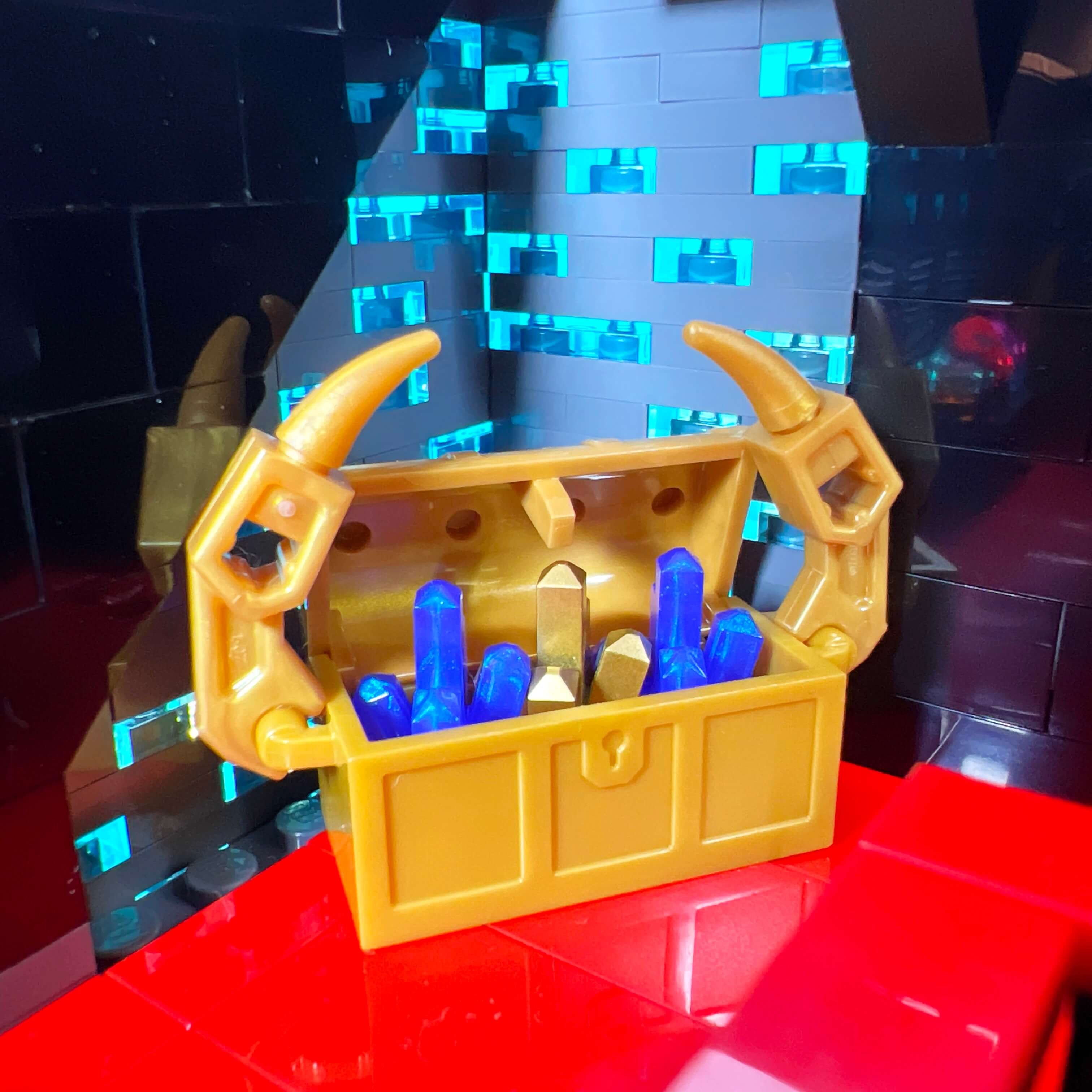
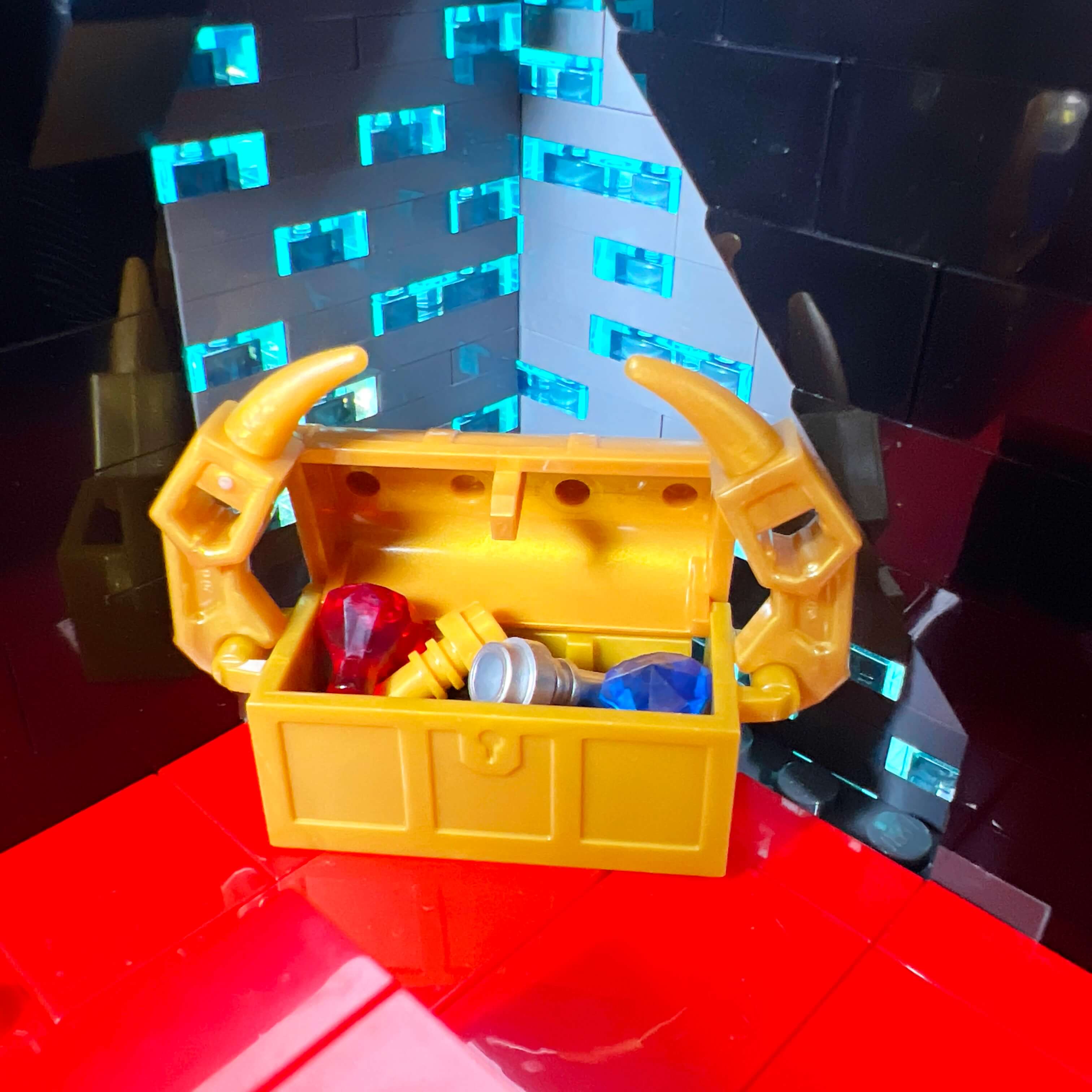
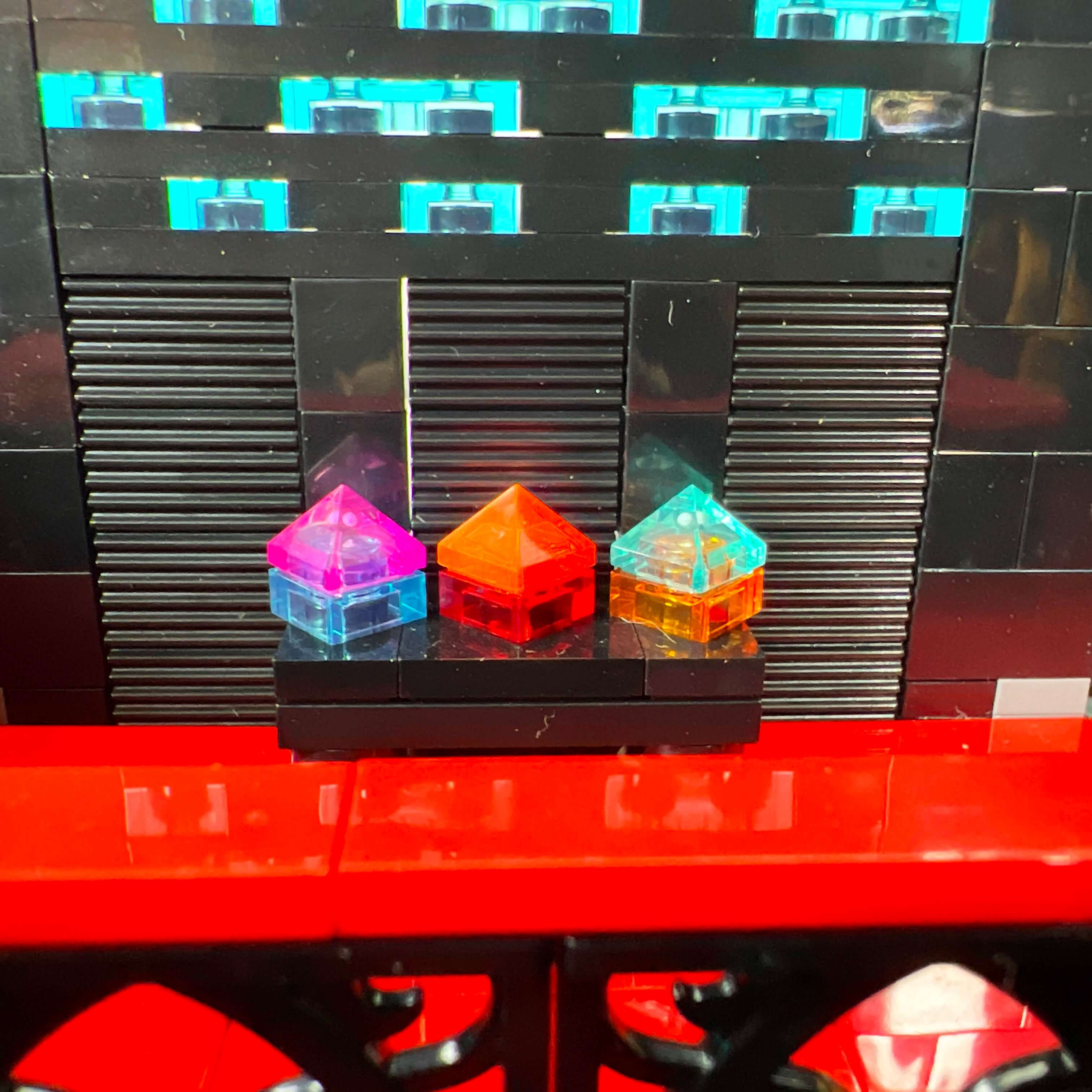
I am very happy with this part of the MOC. The result matches the atmosphere I wanted to achieve: a place that is both elegant and subdued, with many decorative elements that contrast with the sobriety of the throne room and the Dark Council chamber. I enjoyed creating all these decorations, which fit well with the style of the game:
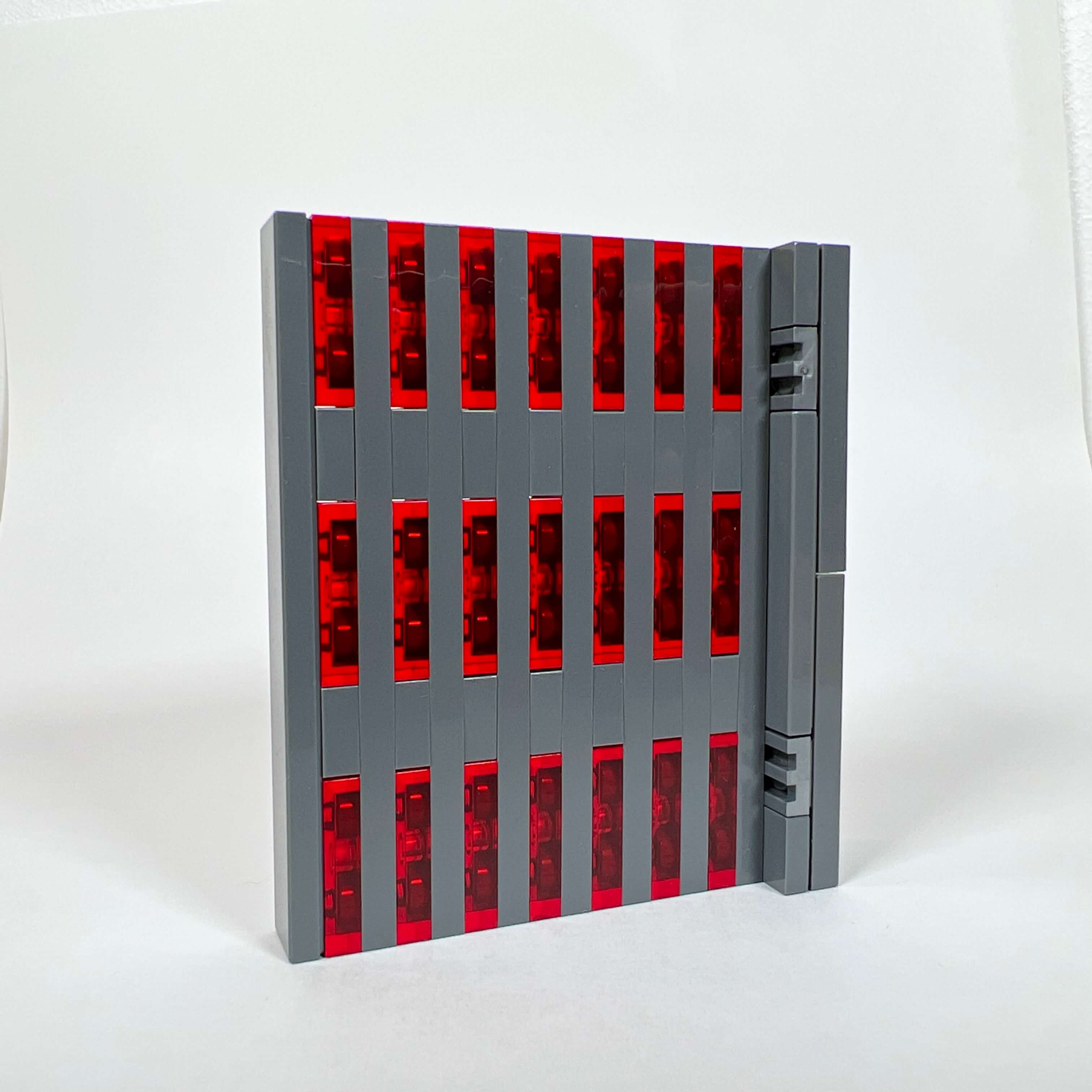
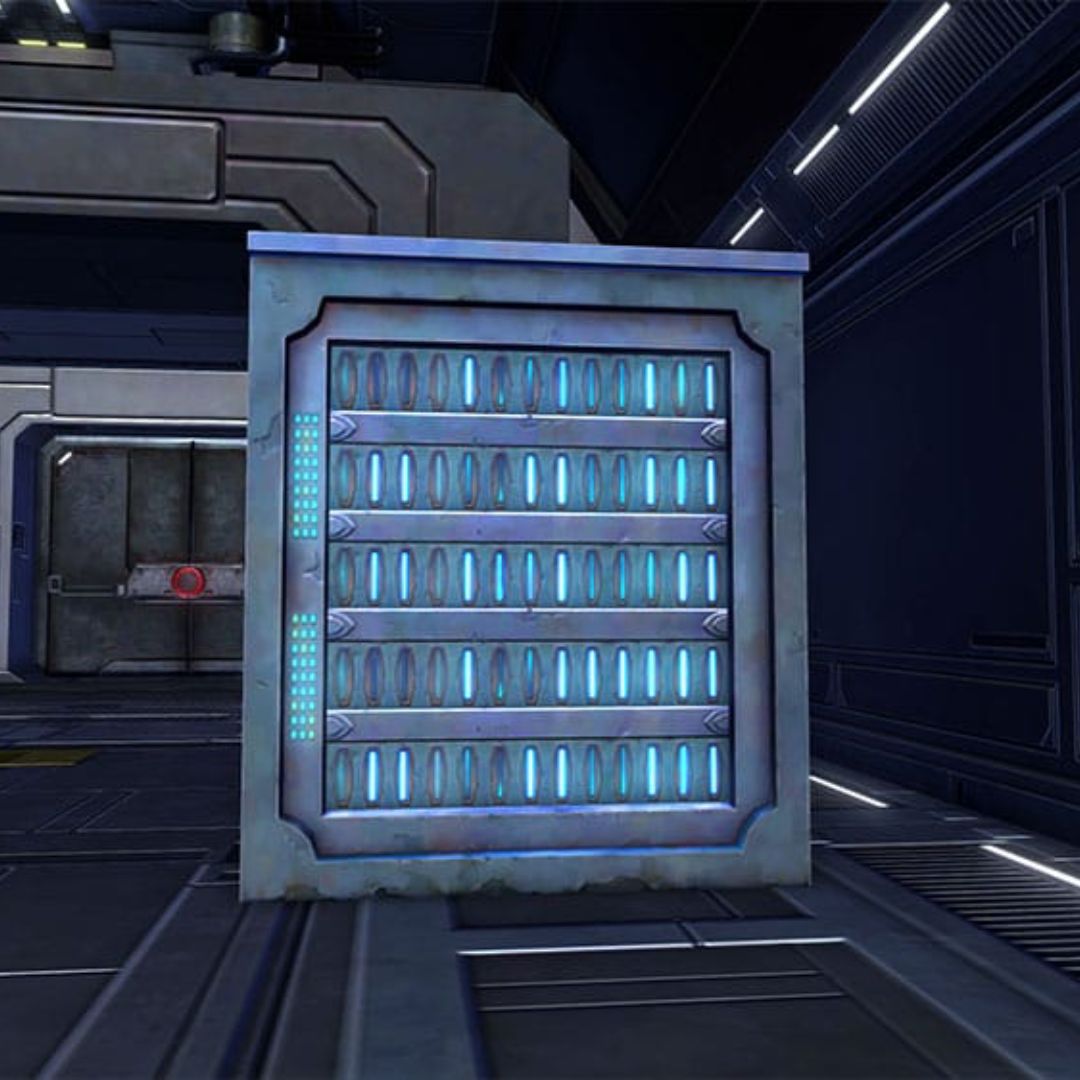
The apartment
Finally, we conclude the presentation of the Dromund Kaas Citadel MOC with the apartment at the top of the tower. The idea behind this section was to pay tribute to the “strongholds” in SWTOR. In the game, strongholds are places you can buy on several planets and decorate with objects, furniture, and equipment. On Dromund Kaas, it is possible to buy a two-story apartment. So I used the top floor of my tower and the space beneath the spire to create one, with the idea of making the private quarters of the Sith Empress.
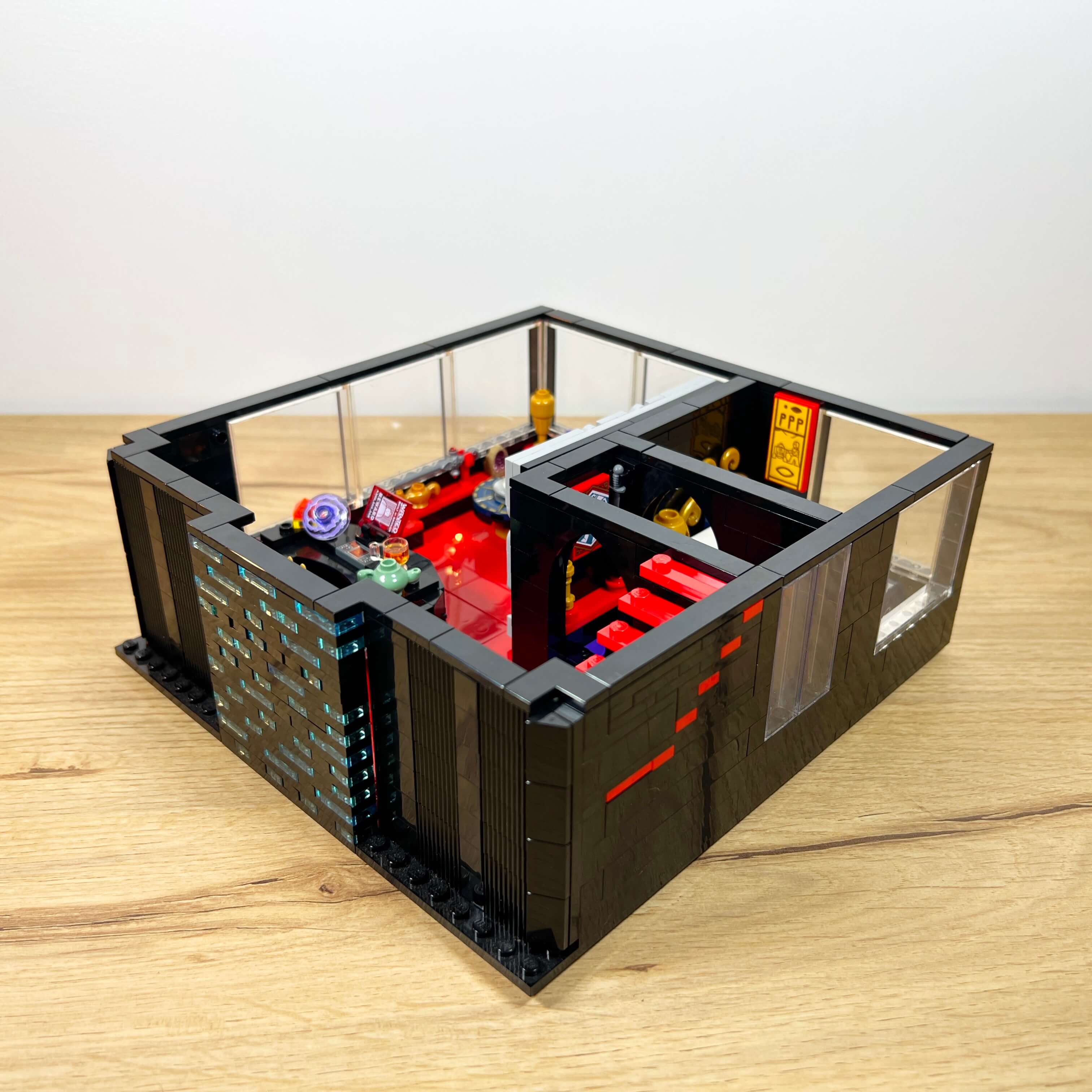
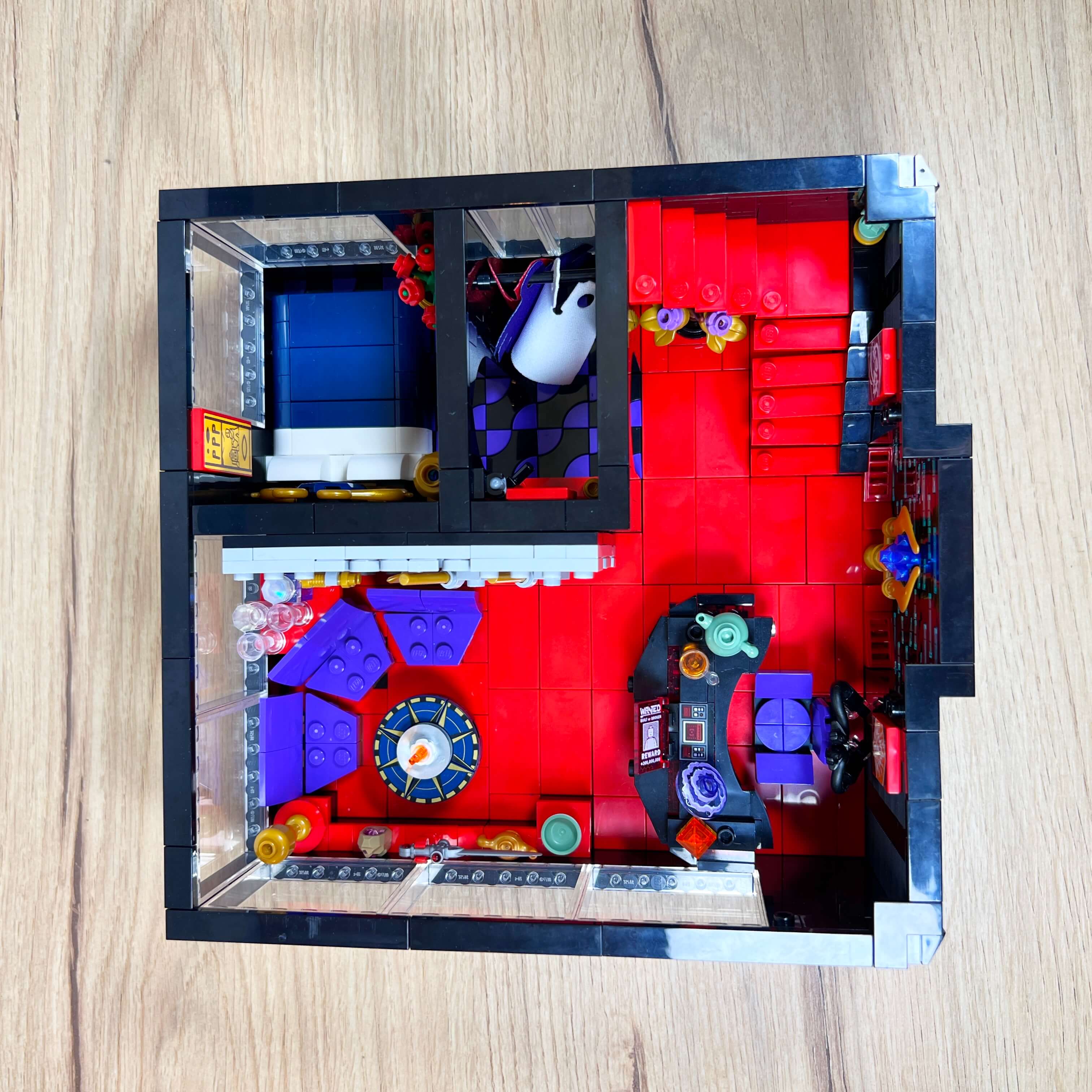
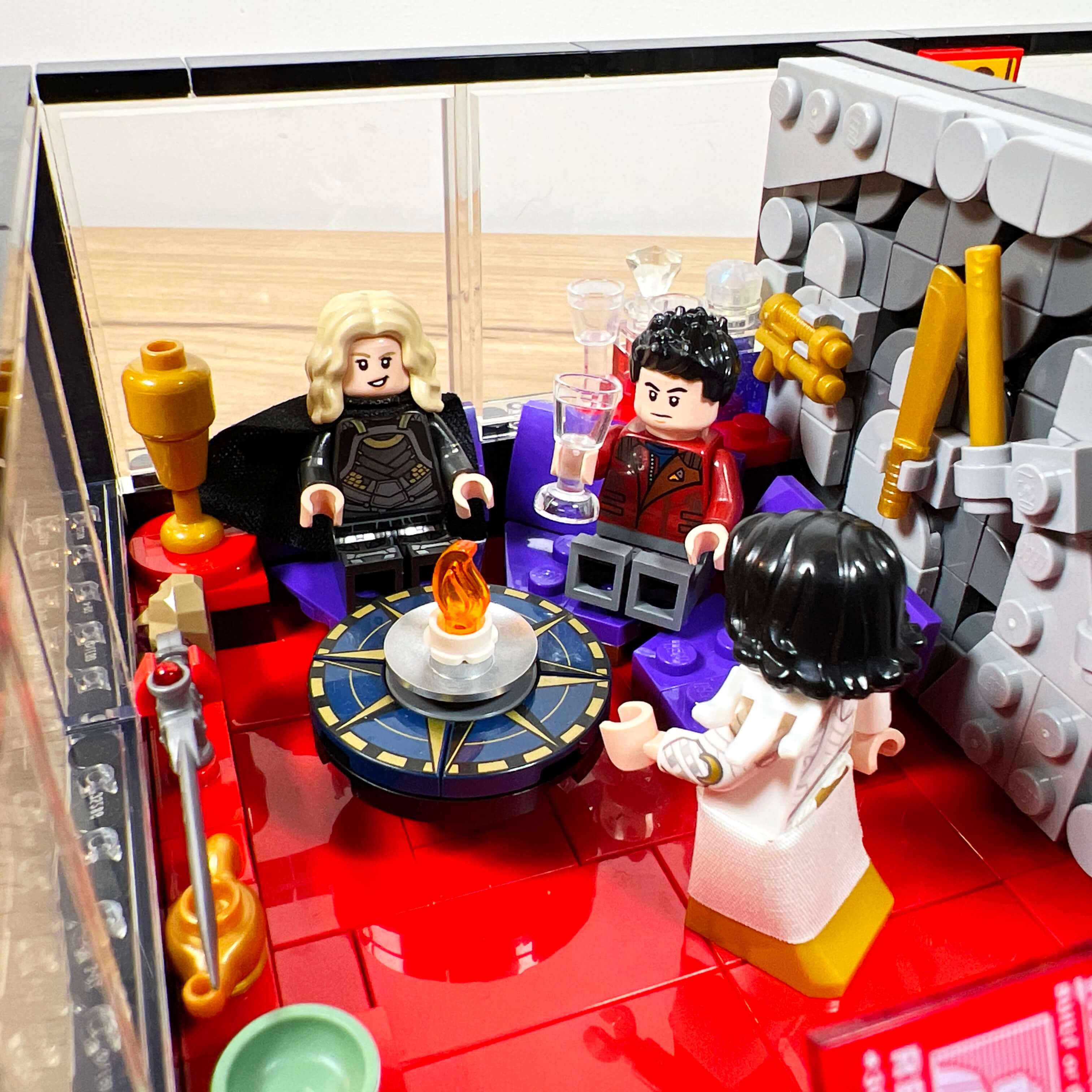
The ground floor of the apartment consists of a living room with an office and a bedroom with its wardrobe. As with the library, I took advantage of the available space to decorate it with as many details as possible, and the fact that it is a private place opens up other possibilities. The living room and office section keeps the red floor of the other levels, but unlike them, the apartment has large bay windows as in the game.
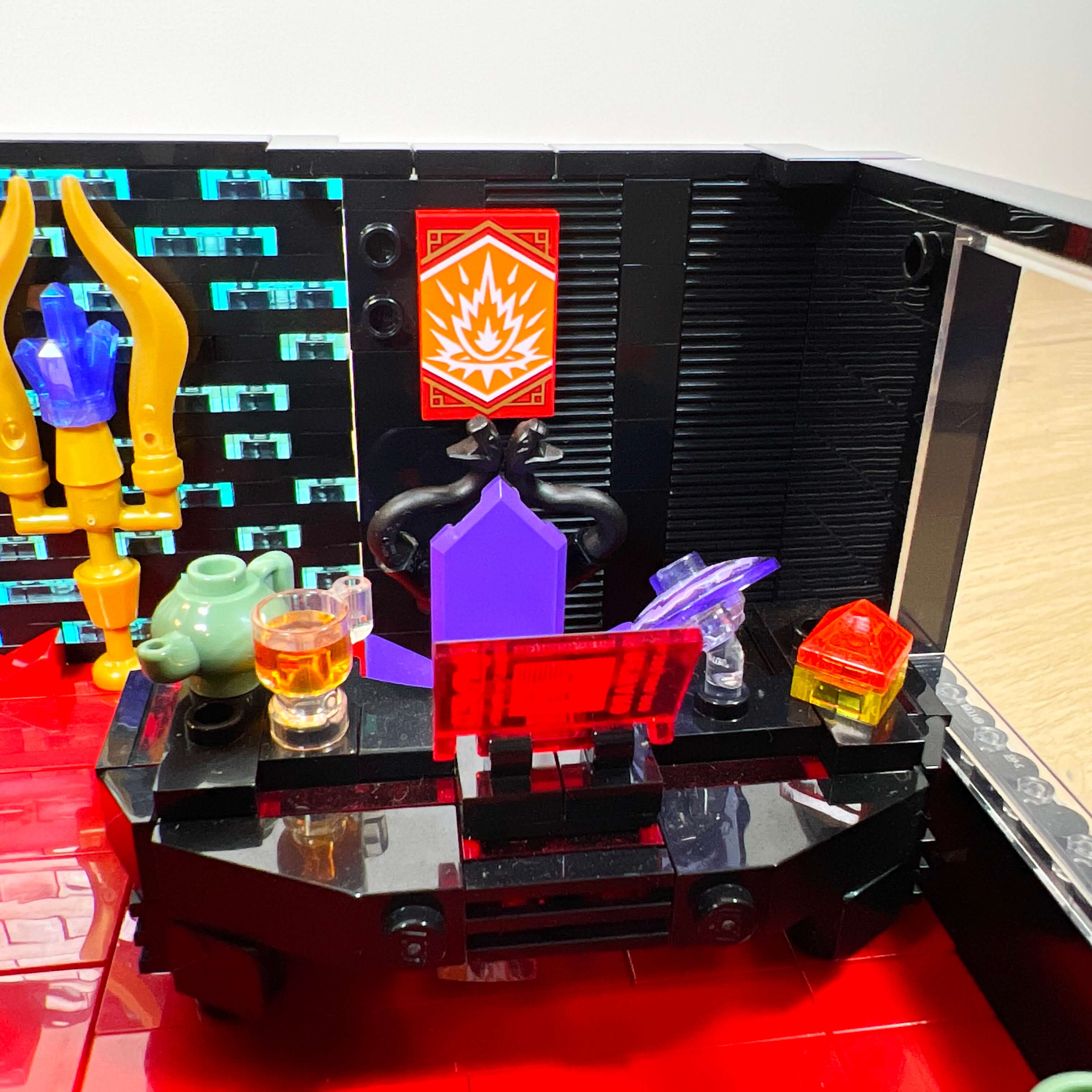
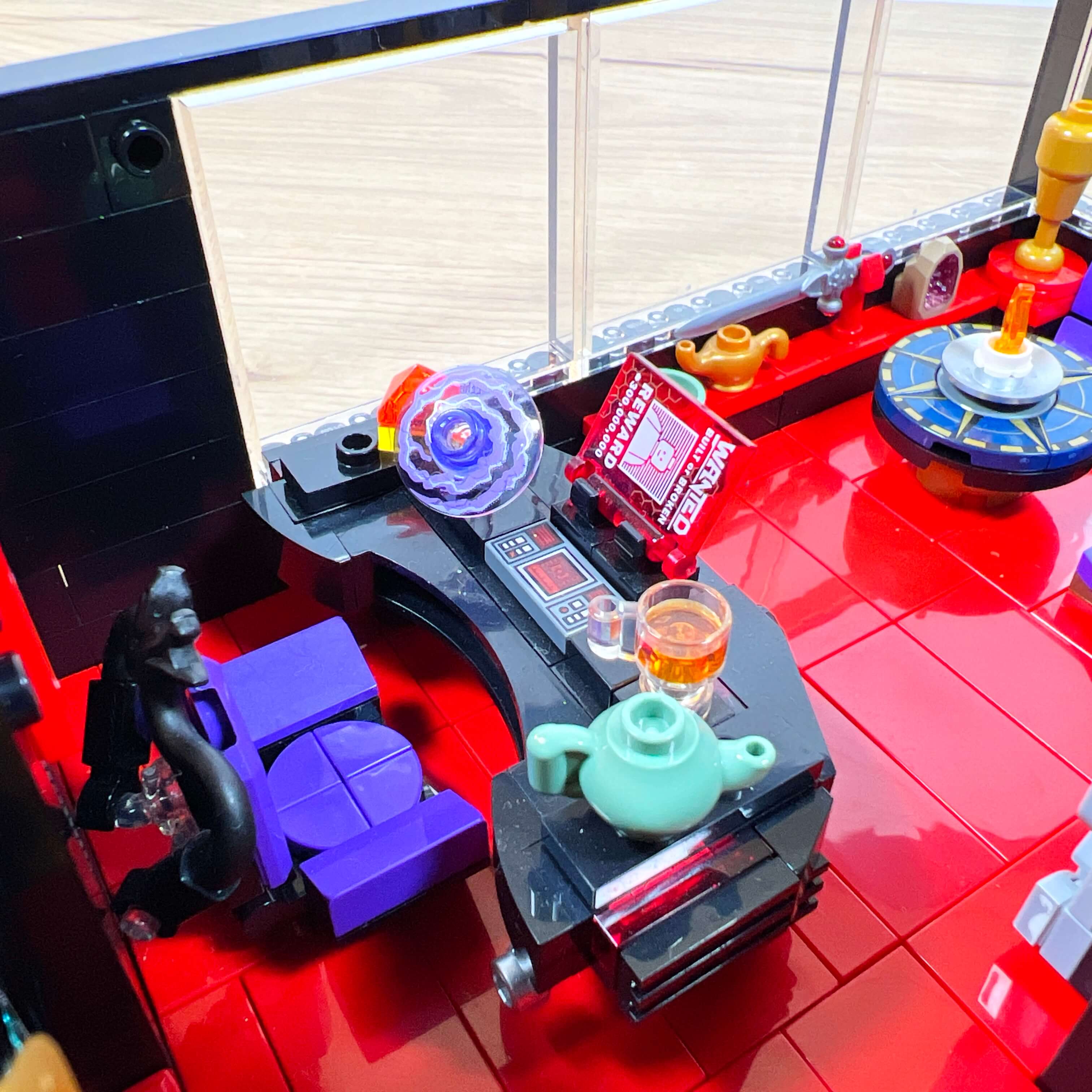
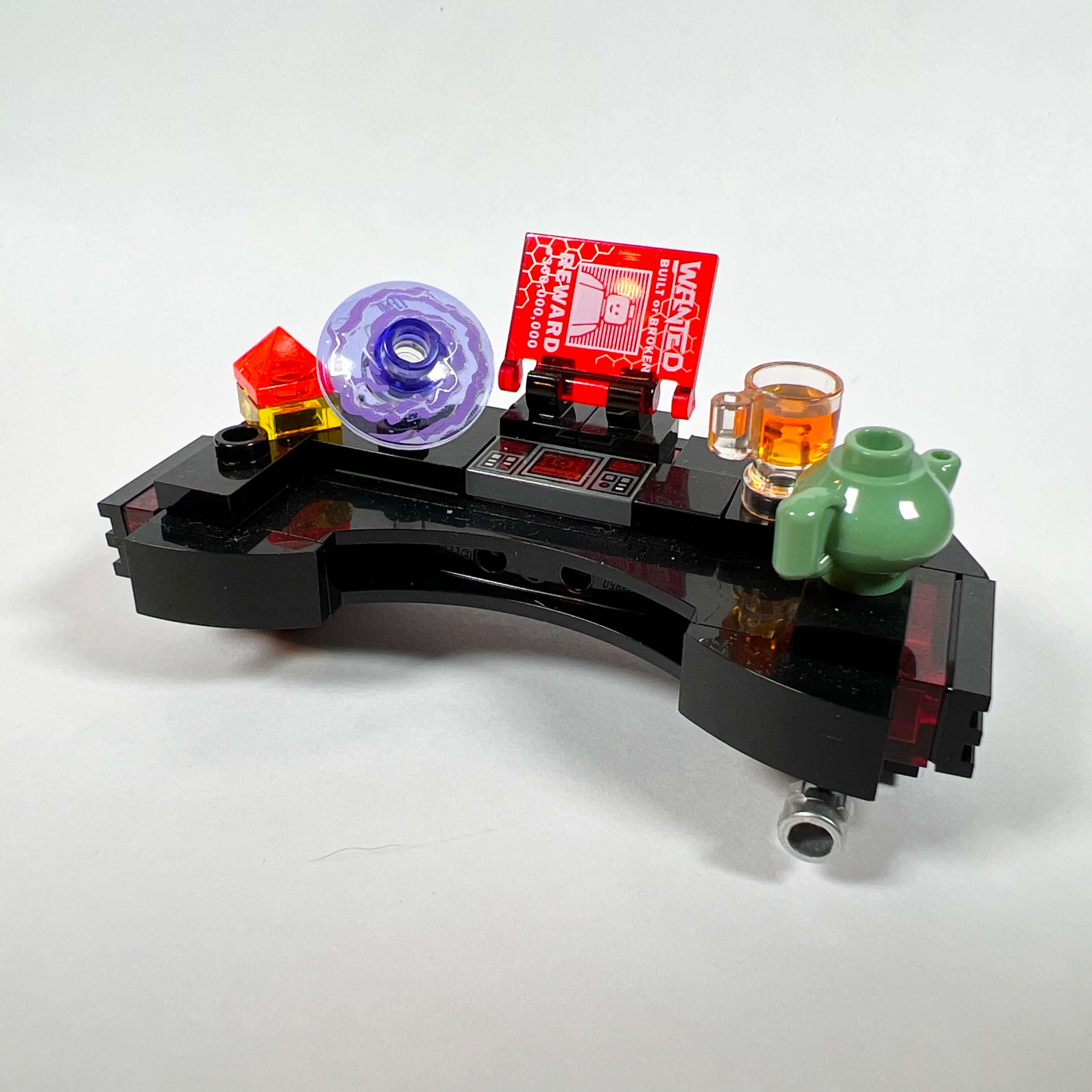
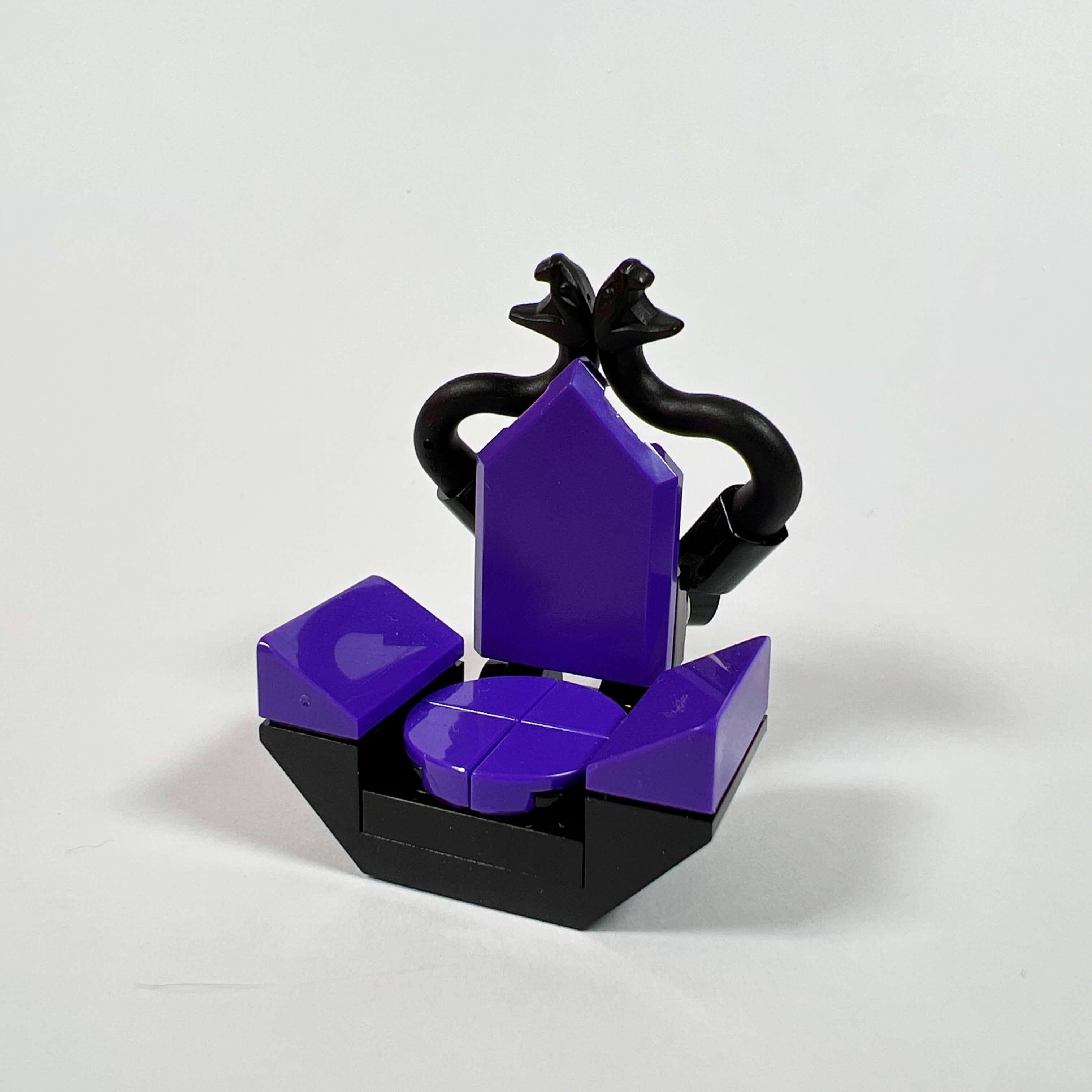
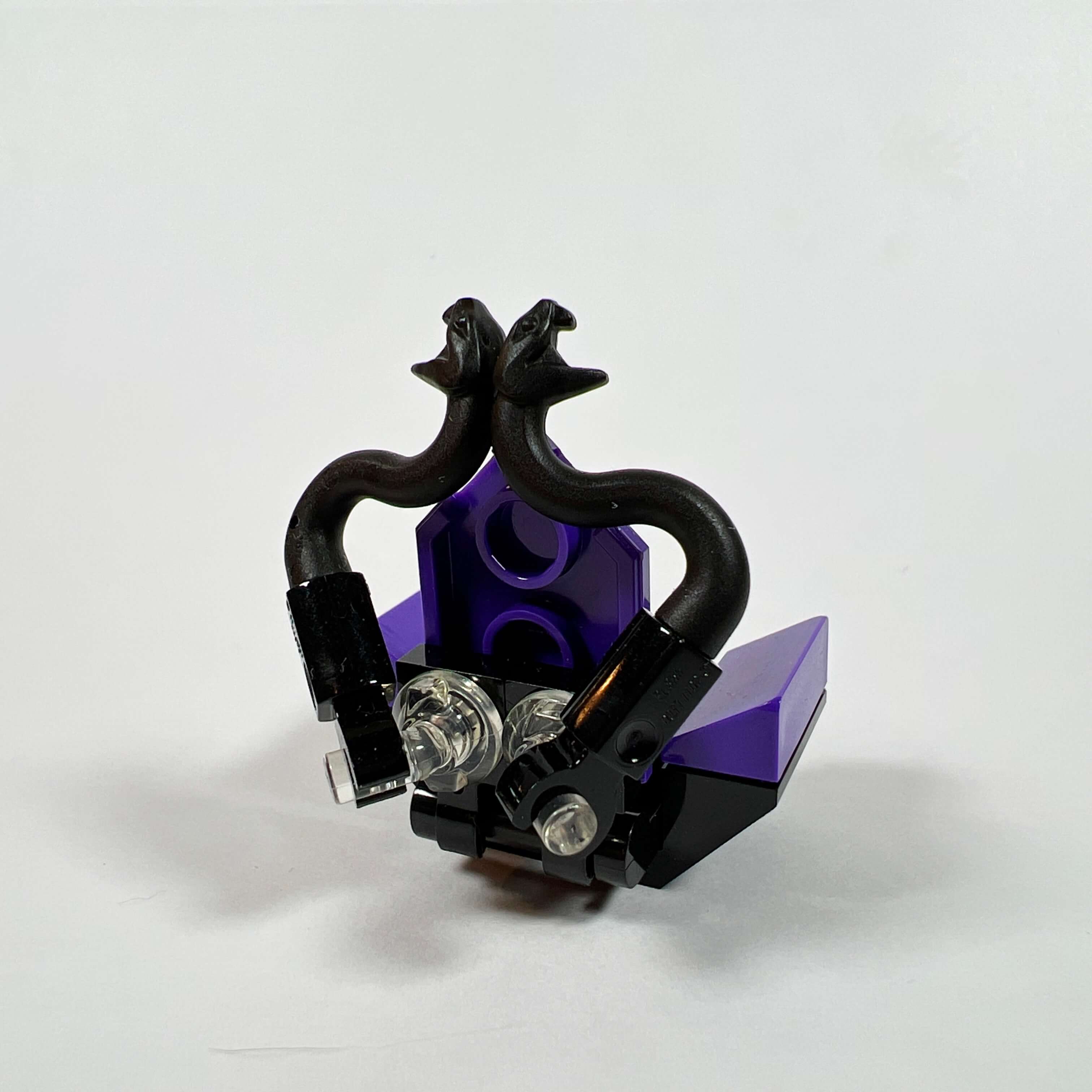
The office is located in one corner of the room. Its shape is inspired by Palpatine’s desk, and it is decorated with several elements such as a console, a holographic galaxy map, a holocron, and a holographic screen. It is paired with a fairly detailed chair using snake pieces to form the backrest. I am quite happy with the result, and I had to make many attempts before finding a building technique suited to the available space to achieve this result.
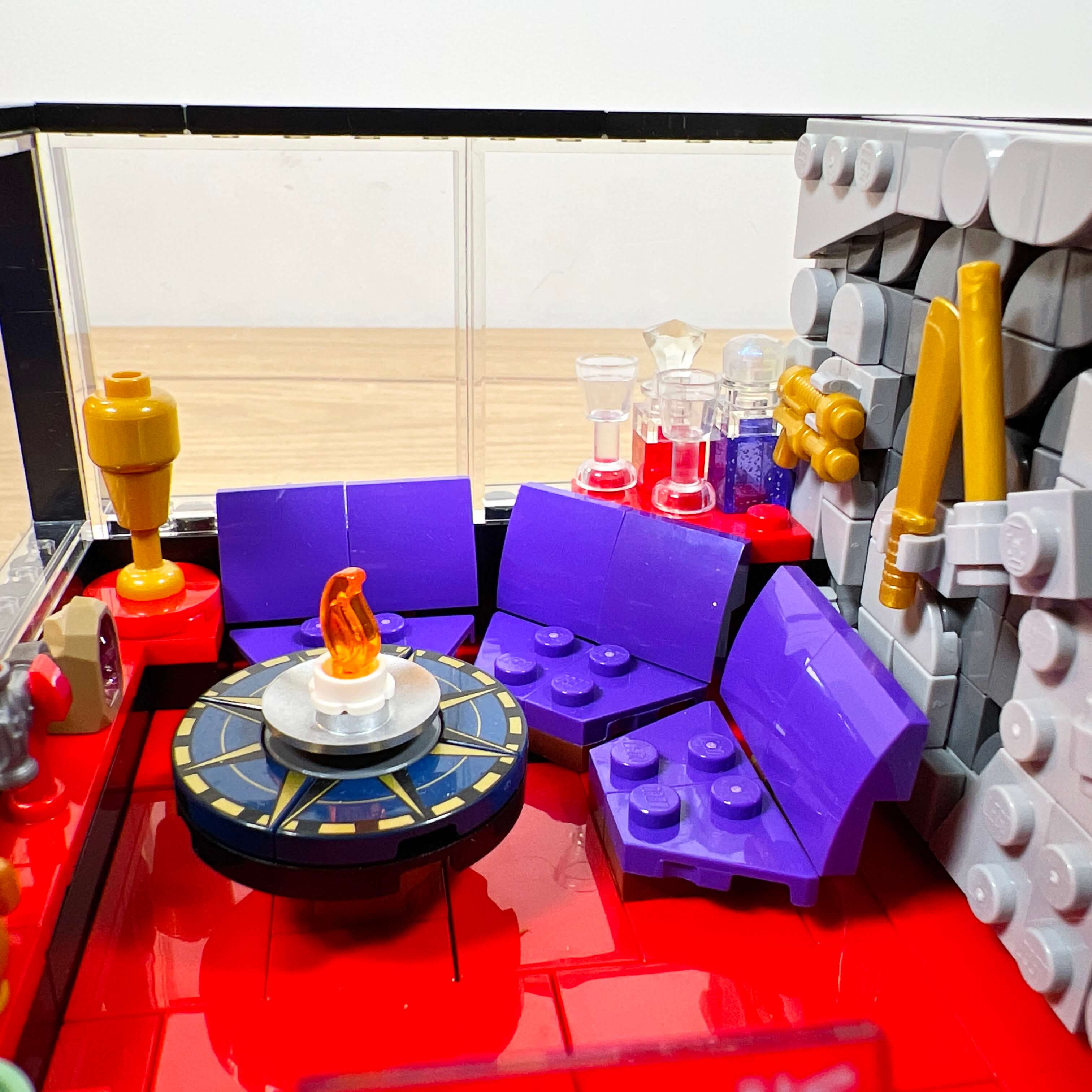
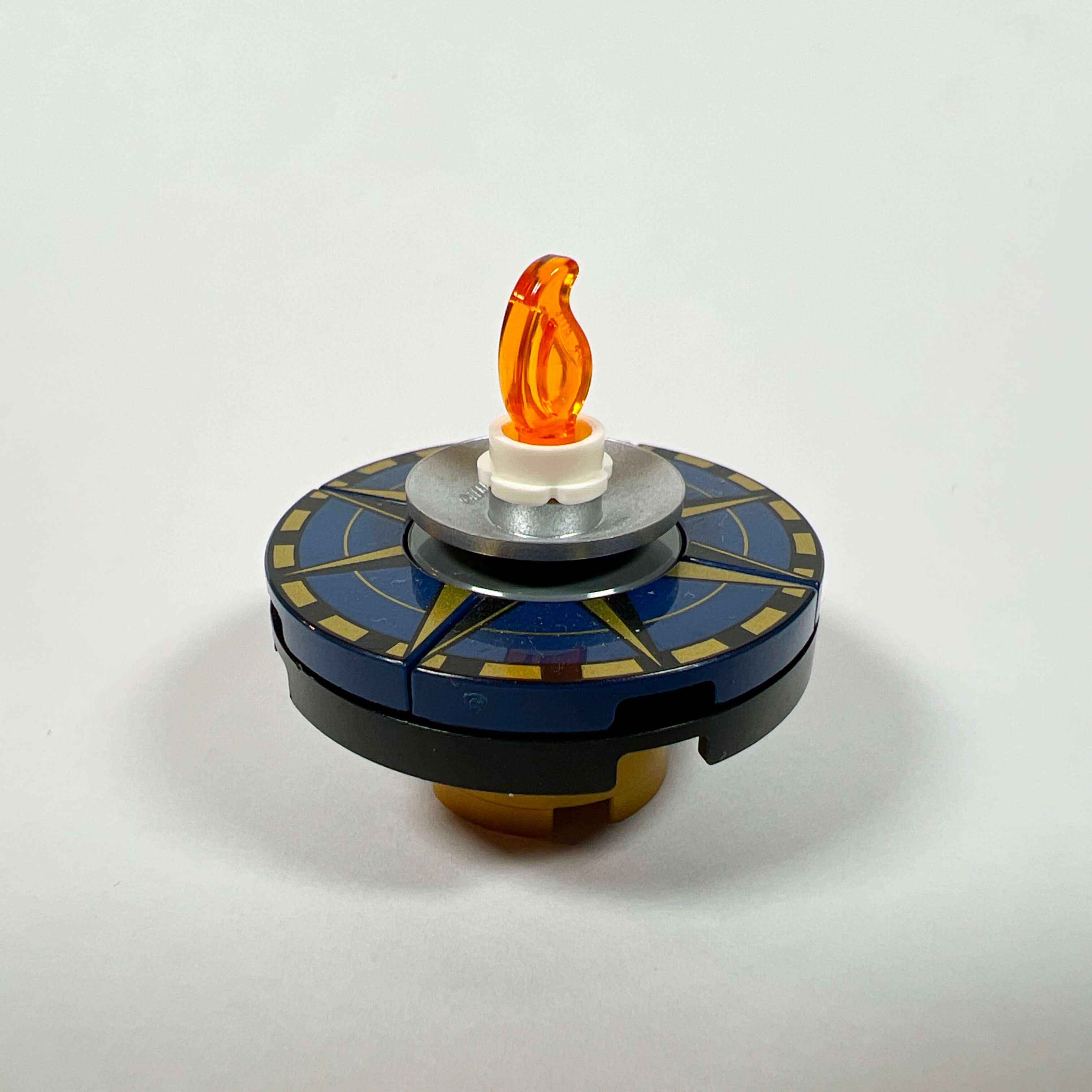
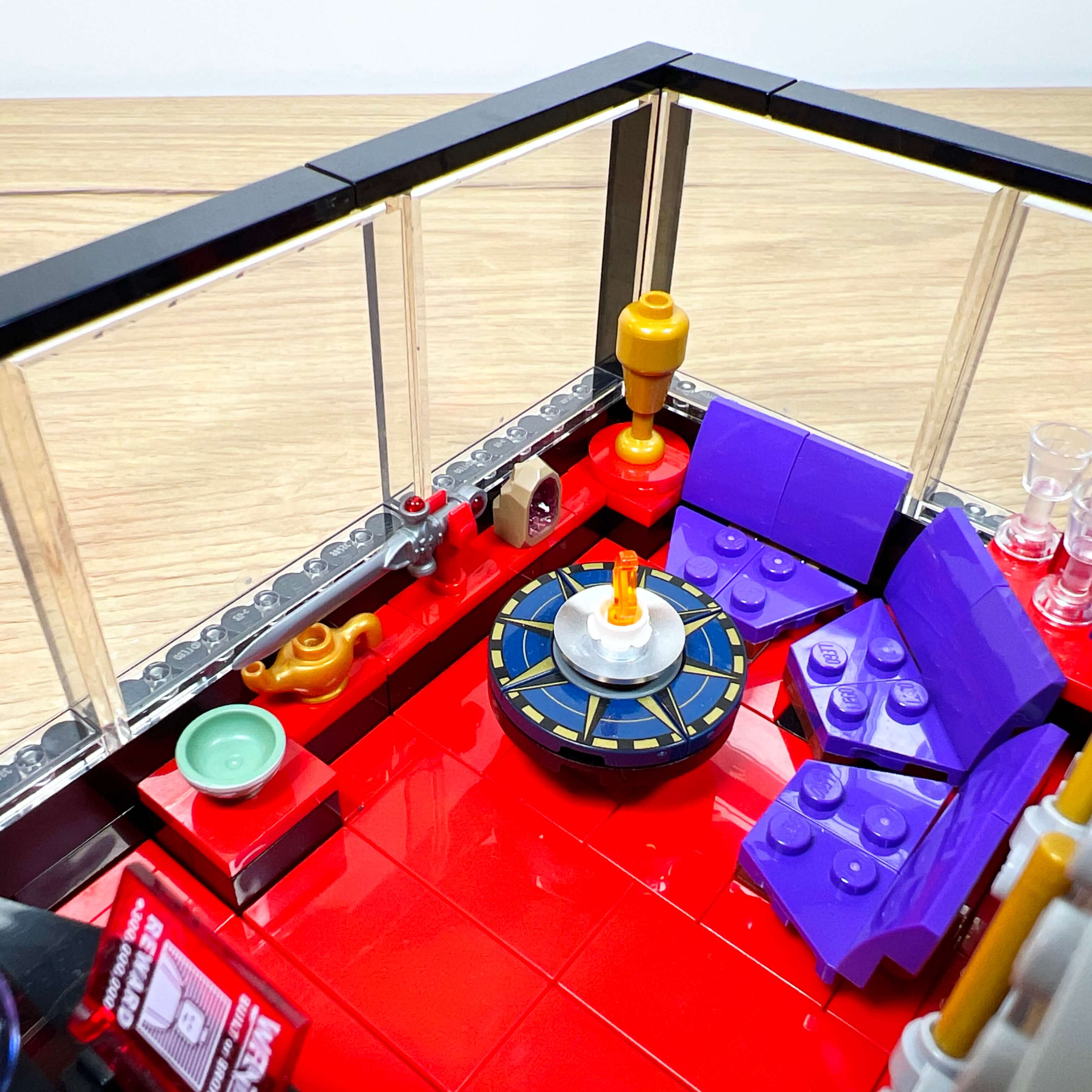
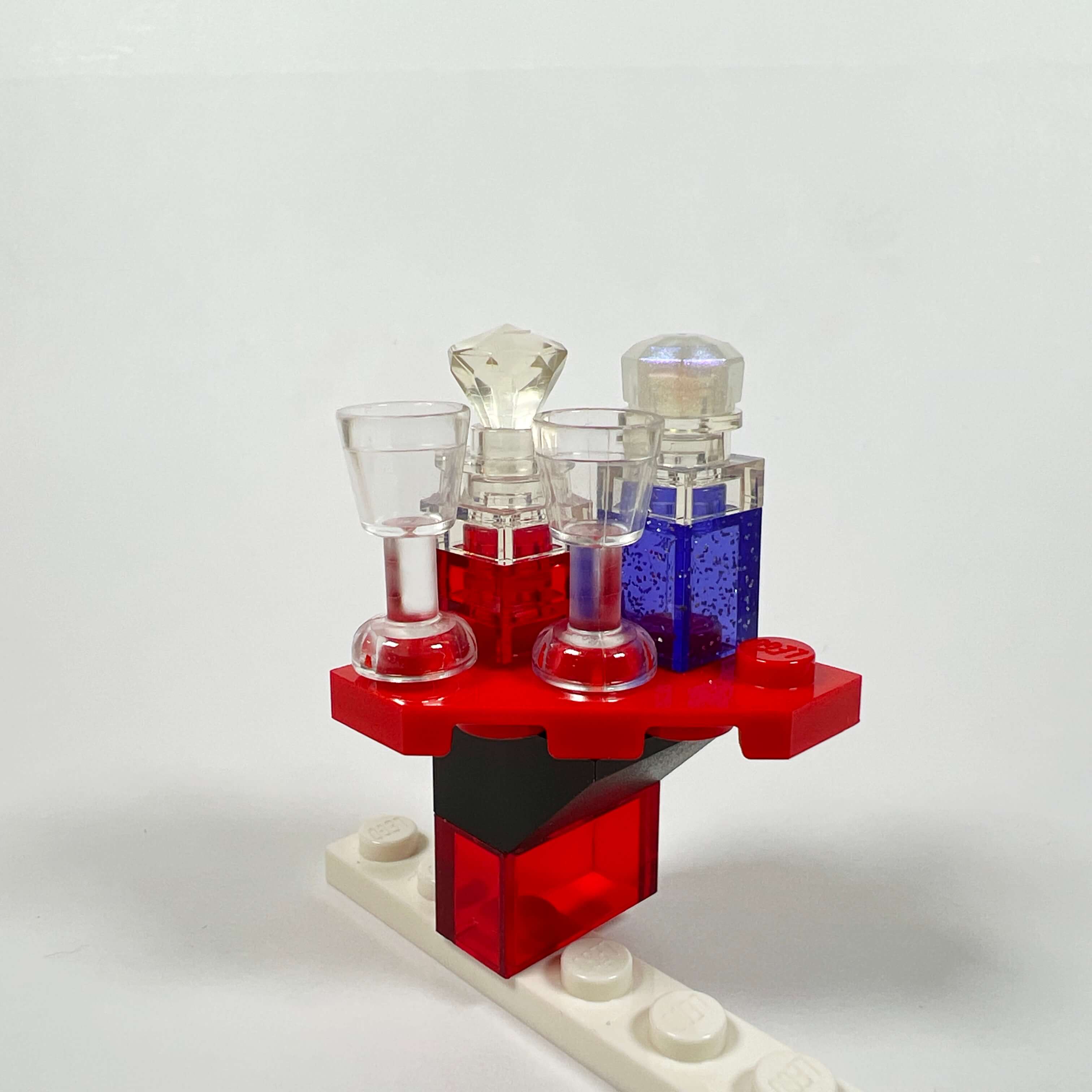
The living room corner features a corner sofa whose construction is based on that of the Millennium Falcon set, in purple (the purple pieces used for the seat are very rare…). A coffee table faces it, with a candlestick as decoration. I used printed pieces from the compass rose of the 21332 The Globe set to make the table; their pattern adds a touch of elegance. A side table with drinks and glasses is also placed behind the sofa.
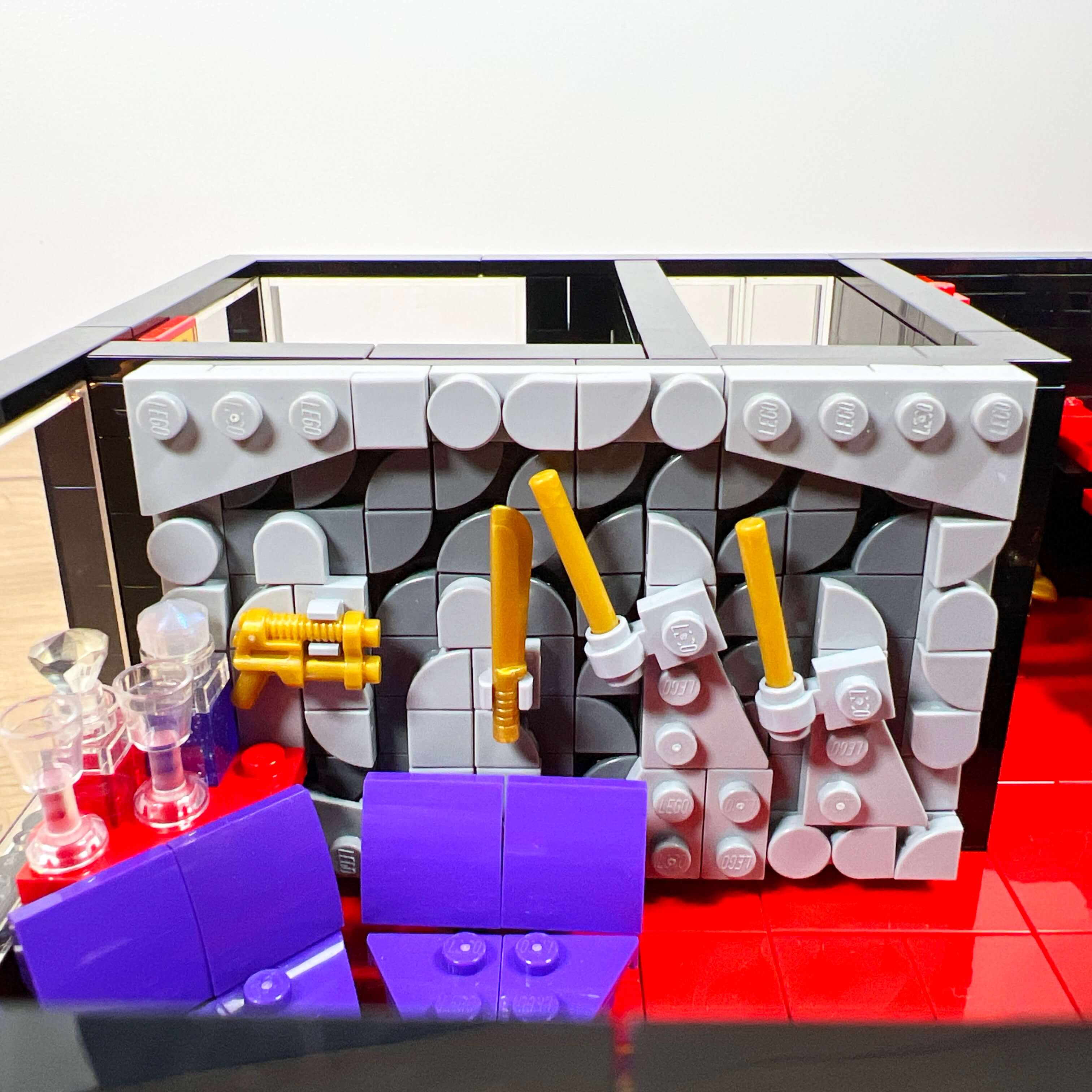
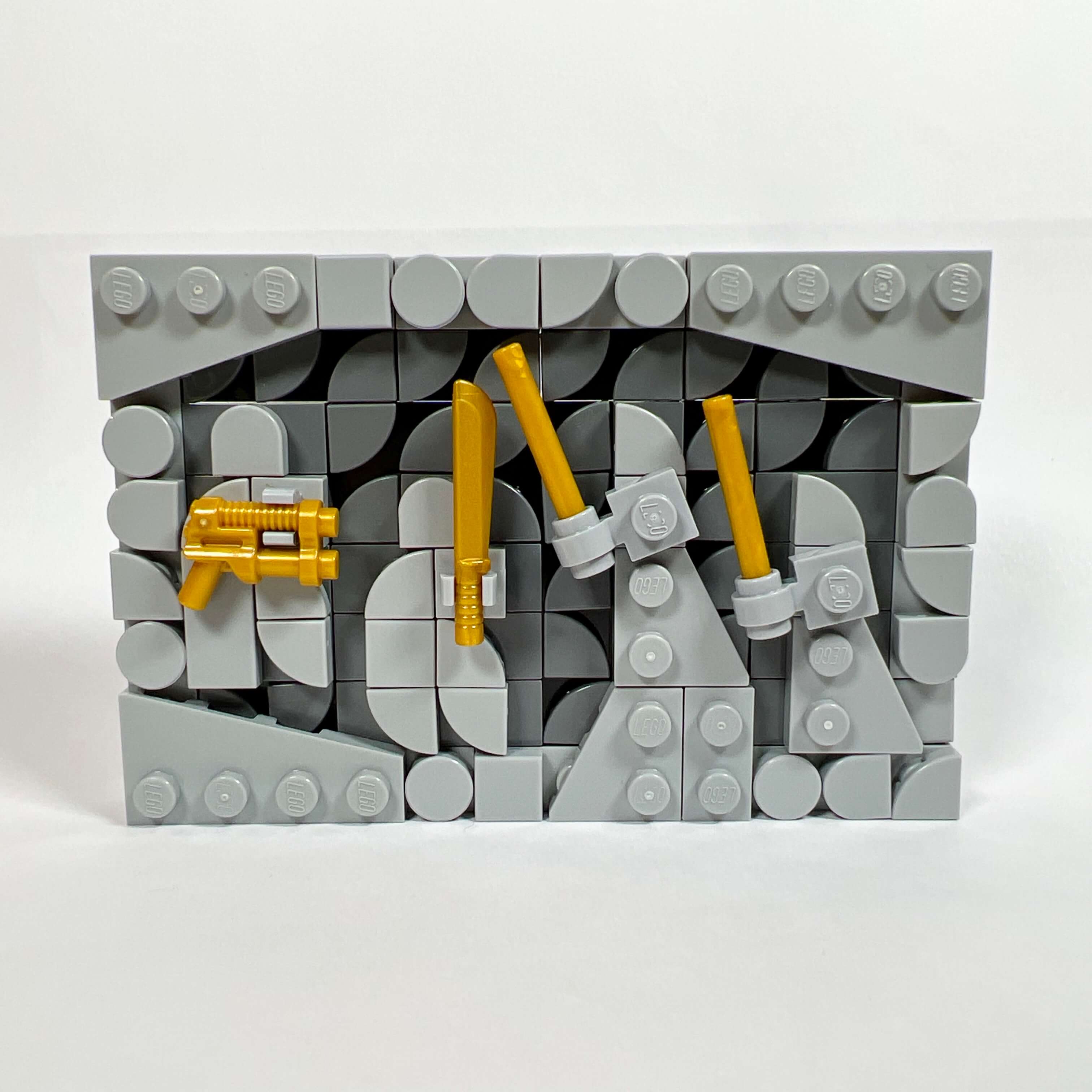
To further develop the luxurious aspect of the appartment, I added a collection of artworks and relics beneath the bay window facing the sofa (including the golden sculpture found in Palpatine’s office in Revenge of the Sith, which can also be found in set 75291 Death Star Final Duel), another sculpture next to the desk in front of the illuminated wall, but above all an ancient fresco. This is one of the parts of the MOC I am most proud of. The idea was to recreate an ancient bas-relief style fresco, like the one in Palpatine’s office, depicting an ancient battle. It was very difficult to make something believable at minifigure scale, given the small number of suitable pieces and the fact that some do not exist in the colors I needed. At first, I wanted to make it in beige tones or dark orange, like a decoration from the game depicting a carved wall on Korriban, but the pieces do not exist in that color, so I had to make it in gray with a few touches of gold. The fresco depicts a battle between Jedi and Mandalorians (in reference to the events preceding KOTOR), and I did my best to make the characters recognizable.
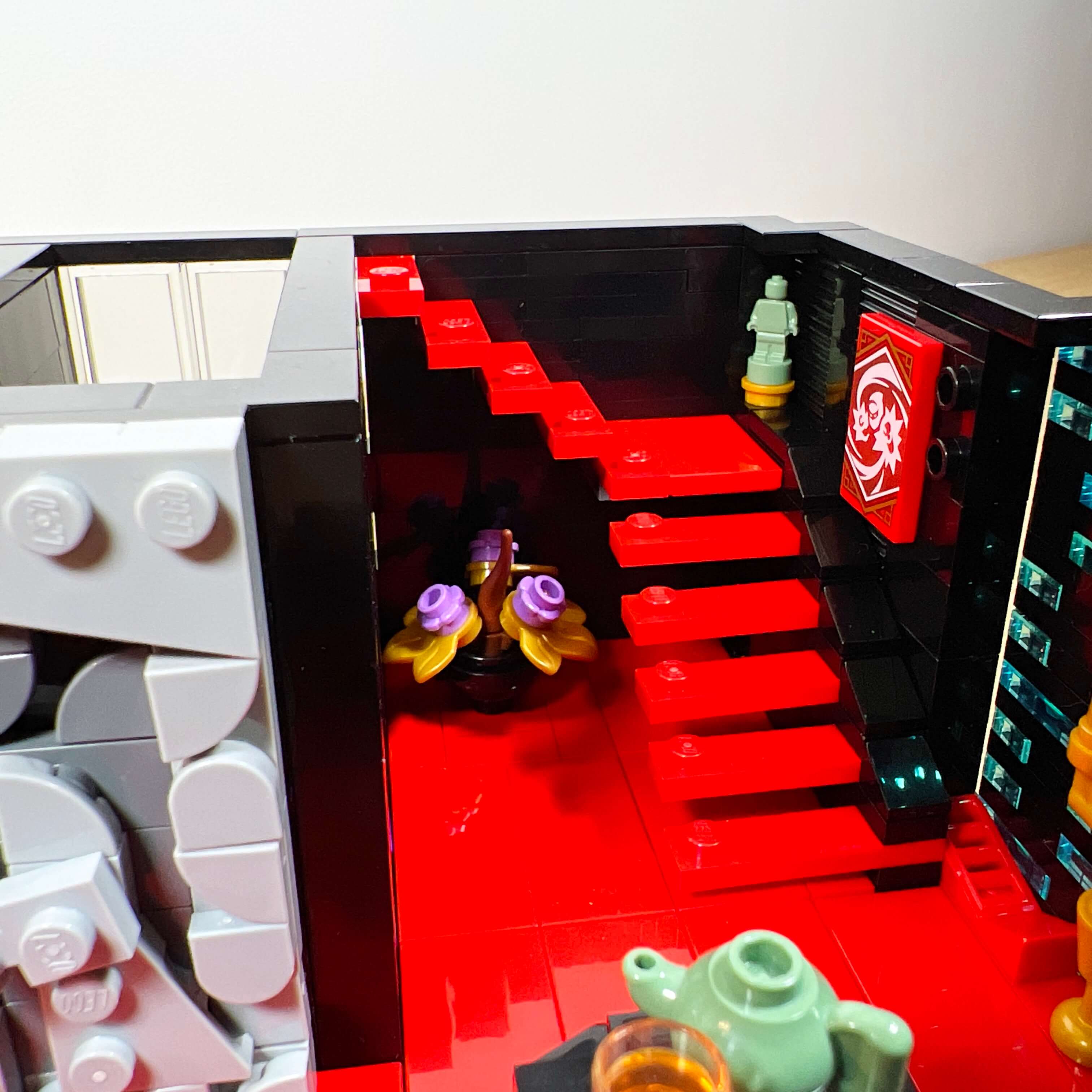
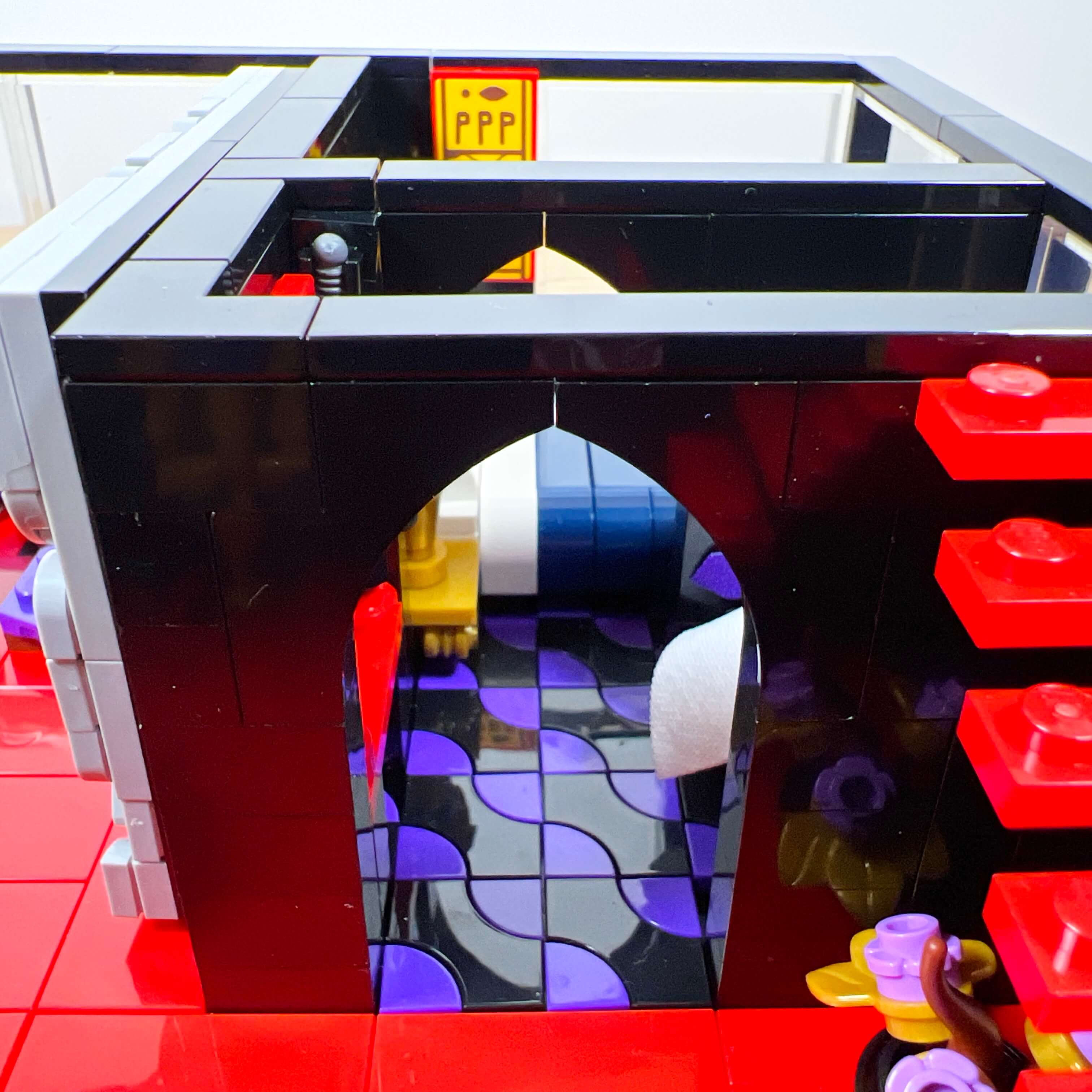
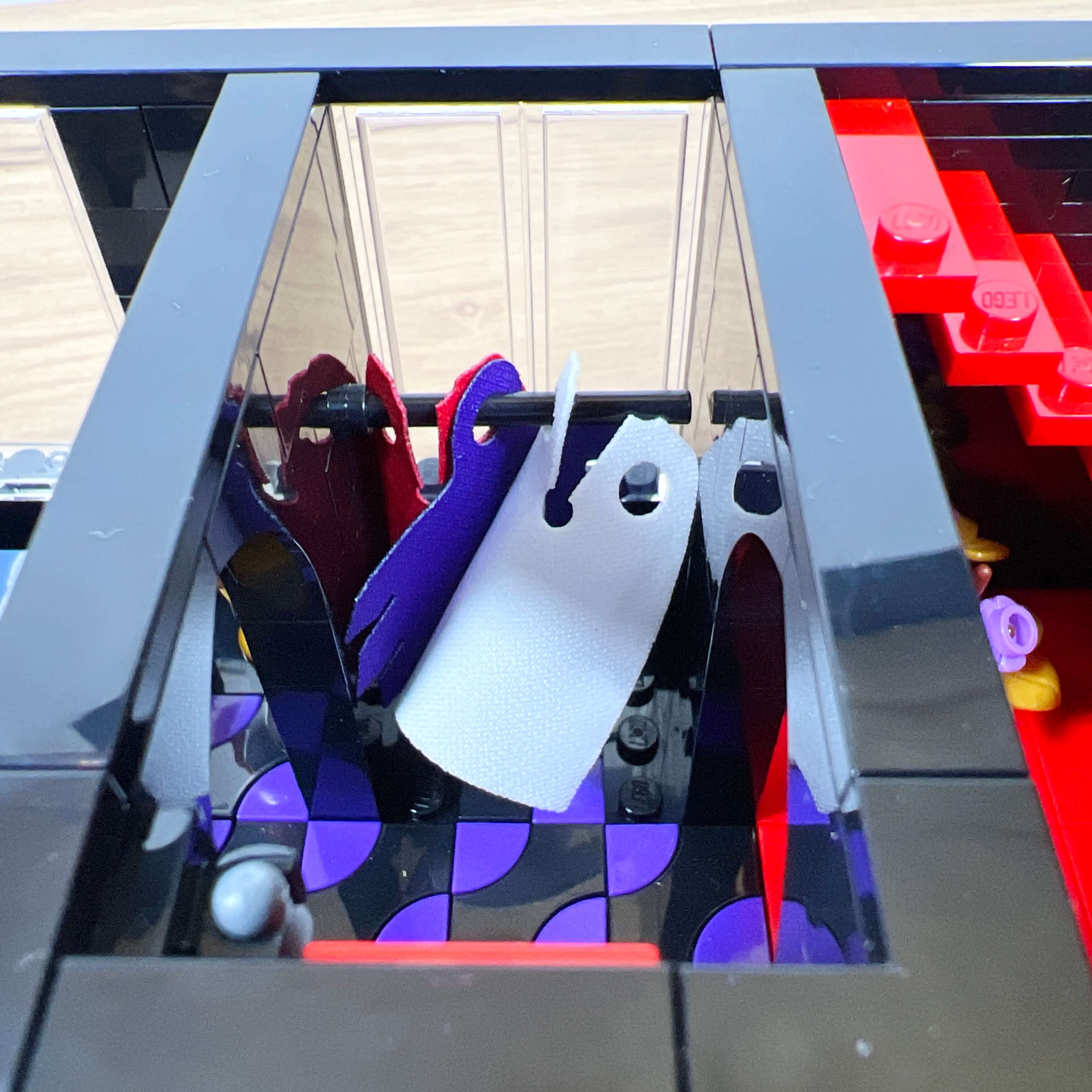
The side opposite the living room leads to a floating-step staircase going up to the upper floor, and to a door opening onto the walk-in closet and then the bedroom. These two rooms have a black-and-purple patterned floor, the idea being to visually separate the private bedroom space from the reception area of the living room, while evoking a carpeted feel. Despite its small size, I was able to decorate the walk-in closet with a wardrobe full of capes, a storage area for weapons, and a painting.
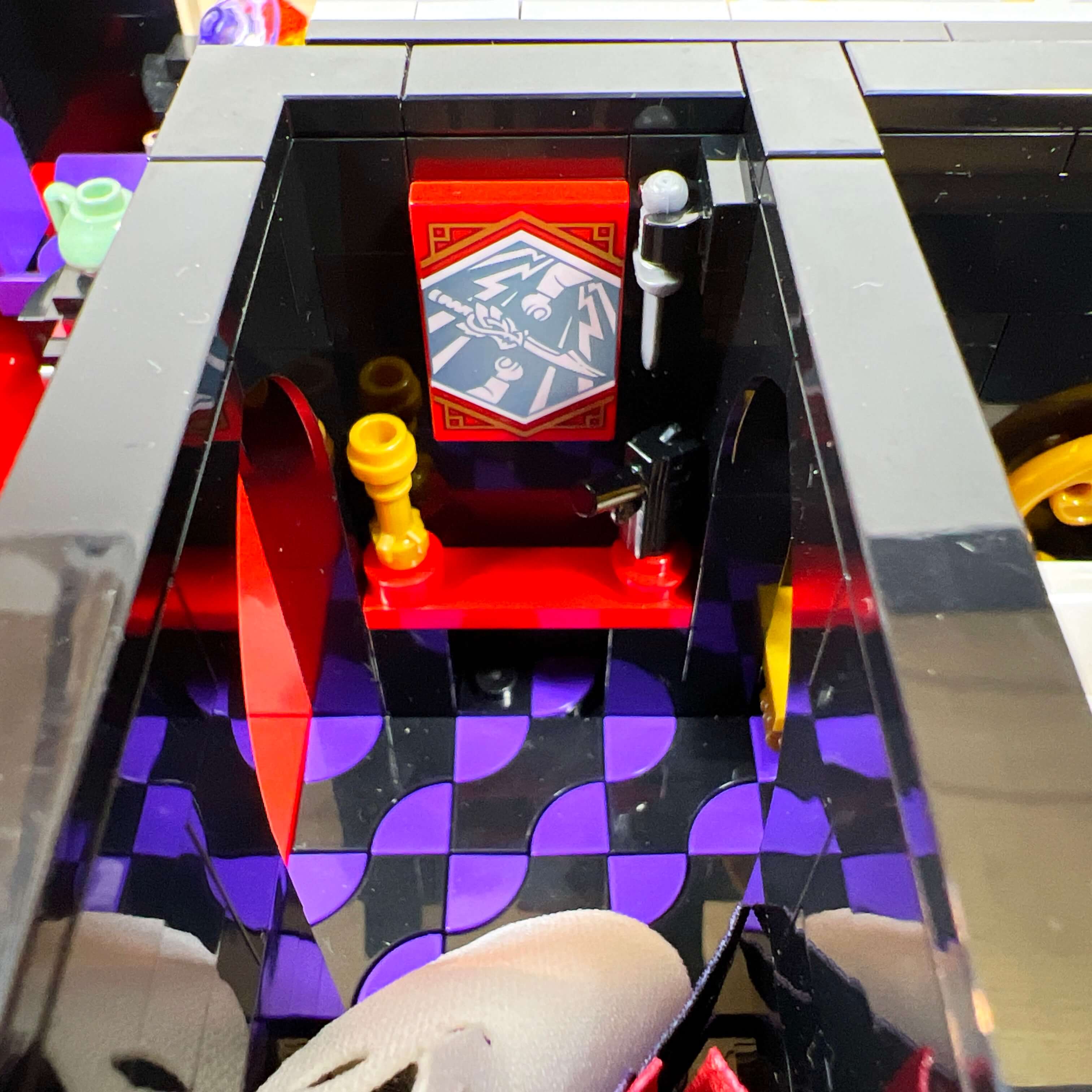
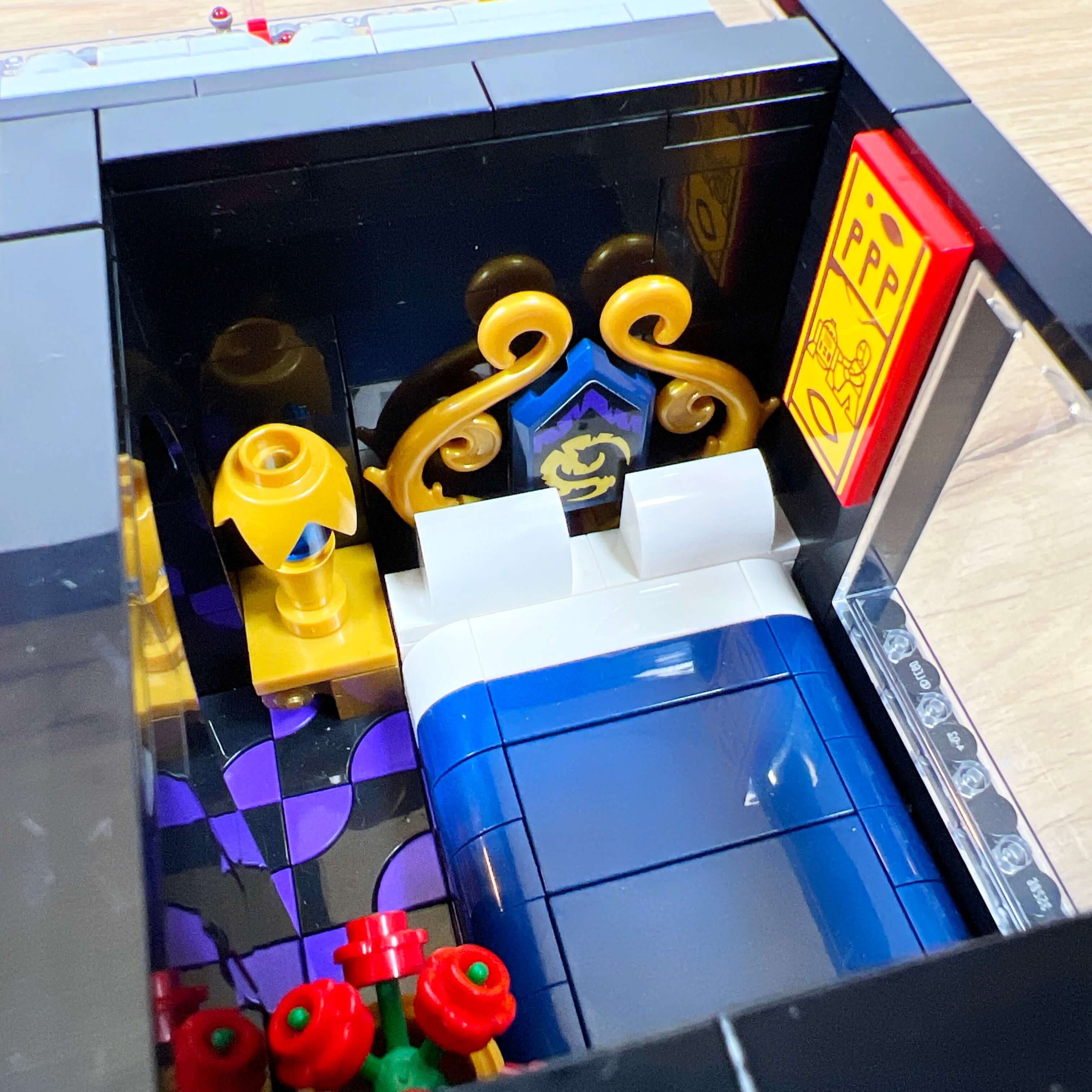
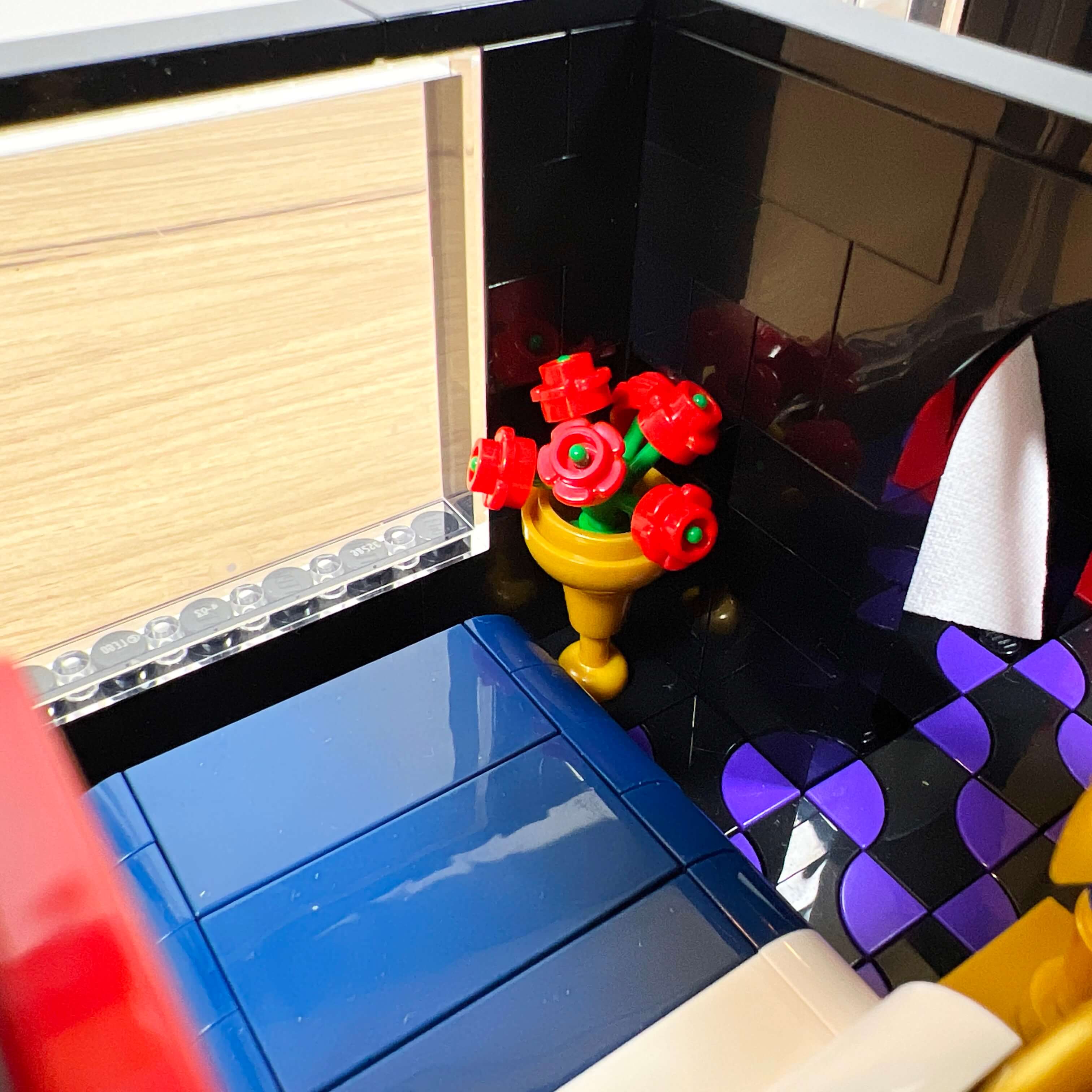
The bedroom features a bed with two pillows and a decorated headboard, a bedside table with a lamp, a painting from the Indiana Jones set 77013 Escape from the Lost Tomb, depicting the fresco with R2-D2 and C-3PO, an Easter egg from the film, and a flowering plant in a vase.
I mentioned a staircase earlier: the apartment is the only part of the central tower where two floors are connected by an access point. This one gives access to the top floor under the spire roof. Since the roof of this section is sloped, I chose to turn it into a covered terrace in the style of a greenhouse by using transparent panels.
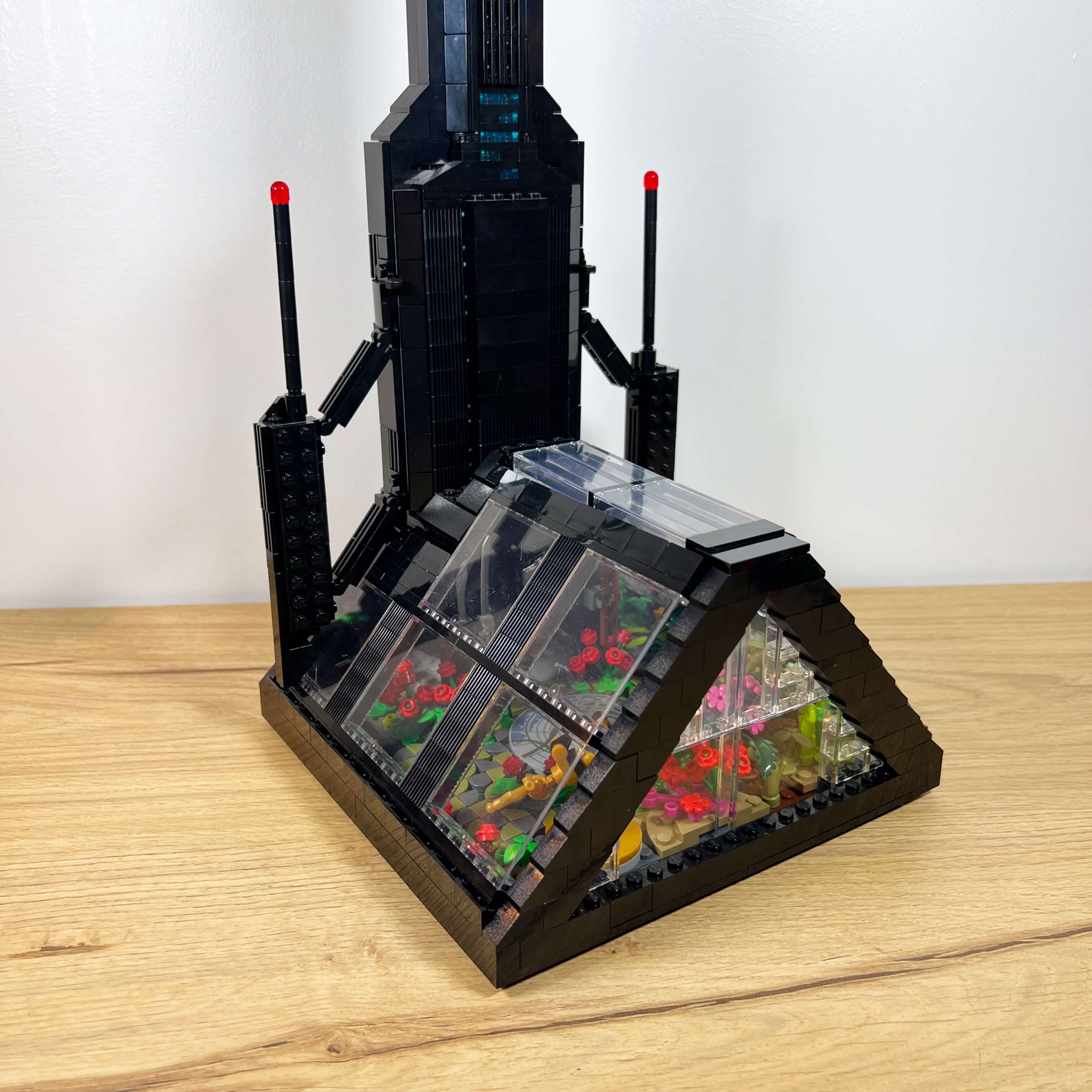
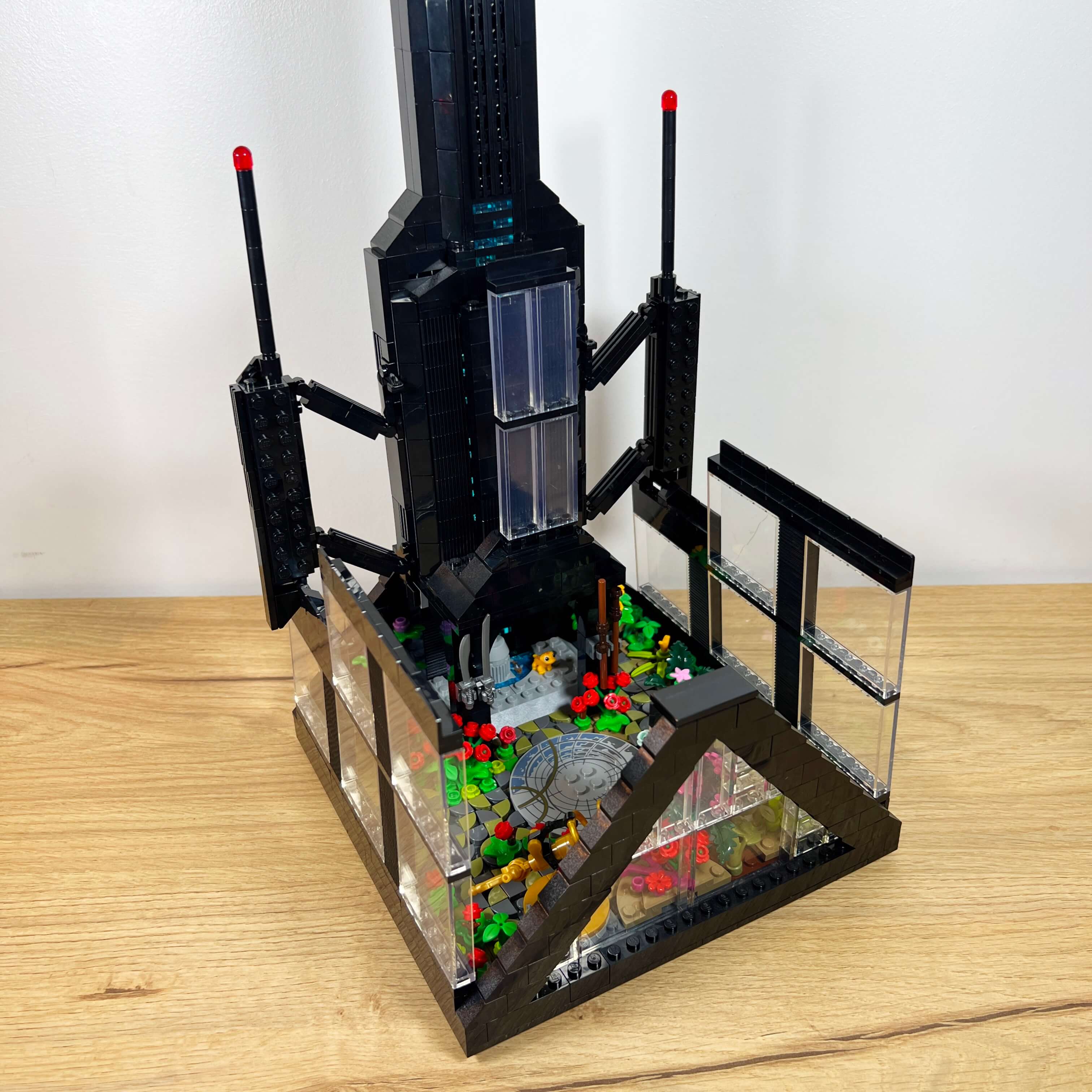
So I took advantage of all the available space on this floor to create a garden, with many plants, a training area, and a fountain. A telescope that I had created for a previous version of the MOC completes the decor.
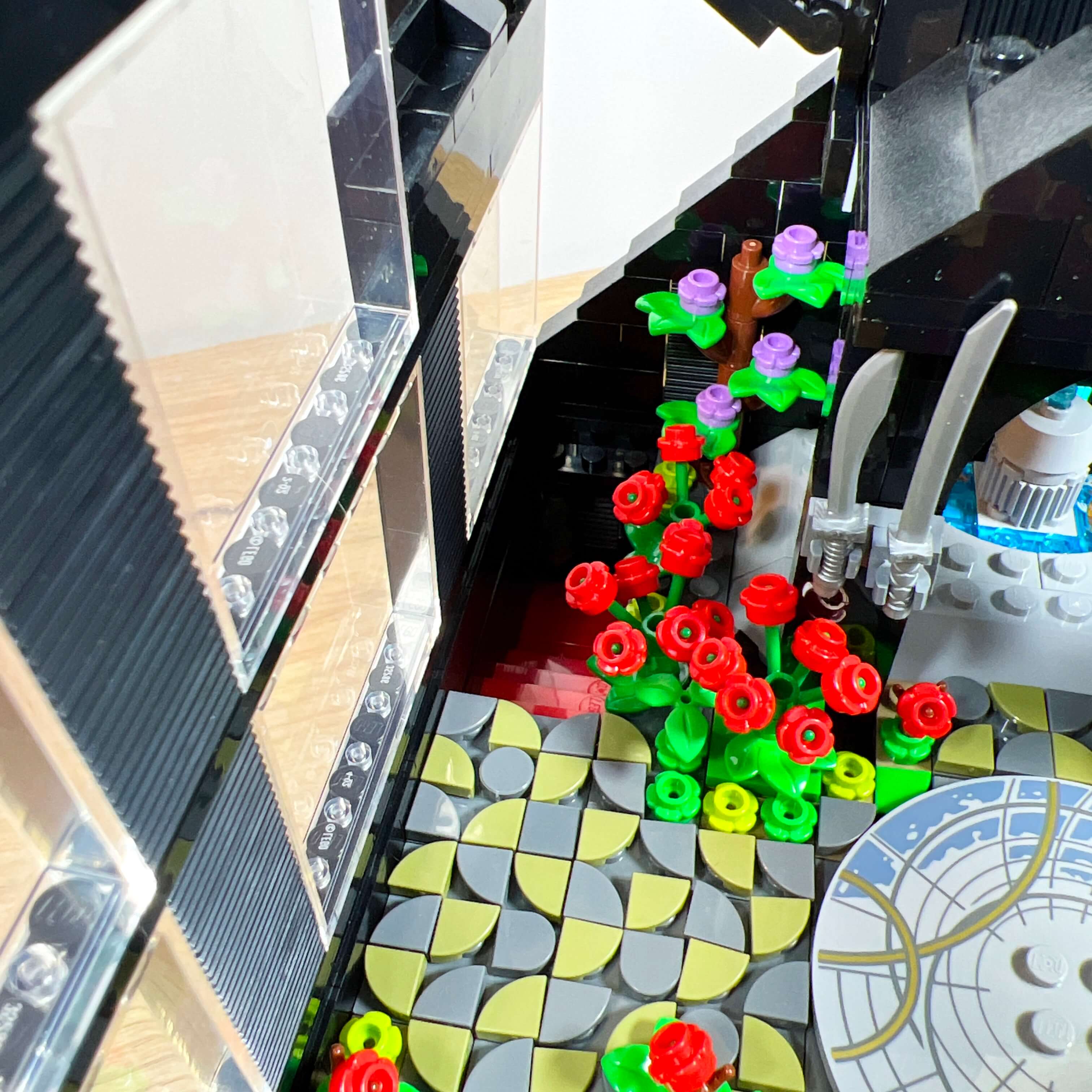
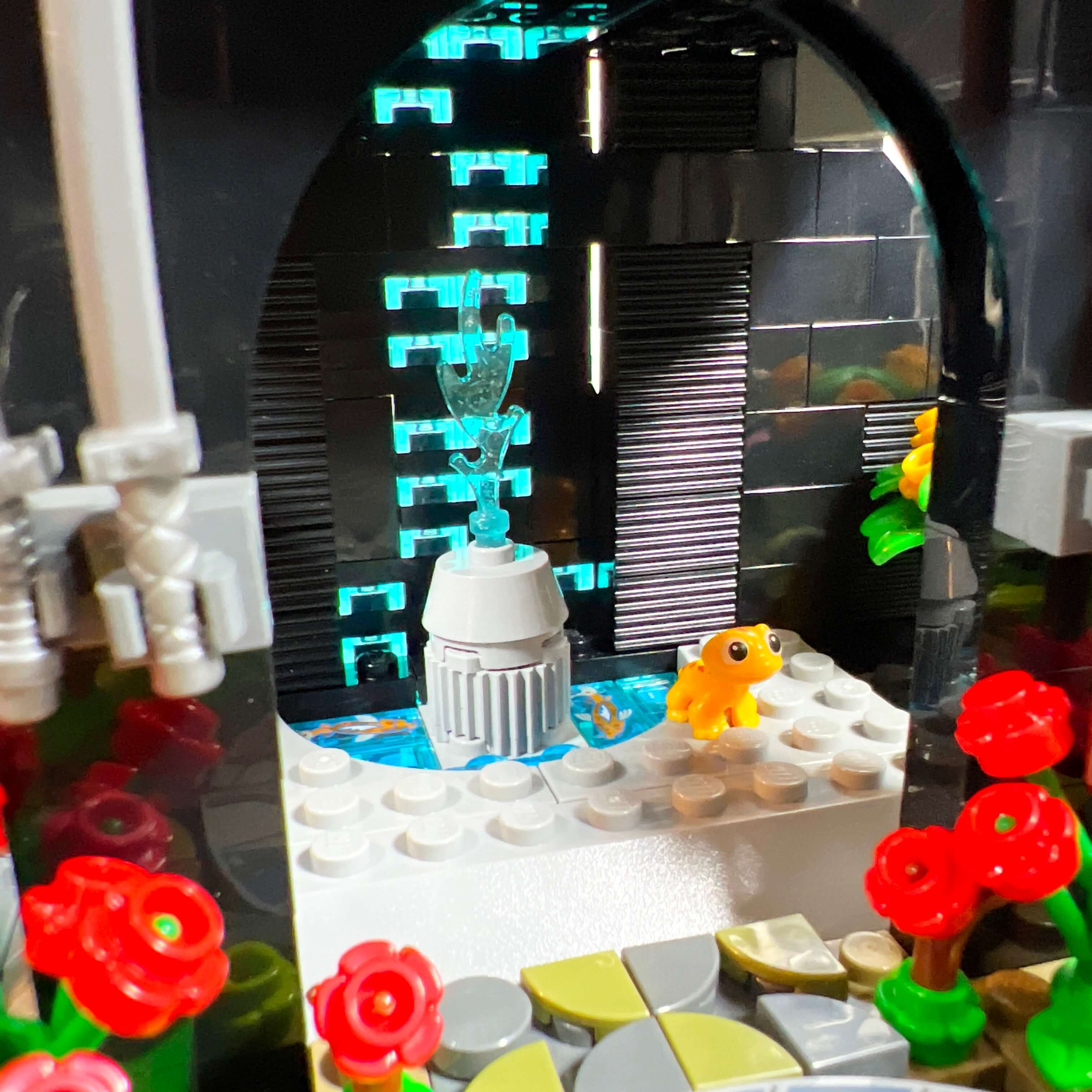
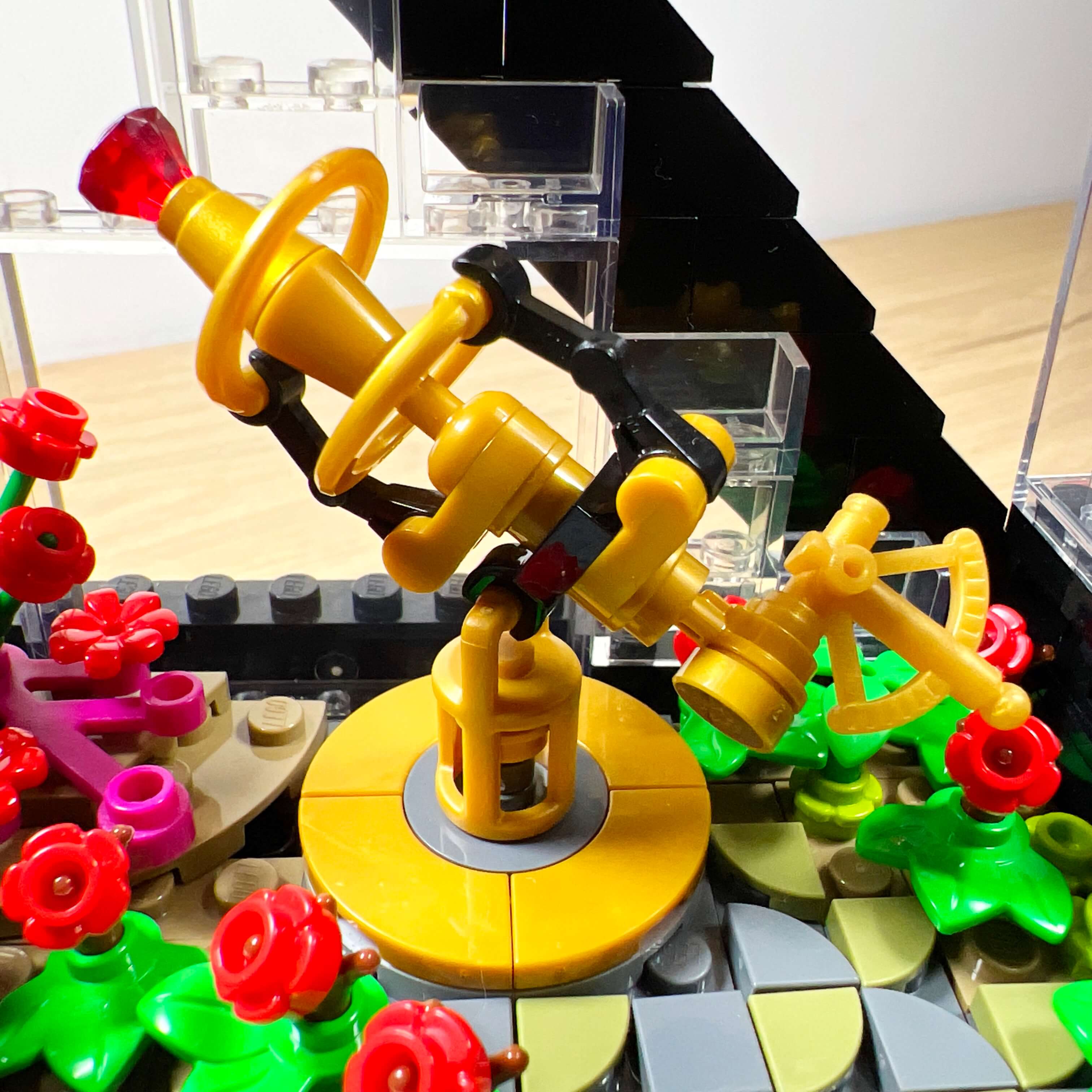
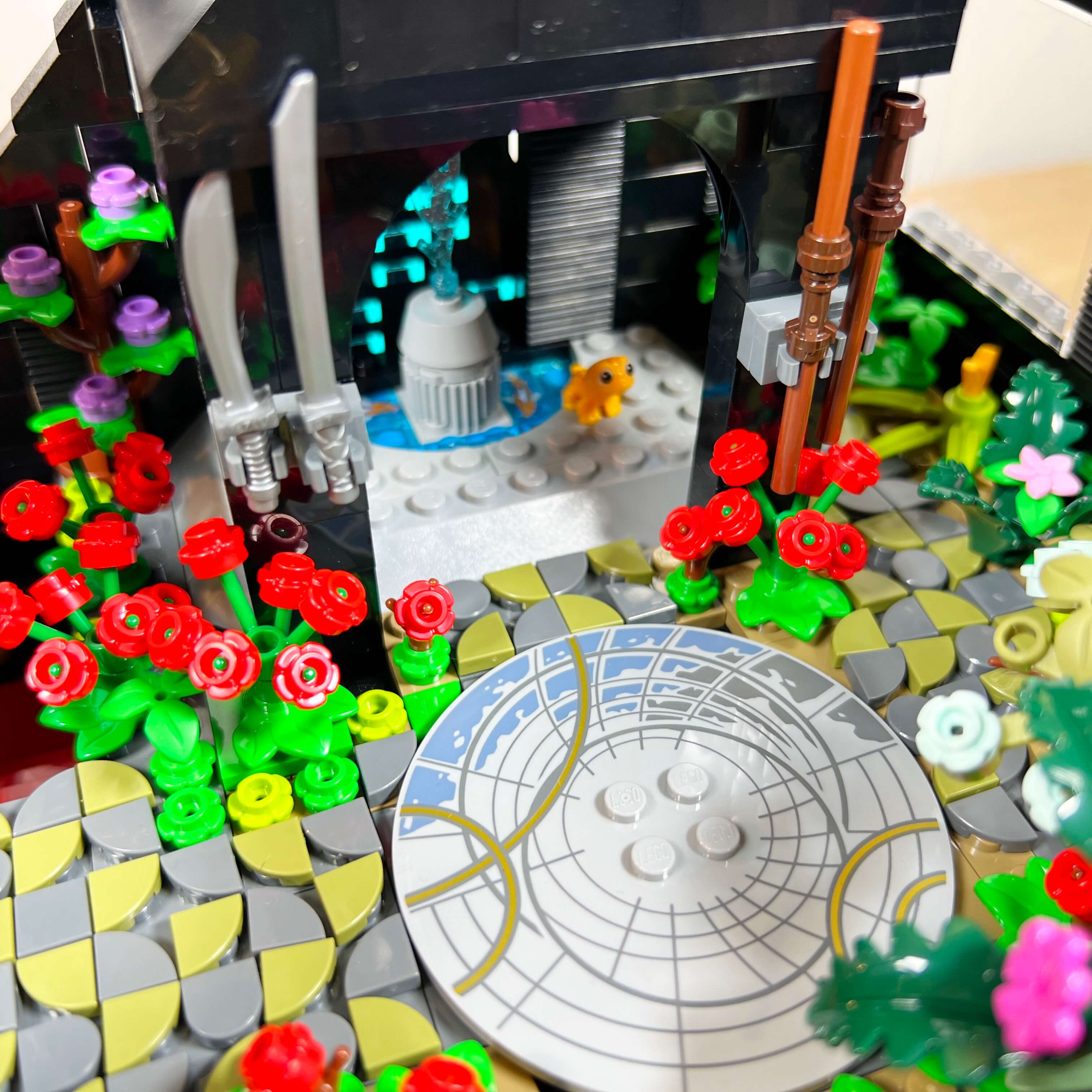
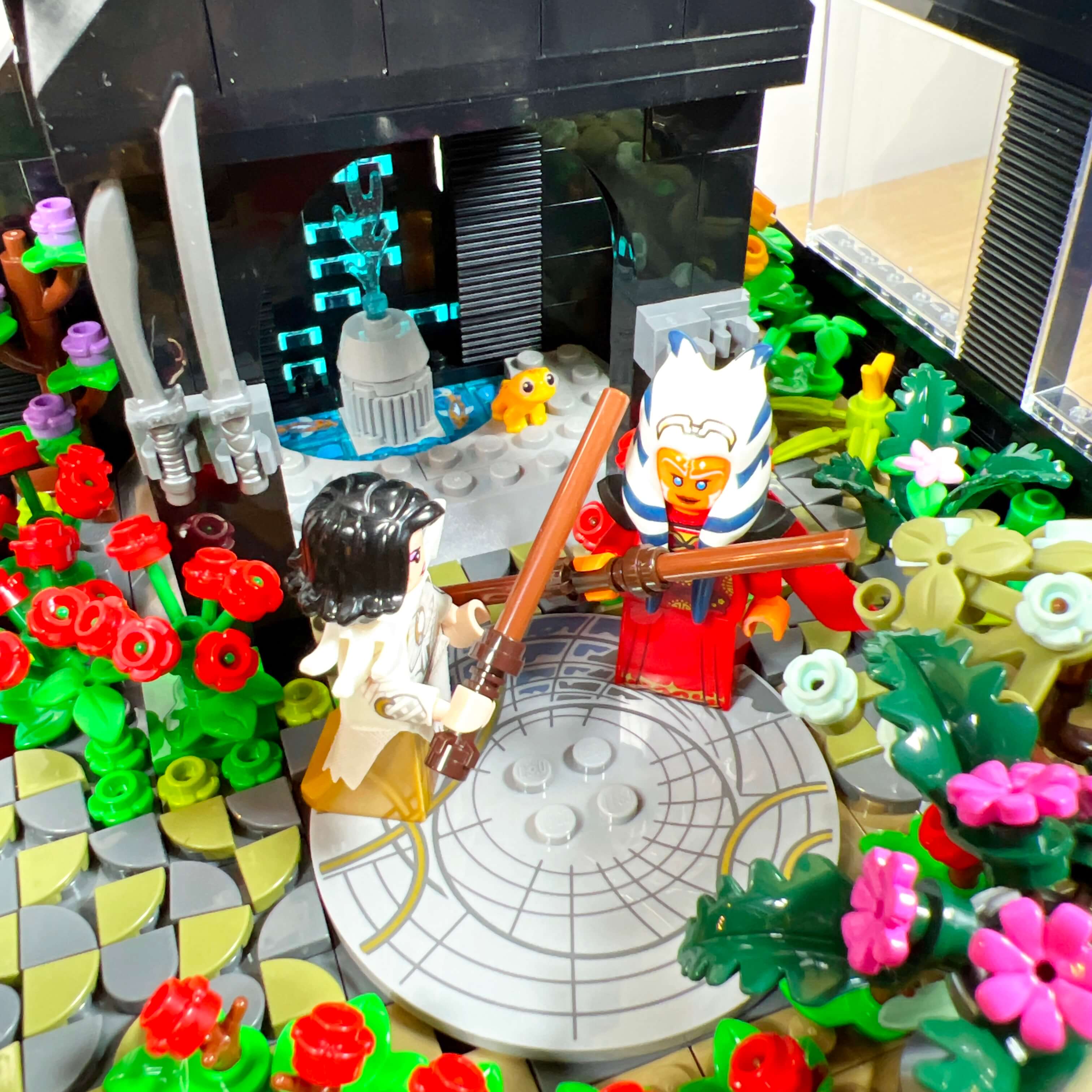
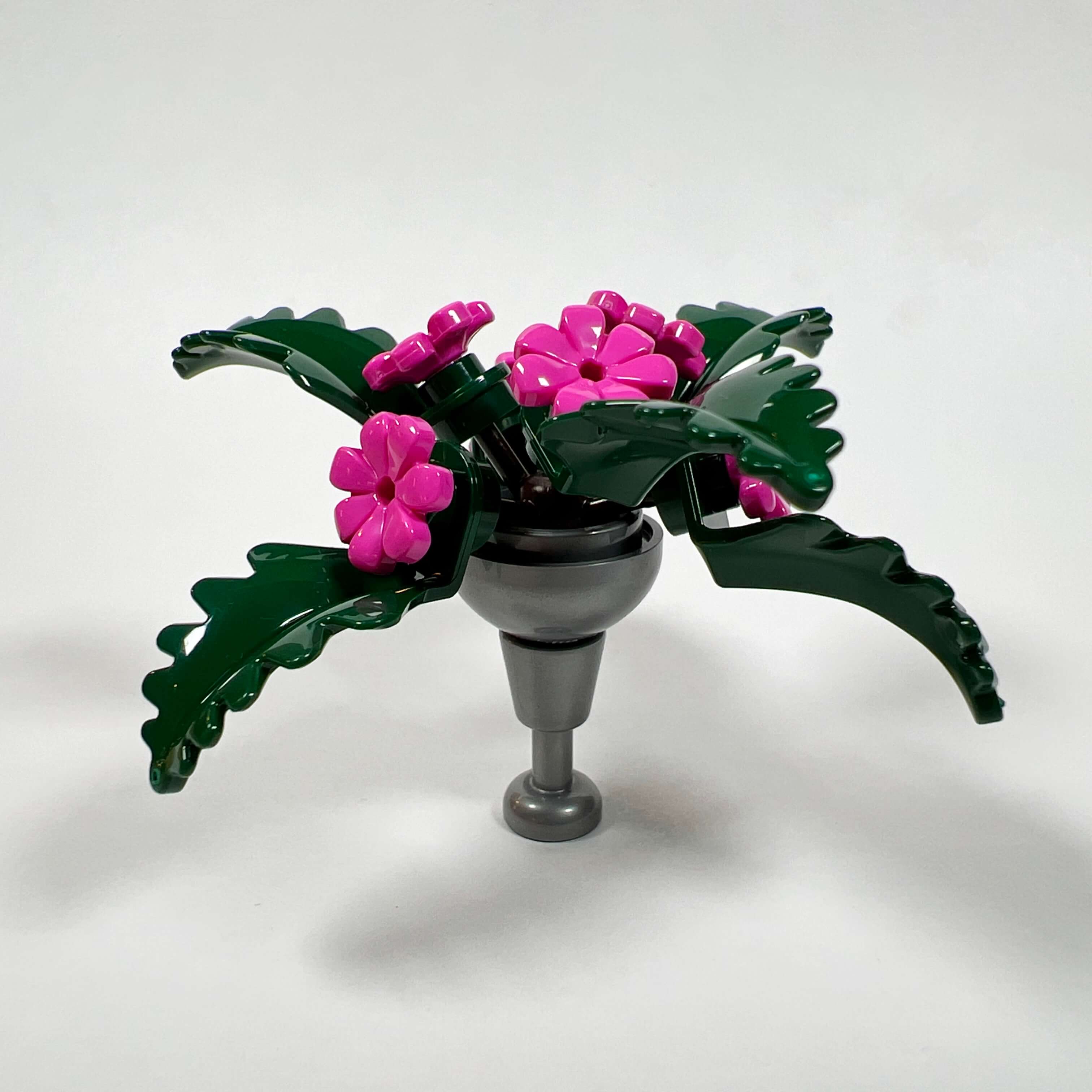
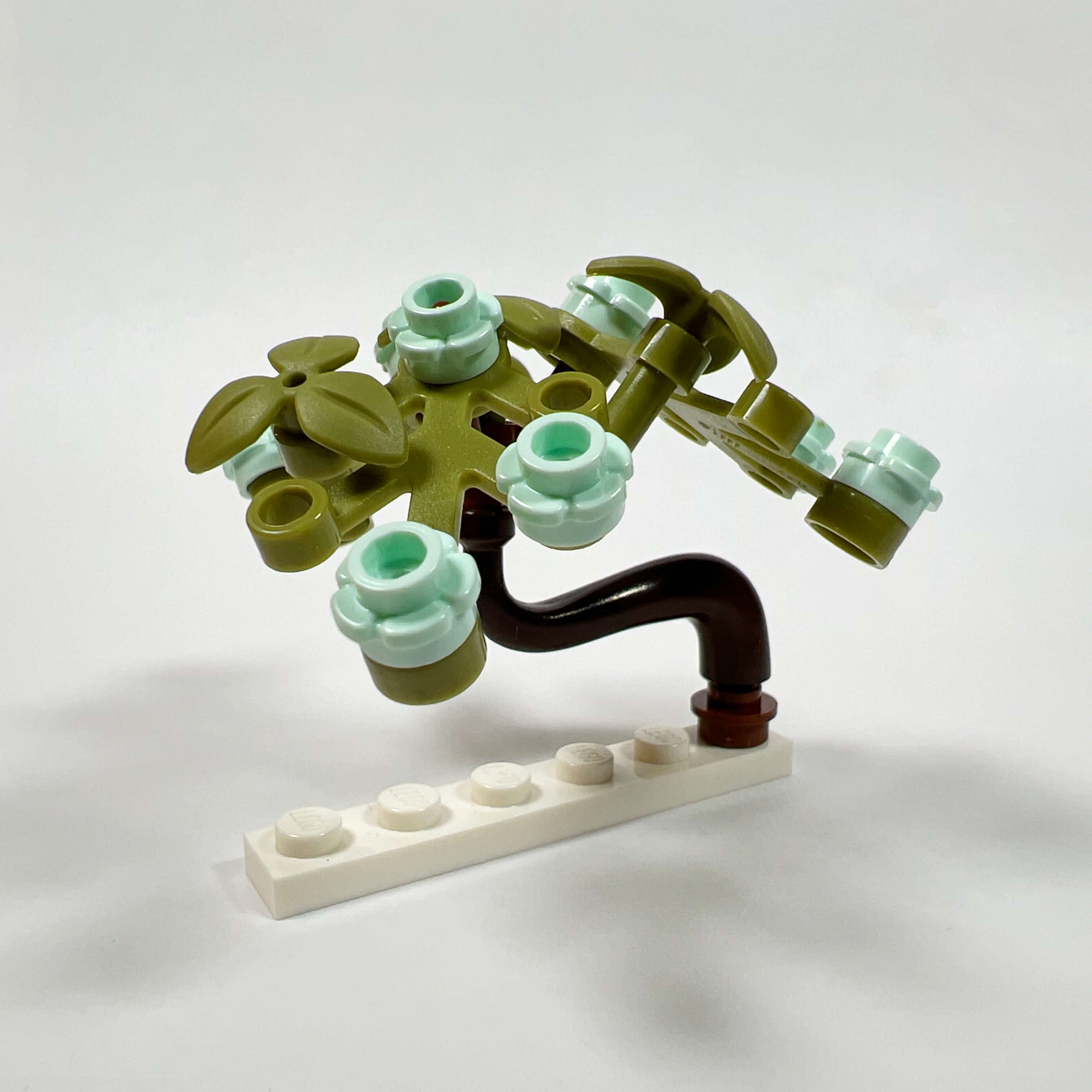
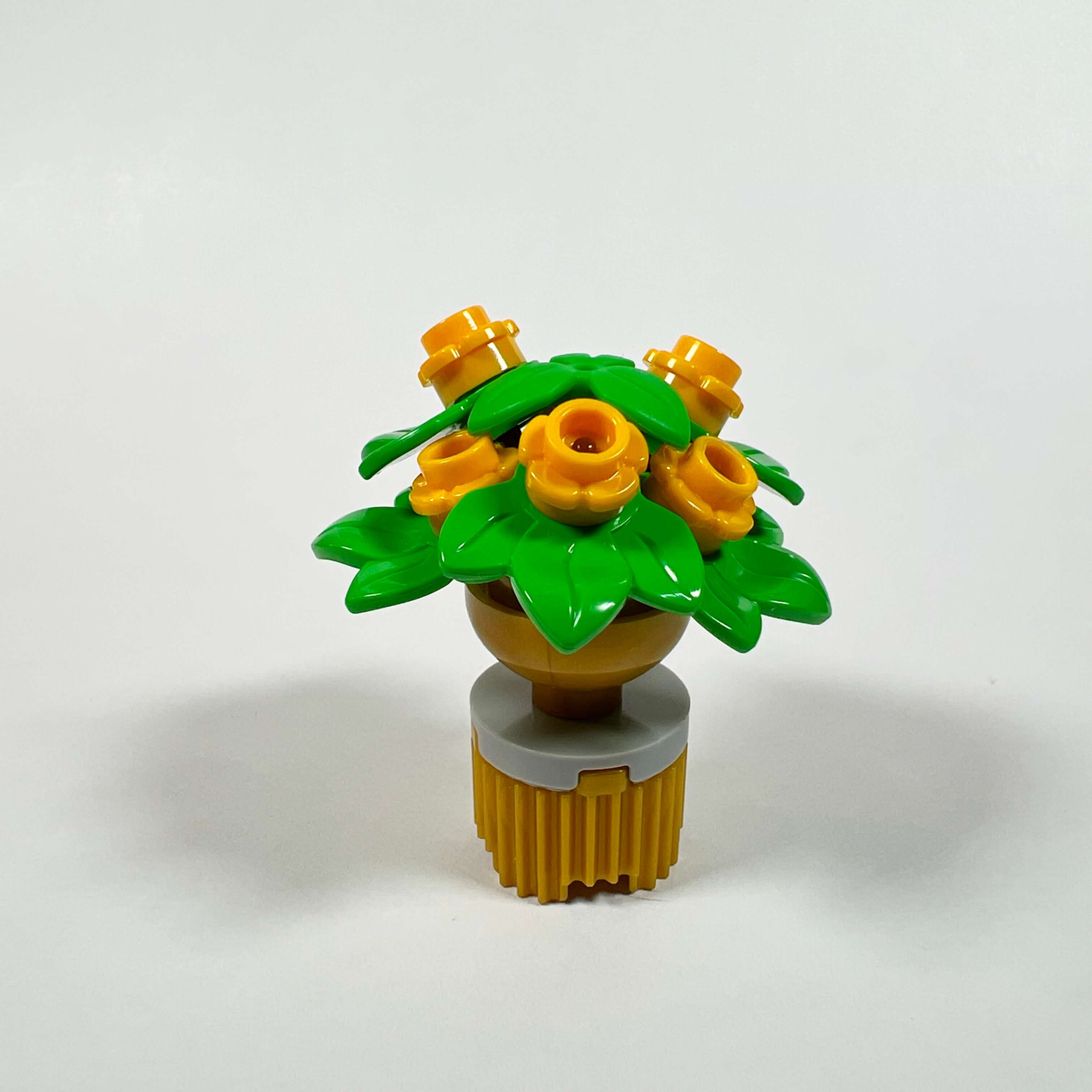
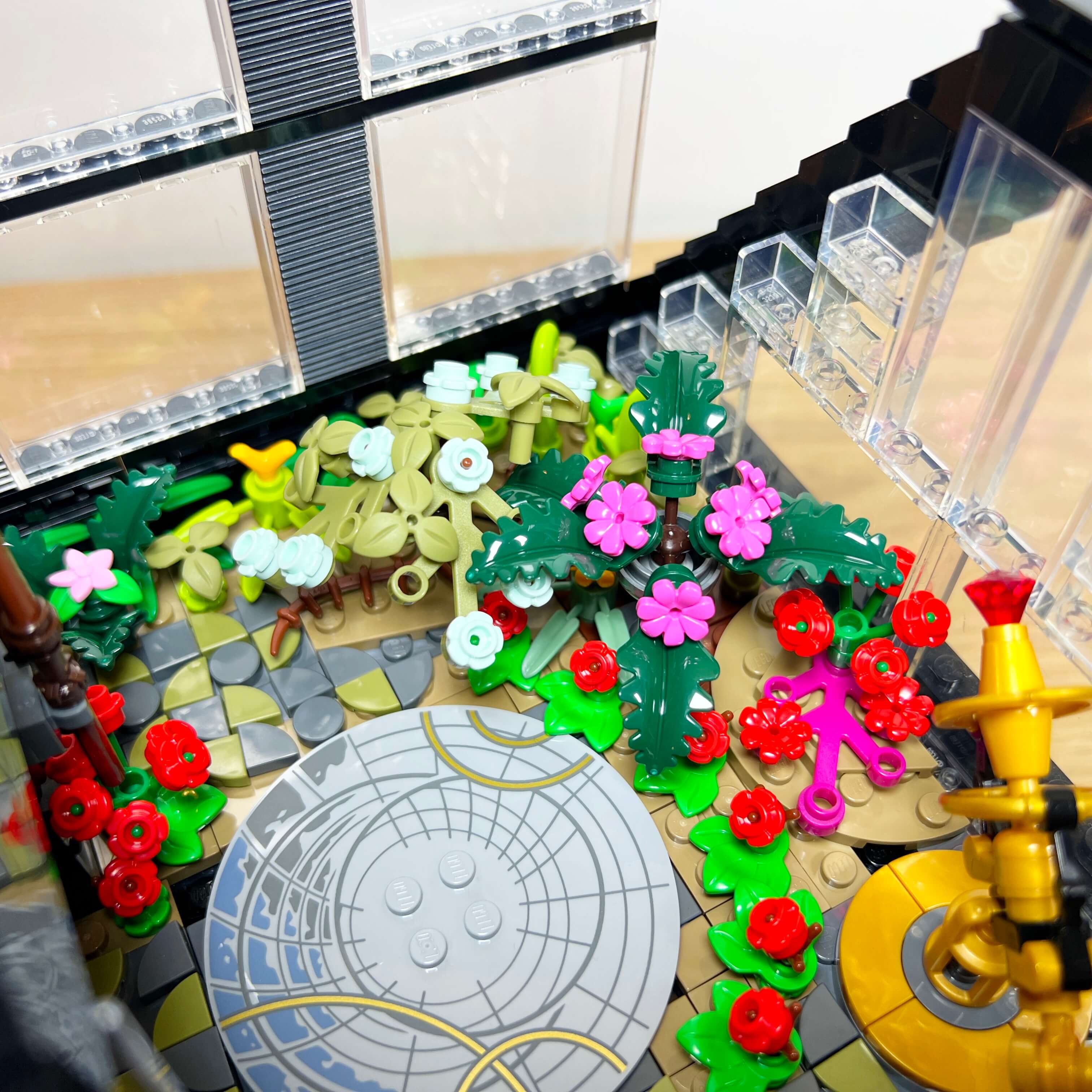
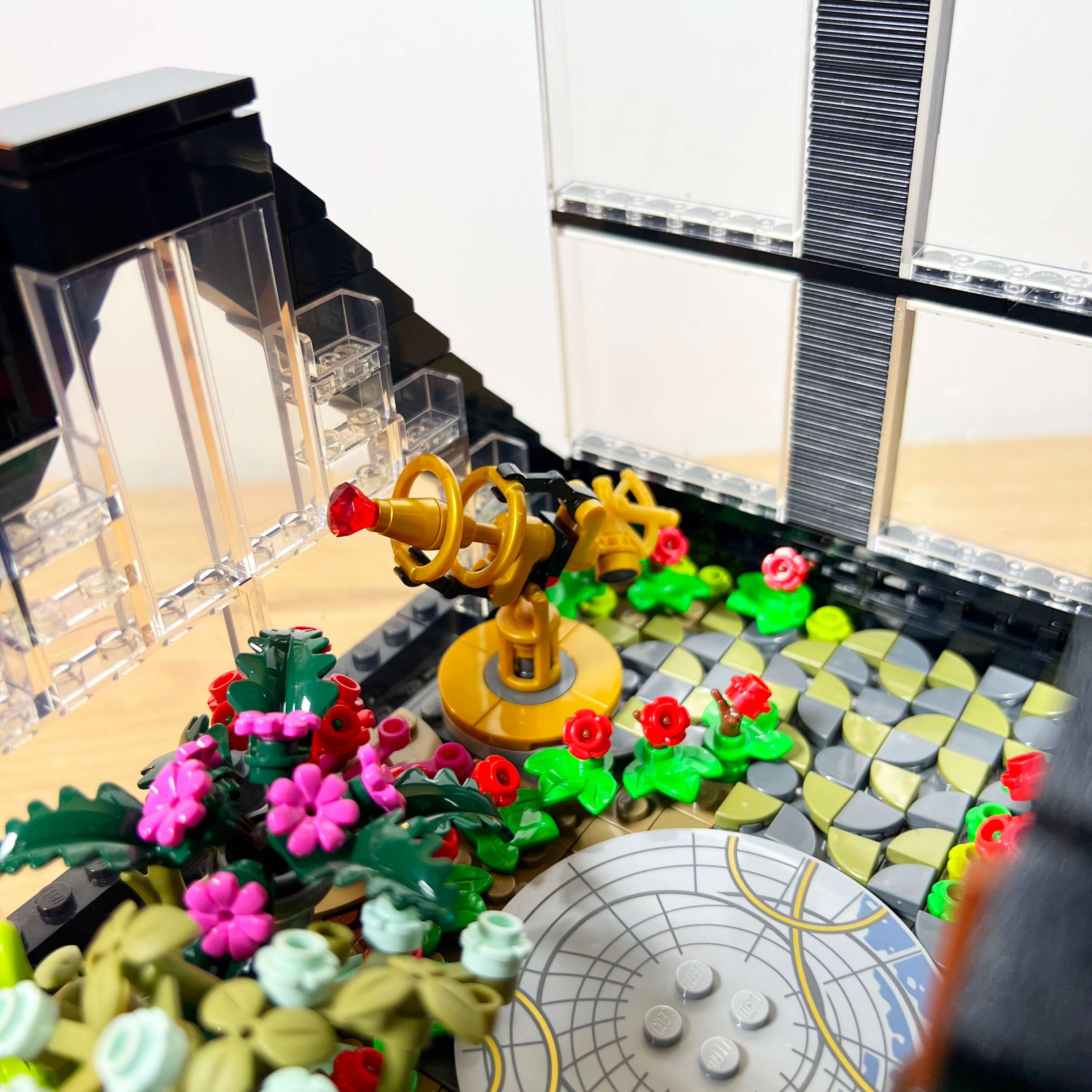
I am very happy with this part of the MOC; it is one of my favorites along with the library and the throne room. As I mentioned at the beginning, I really enjoy decorative details in sets, and I was able to have fun with this luxurious Star Wars-style duplex apartment.
The minifigures of the Dromund Kaas Citadel MOC
A mix of minifigures from LEGO Star Wars The Old Republic sets and personal creations made from official LEGO parts
Since LEGO produced four Star Wars The Old Republic sets, I of course used several of their minifigures in the MOC, and I completed the population with minifigures I created for the occasion by combining official LEGO parts from different themes and sets. Some represent specific characters such as Lana Beniko and Theron Shan, while others are simply inspired by the types of characters found in the game. And of course, I created a minifigure representing my main character from the game.
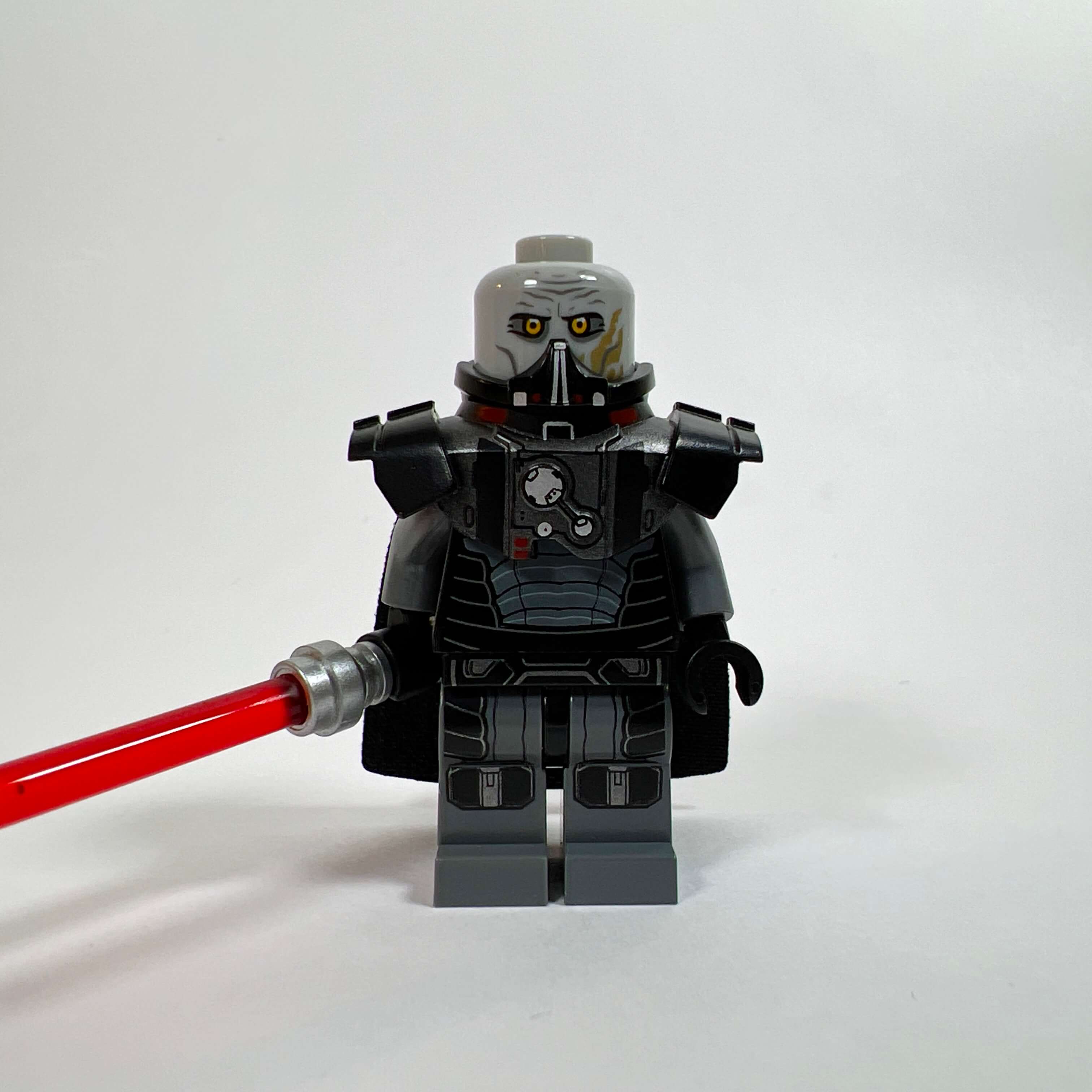
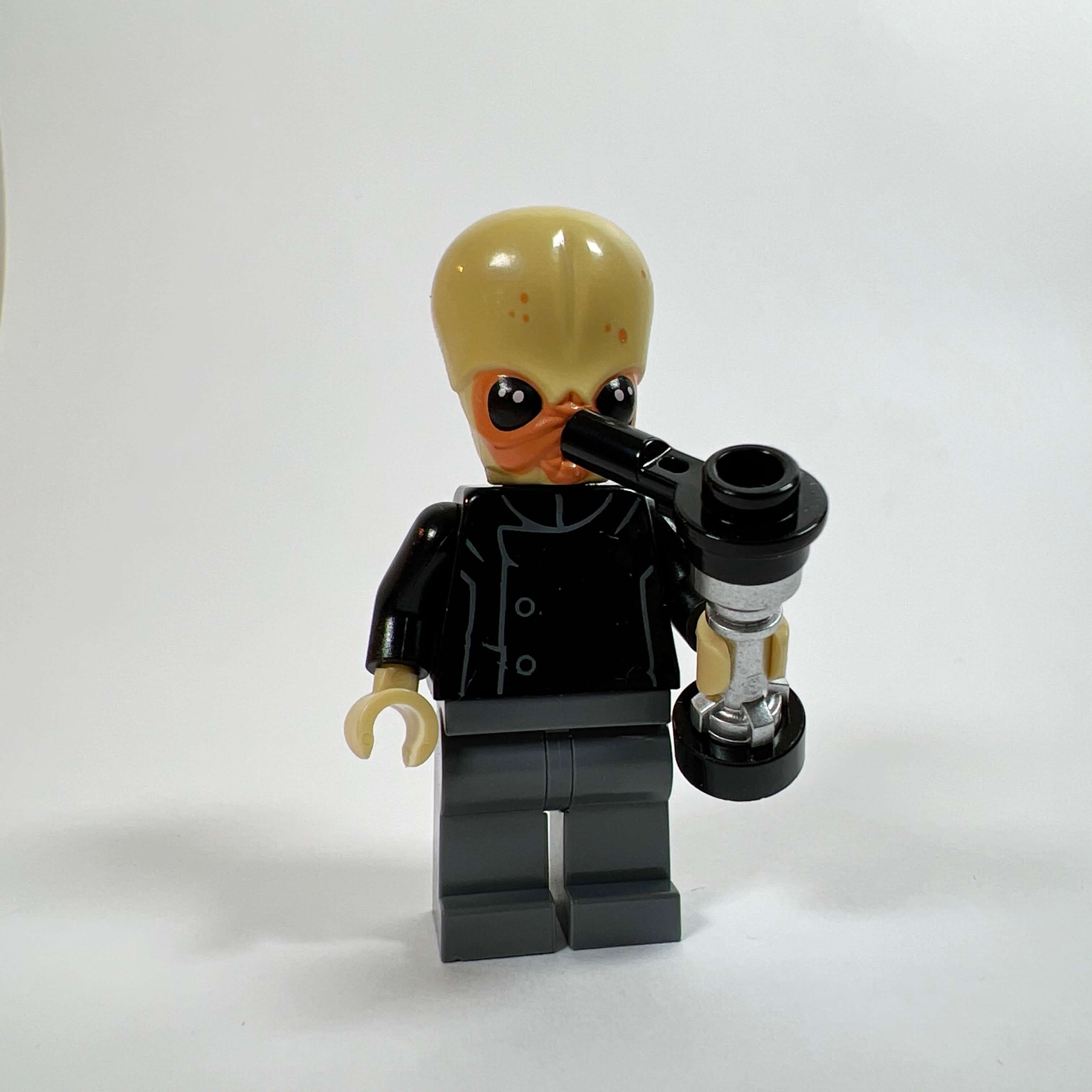
Official LEGO minifigures: Sith Empire soldiers, Republic soldiers, Darth Malgus, Satele Shan, and the Bith musician
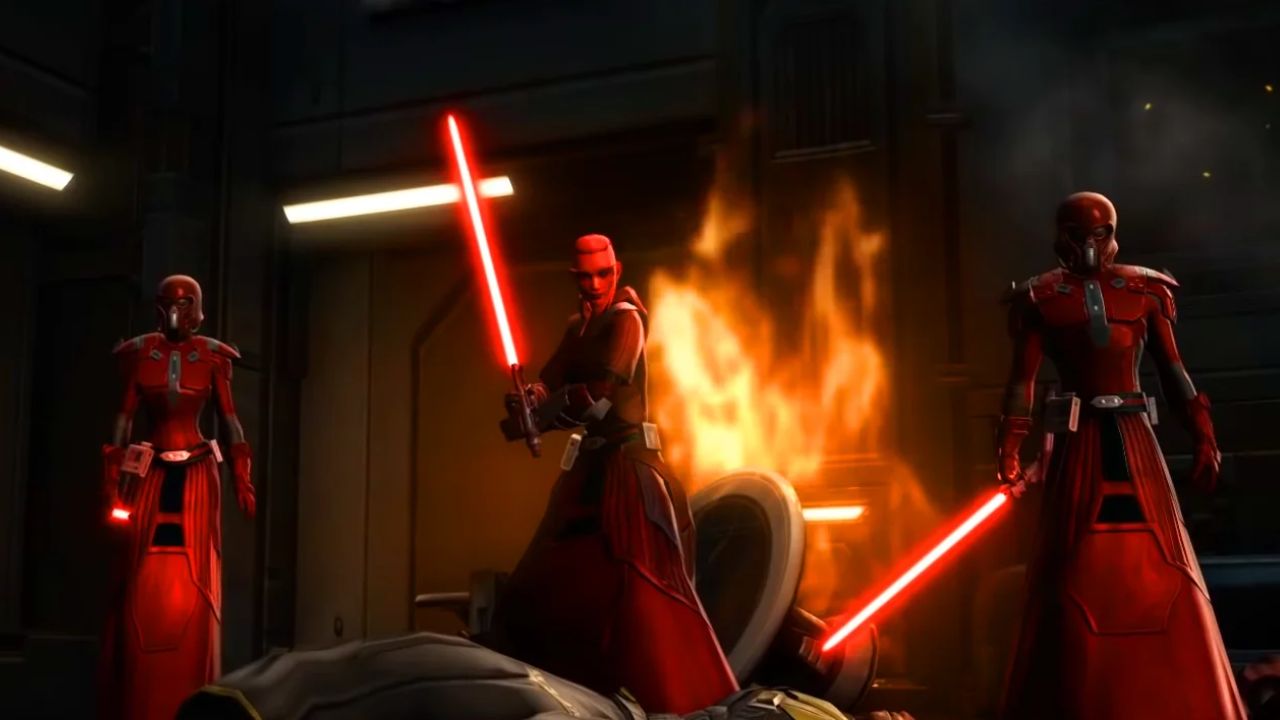
Since LEGO produced two versions of the Sith Empire soldiers from the SWTOR era (ancestors of the Stormtroopers), I of course used them in the MOC: these are SW0443, representing the Empire’s soldiers in their standard black armor, and SW0436, representing the fleet soldiers in dark red armor.
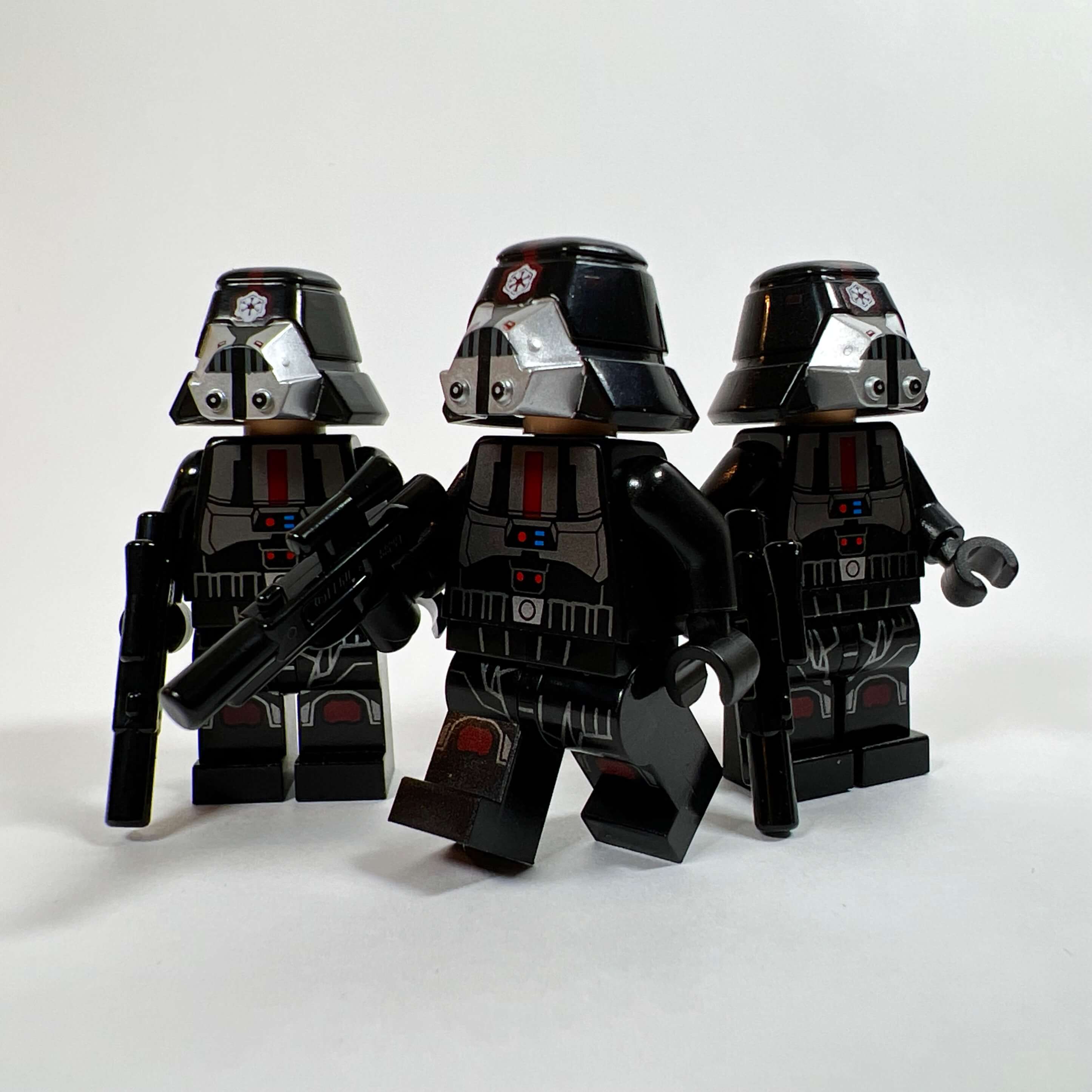
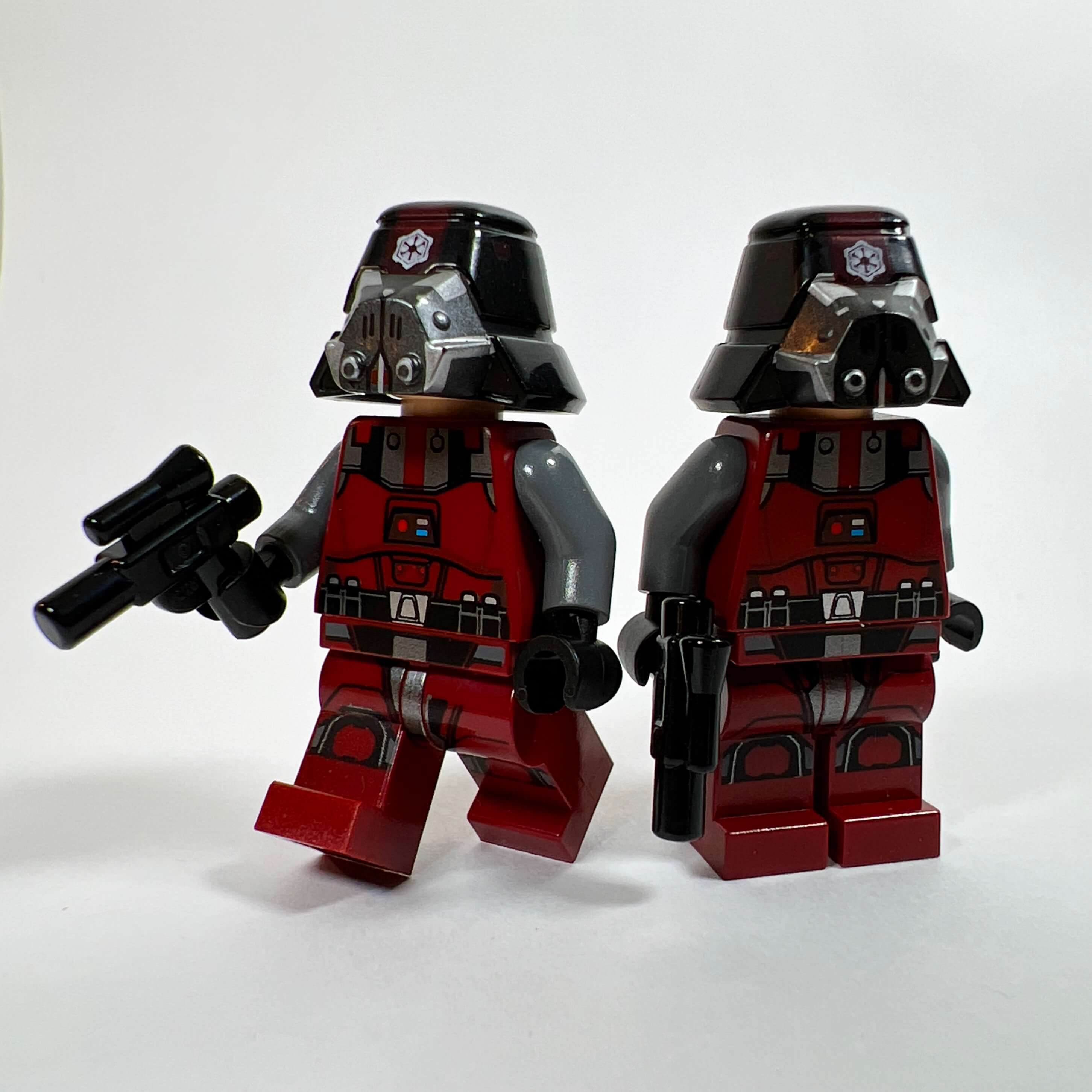
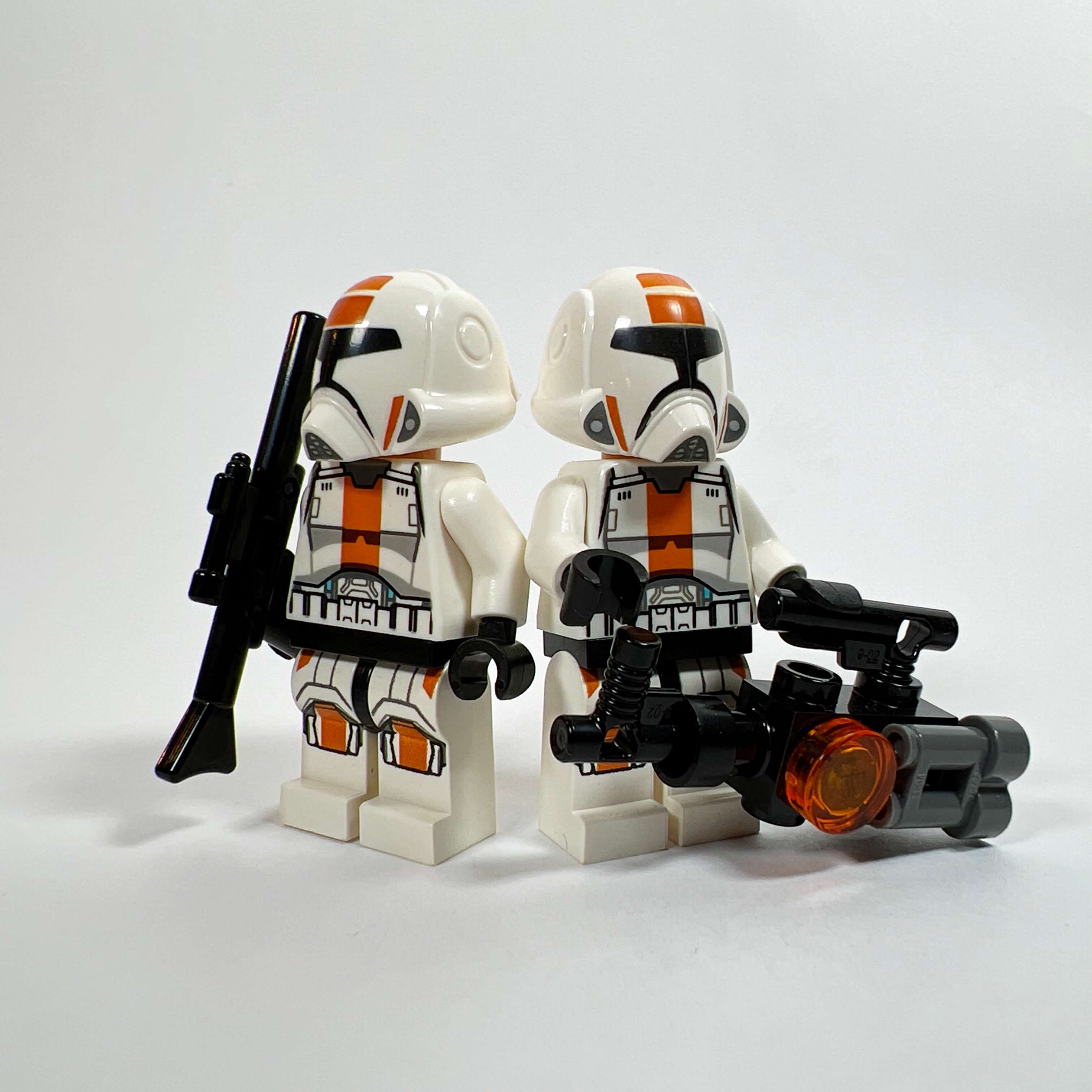
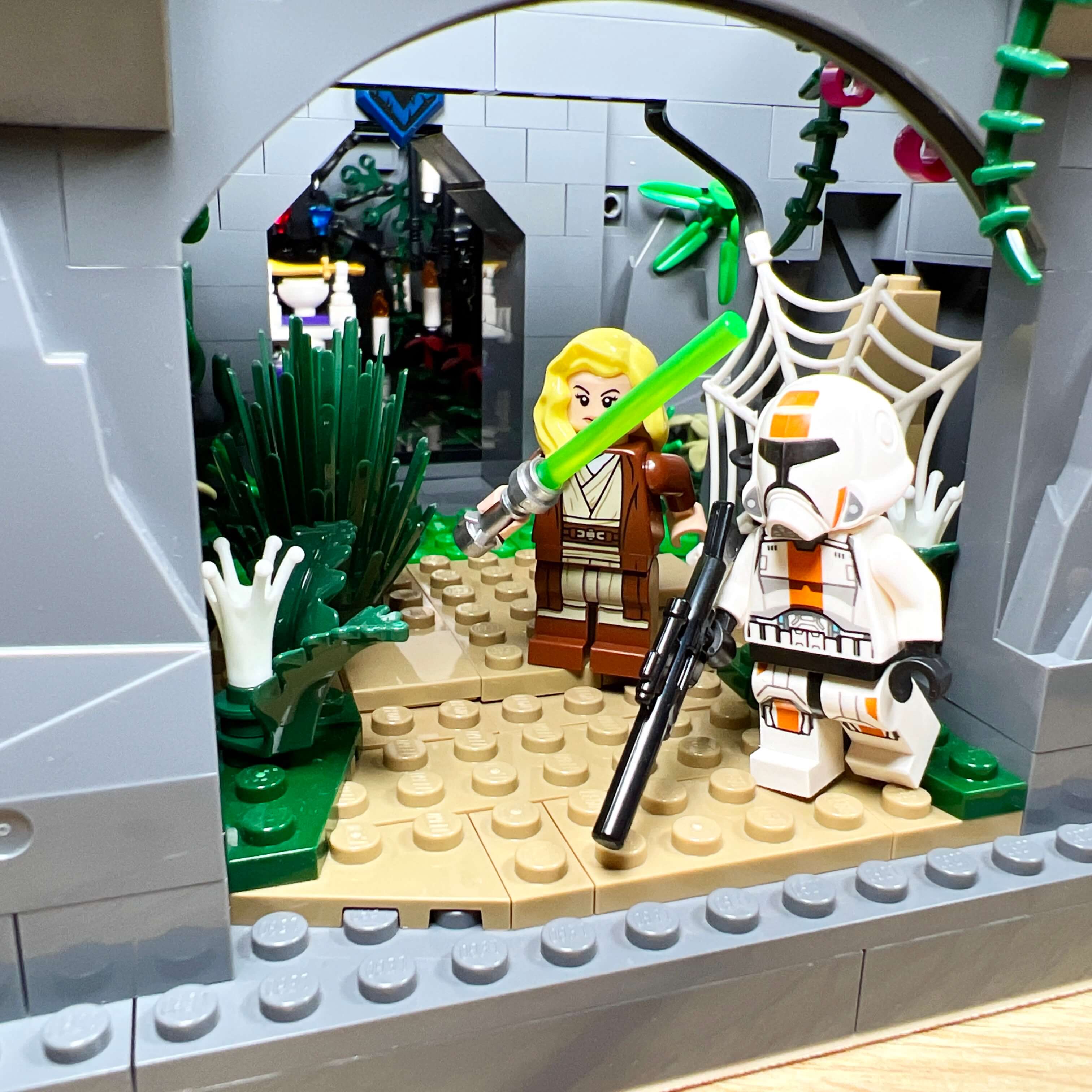
I also took advantage of my collection to add a few minifigures on the Republic side, including the soldiers (SW0440 and SW0444) in white armor, these latter attempting to infiltrate the Empire’s capital.
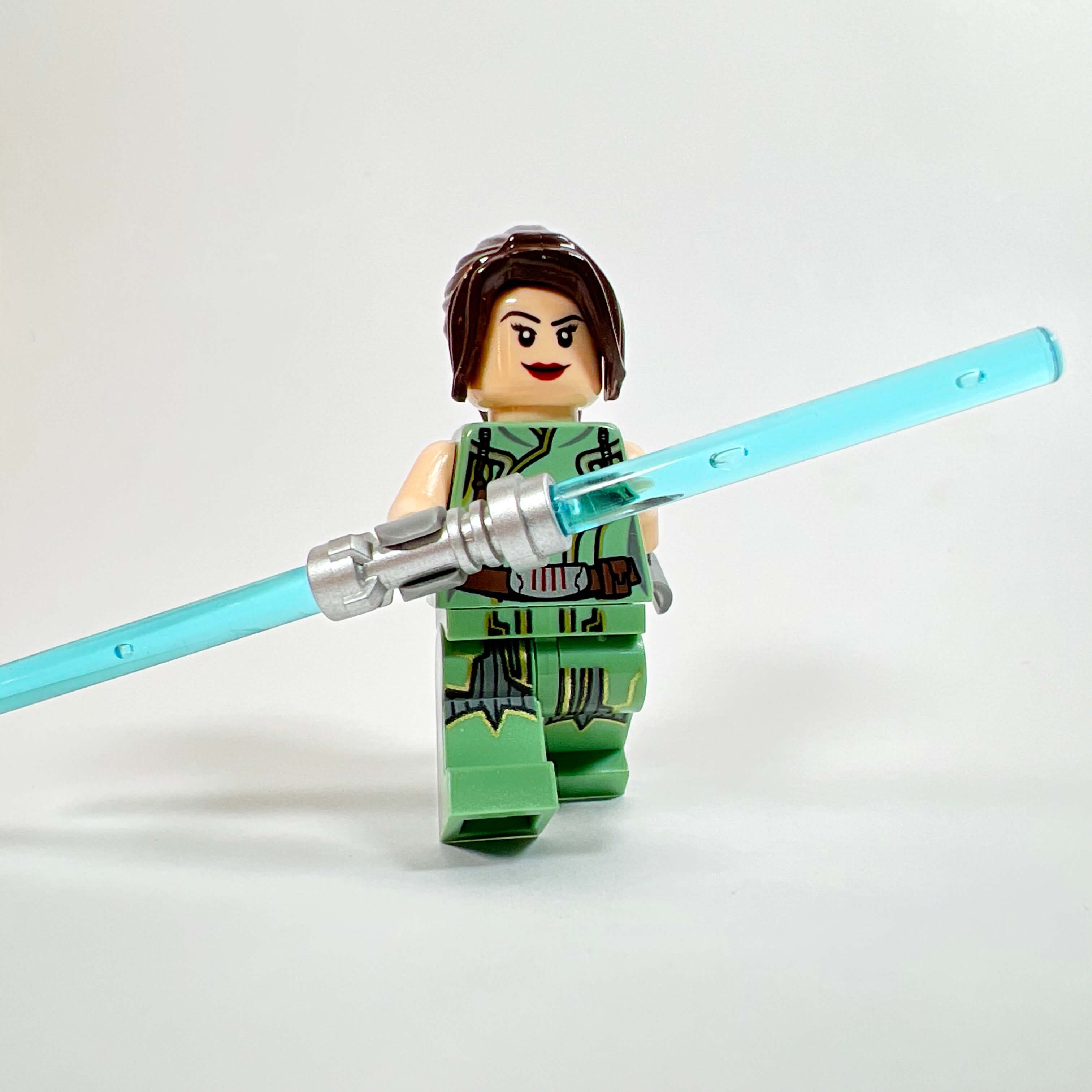
As for well-known characters, I of course included the minifigure of Darth Malgus, the iconic character from the game’s trailers (who is once again trying to overthrow the Empire), Jedi Grand Master Satele Shan (who is visiting her son Theron), and a Bith musician to accompany the Cantina singer. For the latter, I used the minifigure from set 75290 Mos Eisley Cantina without modifications, since I did not want to scatter the parts from that superb set. If I found an additional second-hand copy of the minifigure, I would change the body to create a unique version in a different outfit.
Personal creations of SWTOR characters using official LEGO parts
As I was saying, the small number of SWTOR minifigures from LEGO sets forced me to create custom characters in purist custom, meaning using only official LEGO parts. I spent a lot of time going through lists of existing minifigures to find the perfect part to represent what I wanted: Star Wars-style characters without looking too much like those from the films.
The Sith Empire officers
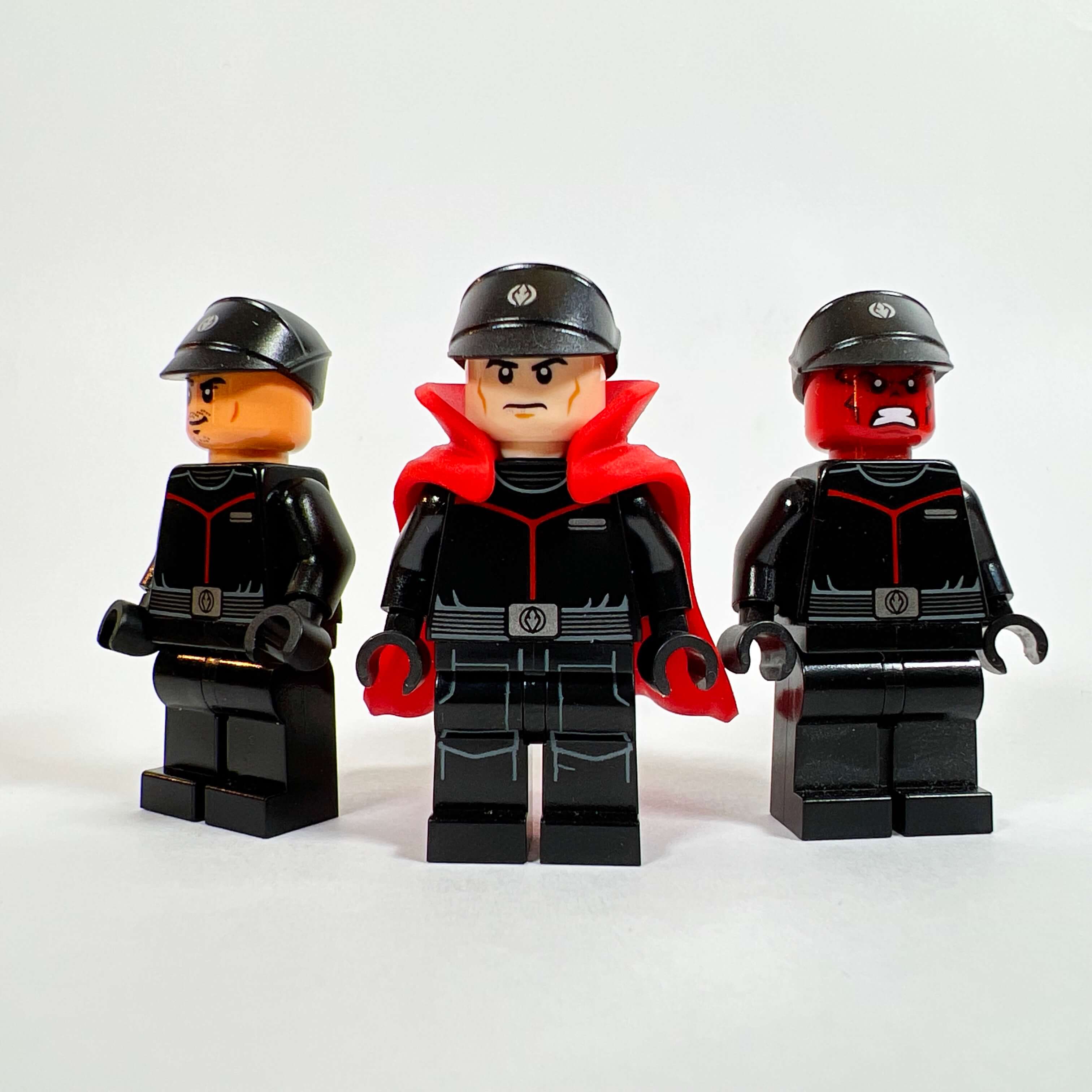
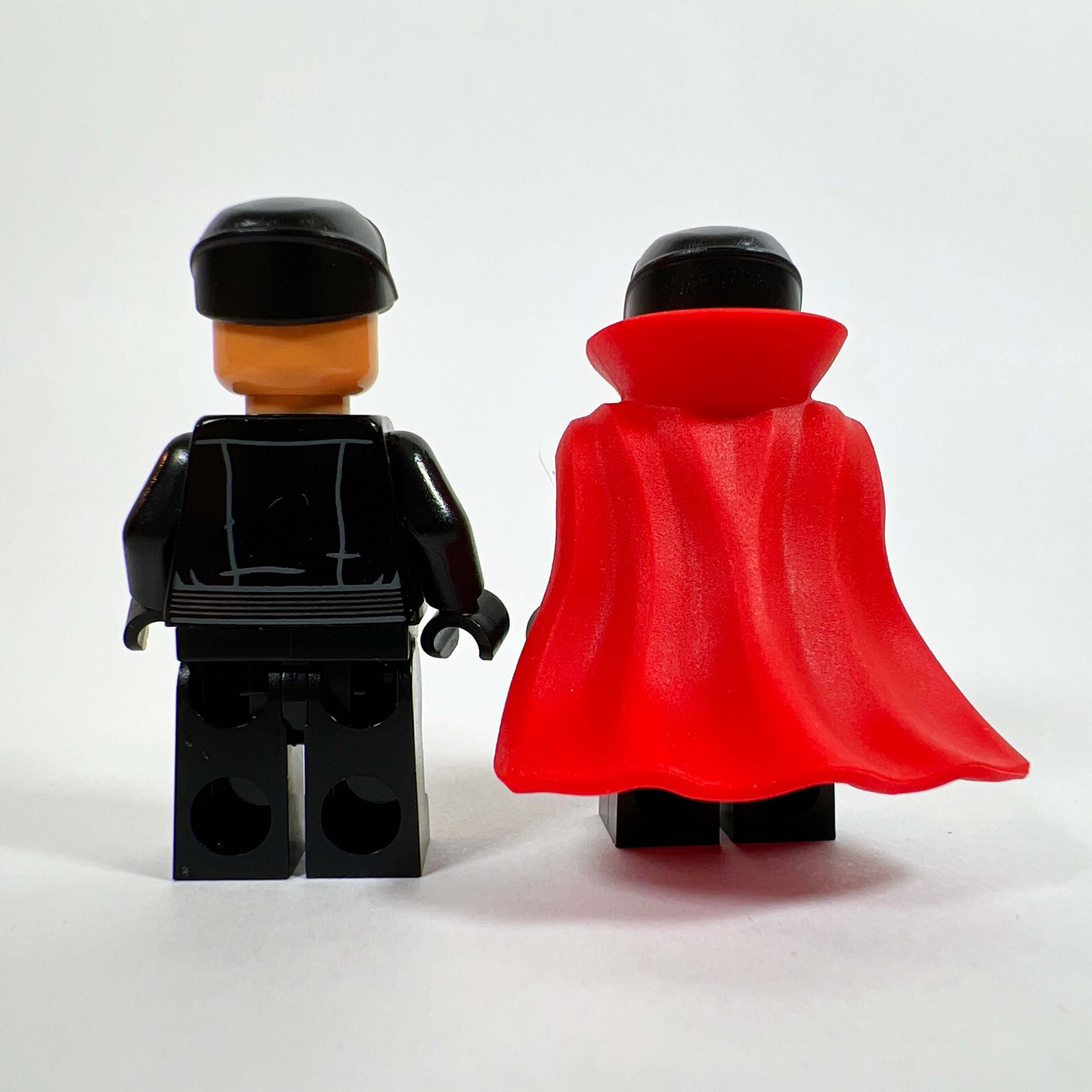
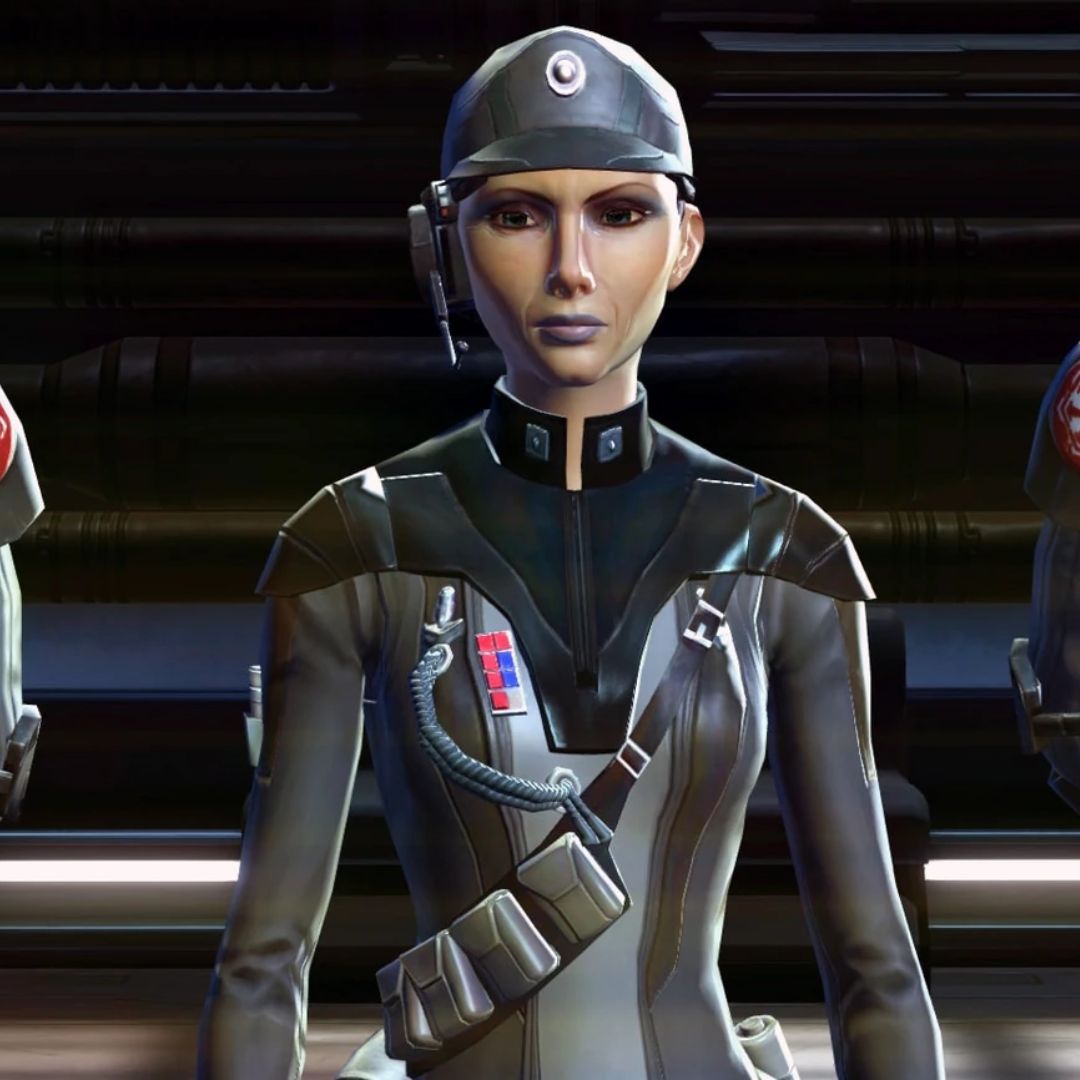
Let’s begin the presentation of these custom minifigures with the simplest ones: the Empire officers. In the game, they wear outfits in the same style as Palpatine’s Empire officers, but looking more like a jumpsuit with extra accessories. I did not find any parts that were satisfying, and I did not want to use those of the latter officers to avoid having an appearance that felt too familiar. So I finally fell back on the minifigures of the Sith Eternal officers (from Episode IX), because they are less well-known while still fitting the Star Wars style. I created three versions, including one with a red head for a pureblood Sith, and one with the red cape of Doctor Strange to represent the admiral.
The Cantina singer
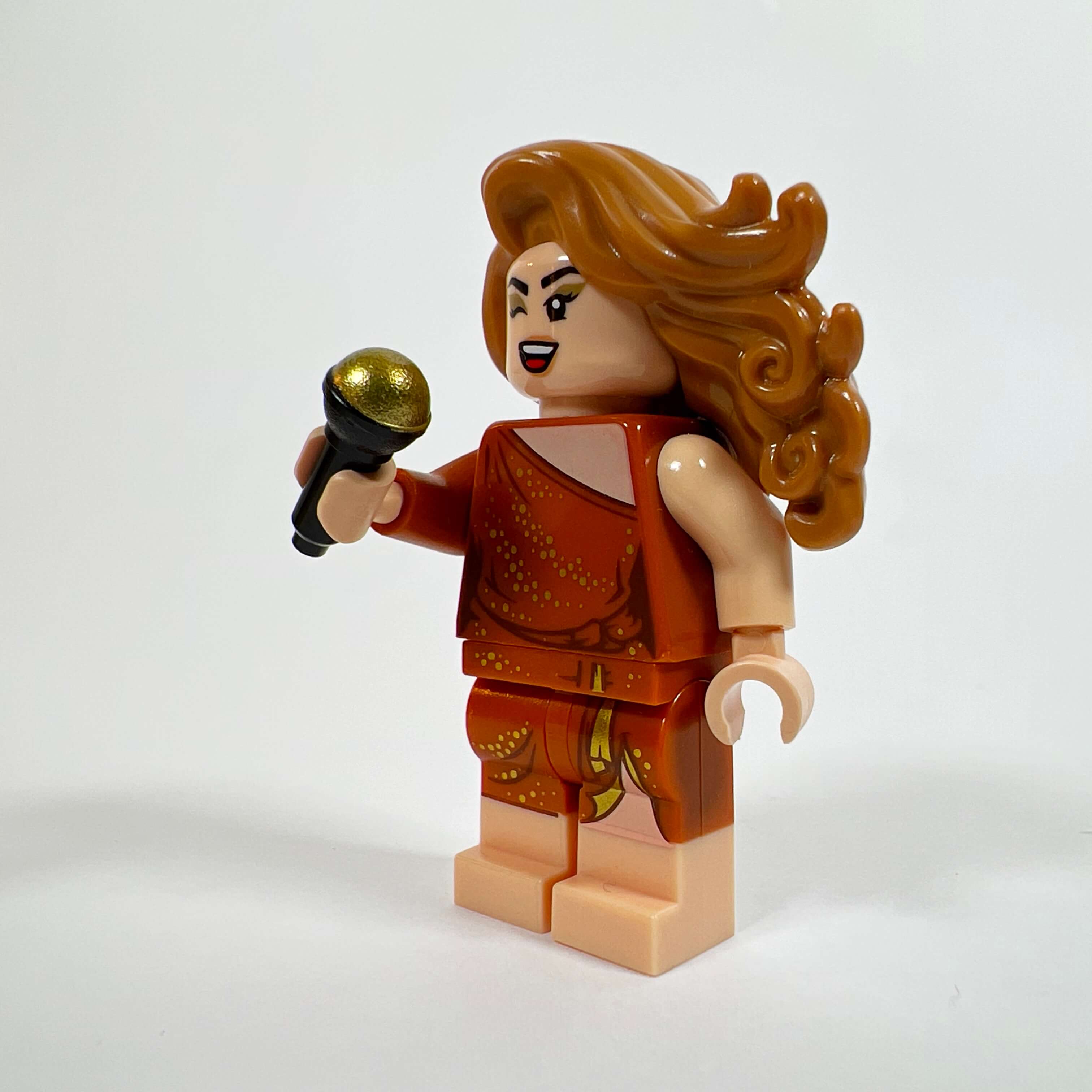
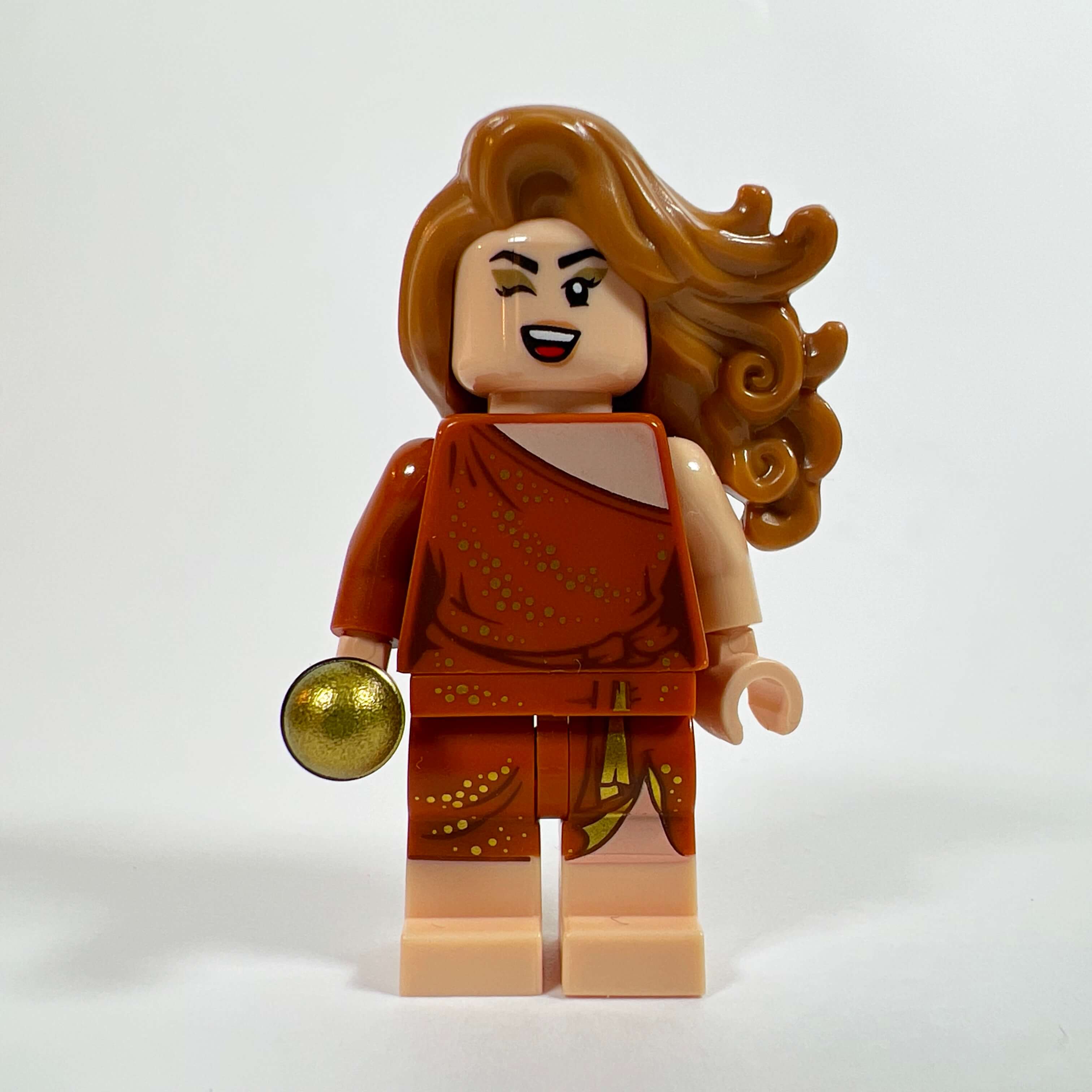
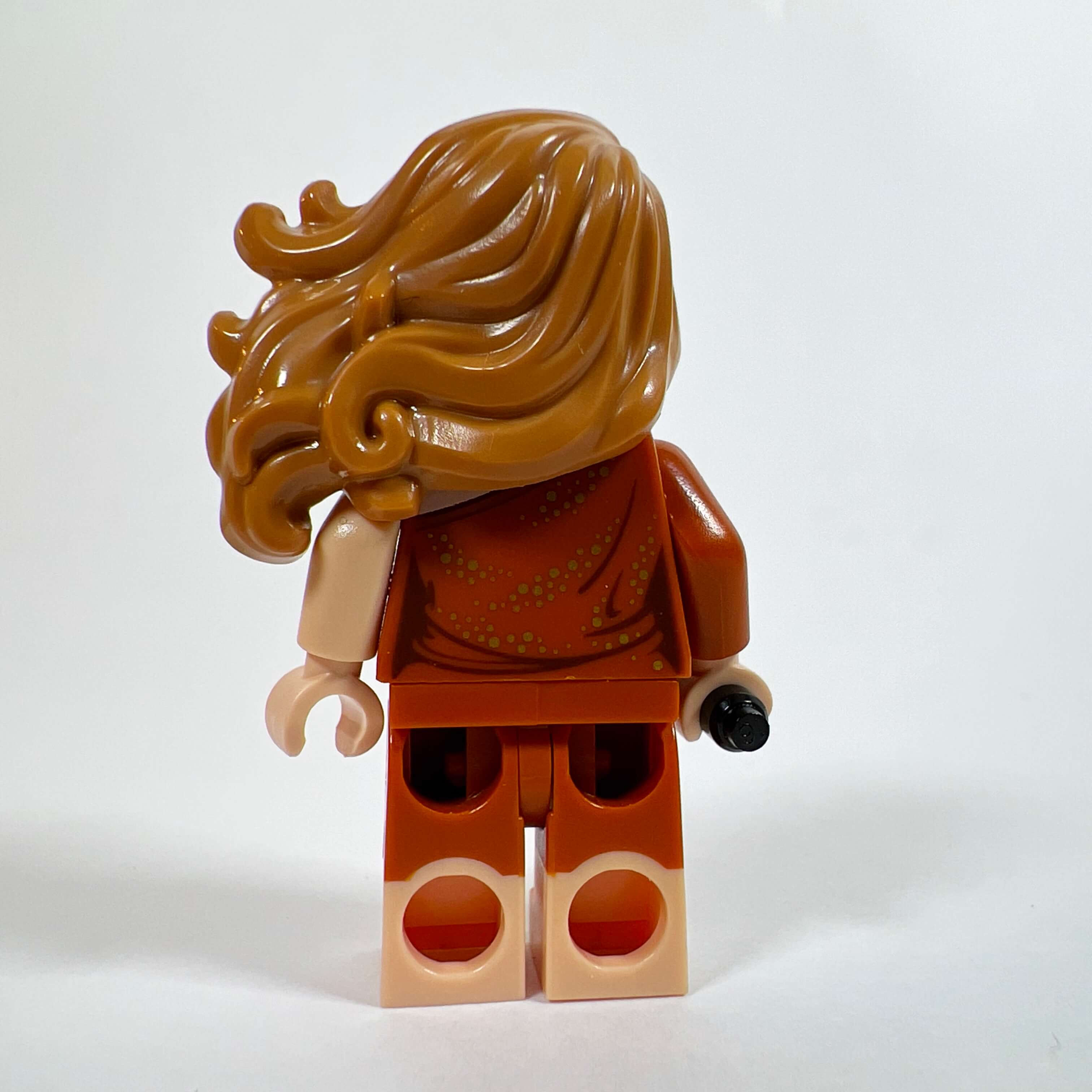
The next minifigure is the Cantina singer. If I had the idea of adding her to the MOC along with the musician, it was because I was looking to reuse the parts of a minifigure I had bought for the head: GB006 Dana Barrett from set 75827 Firehouse Headquarters. Exclusive to this set, which is now extremely expensive, the minifigure is not cheap and is particularly beautiful with its elegant dress (this type of outfit is rare in LEGO) and its dual-molded legs. It would have been a shame not to do anything with these parts, so I looked for a use for them, and I eventually thought of the singer when I added the Cantina to the MOC, as the outfit fits the role well, especially with the addition of suitable head and hair pieces.
The animal seller
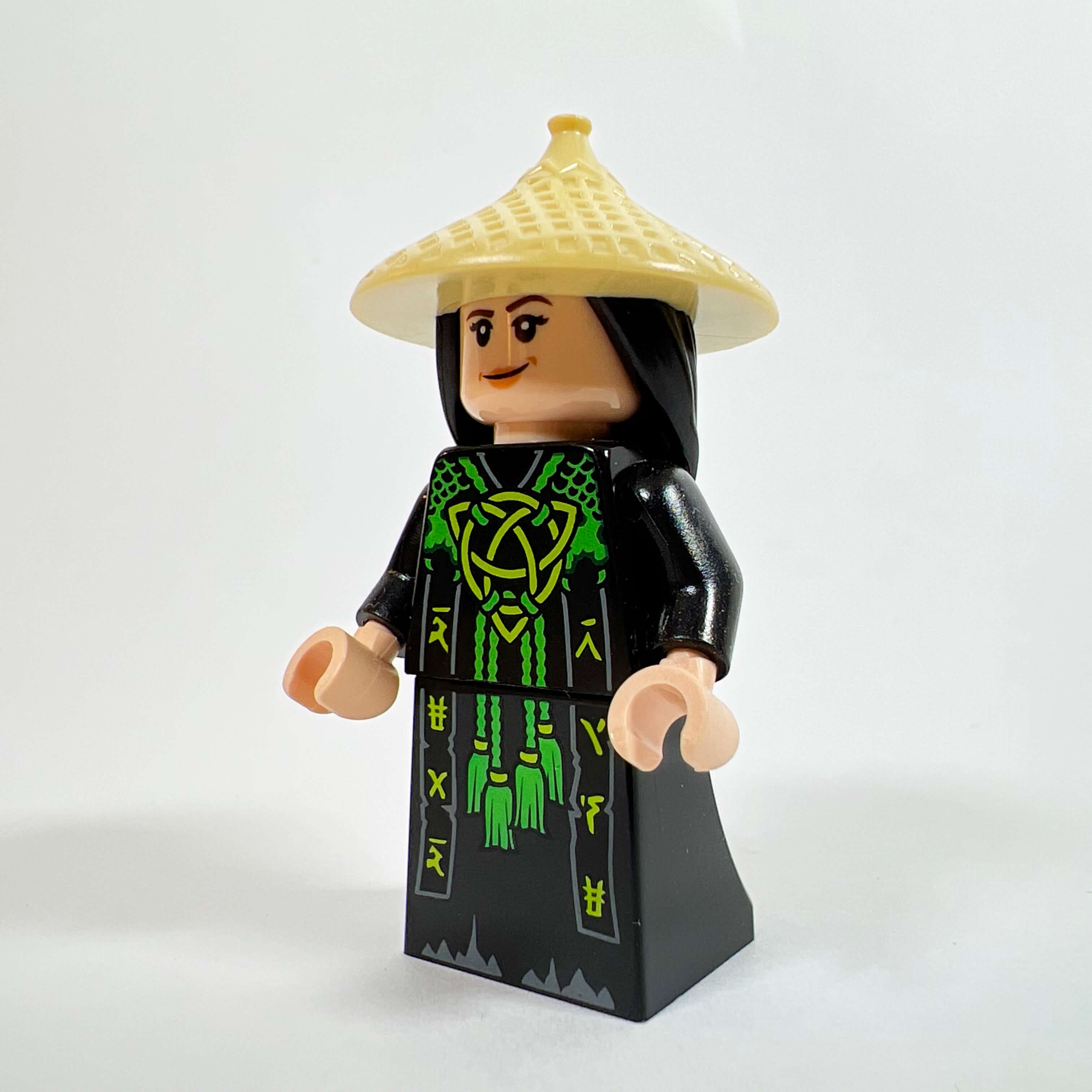
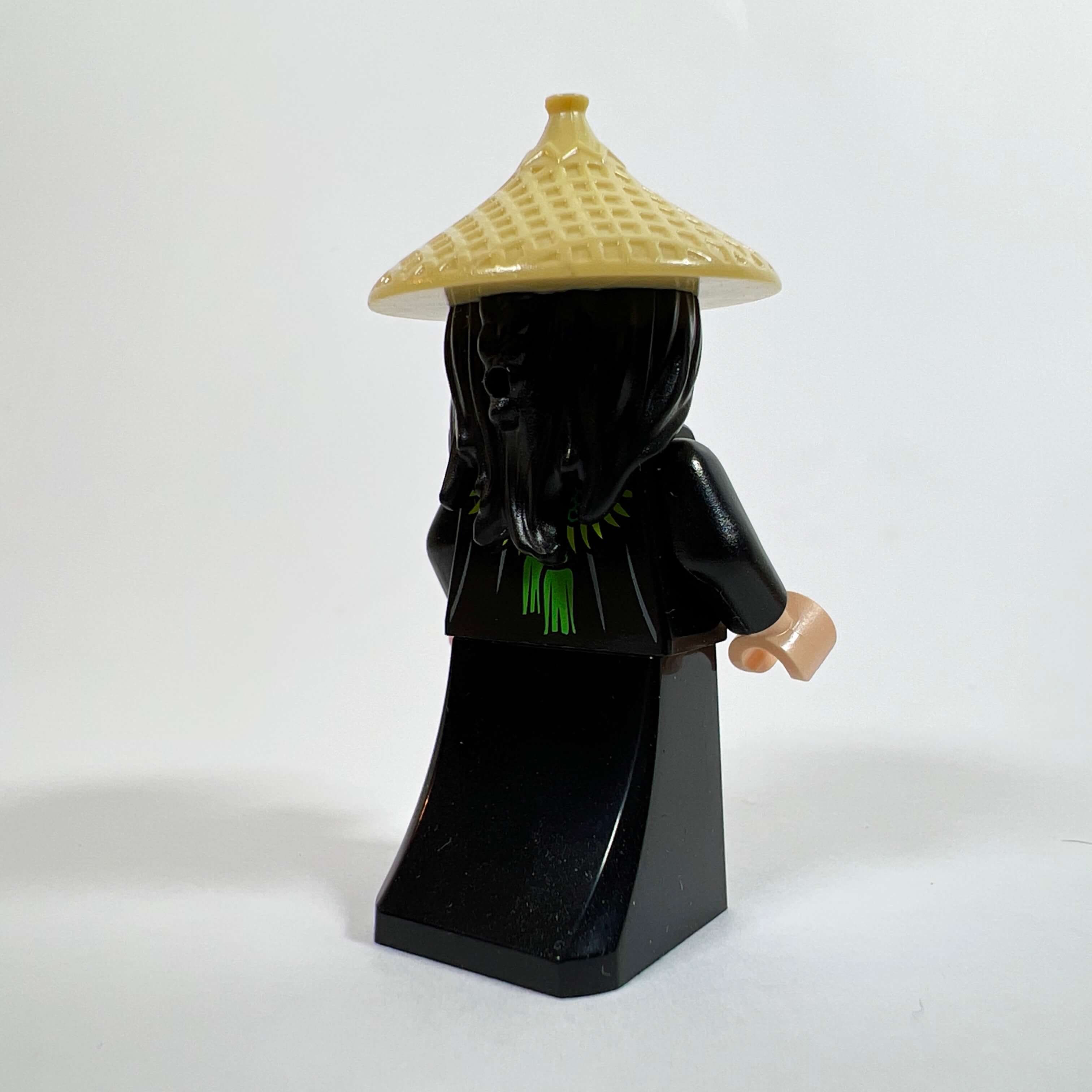
When I decided to add market kiosks to the street of the MOC, I created at the same time the two vendors who occupy them, including the animal seller. I looked for parts that could fit, and I found a nice dress-like outfit in the Ninjago range (minifigure NJO607 Skull Sorcerer) and a straw hat in the Disney range (DP118 Raya). The result gives a peasant-like style that I find quite appropriate and original compared with the other minifigures in the MOC.
The Mandalorian armorer
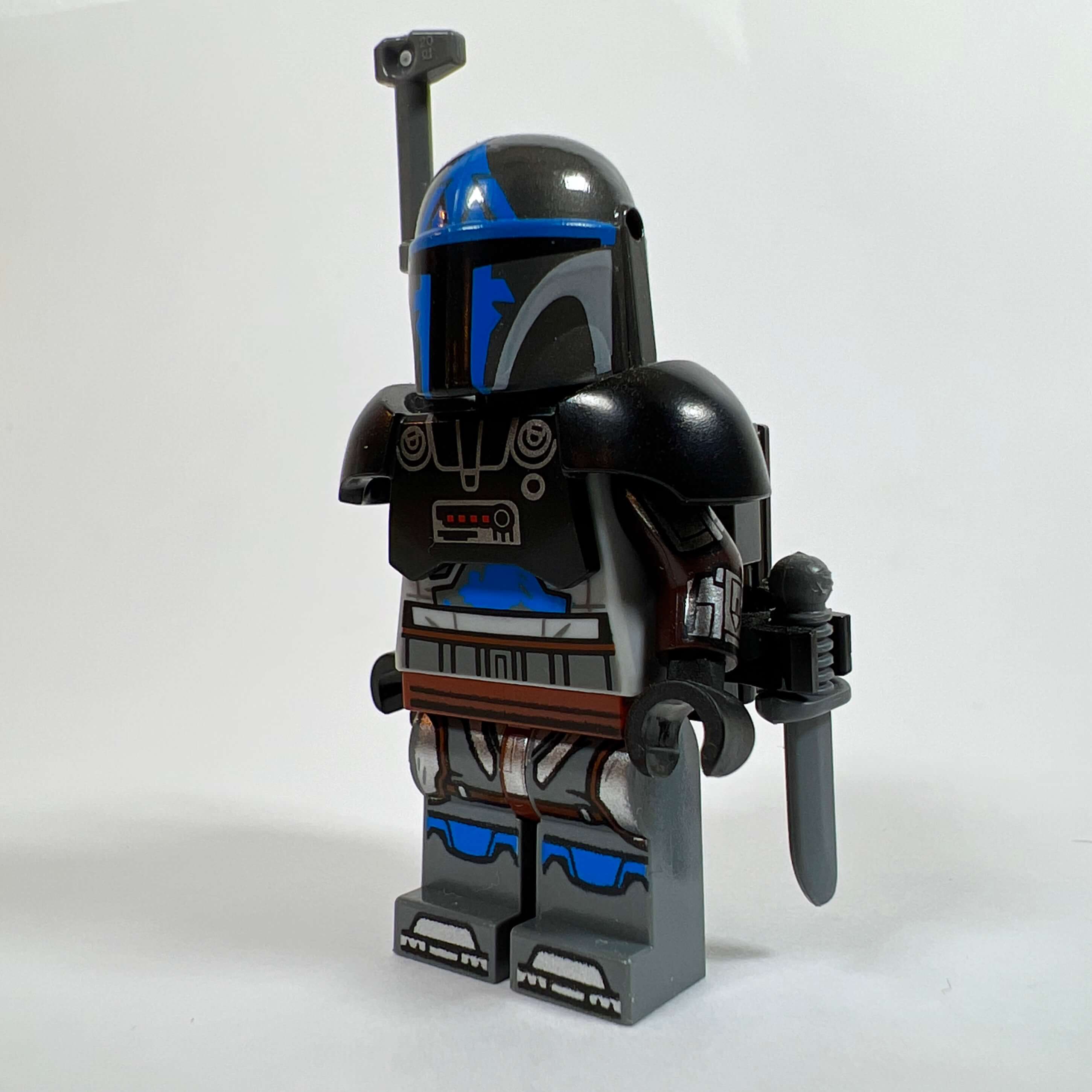
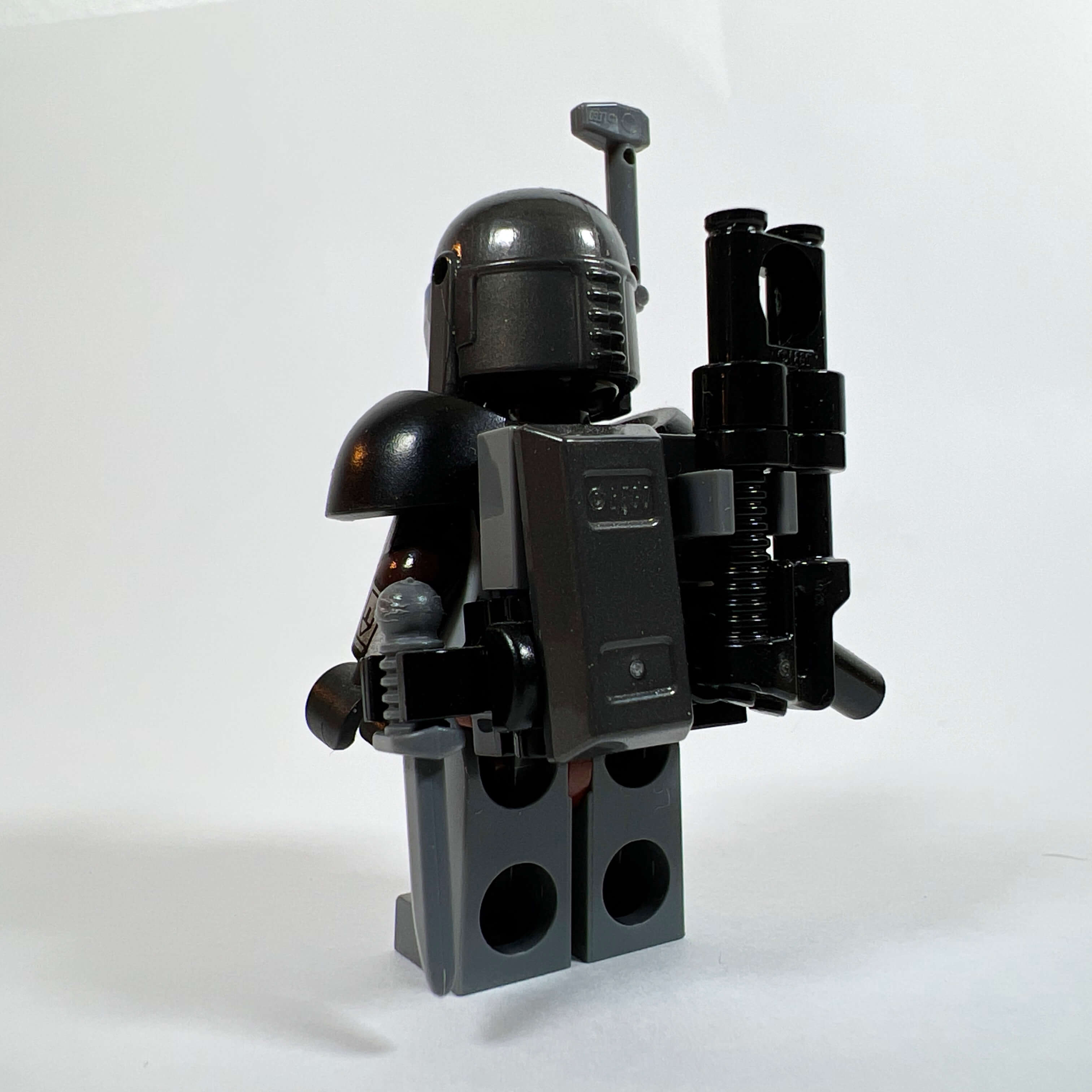
The second vendor is a Mandalorian armorer. In SWTOR, Mandalorians wear different helmet designs that do not exist in LEGO, so I improvised with the available parts: the helmet and the body come from different blue-toned Mandalorian minifigures from recent sets, the arms are from Din Djarin (SW1135), and an armor piece from Dark Trooper (SW1161) bulks out the minifigure and makes it possible to add accessories on the back: a rifle and a knife. This accumulation makes the minifigure sufficiently different from the Mandalorians from LEGO sets to be believable as coming from the era of the Old Republic.
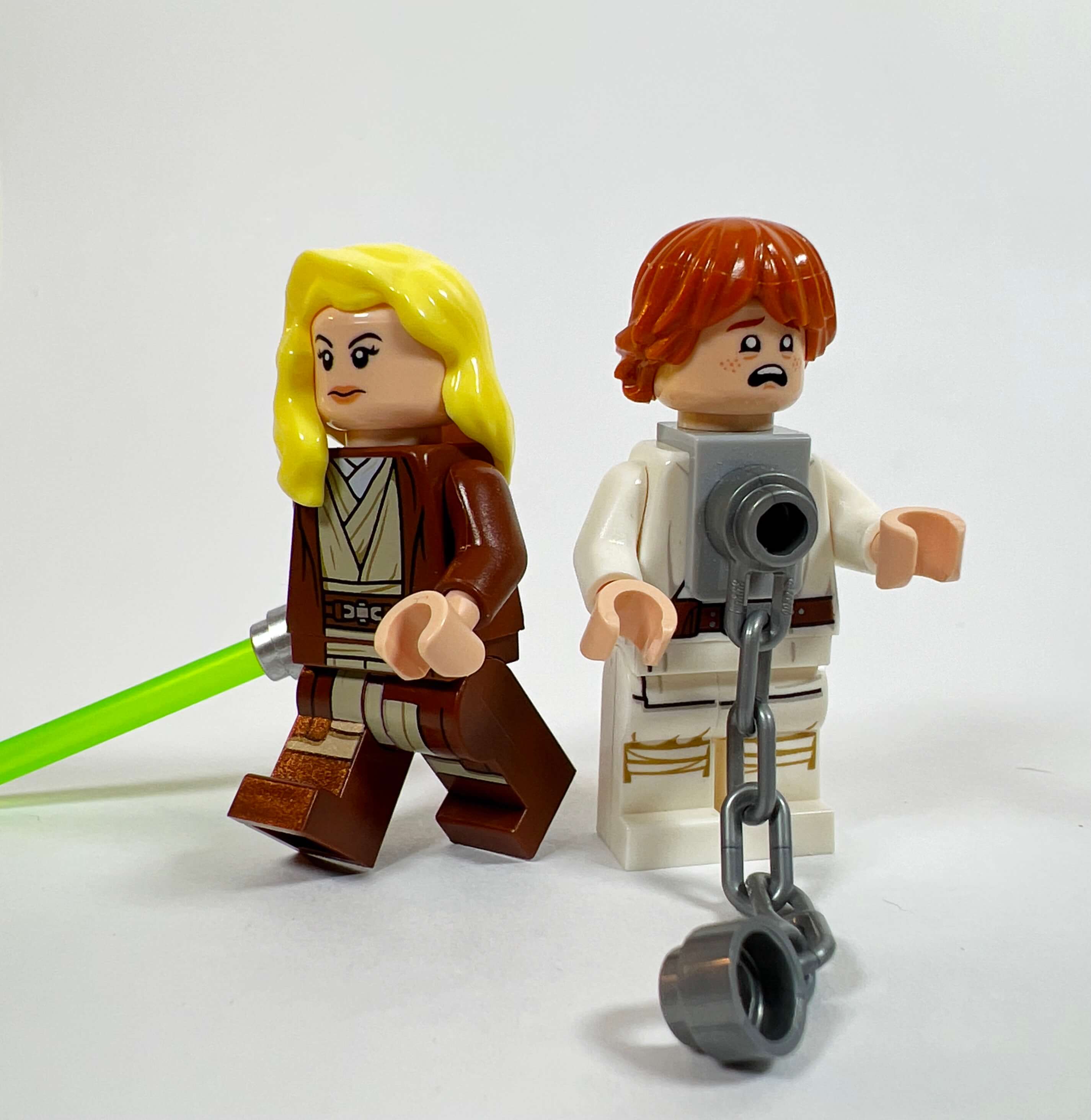
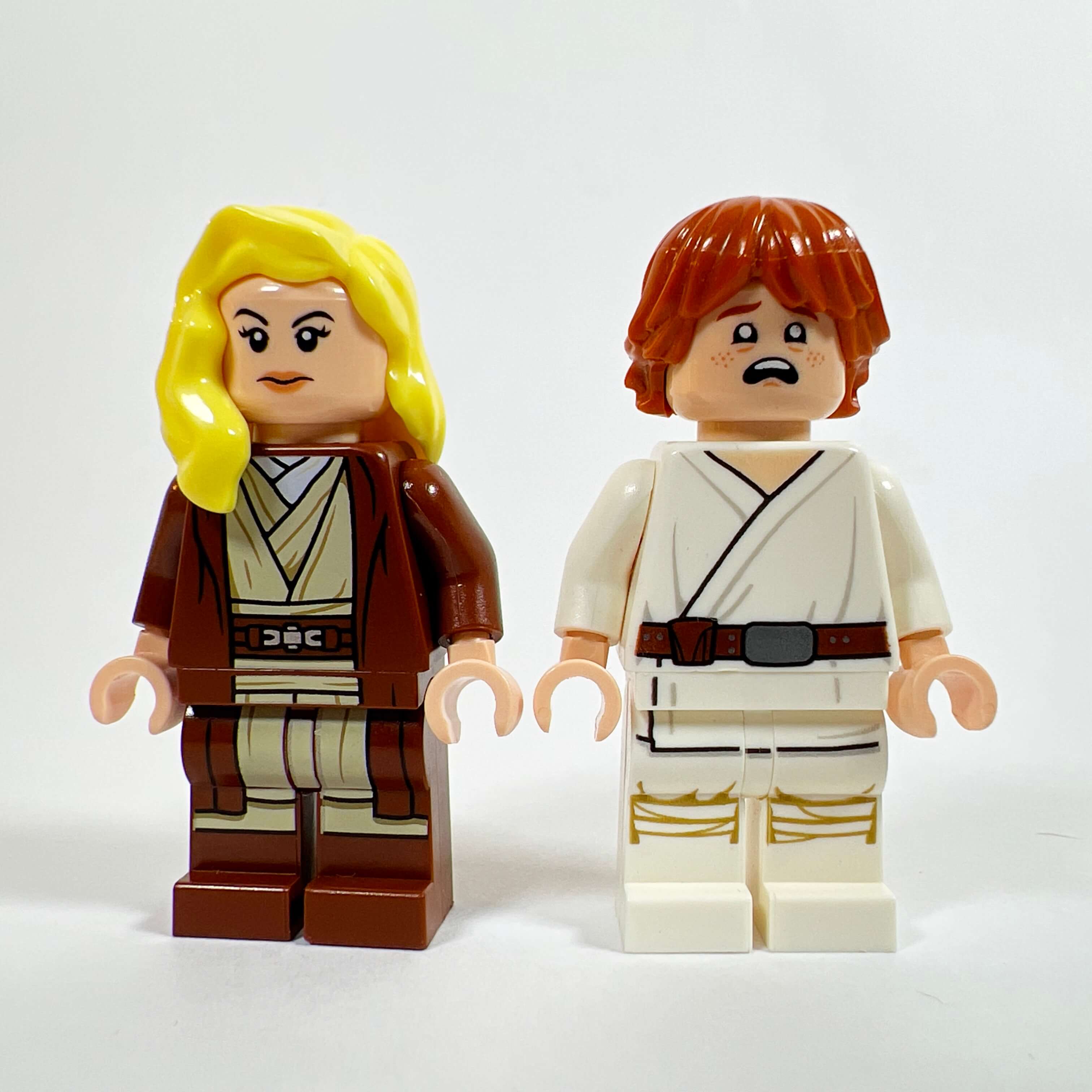
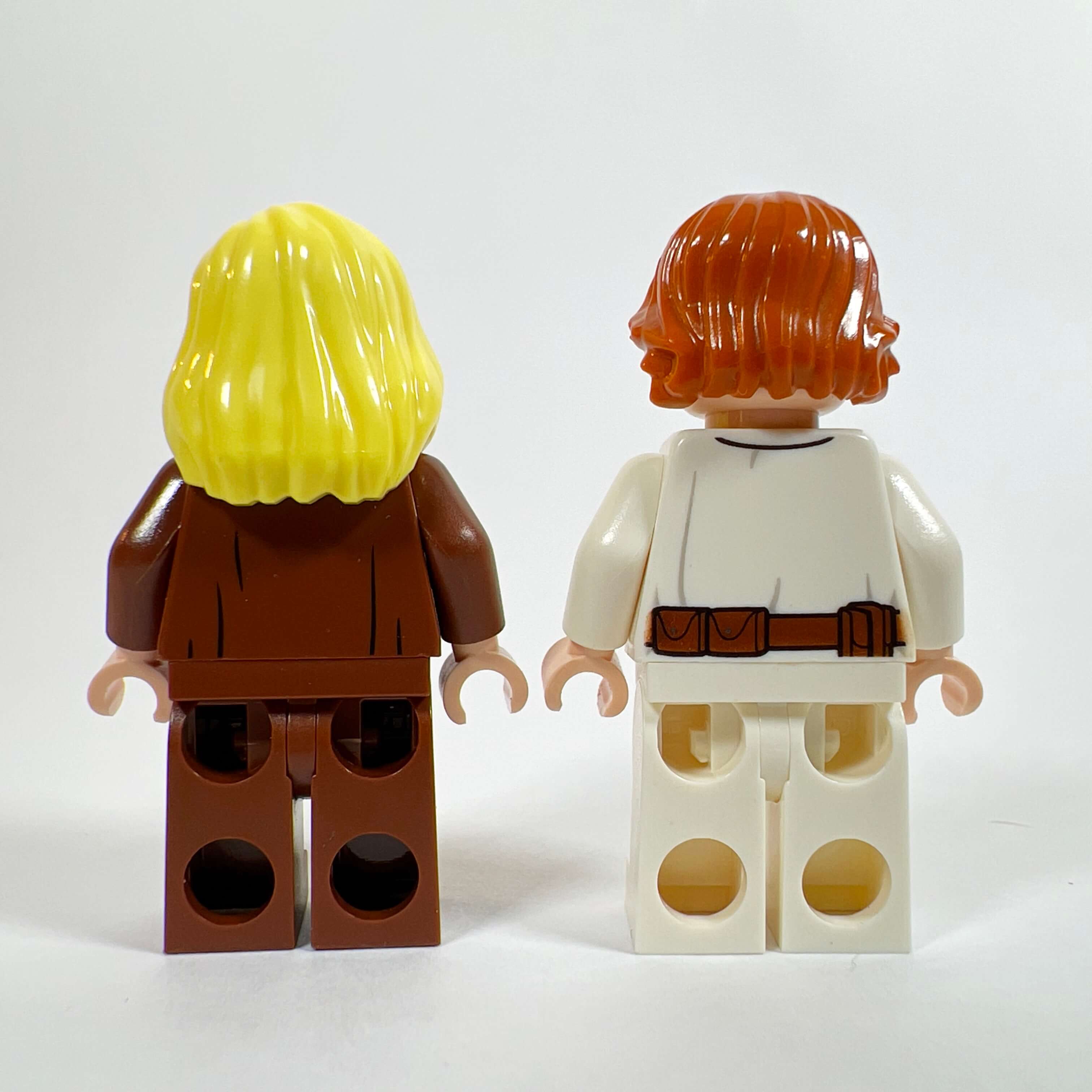
The lost Padawan
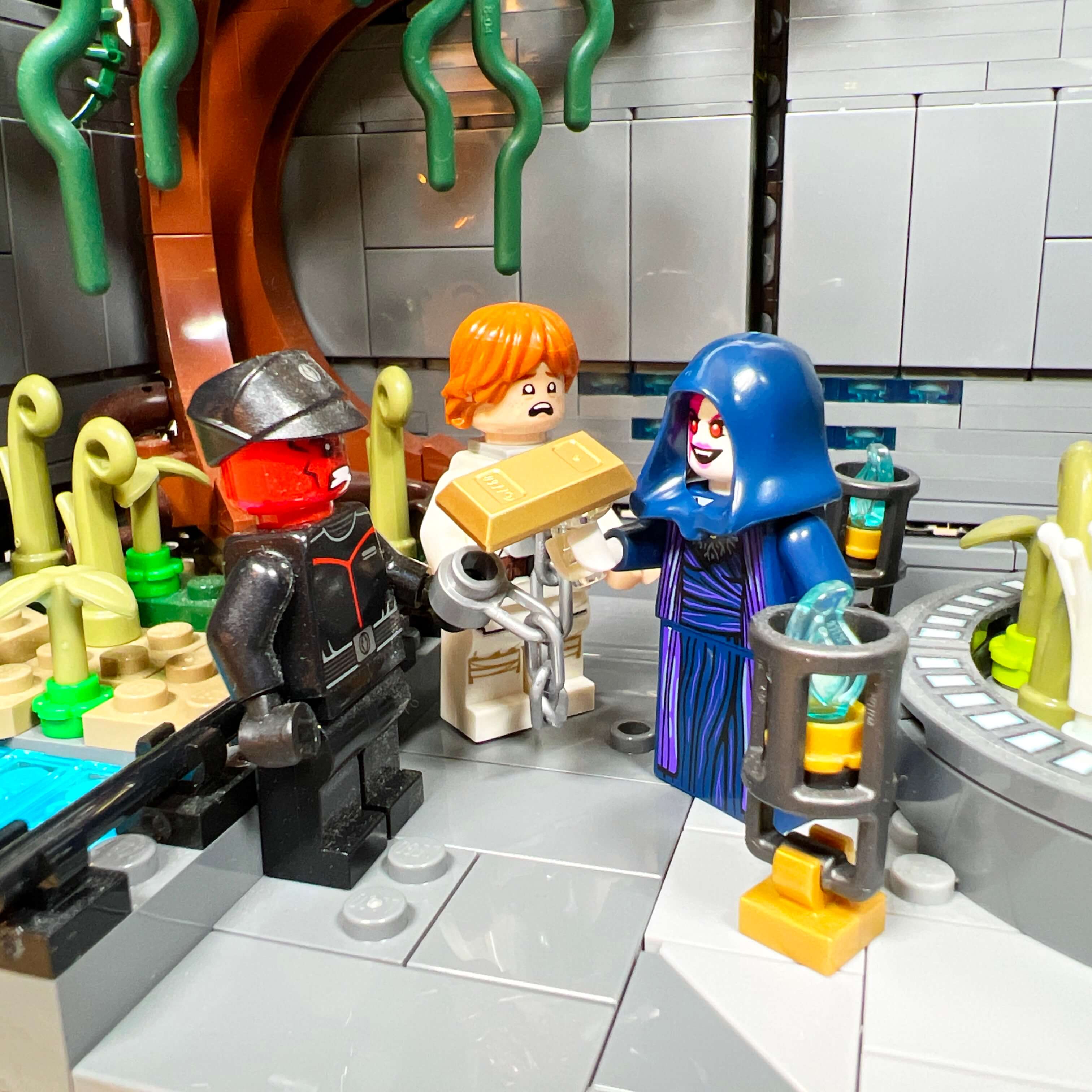
When I decided to make a Sith Empire MOC with different locations including the market, I was thinking of adding a slave trader to push the concept all the way, since slavery is a fundamental component of the Empire in the game. However, the lack of space and of specific parts (I wanted to make a Trandoshan slaver) pushed me to settle for a simpler solution. So I added a minifigure of a Padawan captured by the Sith. I used the body of Luke Skywalker Tatooine version (SW0778) for its simple tunic, and the head of Ron Weasley (HP280) for his frightened face. The result matches what I wanted to achieve: you can clearly see the Padawan’s distress when he is sold to the sorceress and then tortured in the interrogation room.
The Jedi Master
When I built the first version of the MOC and added a jungle section, I wanted to place a camp on the edge of the swamp with an exiled Jedi, in reference to the Odessen scene I mentioned earlier. Then, when the MOC evolved into its final version, Satele Shan replaced her, and this Jedi minifigure found its role as the Master of the captured Padawan who sets out in search of him. I wanted to use her in the MOC because I really like the tunic of the SW1220 Obi-Wan Kenobi Episode II version minifigure, one of the best for making custom Jedi simply by changing the head. Here, as a woman with long blond hair, she is believable without being mistaken for Obi-Wan.
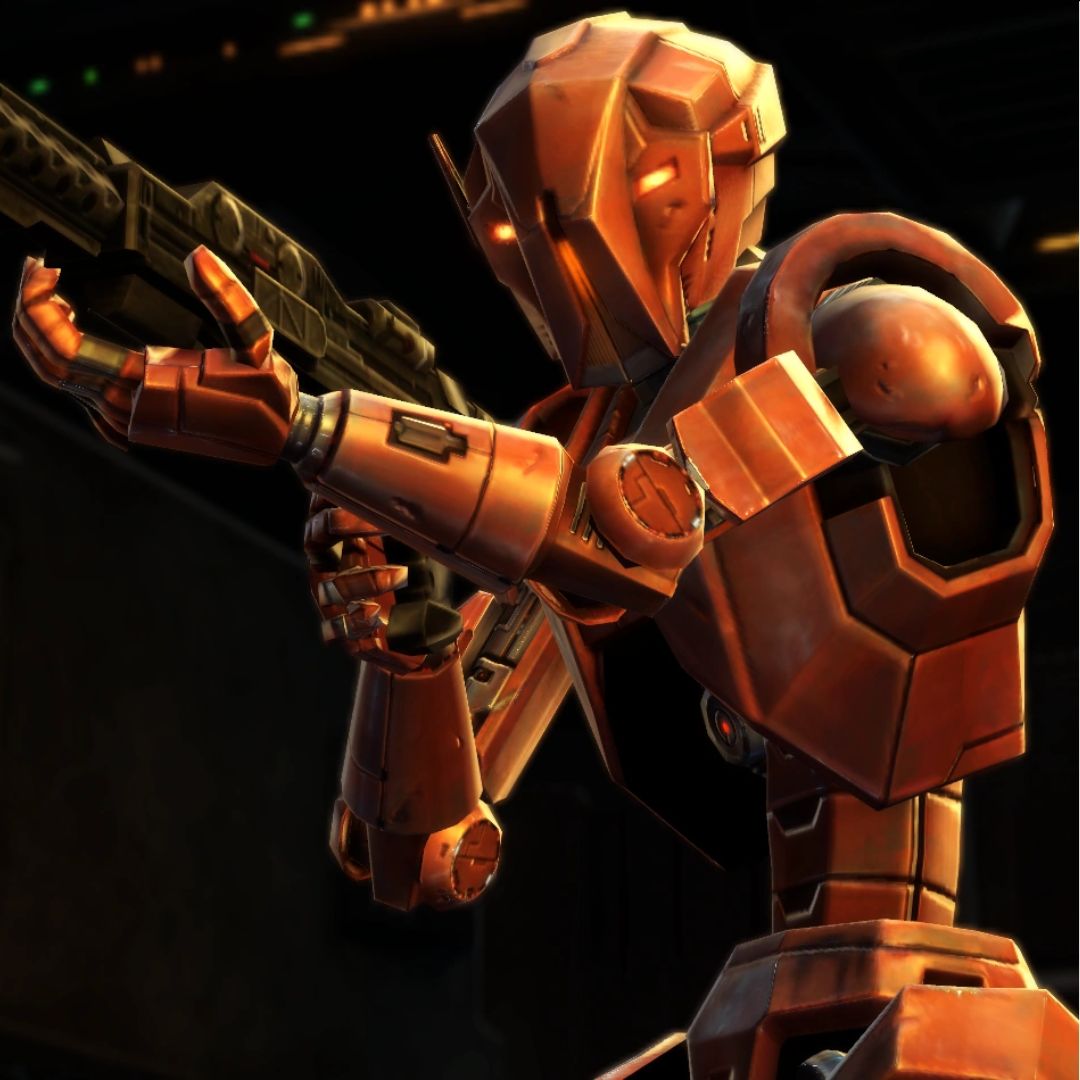
The HK assassin droid
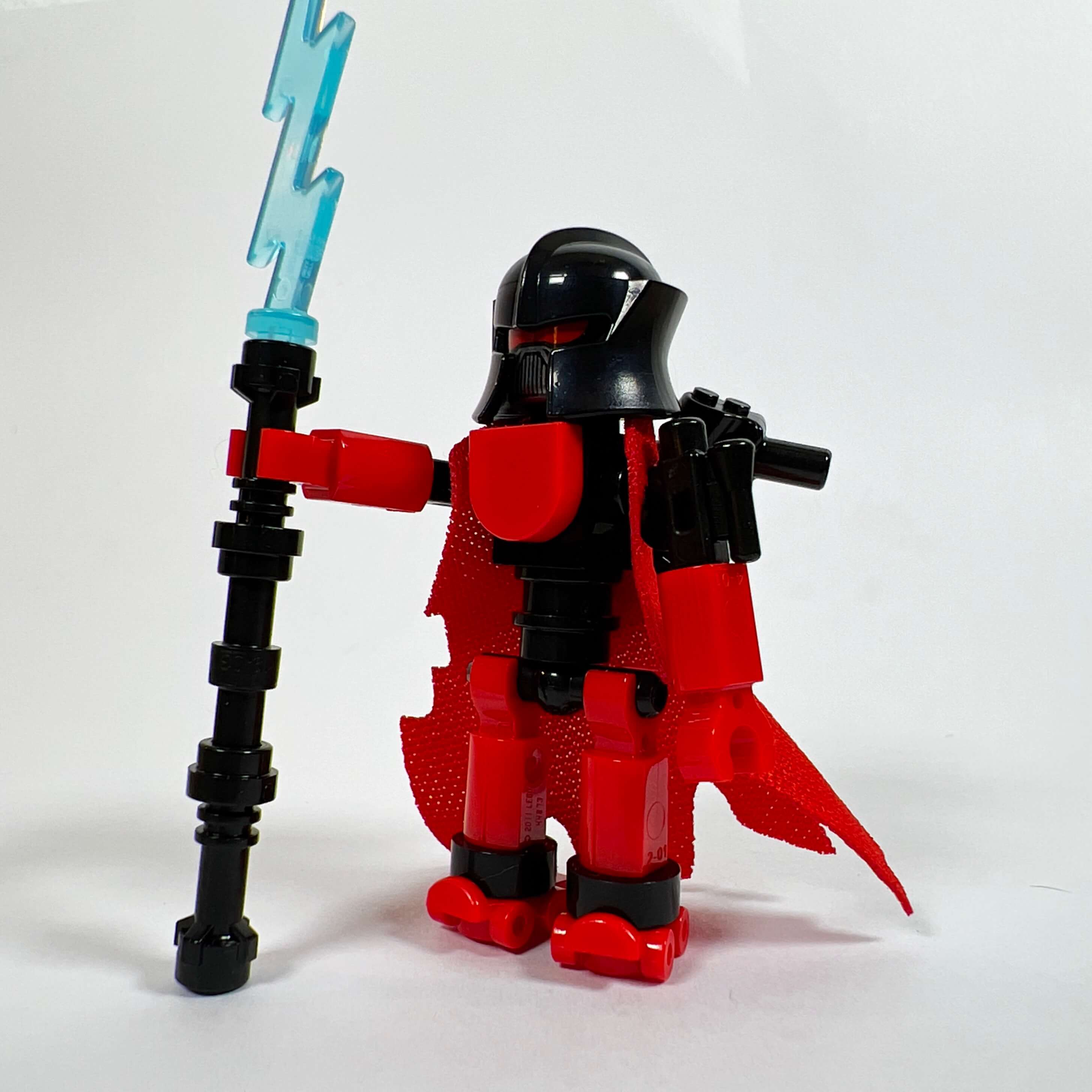
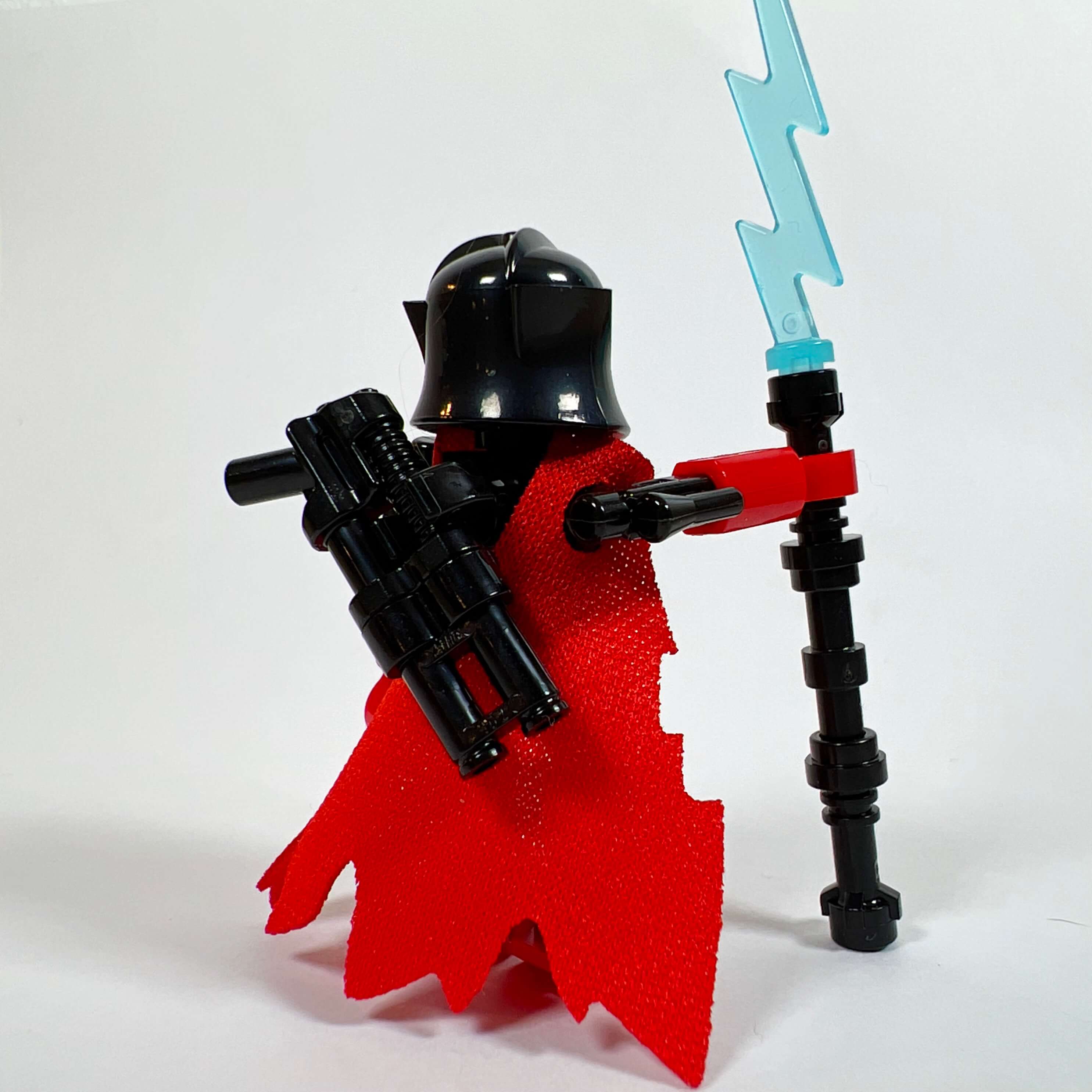
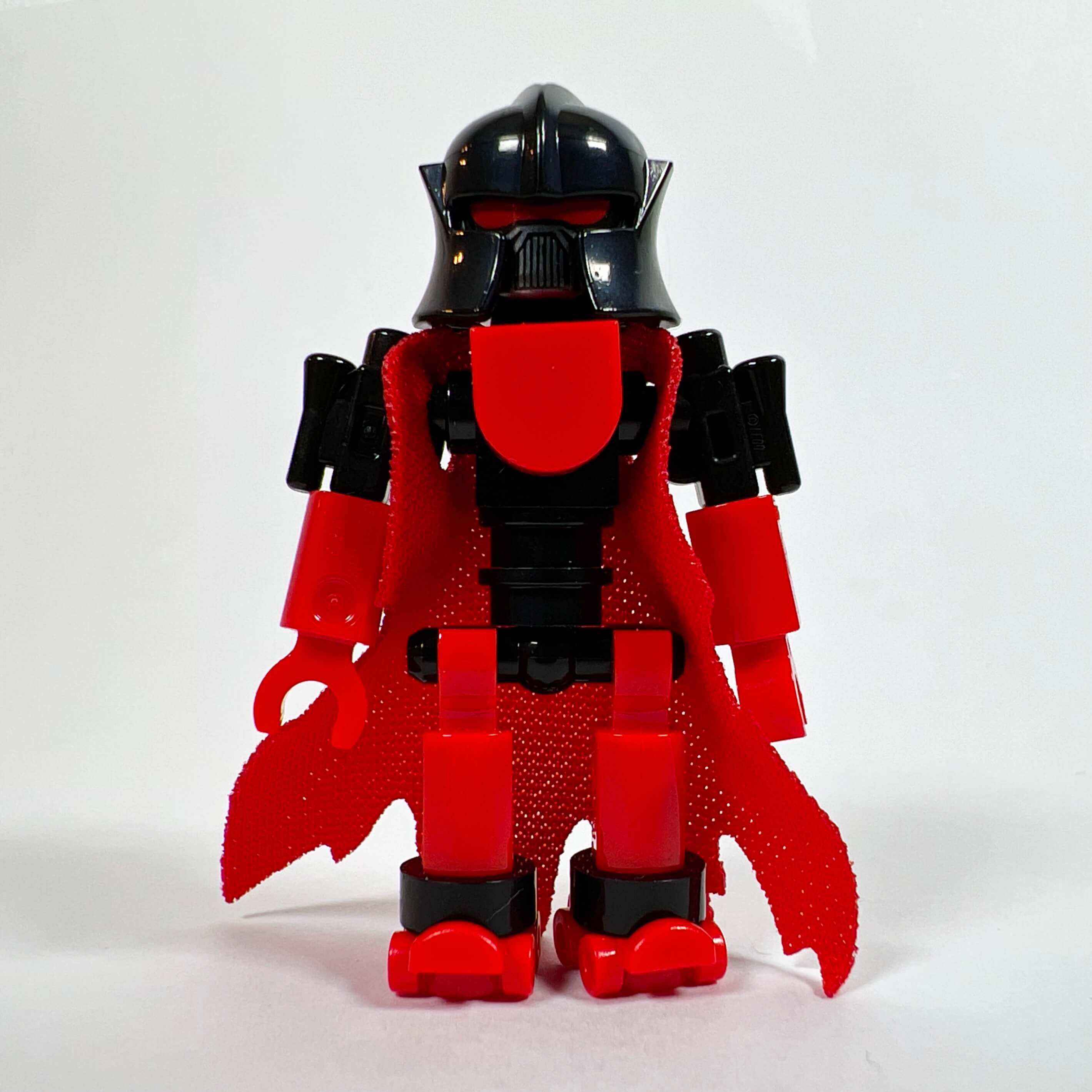
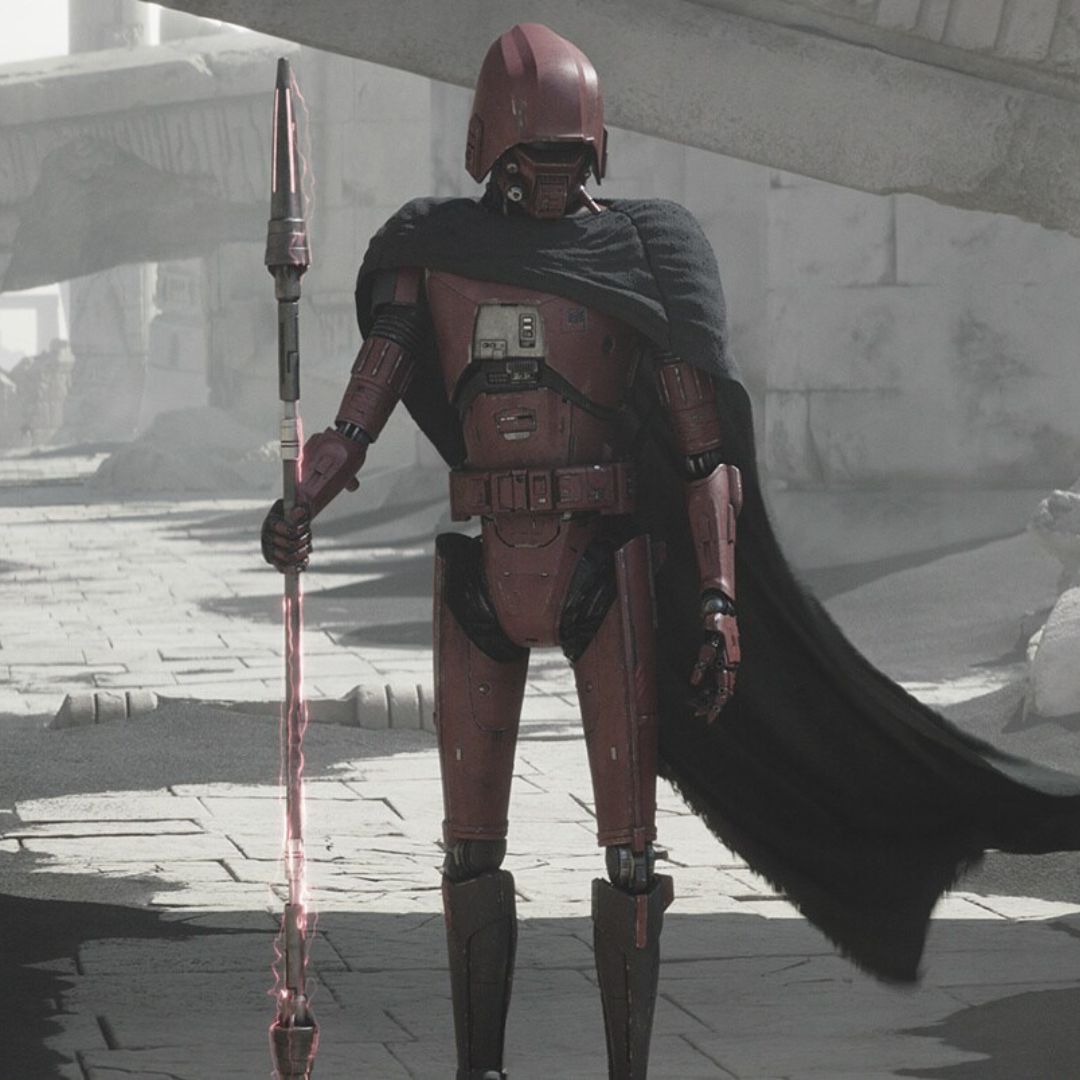
While building the MOC, I wanted to add an HK-47 droid, but I could not find a way to recreate it convincingly at minifigure scale, so I improvised with the pieces I had and eventually ended up with this fairly believable droid in the assassin droid style. It is heavily inspired by the HK droids from the Ahsoka series, with its cape and helmet. To build it, I used various small pieces including blasters for the shoulders, Dark Trooper heads under the helmet, and the torn red cape of the Orc (col418). Since this cape is attached by the shoulders, it leaves an opening that allowed me to attach a rifle to the droid’s back in addition to its staff, which gives it a more threatening look. I am very happy with this creation, and I posted a tutorial for building it on Instagram.
The T3 utility droid
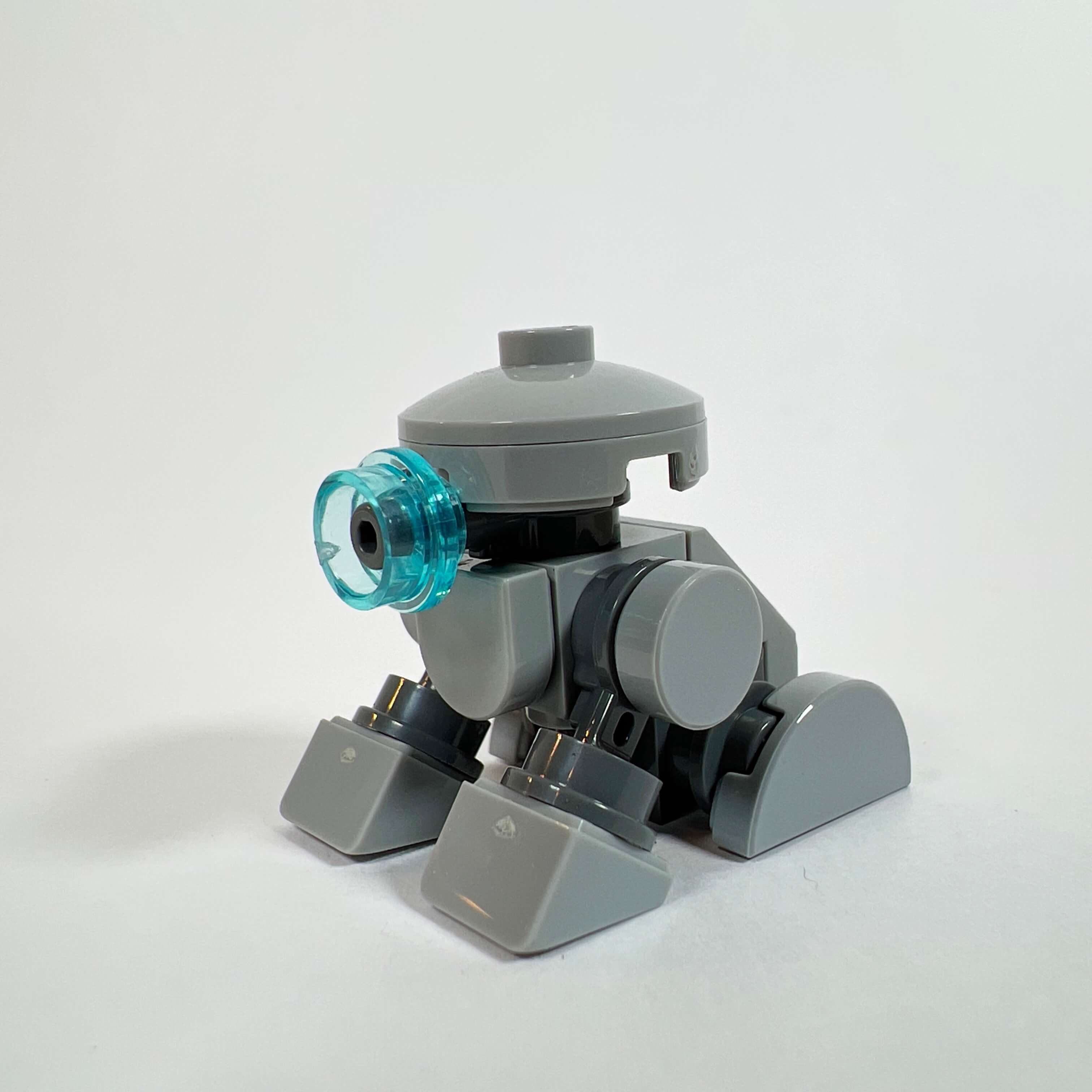
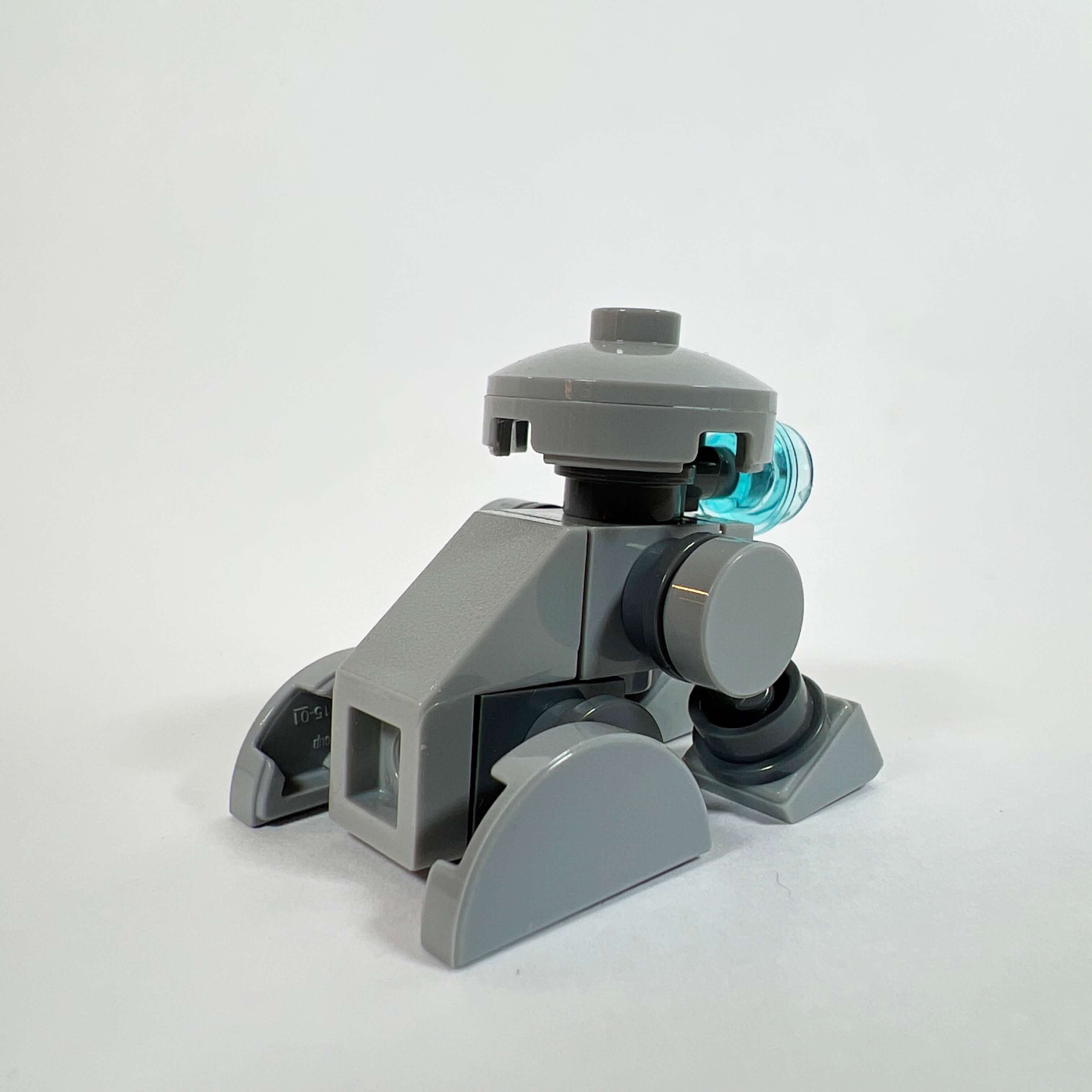
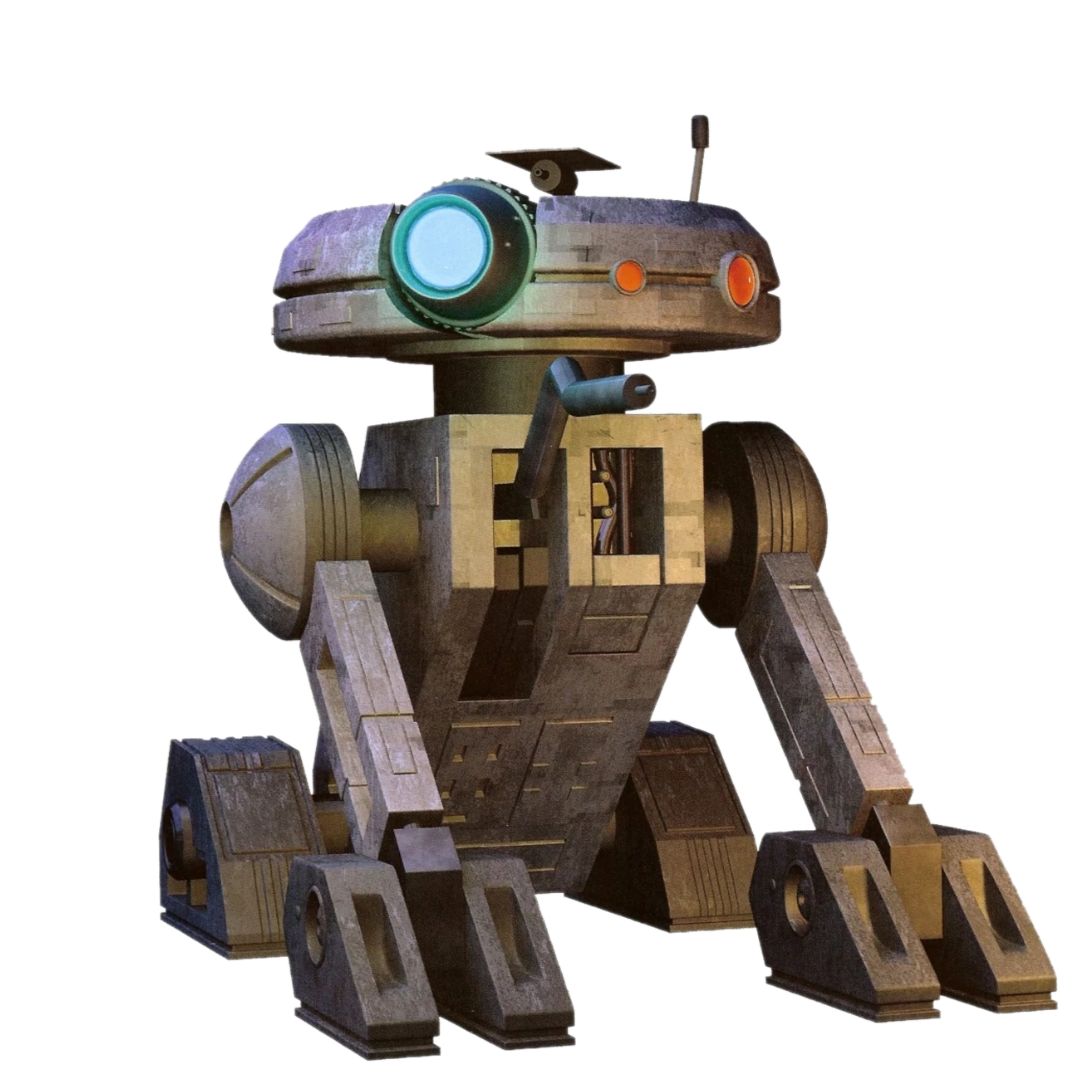
While I was figuring out how to build the HK droid, the pieces I was using inspired me to make a droid similar to T3-M4, the utility droid from the KOTOR game. As with the assassin droid, I am very happy with the result for a minifigure-scale creation, it looks very much like the real one. I also posted the tutorial for building it on Temple of Bricks’ Instagram account.
The Sith Warrior
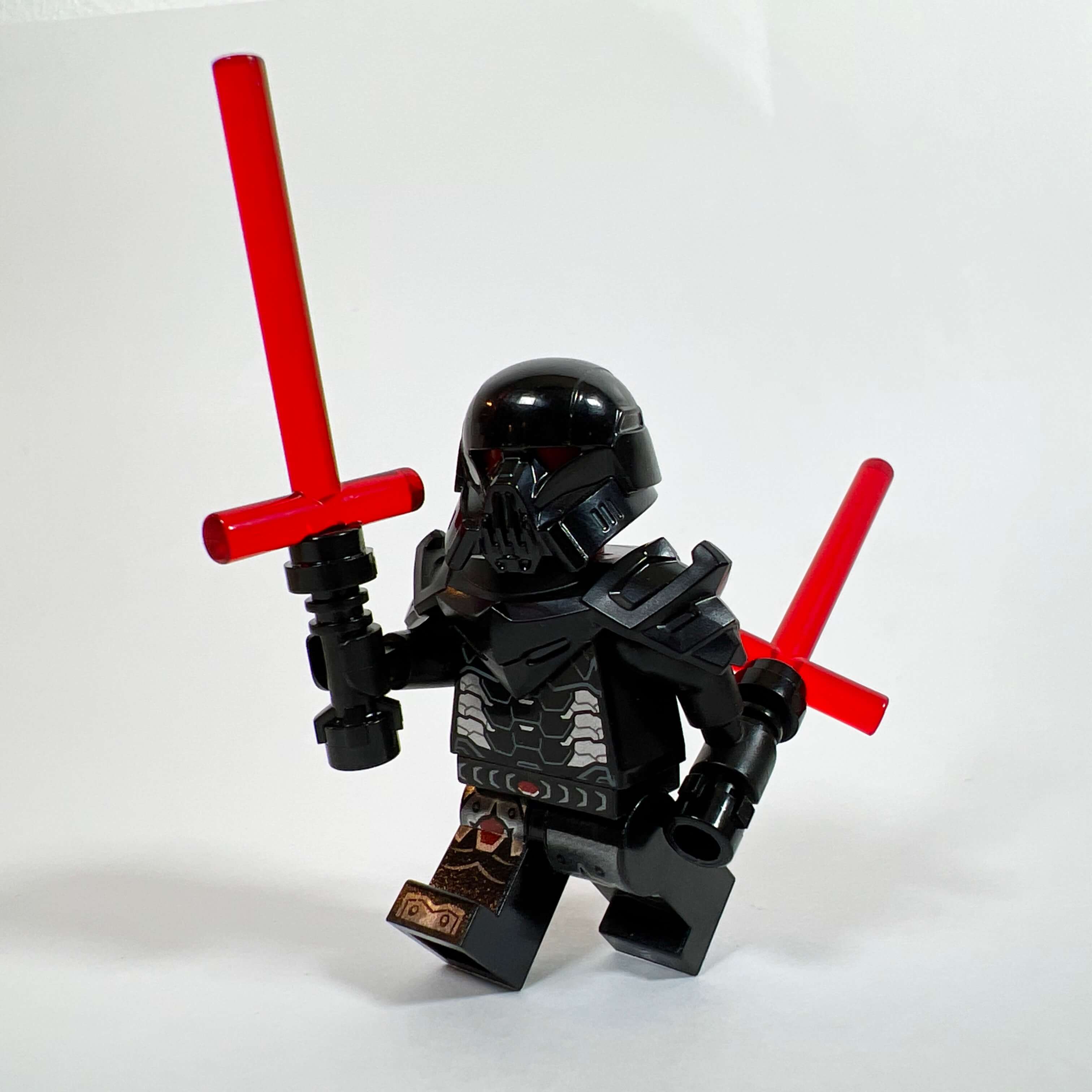
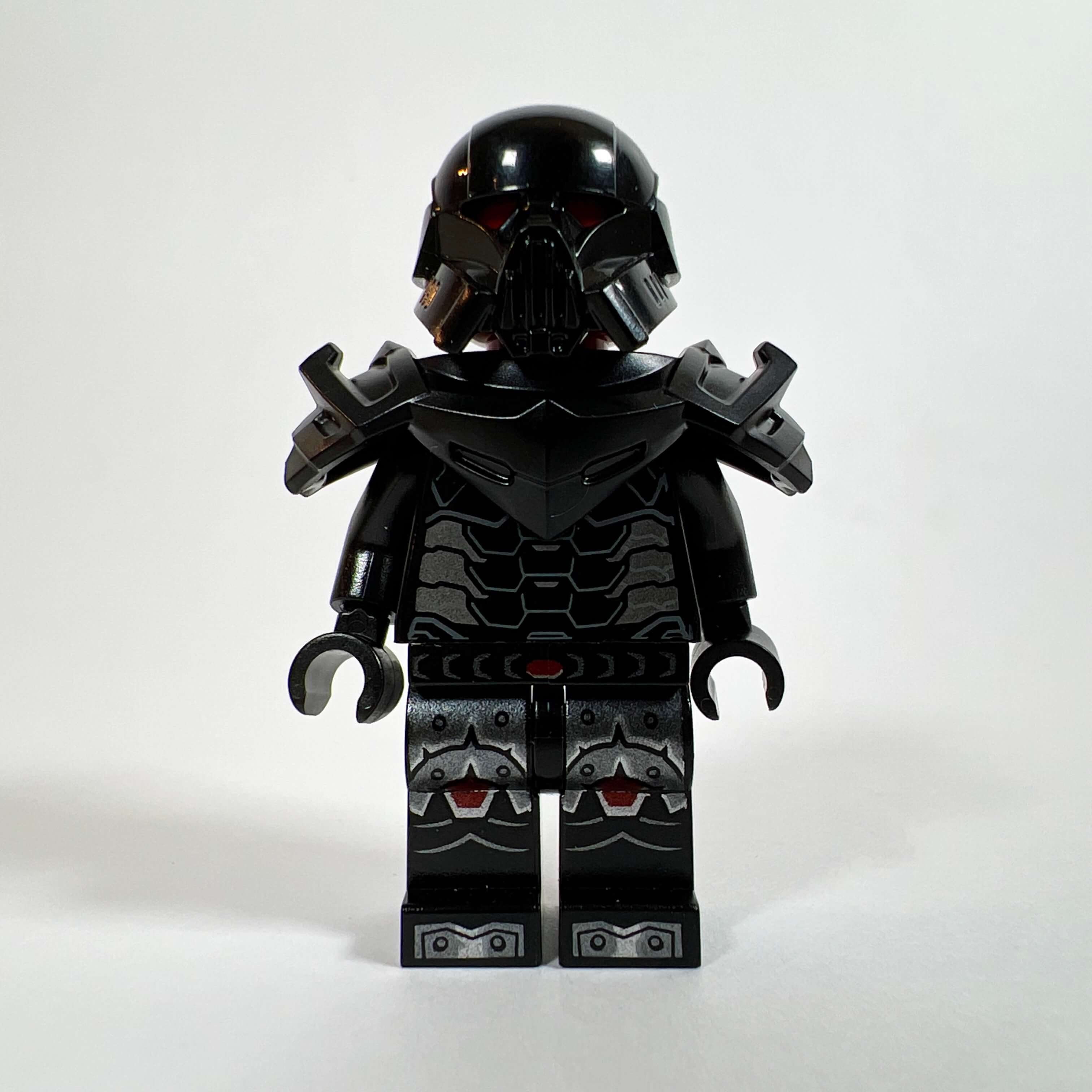
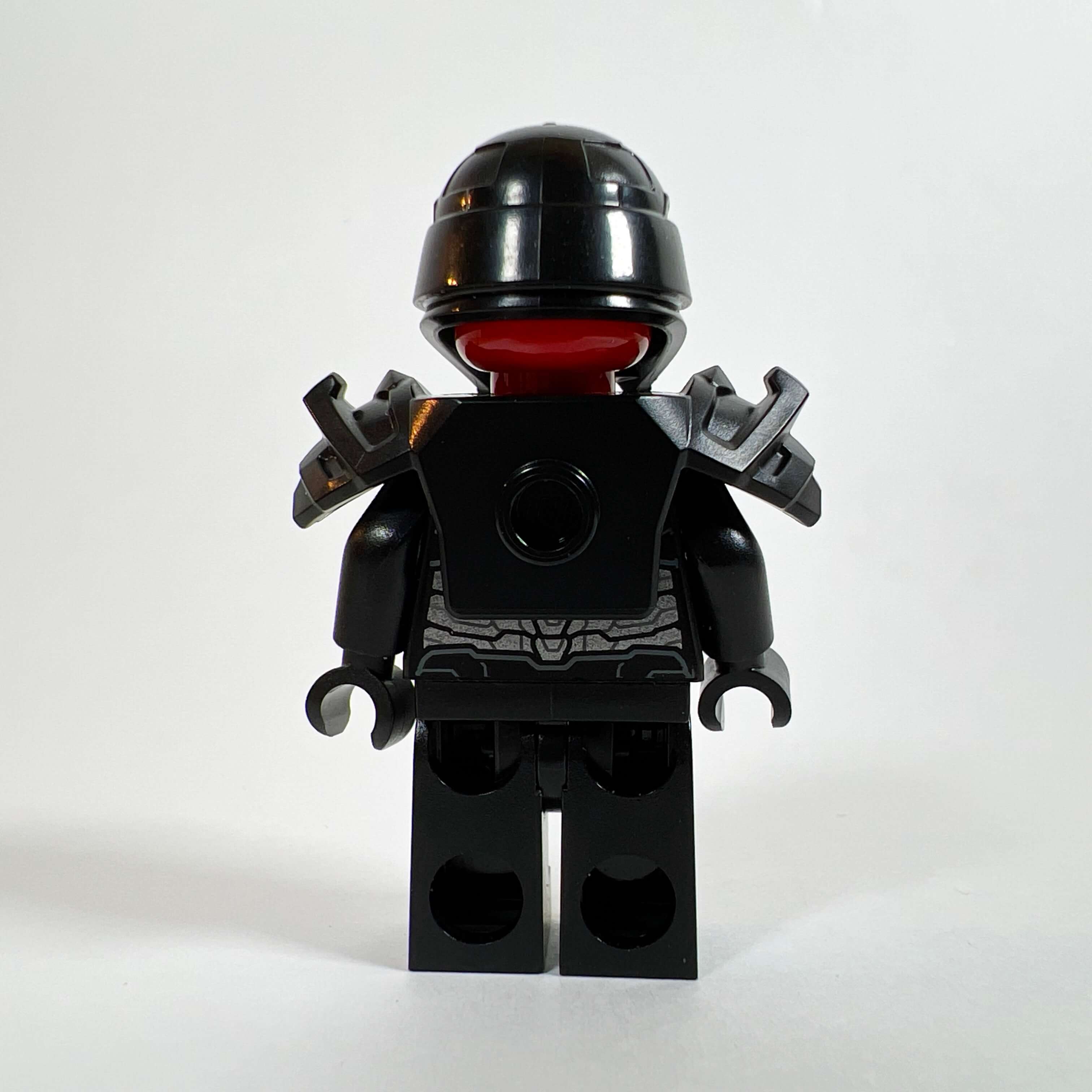
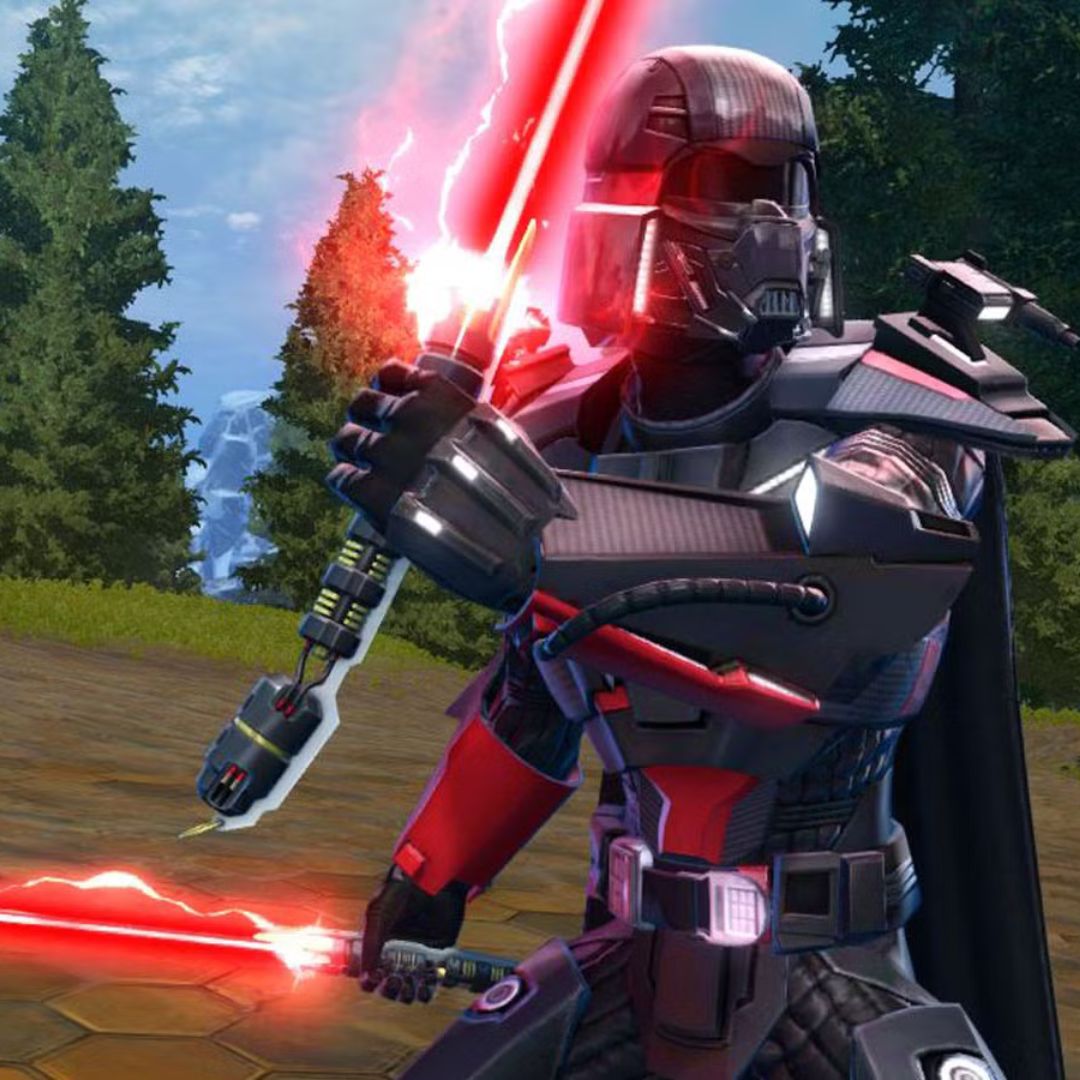
After the secondary characters, we get to the serious business with the Sith. The first is the Sith Warrior, inspired by one of the game’s character classes. Since this class is focused on lightsaber combat, I wanted something threatening, so I created a minifigure in black armor equipped with two red crossguard lightsabers (Kylo Ren-style blades). For the armor, I used a Nexo Knights leg piece (NEX005), a War Machine Marvel torso (SH0820), a Ninjago armor piece (NJO815), and the Dark Trooper helmet (SW1161) over a plain red head so that the eyes stand out through it. By a stroke of luck, this helmet looks a lot like that of the Sith from the SWTOR Legacy of the Sith trailer. The result matches what I wanted to achieve: a brute in heavy armor.
The Sith Assassin
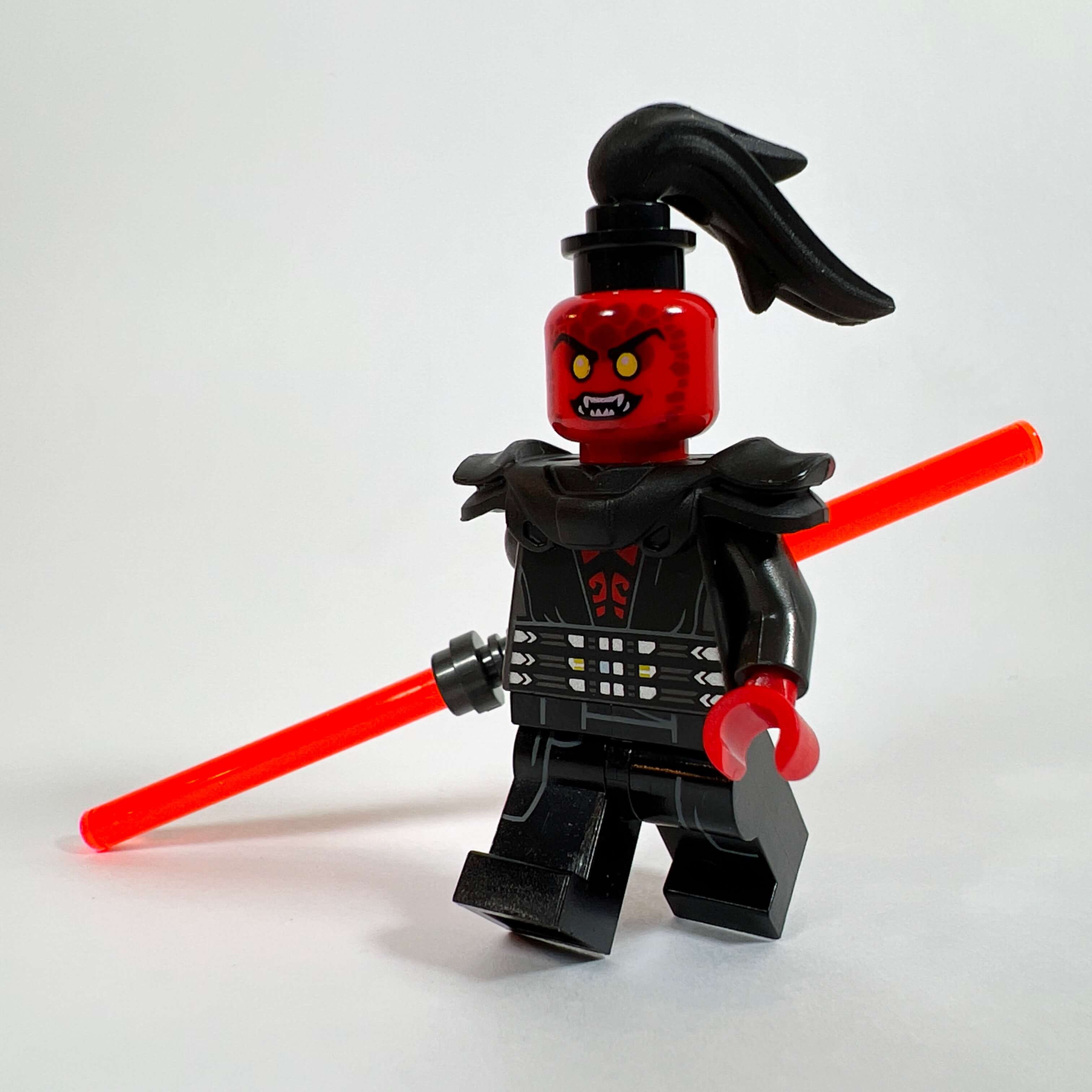
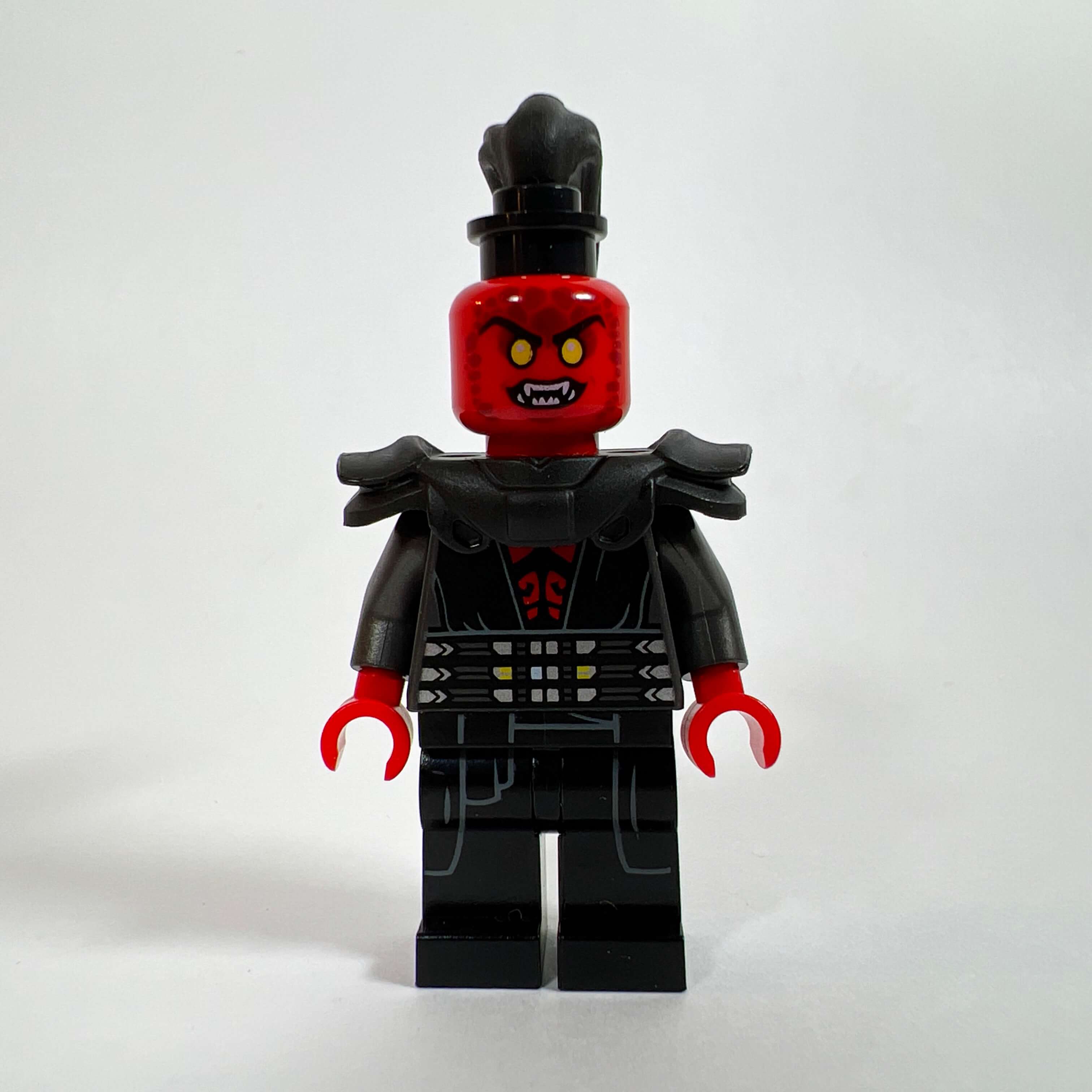
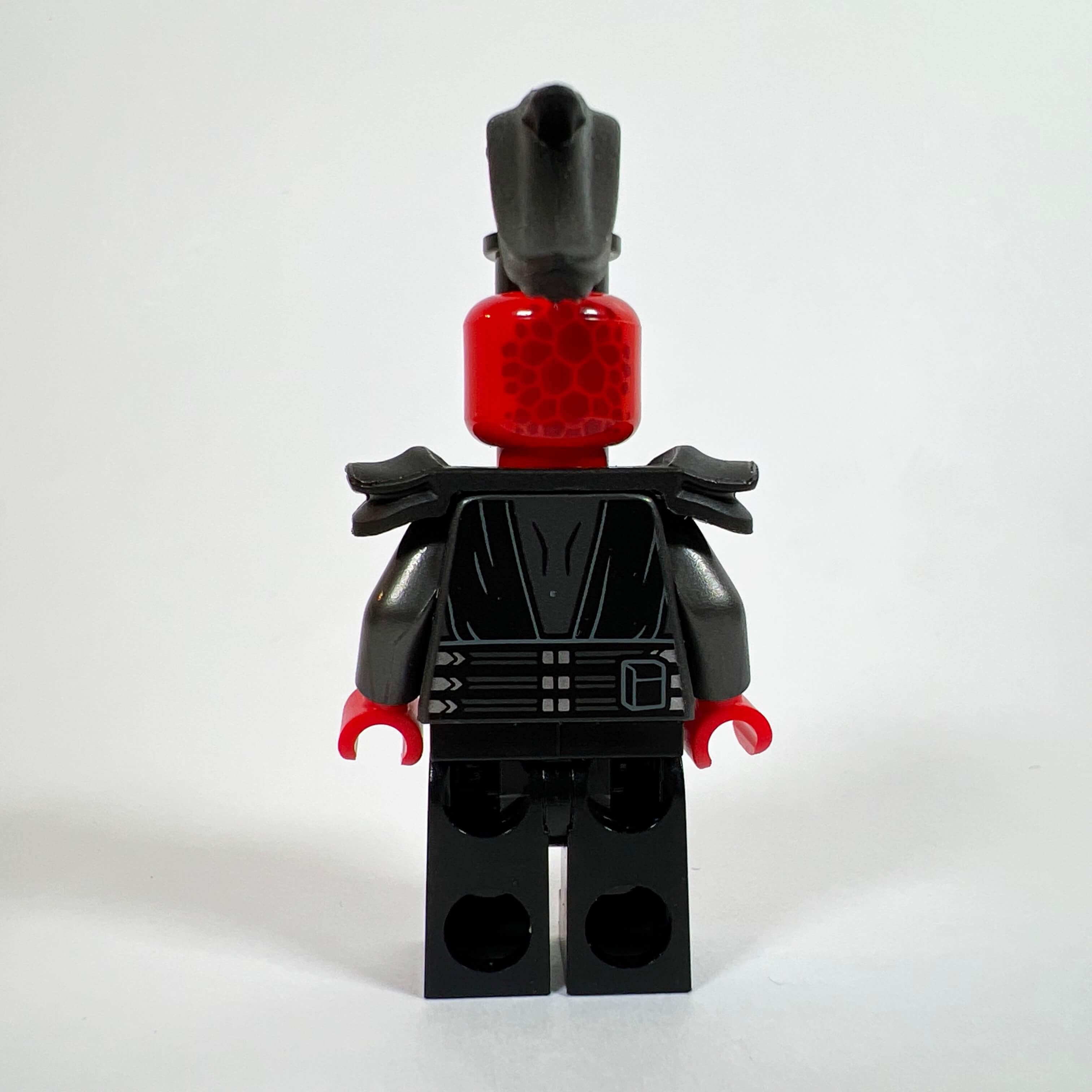
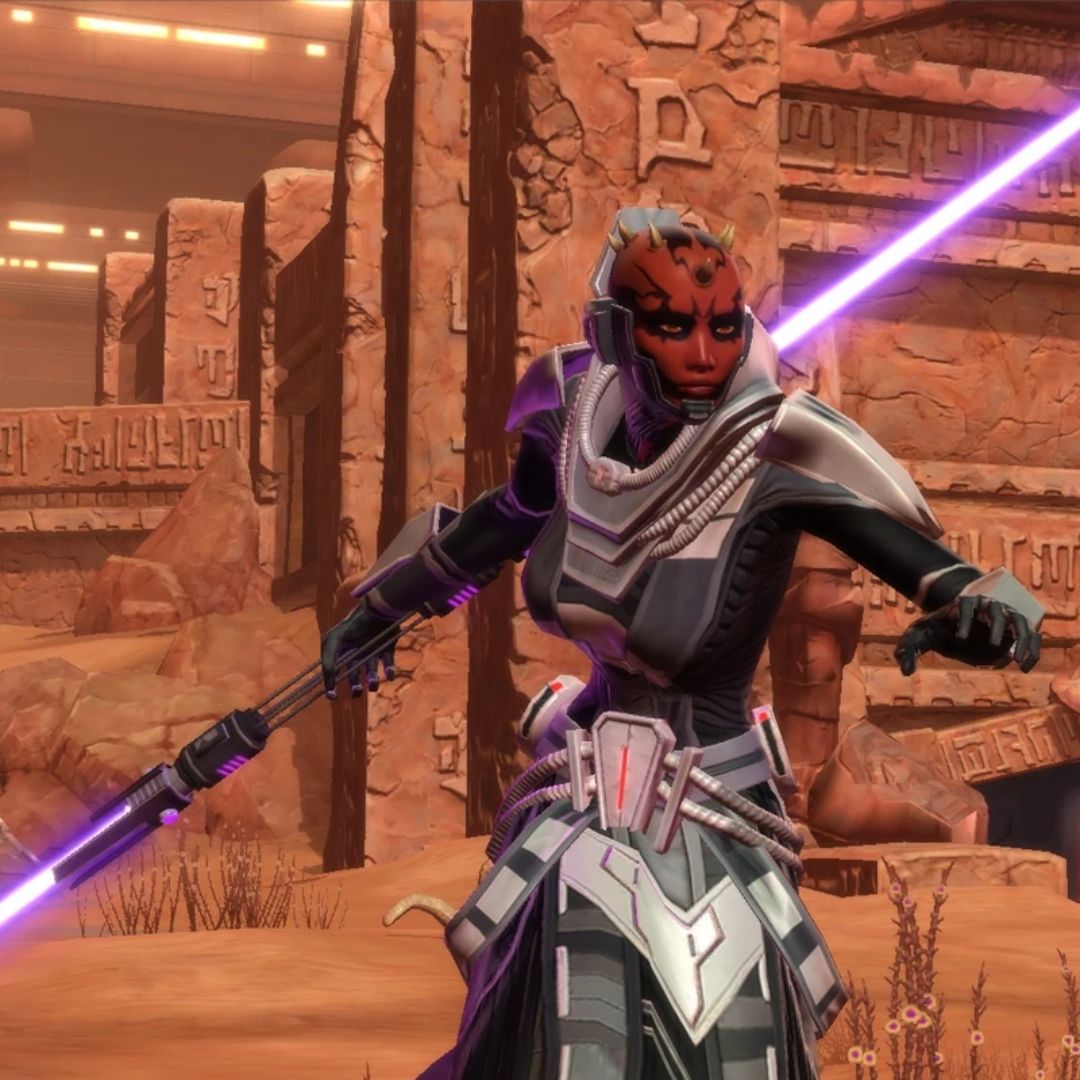
For the next Sith, I chose the Sith Assassin, a combat style of the Sith Inquisitor class characterized by its double-bladed lightsaber. Compared with the Warrior, I wanted something lighter, so I used an uncovered red head with yellow eyes (NEX005), ideal for representing a pureblood Sith from SWTOR without a helmet, and combined it with the torso of Darth Maul (SW1155), with its visible red skin. Black legs, an armor piece, and a ponytail complete the minifigure, along with an orange-bladed double lightsaber. As with the Warrior, I am happy with the result: the Sith Assassin has its own style consistent with the game.
The Sith Sorceress
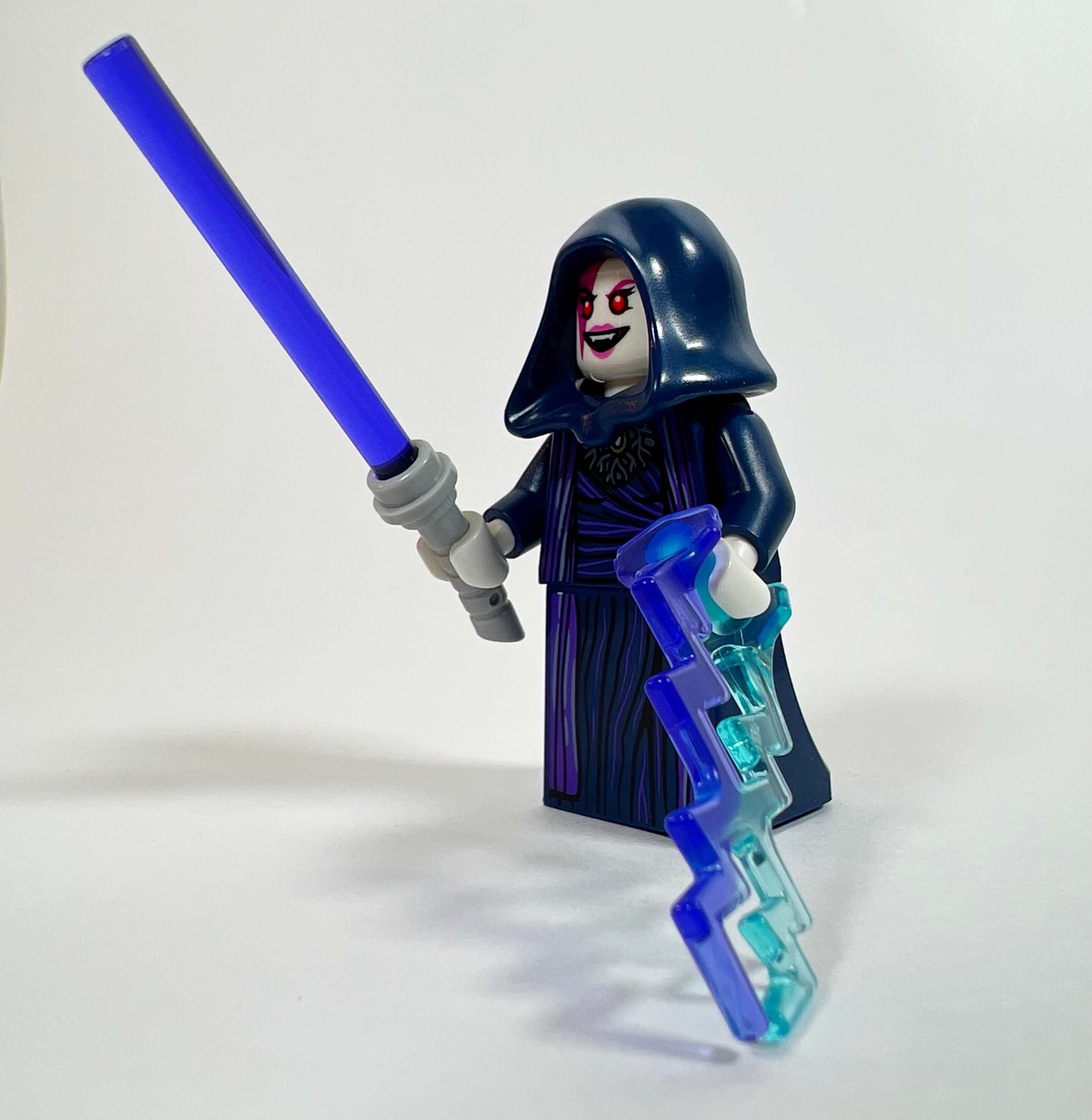
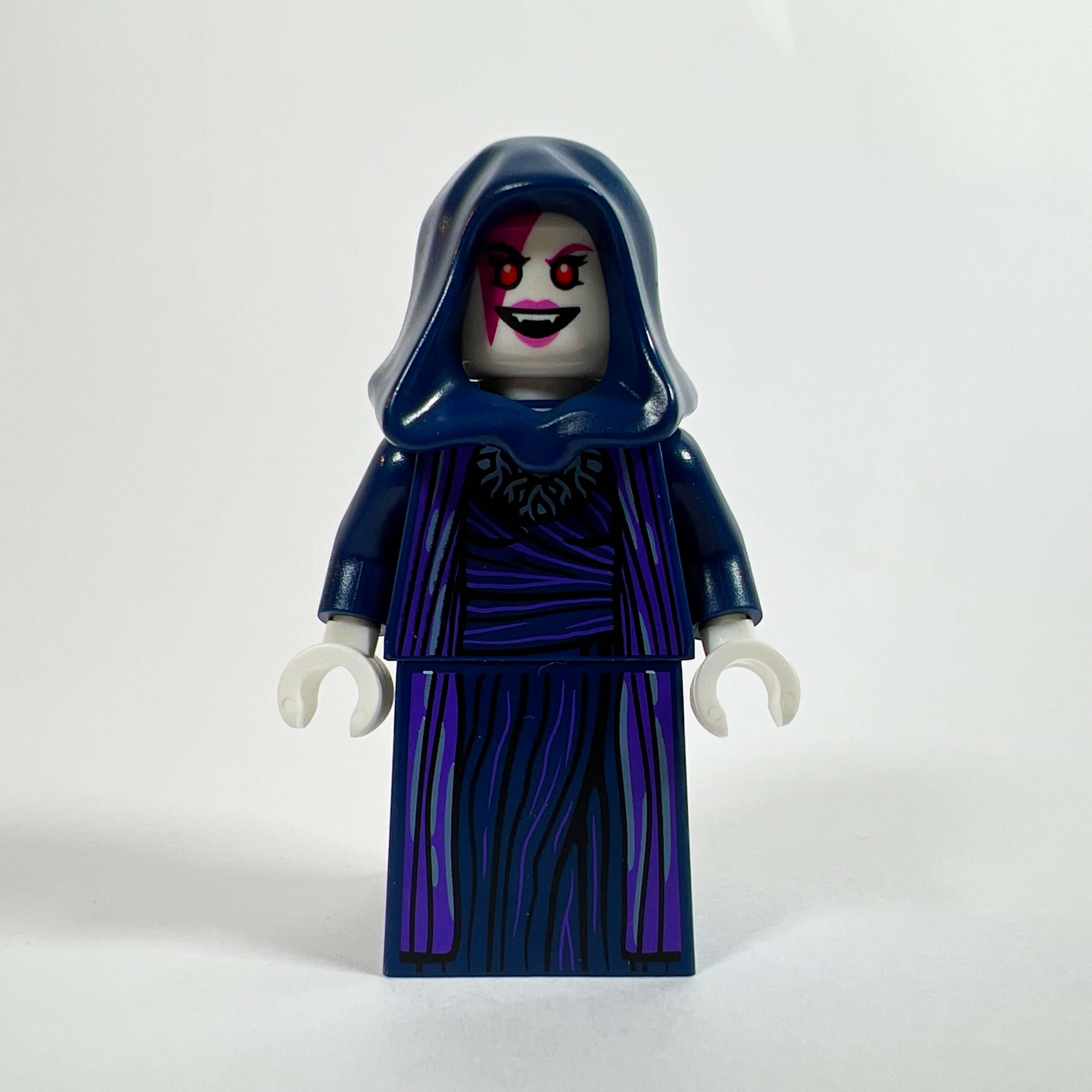
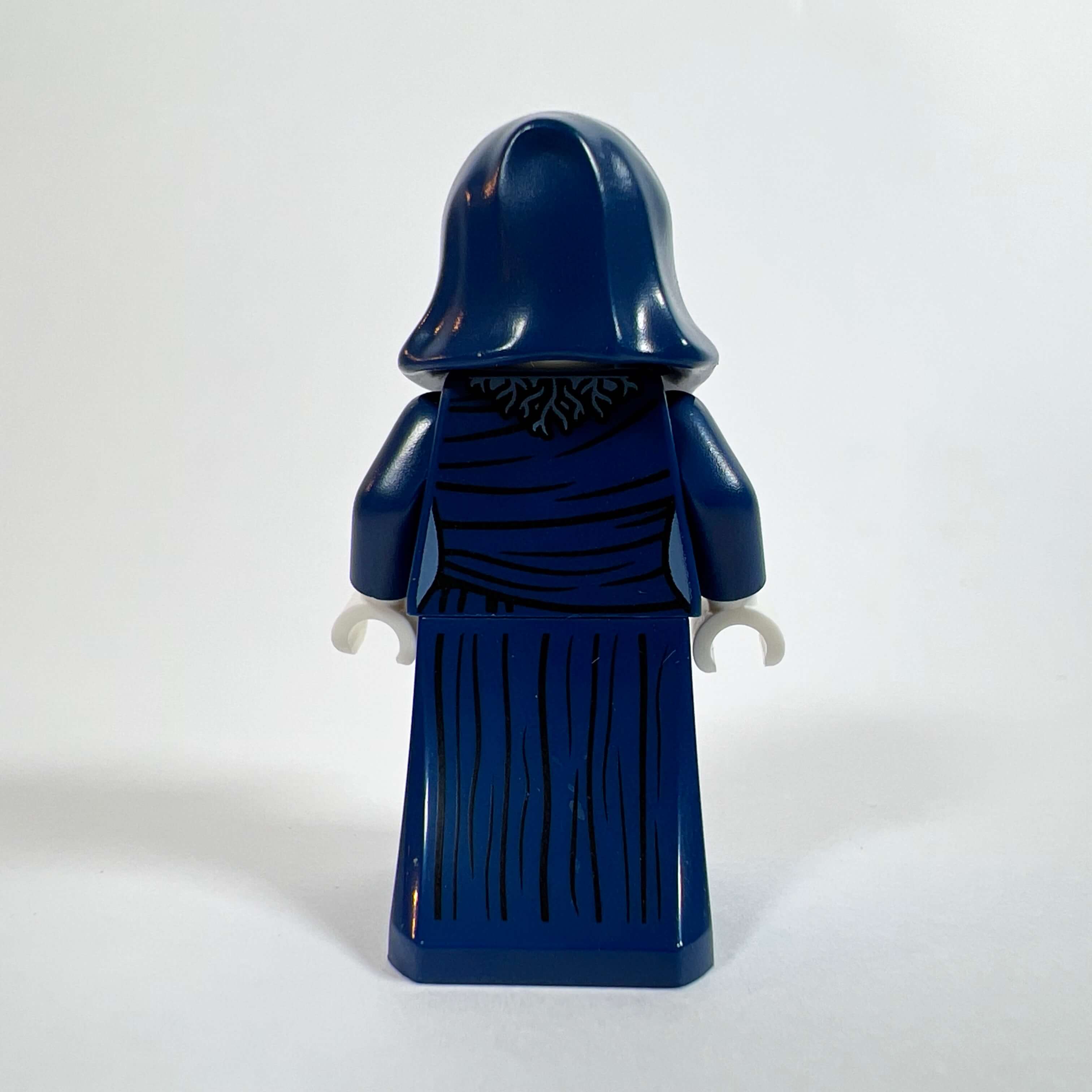
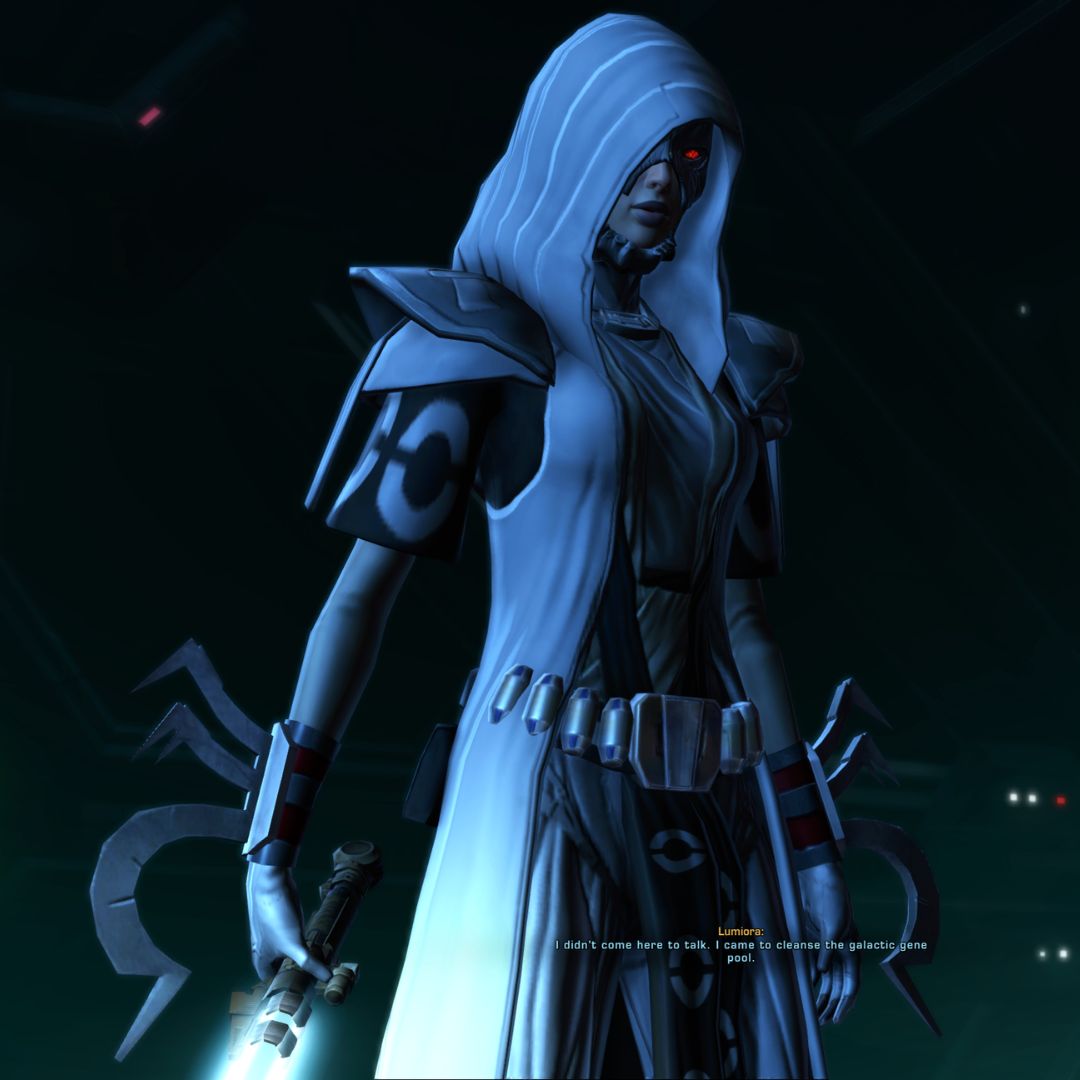
The next minifigure is the other combat style of the Inquisitor class: the Sith Sorceress. To distinguish her from the others in combat gear, I chose a more classic hooded robe, like those of Palpatine minifigures, but in a different color. I found the ideal pieces for that: the torso and robe of Agatha Harkness (COLMAR13) and the head of the Nightmare Witch (DRM040) from the Dreamzzz range. Agatha’s robe represents a purple tunic on a dark blue background, with a beautiful print resembling what a Sith might wear, especially with the matching hood piece. Finally, the Nightmare Witch’s head is perfect for this use, with its expression of madness, pale skin, and red eyes (in SWTOR, choosing the Dark Side changes your character’s appearance as you devote yourself to it: your eyes turn yellow and then red, and the skin of your face becomes pale and wrinkled until you eventually resemble Palpatine). Again, to differentiate her from the other two, I equipped her with a lightsaber with a curved hilt and a purple blade.
The Sith Fanatic
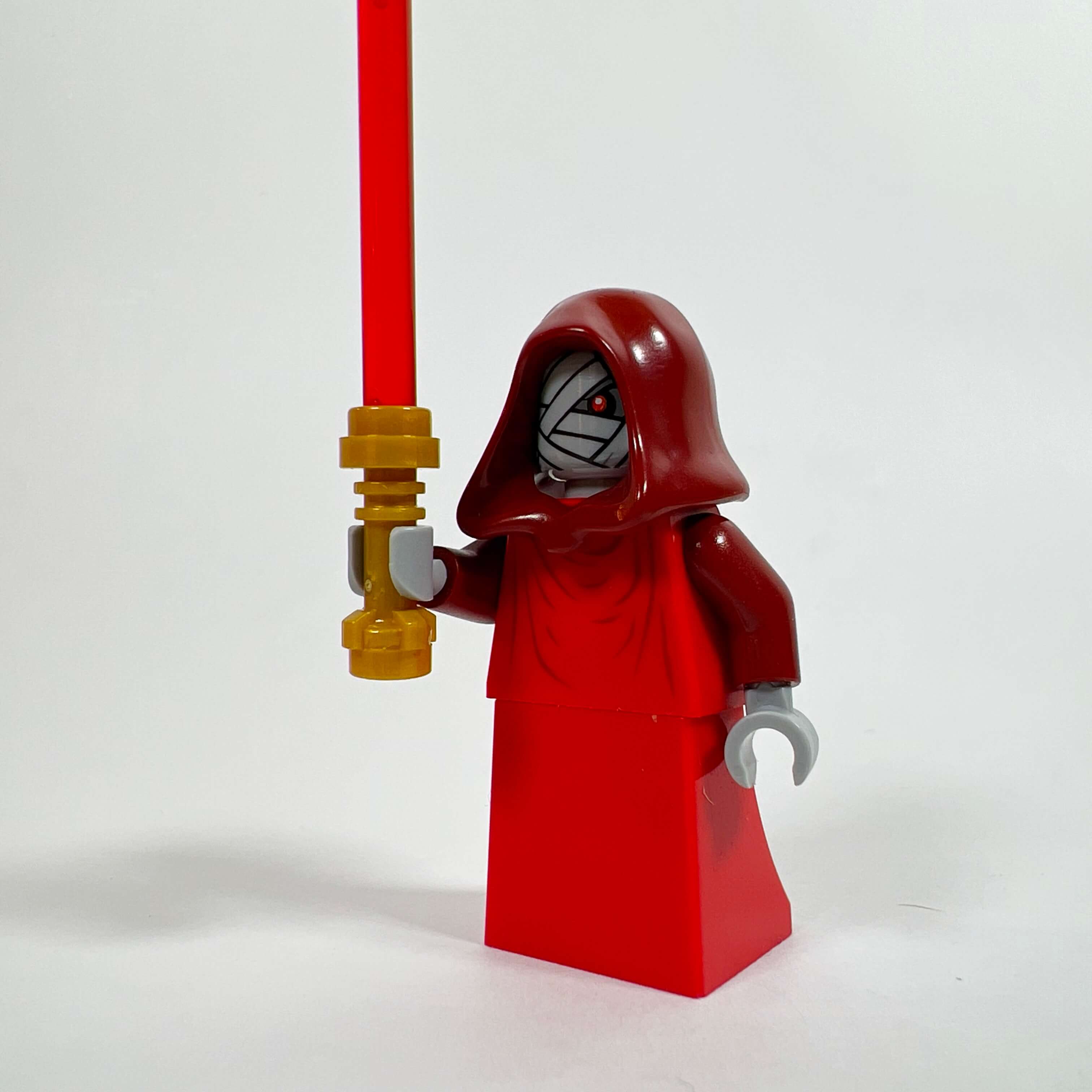
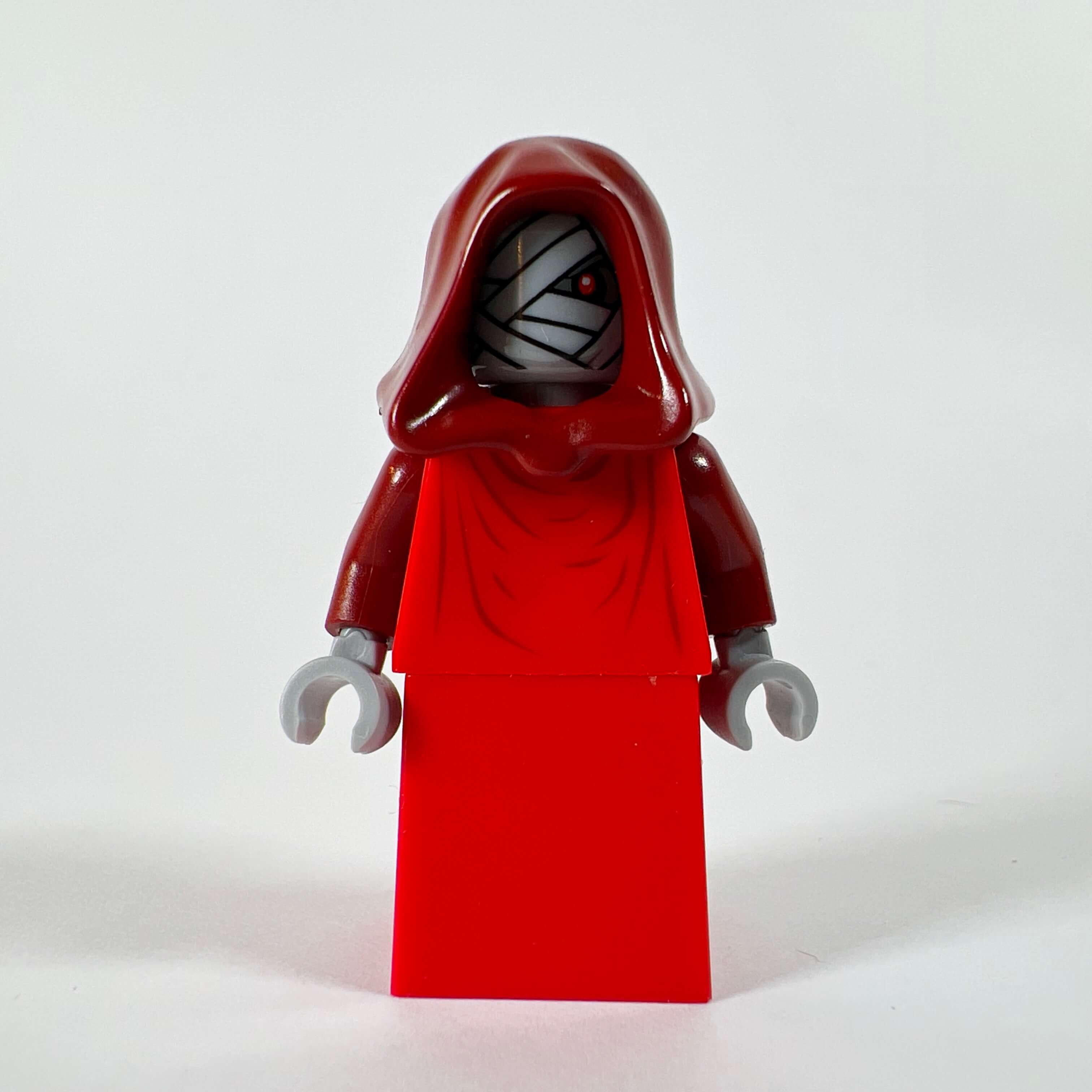
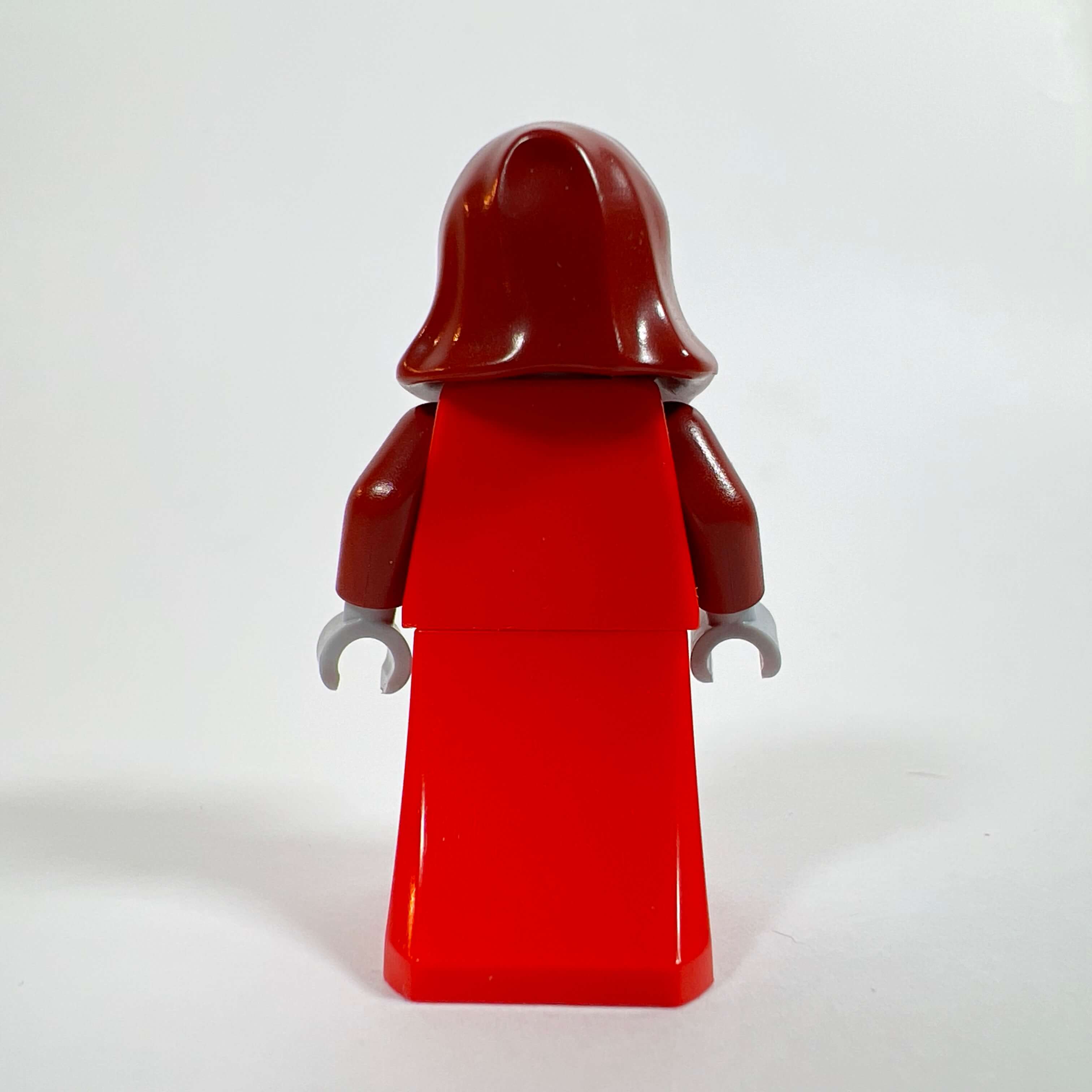
For the fourth Sith, I wanted to represent a member of the Emperor’s Hand. In SWTOR, this is a sect of Sith fanatics devoted exclusively to serving Emperor Vitiate, and willing to do anything to carry out his will. Its members go so far as to renounce their identity in order to become nothing more than “Servants” given a number, the ultimate irony for Sith who are supposed to seek personal power. The idea for this minifigure came to me while looking through my collection: I came across the PHA003 mummy minifigure from the Pharaoh’s Quest range, whose head immediately suggested this concept to me thanks to the mummy-bandage print revealing a single red eye. As with the sorceress, the red eyes are perfect for Sith minifigures, and the mummy wrappings add the undead feel of these beings ravaged by the Dark Side who have renounced their own lives to serve the Emperor. Since this head piece defines the whole minifigure, I kept the rest simple with a red hooded robe and a red-bladed lightsaber.
Minister of Intelligence Lana Beniko
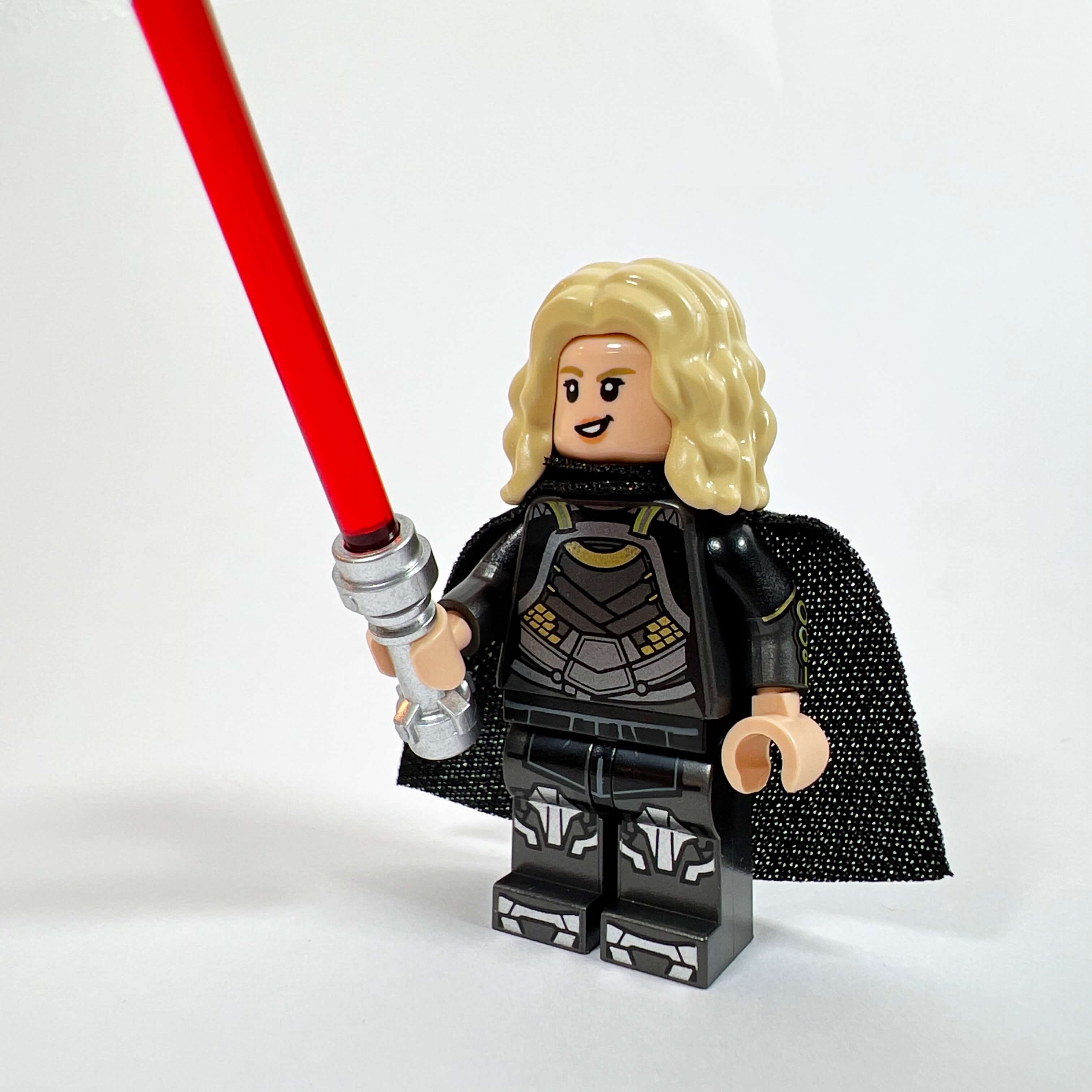
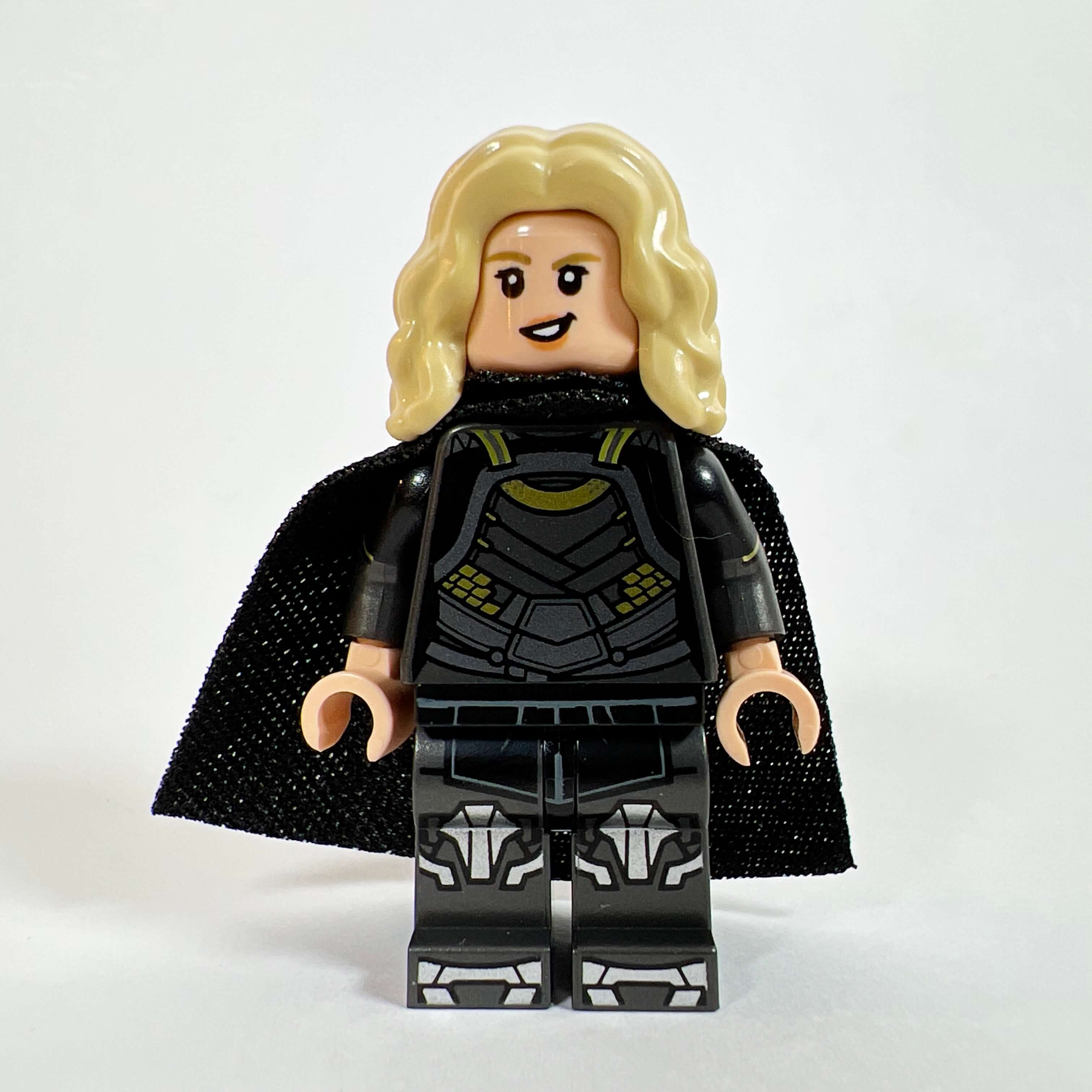
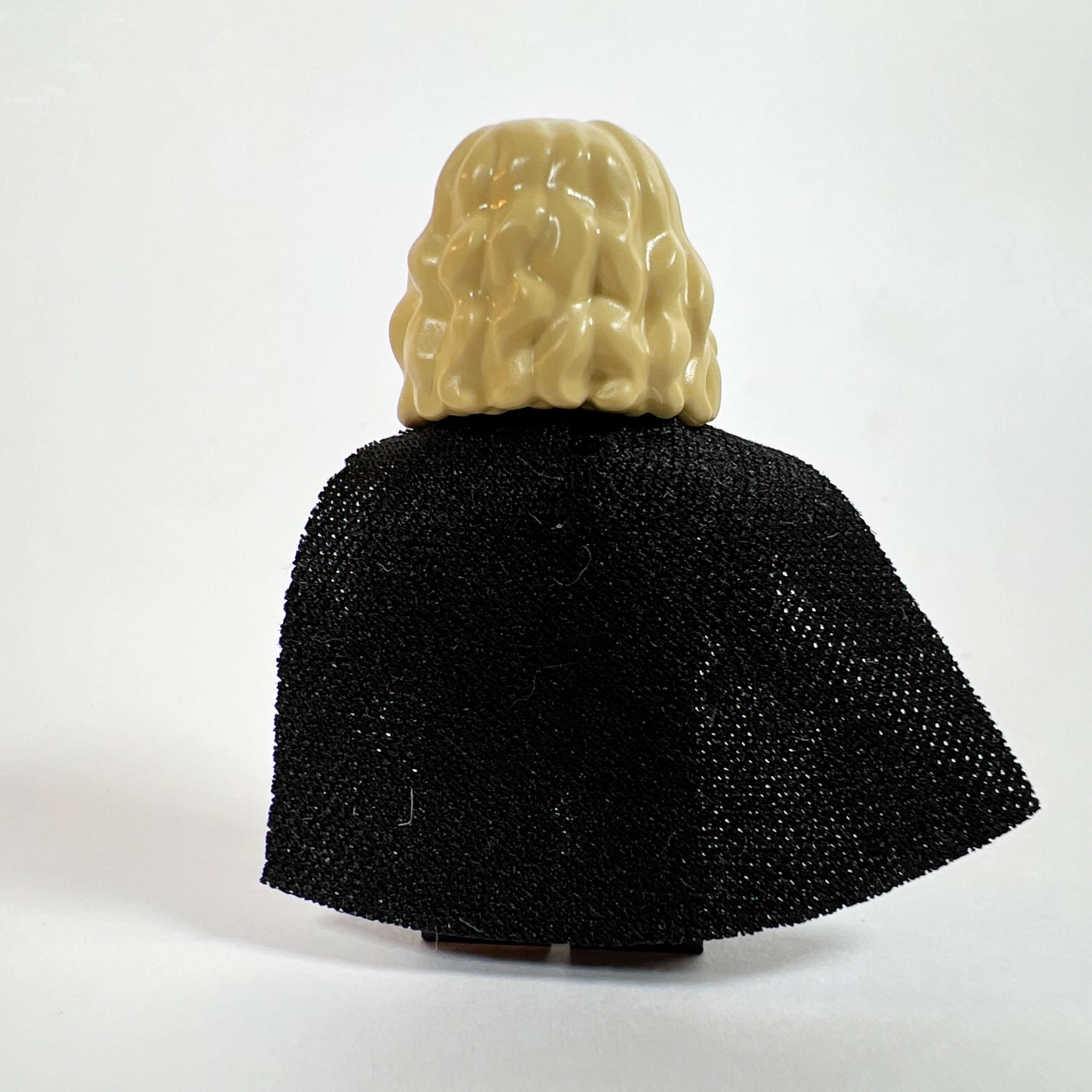
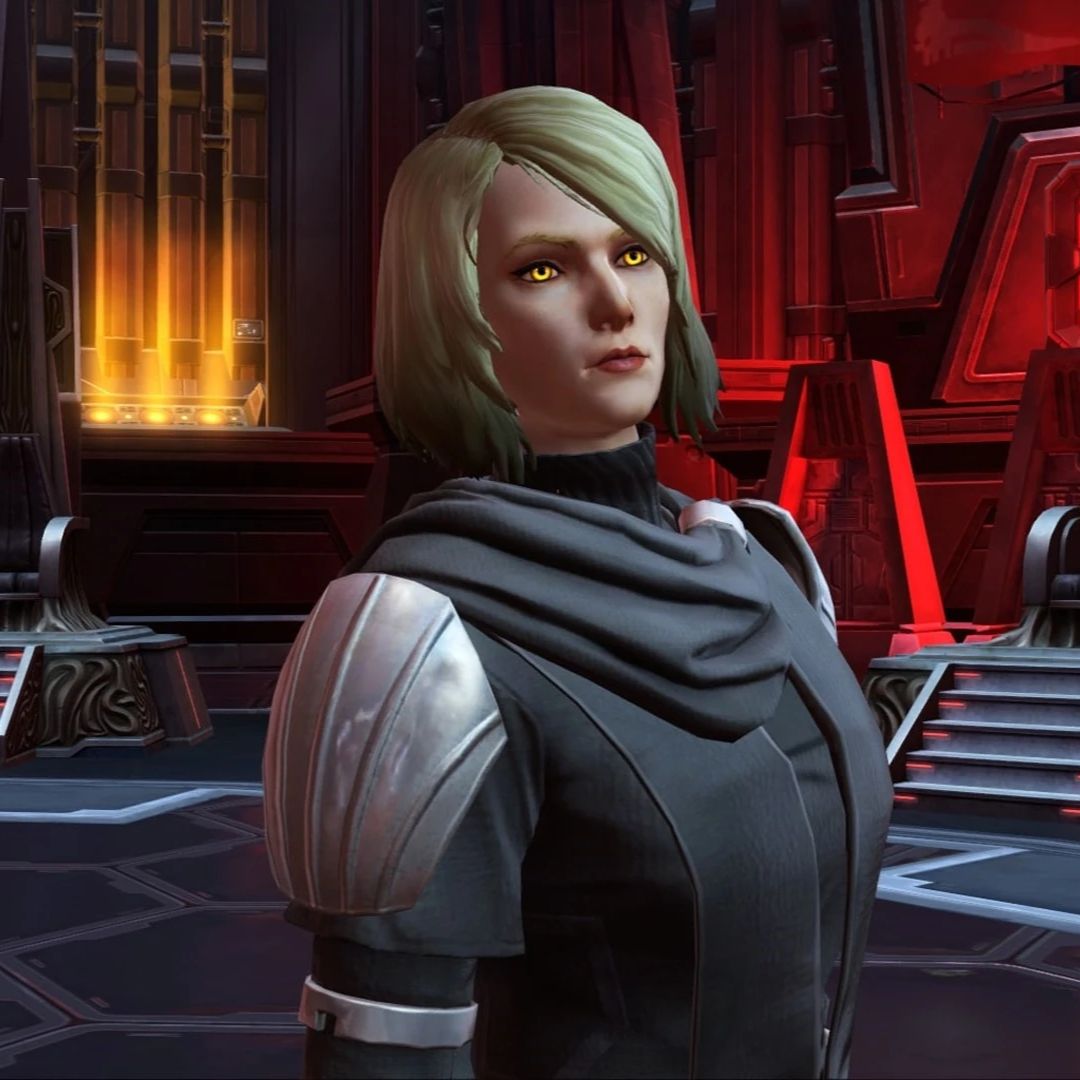
The last Sith minifigure before the Empress, I could not make a SWTOR MOC without Lana Beniko, an iconic character from the game’s expansions and one very much appreciated by players. Becoming Minister of Intelligence after the events of Yavin, she naturally has her place in the Citadel MOC, since it contains her headquarters in one of the towers. To make the minifigure, I did not base it specifically on her appearance in the game, as it changes depending on the time period, and because of the lack of suitable parts. I simply tried to reproduce the spirit of the character: a blonde woman wearing a tunic equipped with armor pieces. I used the legs from the Darth Maul minifigure (SW1155), whose torso was used for the Assassin, and the torso and head from the Sylvie minifigure (COLMAR07) for her feminine-looking armor silhouette. A red lightsaber, a black cape, and of course a blonde hair piece from a Friends minifigure (FRND604) complete the minifigure.
The spy Theron Shan
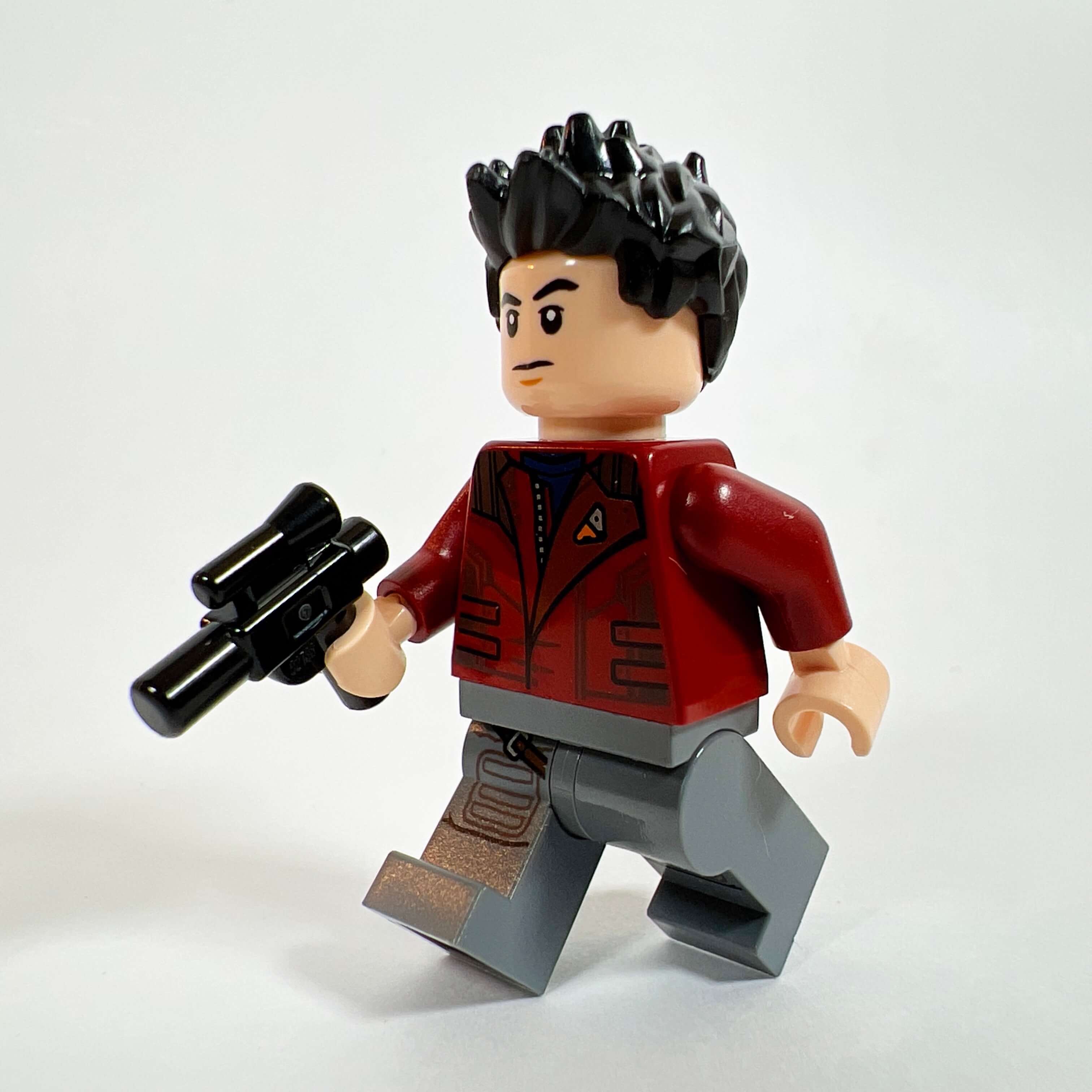
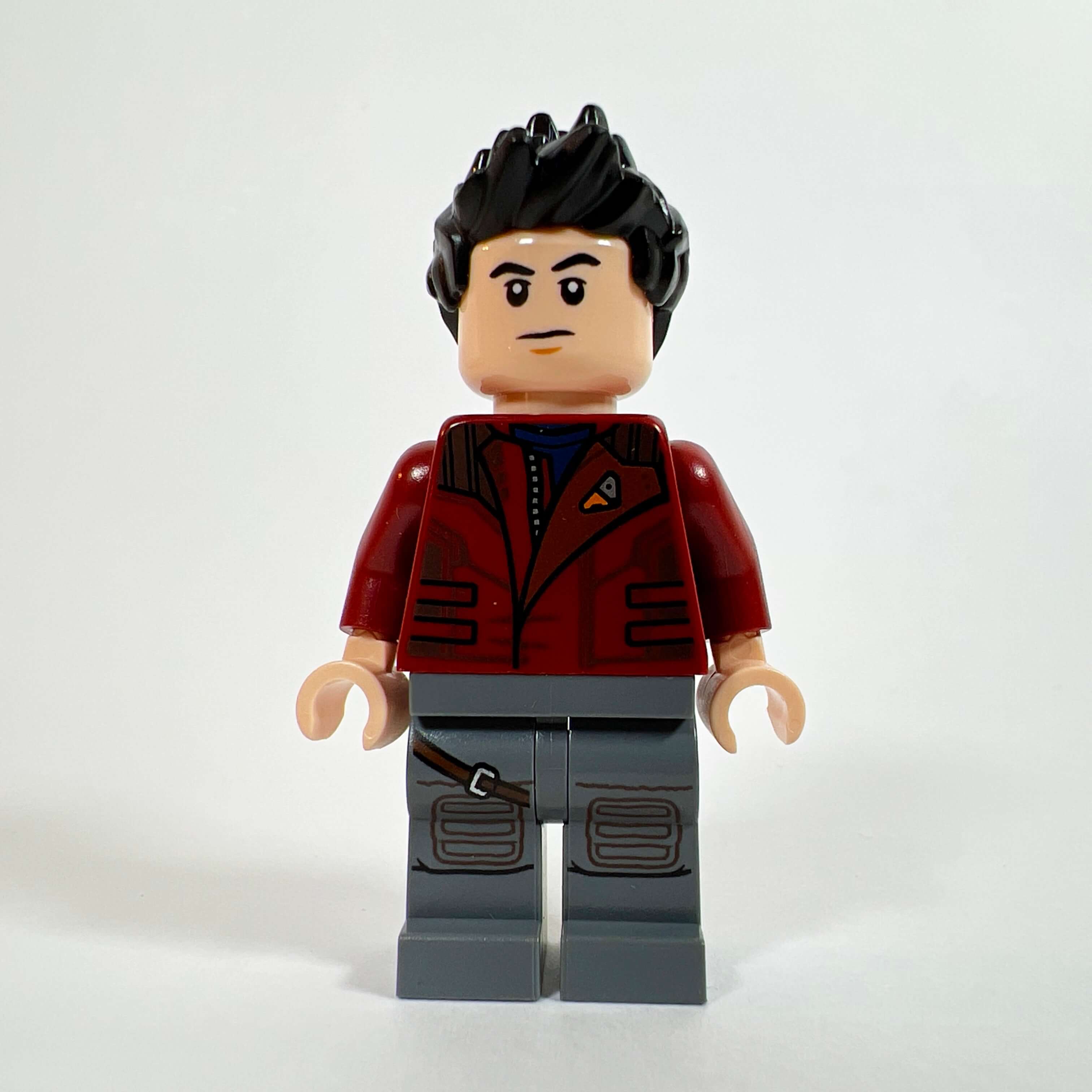
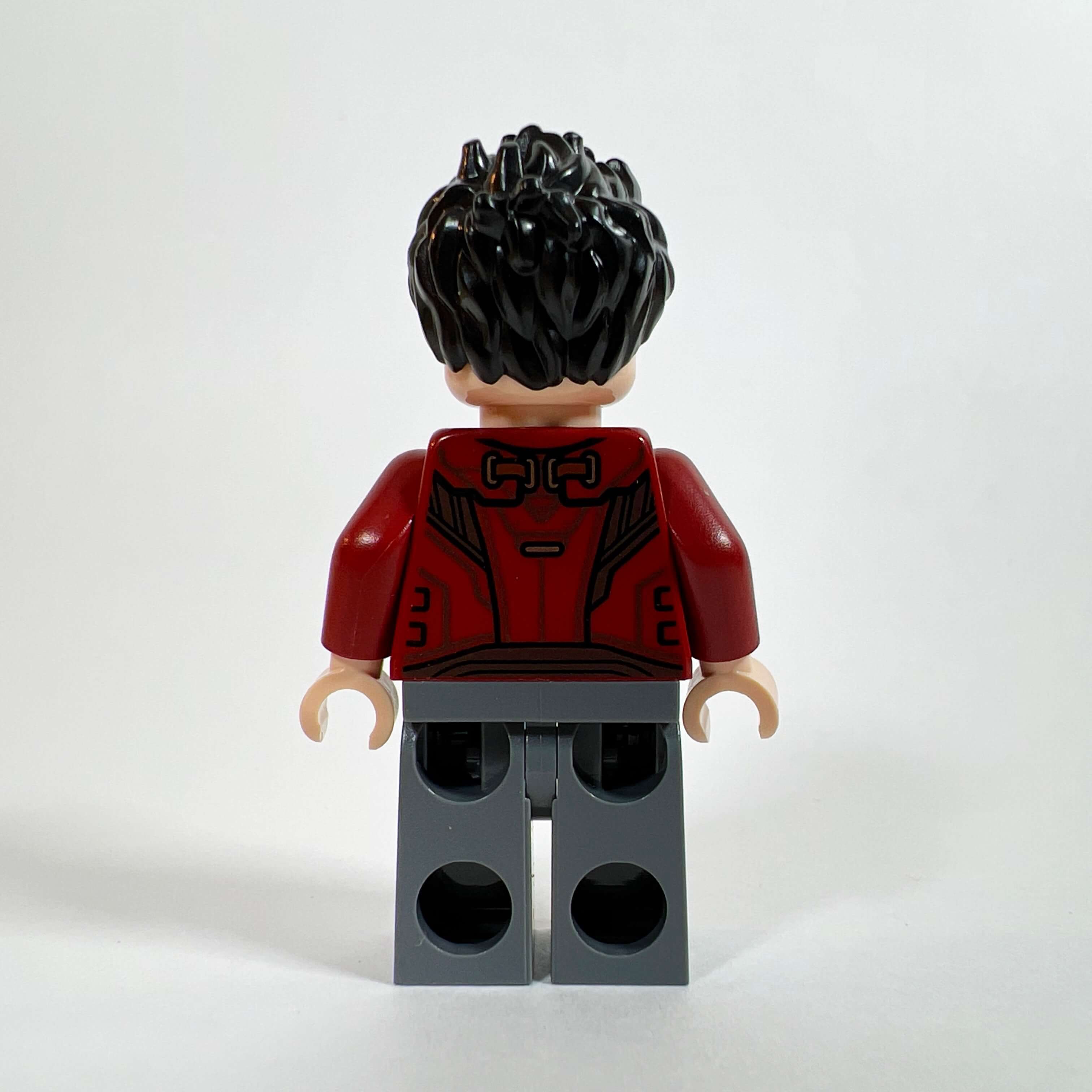
After making Lana Beniko, I could not skip Theron Shan, her counterpart in the Republic Intelligence service who joins, along with her, the Alliance led by your character. Unlike Lana, I tried to reproduce Theron as faithfully as possible, helped by the torso of the SH0834 Star-Lord minifigure (Marvel), which looks a lot like his dark red jacket. For the pants, I used those of Rey (SW0888) for their gray color and hinted holster. A head and a hair piece with the right hairstyle make the character easily recognizable to fans of the game.

The Imperial Guards
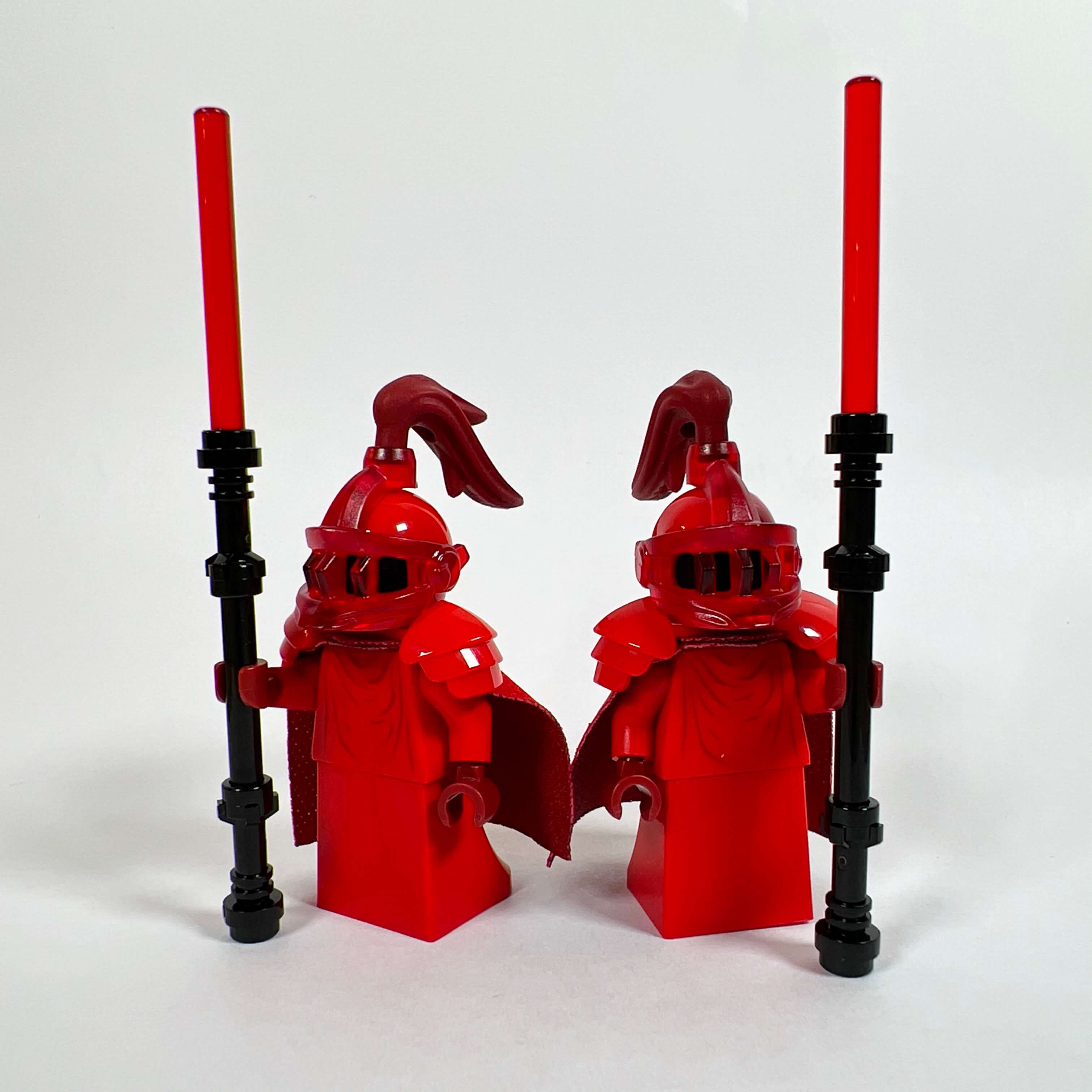
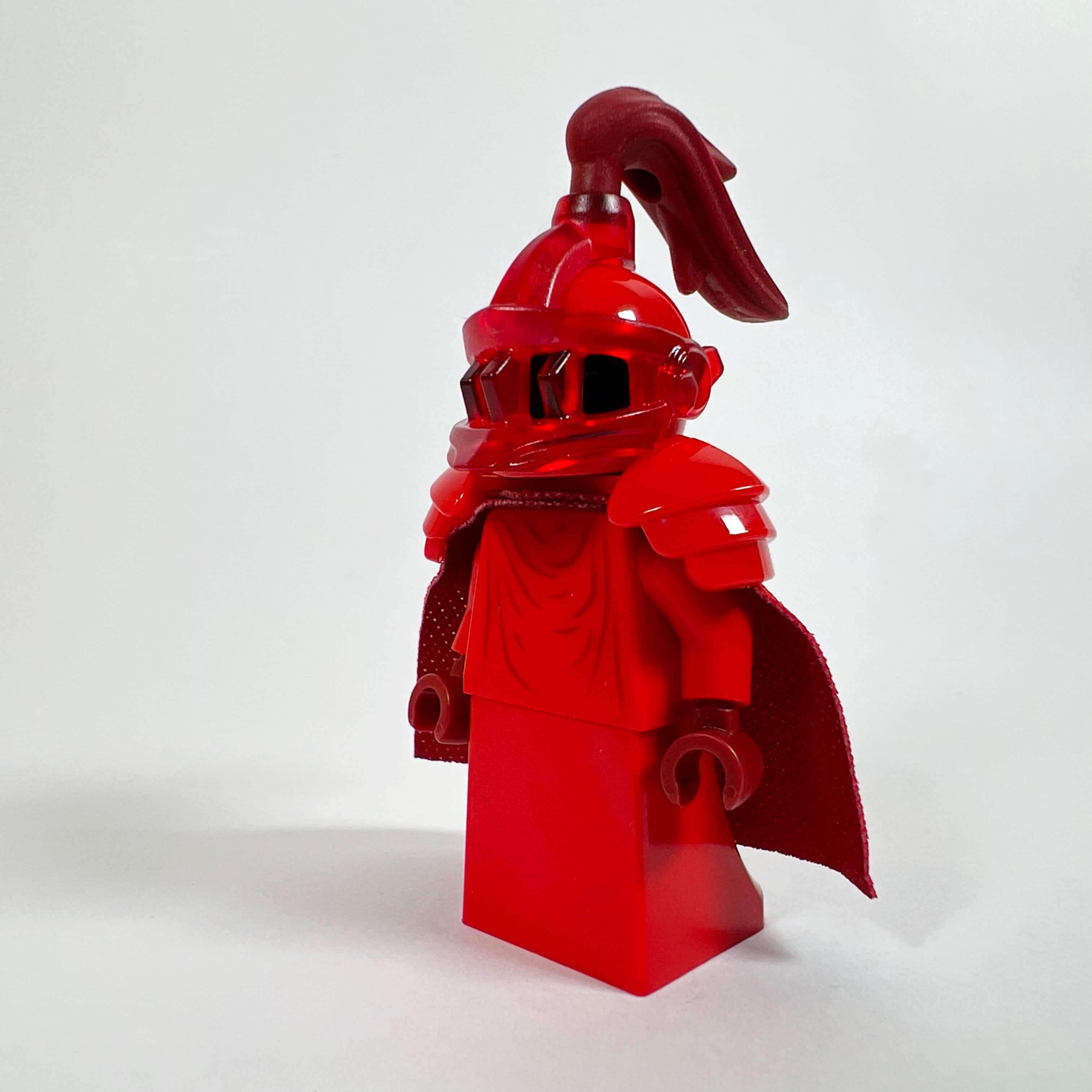
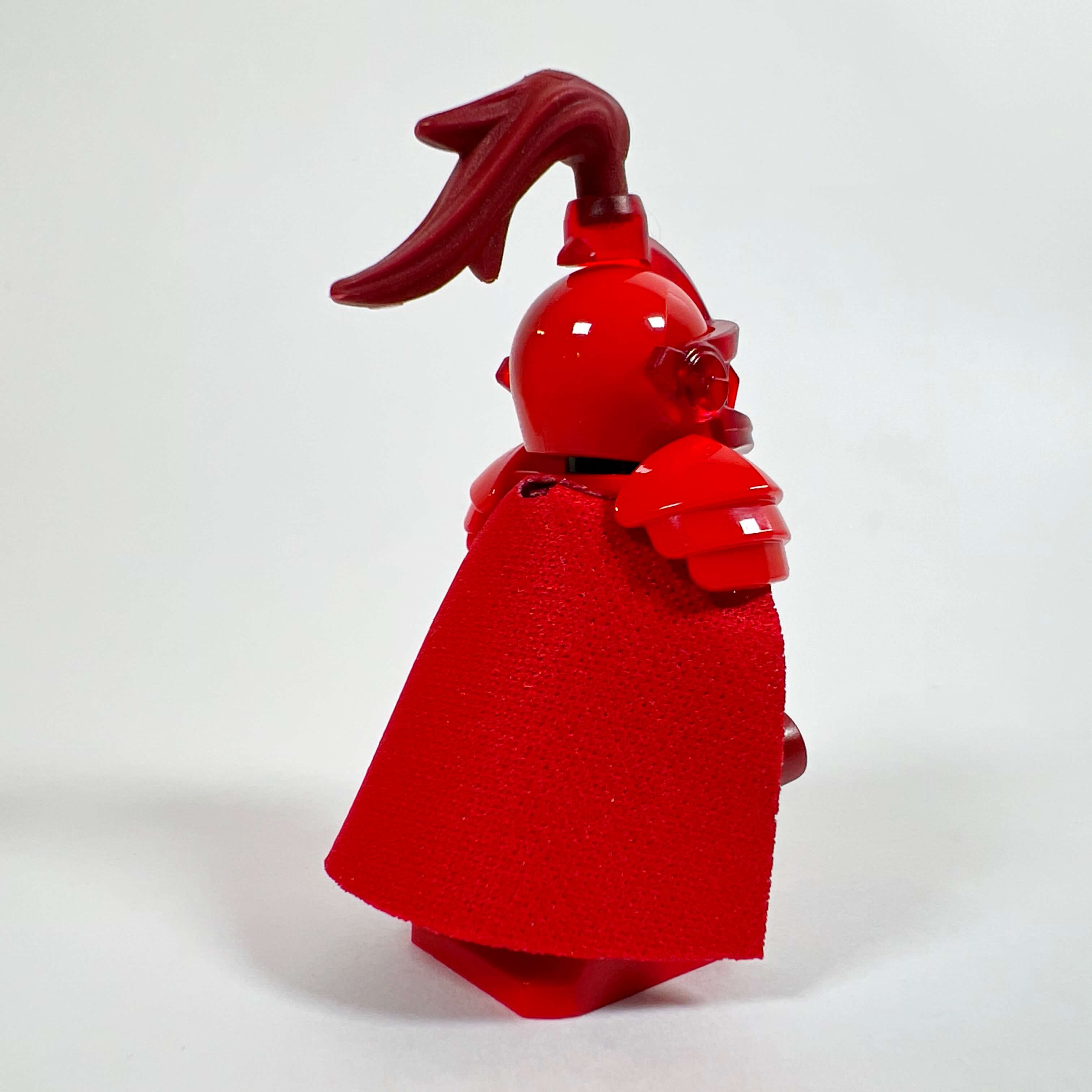
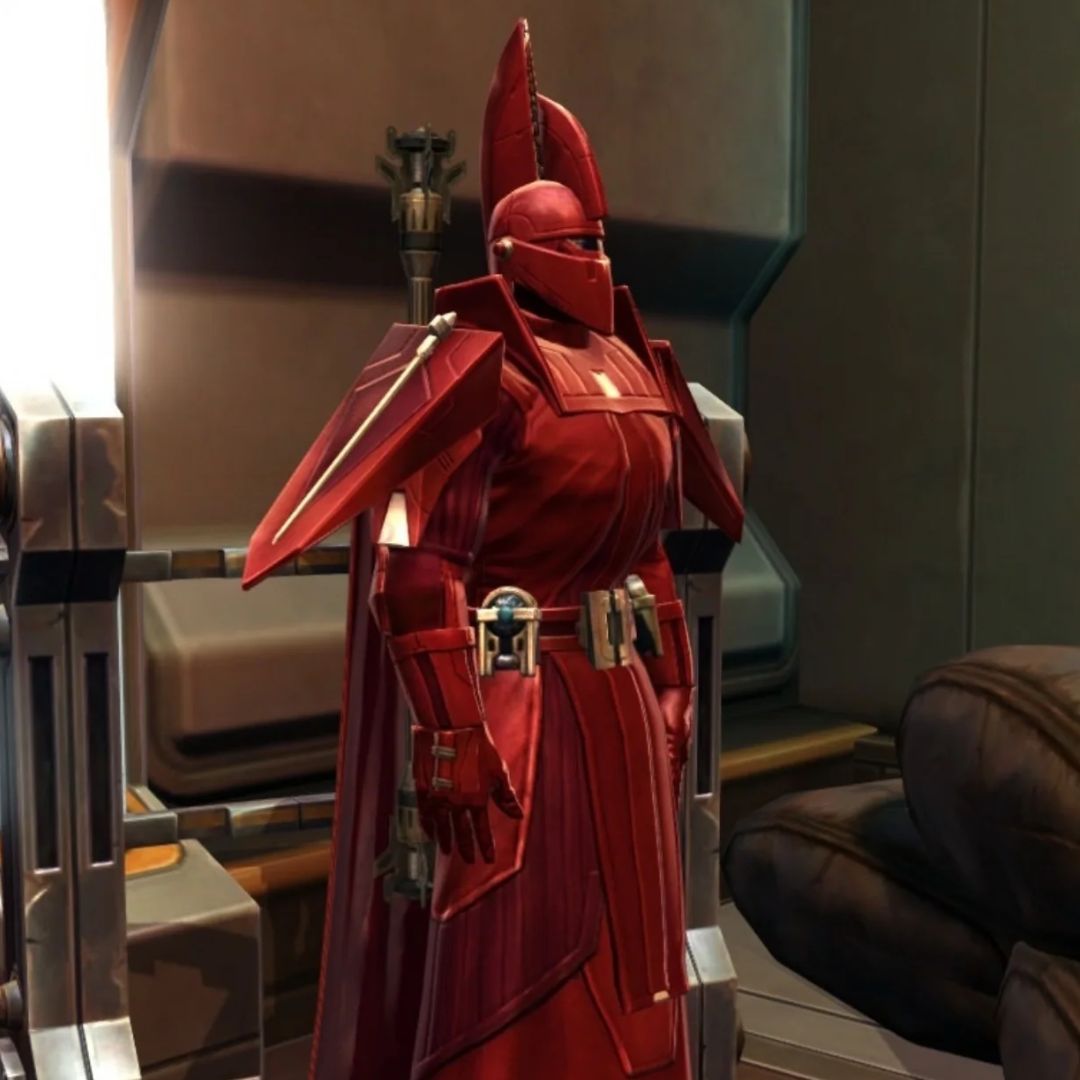
Since the main goal of the MOC was to create the throne room, I could not overlook the Imperial Guards. Obviously, these SWTOR-style guards do not exist in LEGO, nor do any parts that allow their iconic helmet to be recreated. So I spent a lot of time looking for the right piece to create believable guards in the Star Wars style without making them look too much like Palpatine’s or Snoke’s guards. Since there are very few red LEGO helmet pieces, I finally chose the helmet of the Nexo Knights NEX119 minifigure for its transparent red knight visor, which makes it possible to add a piece on top. By using a red robe piece, the torso of Palpatine’s guards (SW0521), the shoulder armor of Snoke’s guards (SW0990), this helmet piece fitted with a dark red ponytail, and a lightsaber pike, I get the desired effect: the Star Wars Imperial Guard style is clearly recognizable, anonymous in their ceremonial red armor, without looking too much like Palpatine’s or Snoke’s guards, and the medieval-style helmet adds a welcome “Old Republic” touch. I am very satisfied with these minifigures, made in two copies for the MOC. They were the first thing I created for the MOC at the very beginning of the project, and I kept them unchanged all the way to the end.
Ashara Zavros, the fallen Padawan
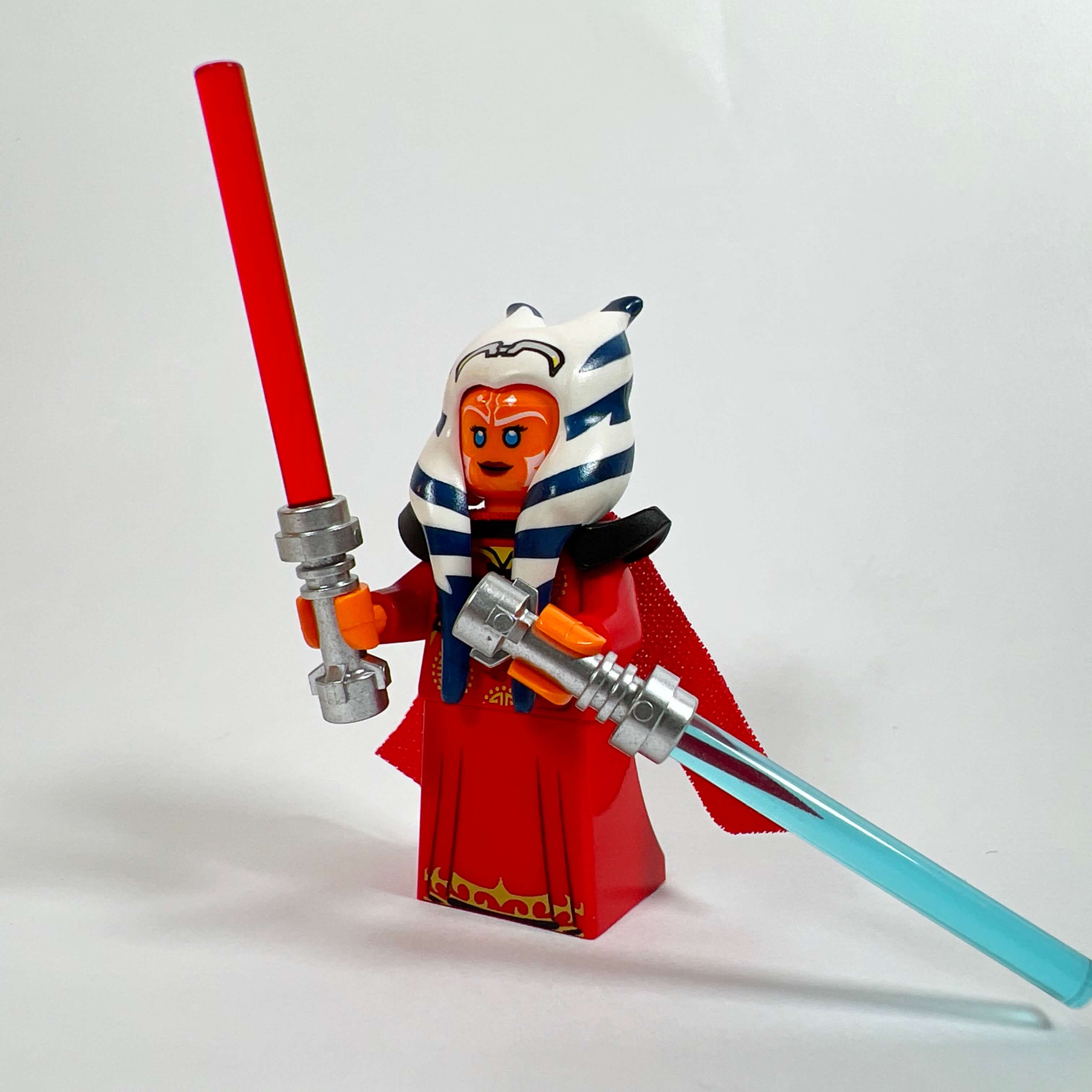
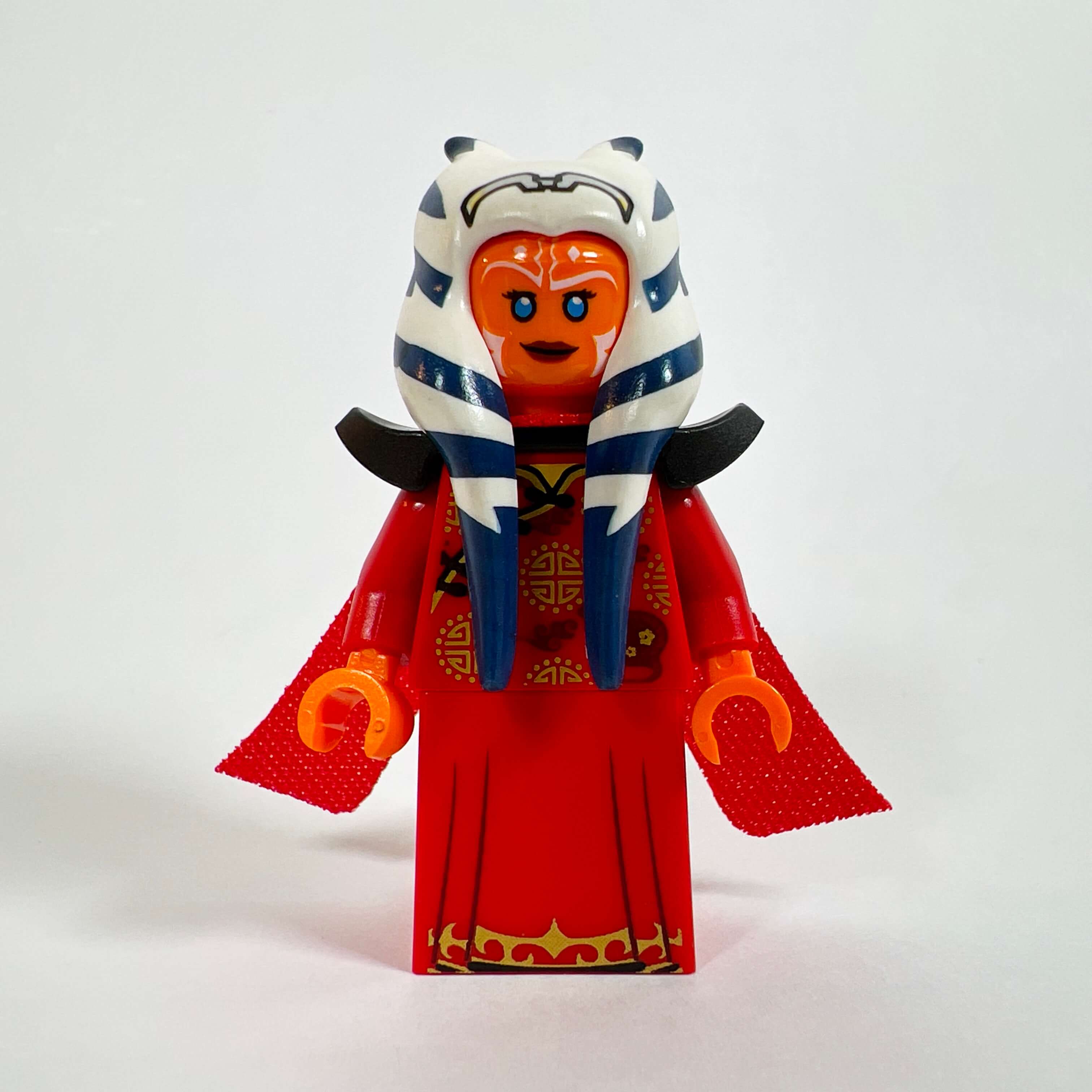
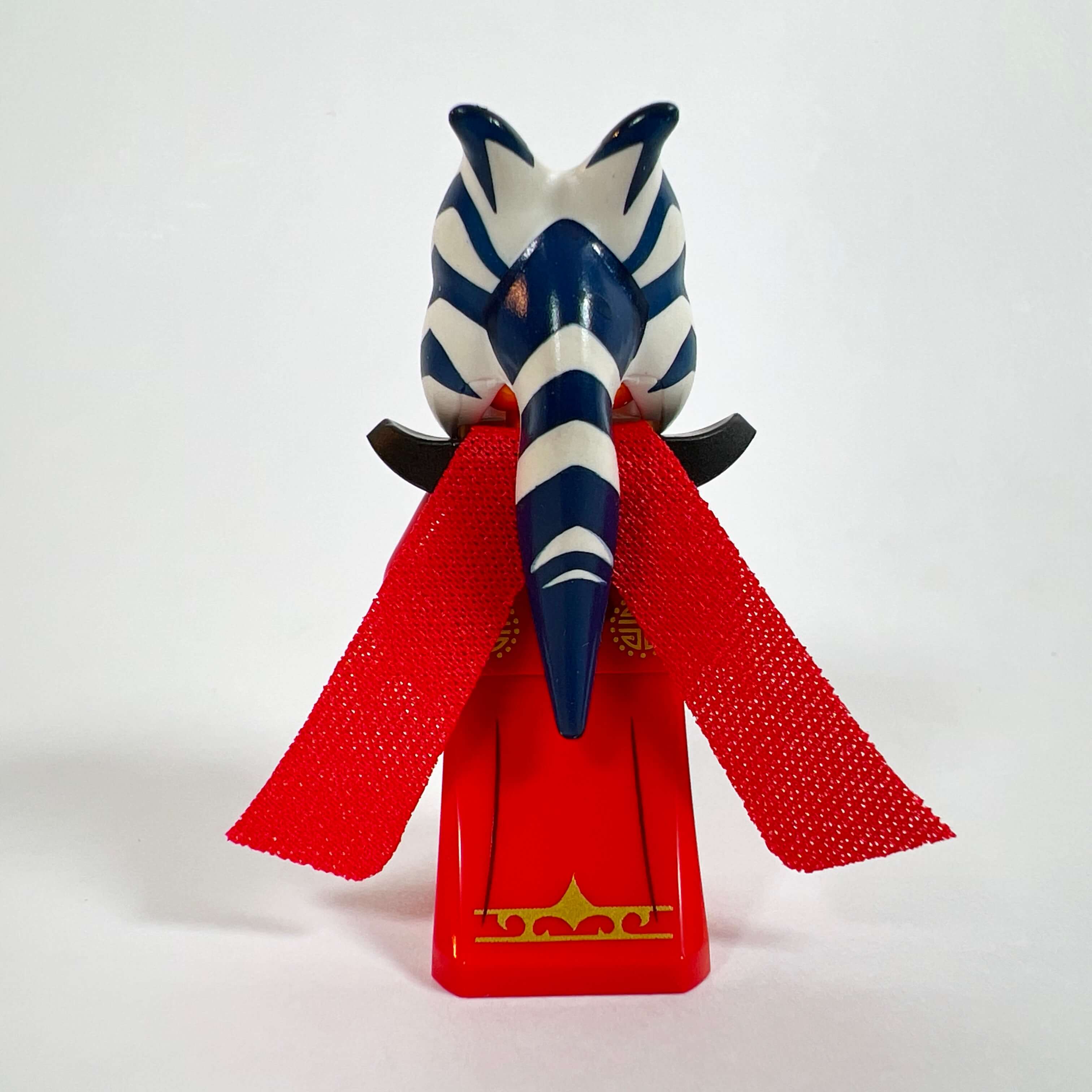
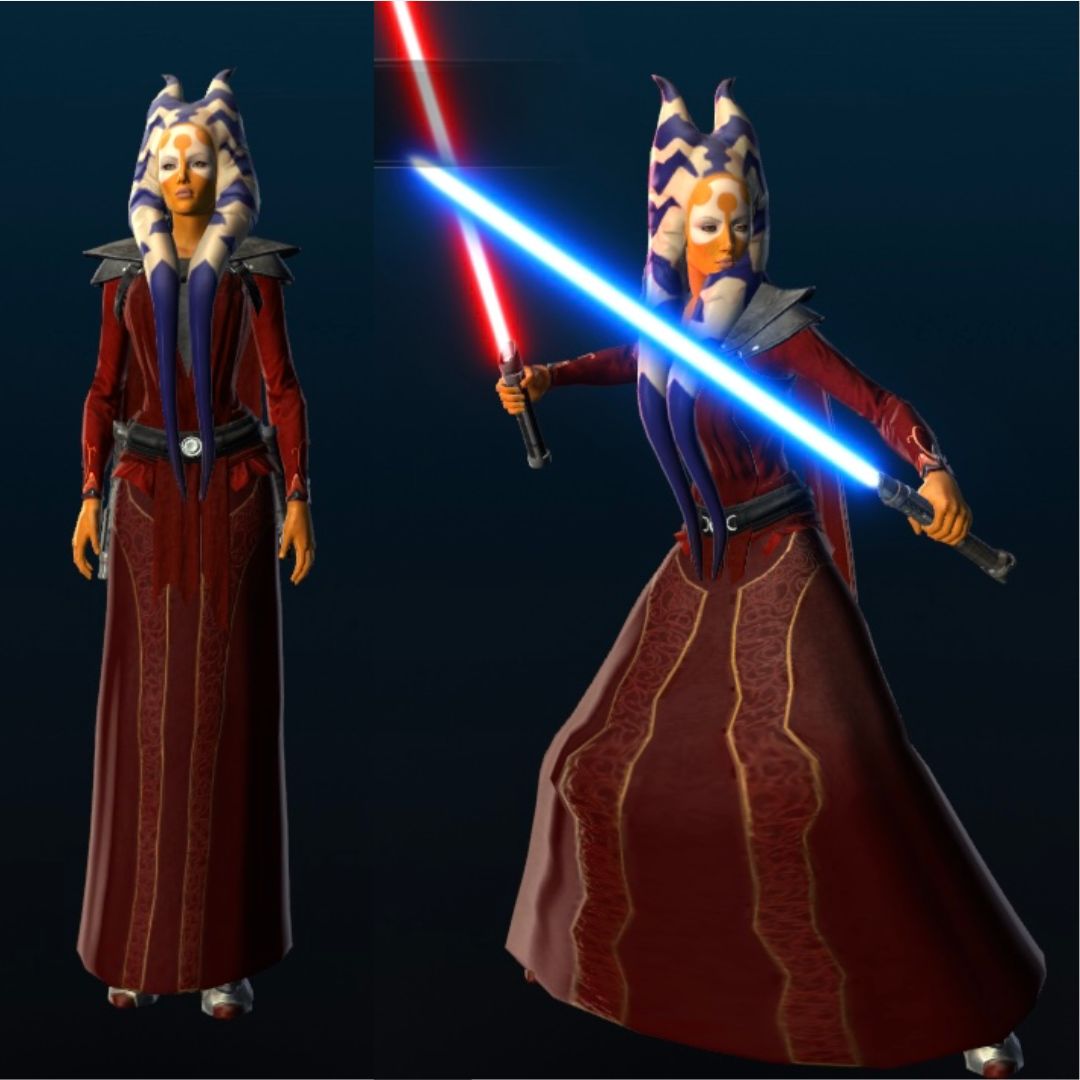
For the penultimate minifigure, I chose Ashara Zavros, the fallen Padawan who becomes Darth Nox’s apprentice during the Sith Inquisitor storyline. The idea was to accompany the Sith with her apprentice, but also to add an alien Star Wars minifigure to the MOC, since all the others are human or human-like aside from the Bith. In the game, Ashara is a Togruta (like Ahsoka) dressed in a minimalist brown Jedi coat. Since I immediately customized her outfit in the game, I did the same for the minifigure and tried to reproduce in LEGO the last outfit I gave her in the game: a Jedi robe dyed red with leather shoulder armor and strips of cloth on the back. It was easy to make her in LEGO by using the Monkey King’s two-strip cape (COL344) with a black shoulder armor piece and a red robe. To add detail, I used Szass Tam’s robe piece (COLDND11) and an Asian-style torso found on Pick a Brick for their gold patterns. For the head, I used that of Ahsoka The Clone Wars version (SW1096). The result is very close to her customized appearance in my game. As a final detail, I gave her one blue lightsaber and one red one, both in the game and on the minifigure, to symbolize her unusual path between the ways of the Jedi and the Sith.
Darth Nox, the Empress
And finally, the last minifigure created for the MOC is Darth Nox, the Sith Empress. When I had the idea of creating a MOC of
the Sith throne room from SWTOR, it would have been logical to place Emperor Vitiate or his successor, Empress Acina, there, but I thought
it would be more interesting to use Darth Nox, meaning the character you play if you choose the Sith Inquisitor class as I did,
even though she is not the Sith Empress in the game (not yet).
Beyond my attachment to this character (the first one I played), the choice comes from the fact that her whole story is about a rise to
power: from slave to Dark Lord of the Sith in the main story, Commander of the Alliance and then Empress of the Eternal Empire if you
play this character in the expansions, before taking back her place on the Dark Council while also leading the Hand of the Empire, which makes her
probably the second most powerful person in the Sith Empire behind Empress Acina (depending on the choices you make in the game).
Becoming Sith Empress in her turn would therefore be the logical continuation of her story, if the game developers ever want to bring it to a
definitive conclusion. Although I did not build the MOC to represent a specific scene or story, one could say that it is set
chronologically in that hypothetical ending where Darth Nox has become Sith Empress.
Since Darth Nox is the character you play in the Sith Inquisitor story, she has no official appearance because you
can customize your character however you want, from the face to the outfit and even the species. So I based her representation on the appearance
of the character from my own playthrough: a fair-skinned woman with black hair styled like Leia’s,
wearing a white robe with large feathers on the shoulders (the top is the Dathomir shaman outfit and the bottom a robe with
gold embroidery from another outfit, the whole thing dyed white). She is armed with a lightsaber with a gold hilt and a purple blade.
Although white is unusual for a Sith, I chose it for consistency with the evolution of the storyline and the choices I made in the game,
such as accepting the unified teachings of Satele Shan and Darth Marr on Odessen in order to transcend the boundary between the dark and light sides of
the Force, then leading the Alliance made up of both Jedi and Sith before ruling for a time over the Eternal Empire, for which white seems to be the
color of its rulers (Arcann, Valkorion). On a more subjective level, I think that the combination of white and the choice of outfit
gives her a certain majesty suited to her rank.
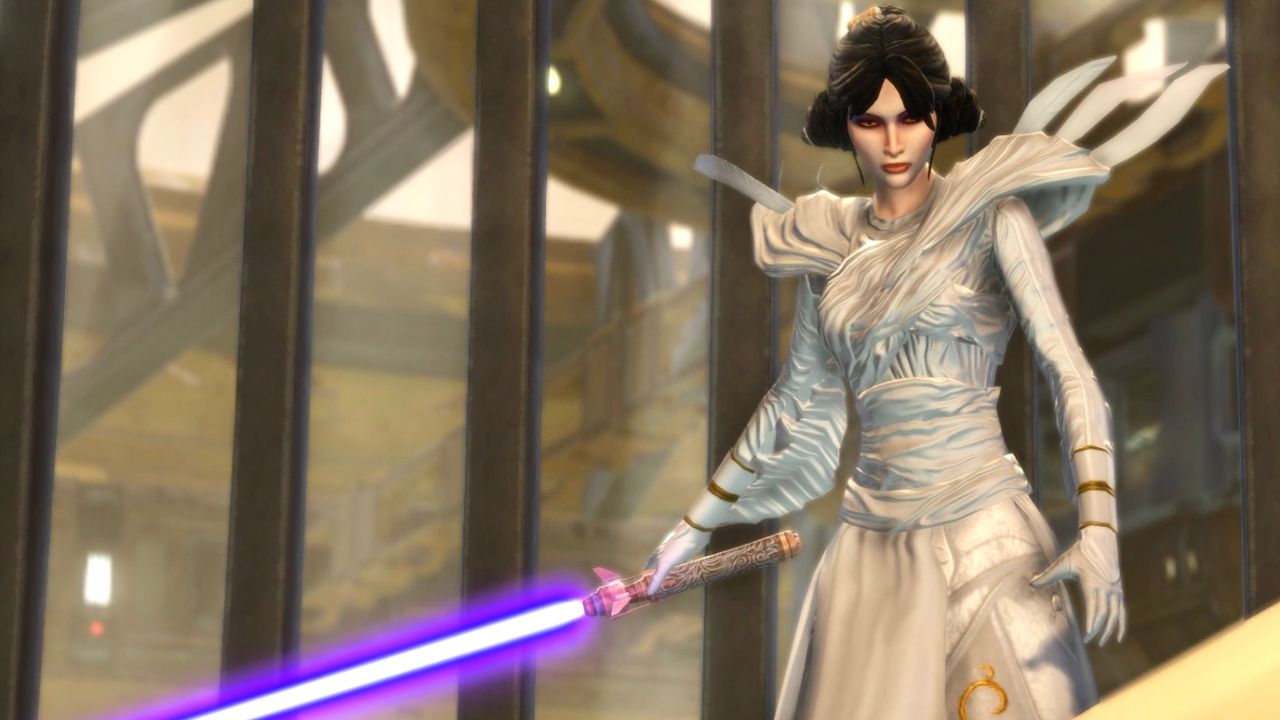
To create the minifigure, I found parts that were as suitable as possible to capture its spirit: the robe from the gold collectible Professor McGonagall (HP323) minifigure, covered by the white skirt of the Battle Goddess from Series 12 of the Collectible Minifigures (COL183) to ensure continuity with the torso, the latter coming from the Moon Knight CMF minifigure (COLMAR14) for its gold markings. The spiked armor piece from the Doomsday minifigure (SH0359), the only one to have this piece in white, which once placed upside down, recreates the shape of the feathers from the Dathomir shaman robe, and finally the head from the GB006 Dana Barrett minifigure for its purple eye makeup (as on my character) and serious expression. As a bonus, this head has an alternate face with red eyes, ideal for a Sith, even though I locked my character’s eyes to yellow in the game. Finally, I used a hair piece whose shape recalls my character’s hairstyle, since there is no more accurate piece.
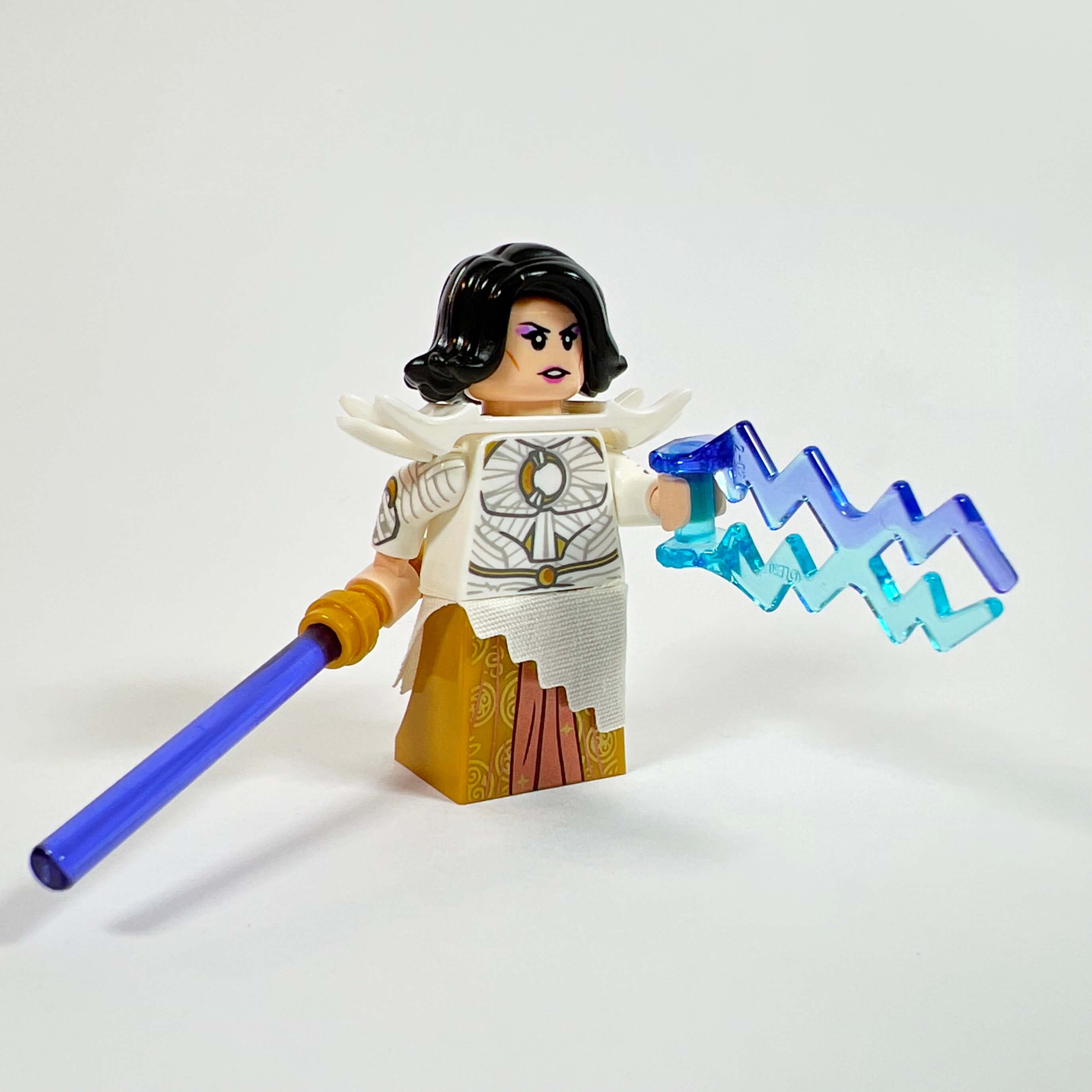
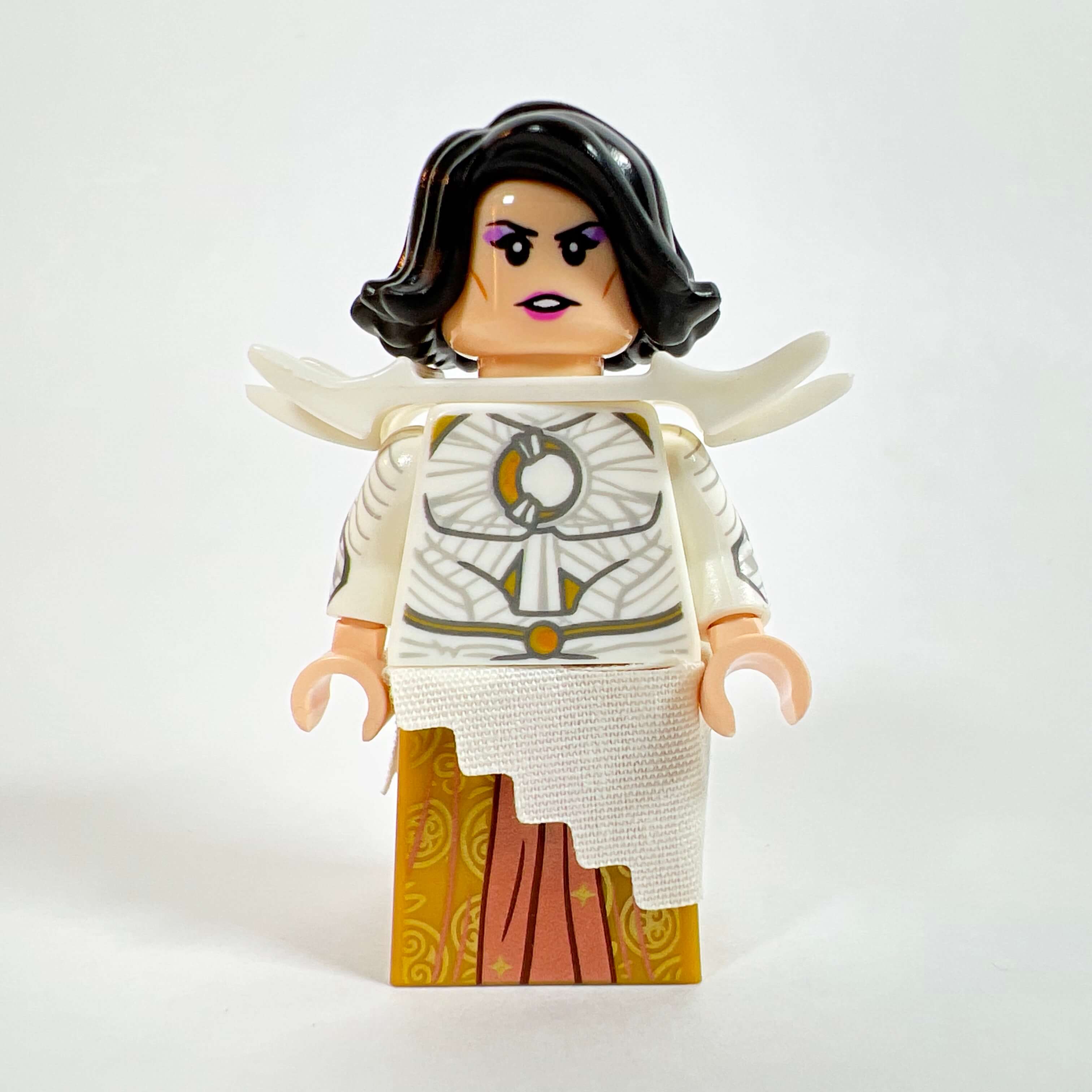
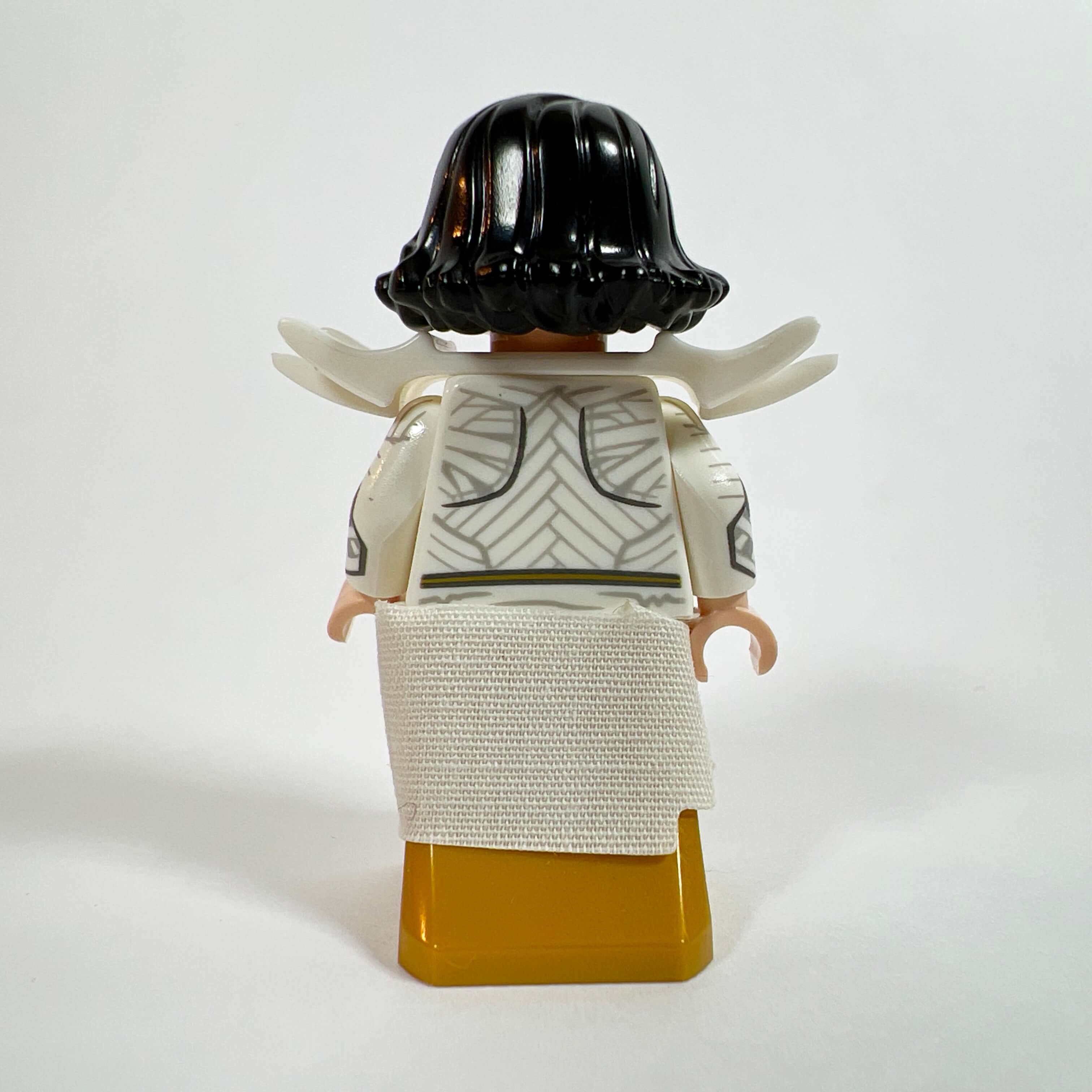
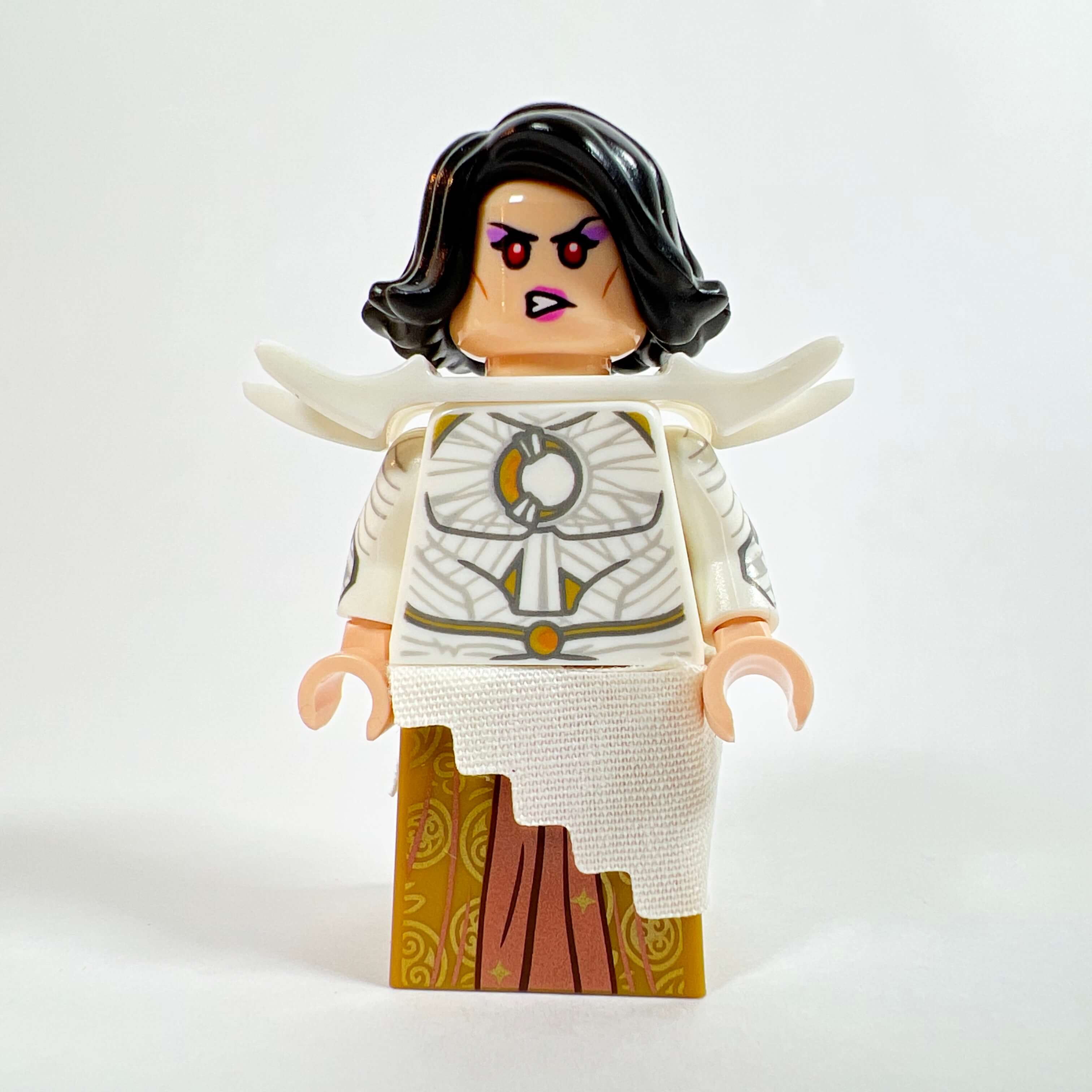
I am very happy with this minifigure; it captures the look of my version of Darth Nox in the game well, and its colors set it apart from the other Sith in the MOC, who have darker tones.
Inventory and building techniques
Since the build took place little by little over more than a year, without a detailed plan or 3D model, I am totally unable to say how many pieces the MOC is made of, but we are easily talking about several thousand pieces, given the number of small parts used for the interior details or the facade made up of 1x1 pieces. For this MOC, I only used new parts. Most of them were ordered directly from LEGO through Pick a Brick, or bought from the Pick a Brick wall in the LEGO Store. A small portion of the parts came from eBay orders, especially for the minifigure parts, and a few from the small amount of loose bricks I had. The MOC of course uses only official LEGO parts, with the exception of the banners with the Empire emblem and the HK-47 brick, which are real LEGO parts but with custom printing done by Firestar Toys.
As for building techniques, there is nothing very complicated. Most of the structure is made of stacked bricks, the main interest being in the many decorative details. The most complex parts to design were the staircase in the throne room, certain furniture elements such as the Dark Council chairs, the Emperor statues, and of course the speeder taxi.
Problems encountered and points to improve
Although I am overall very happy with this MOC, there are a few points I would have liked to improve, especially in terms of the finish of certain elements. The first of these is the forest section between the base of the central tower and the one on the right. Since it is the last part of the MOC that I built, I was faced with a lack of parts and available space: the forest occupies a straight and narrow corridor, and the rocky section makes extensive use of large molded rock pieces, which makes the whole thing feel a bit too artificial for my taste.
The lack of space was also noticeable in the throne room. Although I think it is successful, it would have been much more beautiful if it had been larger. For example, I would have liked to add more details, such as a floor pattern and a larger opening at the back, but the size of the building limited the available space, unless the whole MOC had been much bigger. I am not against the idea of making another MOC with only the throne room, larger and more detailed…
My last regret concerns the facade. I would have liked to reproduce it more faithfully, with for example the different “thicknesses” and window shapes visible in the game, but that would have required doubling the thickness of the walls in some places, therefore reducing the space available inside, or using more complex techniques that would have compromised the sturdiness of the whole structure, which would have been risky given the size and weight of the tower.
Conclusion: an ambitious but successful first MOC
To conclude this article, I have to say that I am very satisfied with this MOC. Although the project was ambitious for a first MOC, the time, patience, and budget I was able to devote to it allowed me to achieve the result I wanted.
But if I had to do it again, I would start with a smaller MOC to finish it quickly: as time passes, new ideas come up and the build never ends because there will always be something to improve, and each new parts order delays the end of the project. If I finally managed to finish the MOC after more than a year, it was by giving it a major push at the end after coming up with the idea for the final version of the MOC, and by being able to devote a large budget to it. Moreover, the large size of this MOC required so many parts that I was not always able to work on every element of the build as well as I would have liked. Some areas remain fairly basic in terms of finish, such as the jungle and certain rocky parts that are not quite completed…
If you want to get started creating MOCs, I recommend beginning with something small, then increasing the size with each new MOC depending on your experience and the number of parts you have available, so you do not find yourself stuck in a project that never ends. The ideal is to build with the parts you already have and order the rest only when you have a definitive idea of your MOC.
I hope you enjoyed this MOC and that it will inspire your future creations, and I will see you again soon for more LEGO Star Wars The Old Republic MOCs…
At the time of publishing this article, a new Star Wars The Old Republic MOC is already under construction…



Passionate Lego enthusiast, I share my expertise with the AFOL community on this blog to guide you in your purchases by providing in-depth reviews, practical tutorials, and the latest Lego news. And of course, discover the best prices for both recent and vintage sets and minifigures, thanks to Temple of Bricks' exclusive comparator.
Other articles in this category
New LEGO Star Wars MOC showcase featuring the speeder sled from The Mandalorian created by GHAM, a nice little vehicle to decorate your dioramas Read the article >>
XX9 Turbolaser turret Lego Star Wars MOC
January 22, 2024 Presentation of the LEGO Star Wars XX-9 Turbolaser Turret MOC created by Brick2T Read the article >>
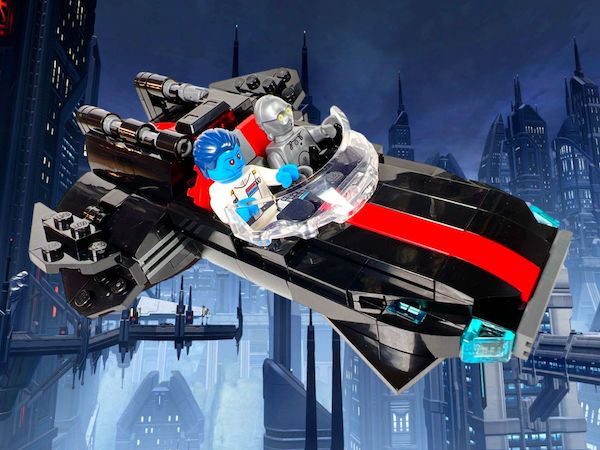
Star Wars The Old Republic Empire's Taxi Speeder LEGO MOC
Presentation of the Taxi Speeder MOC from the game Star Wars The Old Republic, the first LEGO Star Wars MOC by Temple of Bricks Read the article >>